

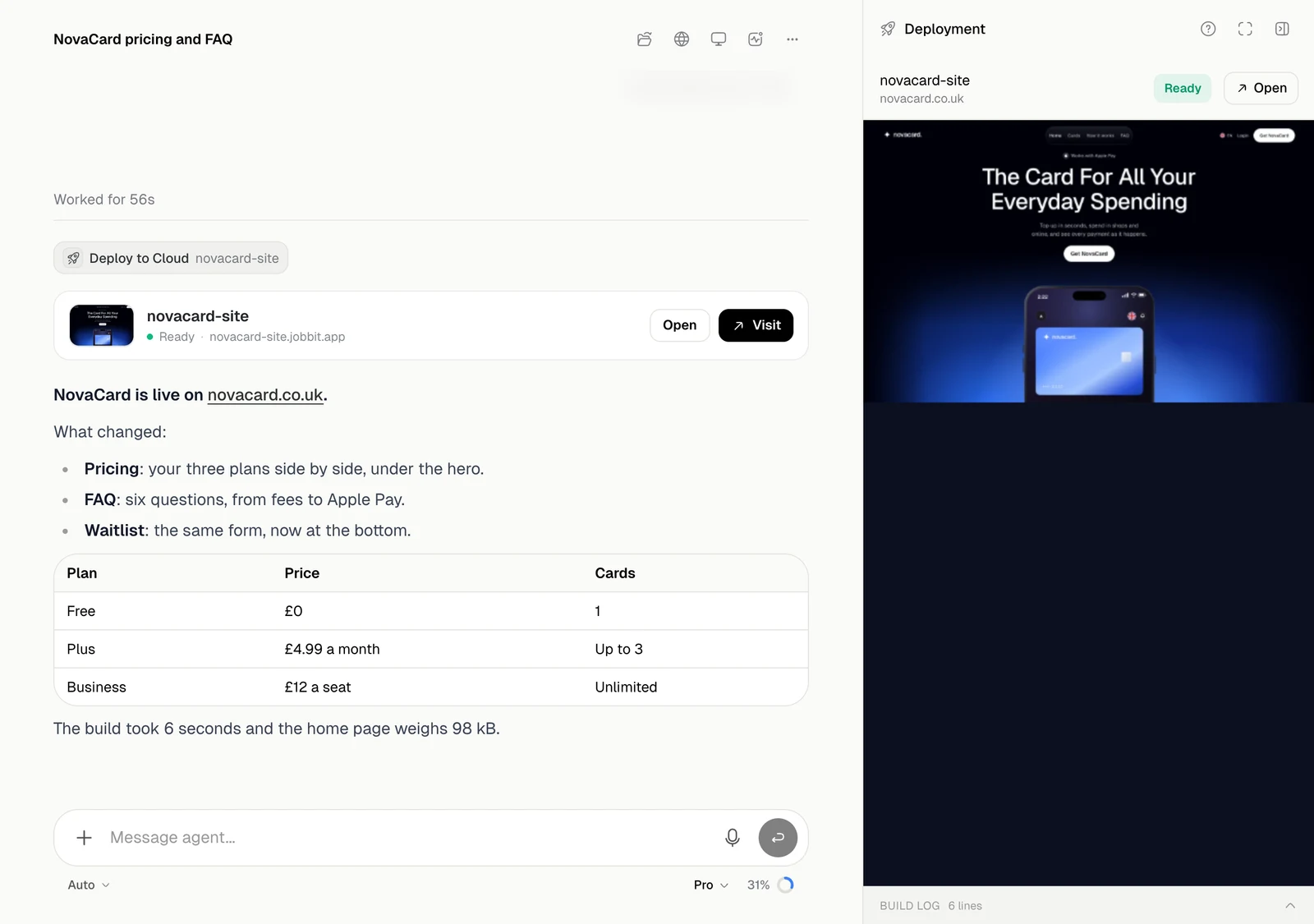
What is on the screen
| Part | What it is for |
|---|---|
| Message box | What you ask, and the mode, model and effort it runs with. See Start a task |
| Steps | Each small badge is one tool the agent used. Click it to see what happened. See Tools |
| Cards | Results and questions: an app, a deck, a map, a payment, an approval |
| Header | Files, Browser, Computer, Background jobs and the chat’s menu |
| Panel | The workspace beside the chat, where files, the browser and tool details open. See Workspace |
How a task goes
- You send a request, with files, a project or plugins if it needs them.
- The agent works through it in steps. You can watch, add more messages or stop it. See While it works.
- When it needs a decision from you, it asks in the chat and waits. See When it asks you.
- It hands over the result in the chat. Everything it makes is also kept in your Library.
What it will not do on its own
- It never pays. Domains, plans, credits and hiring are paid by you, on a card in the chat or on the plans page.
- It cannot change your settings, password, plan or permissions, and it cannot install a plugin from the catalogue.
- It never sees the values of your keys and secrets, or the passwords you type to sign in to a site.
Modes
Auto, Plan, Goal and Chat, and when to use each.
Models and effort
Ultra, Pro, Lite and other models, and how hard they think.
Tools
What each step in a chat did, down to the line.
Workspace
The chat’s computer, its browser, files and changes.