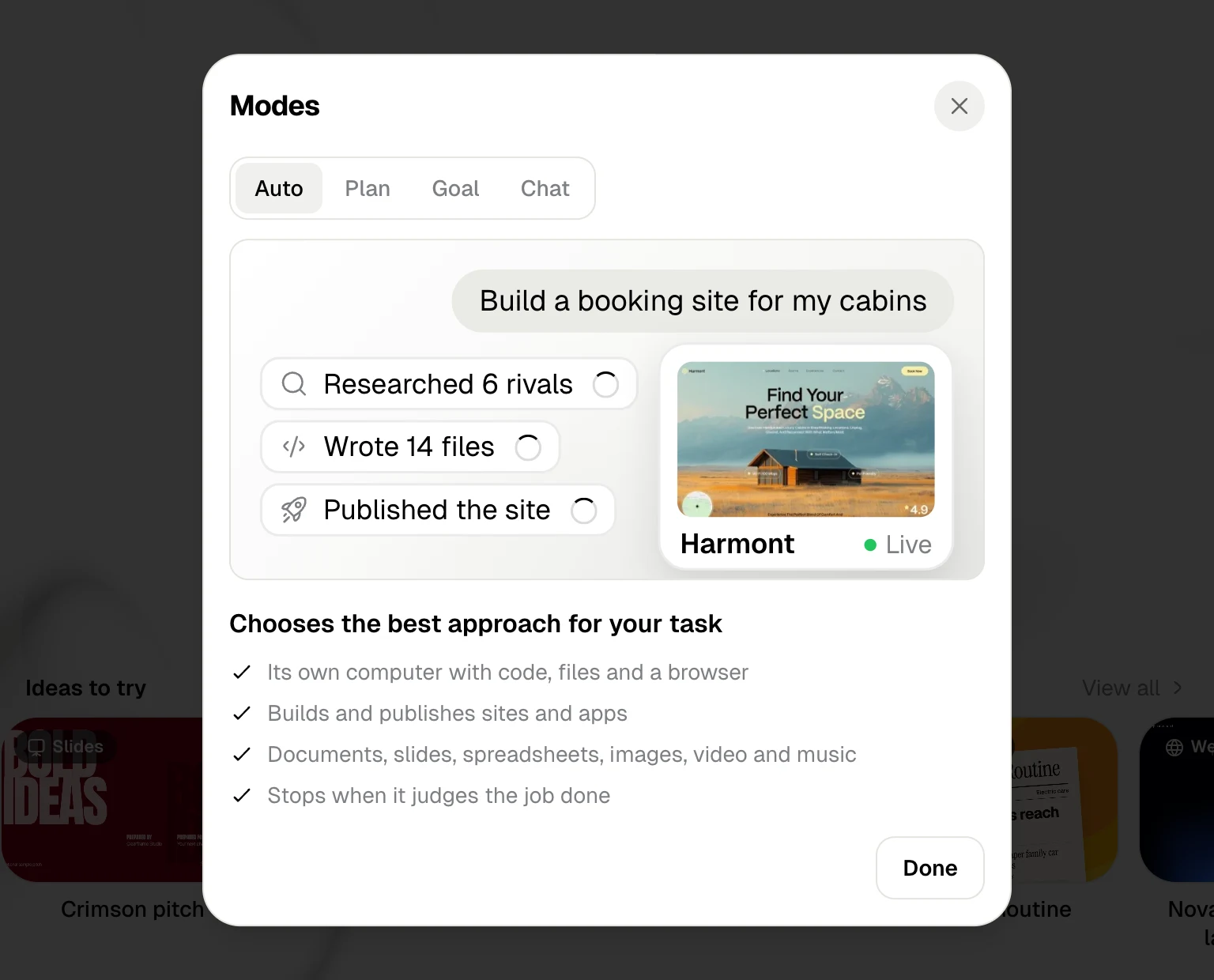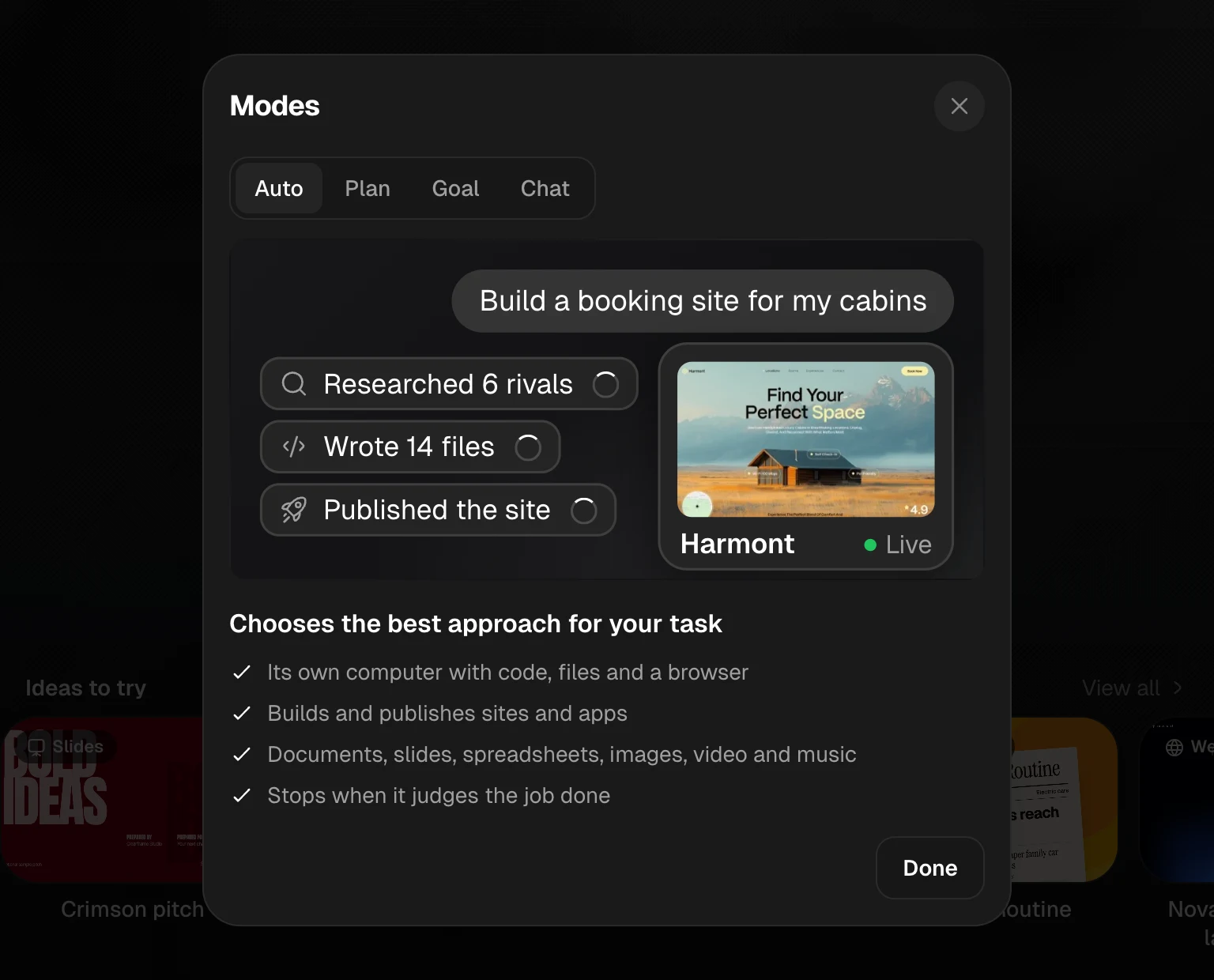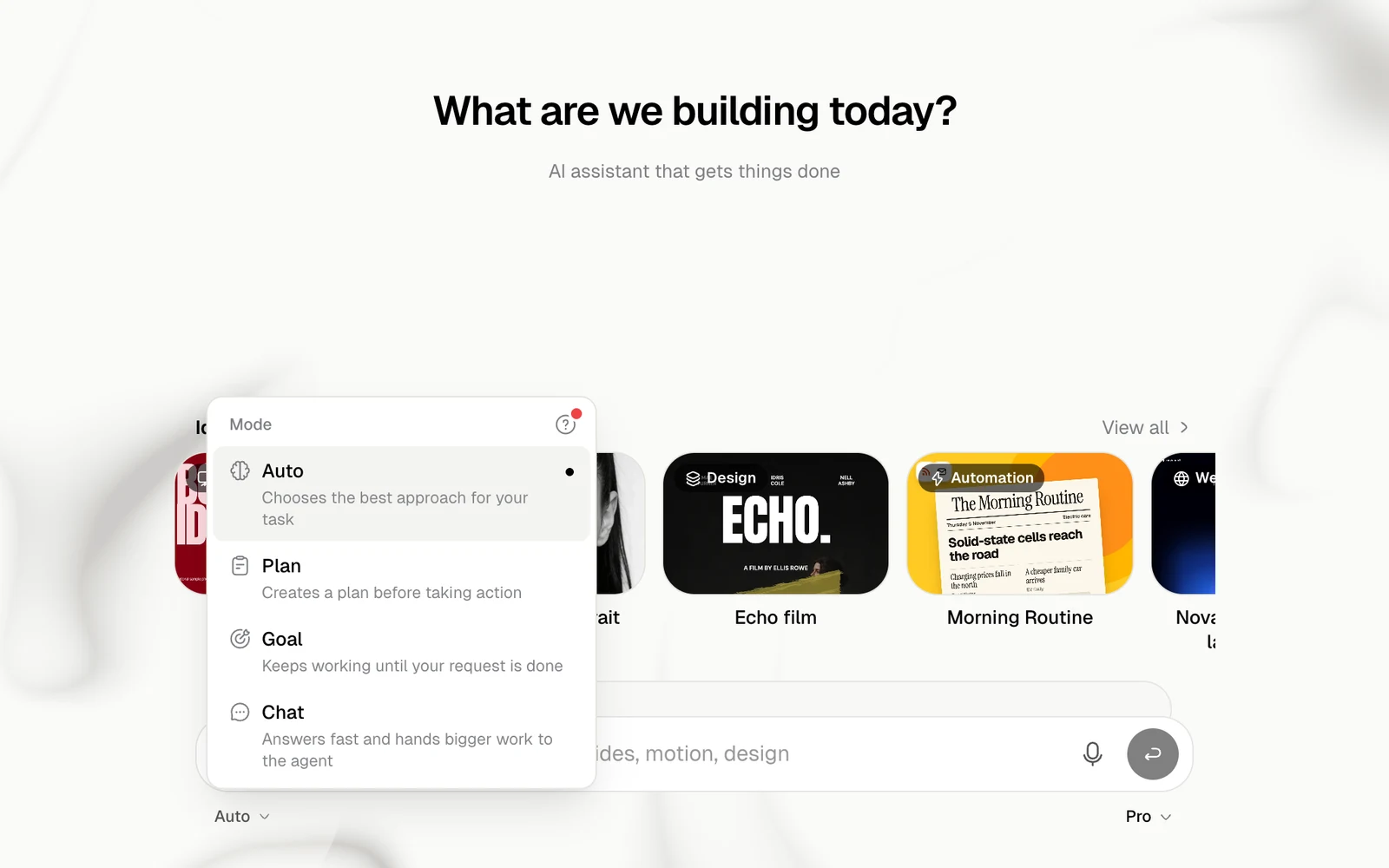
The mode says how the agent approaches your message. Choose it under the message box.
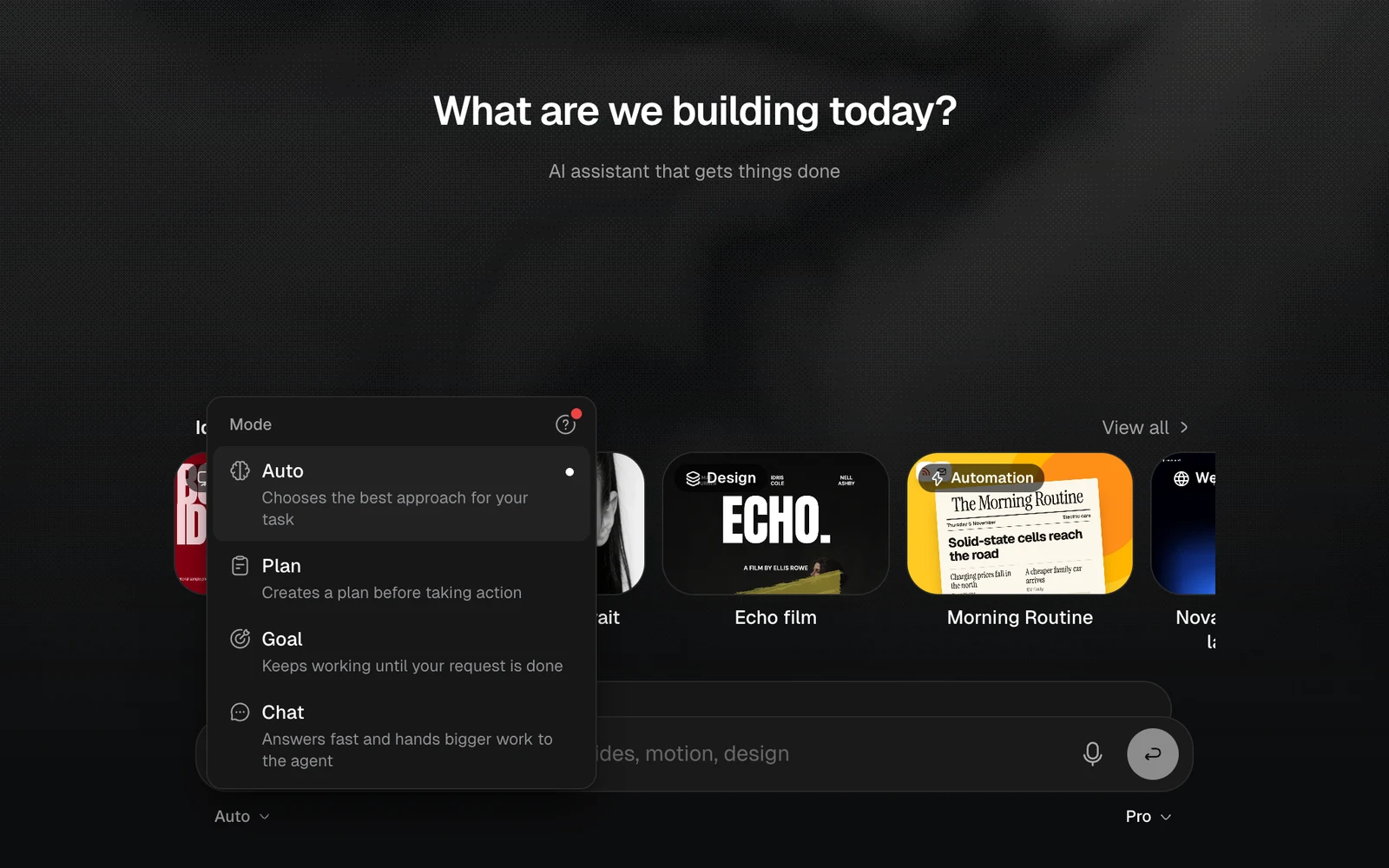
The Mode menu with Auto, Plan, Goal and Chat, light themeThe Mode menu with Auto, Plan, Goal and Chat, dark theme
ModeWhat it doesUse it for
AutoChooses the best approach for your task and does itAlmost everything
PlanReads and plans first, and acts only after you approve the planBigger or risky work
GoalKeeps working until your request is doneWork with a clear finish line
ChatAnswers fast and hands bigger work to the agentQuestions and small pieces of media
Jobbit remembers Auto or Chat for your next chat. Plan and Goal are chosen for one task. The ? at the top of the menu opens Modes, which plays a short example of each one.
The Modes window with an animated example of Auto and what it does, light themeThe Modes window with an animated example of Auto and what it does, dark theme

Auto

The default. The agent has its own computer with code, files and a browser. It builds and publishes sites and apps, and makes documents, slides, spreadsheets, images, video and music. It stops when it judges the job done.

Plan

The message box with Plan selected, light themeThe message box with Plan selected, dark theme
The agent plans with reading only: the web, your files and your projects. Nothing is built, bought or changed until you approve. It then shows the steps on a card and waits.
  • Approve starts the work, and the agent carries on as it does in Auto.
  • Reject, or a note saying what to change, makes it revise the plan.
See Approve a plan.

Goal

The message box with Goal selected, light themeThe message box with Goal selected, dark theme
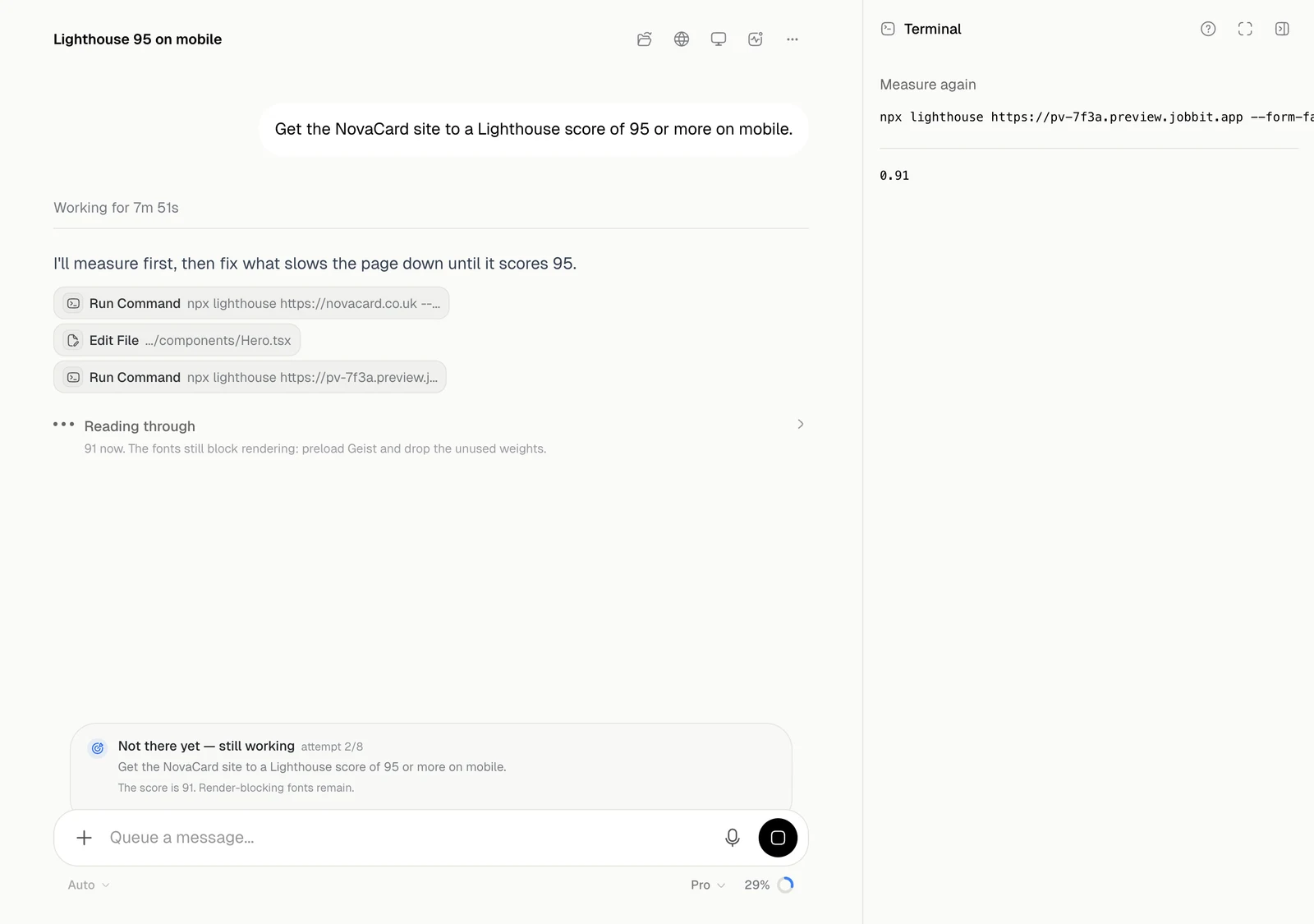
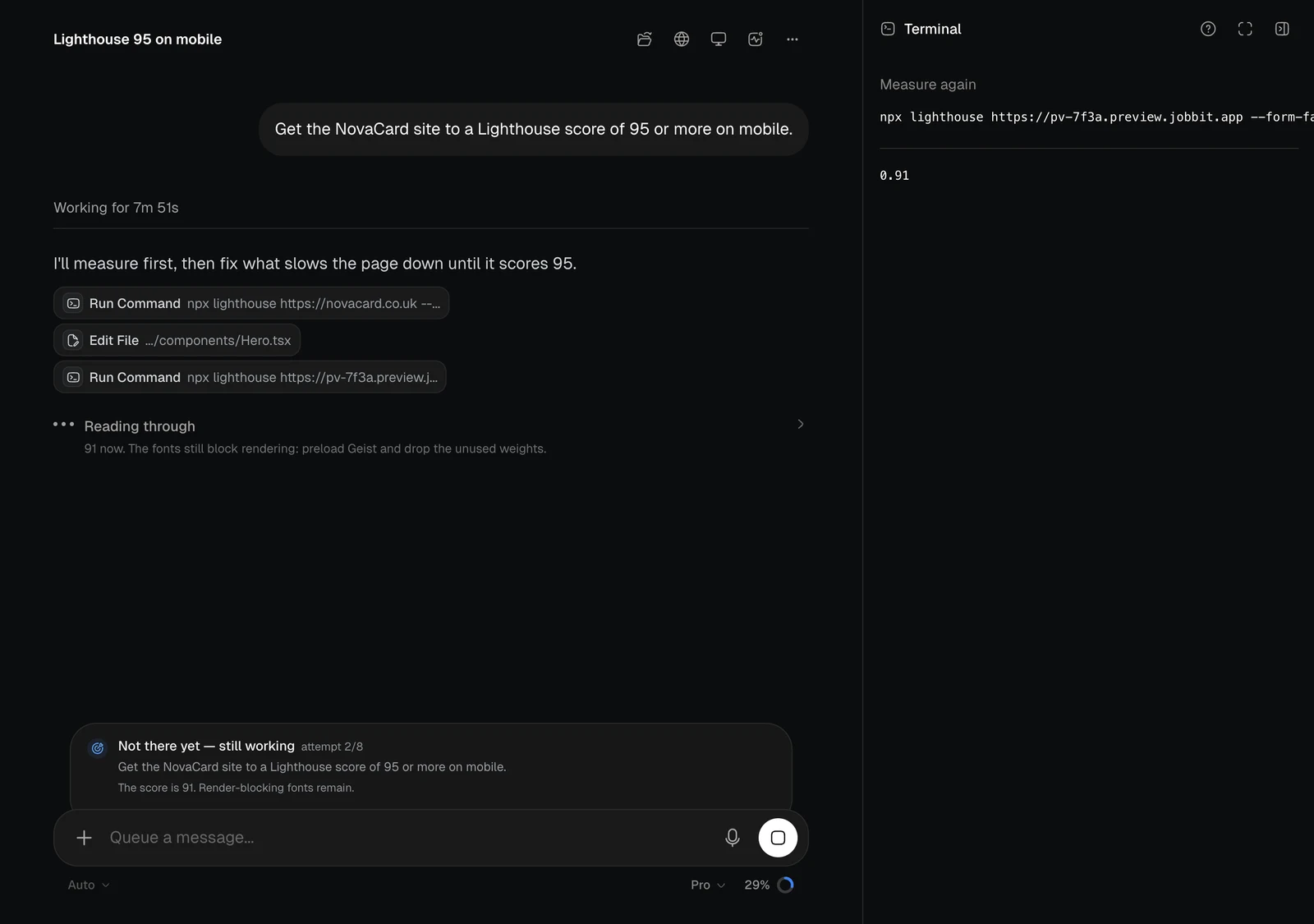
Everything the agent does in Auto, with a check after each round. The check reads the work and decides whether your request is met. If it is not, the agent goes again by itself, up to 8 rounds. It stops once the goal is met or proven impossible. Write the goal so that it can be checked, for example “get the site to a Lighthouse score of 95 or more on mobile”. A panel above the message box says how it stands, with the attempt and the reason from the last check.
A running chat with a panel saying Not there yet, attempt 2 of 8, light themeA running chat with a panel saying Not there yet, attempt 2 of 8, dark theme
The panel saysWhat it means
Working towards your goalThe first round is running
Not there yet — still workingThe check said no, and the agent is going again
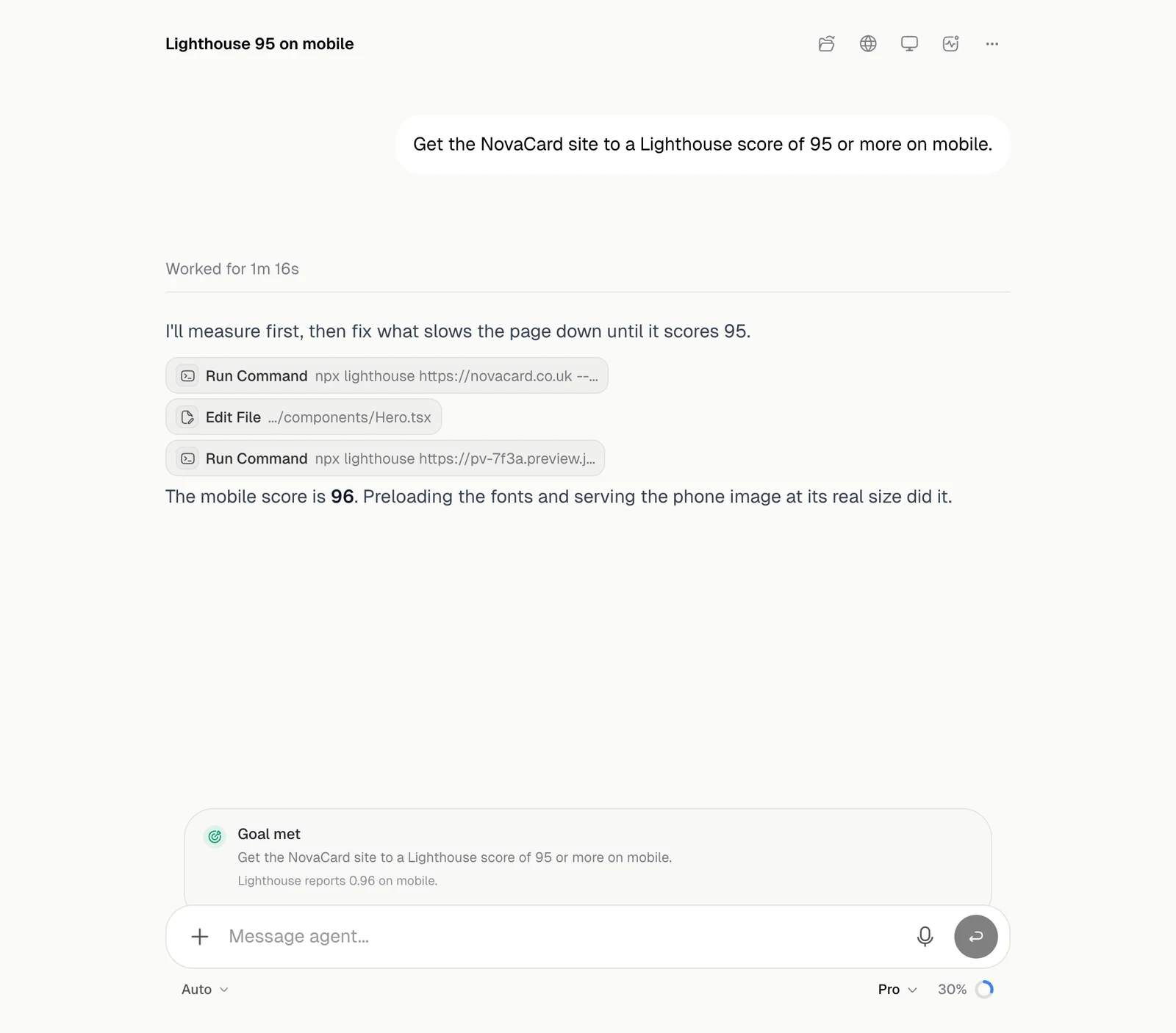
Goal metThe check said yes
Goal abandoned — it cannot be doneThe agent showed that the goal cannot be reached
Stopped after the attempt limitAll 8 rounds are used and the goal is still not met
Goal could not be checkedThe check failed, so the agent finished as usual
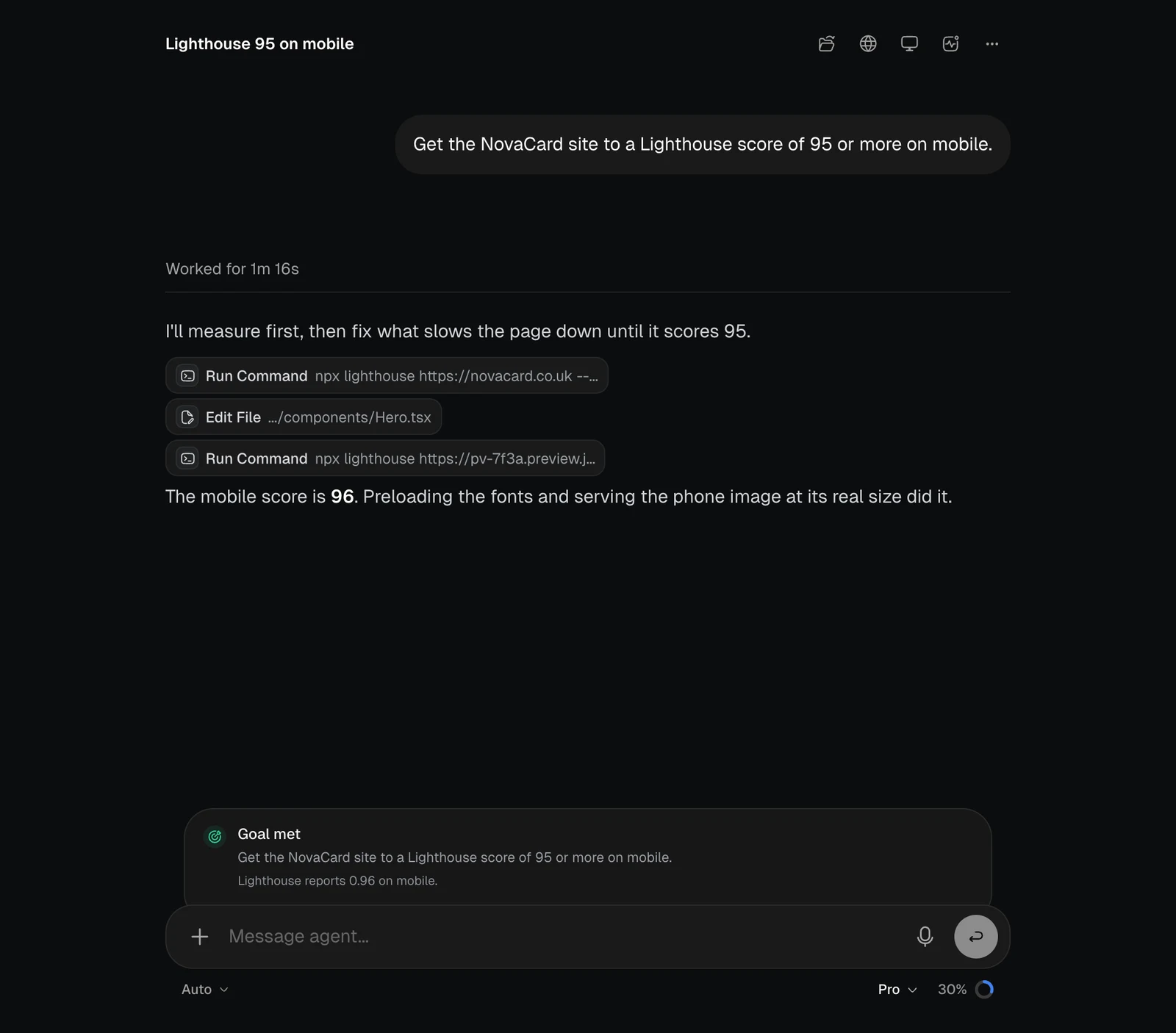
The chat with a panel saying Goal met, light themeThe chat with a panel saying Goal met, dark theme

Chat

The message box with Chat selected, light themeThe message box with Chat selected, dark theme
Chat answers in seconds. It can search the web and read pages, use your files, saved knowledge and project notes, and make images, video, music and speech. Anything bigger goes to the agent by itself: apps, the browser, documents and long research. The chat says Handed over to the agent, and the mode changes to Auto. Chat has its own effort, and it starts on Low.