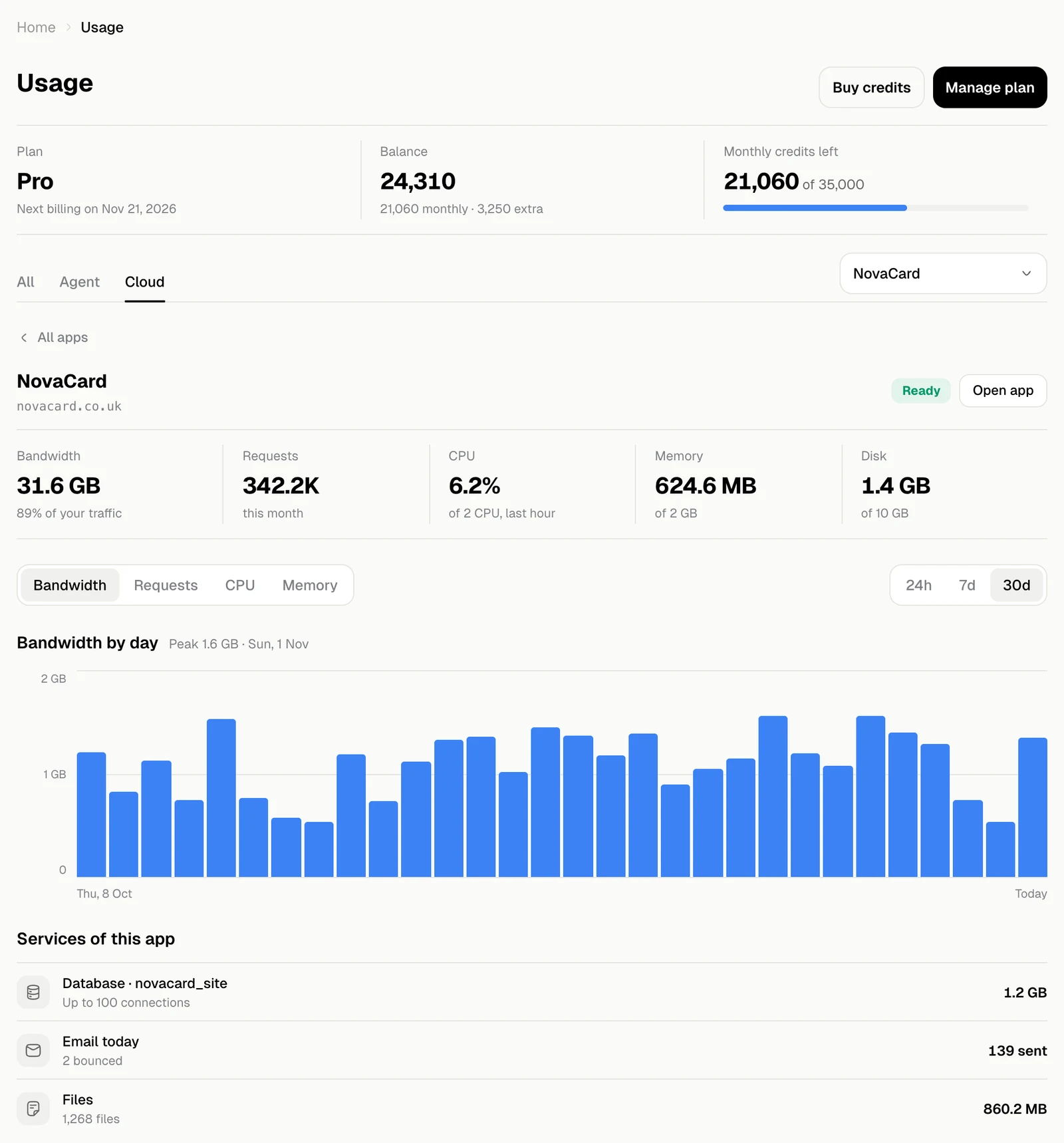
| What it shows | |
|---|---|
| Plan | Your plan and when it is billed next |
| Balance | All your credits: monthly and extra |
| Monthly credits left | How much of this period’s credits remain |
All
Everything at a glance: the credits you spent, this month so far and where that pace would take you, and your apps’ traffic against your plan.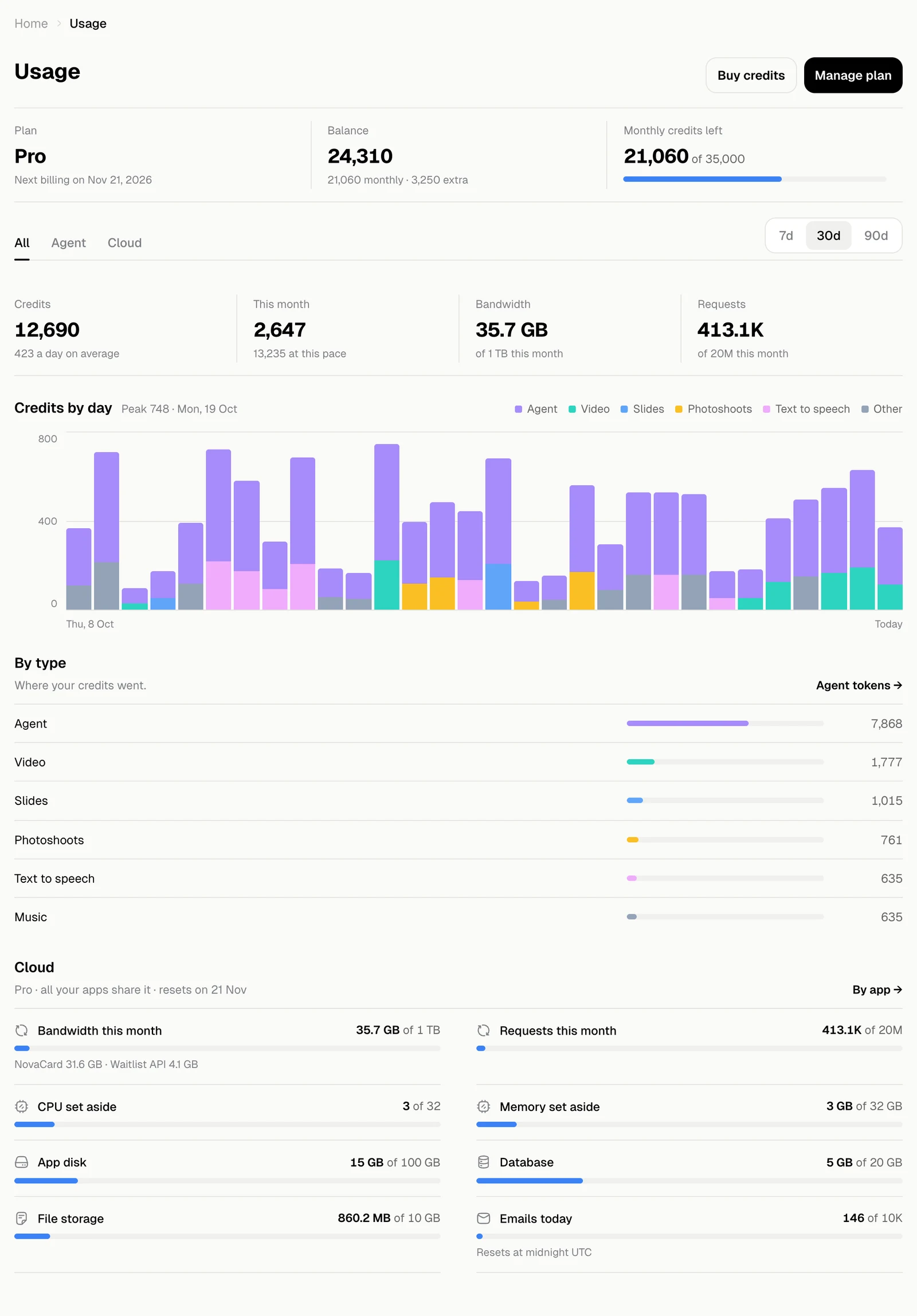
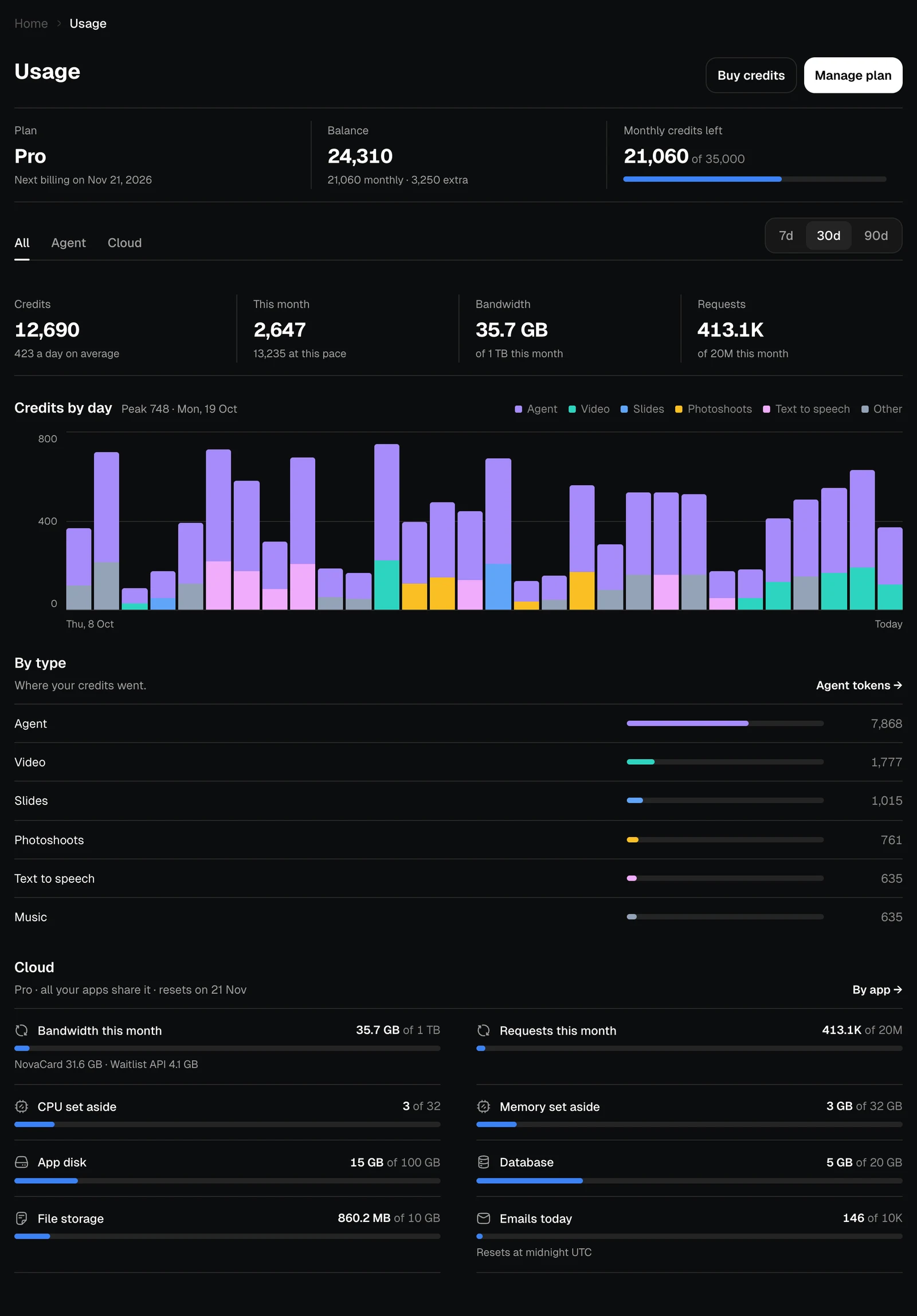
- Credits by day stacks each day’s spending by kind: agent, video, slides, photoshoots, speech and the rest.
- By type lists where your credits went, most first. Agent tokens opens the Agent tab.
- Cloud sums up your apps’ share of the plan. By app opens the Cloud tab.
Agent
What the agent itself used, in tokens: the text it read and wrote in your chats.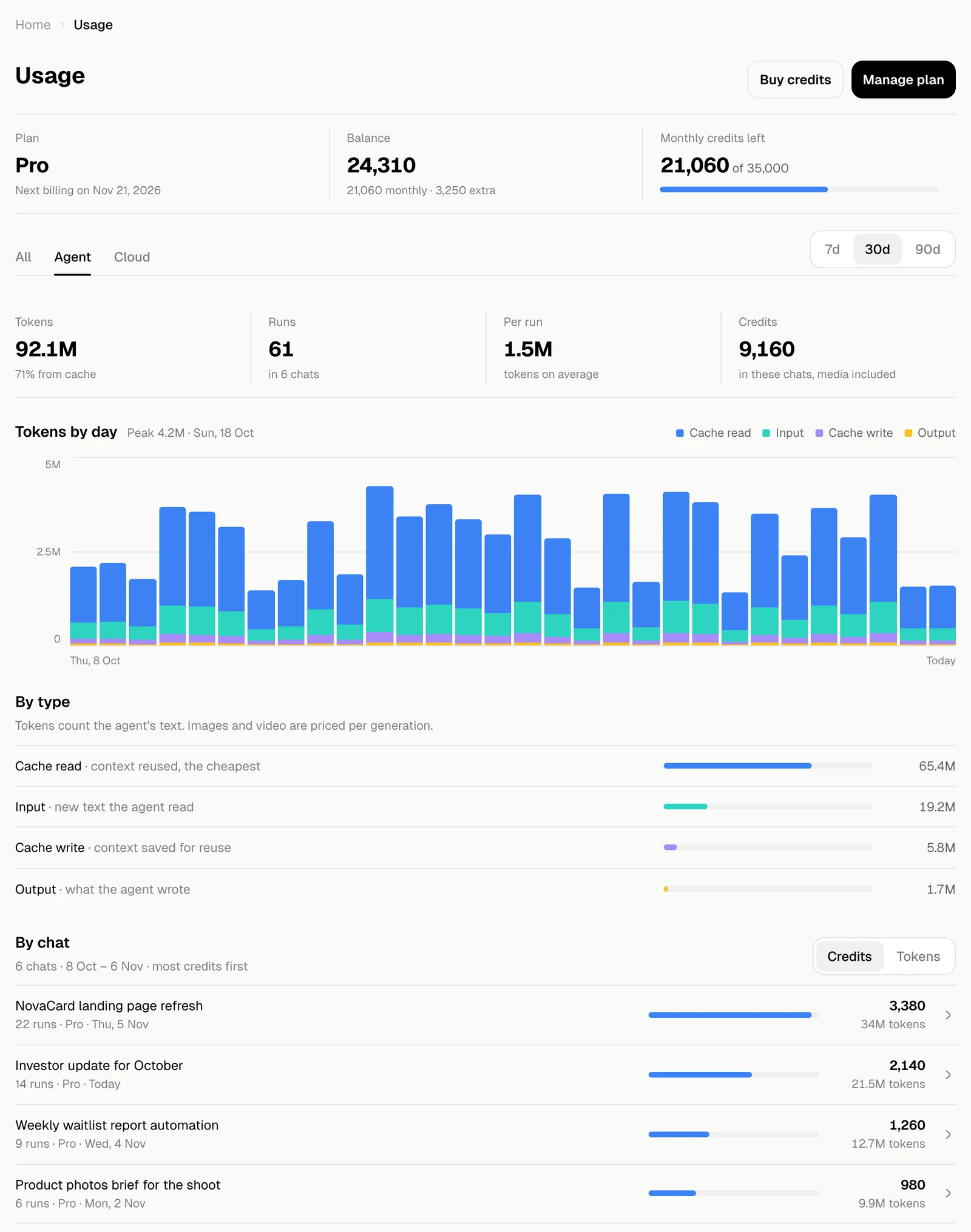
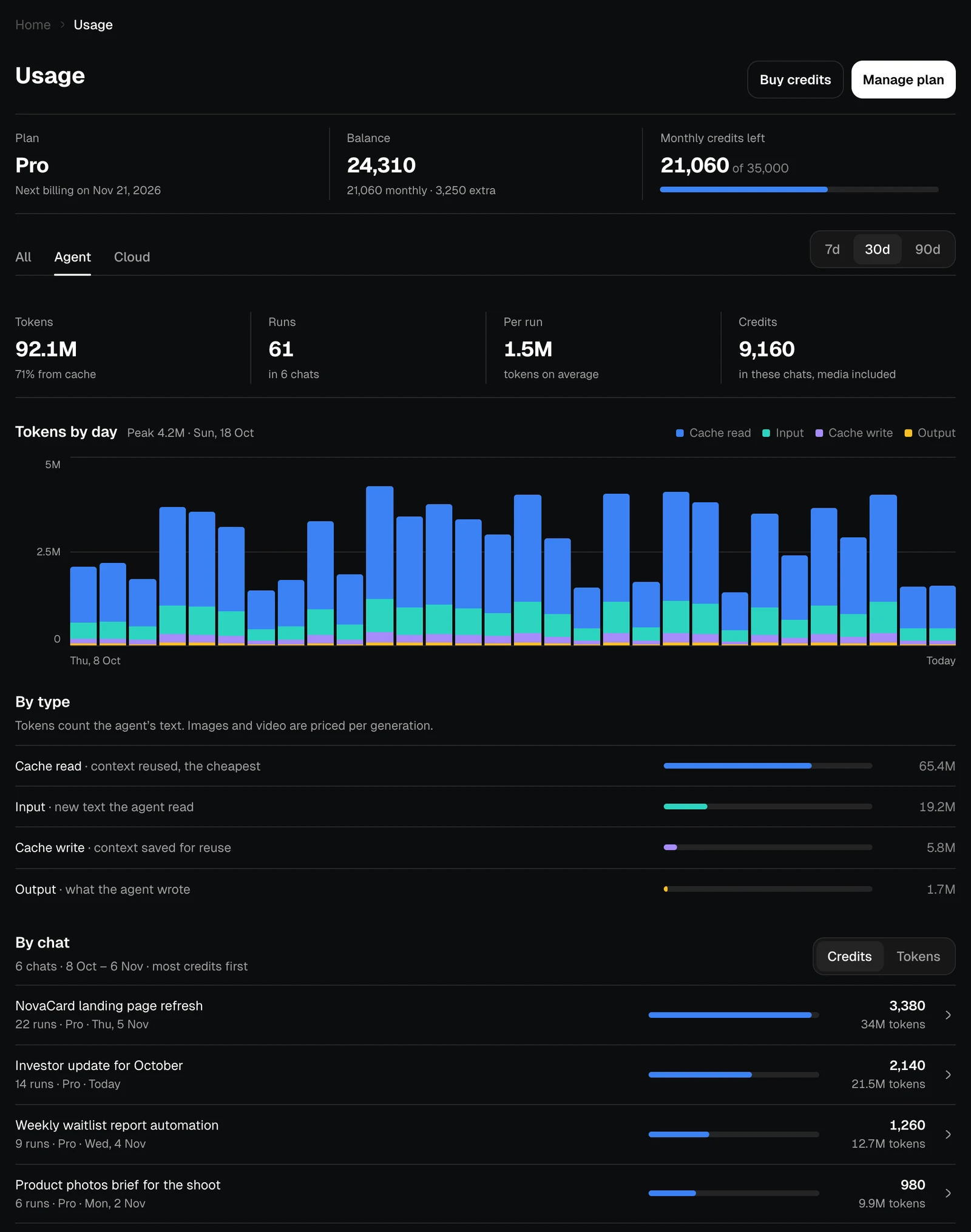
| Token type | What it is |
|---|---|
| Cache read | Context reused from earlier in a chat, the cheapest |
| Input | New text the agent read |
| Cache write | Context saved for reuse |
| Output | What the agent wrote |
Cloud
What your apps used of your plan’s cloud. All your apps share one pool.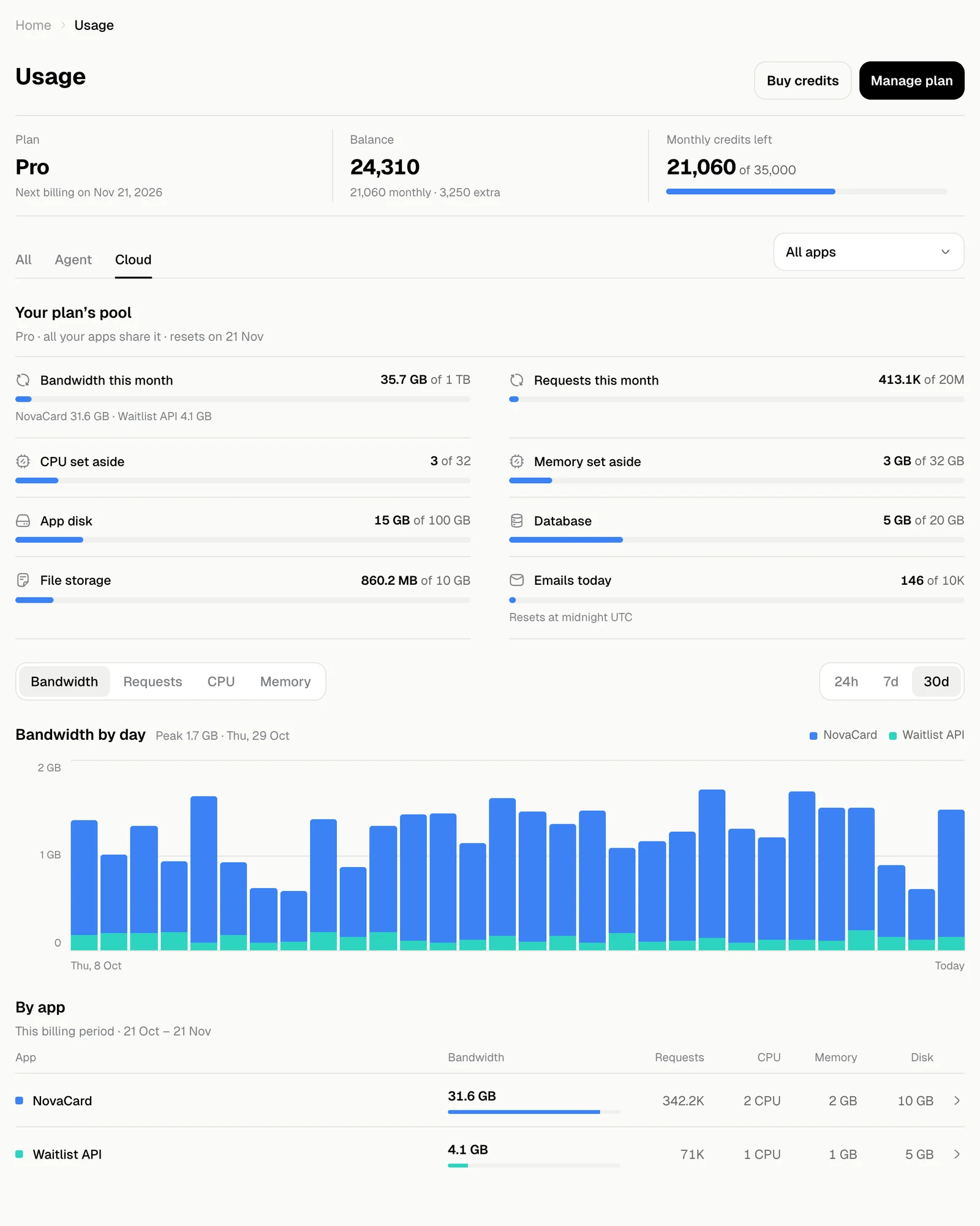
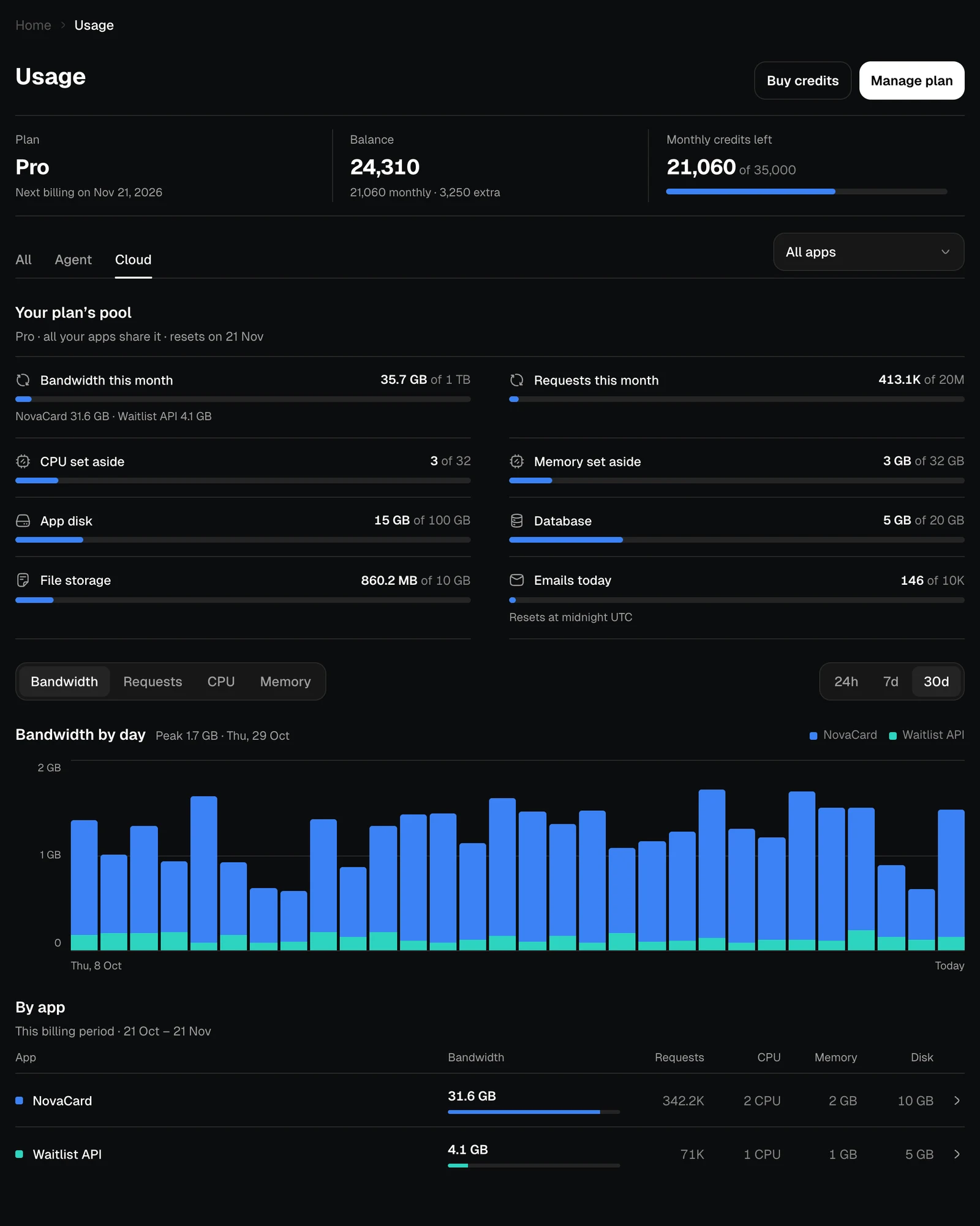
| Limit | What it counts |
|---|---|
| Bandwidth this month, Requests this month | Traffic to all your apps in this billing period |
| CPU set aside, Memory set aside | What your apps reserve while they run |
| App disk | Disk given to your apps |
| Database | Space for your apps’ databases |
| File storage | Files your apps store |
| Emails today | Emails your apps sent today; it resets at midnight UTC |
One app
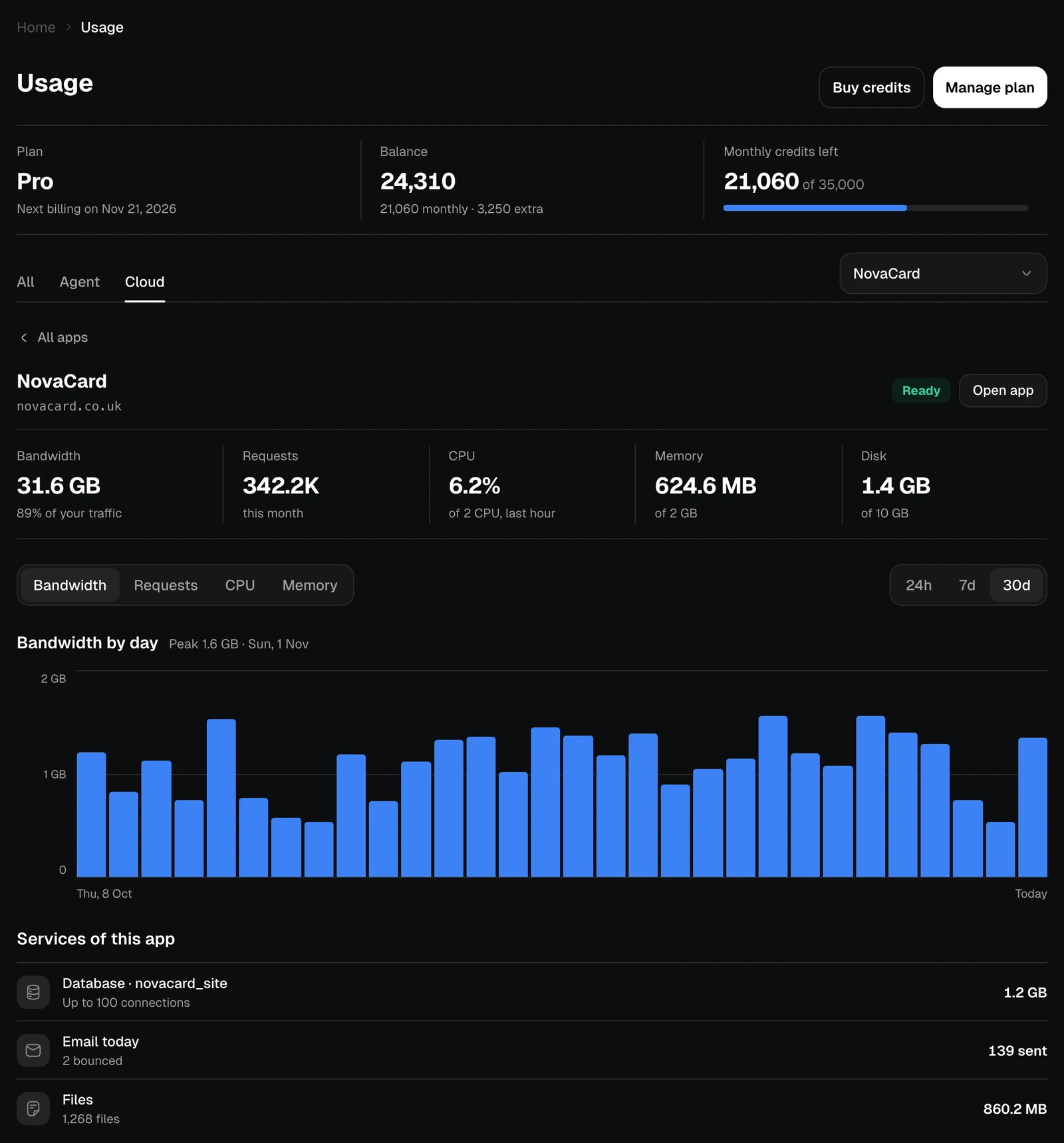
Click an app, or pick it in the menu at the top, to see its own use: traffic, CPU, memory and disk, its chart, and the services it uses, such as its database, email and files. Open app opens it.