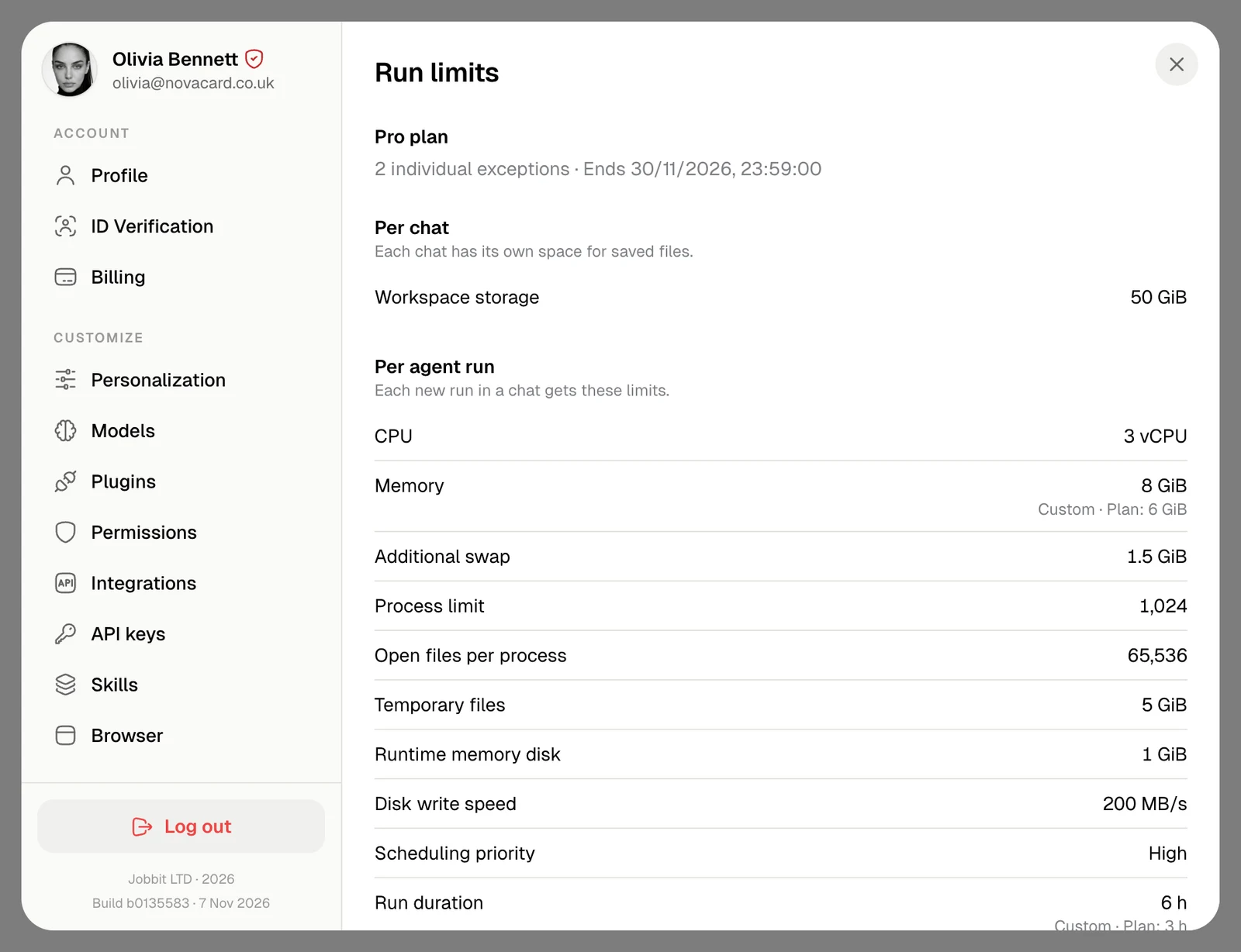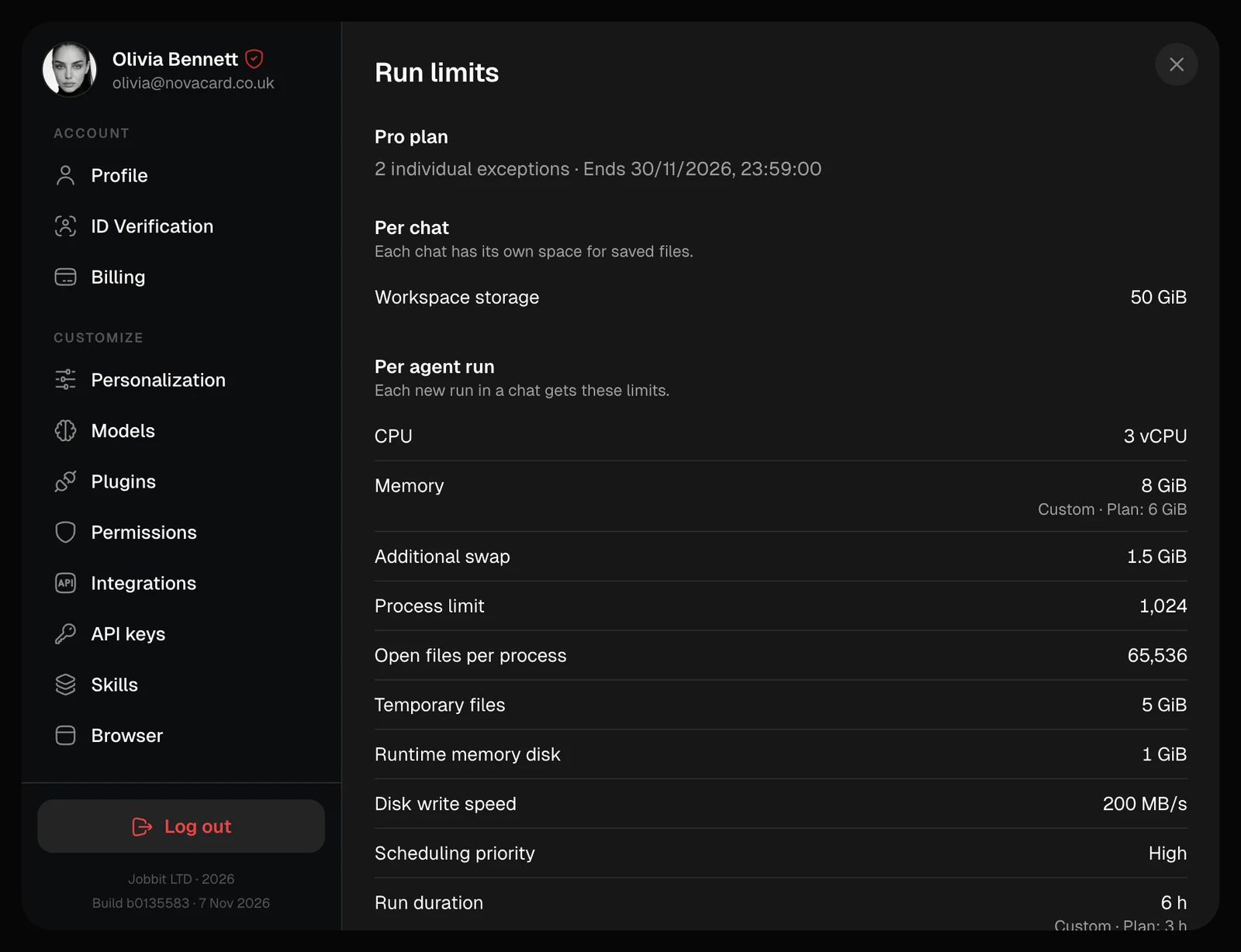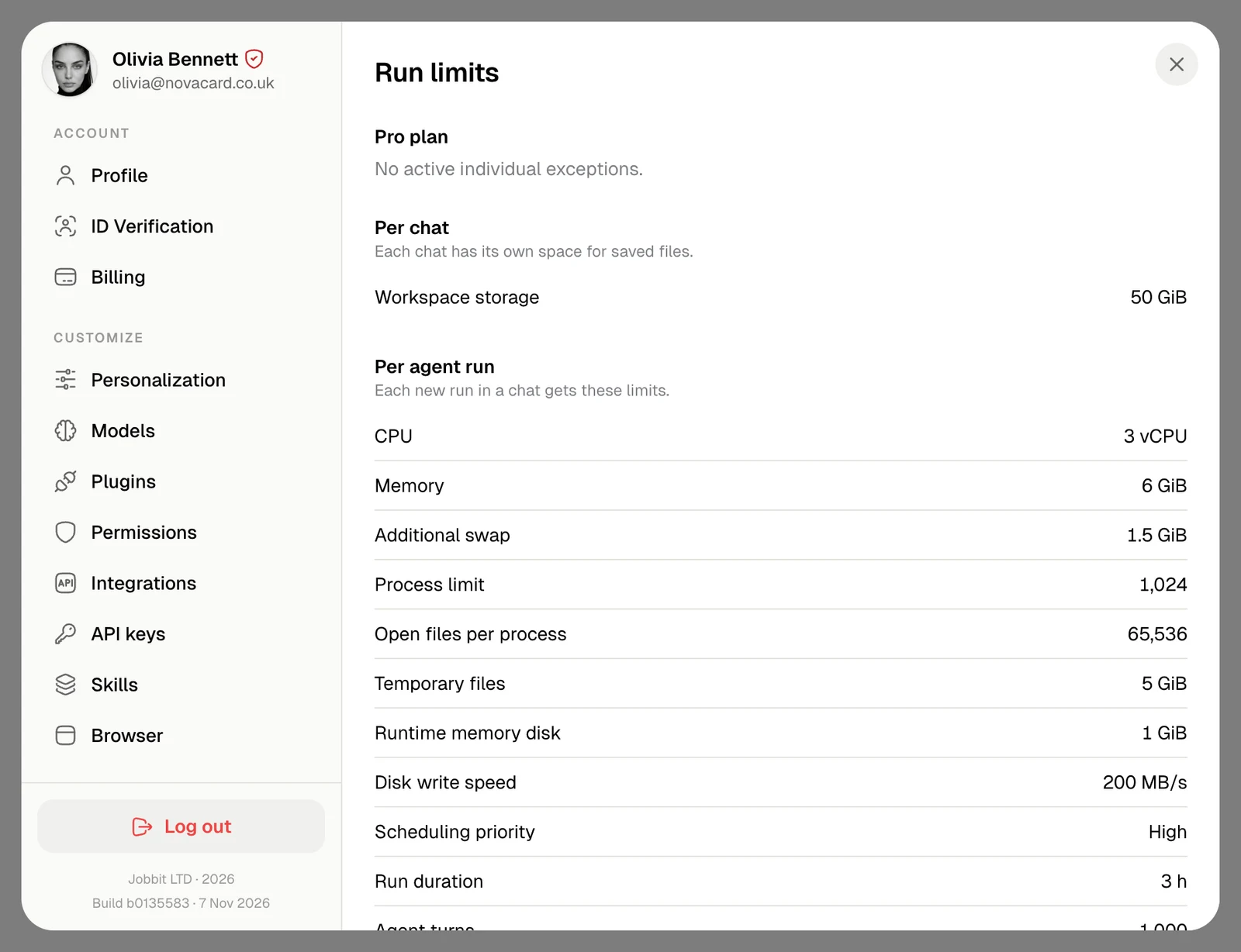
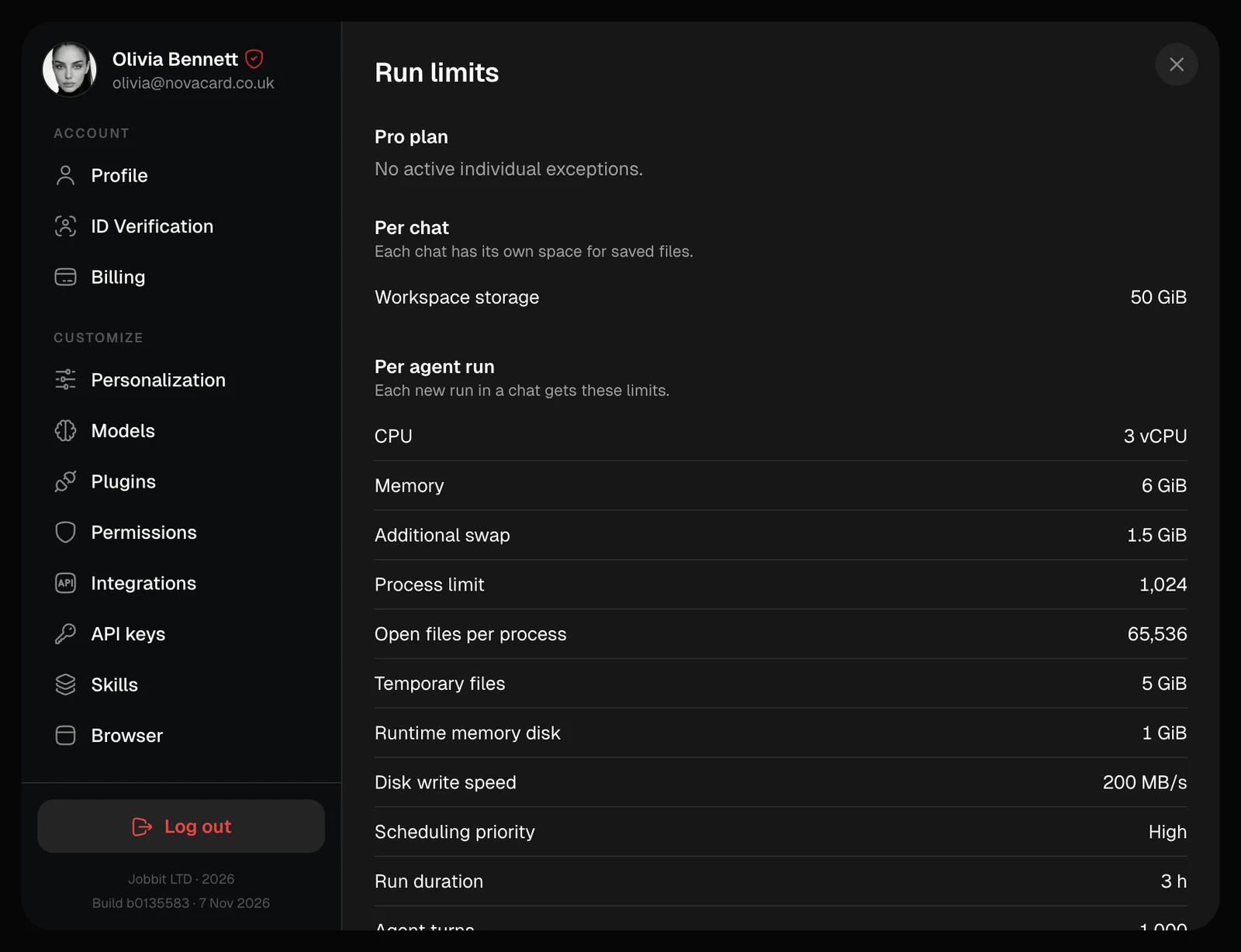
Per chat
Workspace storage is the space each chat has for the files it keeps.Per agent run
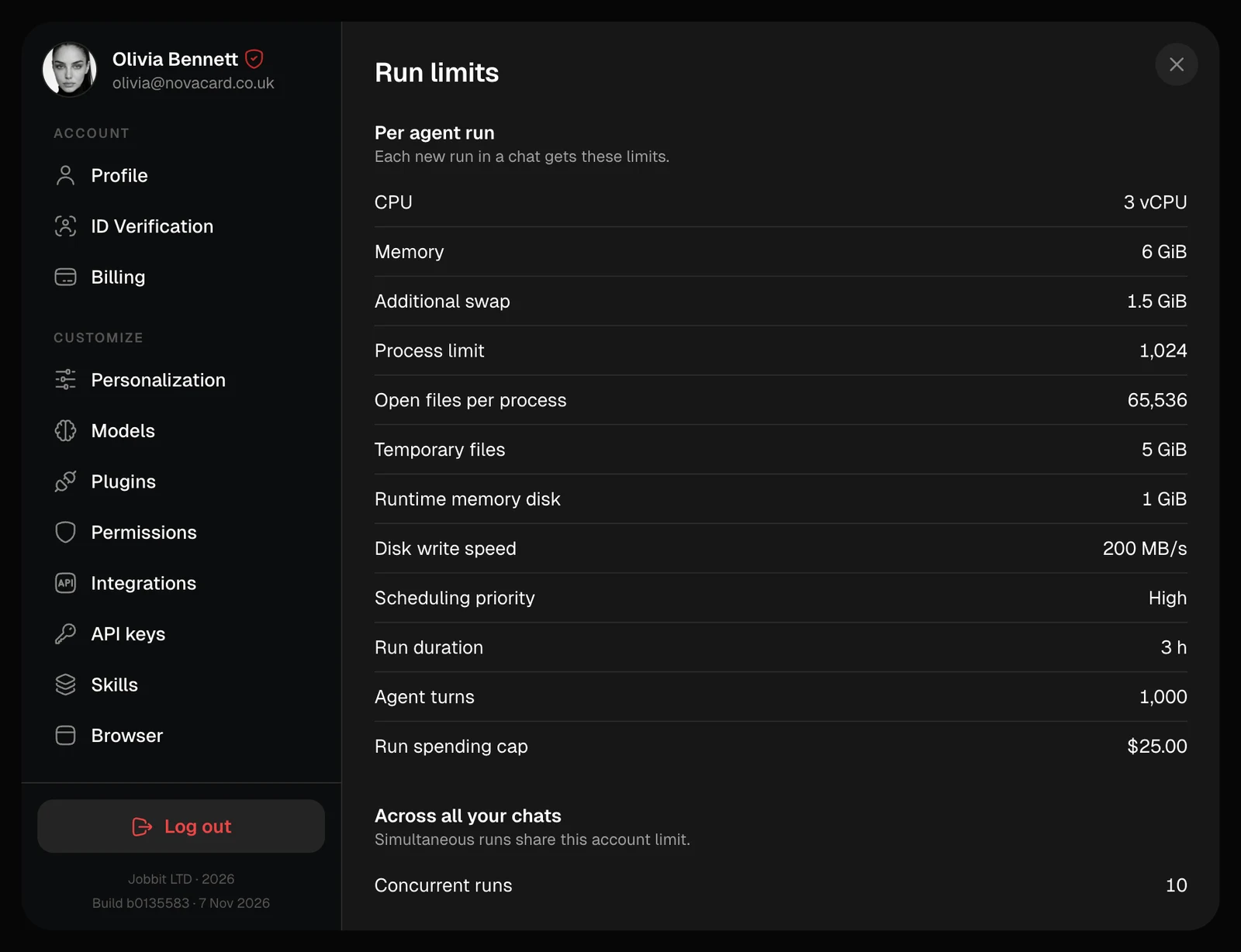
Every new run in a chat gets these:| Limit | What it means |
|---|---|
| CPU, Memory | The computing power of the run |
| Additional swap | Extra memory on disk when the memory is full |
| Process limit, Open files per process | How many programs and files the run can have open |
| Temporary files, Runtime memory disk | Scratch space that is cleared after the run |
| Disk write speed | How fast the run can write files |
| Scheduling priority | Which runs go first when many are waiting |
| Run duration | How long one run can last |
| Agent turns | How many steps the agent can take in one run |
| Run spending cap | The most one run can spend |
Across all your chats
Concurrent runs is how many runs go at the same time across your chats. More wait in a queue and start by themselves.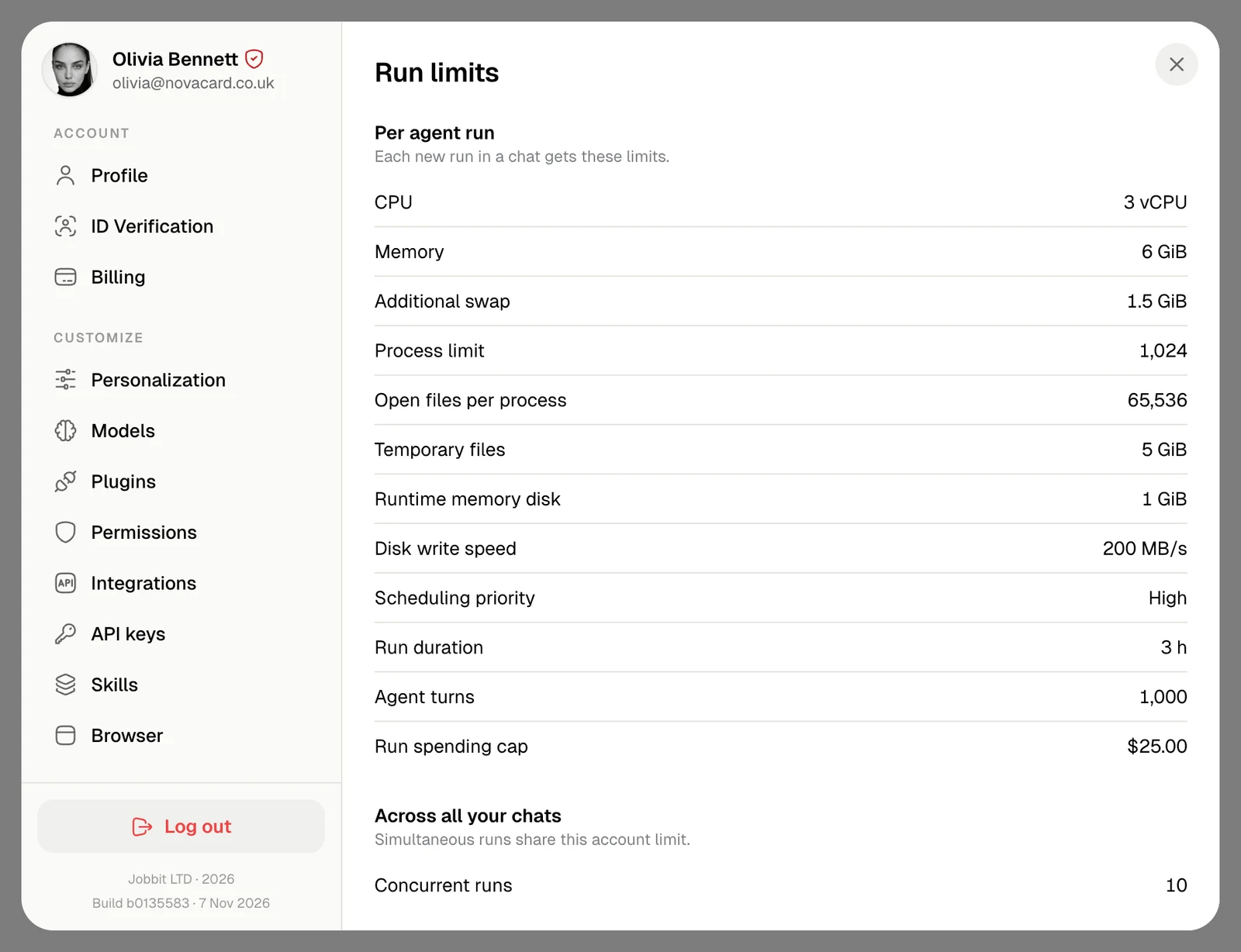
By plan
| Free | Go | Plus | Pro | Max | |
|---|---|---|---|---|---|
| Workspace storage | 10 GiB | 20 GiB | 30 GiB | 50 GiB | 50 GiB |
| CPU | 2 vCPU | 2 vCPU | 2 vCPU | 3 vCPU | 4 vCPU |
| Memory | 4 GiB | 4 GiB | 4 GiB | 6 GiB | 8 GiB |
| Temporary files | 2 GiB | 2 GiB | 5 GiB | 5 GiB | 5 GiB |
| Disk write speed | 50 MB/s | 100 MB/s | 150 MB/s | 200 MB/s | 300 MB/s |
| Scheduling priority | Low | Normal | Normal | High | High |
| Run duration | 3 h | 3 h | 3 h | 3 h | 3 h |
| Concurrent runs | 2 | 2 | 10 | 10 | 20 |
Exceptions
Jobbit can raise a limit for your account for a while, for example for a long job you asked support about. The section then counts the exceptions and says when they end, and each changed limit shows Custom with your plan’s value beside it.