

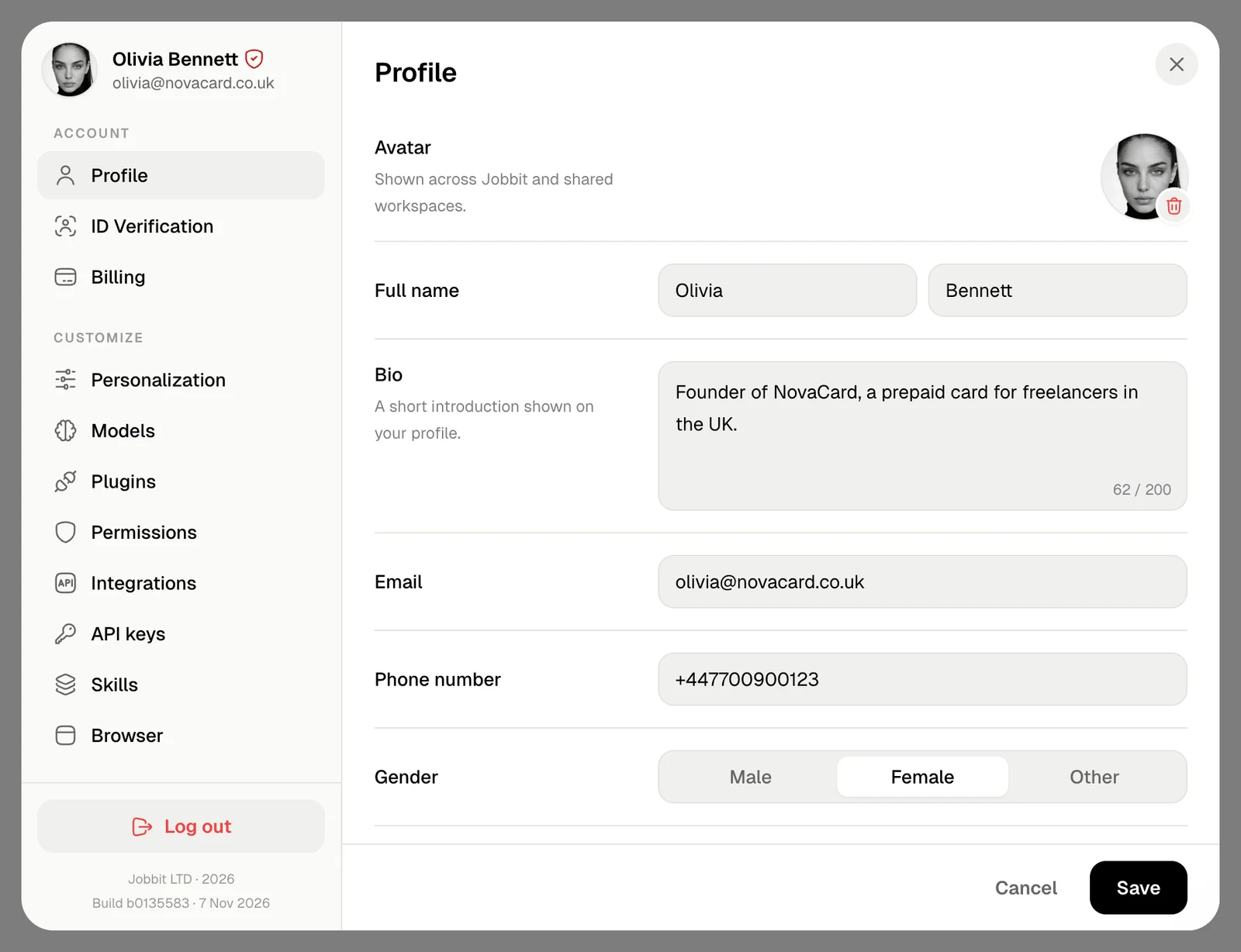
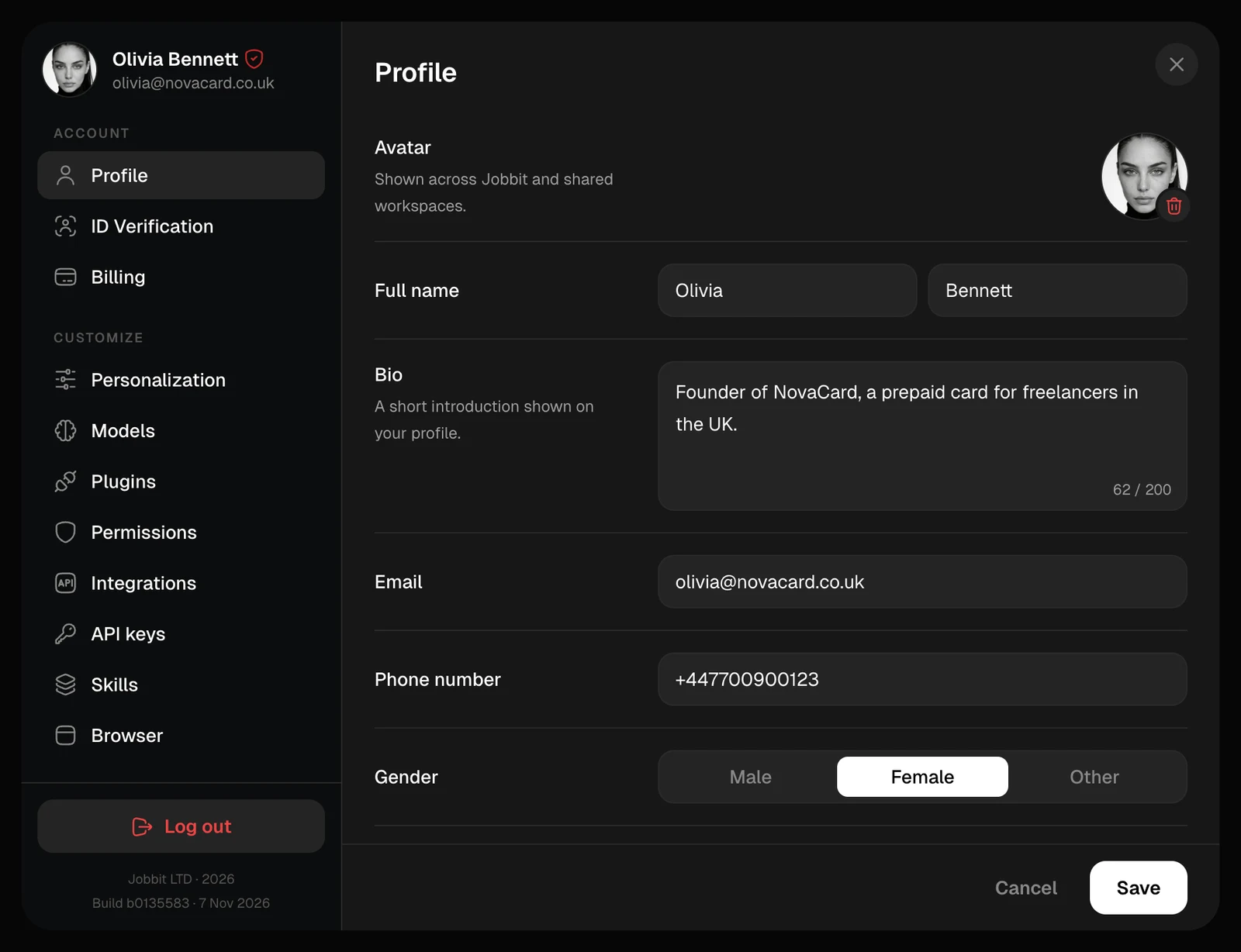
| Section | What it is for |
|---|---|
| Profile | Your photo, name, bio and contact details |
| ID Verification | Confirming who you are with an identity document |
| Billing | Your plan, saved cards and purchase history |
| General | Theme, read aloud, code font, your profile ID and deleting your account |
| Run limits | The computing power and time each agent run gets |
| Security | Your password and the devices signed in to your account |
| Support | Conversations with the Jobbit support team |
- Plans and Credits, where you change your plan and top up.
- Usage, where you see what your credits and your apps used.
Plans
What each plan includes, and changing or cancelling yours.
Usage
Where your credits went, and what your apps used.
Security
Change your password and sign out other devices.
Support
Write to us and follow your tickets.