

Images
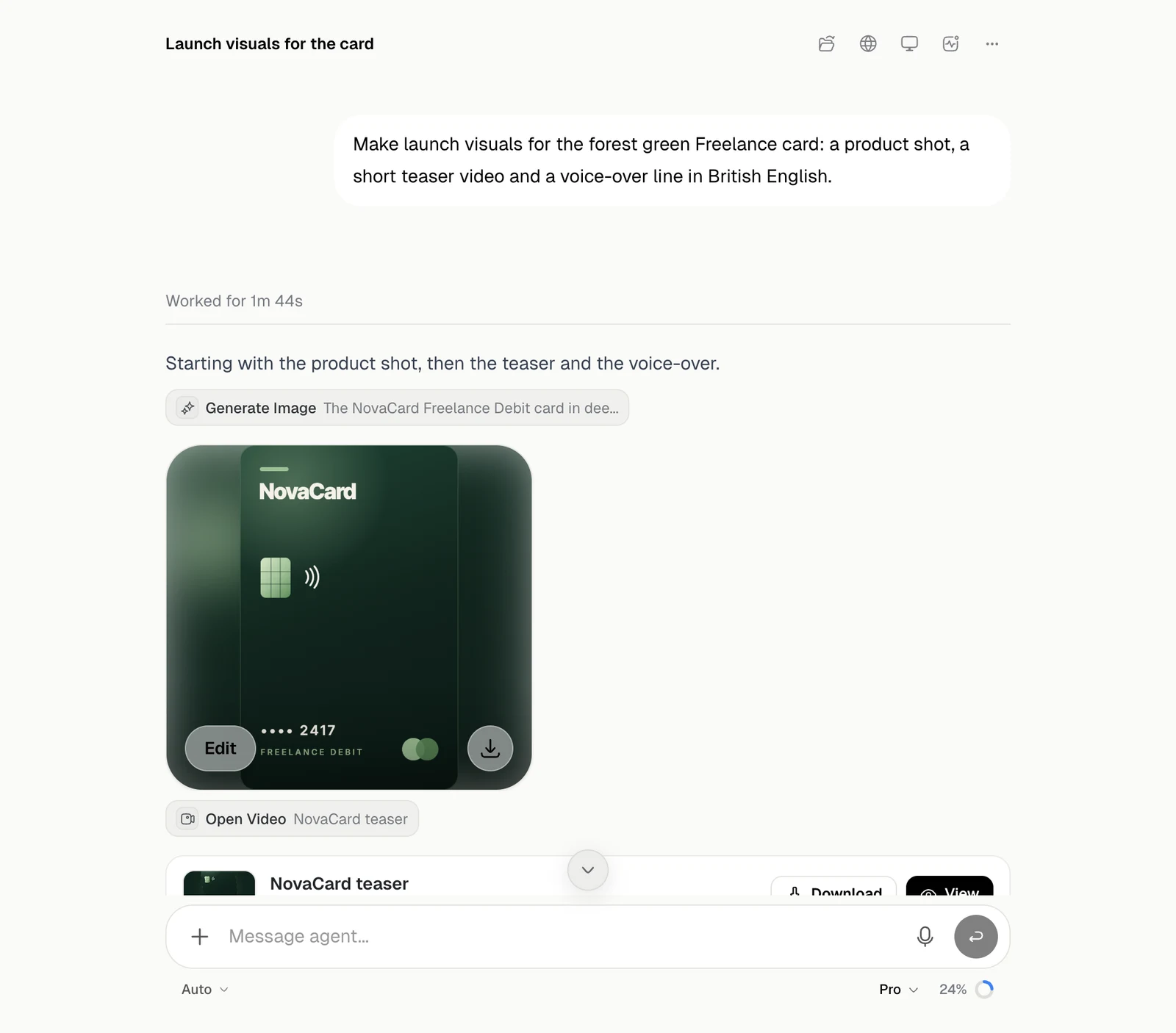
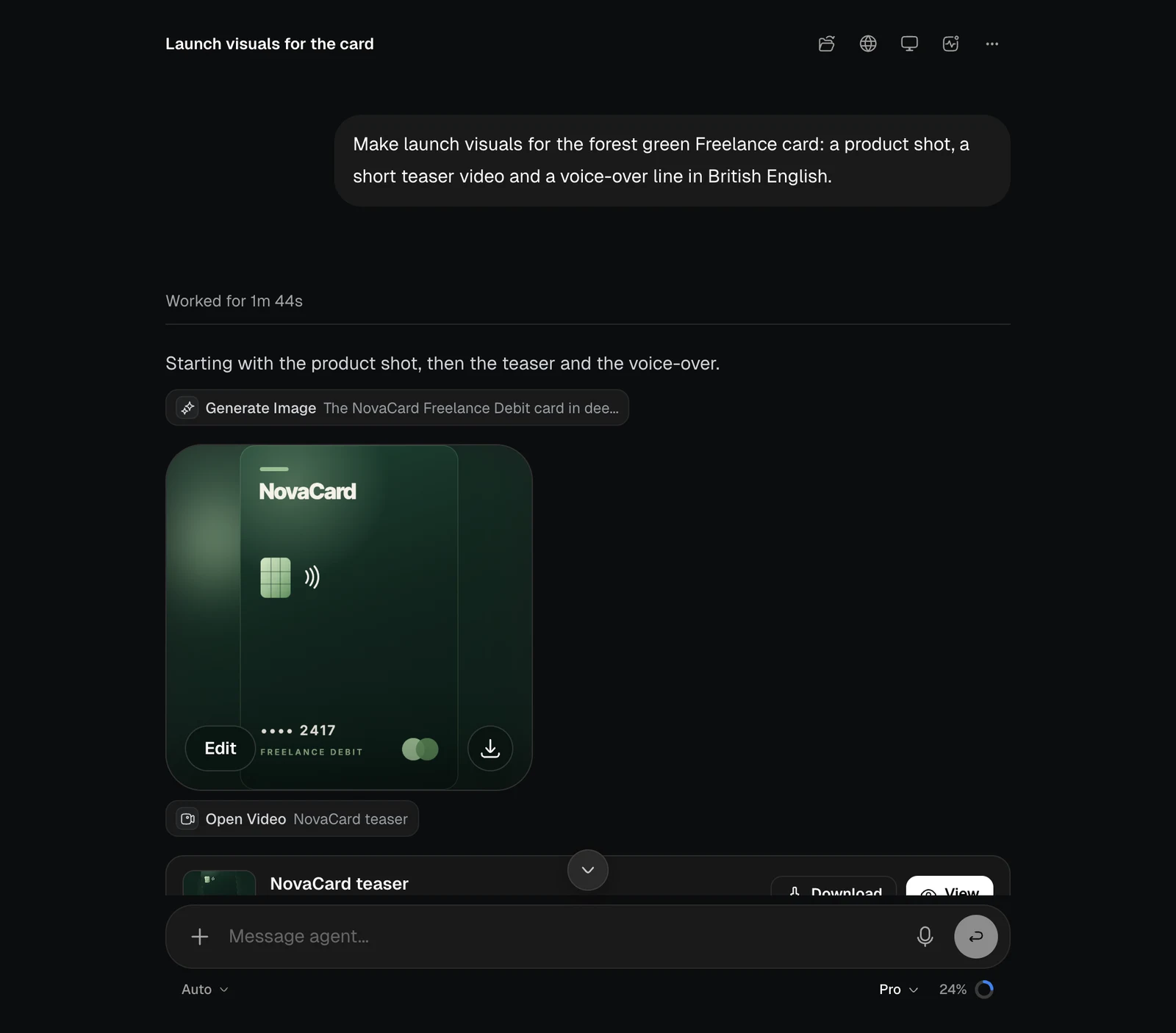
| Action | What it does |
|---|---|
| Edit | Opens the image so you can paint over the part to change and say what should happen there |
| Aspect ratio | Makes the image again as square, portrait, story, landscape or widescreen |
| Download | Saves the image |
Video and audio
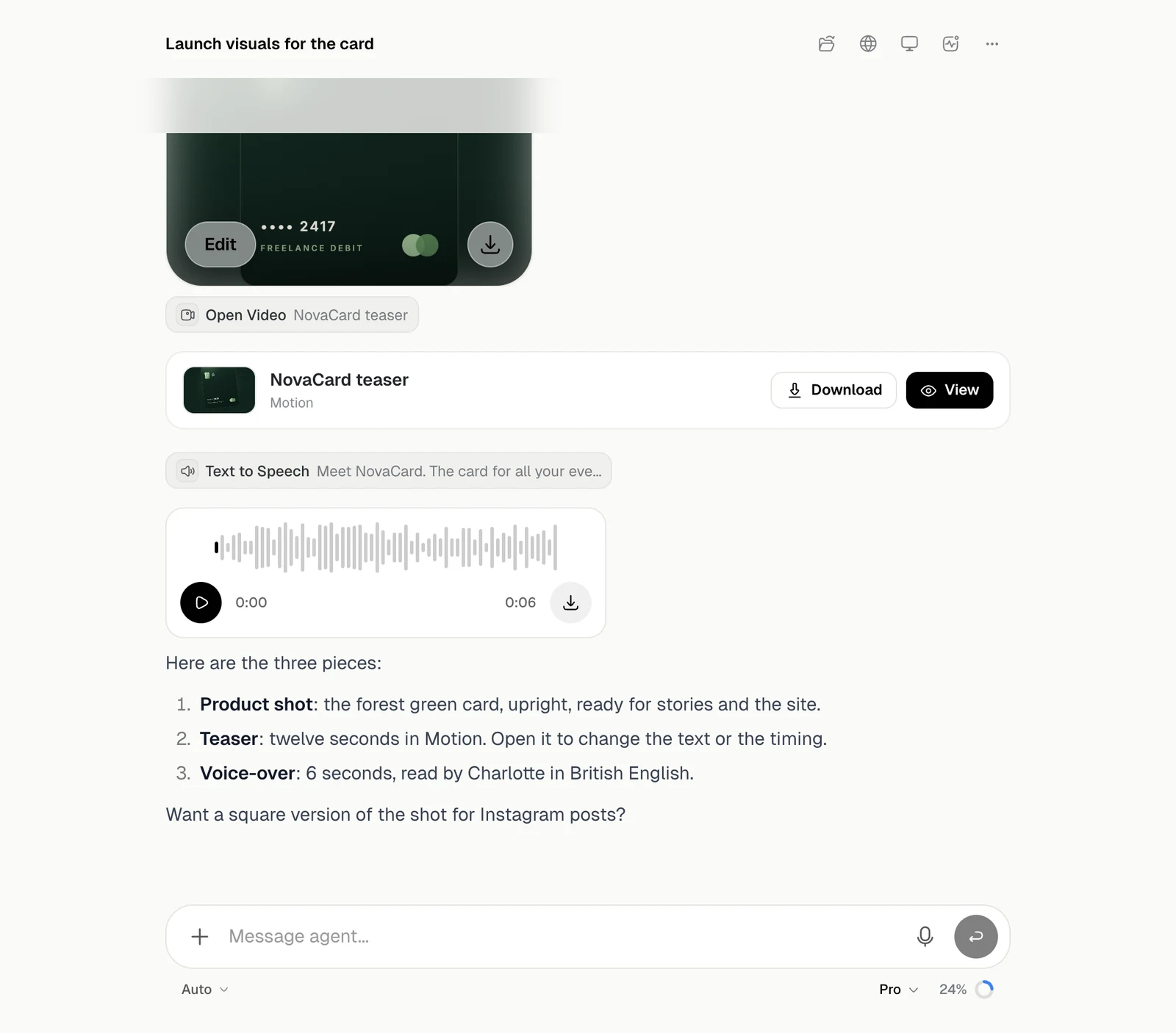
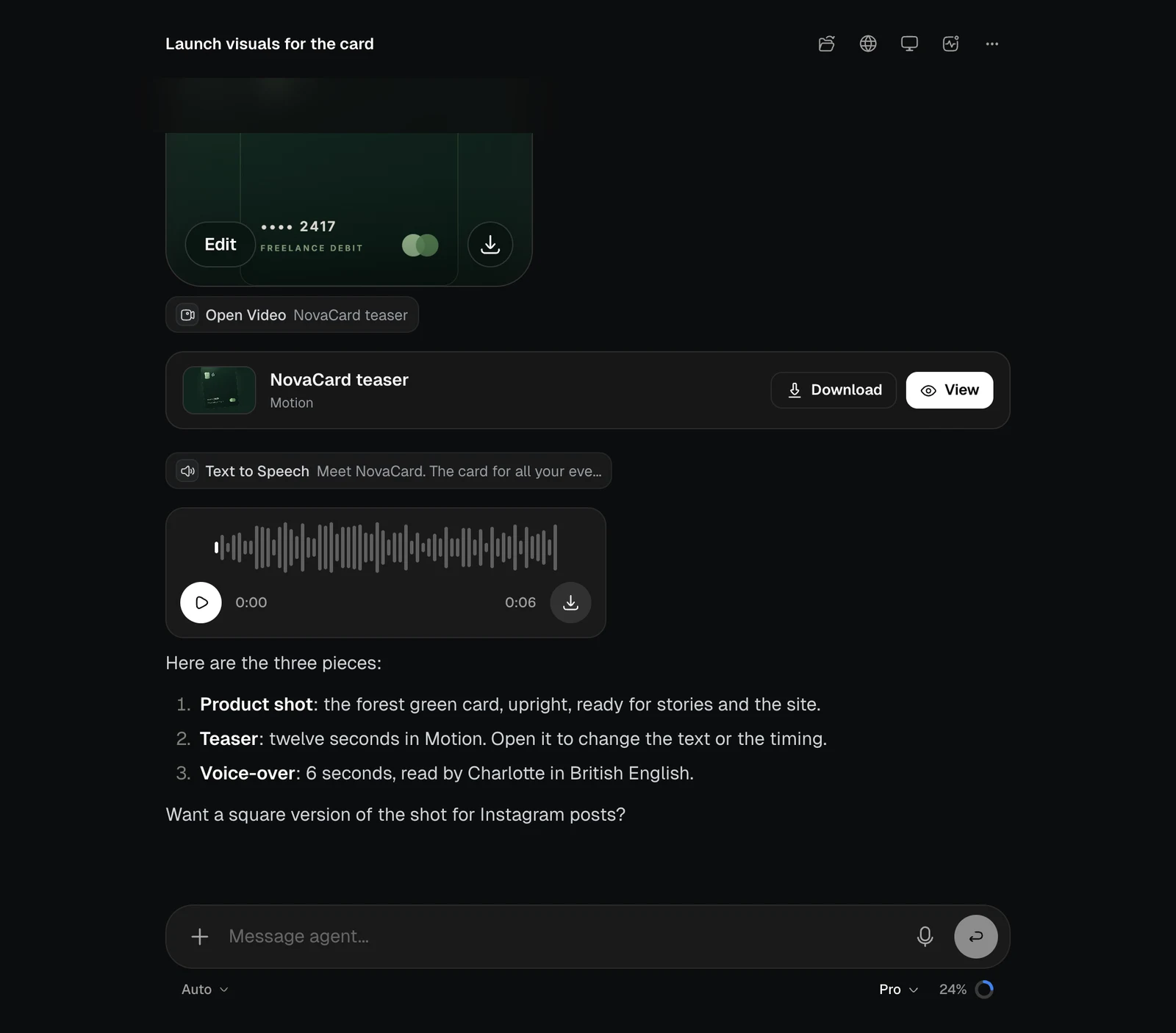
Generate and edit images, make videos, voice-overs and music, and work with what comes back.
| Action | What it does |
|---|---|
| Edit | Opens the image so you can paint over the part to change and say what should happen there |
| Aspect ratio | Makes the image again as square, portrait, story, landscape or widescreen |
| Download | Saves the image |