
The agent writes documents and spreadsheets on its computer and gives them to you in the chat. It can read what you attach, too: documents, spreadsheets, images, audio and video.

Presentations and files

A deck arrives on a card, built in Slides. View opens it to read and edit, and Download saves a copy. Other files appear underneath, ready to open or download.
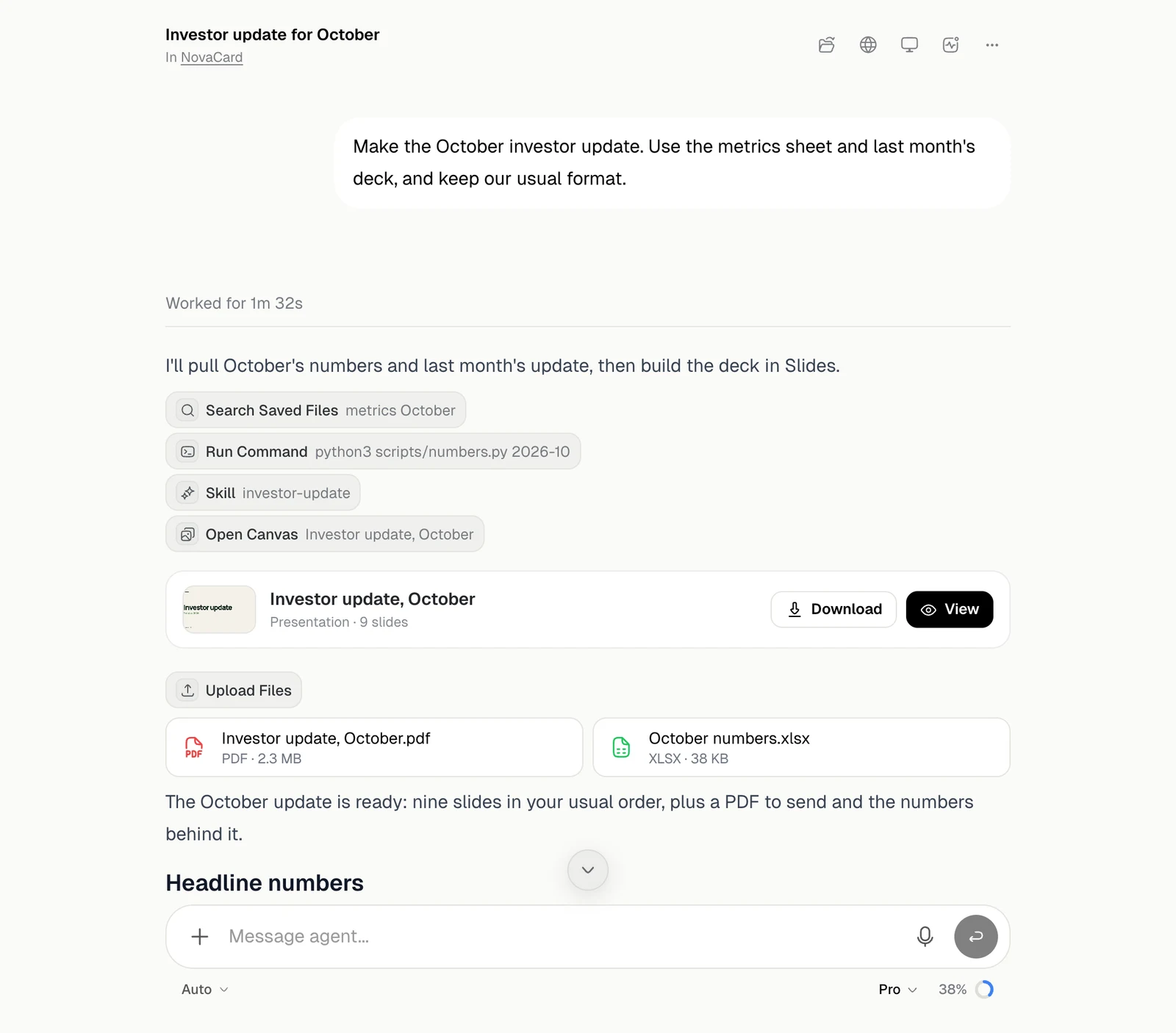
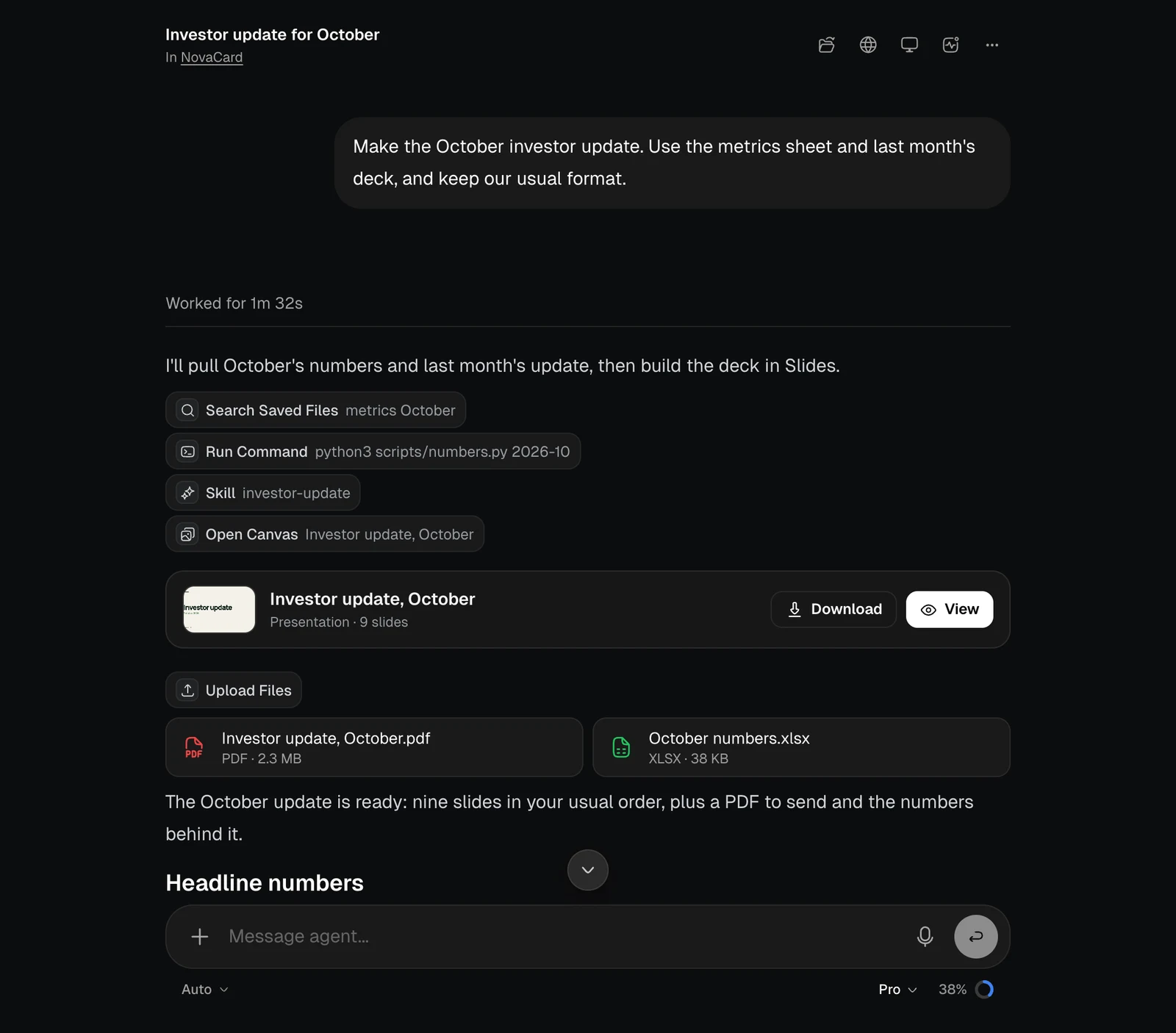
A chat with tool badges, a presentation card with Download and View, and two file cards, light themeA chat with tool badges, a presentation card with Download and View, and two file cards, dark theme
It can make Word documents, Excel spreadsheets, PDFs, CSV and text files. For a deck, it takes the look from your brand, a reference you give or the subject. It can also show you styles to pick from. Everything it makes is in the chat’s Files and in your Library.

Tables, formulas and diagrams

Answers can include more than text.
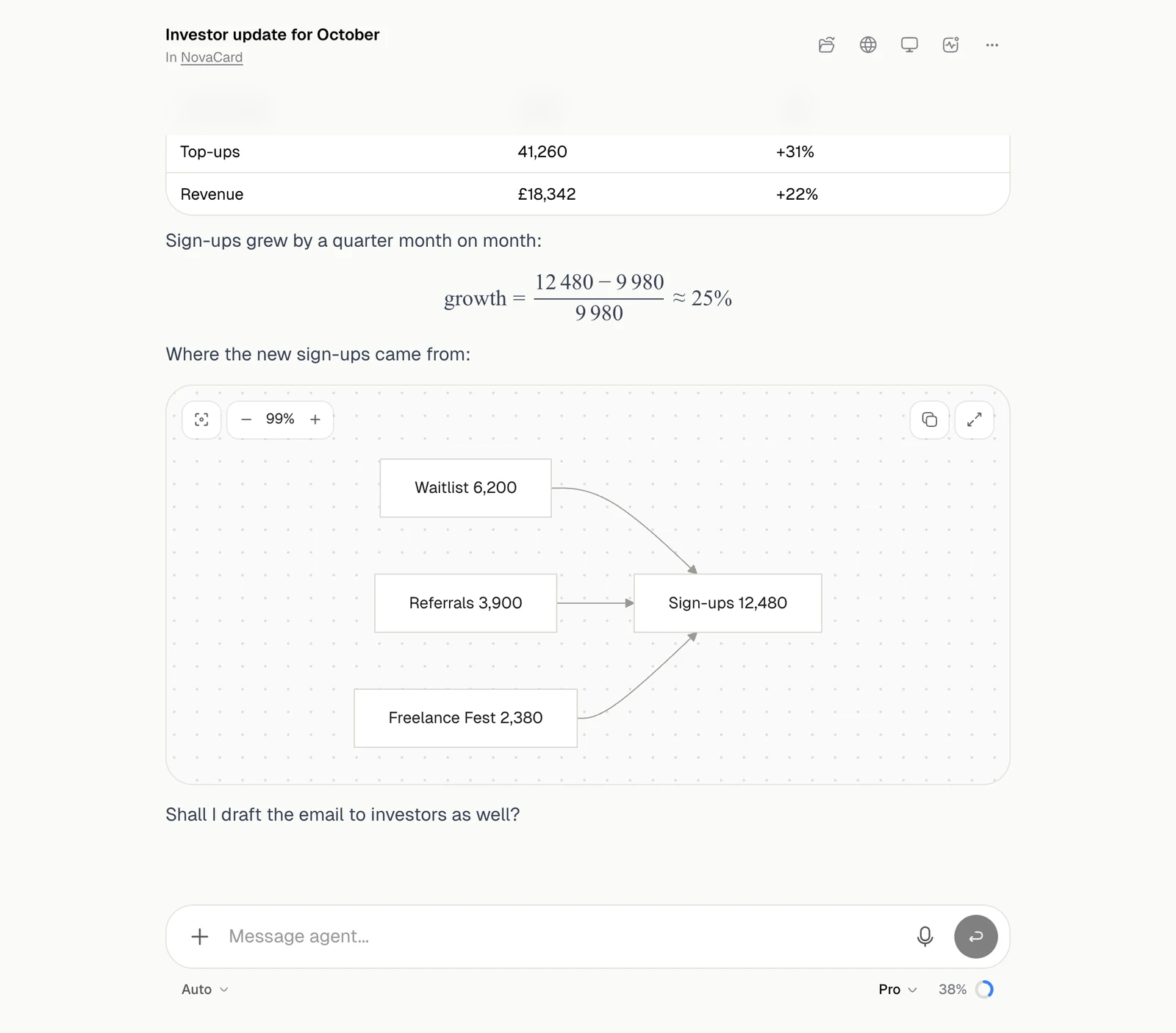
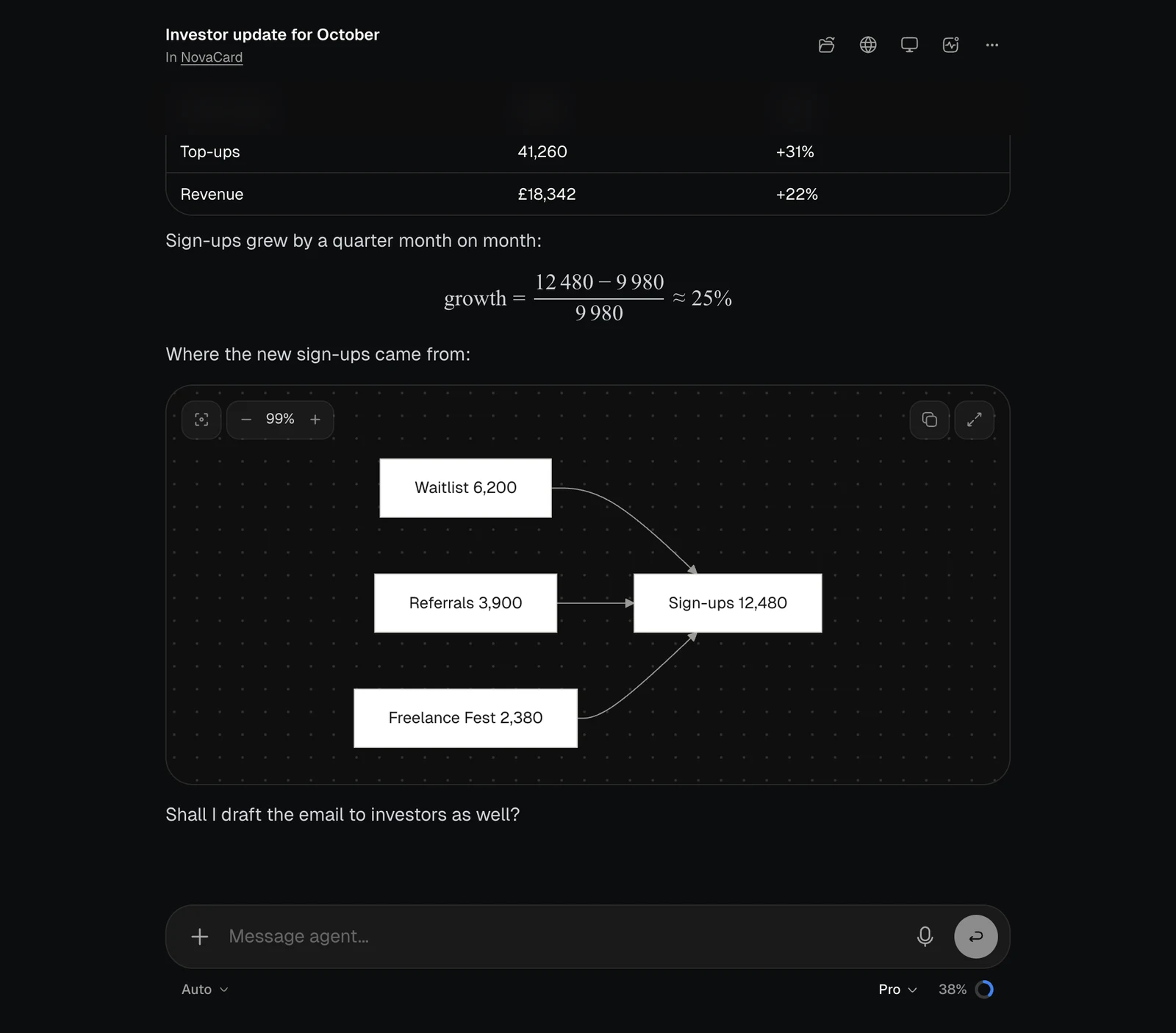
An answer with a table, a maths formula and a flow diagram, light themeAn answer with a table, a maths formula and a flow diagram, dark theme
In an answerWhat you can do
TableRead it in place, with its columns lined up
FormulaMaths and chemistry, drawn properly. Copy LaTeX copies the source
DiagramFlowcharts, sequences and more, on a canvas you can drag. The buttons fit it to the view, zoom, copy its code and open it full screen
CodeHighlighted, with a copy button