

What you can customize
| Section | What it does |
|---|---|
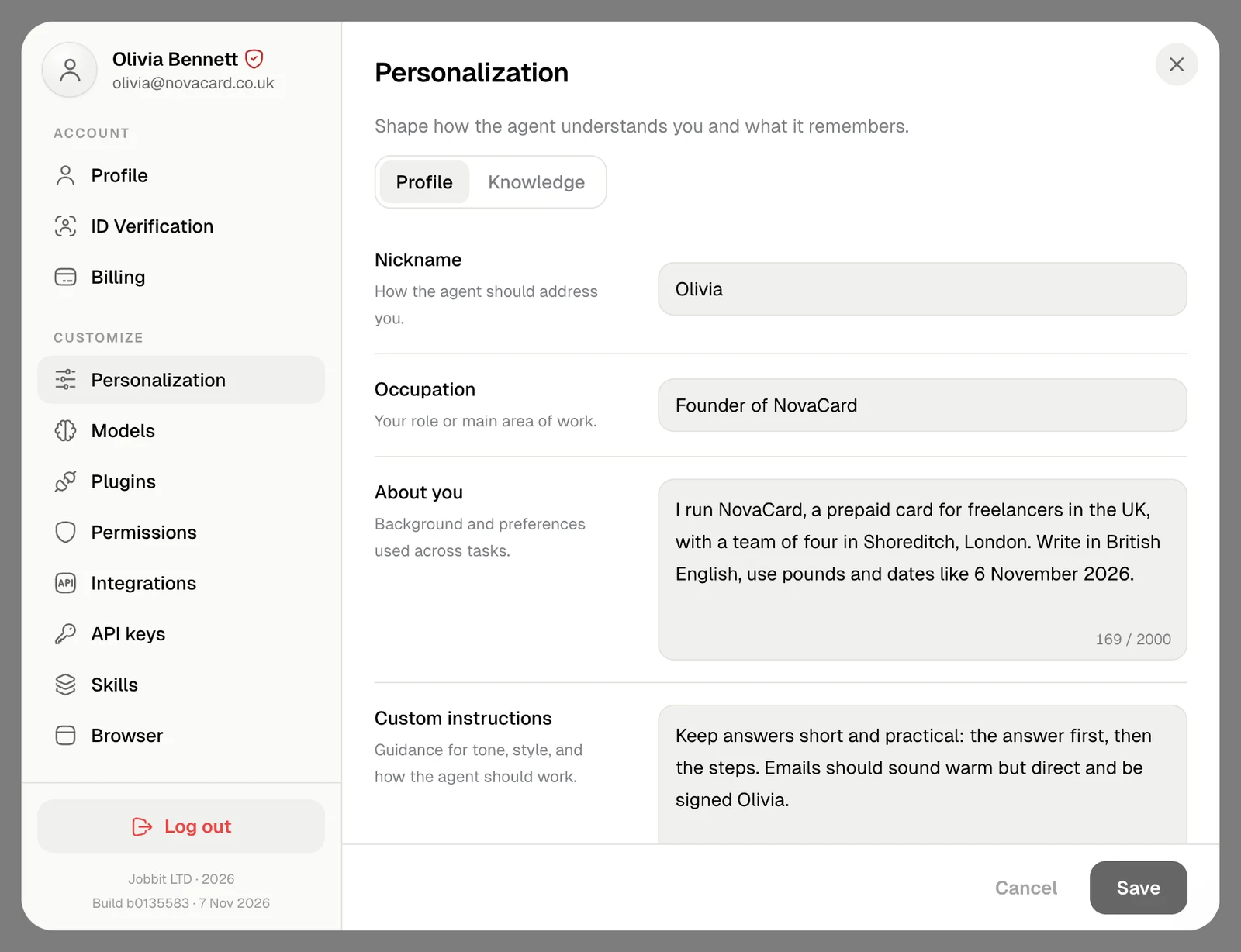
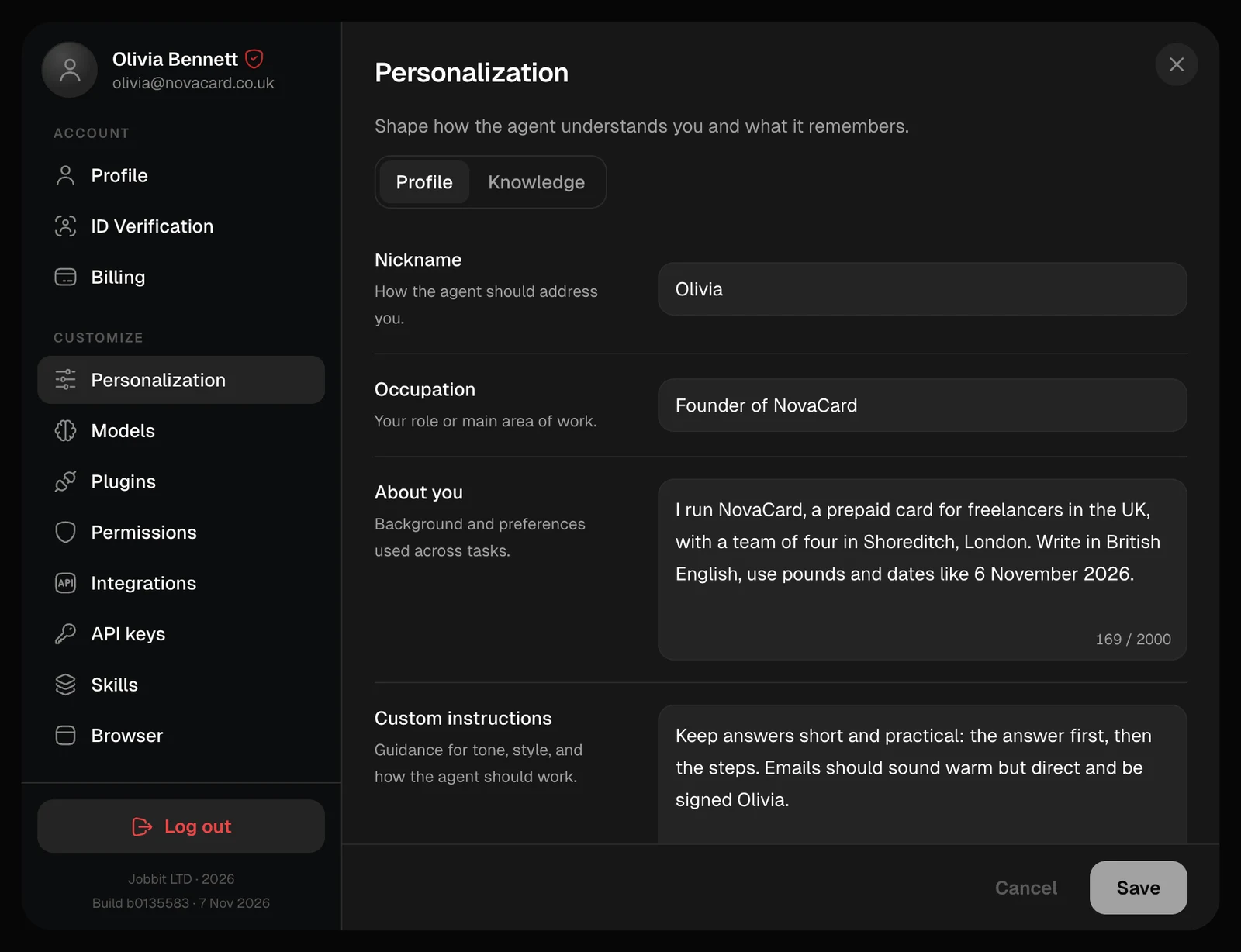
| Personalization | Your name, role, background and instructions the agent follows in every chat |
| Knowledge | Facts and decisions the agent keeps in mind: your brand, prices, team |
| Models | Which model makes images, video, music and speech |
| Plugins | Gmail, Google Calendar, Notion, GitHub and other apps the agent can work in |
| Custom MCP | Your own tools, from any server that speaks MCP |
| Skills | Instructions and files for one kind of work, picked up when a task matches |
| Permissions | When the agent asks you before it acts |
| Integrations | Using Jobbit from Claude, ChatGPT, Codex and other apps |
| Browser | The sites the agent’s browser is signed in to |
Personalization
Tell the agent who you are and how to work with you.
Plugins
Connect the apps you already use.
Skills
Teach the agent your own way of doing a job.
Permissions
Choose when the agent asks first.