Files

Files in the header lists what the agent made in this chat, sorted by kind: Slides, Motion, Design, Images, Video, Apps, Files, Audio and Other. Only the kinds in this chat appear.
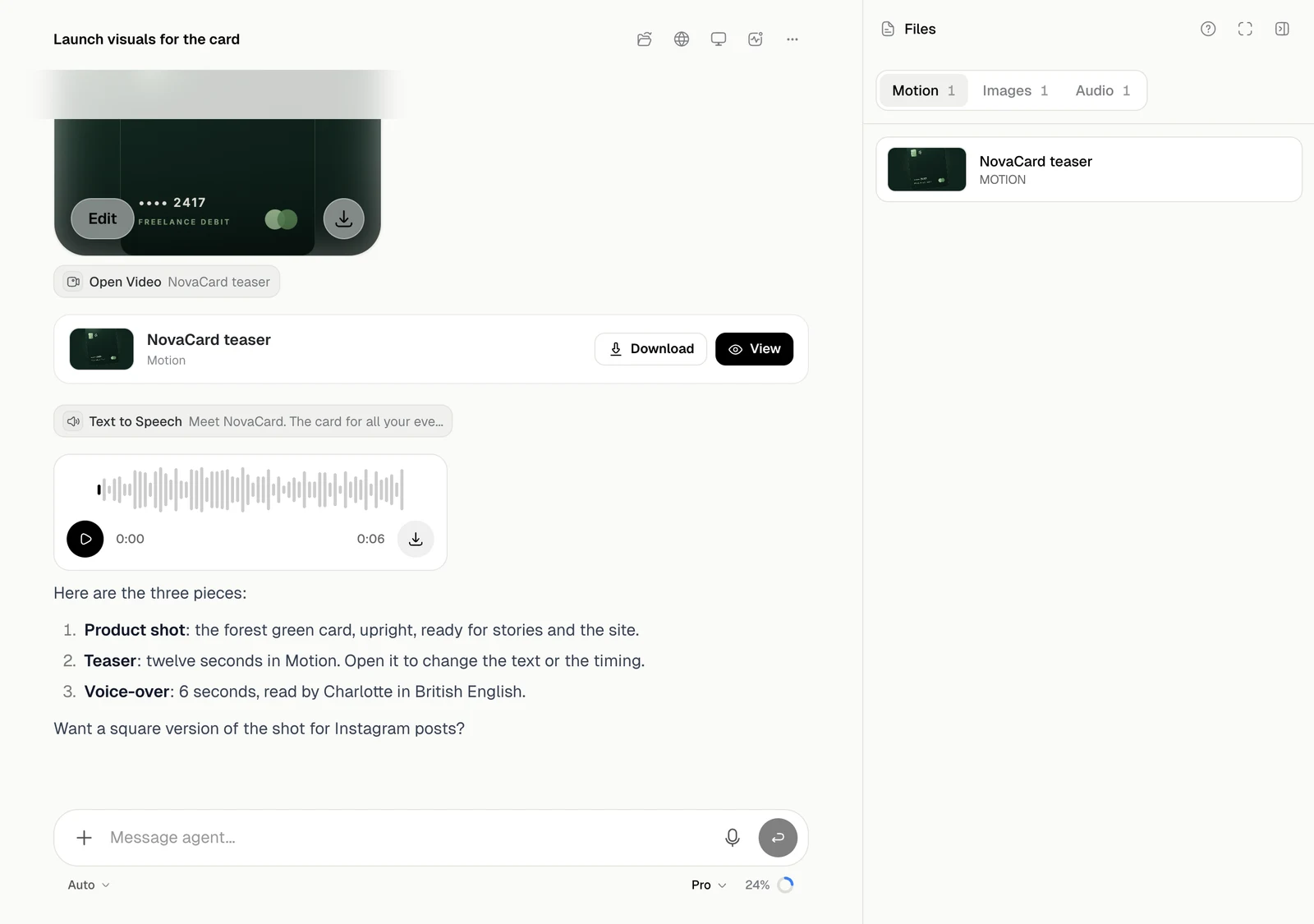
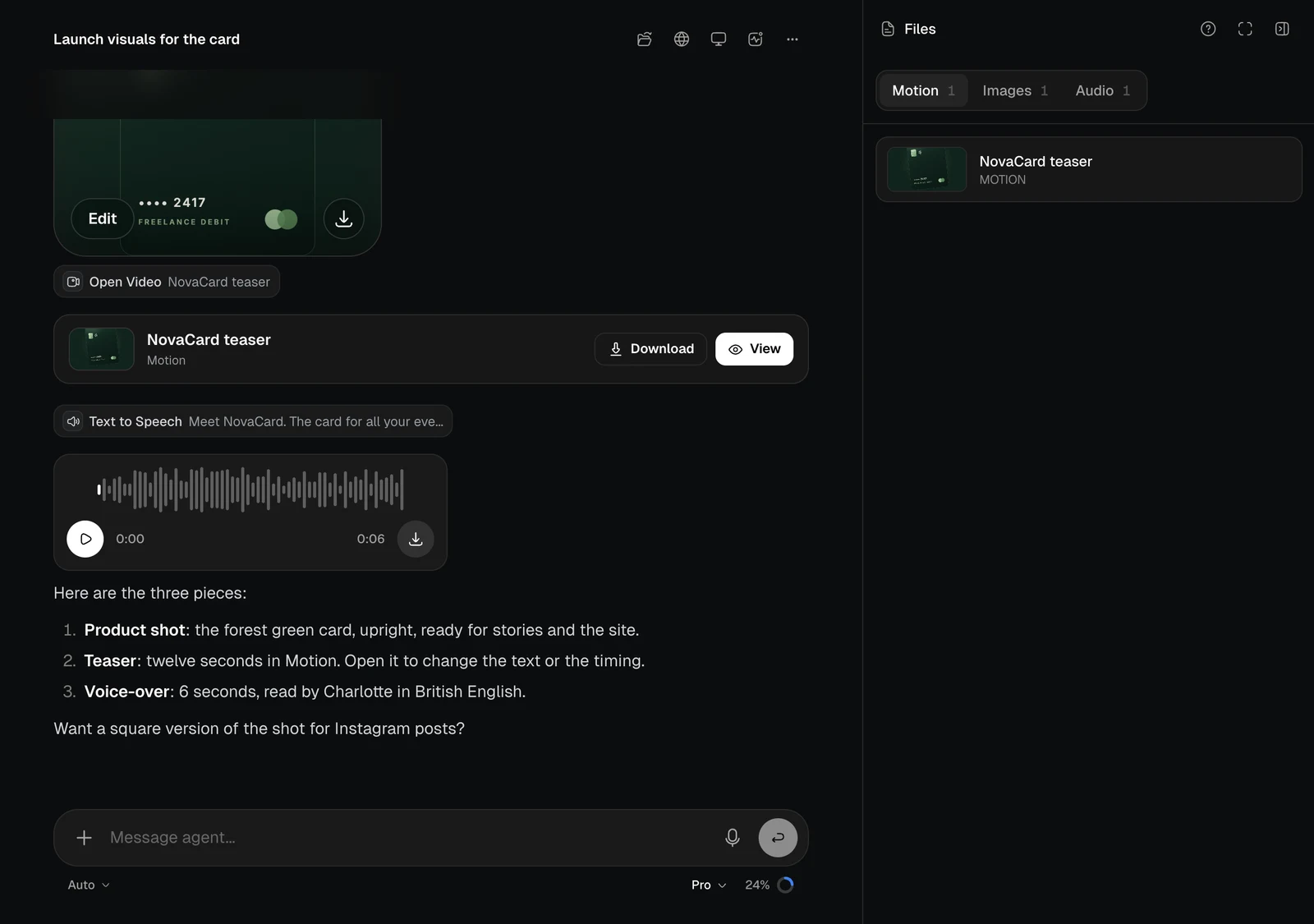
The Files panel with Motion, Images and Audio tabs, light themeThe Files panel with Motion, Images and Audio tabs, dark theme
Apps show their state and a link to visit them. Everything here is also in your Library.

Review changes

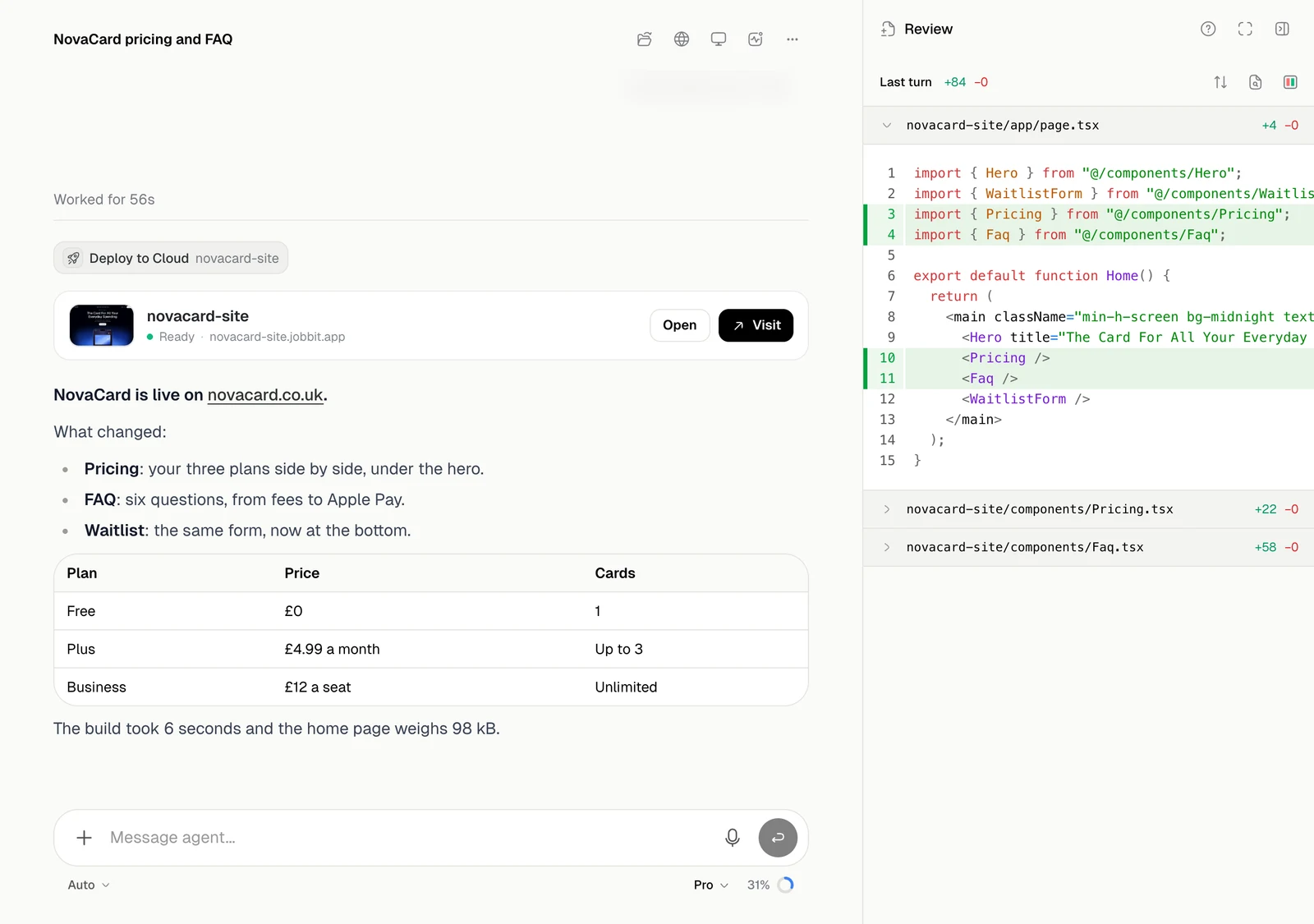
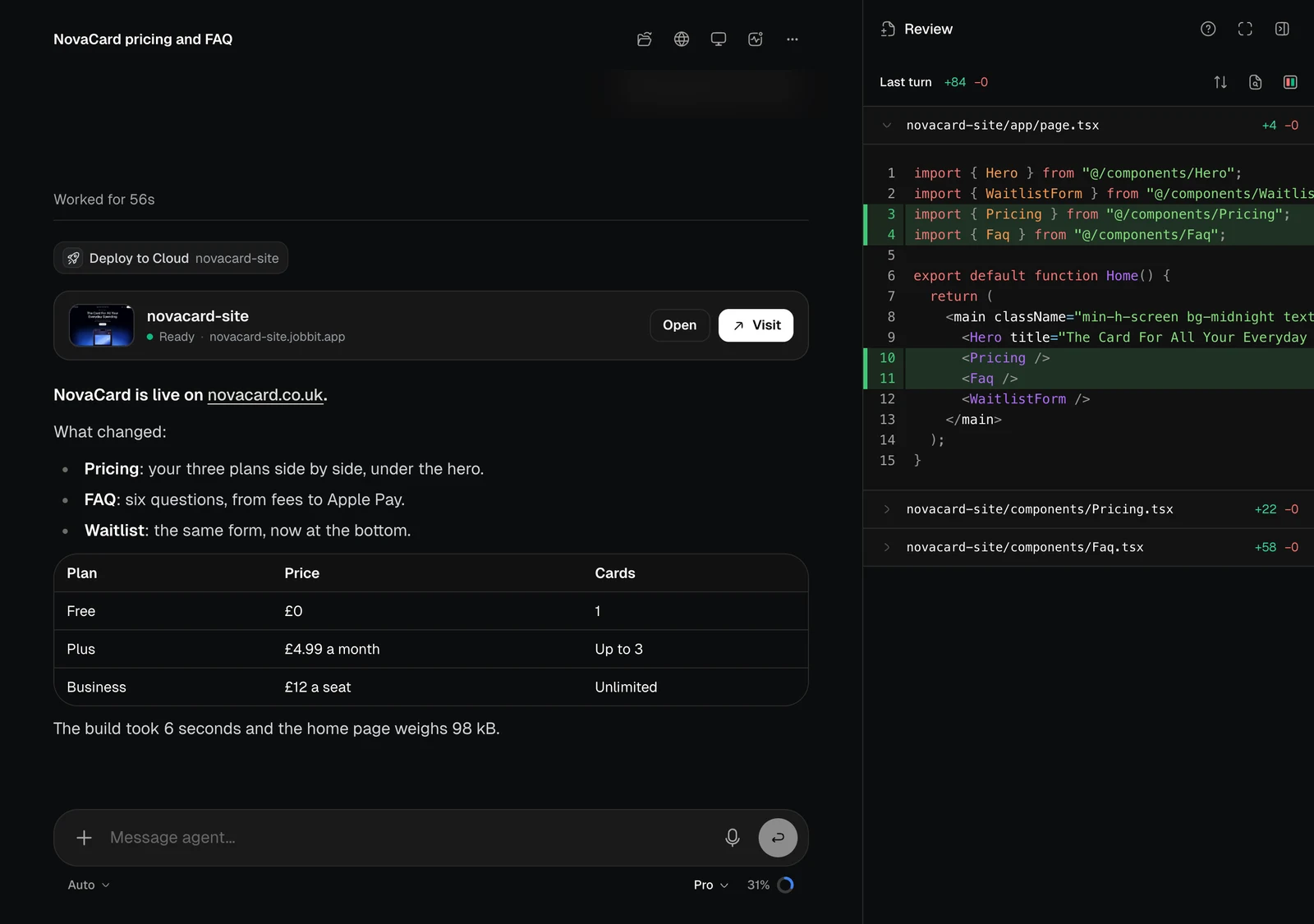
Review changes in the chat’s menu shows the files the agent wrote or edited in its last turn, with the lines added and removed.
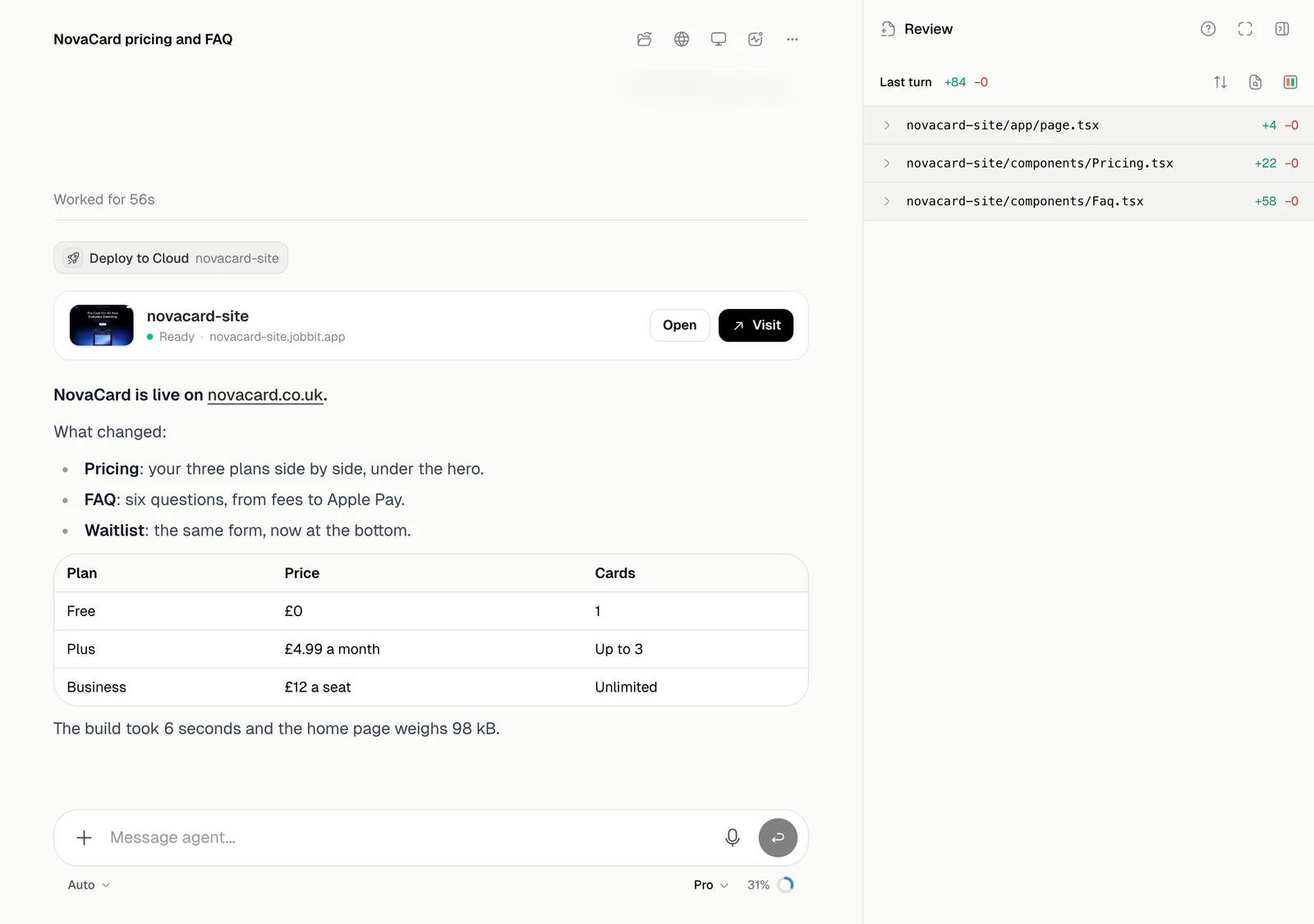
The Review panel listing three changed files with their added and removed lines, light themeThe Review panel listing three changed files with their added and removed lines, dark theme
Click a file to see its diff.
The Review panel with one file expanded to show its diff, light themeThe Review panel with one file expanded to show its diff, dark theme
The buttons at the top expand or collapse all files, jump to a file, and switch between a unified and a split diff.