

novacard-x7k2.apps.jobbit.uk, runs on Jobbit’s servers, and can have a database, file storage, email and analytics without any setup on your side.
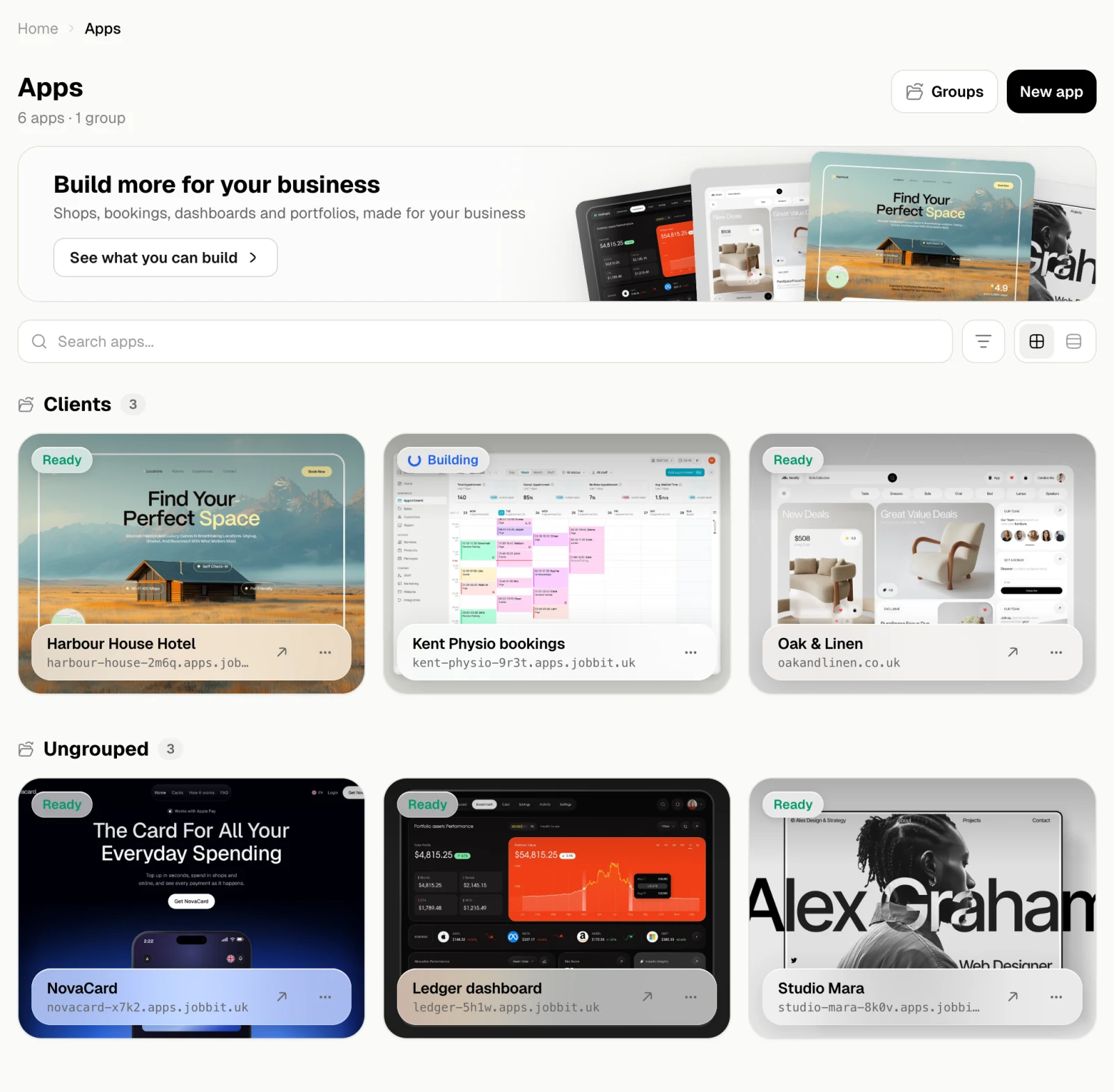
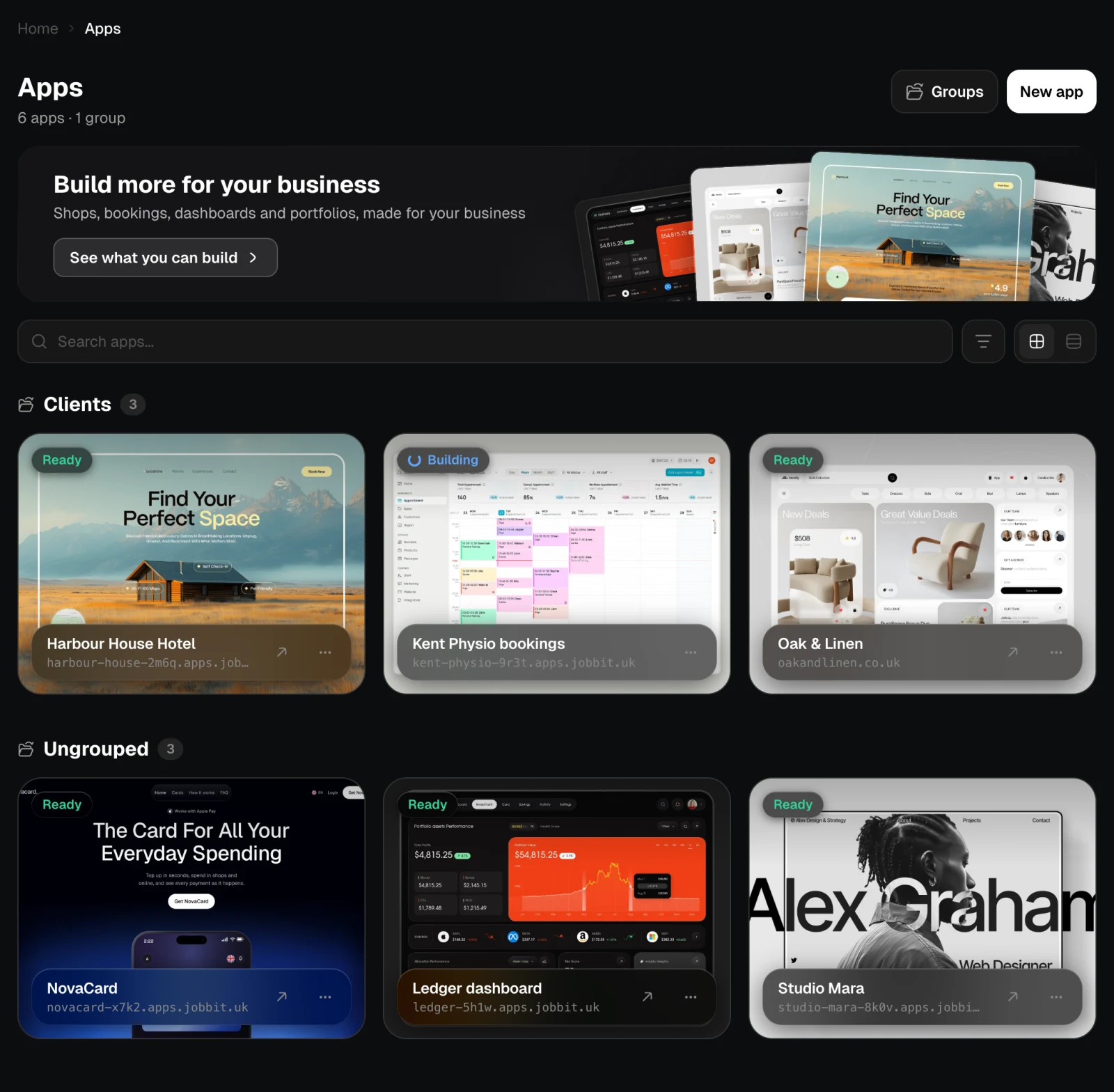
Everything you build lives on the Apps page. Open an app there to see how it is doing, change its settings and connect your own domain.
How an app gets here
Ask the agent
Describe the site or app in a chat: who it is for, what people should be able to do, the pages and the look. The agent writes the code and shows a live preview while it works.
Publish it
When you are happy, ask the agent to publish. Jobbit builds the app, starts it and gives it an address. It appears on the Apps page as soon as the build begins.
Status
The badge next to an app’s name says what it is doing.| Status | Meaning |
|---|---|
| Queued | Waiting for a free builder |
| Building | The first version is being built and started |
| Rebuilding | A new version is being built; the current one stays online |
| Ready | Online and answering |
| Scaling | Getting more resources |
| Throttled | Slowed down because it reached a limit of the plan |
| Suspended | Paused, for example because the plan’s traffic ran out |
| Failed | The last build or start did not work; open Logs to see why |
Free and paid plans
On the Free plan an app lives for a week, and its page tells you when it will be removed. Any paid plan keeps your apps online, lets you use your own domain and gives them a larger shared pool of resources. See Plans.Inside an app
Overview
Status, visitors, traffic, a live picture of the site and its address.
Analytics
Visitors, pages, sources, countries, speed and errors, built in.
Usage
What the app uses, what your plan allows and what happens at the limit.
Logs
What the app prints while it runs, and how the last deploy went.
Code
Browse and download the source the app runs.
Environment
Variables the app reads, including the ones Jobbit manages.
Domains
Put the app on your own domain or one bought on Jobbit.
Send the app’s mail from your own domain under your own name.
Plans
The resources each plan gives your apps.
Settings
Name, group, project, exports and deleting the app.