

novacard.uk. On Jobbit you can find one, buy it and connect it to any of your apps without touching DNS. Jobbit registers it privately, sets up the records and the certificate for HTTPS, and renews it for you.
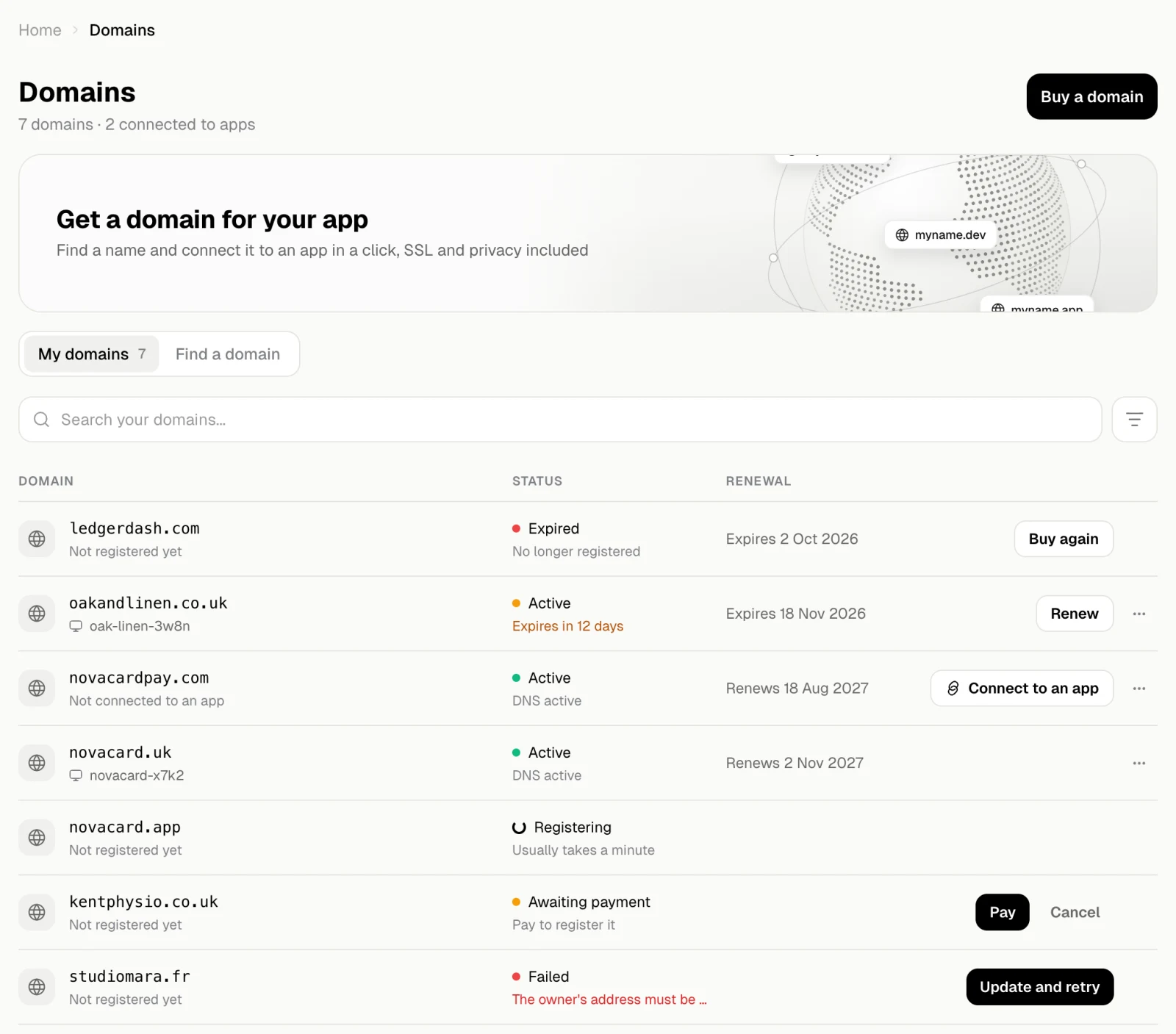
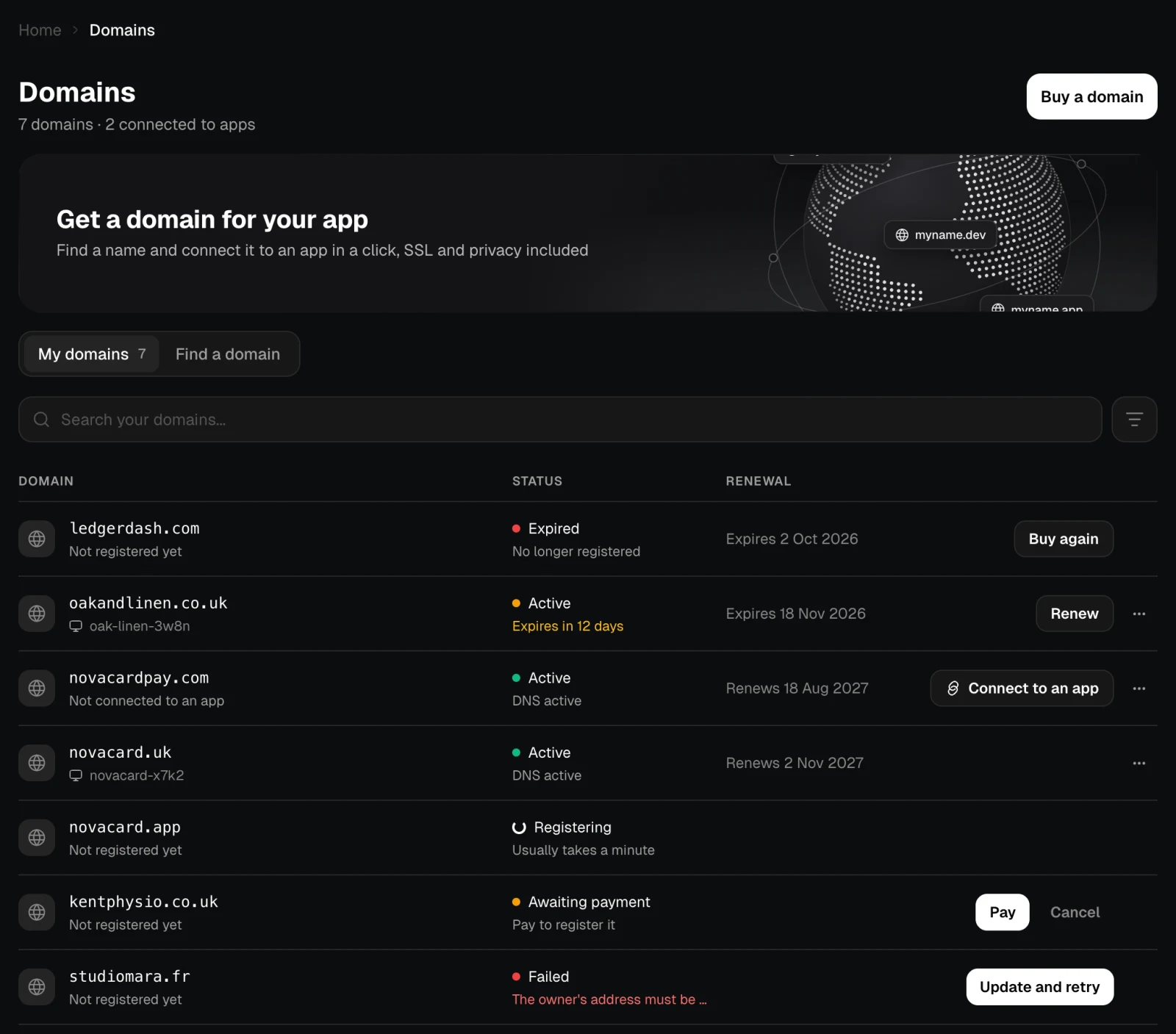
Everything is on the Domains page in the sidebar: the domains you have, and a search to find new ones.
How it works
Find a name
Search for a name. Jobbit checks it and the same name with other popular endings, and shows the price for a year. See Find and buy.
Buy it
Fill in who owns the domain and pay with a saved card or a new one. Jobbit registers it, usually within a minute.
Connect it to an app
Choose Connect to an app and pick the app. Jobbit points the domain at it, sets up HTTPS and the records the app needs to send email from the domain. See Connect to an app.
What is included
| Included | What it means |
|---|---|
| Private registration | Your details stay out of the public records of the domain |
| SSL | The certificate for HTTPS is set up and renewed for you |
| DNS | Jobbit hosts the domain’s DNS and writes the records an app and its email need. You can add your own on the DNS records page |
| Renewal | A domain is bought for a year with auto-renew on. See Renewal |
A domain you already own
A domain bought somewhere else can still open your app: add it on the app’s Domain tab and create one DNS record where you manage it. See Domains for an app.Your first domain
Before you buy one, the page offers a search right away.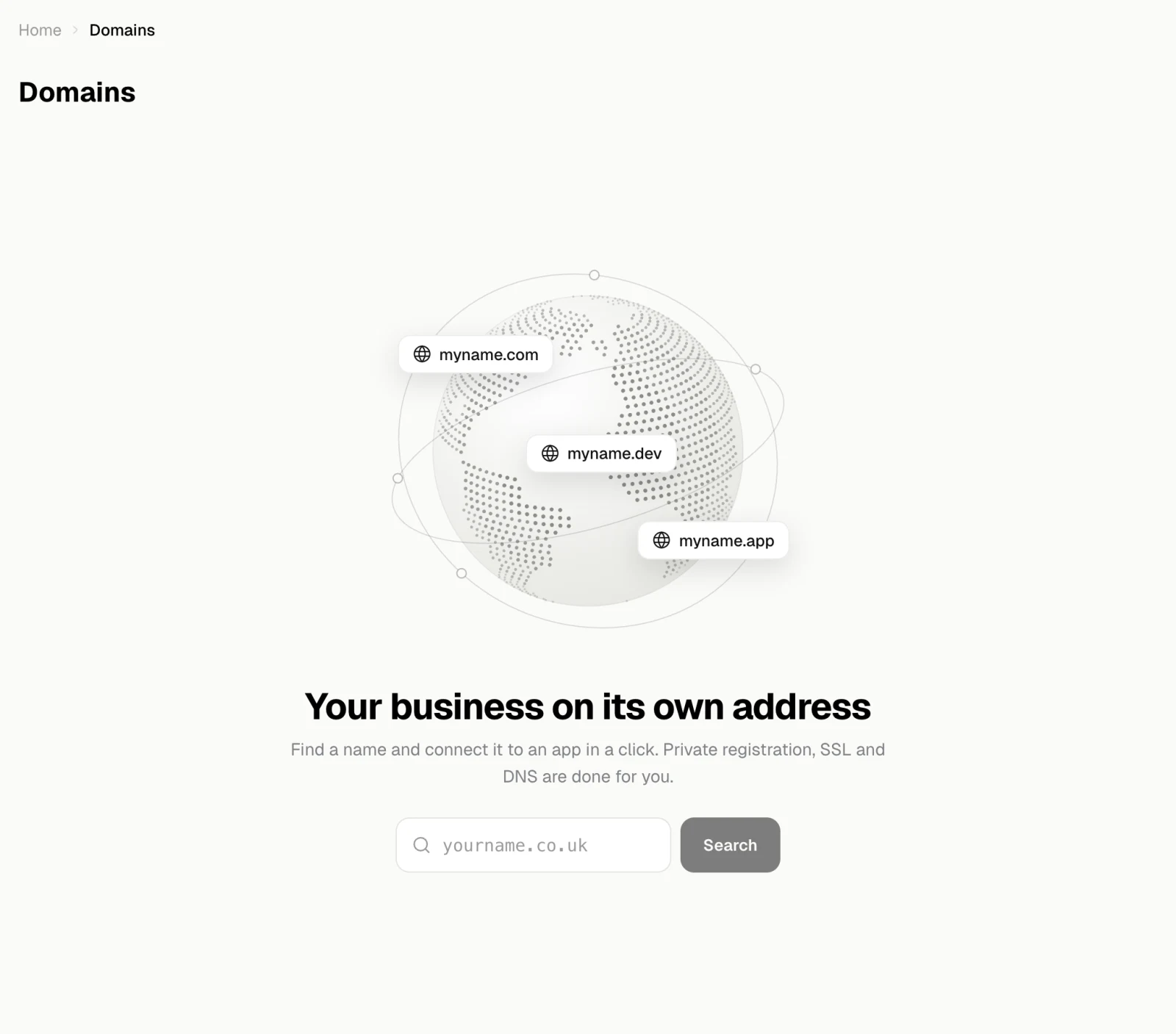
Find and buy
Search for a name, compare endings and buy it.
Your domains
What each status means and what to do next.
Connect to an app
Put a domain on one of your apps.
Renewal
Auto-renew, reminders and renewing by hand.
DNS records
See the records Jobbit keeps and add your own.