

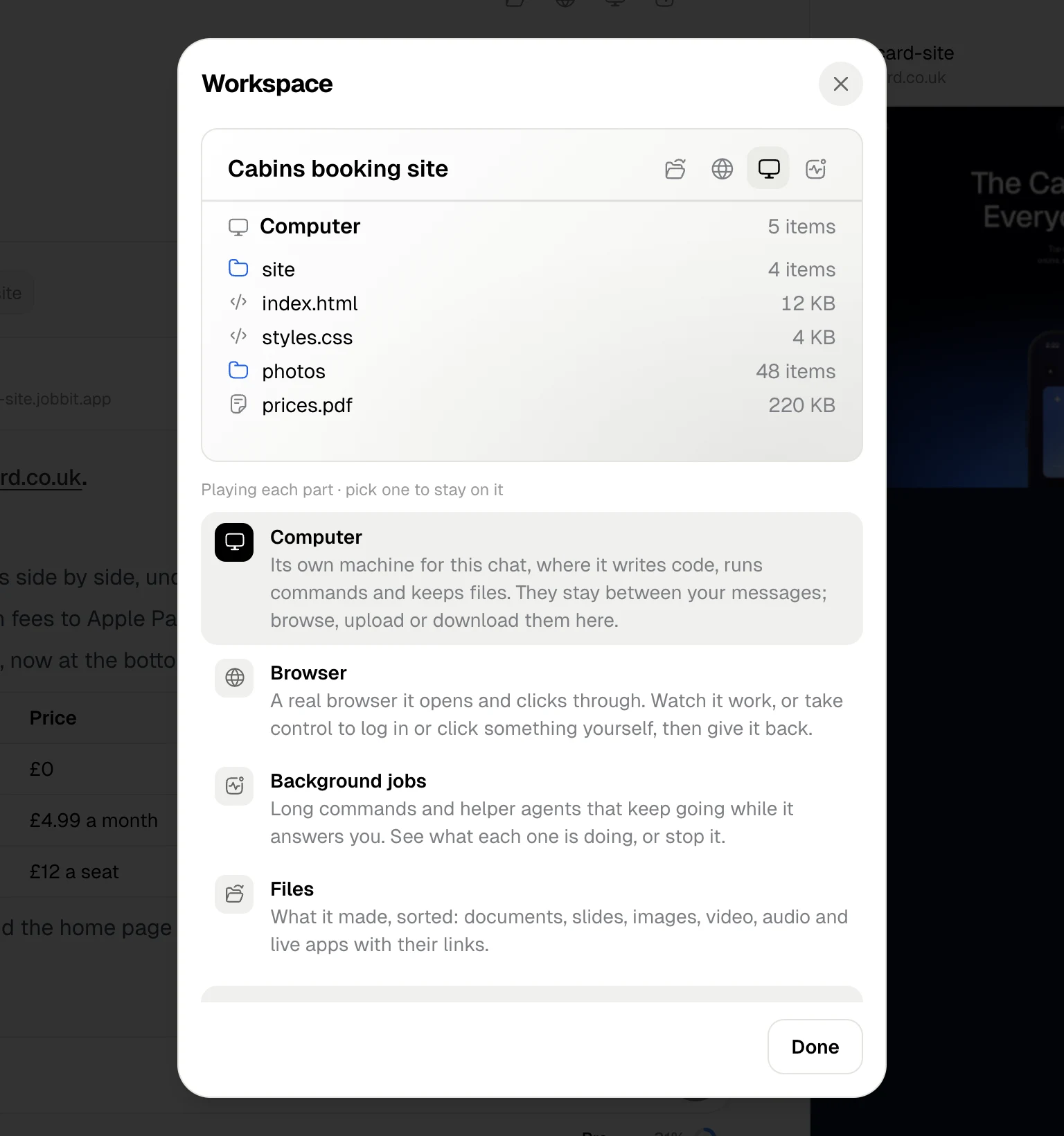
| In the header | What it opens |
|---|---|
| Files | What the agent made, sorted by kind |
| Browser | The agent’s browser, live |
| Computer | The chat’s own machine, with its files |
| Background jobs | Long commands and helper agents |
The panel beside the chat: the agent’s computer and browser, background jobs, the chat’s files and tool details.
| In the header | What it opens |
|---|---|
| Files | What the agent made, sorted by kind |
| Browser | The agent’s browser, live |
| Computer | The chat’s own machine, with its files |
| Background jobs | Long commands and helper agents |