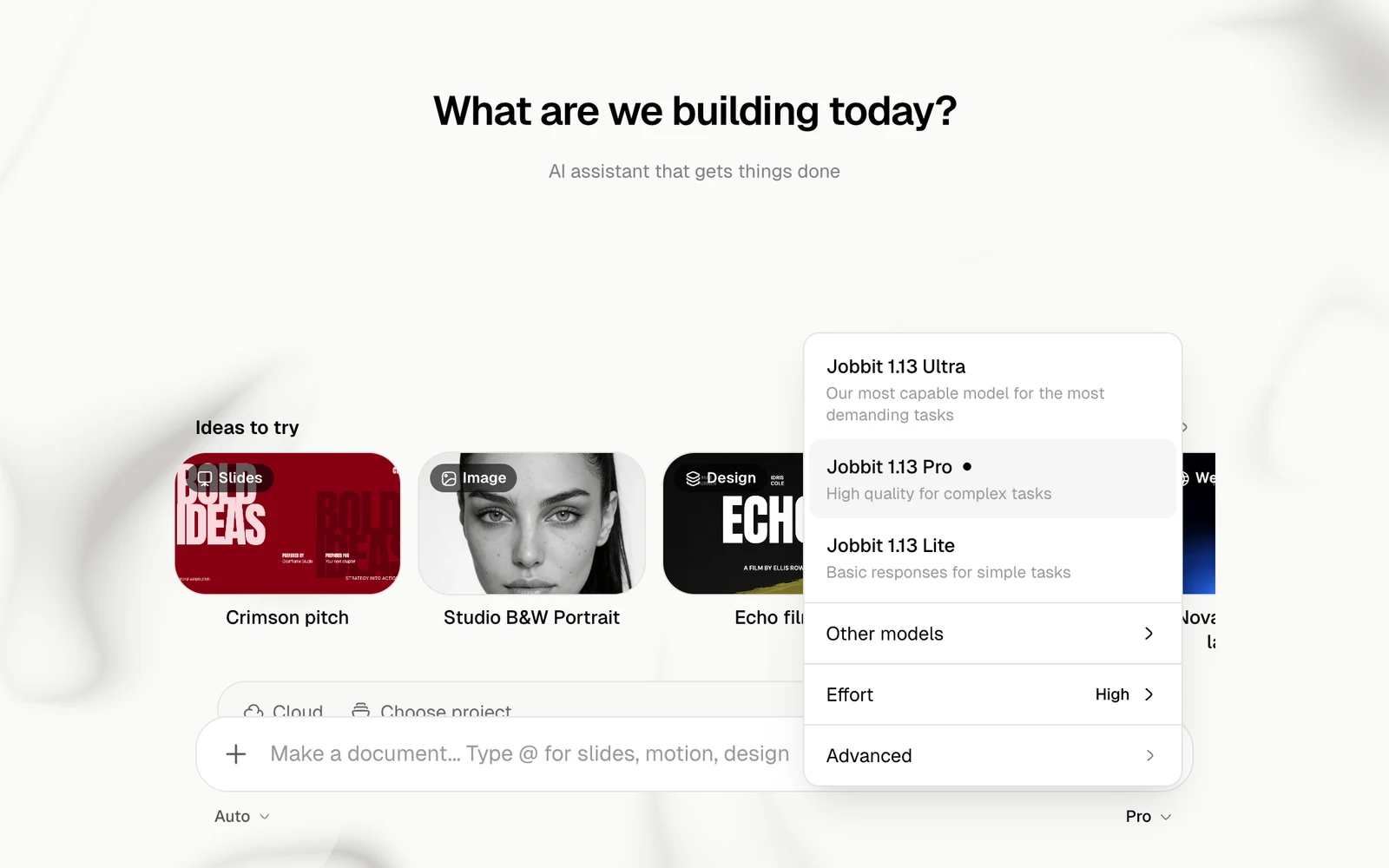
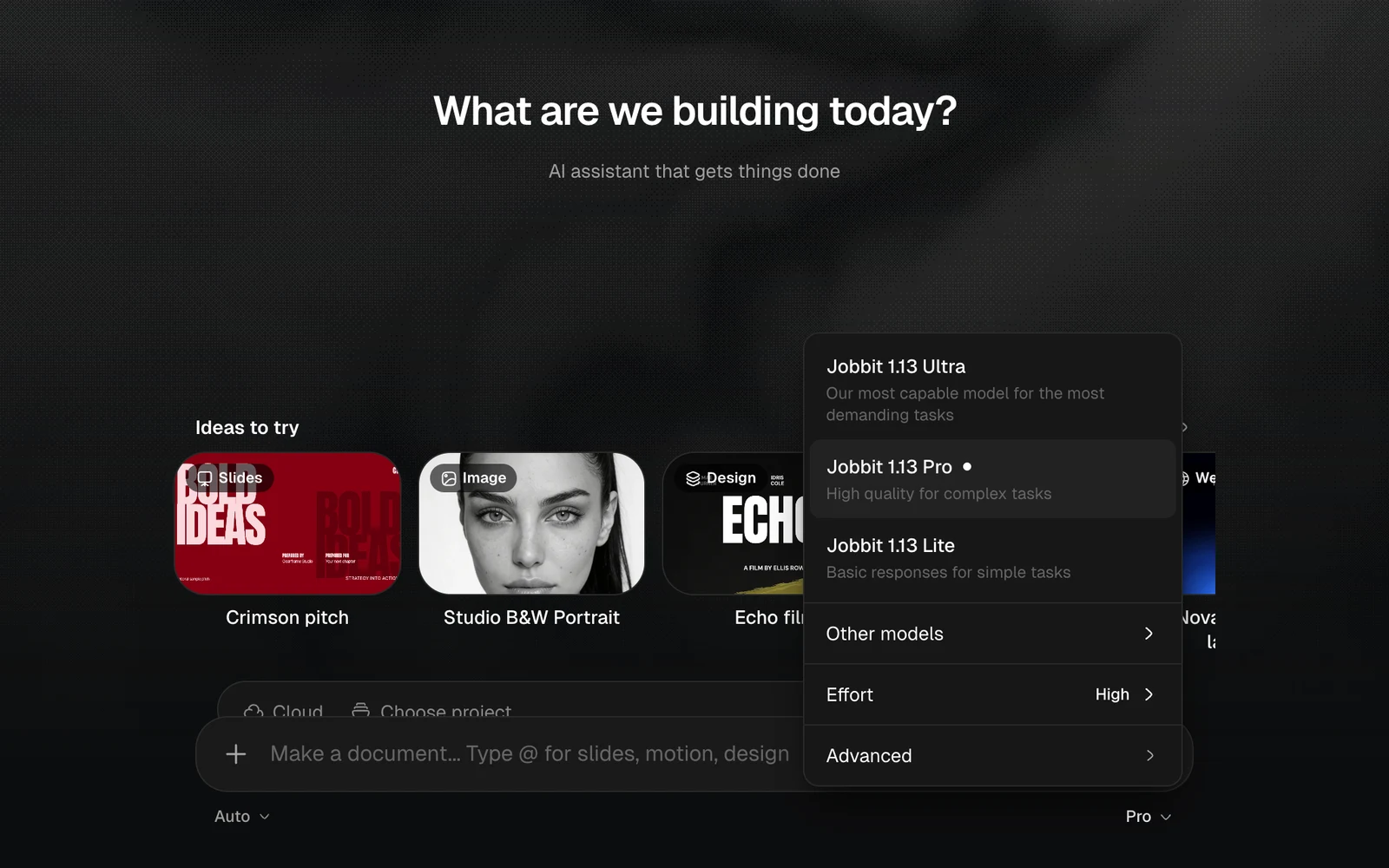
The menu at the bottom right of the message box sets the model the agent runs on and its effort.
The model menu with Jobbit 1.13 Ultra, Pro and Lite, Other models, Effort and Advanced, light themeThe model menu with Jobbit 1.13 Ultra, Pro and Lite, Other models, Effort and Advanced, dark theme

Models

ModelWhat it is forPlan
Jobbit 1.13 UltraOur most capable model for the most demanding tasksPaid plans
Jobbit 1.13 ProHigh quality for complex tasks. The defaultEvery plan
Jobbit 1.13 LiteBasic responses for simple tasksEvery plan
A model your plan does not include shows Upgrade. If your plan ends while Ultra is chosen, the chat goes back to Pro.

Other models

Other models lists further models from Claude, GPT, Gemini and others. Beside each one is its price in credits per million input tokens, so you can compare them. Some need a paid plan.
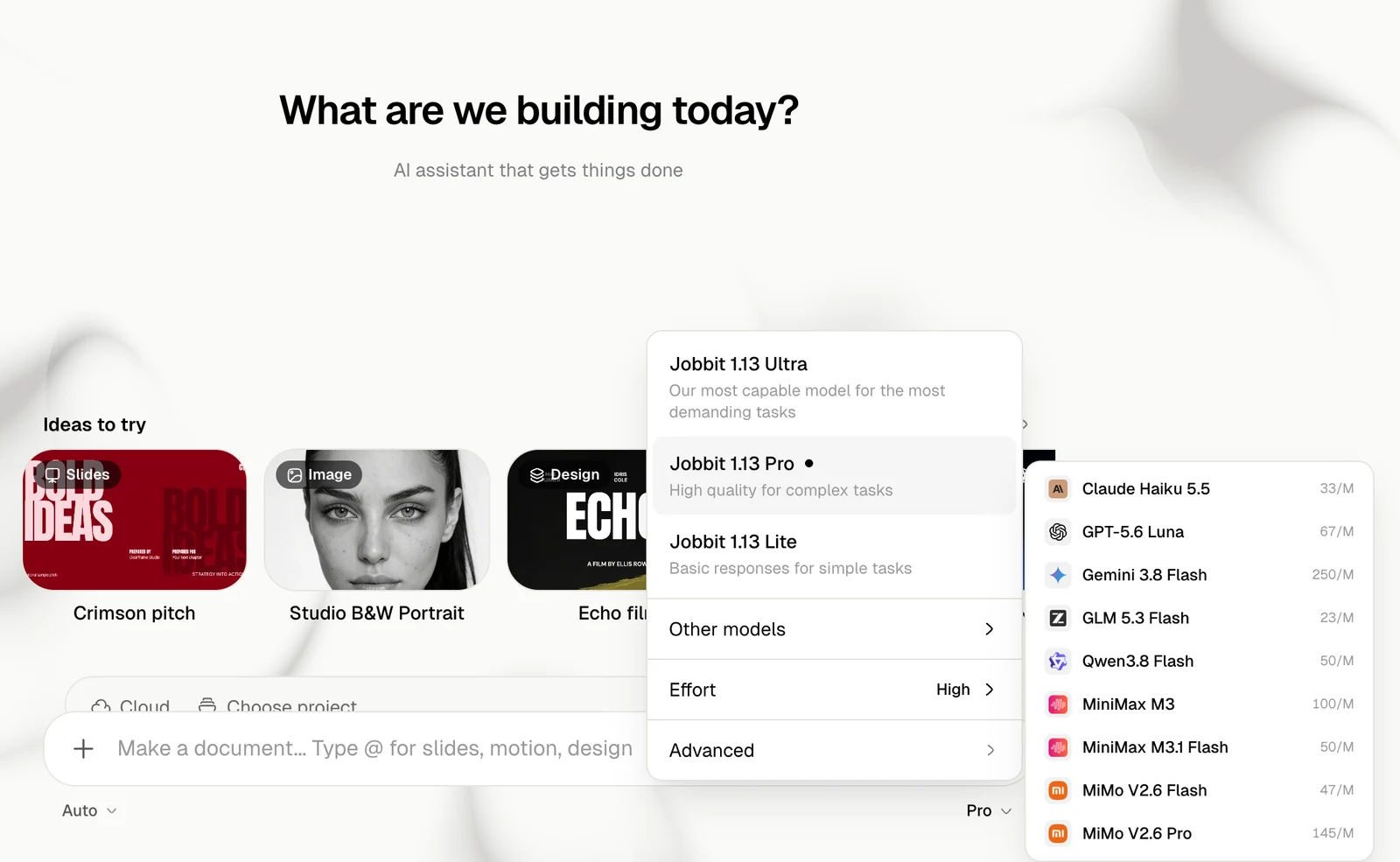
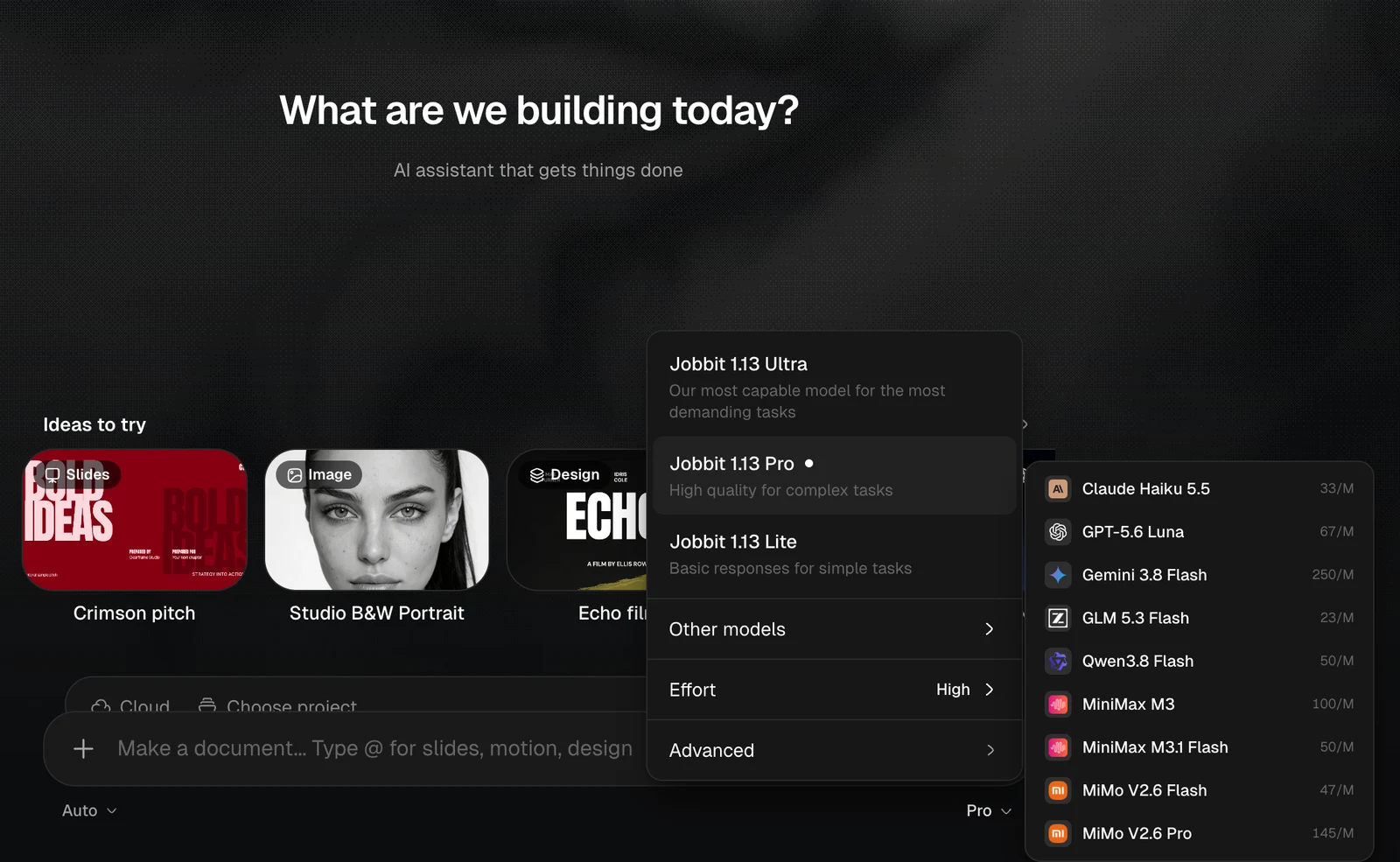
The Other models list with a price per million tokens beside each model, light themeThe Other models list with a price per million tokens beside each model, dark theme

Effort

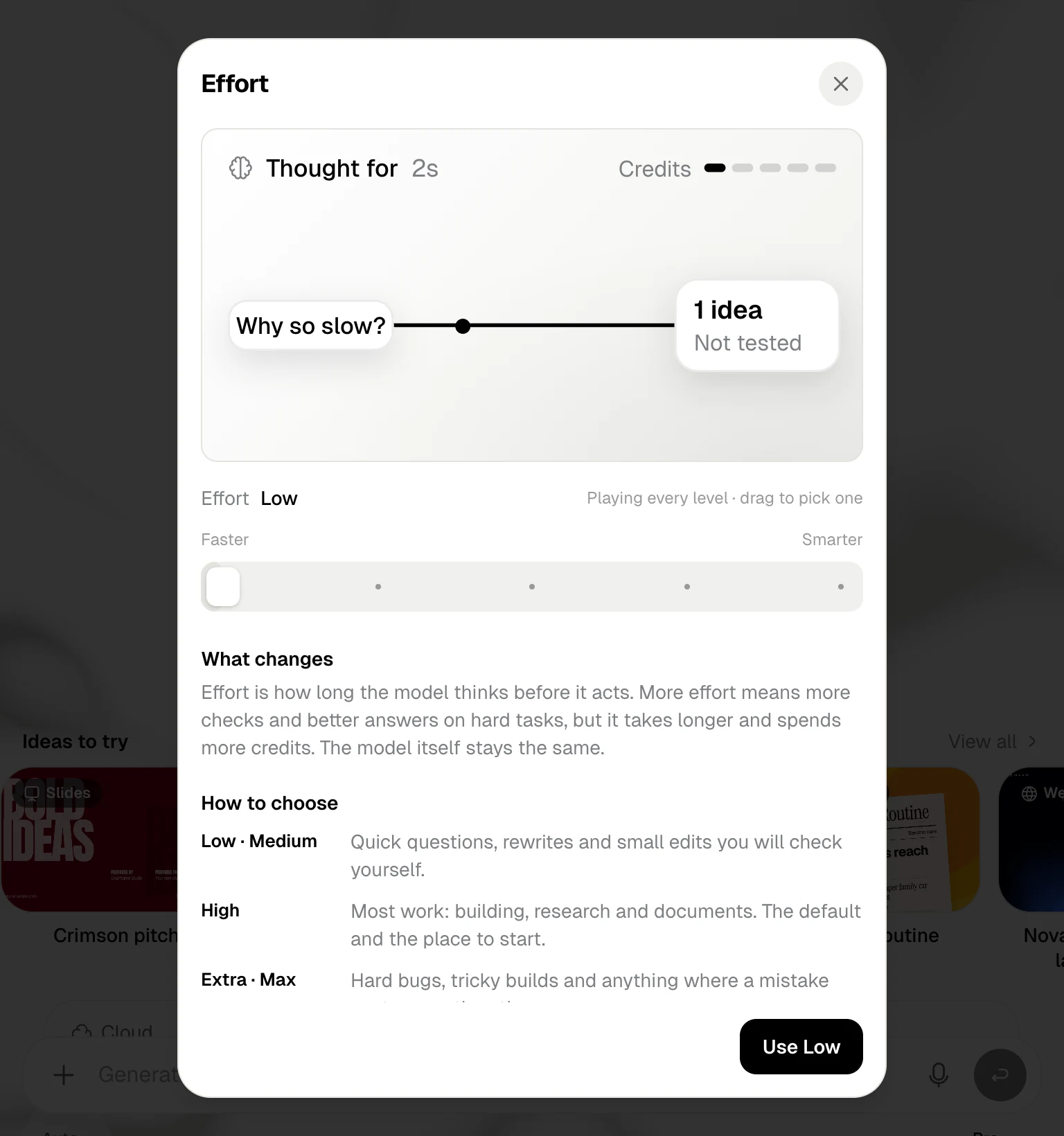
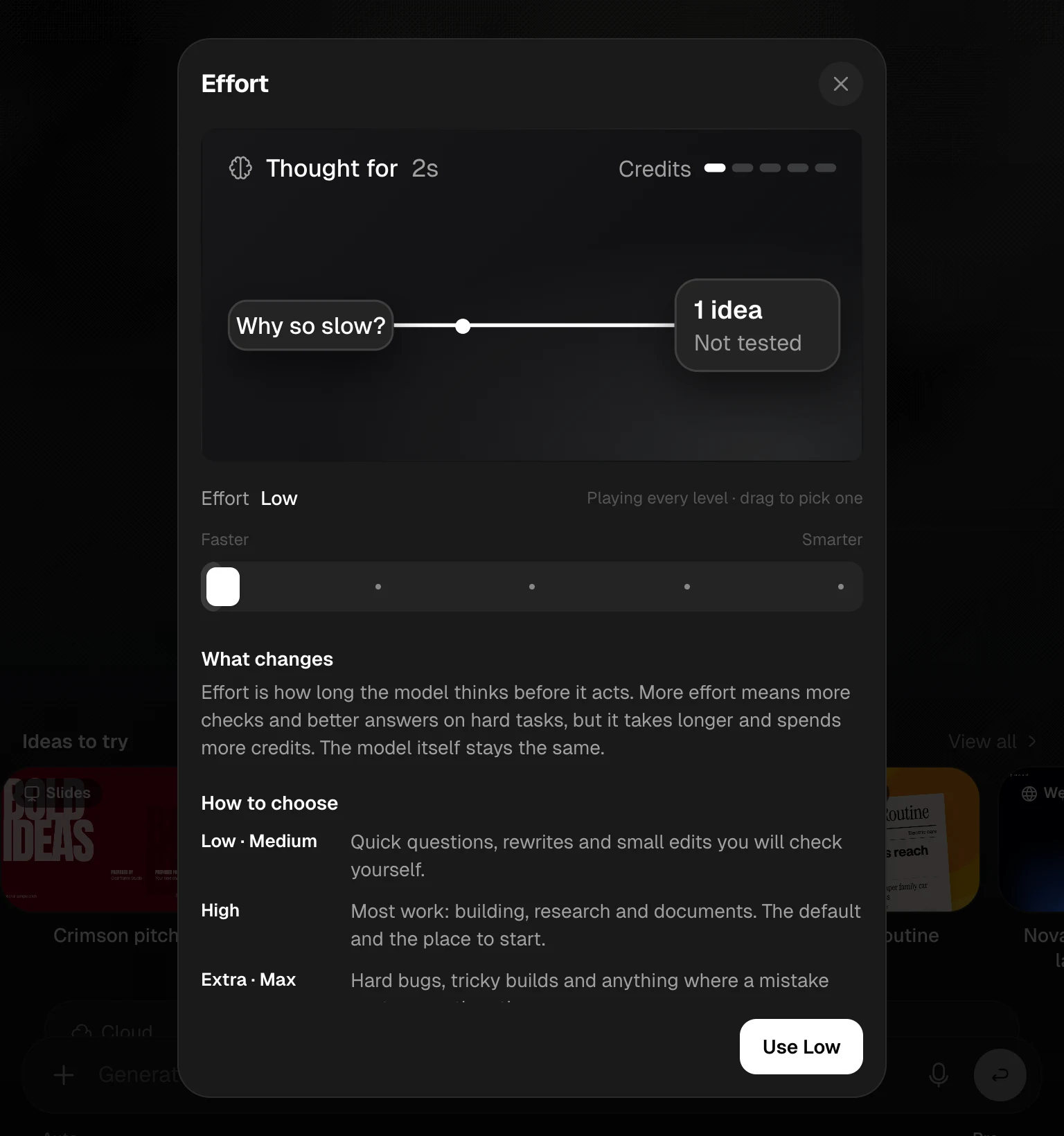
Effort is how long the model thinks before it acts. More effort means more checks and better answers on hard tasks, but it takes longer and spends more credits. The model itself stays the same. Drag the slider under Effort between Faster and Smarter.
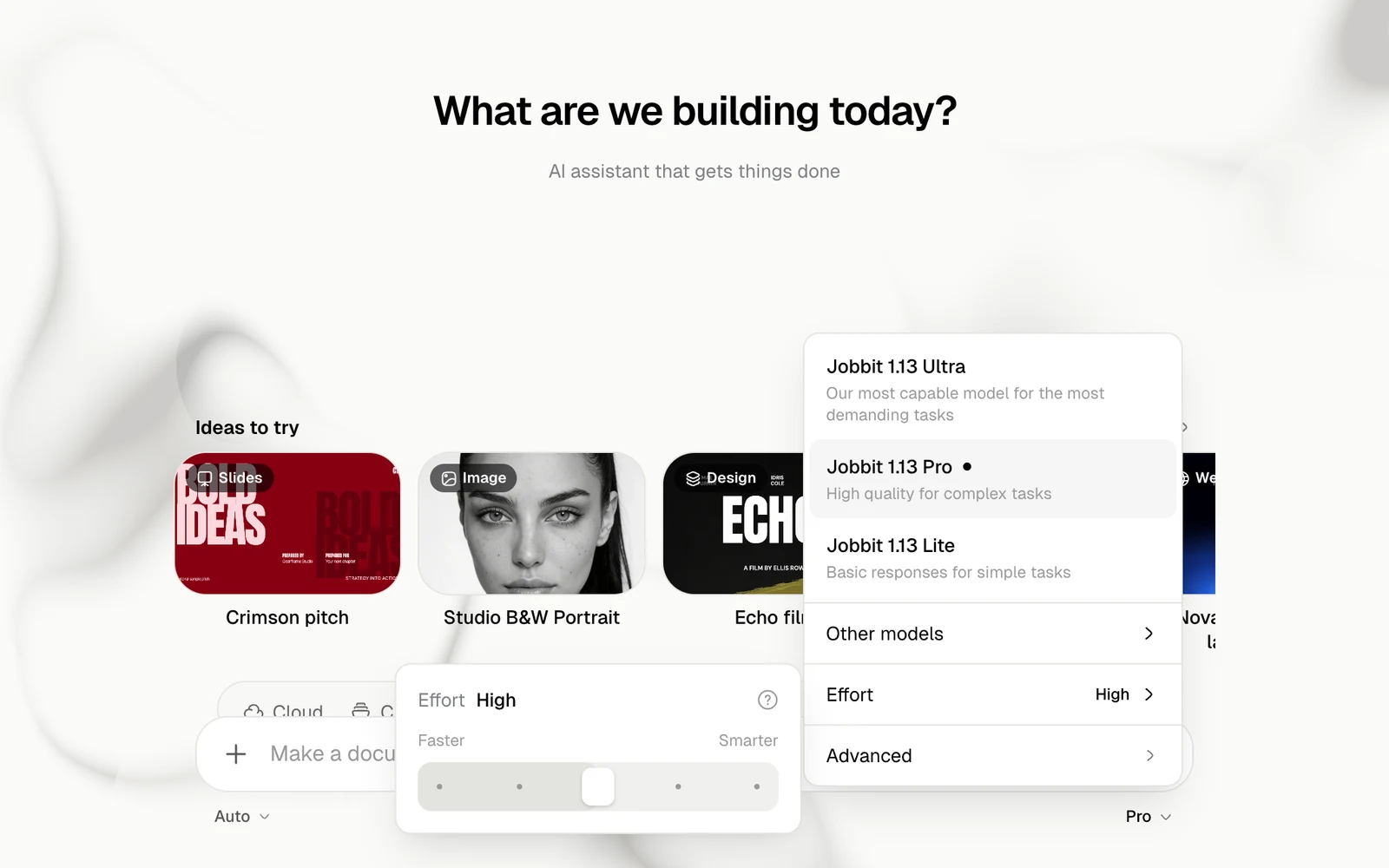
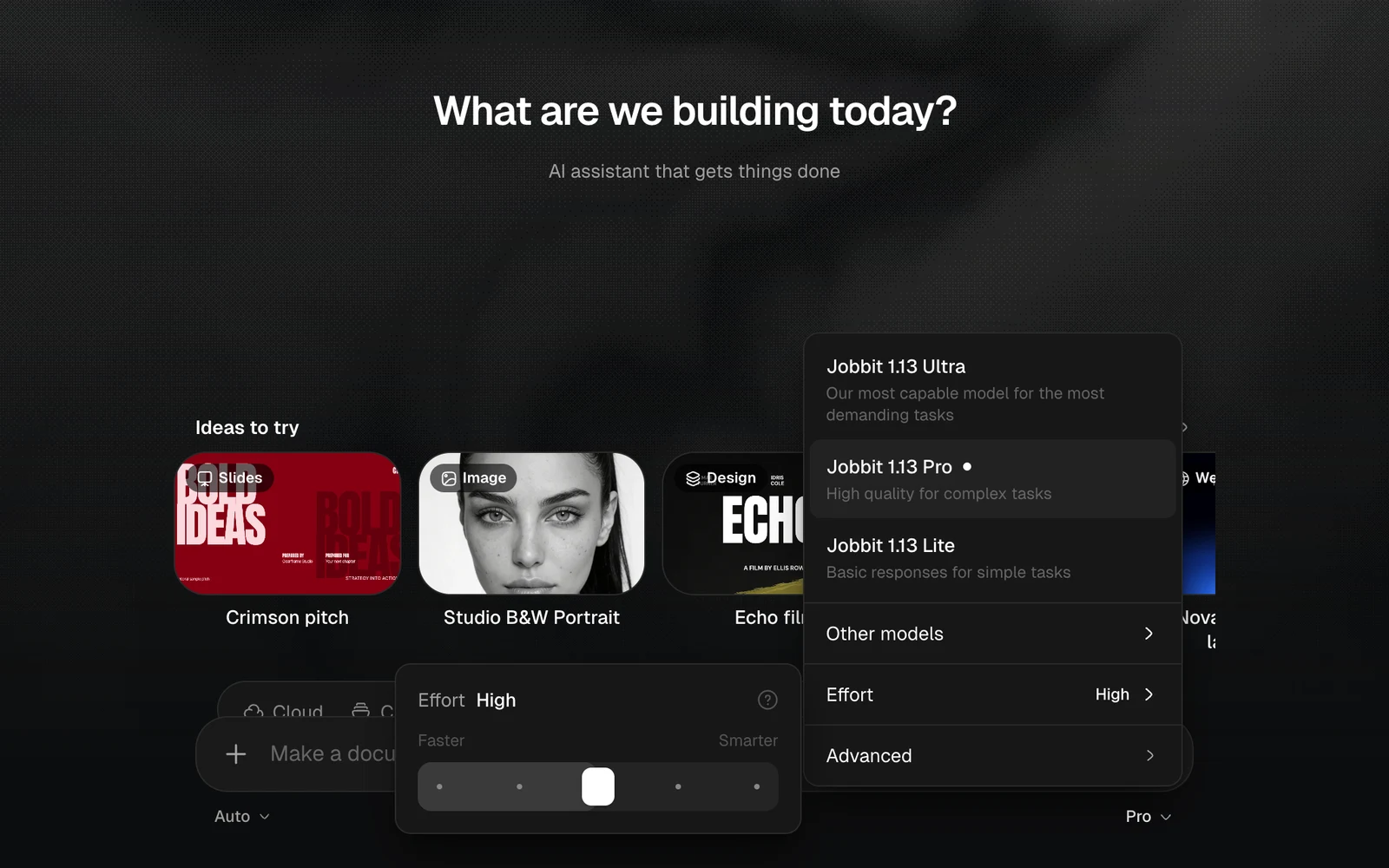
The Effort slider set to High, between Faster and Smarter, light themeThe Effort slider set to High, between Faster and Smarter, dark theme
EffortUse it for
Low, MediumQuick questions, rewrites and small edits you will check yourself
HighMost work: building, research and documents. The default and the place to start
Extra, MaxHard bugs, tricky builds and anything where a mistake costs more than time
If an answer misses something, raise effort and ask again. For routine tasks, lower it to save credits. Jobbit remembers your effort for your next chat. Chat mode keeps its own setting, which starts on Low. The ? beside Effort opens a guide that plays each level, so you can compare them.
The Effort window with an animated example, the slider and how to choose, light themeThe Effort window with an animated example, the slider and how to choose, dark theme

Advanced

Advanced shows which models make your Images, Video, Music and Speech. Click a row to change it in Settings › Models.
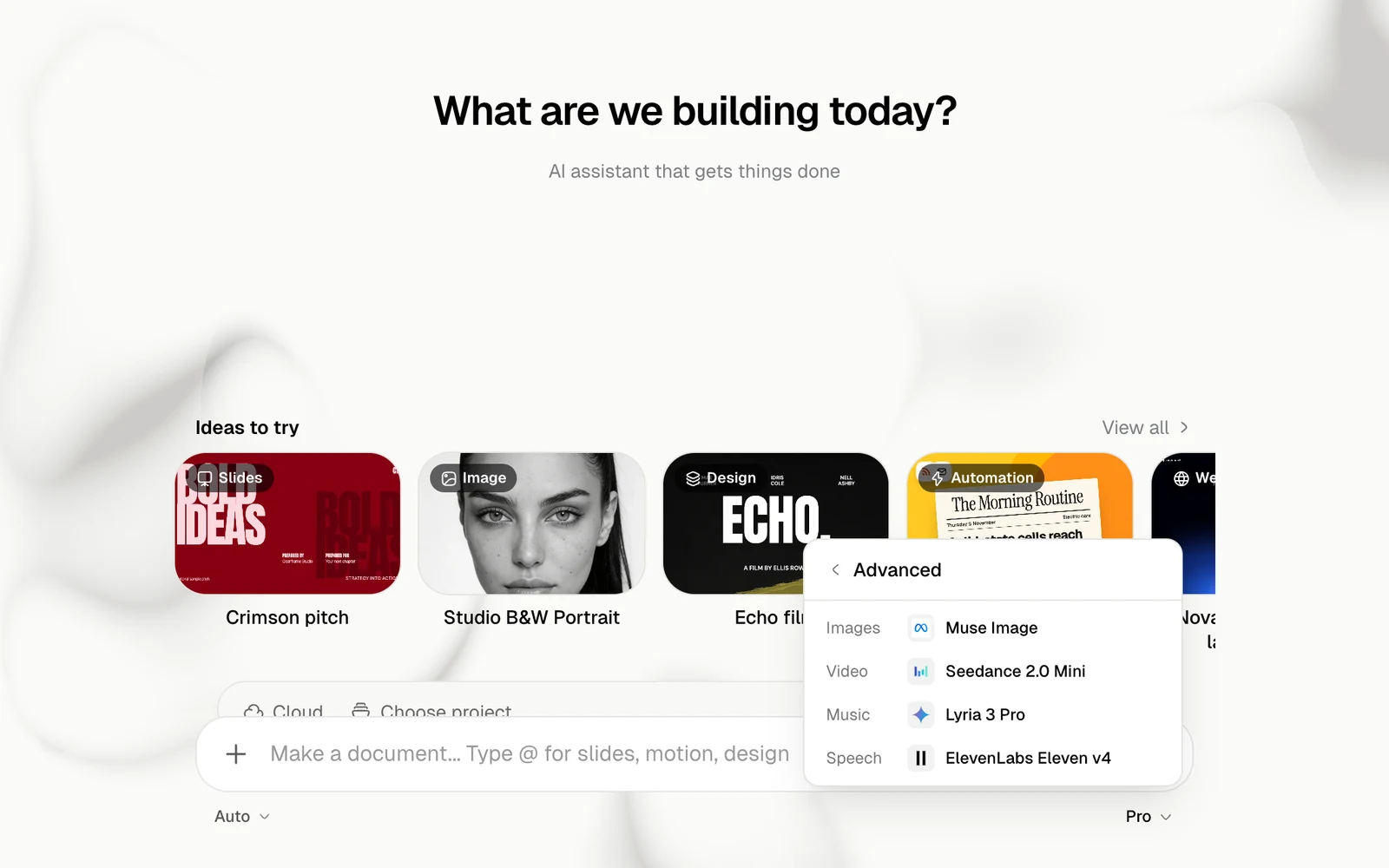
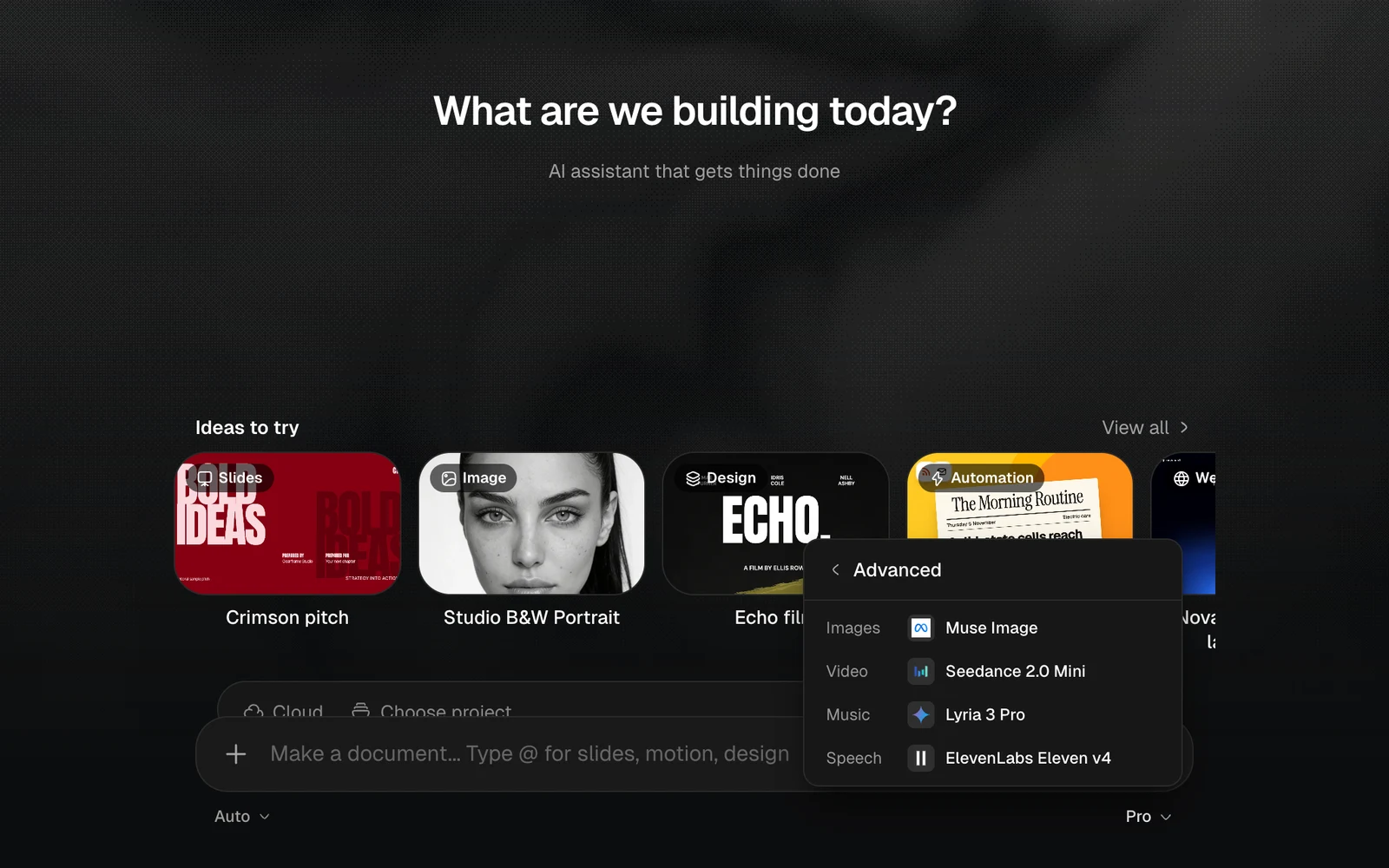
The Advanced list with the models for Images, Video, Music and Speech, light themeThe Advanced list with the models for Images, Video, Music and Speech, dark theme