Grid or list
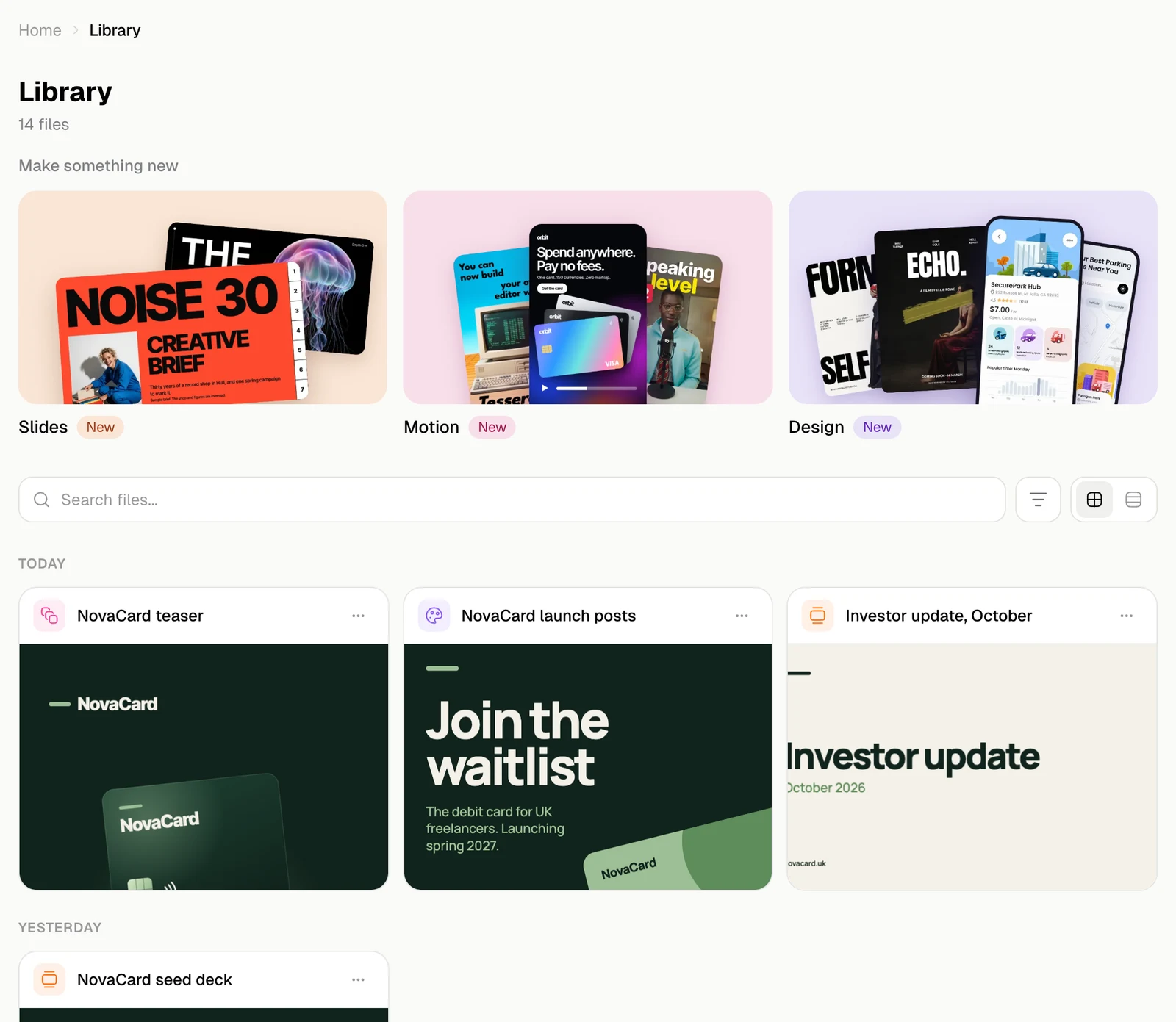
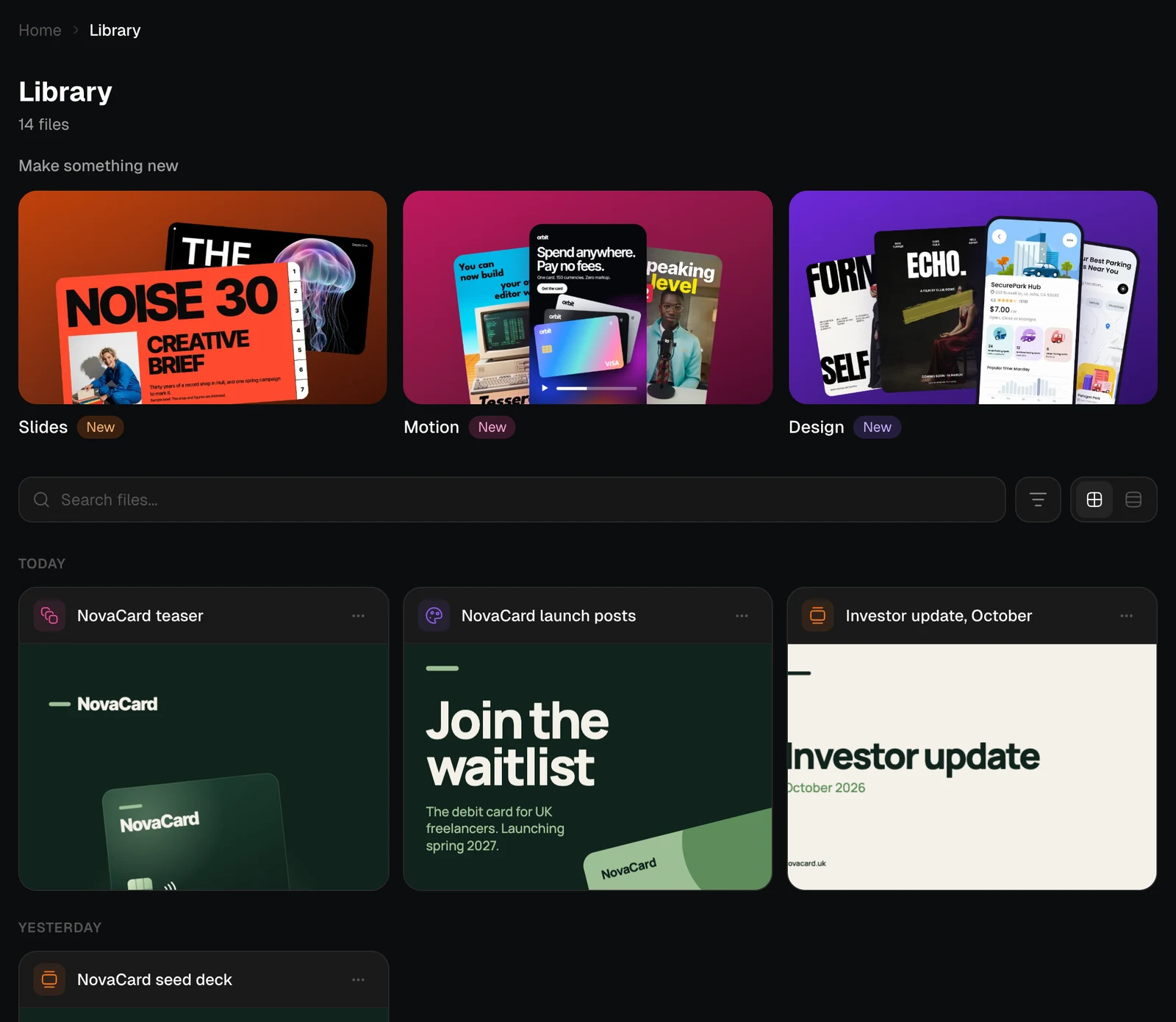
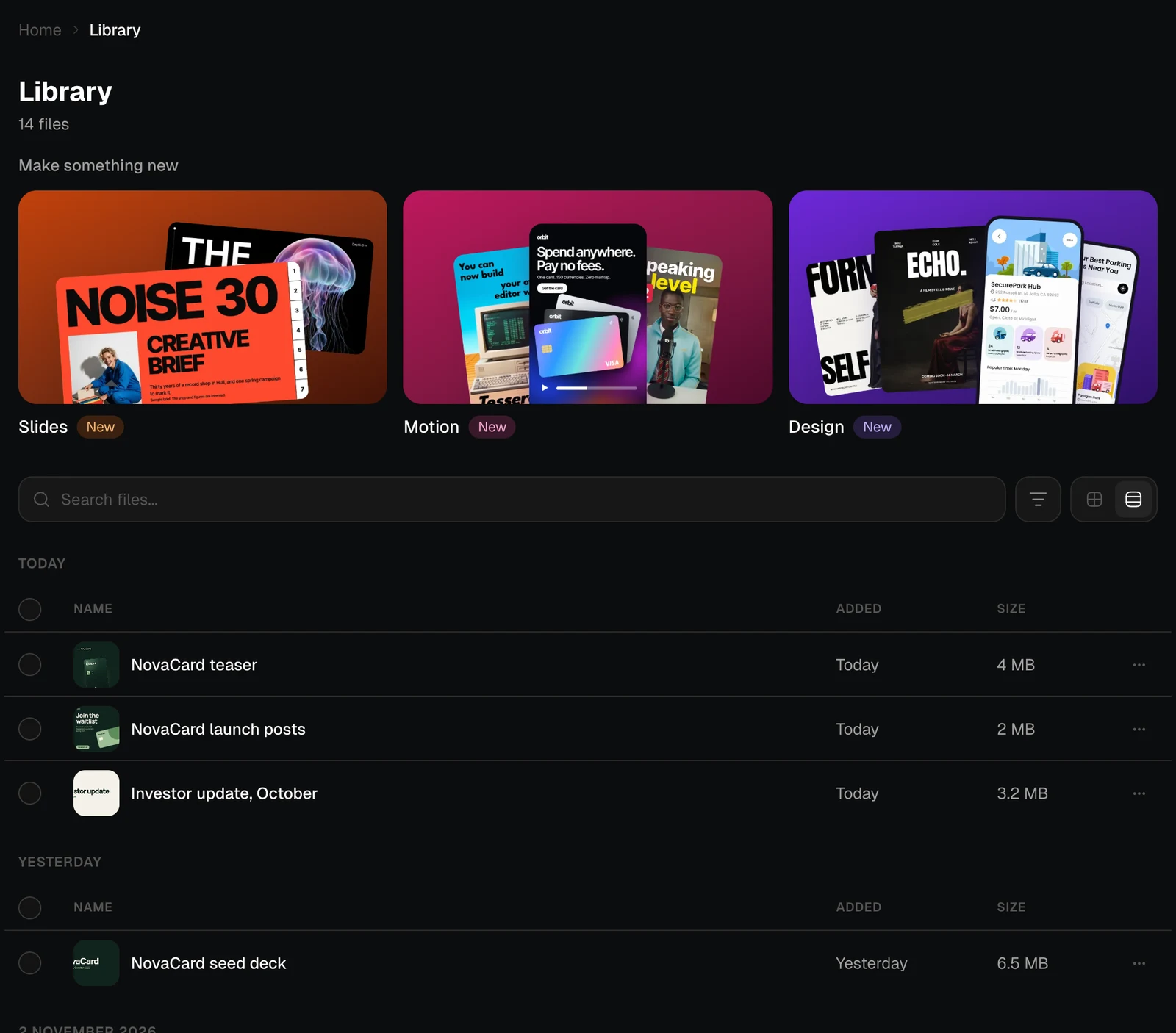
The two buttons next to the filter switch between a grid of previews and a list. The list shows when each file was added and how big it is, and a file with earlier versions says how many it has. Jobbit remembers your choice.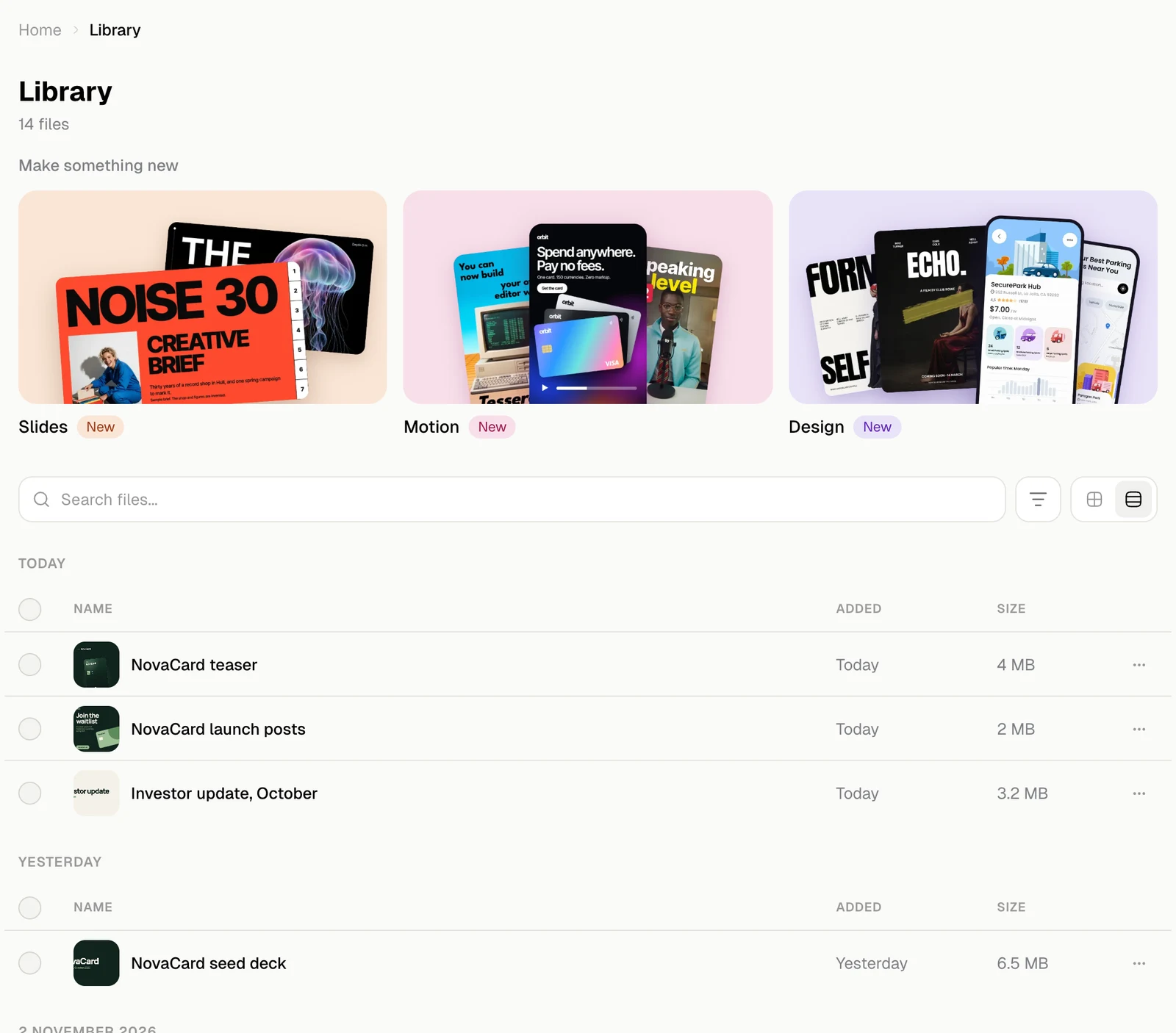
Search
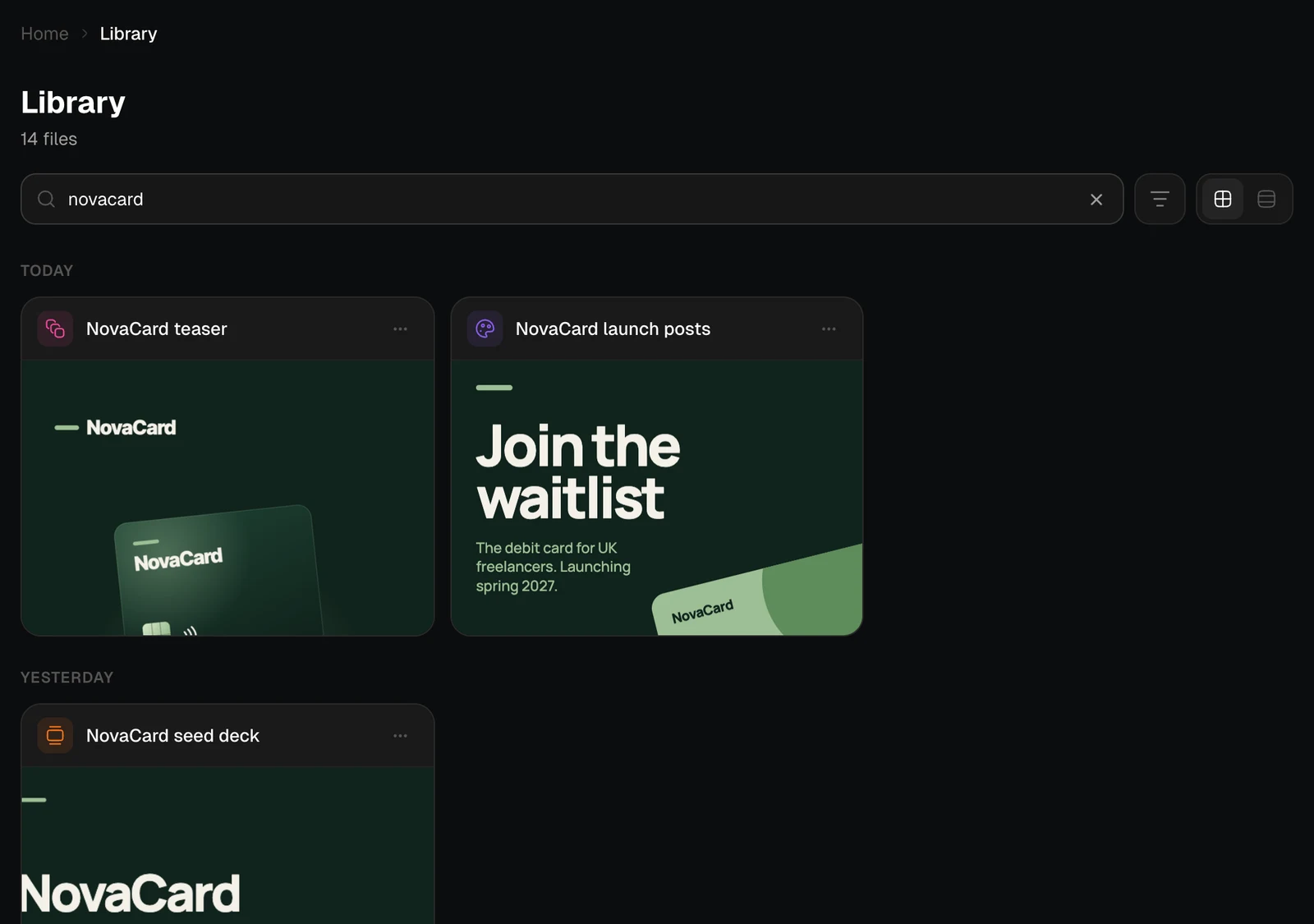
Type in Search files to find files by name. The results update as you type, and × clears the search.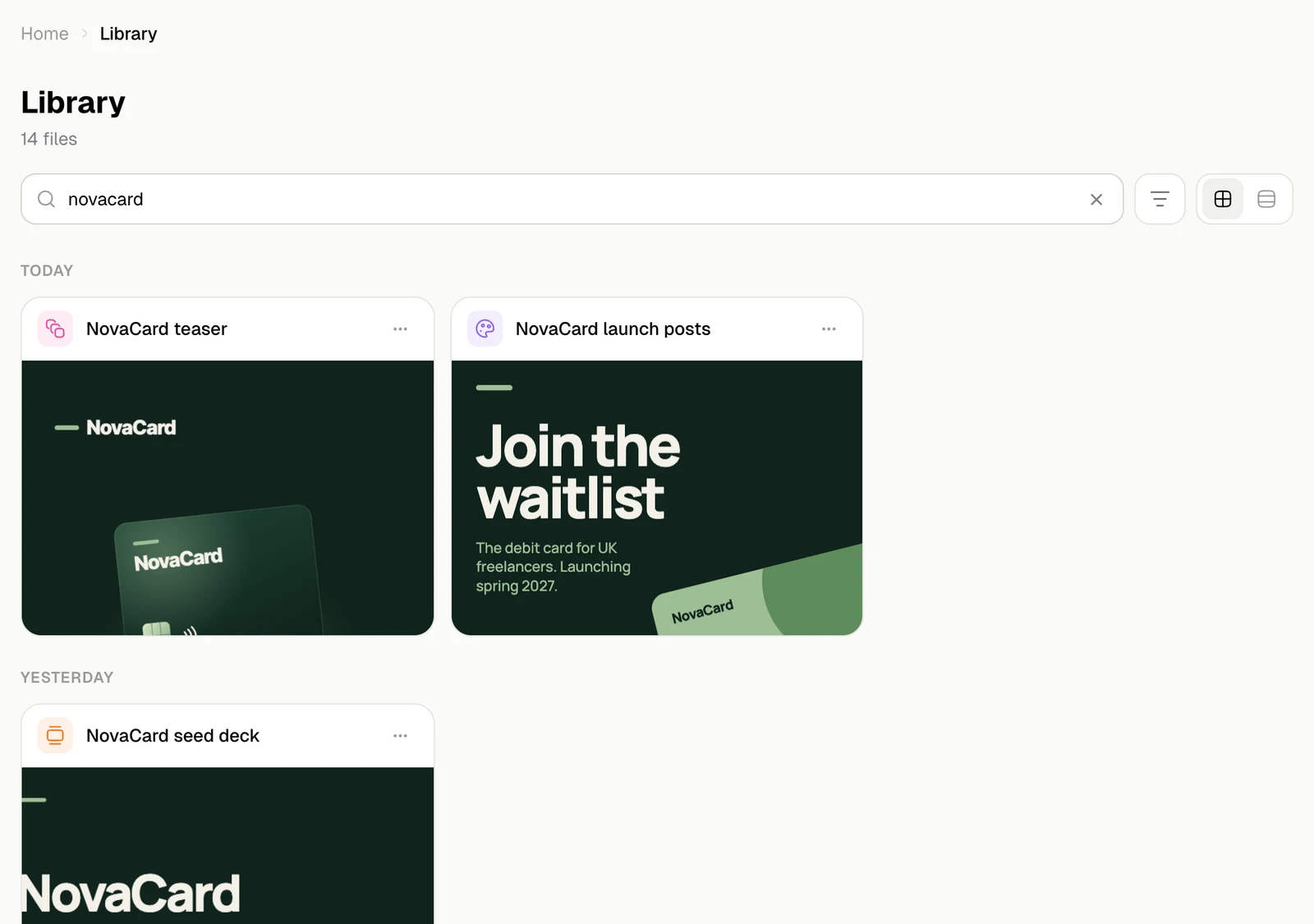
Filter and sort
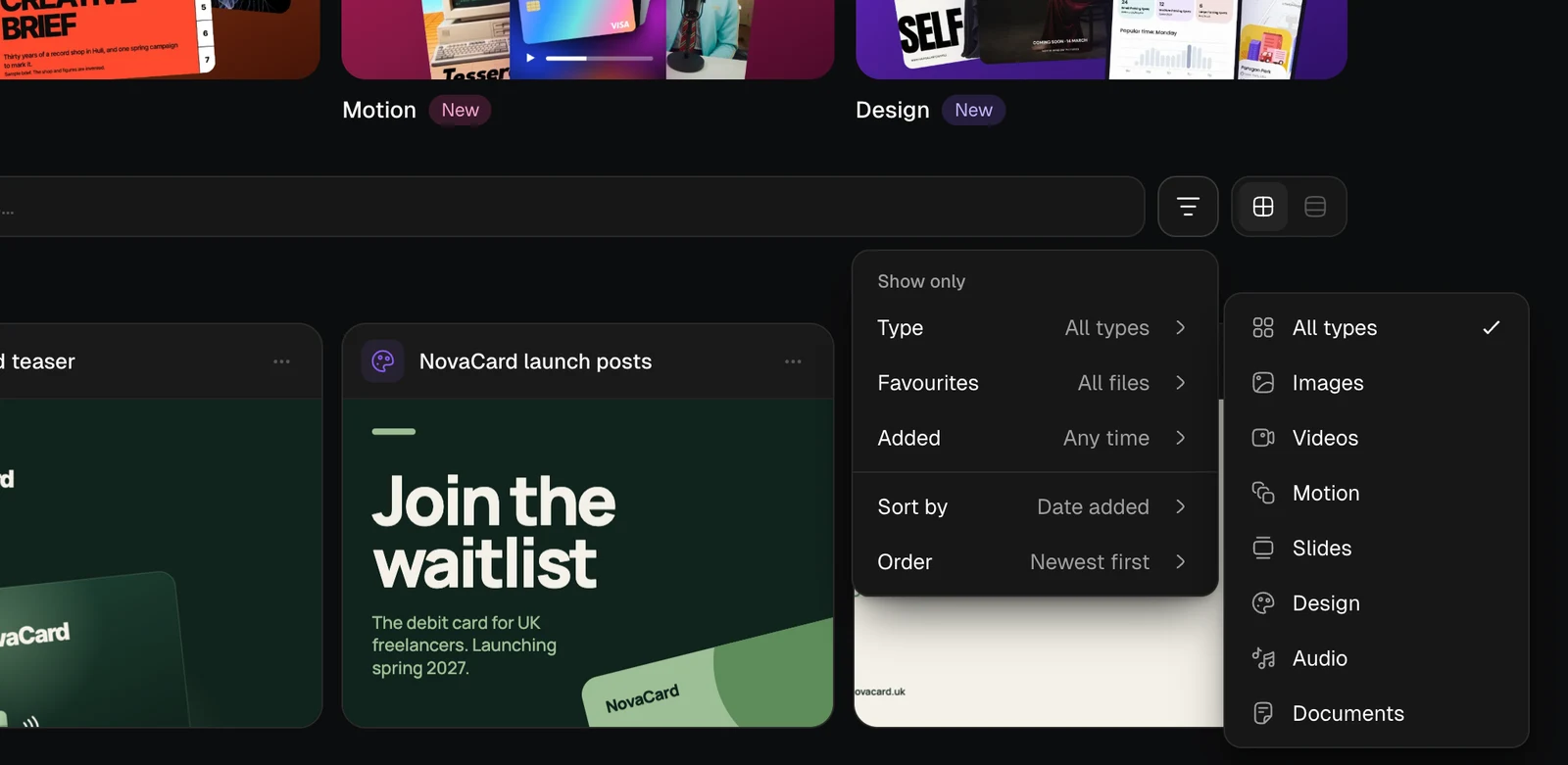
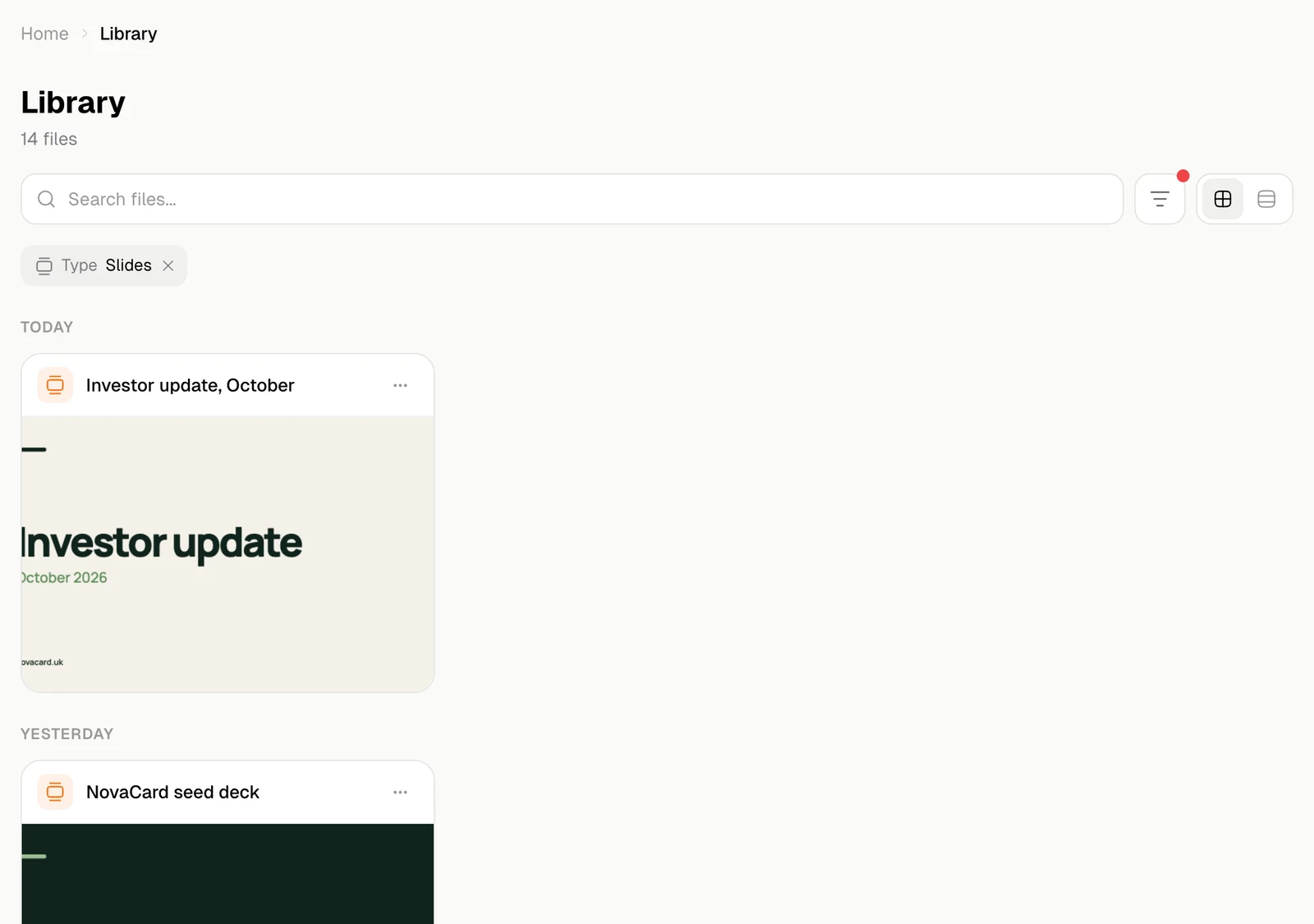
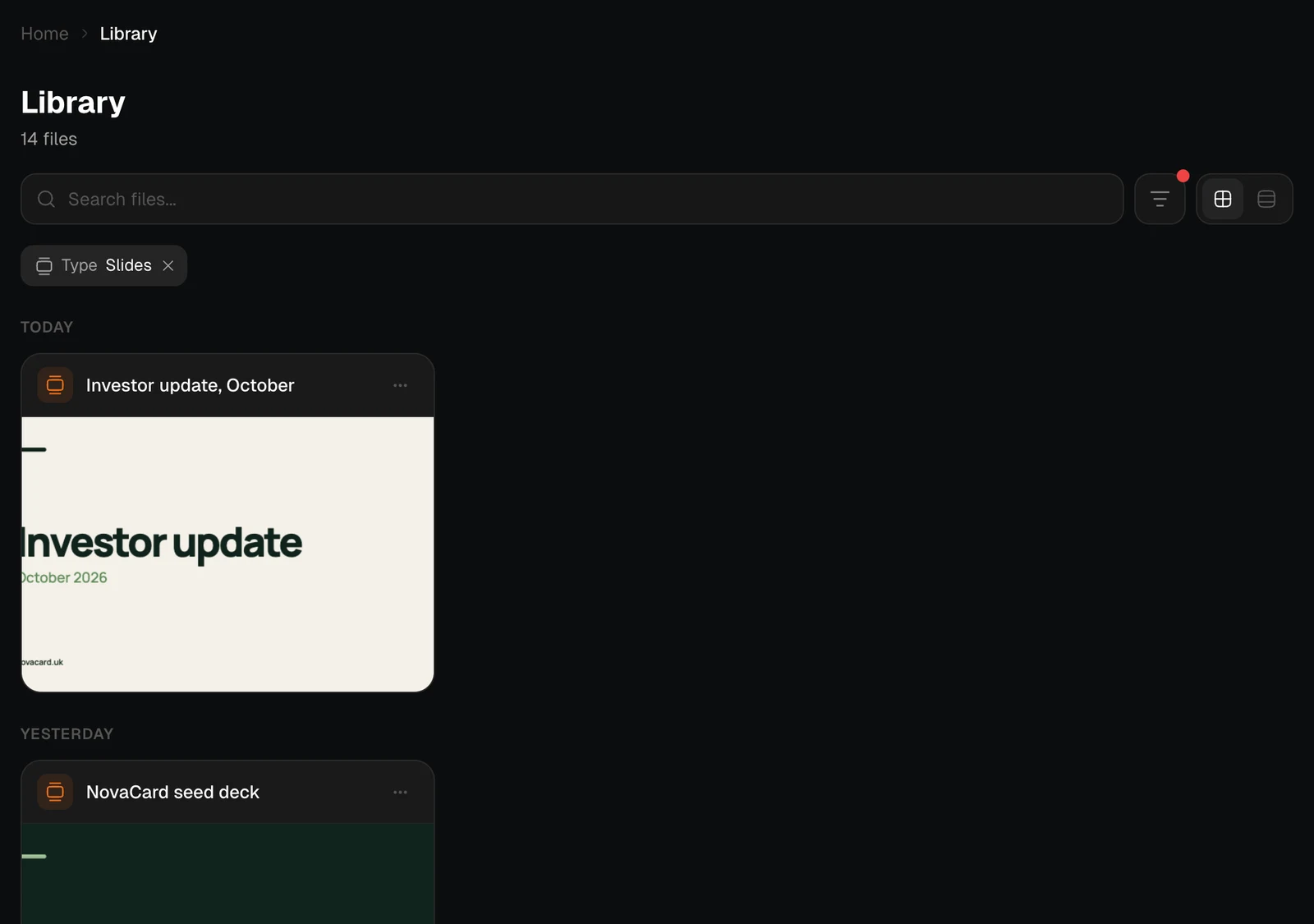
The filter button opens one menu for what to show and in what order.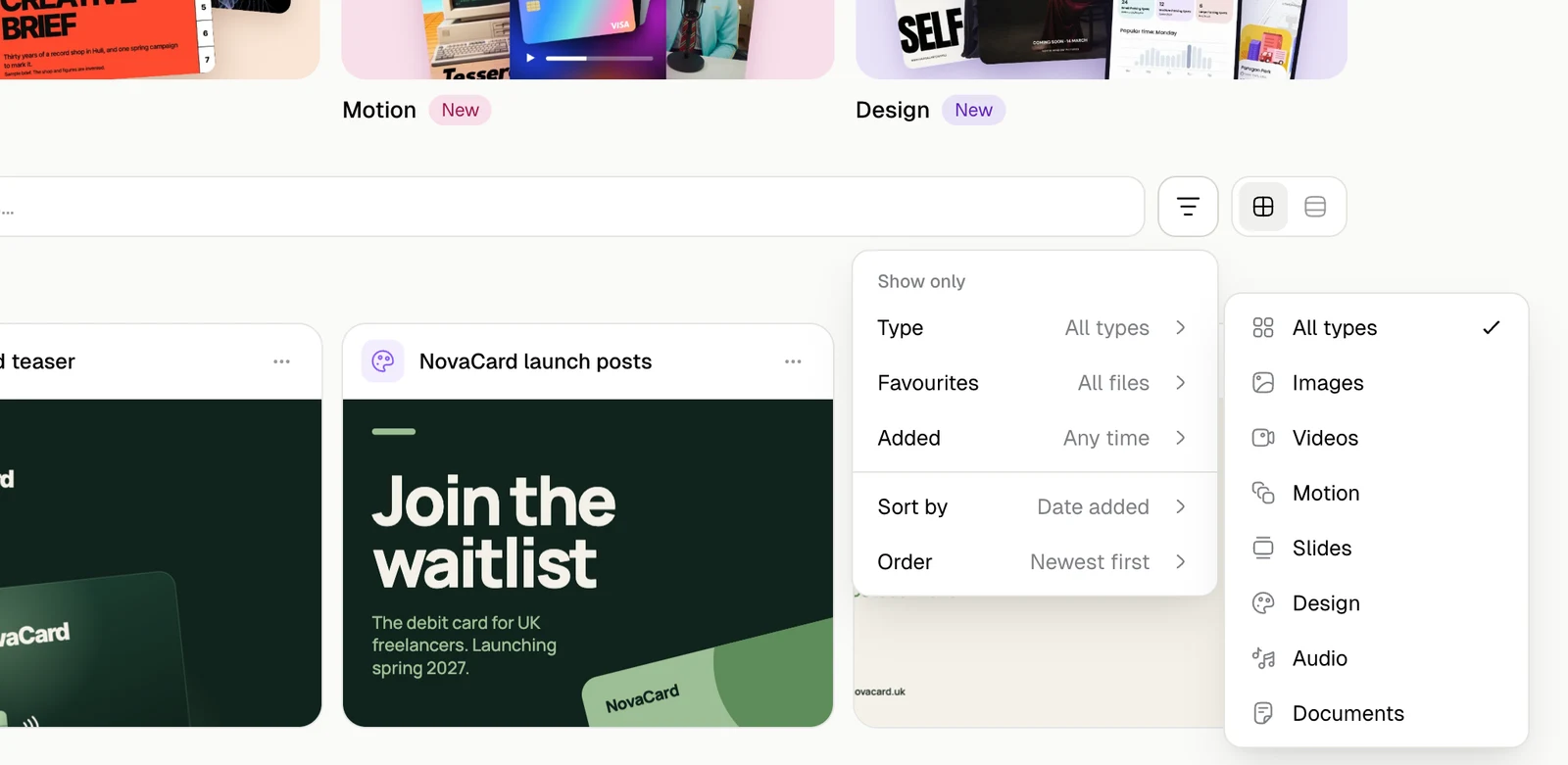
| Setting | Choices |
|---|---|
| Type | All types, Images, Videos, Motion, Slides, Design, Audio, Documents |
| Favourites | All files, or Favourites only: the files you starred |
| Added | Any time, Today, Past 7 days, Past 30 days, Past year |
| Sort by | Date added, Name, Size |
| Order | Newest or oldest first by date, A to Z or Z to A by name, largest or smallest first by size |
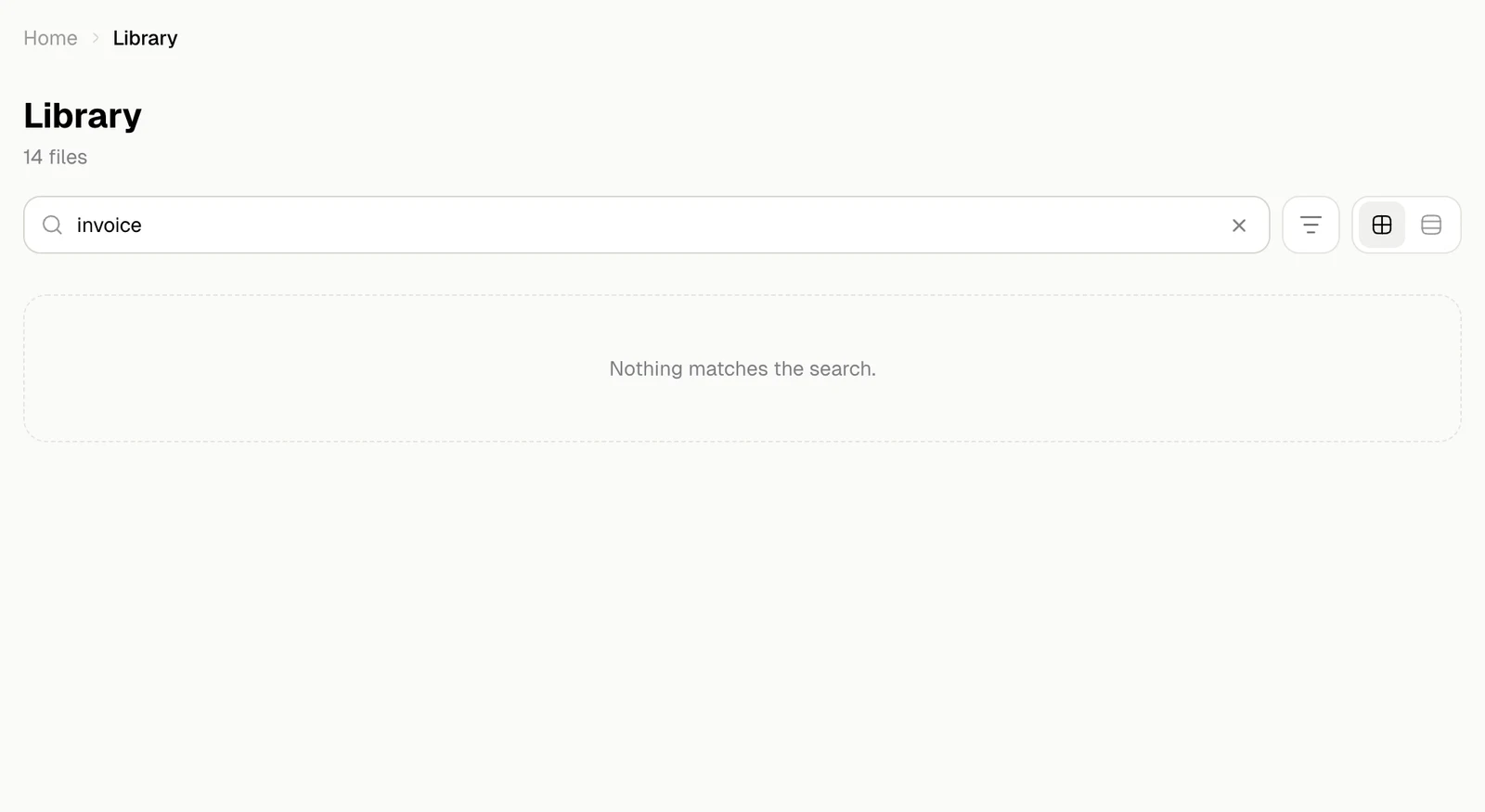
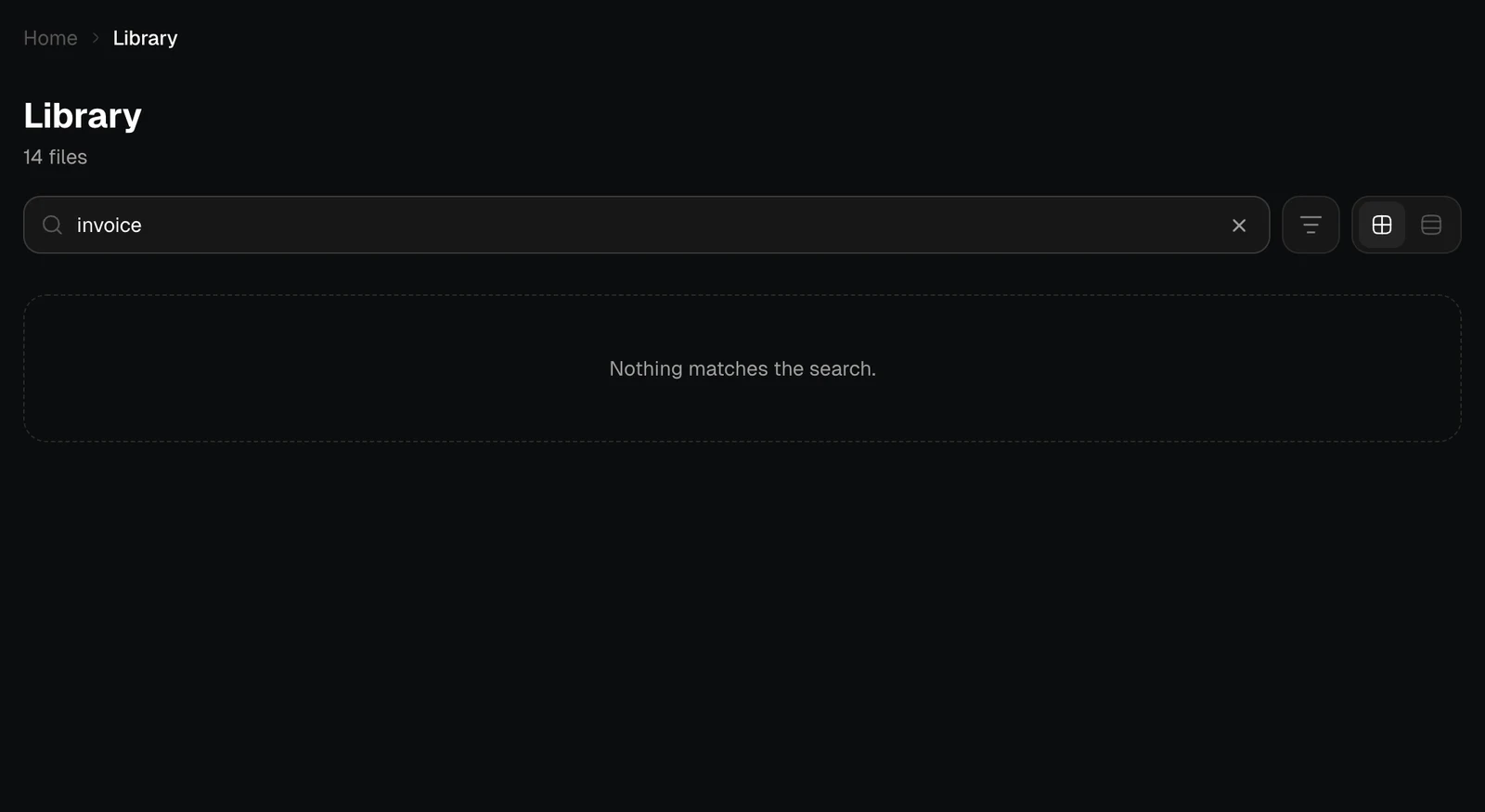
An empty Library
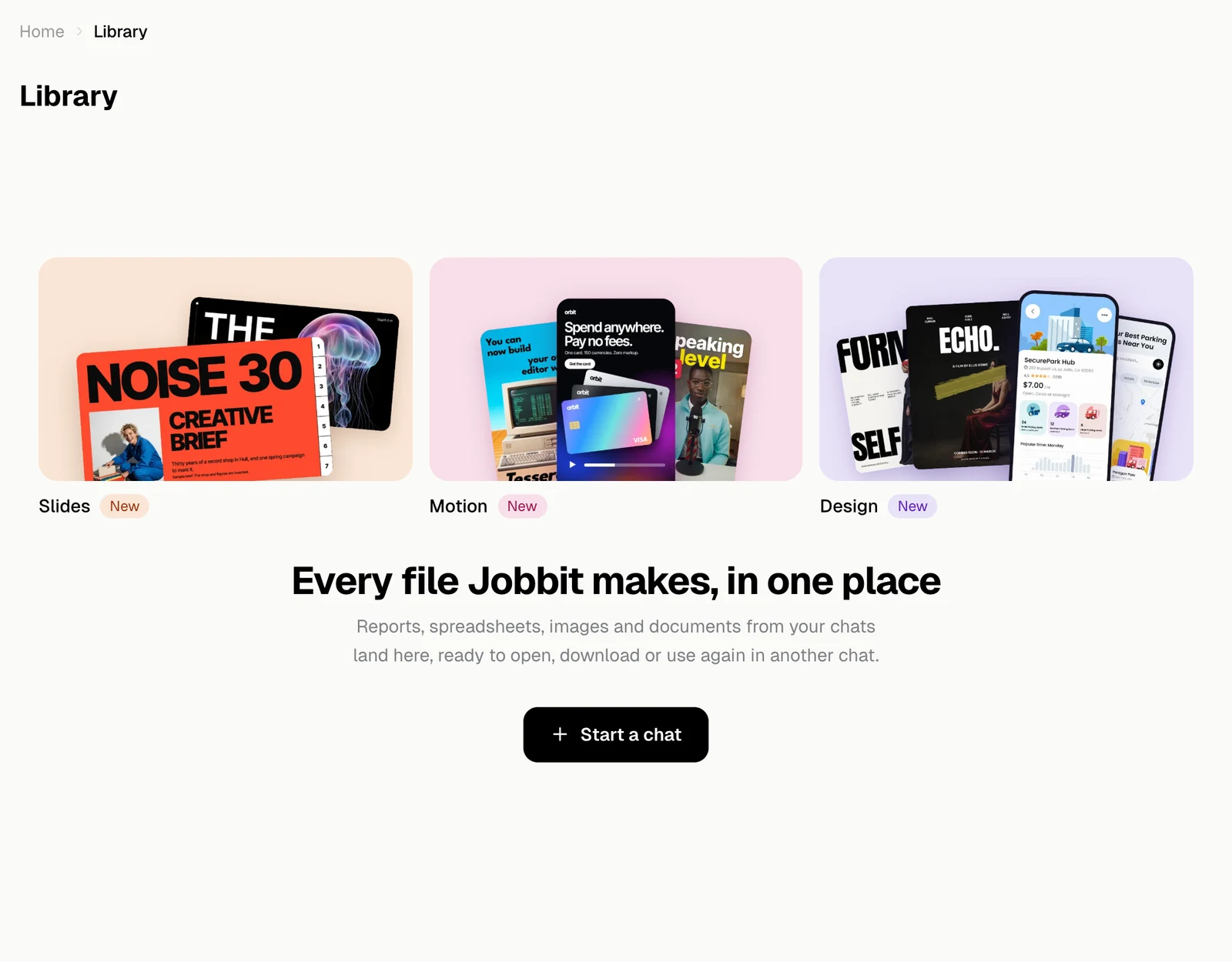
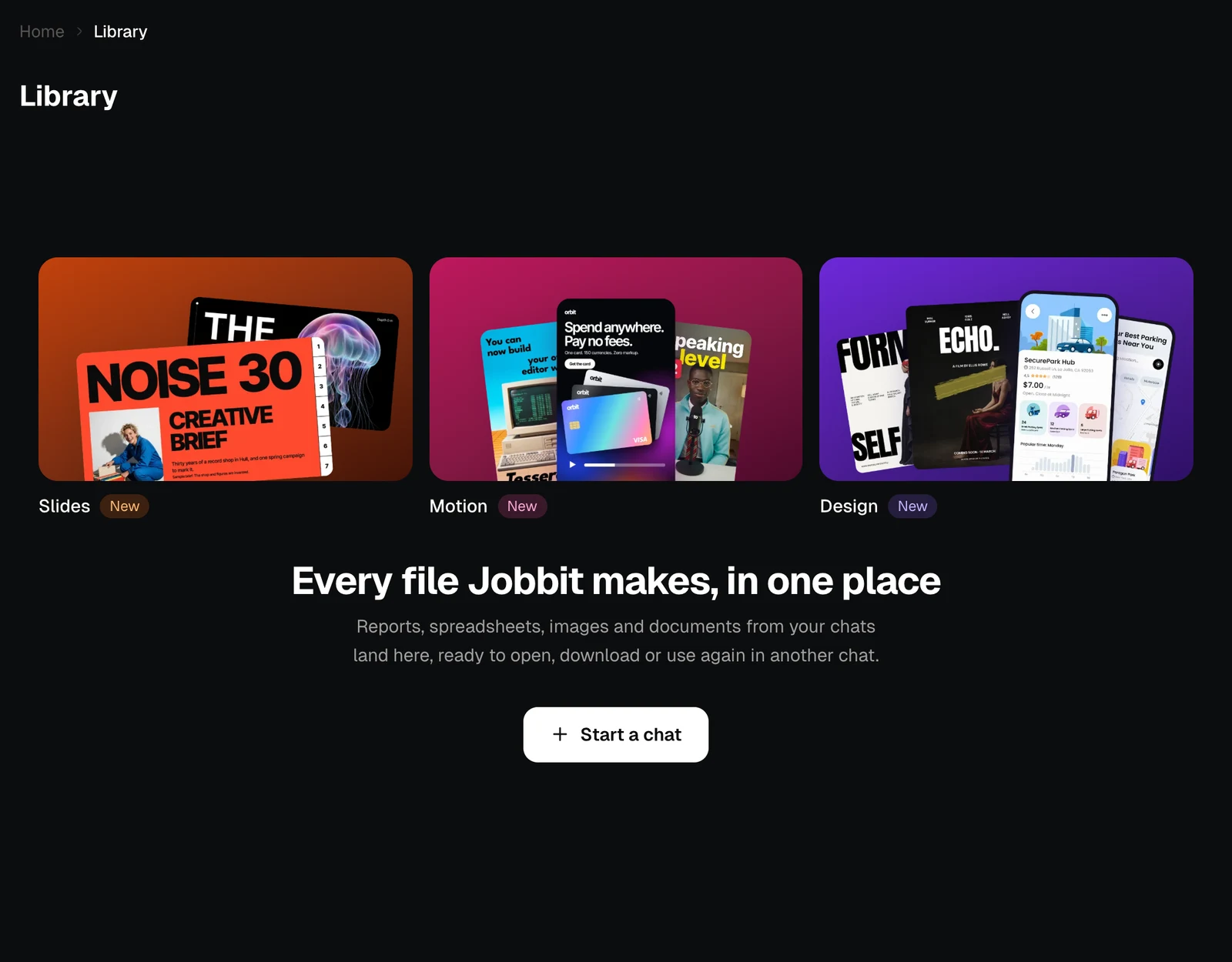
Until your first file, the Library shows the Make something new tiles and Start a chat. Files appear as soon as a chat makes one.