

How an automation gets here
Ask the agent
In any chat, say what should happen and when: “every Monday at 9 send the investors a report on last week’s sign-ups”, “when someone joins the waitlist, send them a welcome from my Gmail”, “watch this page and tell me when the price changes”. The agent asks a question or two if it must, then builds the steps, the trigger, and the accounts and keys it needs.
Allow what it may do
The agent shows a card with what the automation will do: when it starts, the accounts and sites it reaches, the keys it reads, whether it may delete anything or send email, and the most a run may cost. Allow publishes it; Deny sends the agent back to change it. Every new version asks again. If you chose Never ask in Settings › Permissions, there is no card: the agent publishes at once and tells you in the chat what the version may do.
Jobbit builds and tests it
Building a version takes about a minute. The agent then runs it once, reads how each step went and fixes the code if something fails.
What an automation is made of
A chain of steps. Each step is one of these kinds, shown on its card in the diagram:| Step | What it does |
|---|---|
| Python | Code that reads a site or an API, works with data, keeps rows in the automation’s tables and writes files |
| AI | Asks an AI model to read text, pictures or video and answer in a fixed shape: pick, classify, summarise |
| Agent | A whole piece of work the agent does on its own, such as writing a report or a reply. It may ask you a question and wait for the answer |
| Browser | A real browser that goes through a site with no API, given a goal |
| Account | An action in an account you connected: send from your Gmail, post to Slack, add a row to a Google Sheet |
| Approval | Stops and asks you before something is sent, paid, published or deleted |
| Wait | Waits for a time, or for a reply to an email the run sent |
Status
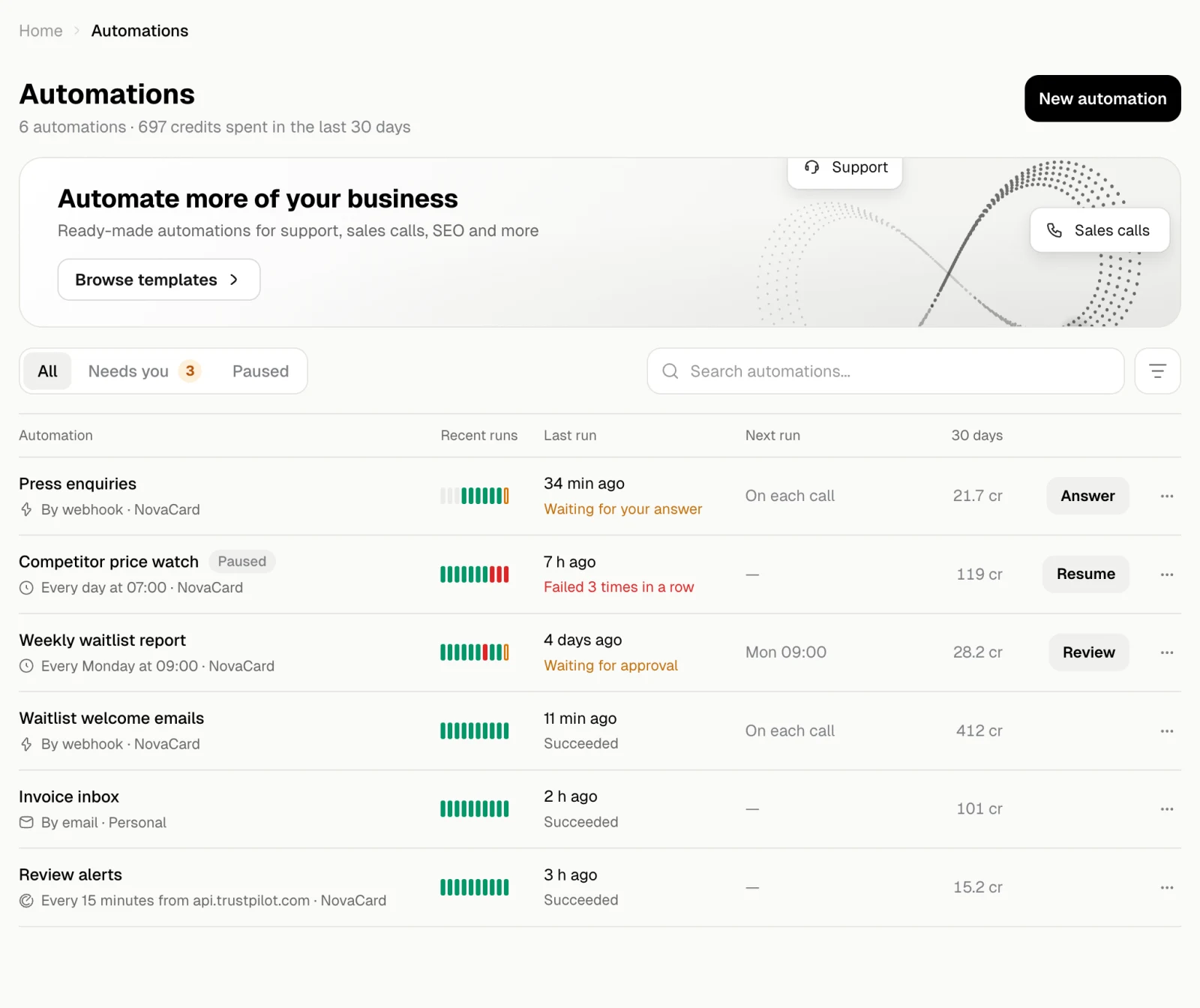
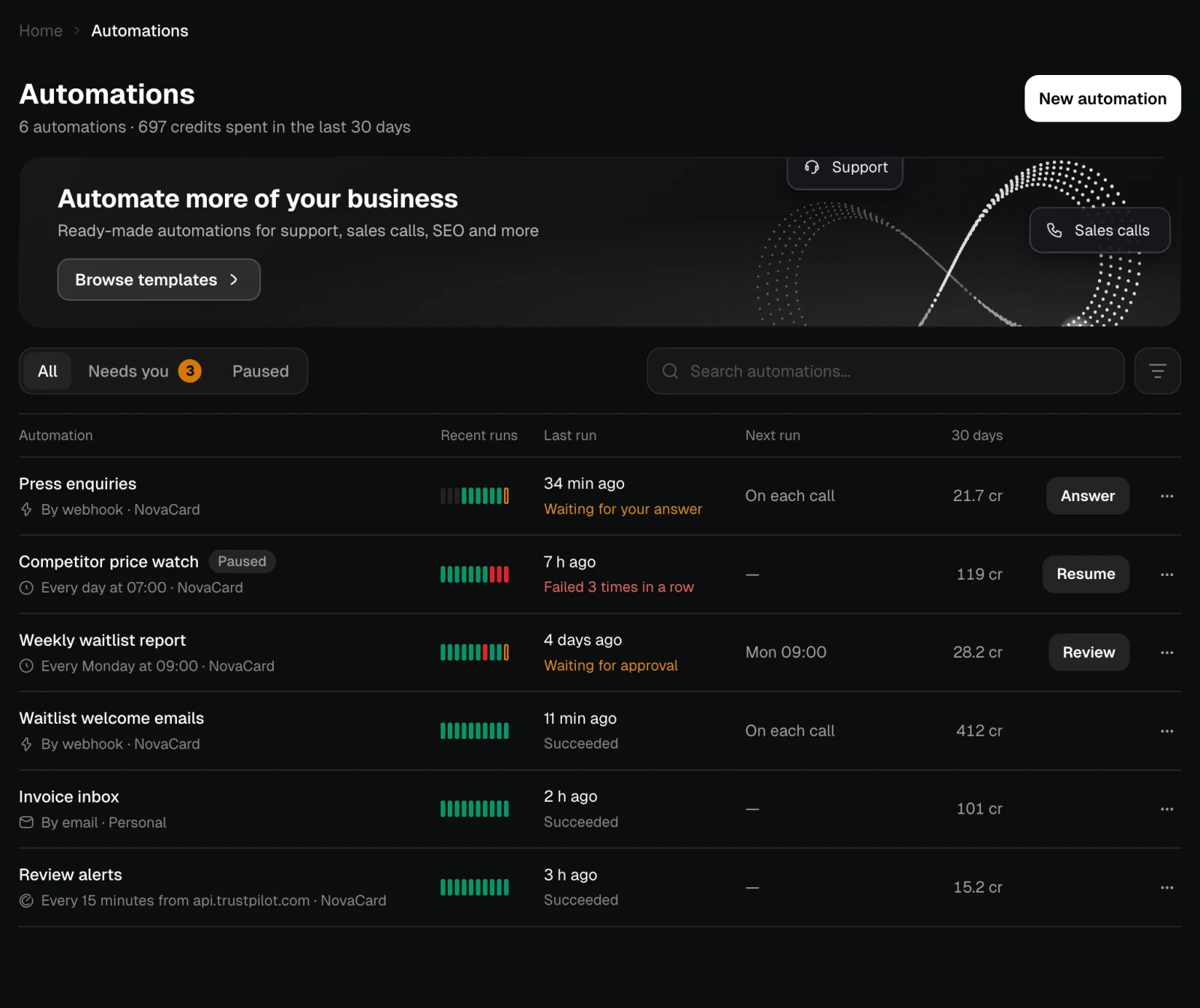
The badge next to an automation says what it is doing.| Status | Meaning |
|---|---|
| Draft | It has no version yet, or the first one is still building |
| Active | On. It runs when a trigger fires |
| Running | A run is going now |
| Waiting for you | A run waits for your answer or your approval. See Questions and approvals |
| Waiting for an account | Requests wait until an account it uses is connected again. See Access |
| Waiting | A run is waiting, for example for a time or for a reply to an email |
| Paused | Off. Nothing starts until it is turned back on. It also pauses itself after failing too many times in a row or when it spends its monthly limit |
| Failing | The last runs failed in a row. It still runs |
Credits
A run spends your credits, even when a member of your project started it. What spends them: calls to AI models, agent steps and the model that guides a browser step. Code steps, approvals and waits spend nothing. Every run shows what it cost, and the automation’s Overview shows what it spent in the last 30 days, step by step. Without credits a run does not start. Your plan also sets how many runs can go at the same time across all your automations. To cap a single automation, set a monthly limit.Inside an automation
Overview
The steps, what it may do, what it spent and everything that happened.
Runs
Every run, step by step, with its log, result and files.
Library
The files its runs made.
Database
The tables it keeps and what it remembers between runs.
Code
The code of each version, and bringing an older one back.
How it starts
Schedules, webhooks, email, polling, events and running by hand.
Access
The accounts it acts in and how far it may go.
Secrets
The keys its code reads.