

Two kinds of artifacts
| Kind | What it is | What you can do |
|---|---|---|
| Files | Pictures, videos, audio, PDFs, spreadsheets, documents, web pages and code | Open them in Jobbit, download them, rename them, give them to the agent again |
| Slides, Design and Motion | Presentations, posters and social posts, and videos made of scenes | Everything you can do with a file, and edit them yourself in their editor, share a public link and put them in a project. See Slides, Design and Motion |
Where you find them
- In the chat where they were made. The agent’s reply shows the file, and a document opens beside the chat.
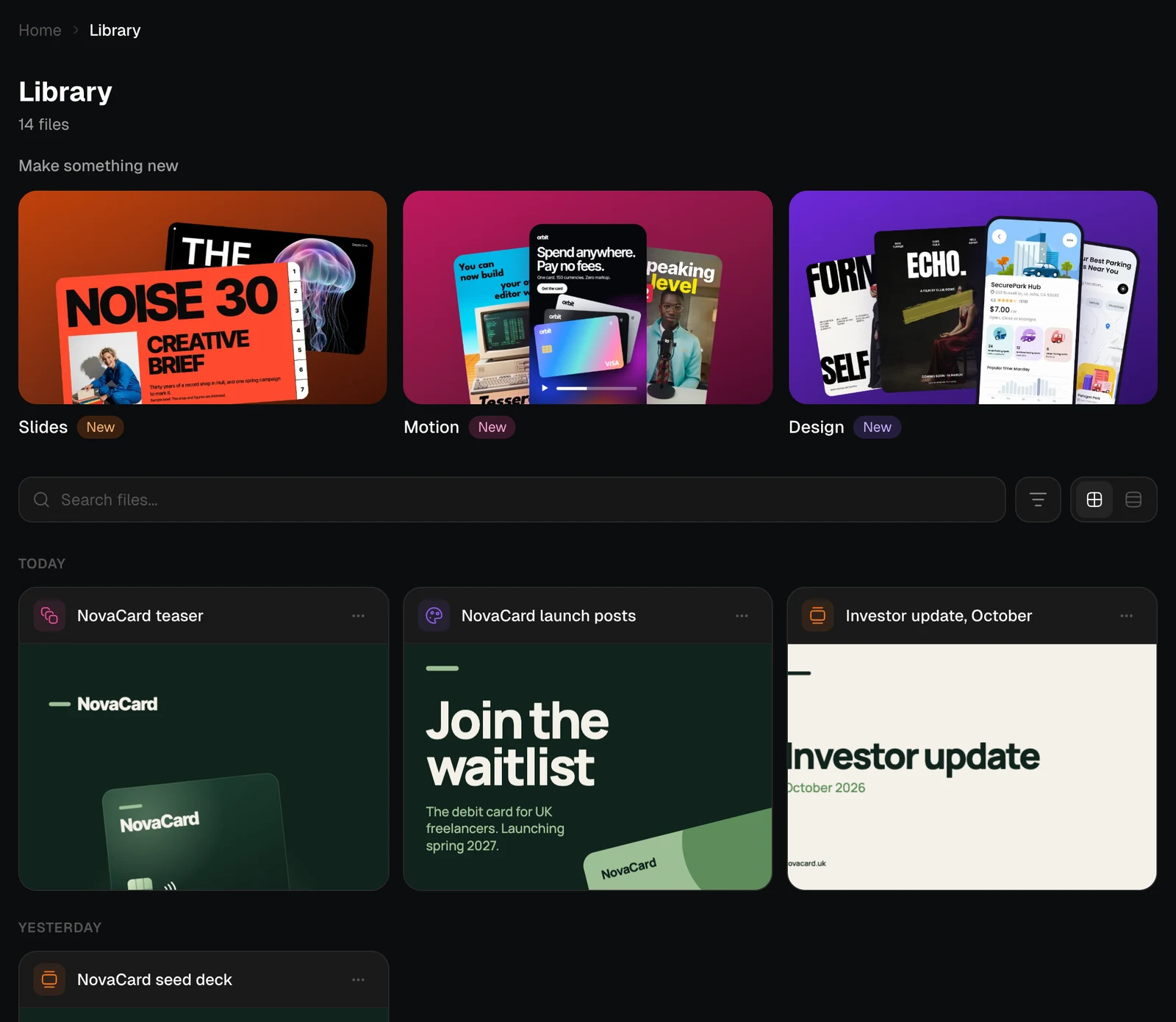
- In the Library, newest first, grouped by day. See The Library.
- In a project, when you or a teammate put a presentation, design or motion video there. See Artifacts of a project.
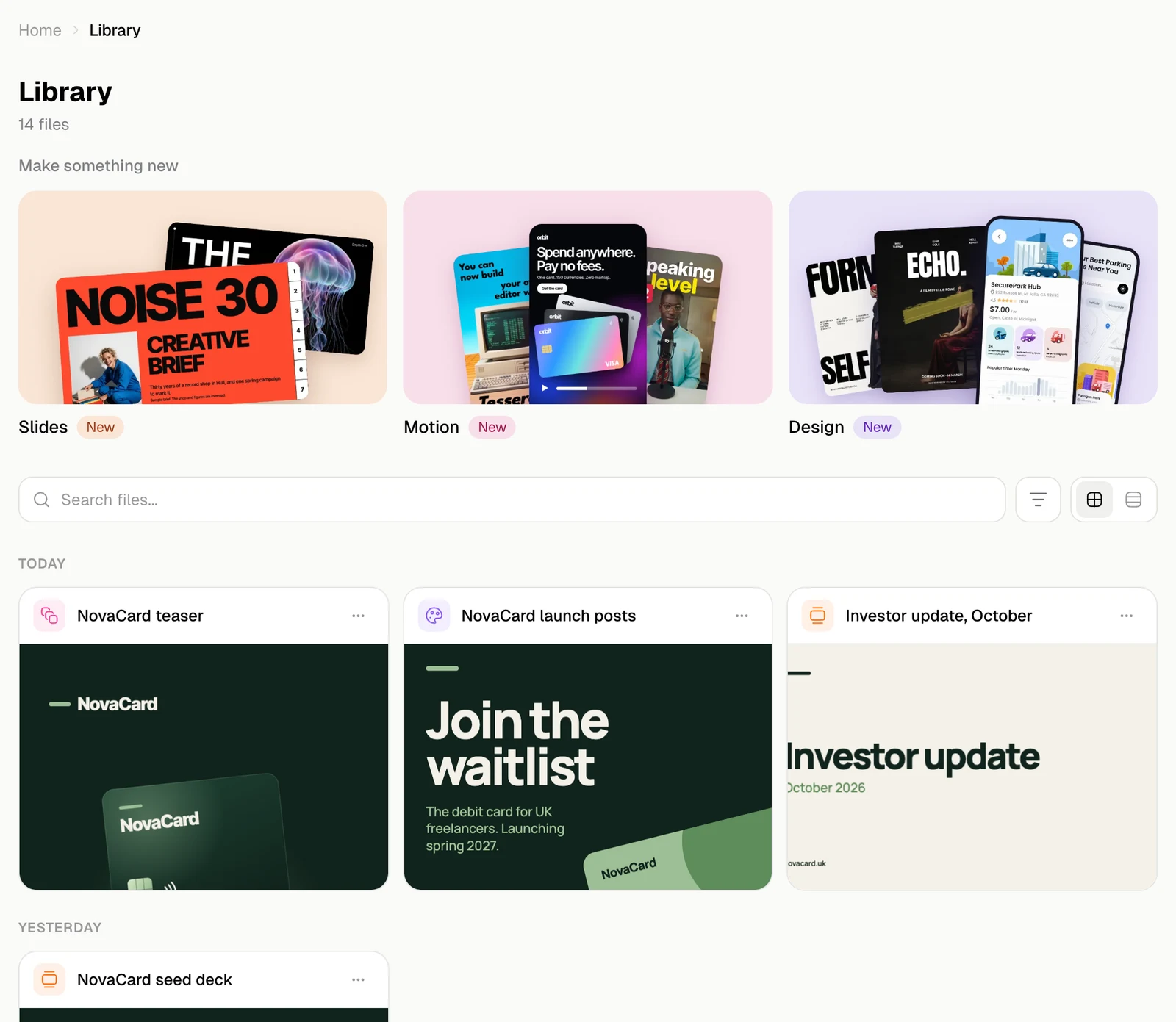
Make something new
The Make something new tiles at the top of the Library start a chat for a presentation, a motion video or a design. The chat opens with @Slides, @Motion or @Design already in the message, so all that is left is to say what you need.The Library
Find a file by name, type, date or star, in a grid or a list.
Open a file
Look at pictures, videos, PDFs, spreadsheets and web pages without downloading them.
Manage files
Rename, star, download, send to the agent and delete.
Slides, Design and Motion
Open, edit with the agent, download and put documents in projects.
Slides
Slides, notes, transitions, and presenting with a presenter view.
Design
Pages of artboards, a design system, components and tweaks.
Motion
Scenes on a timeline, text and sound, and export to video.
Public link
Let anyone look at a presentation or design without signing in.