Ask for a site or a web app and the agent writes it on its own computer. You check it, and it goes live when you say so.

A preview

A preview is a temporary link, made from the chat. The app opens in the panel and on a card in the chat.
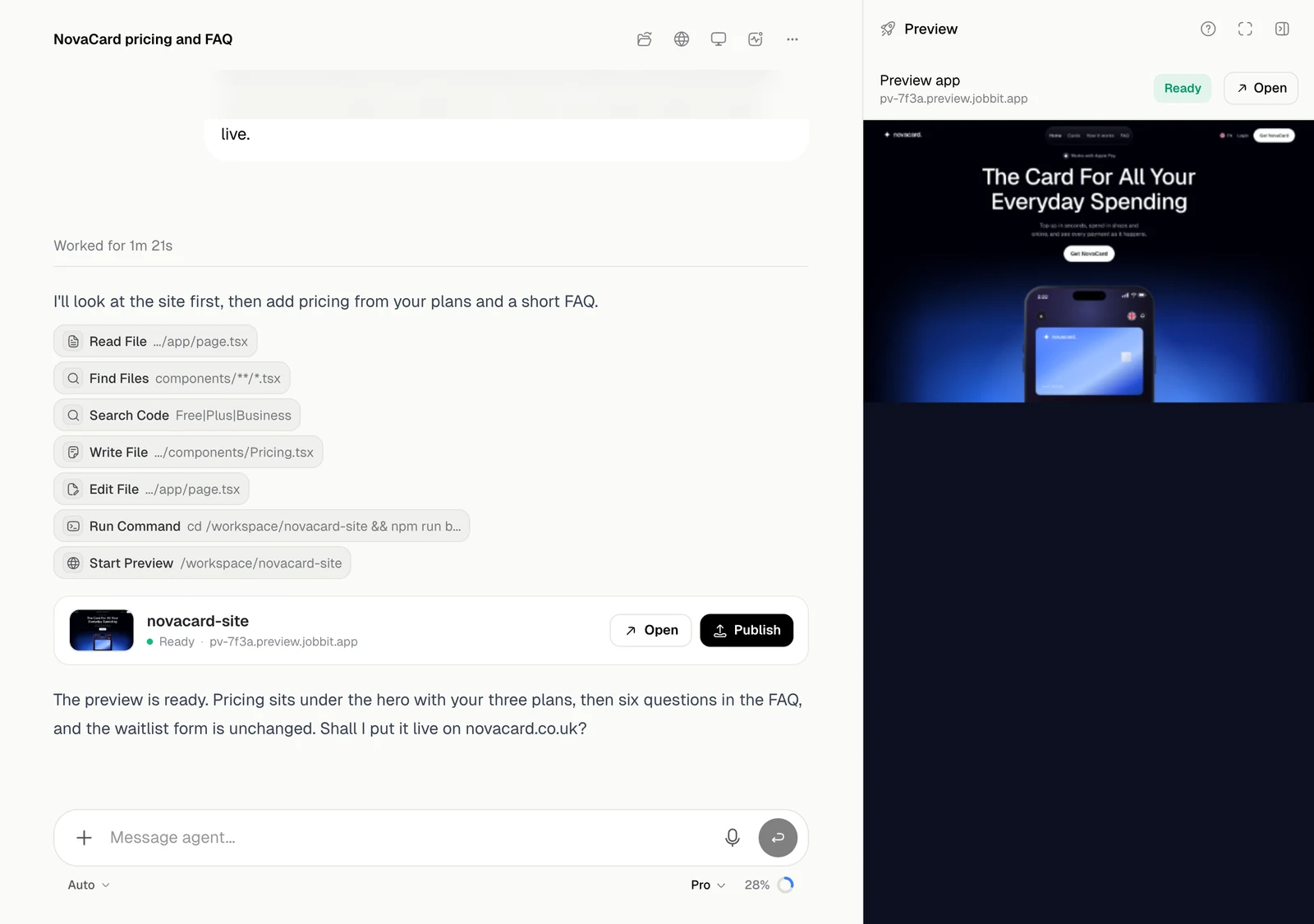
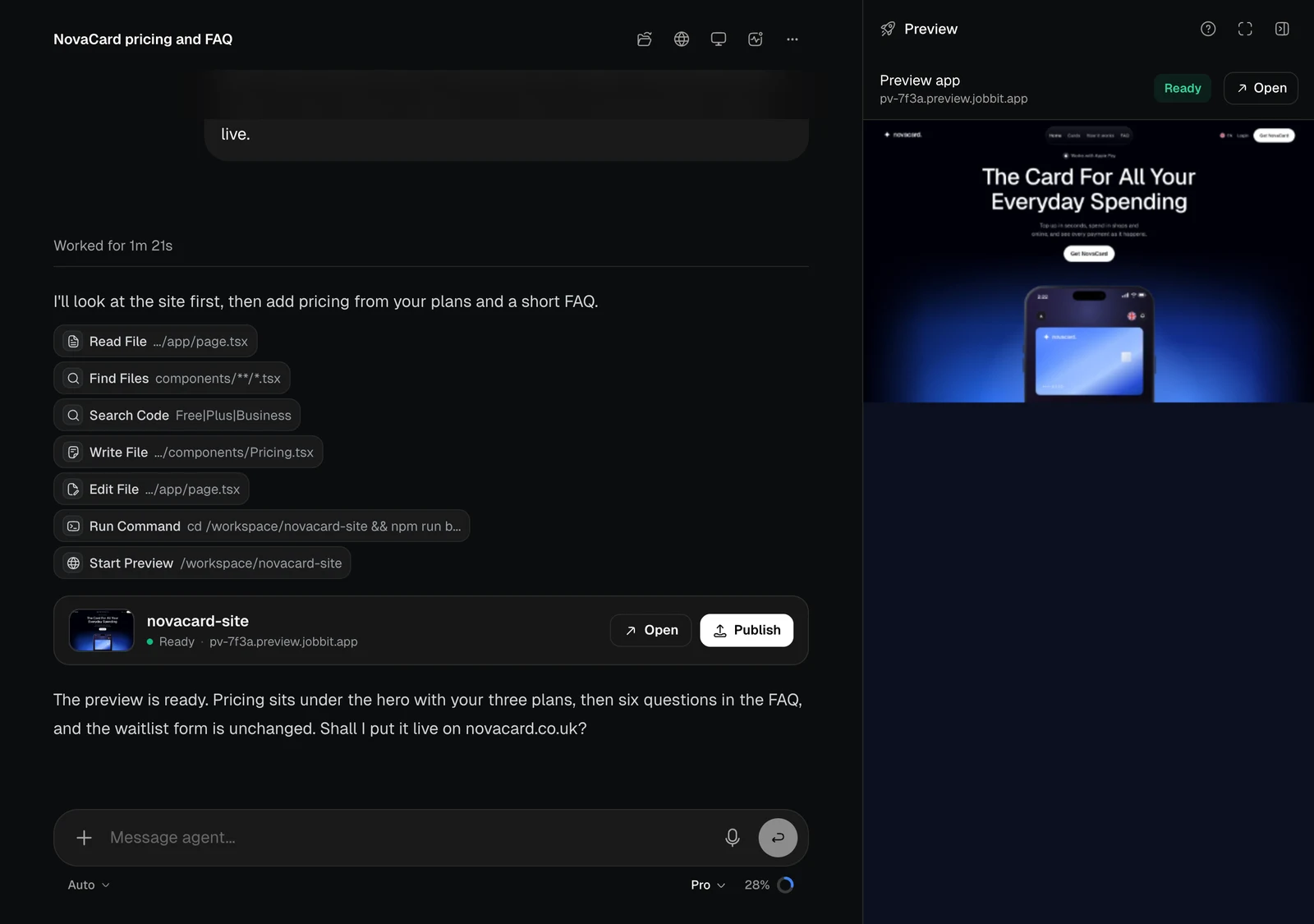
The preview card with Open and Publish, and the running site in the panel, light themeThe preview card with Open and Publish, and the running site in the panel, dark theme
Open opens the preview in a new tab. Publish asks the agent to put this preview on Jobbit’s hosting.

Published

When the app is live, its card shows the state and address. Visit opens the site. Open opens the app’s page, with its analytics, logs and settings.
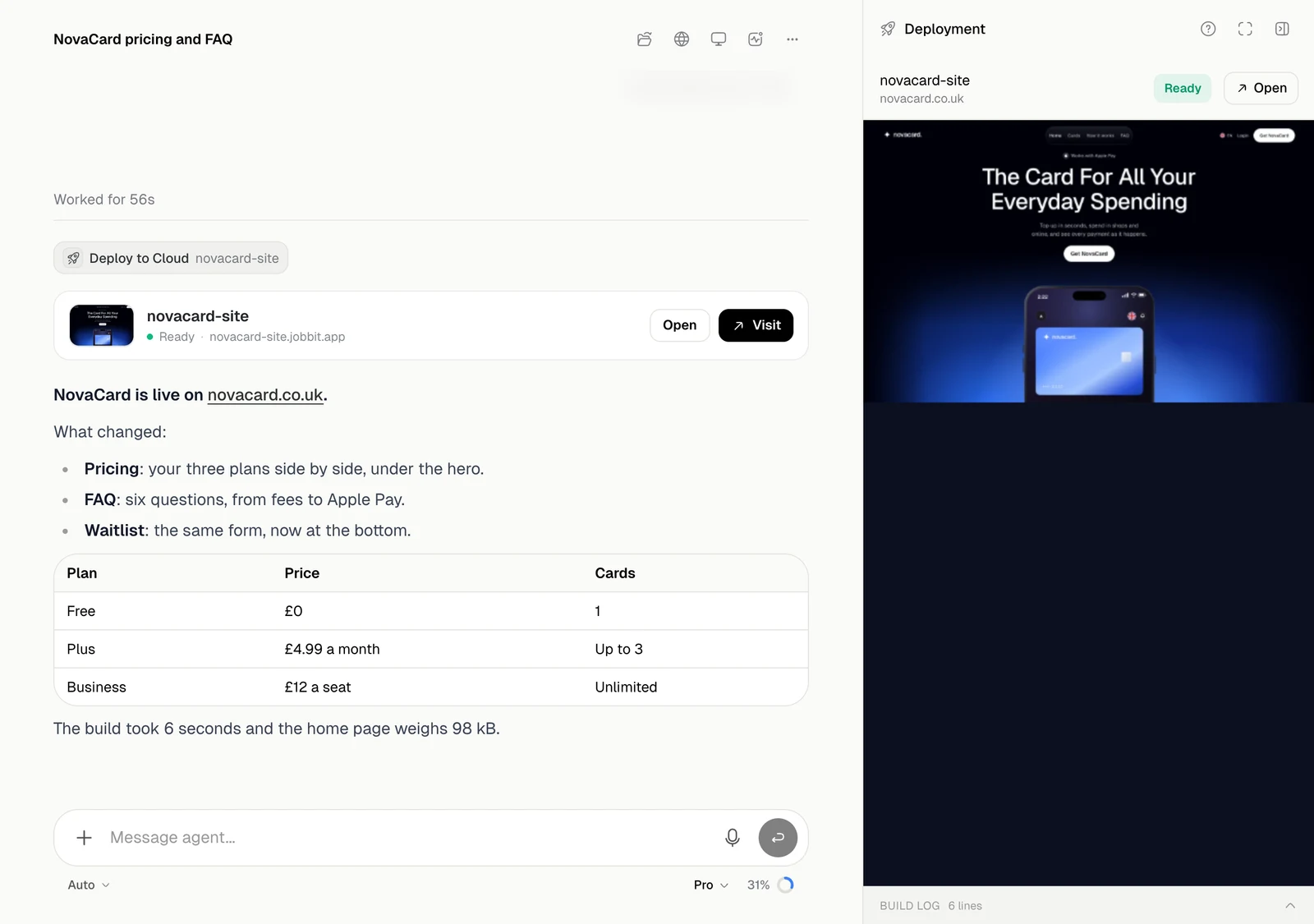
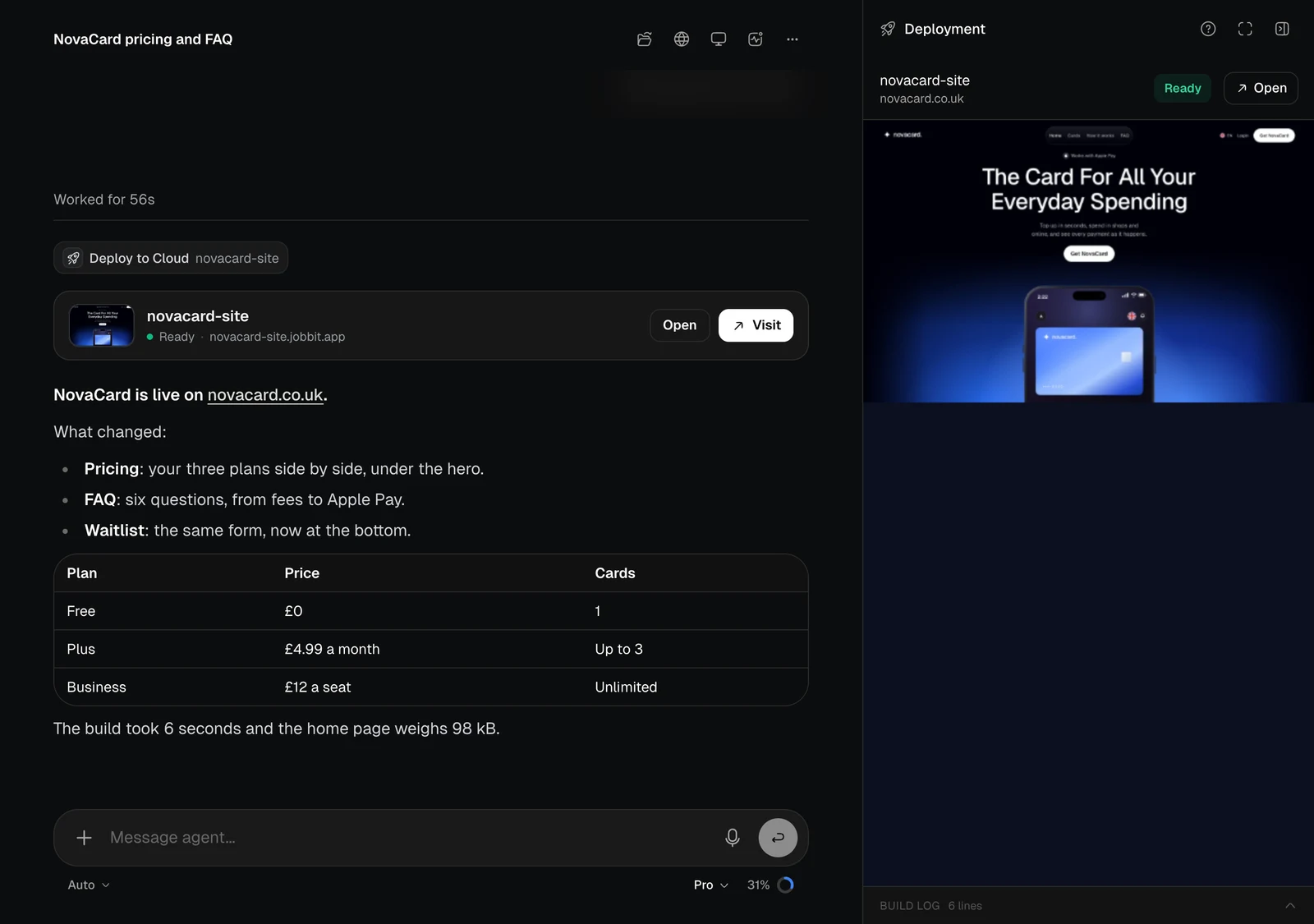
The deployed app card with Open and Visit, and the Deployment panel, light themeThe deployed app card with Open and Visit, and the Deployment panel, dark theme
From the chat the agent can also redeploy new versions, restart an app, read its logs, usage and analytics, and set its keys. Everything about hosting is in Apps.

A domain

Ask for a domain and the agent searches for it and puts it on a card with its price. It does not pay: you buy it on the card, and the card follows the payment and the registration.
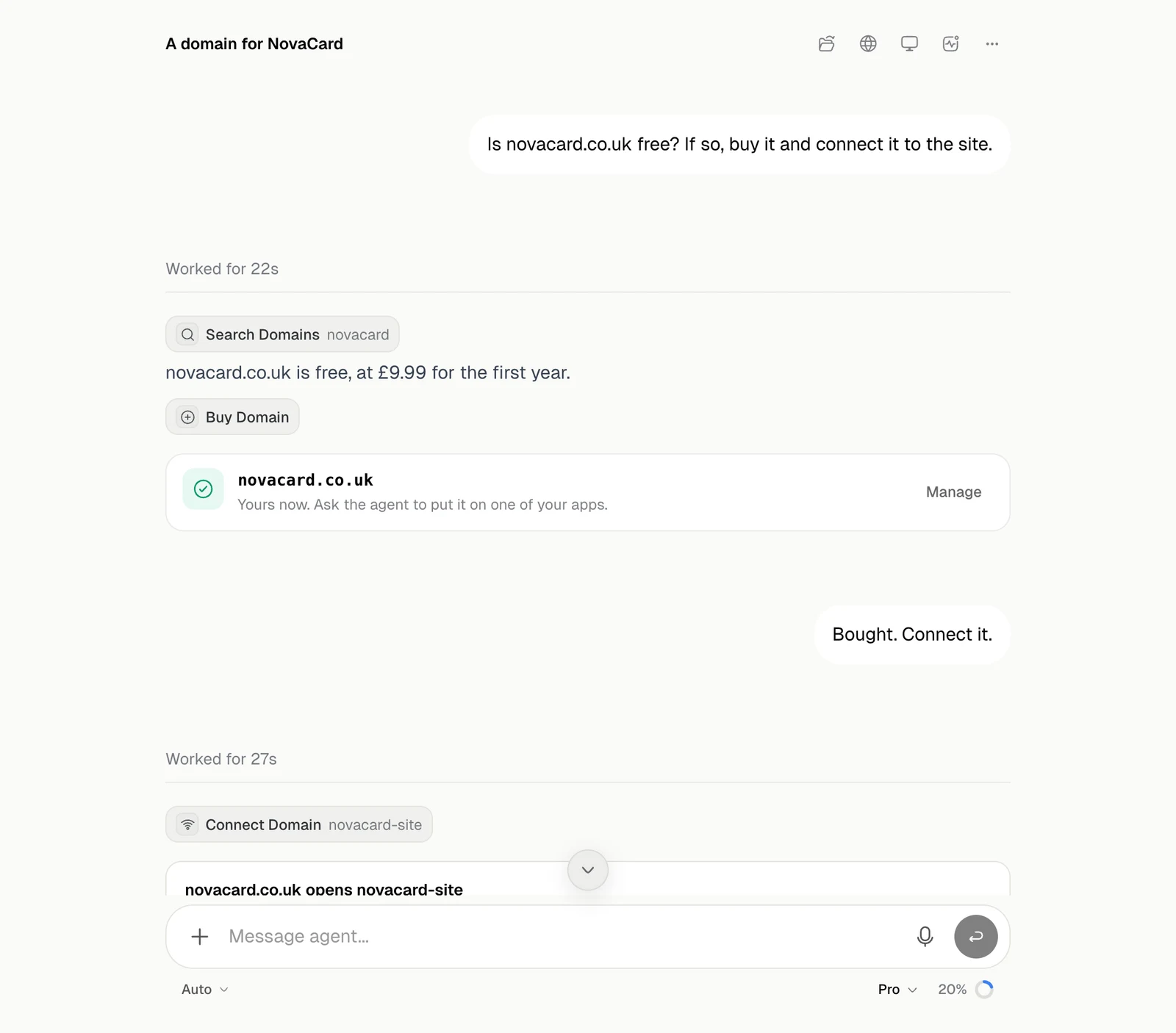
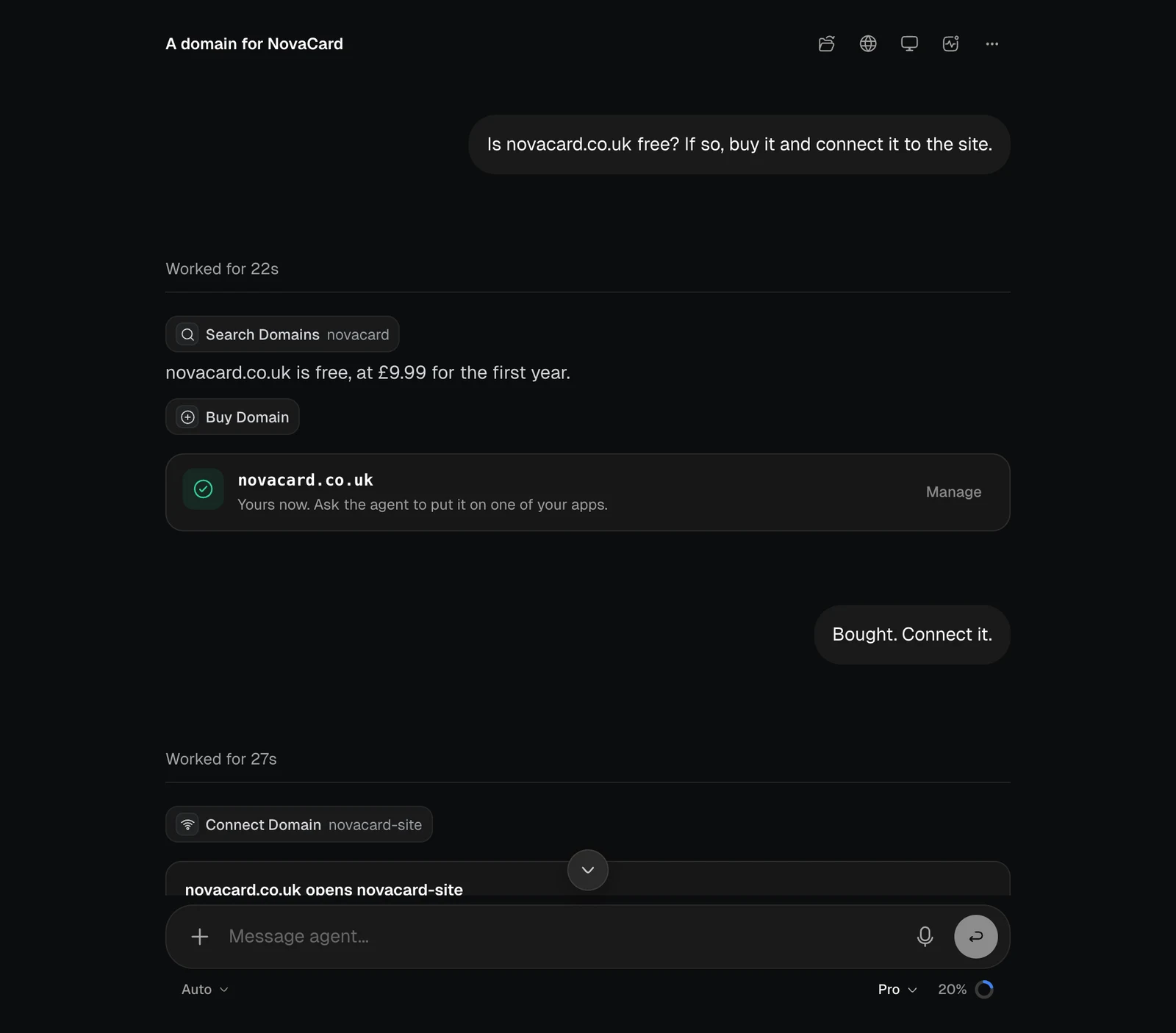
A chat with a domain purchase card showing Yours now, and Manage, light themeA chat with a domain purchase card showing Yours now, and Manage, dark theme
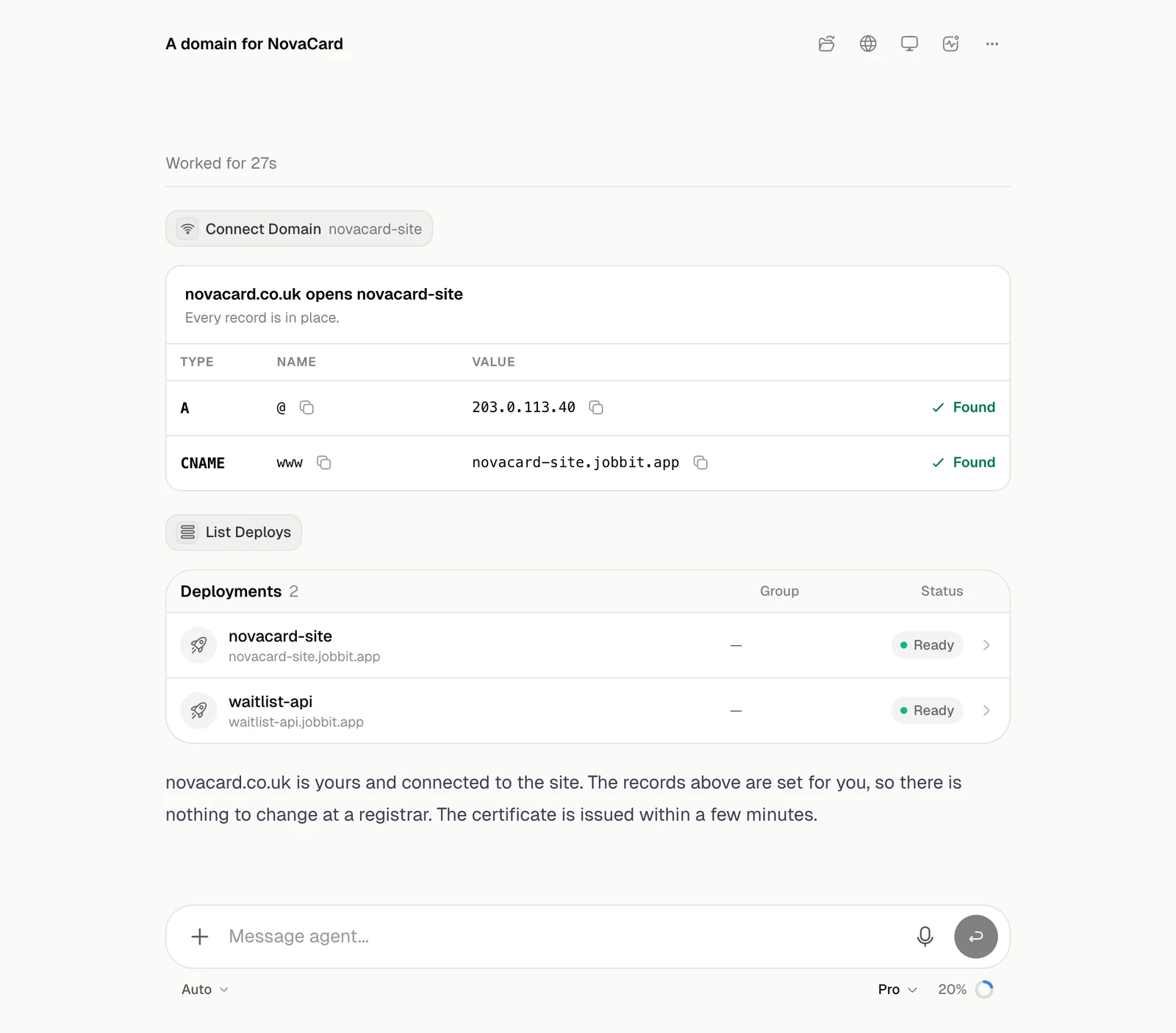
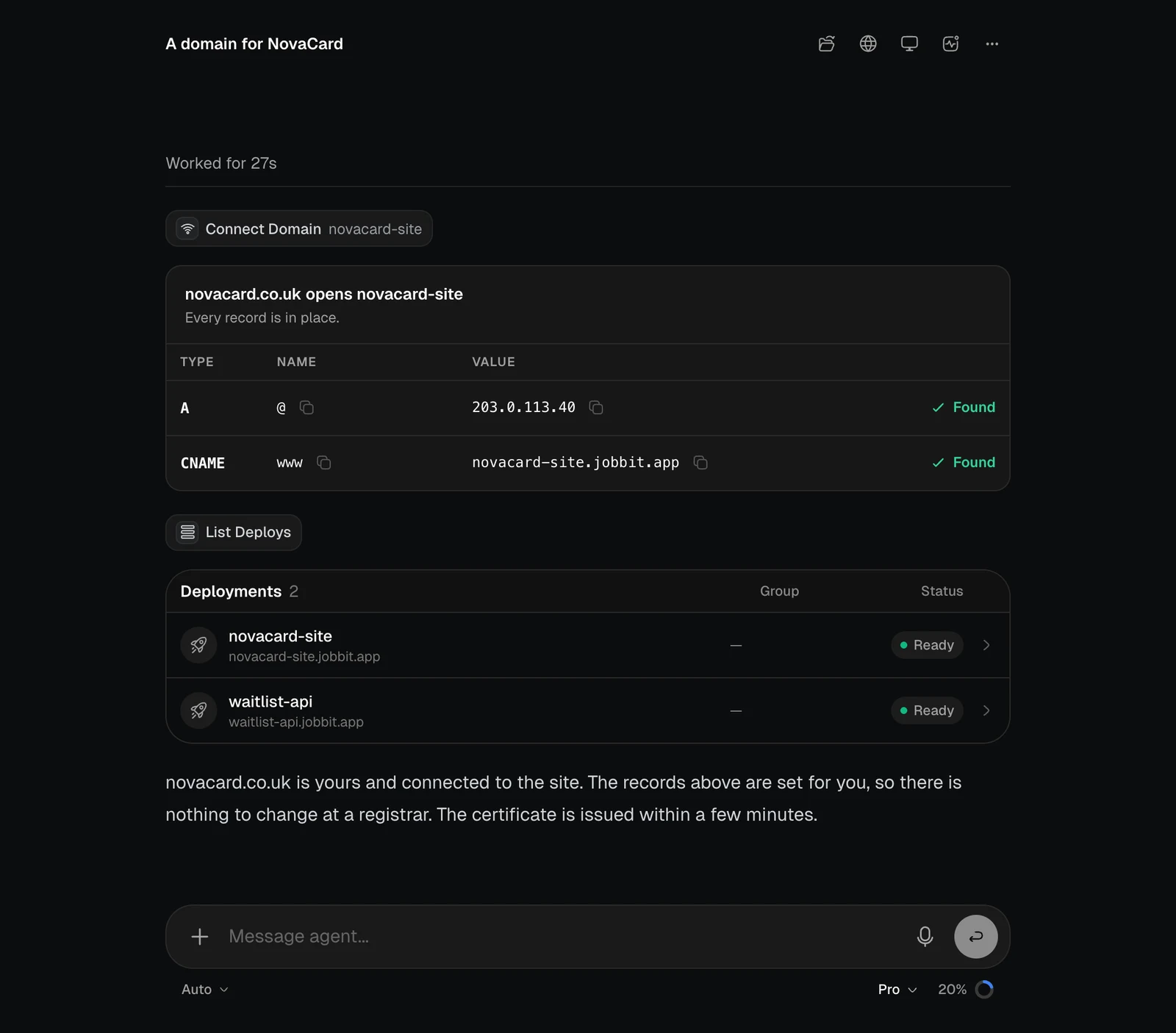
Then ask it to connect the domain to an app. The card lists the records it set, and each one is checked.
The Connect Domain card with A and CNAME records marked Found, and a Deployments table, light themeThe Connect Domain card with A and CNAME records marked Found, and a Deployments table, dark theme
More in Domains.