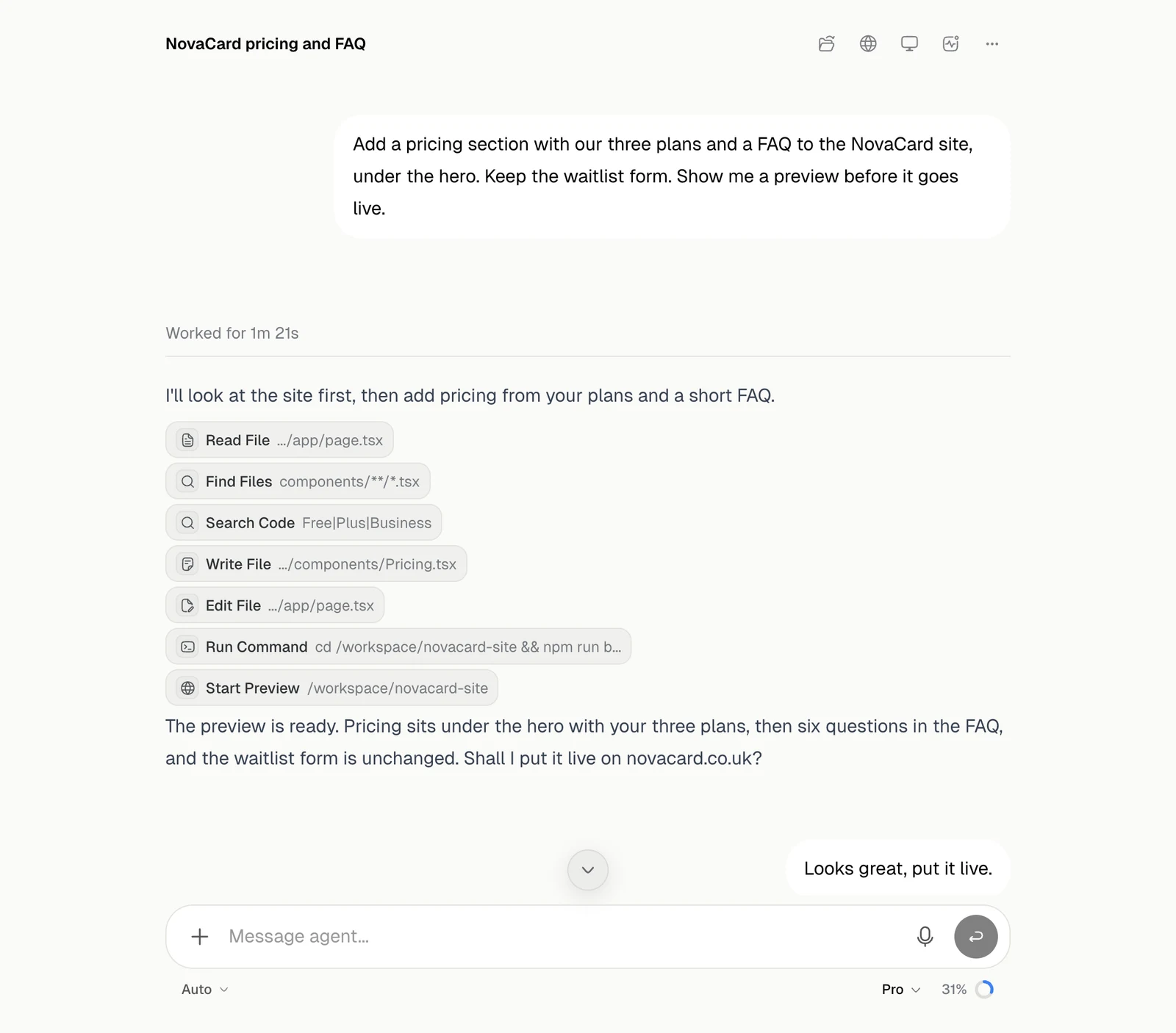
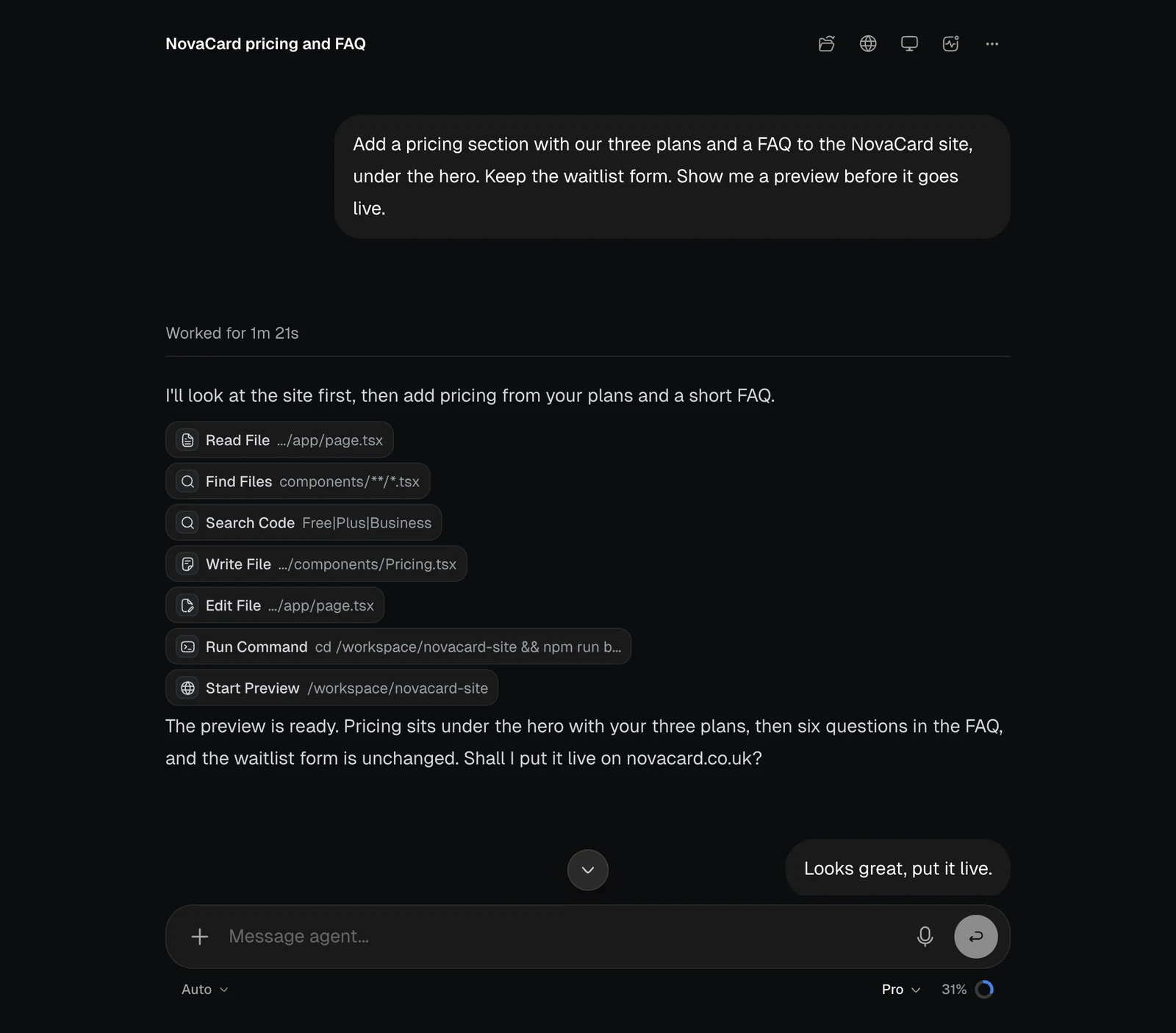
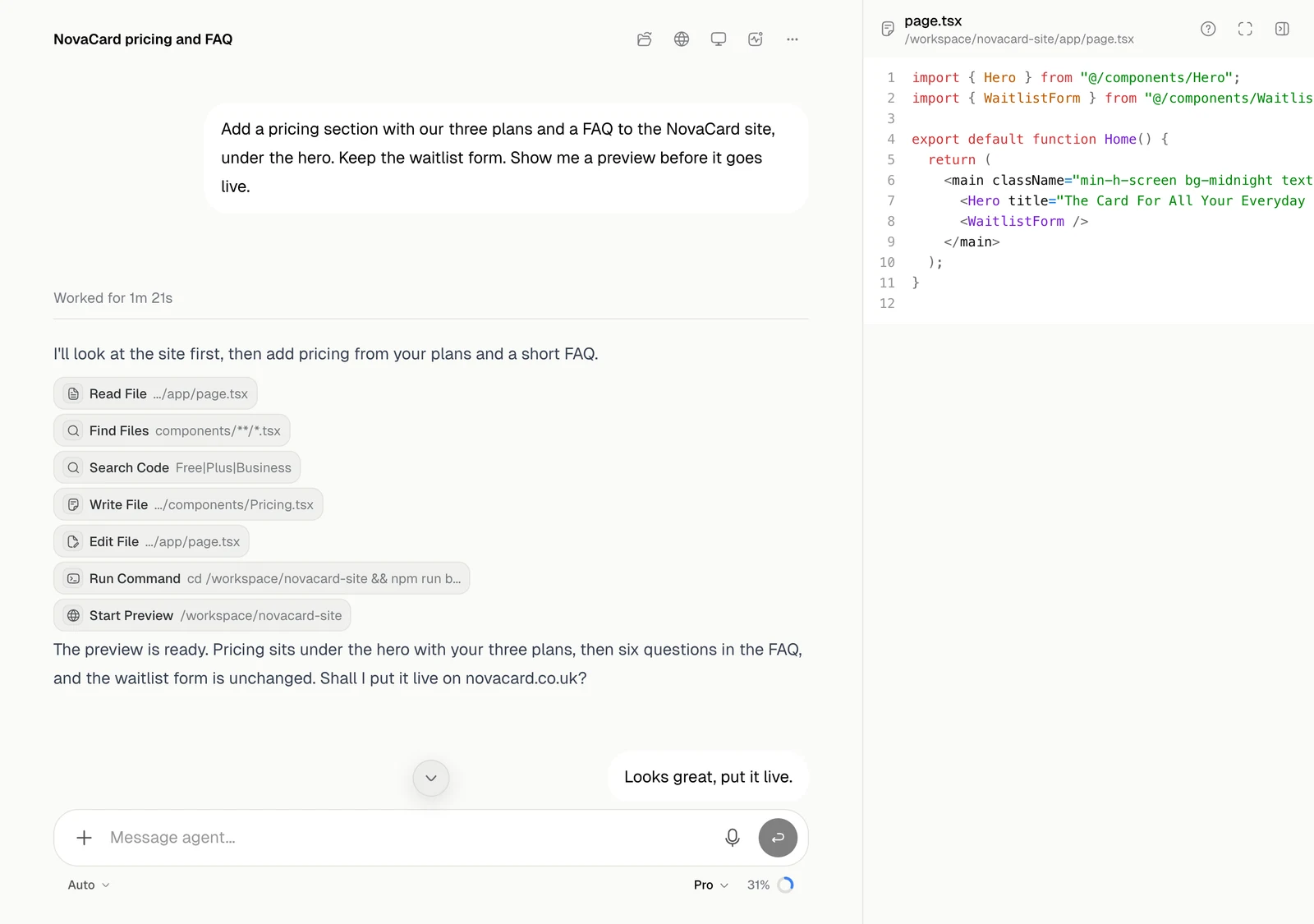
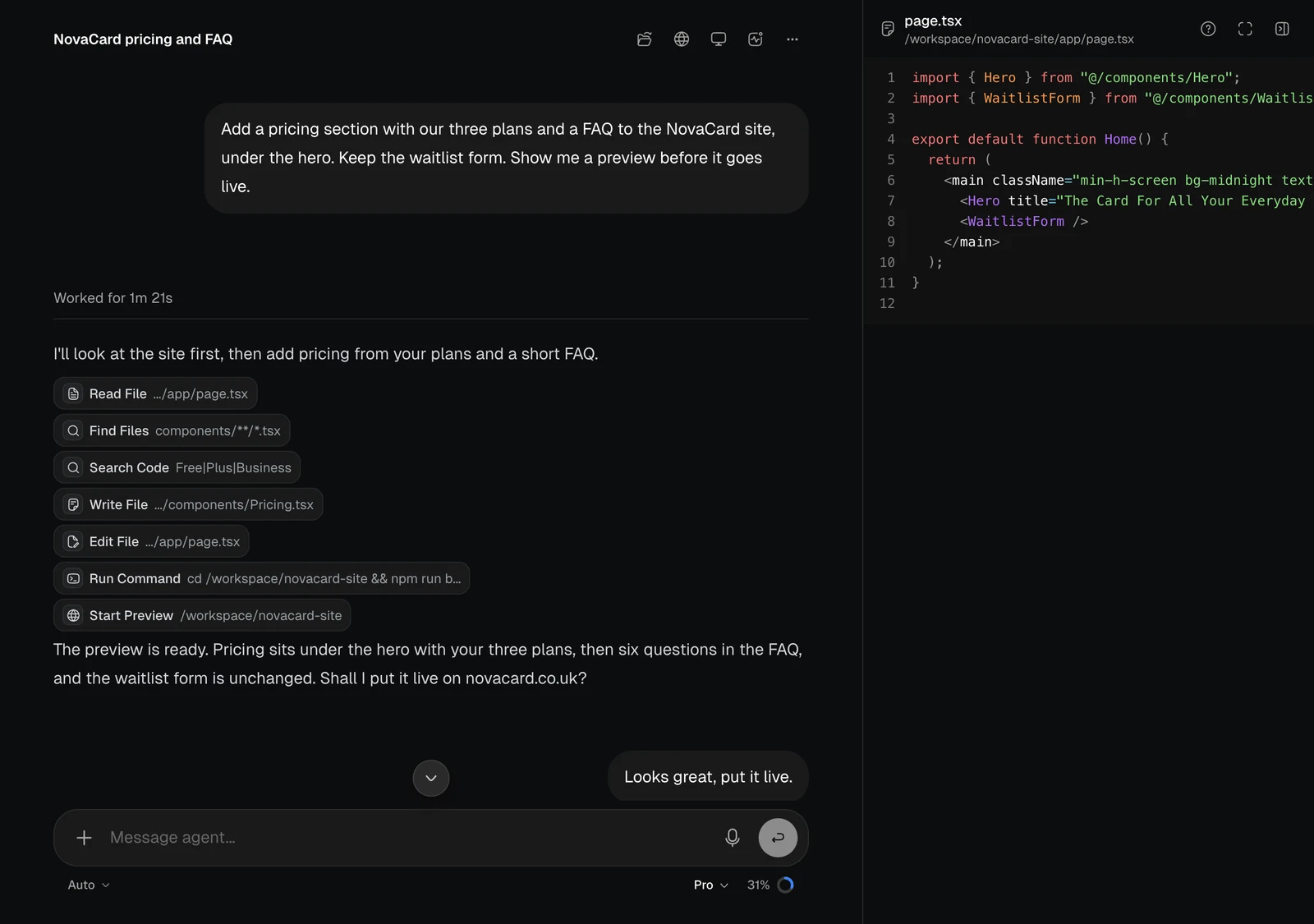
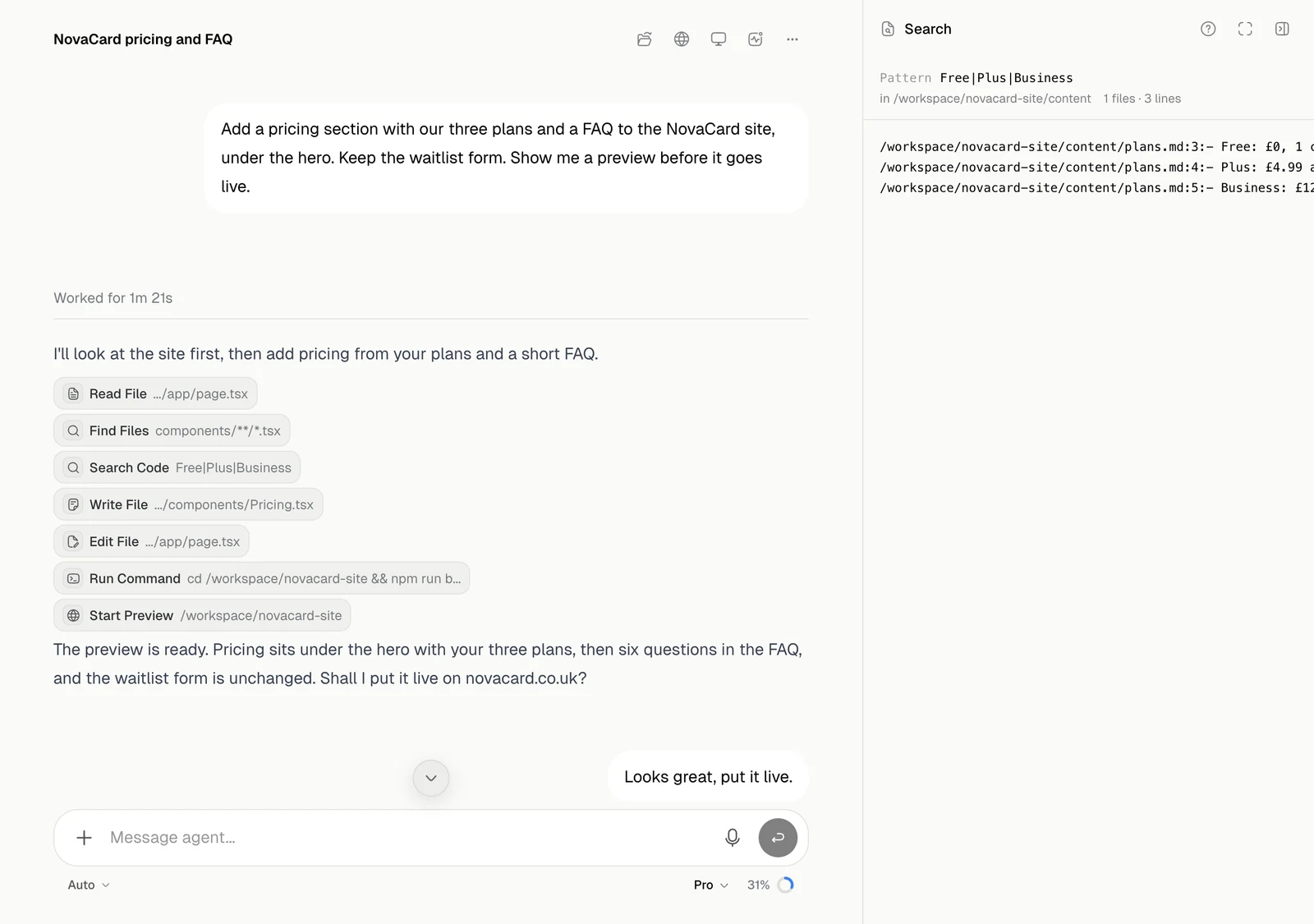
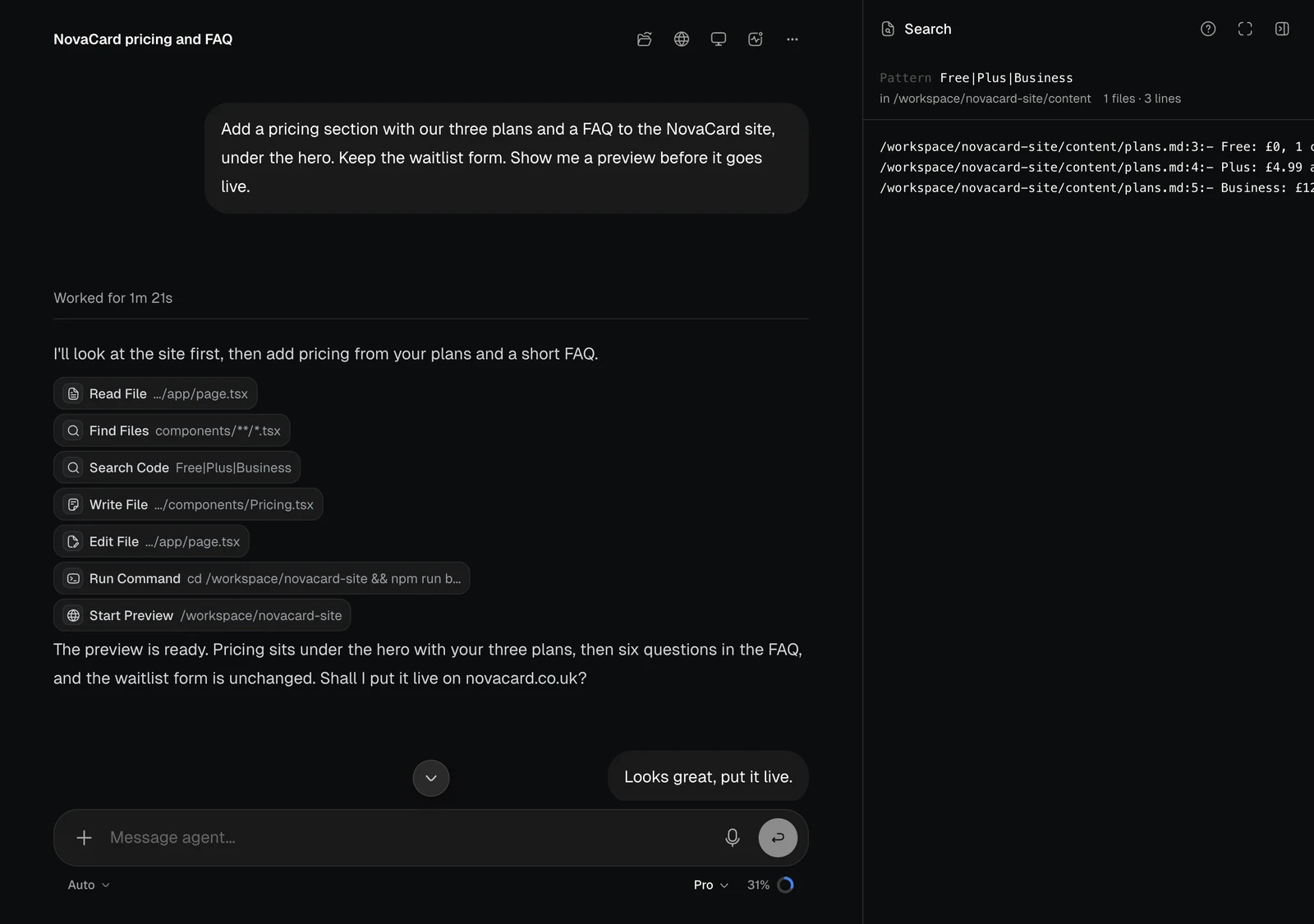
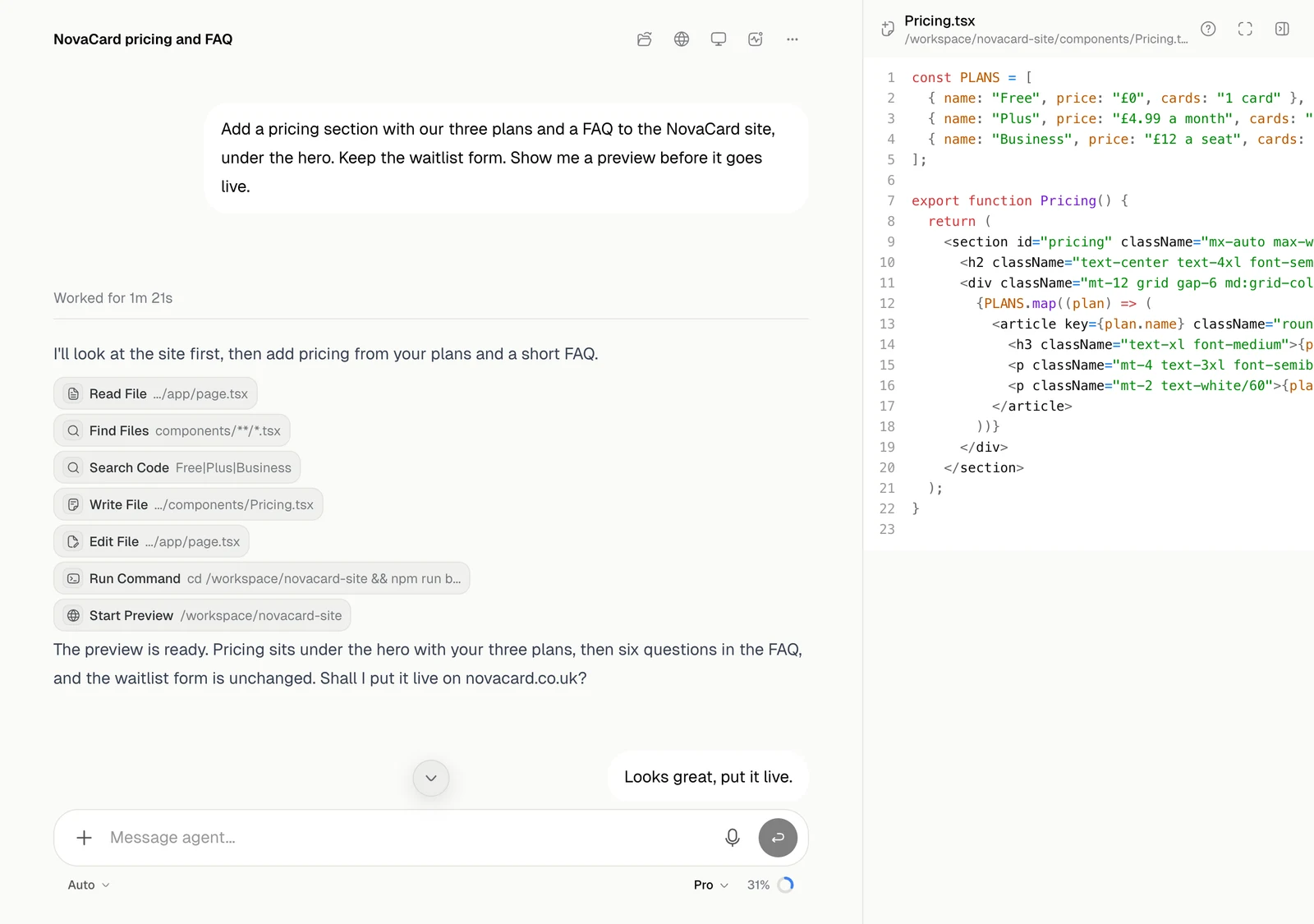
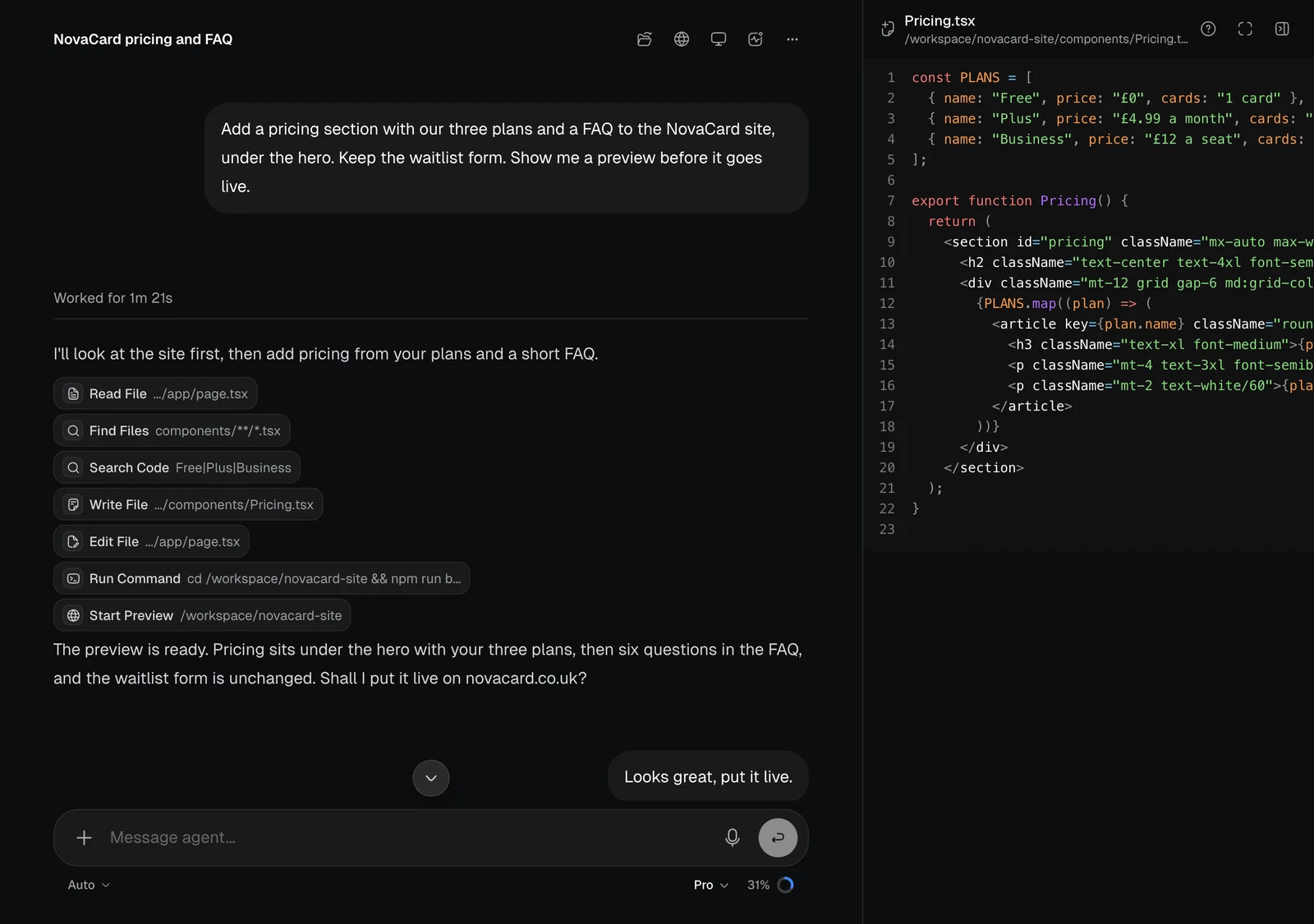
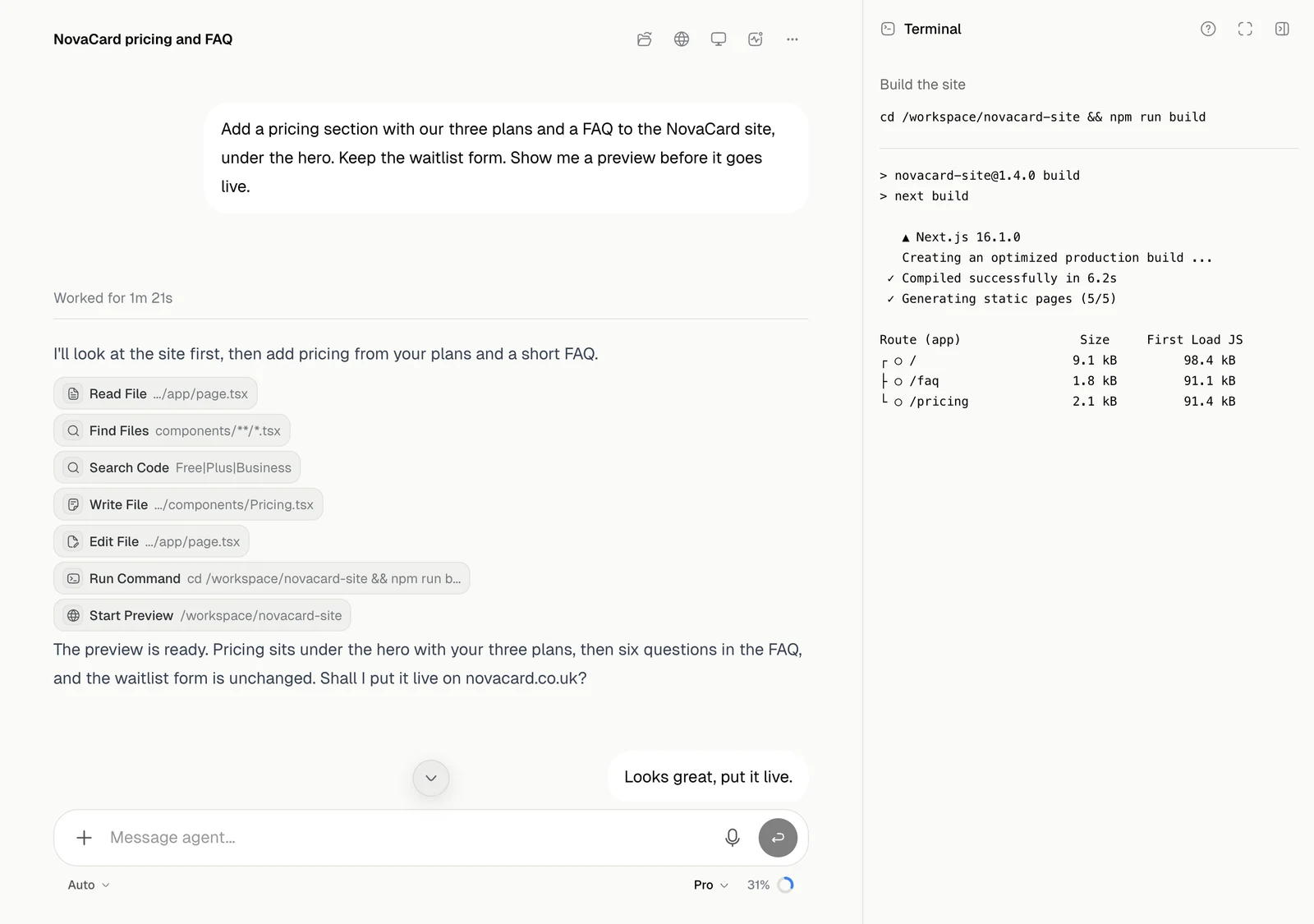
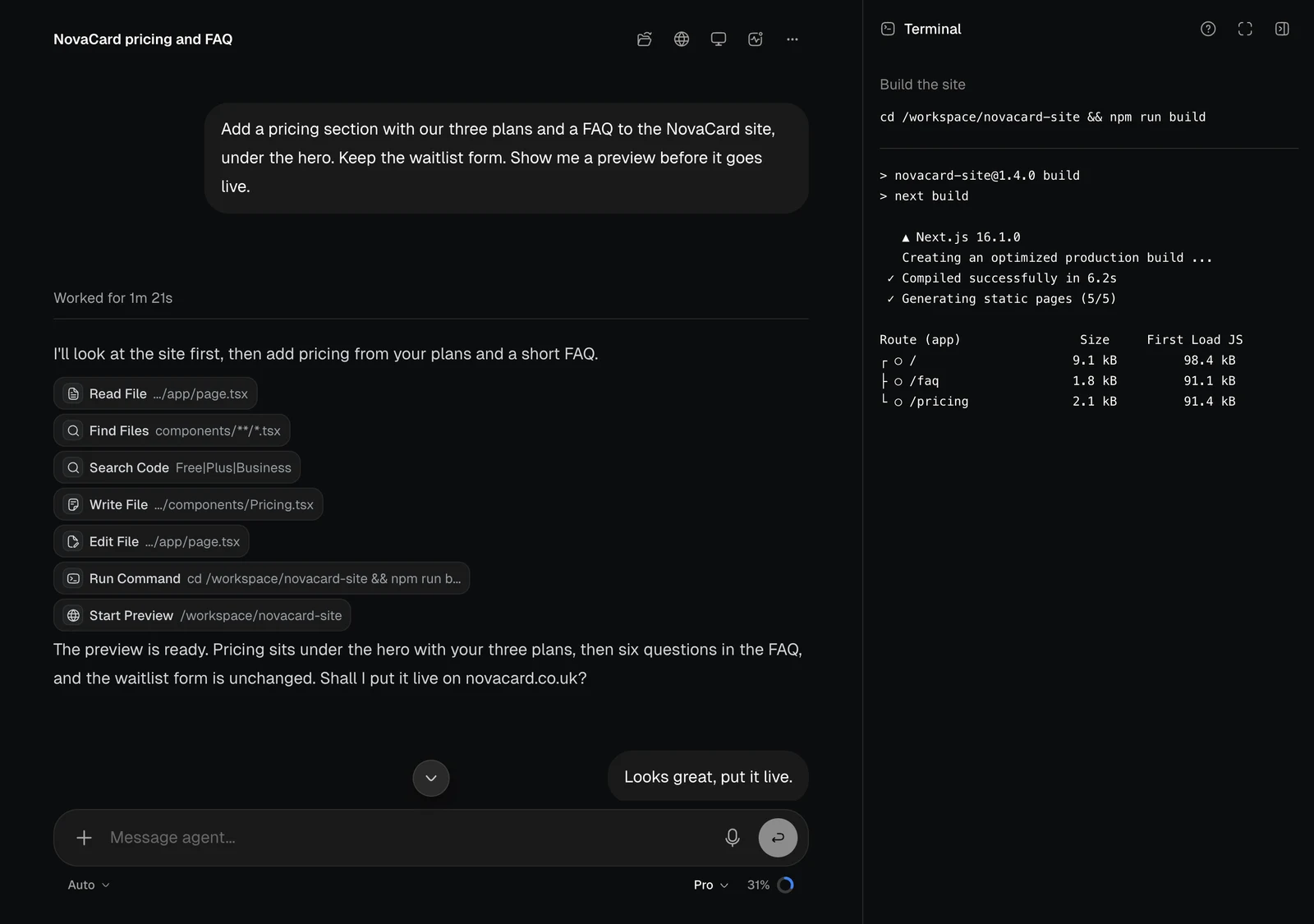
The agent gets things done through tools. Each step appears as a badge with the tool’s name and what it worked on. Click a badge to see the details in the panel beside the chat.
A chat with badges for Read File, Find Files, Search Code, Write File, Edit File, Run Command and Start Preview, light themeA chat with badges for Read File, Find Files, Search Code, Write File, Edit File, Run Command and Start Preview, dark theme

Files and code

Read File shows the file the agent read, with its line numbers.
The panel showing a file with line numbers, light themeThe panel showing a file with line numbers, dark theme
Search Code shows what it looked for and every match.
The panel showing code search matches, light themeThe panel showing code search matches, dark theme
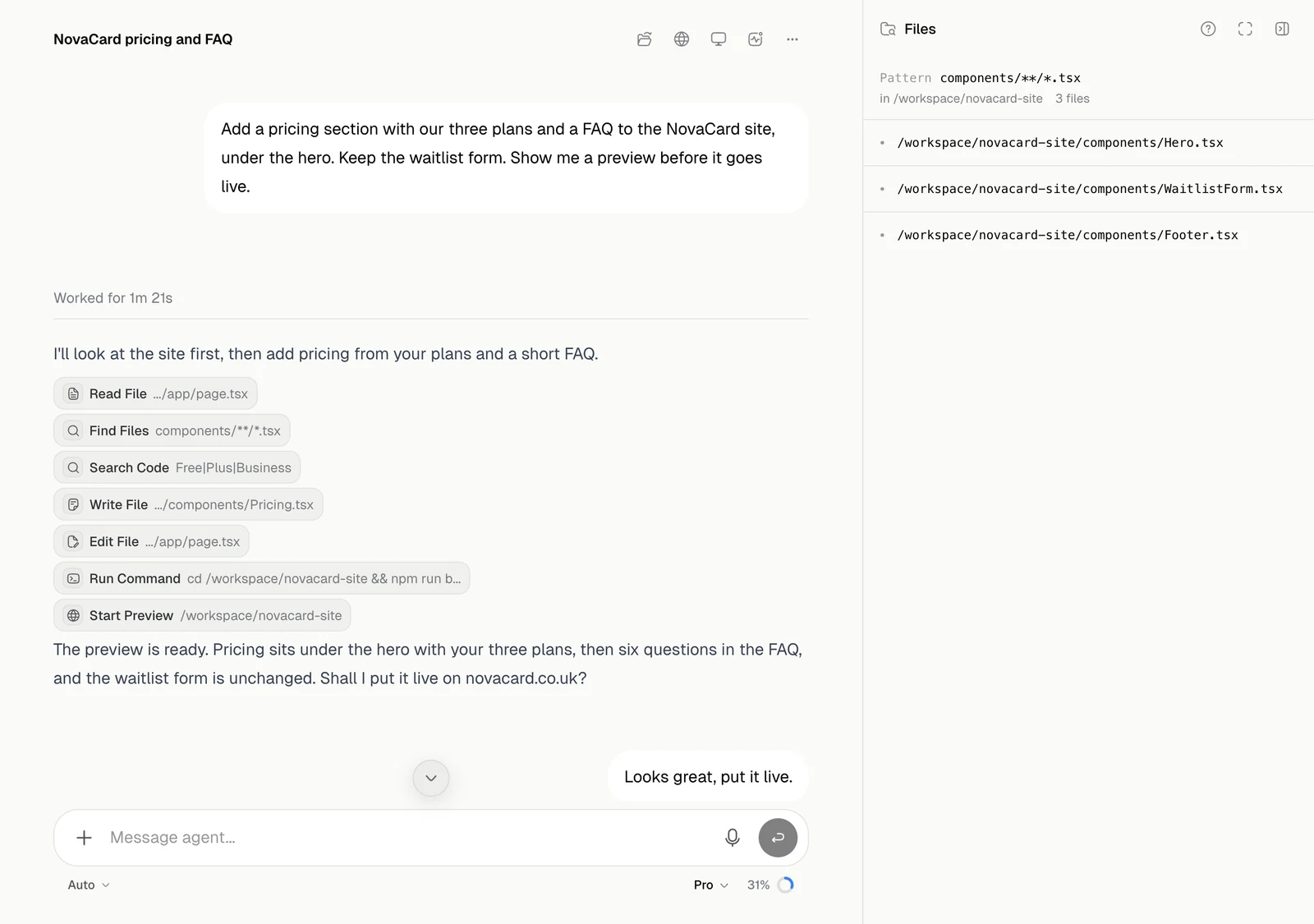
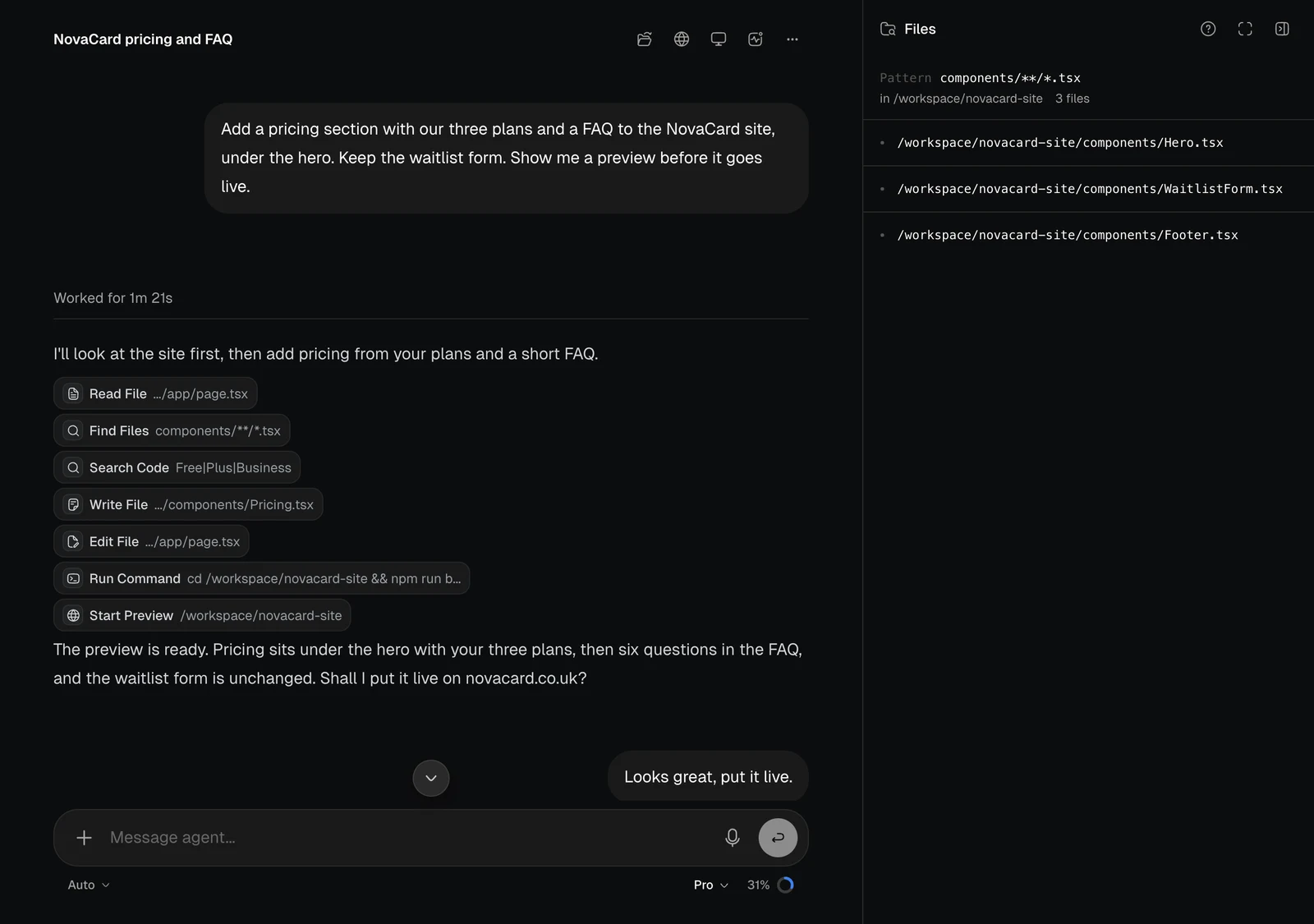
Find Files lists the files that fit a pattern.
The panel listing files found by a pattern, light themeThe panel listing files found by a pattern, dark theme
Write File shows the new file in full.
The panel showing a file the agent wrote, light themeThe panel showing a file the agent wrote, dark theme
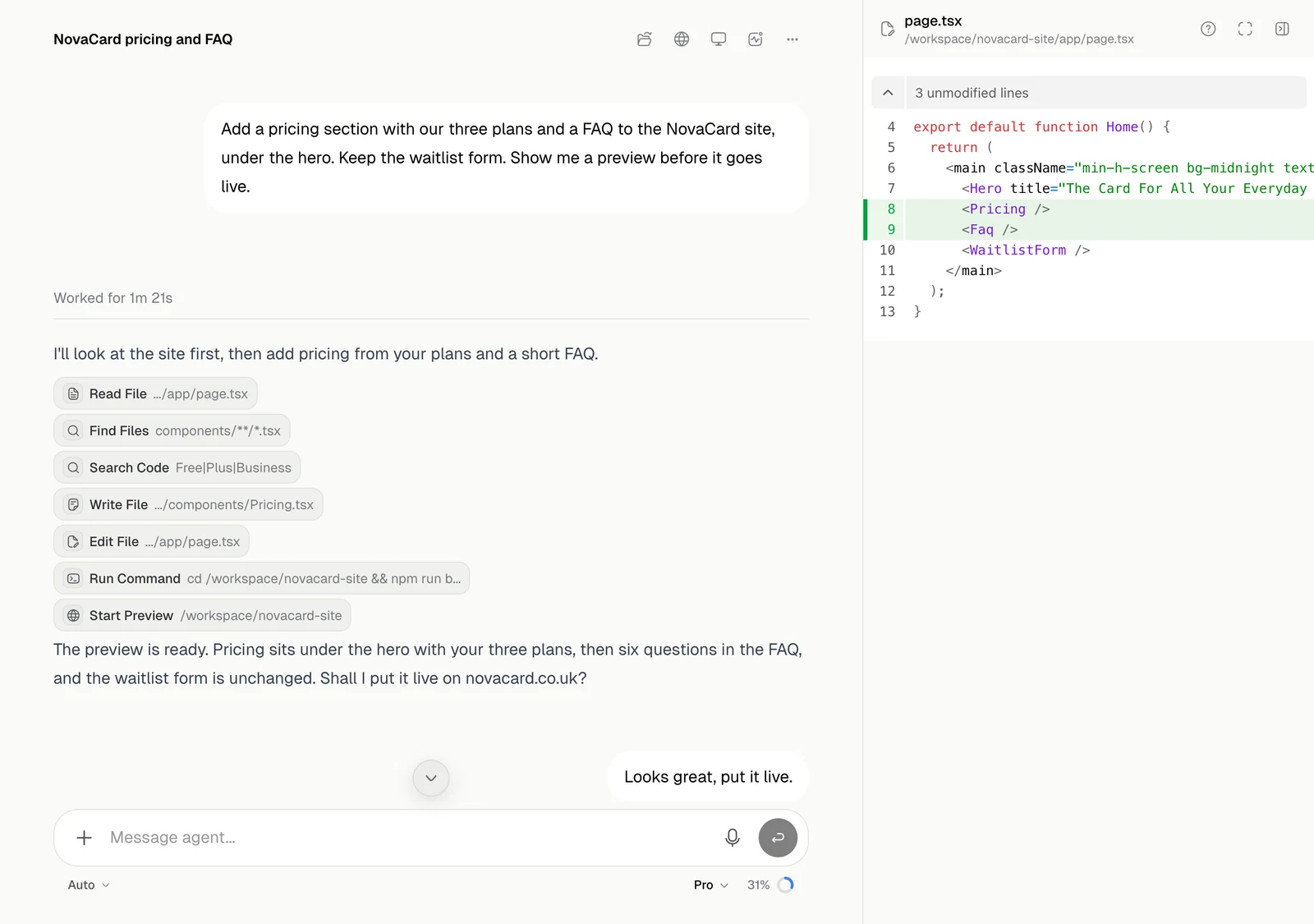
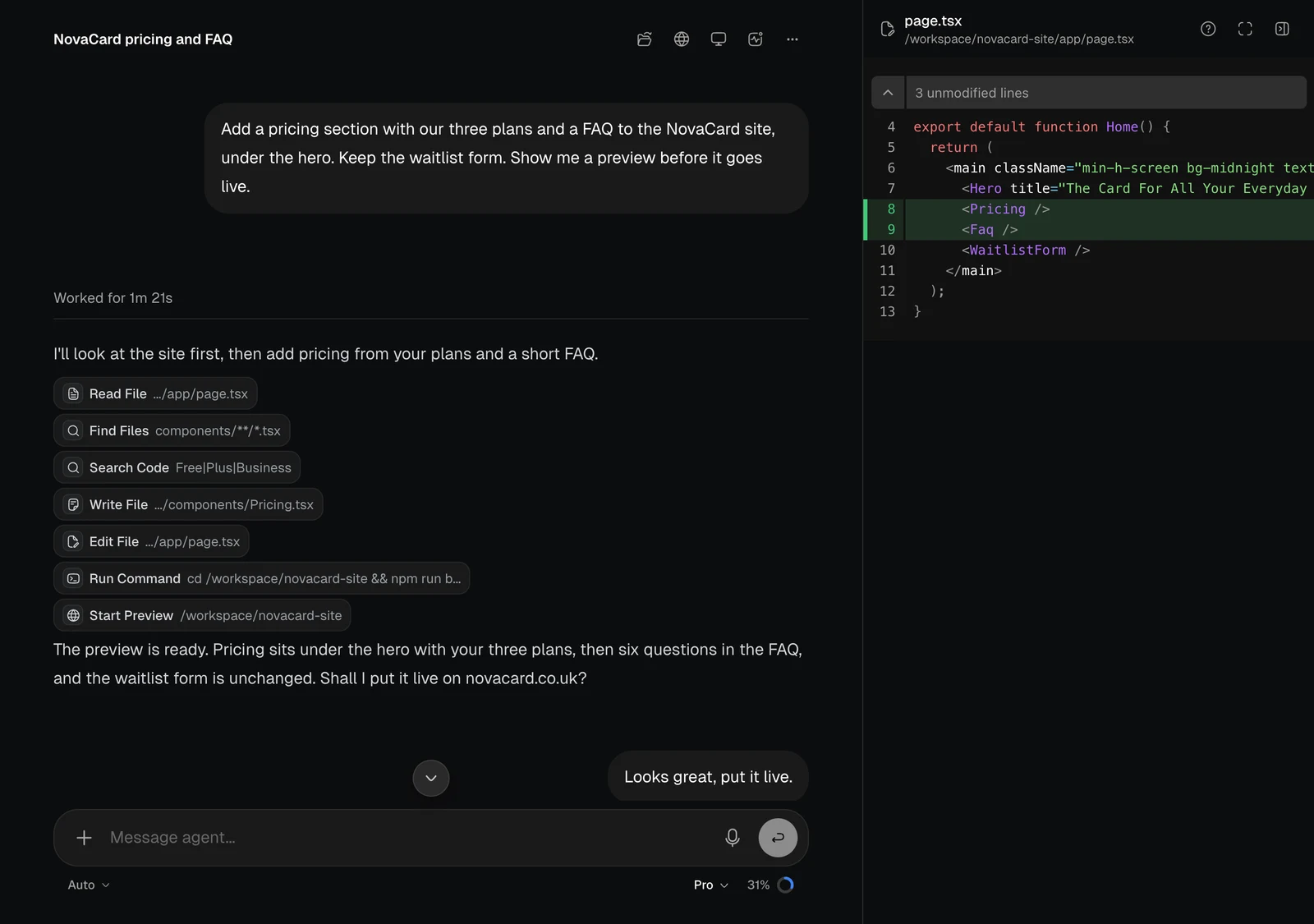
Edit File shows the change, with added lines in green and removed lines in red.
The panel showing the diff of an edit, light themeThe panel showing the diff of an edit, dark theme
Run Command opens the terminal: the command and what it printed.
The Terminal panel with a command and its output, light themeThe Terminal panel with a command and its output, dark theme
To see everything a turn changed in one place, use Review changes.

The web

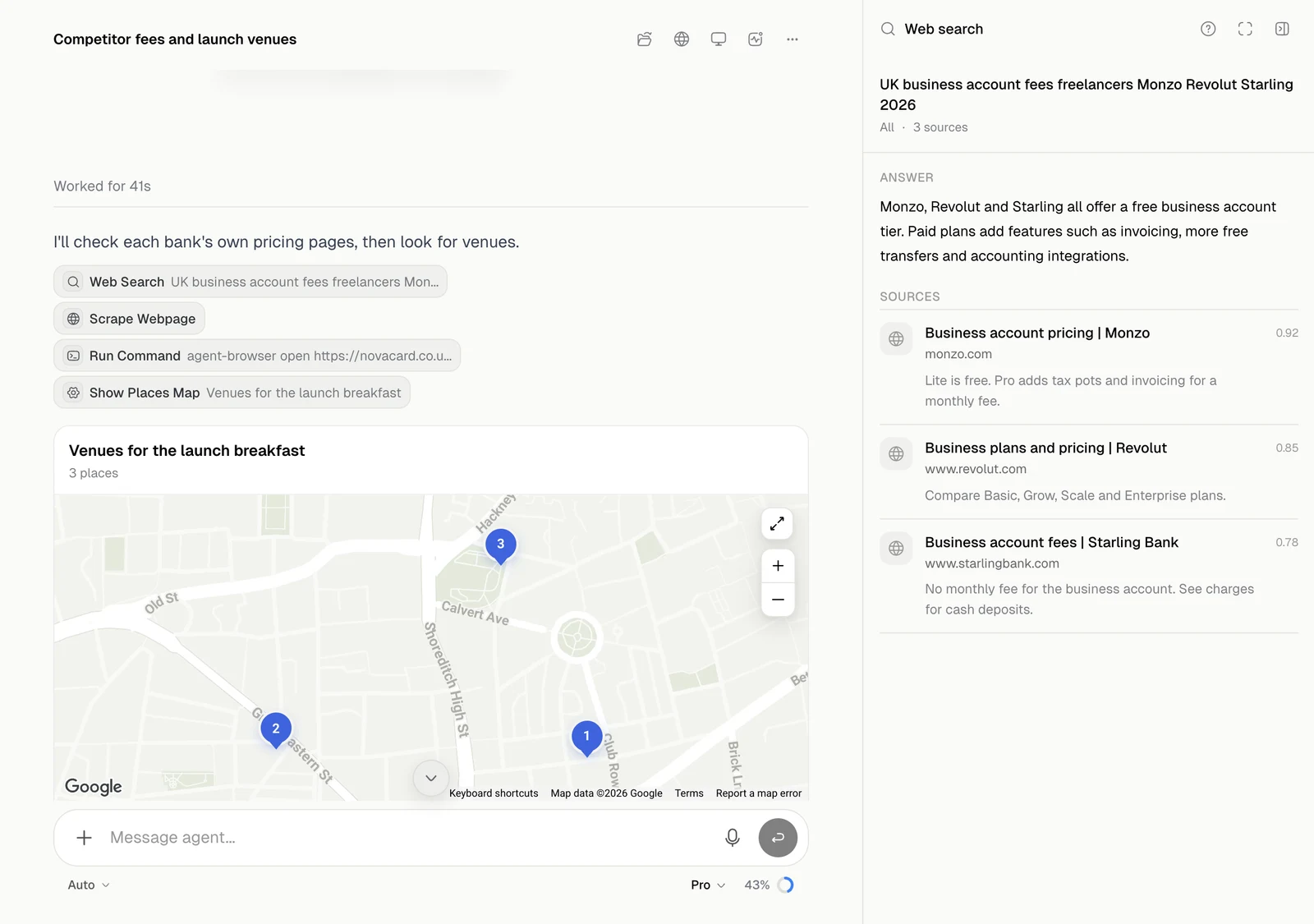
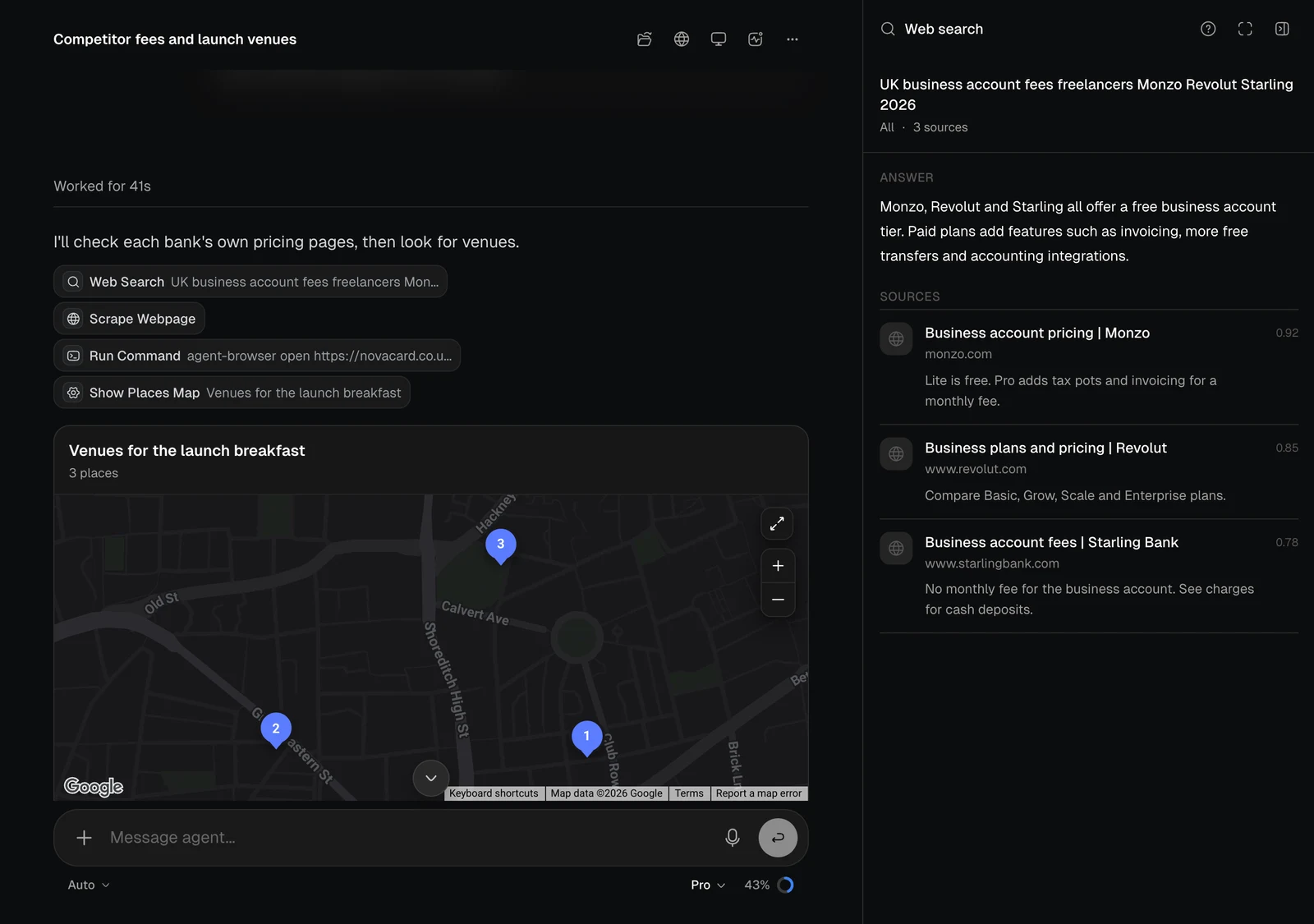
Web Search shows the answer and the sources it came from, with how well each one matched.
The Web search panel with an answer and sources, light themeThe Web search panel with an answer and sources, dark theme
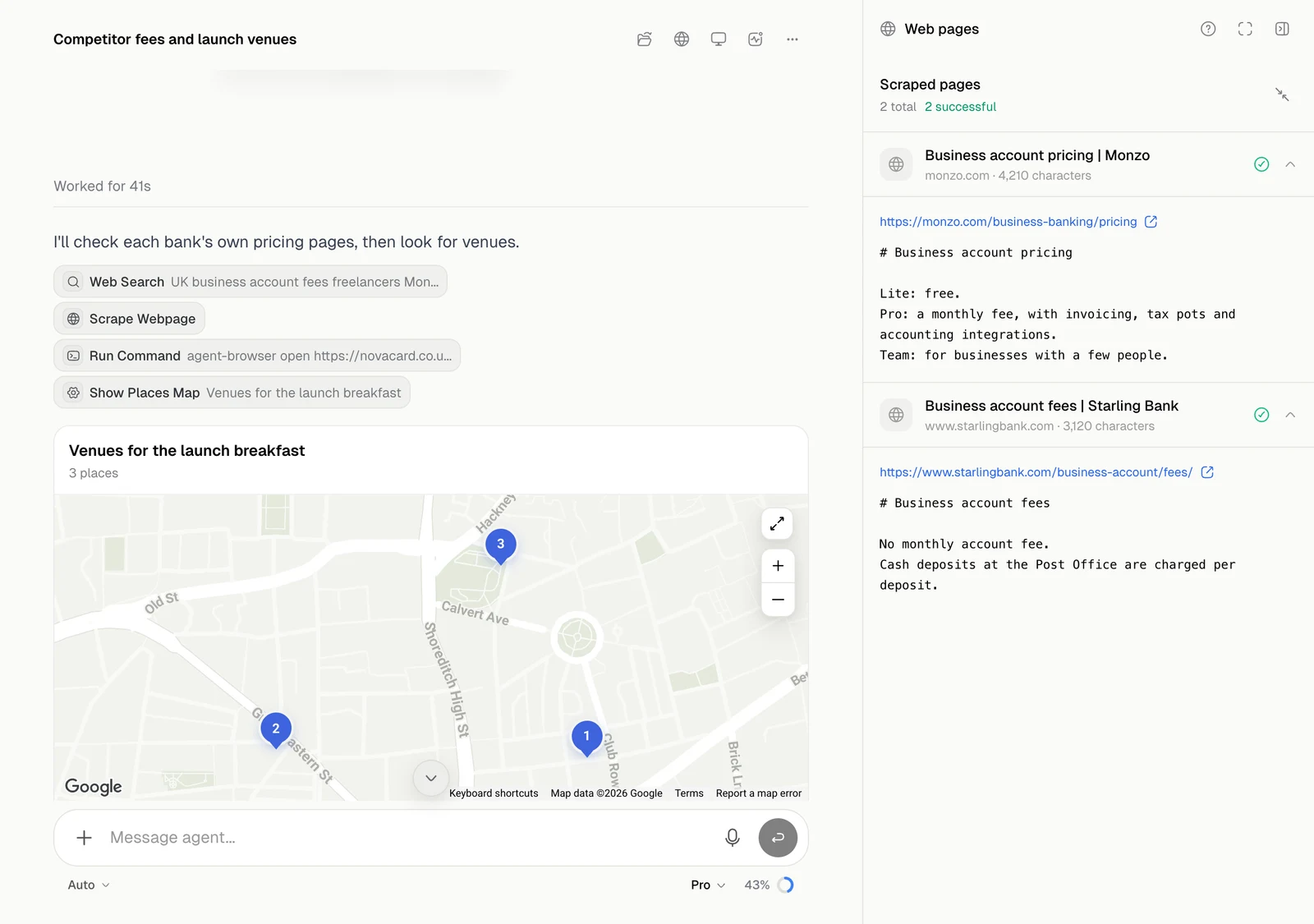
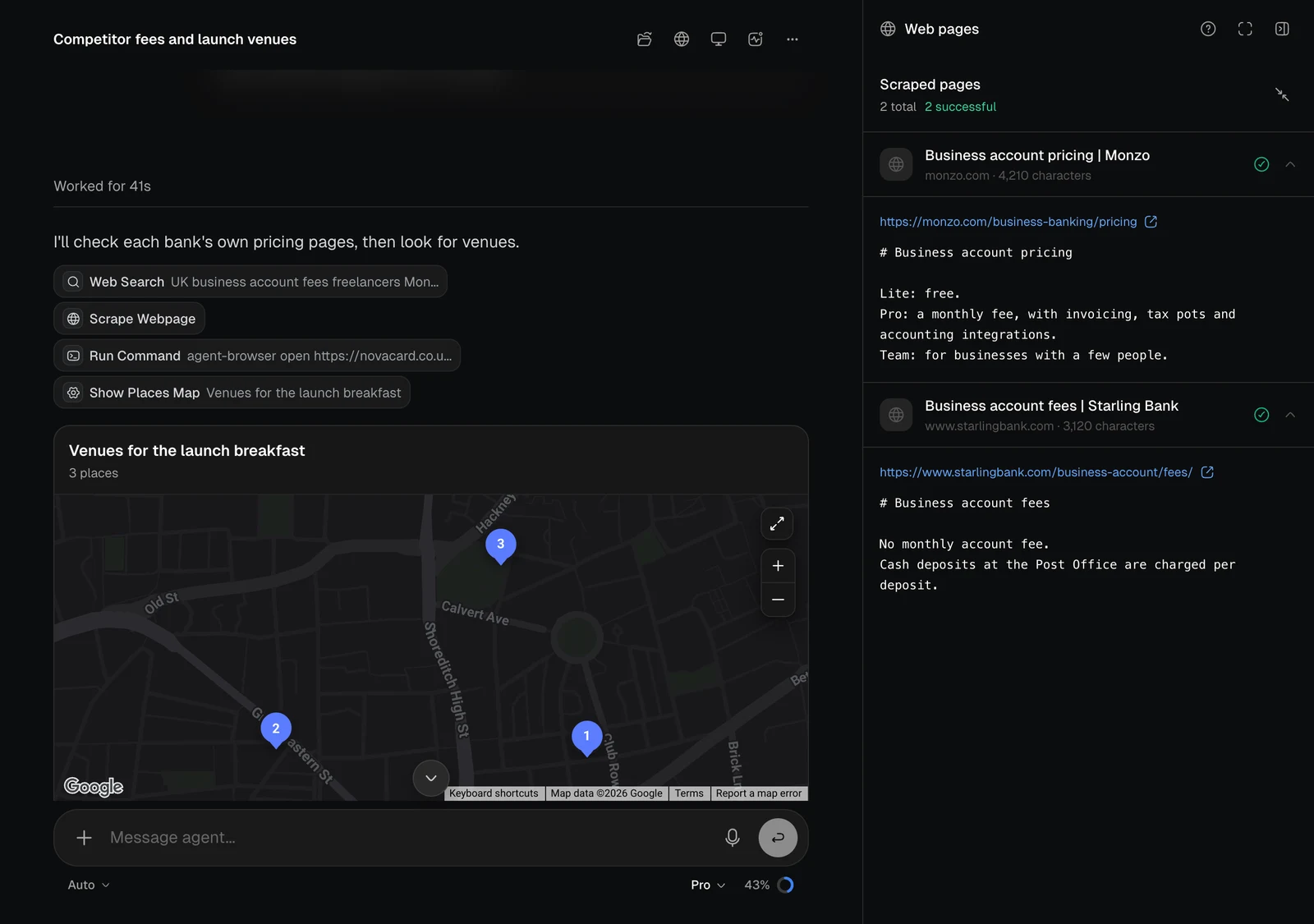
Scrape Webpage shows the pages it read and the text it got from each one.
The Web pages panel with two scraped pages, light themeThe Web pages panel with two scraped pages, dark theme

What else it can do

AreaBadges you will see
Apps and previewsStart Preview, Deploy to Cloud, Redeploy, Deploy Logs, App Keys
DomainsSearch Domains, Buy Domain, Connect Domain, DNS Records
Images, video and audioGenerate Image, Edit Image, Create Video, Generate Music, Text to Speech, Speech to Text
DocumentsOpen Canvas, Compile Presentation, Upload Files
Your files and knowledgeSearch Saved Files, Search Workspace, Save Knowledge
Human NetworkPost Order, Get Responses, Hire Provider
AutomationsAutomation Settings, Publish Automation, Run Automation, Run Log
Skills and helpersSkill, Subagent, Create Task
An action in a connected service carries that service’s logo, such as Search Messages in Gmail. What it may do without asking is set in Permissions and in each plugin’s permissions.