
For a job that should happen again and again, ask the agent for an automation. It works out the steps, asks for what it needs and tests the result.
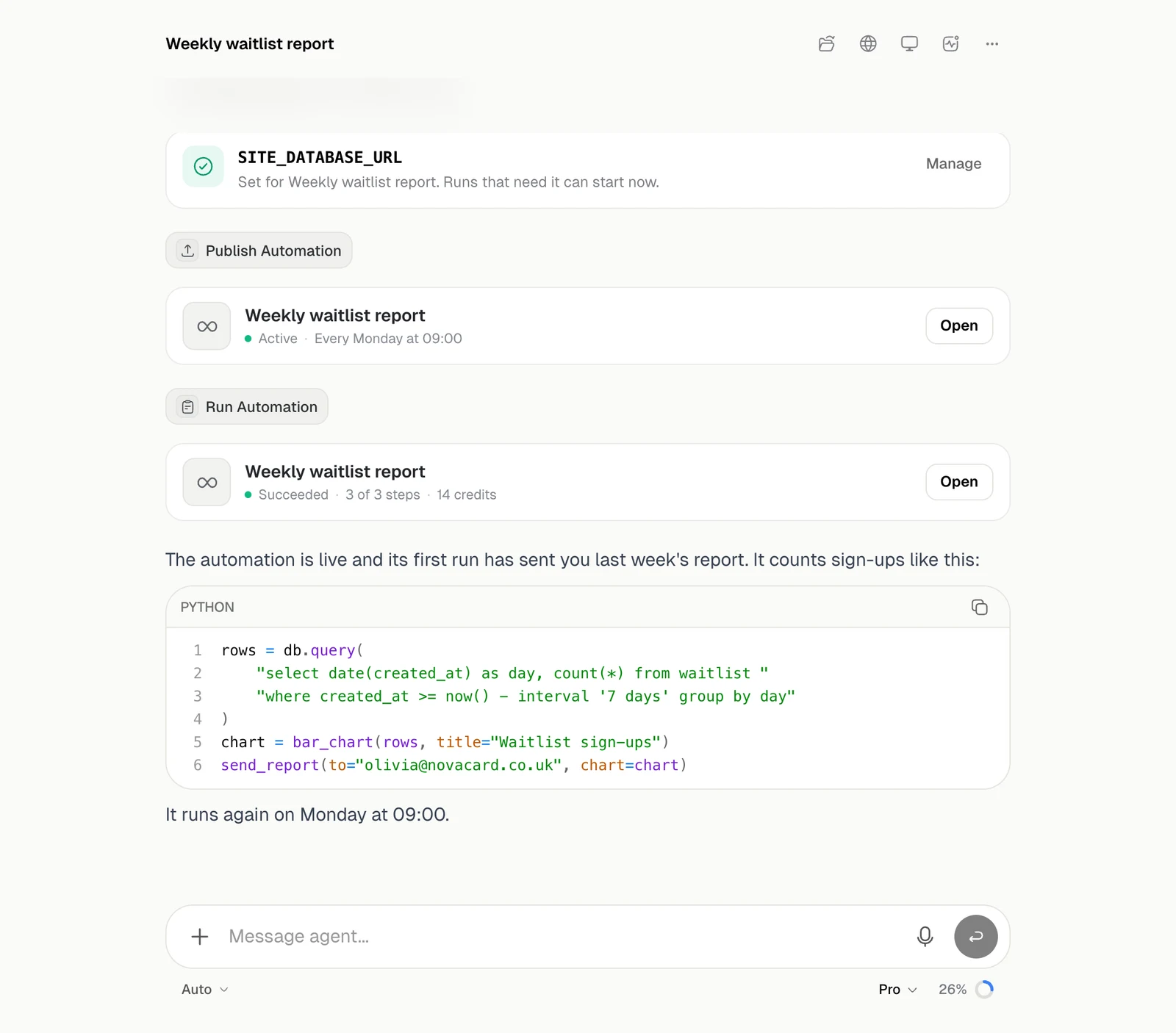
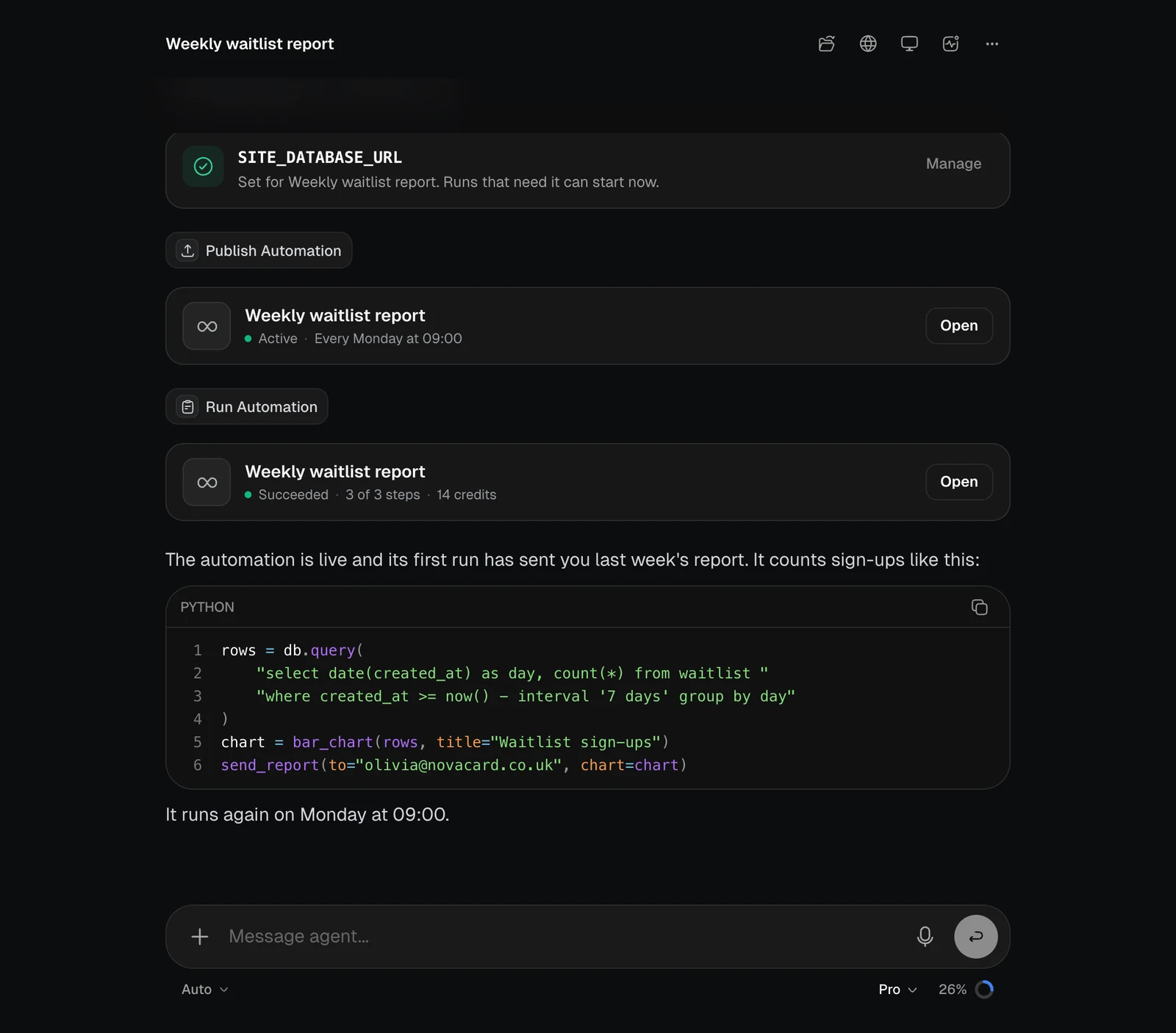
A chat with a key card, a published automation card and a run card, light themeA chat with a key card, a published automation card and a run card, dark theme
CardWhat it shows
KeyA key the automation needs. You type it on the card, and the agent never sees it. Manage opens the automation’s keys
AutomationThe automation, its state and how it starts. Open opens its page
RunOne run, with its status, steps and credits
You agree to every version on a card before the agent publishes it. The card says what the automation will do, when it starts, what it reaches and what a run may cost. From the chat the agent can also change an automation, run it, read its runs and logs, pause it or stop its runs. It never answers a question or approves an action in your place. See Questions and approvals.