

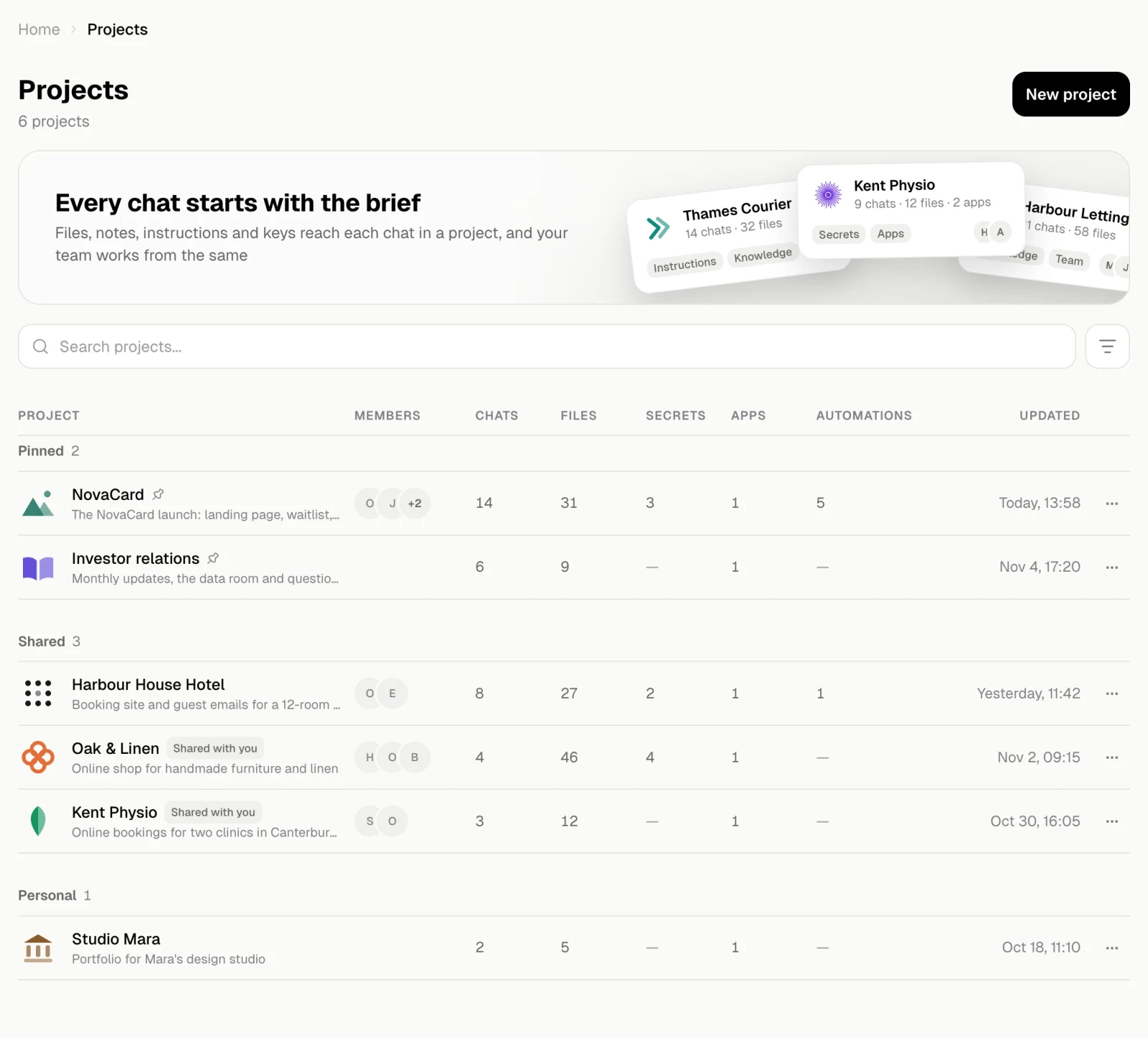
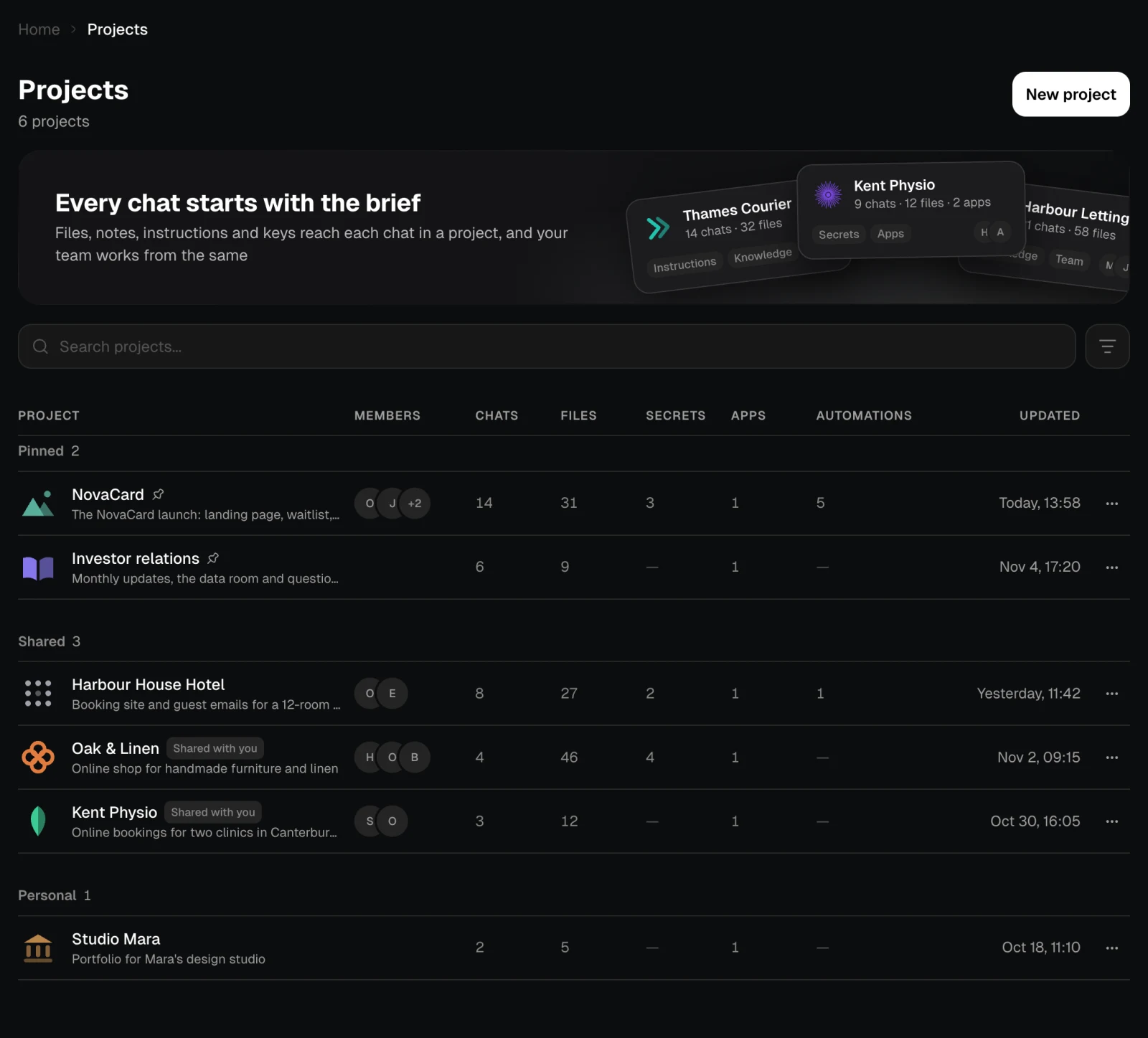
What a project holds
| Tab | What is in it |
|---|---|
| Chats | The chats kept in the project. Each one reads the project’s files, knowledge and instructions from its first message. See Chats |
| Knowledge | Files and notes the agent can look up and quote. See Knowledge |
| Artifacts | Apps, automations and presentations put in the project, so everyone in it can open them. See Artifacts |
| Secrets | Keys the agent uses in every chat of the project, without ever seeing them. See Secrets |
| Settings | The name, picture and instructions, the members and their access, the export, and deleting the project. See Settings and Members |
Instructions and knowledge
A project gives the agent two kinds of context:- Instructions are rules every chat follows without being asked: who the client is, the tone, the language. They live in Settings.
- Knowledge is facts the agent looks up when it needs them: documents, spreadsheets, recordings, notes. It lives on the Knowledge tab.
Working together
Invite people to a project and they see its chats, files, knowledge, instructions and artifacts. Each person has an access level: the owner, people who can edit and people who can view. The owner pays for what the project costs. See Members.Your first project
Before your first project, the page explains what a project is for and offers Create a project.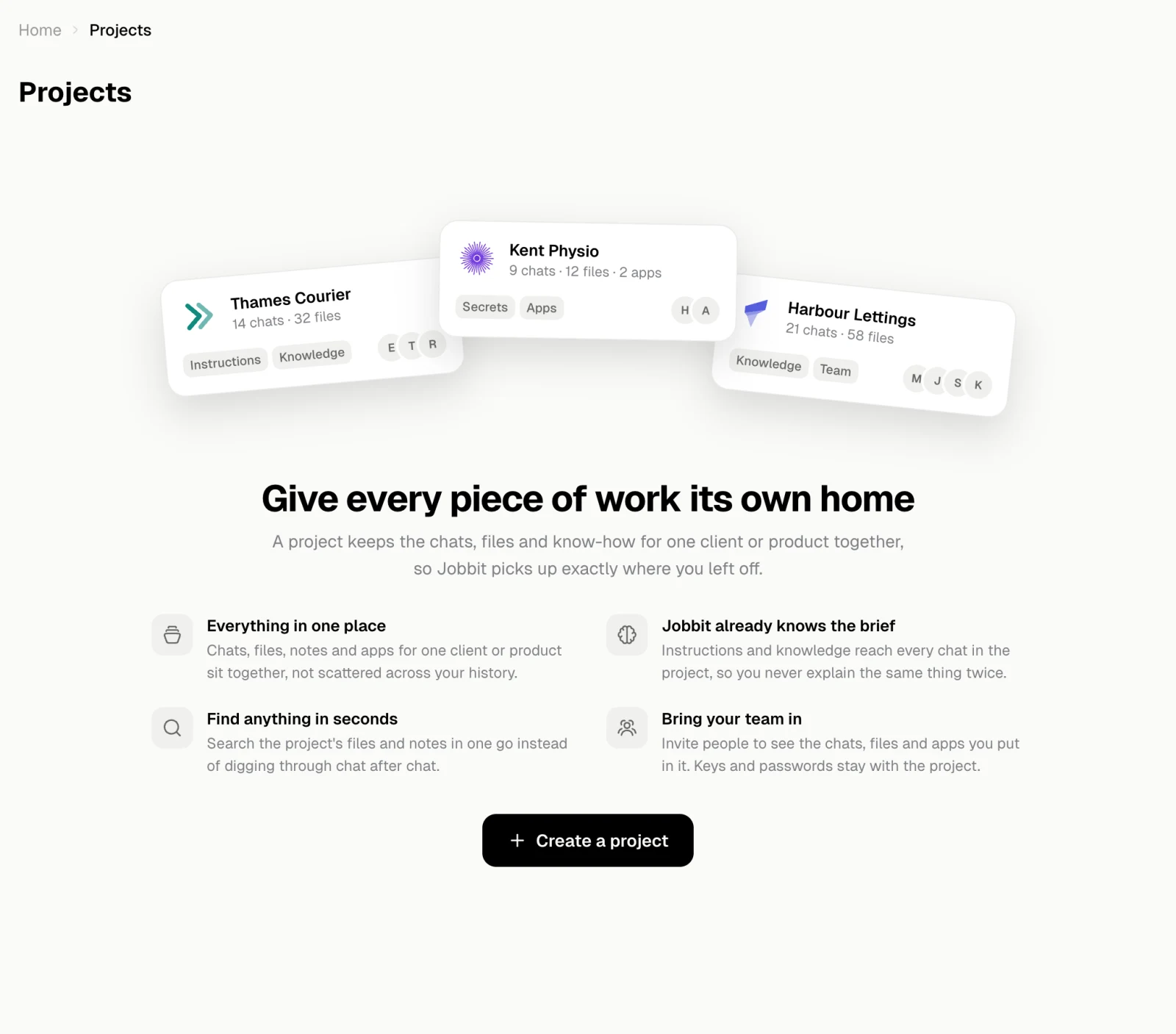
Your projects
Create, find, pin, leave and delete projects.
Chats
The chats kept in a project.
Knowledge
Files and notes, and what the agent can search inside.
Artifacts
Apps, automations and presentations shared with the project.
Secrets
Keys the agent can use but never see.
Members
Who is in the project, what they may do, and invite links.