The agent can deploy apps, delete files, send email and spend credits for you. Permissions decide which of those it does on its own and which it asks you about first. When it needs your approval, it stops in the chat and waits for you to allow or decline.
There are two settings: one for Jobbit’s own tools, and one for each plugin.
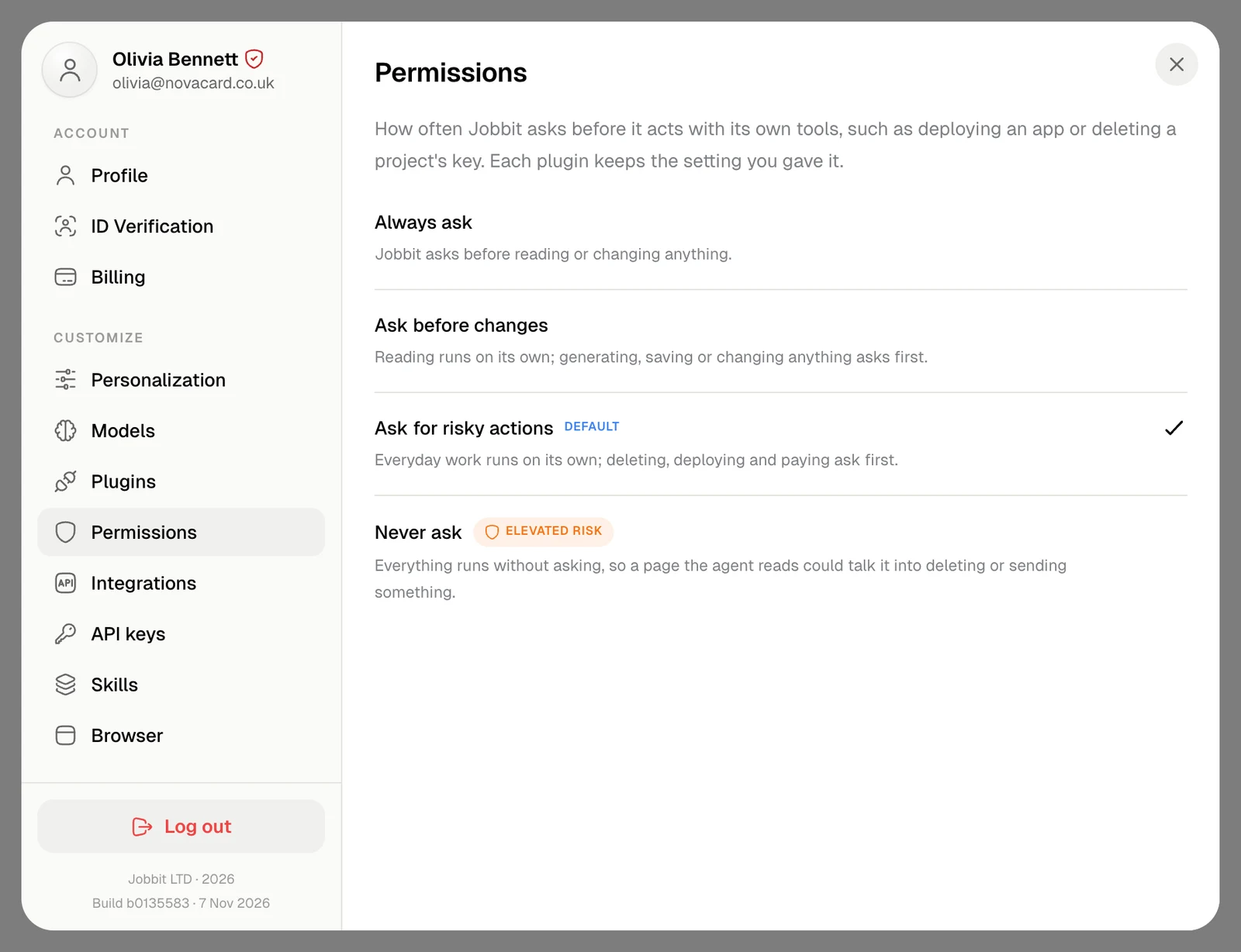
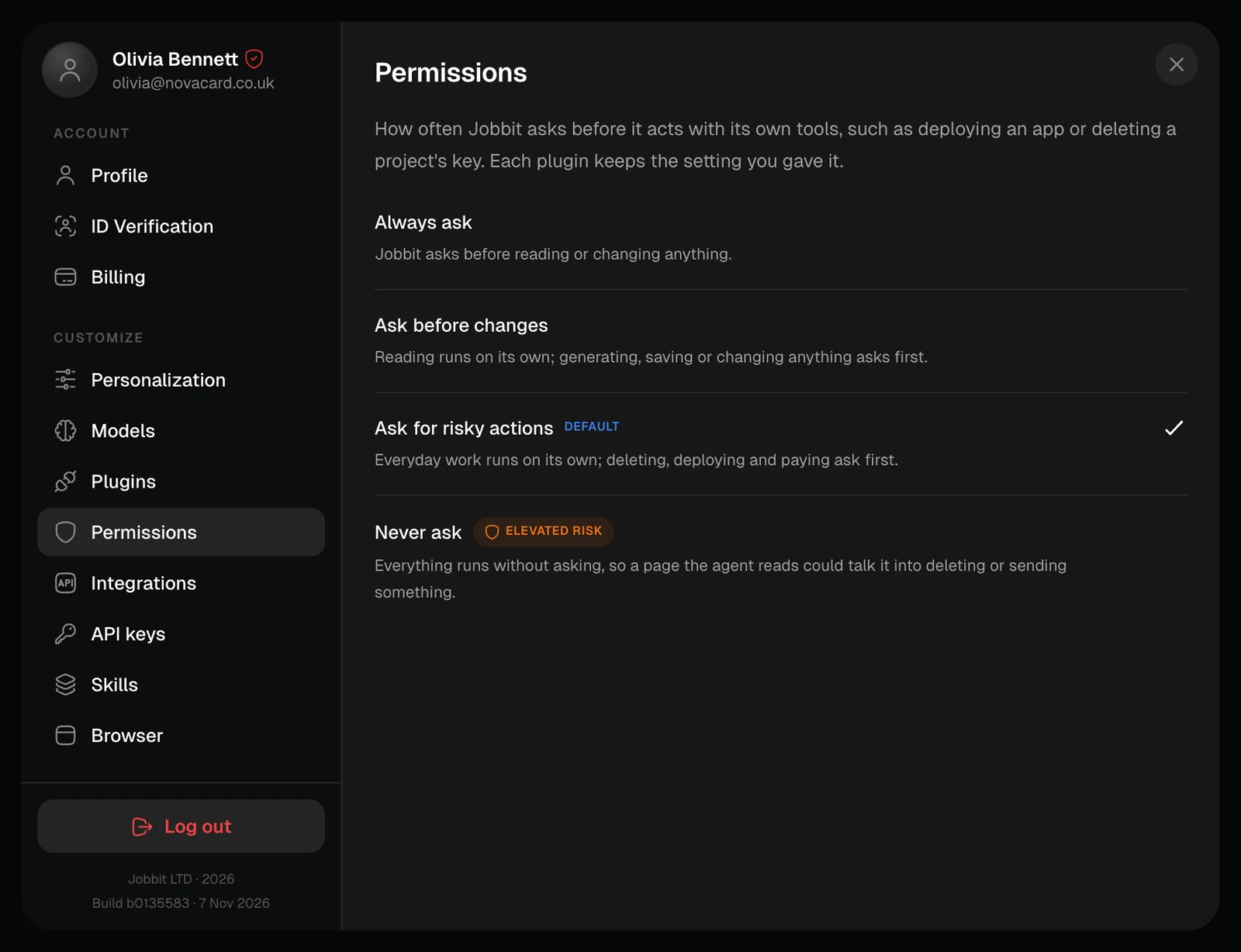
Settings › Customize › Permissions sets how often the agent asks before it acts with Jobbit’s own tools, such as deploying an app or deleting a project’s key. It applies to every chat.
| Option | What happens |
|---|
| Always ask | The agent asks before reading or changing anything |
| Ask before changes | Reading runs on its own; generating, saving or changing anything asks first |
| Ask for risky actions | The default. Everyday work runs on its own; deleting, deploying and paying ask first |
| Never ask | Everything runs without asking |
Never ask carries an elevated risk: a web page or document the agent reads could talk it into deleting or sending something, and nothing would stop to check with you.
Plugin permissions
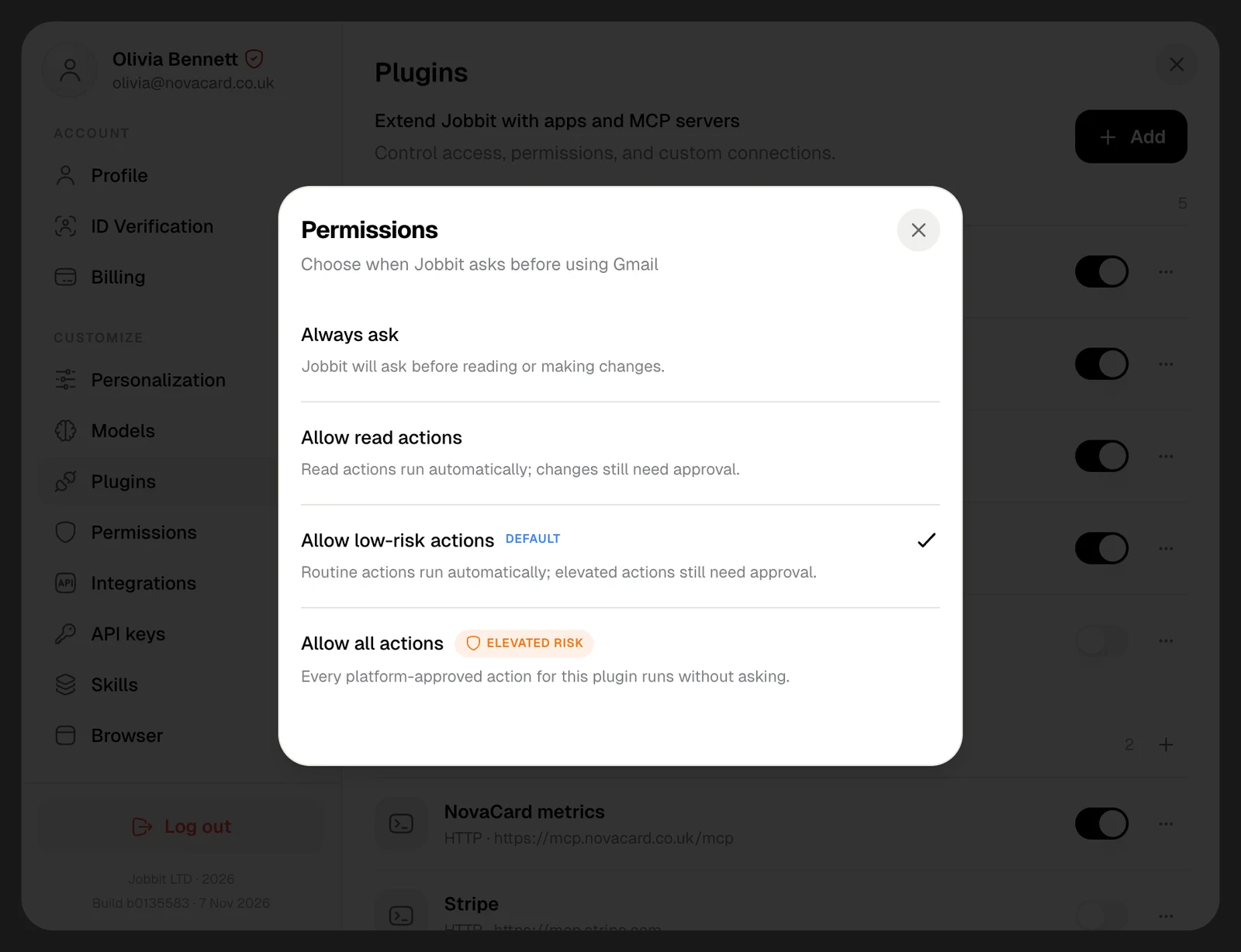
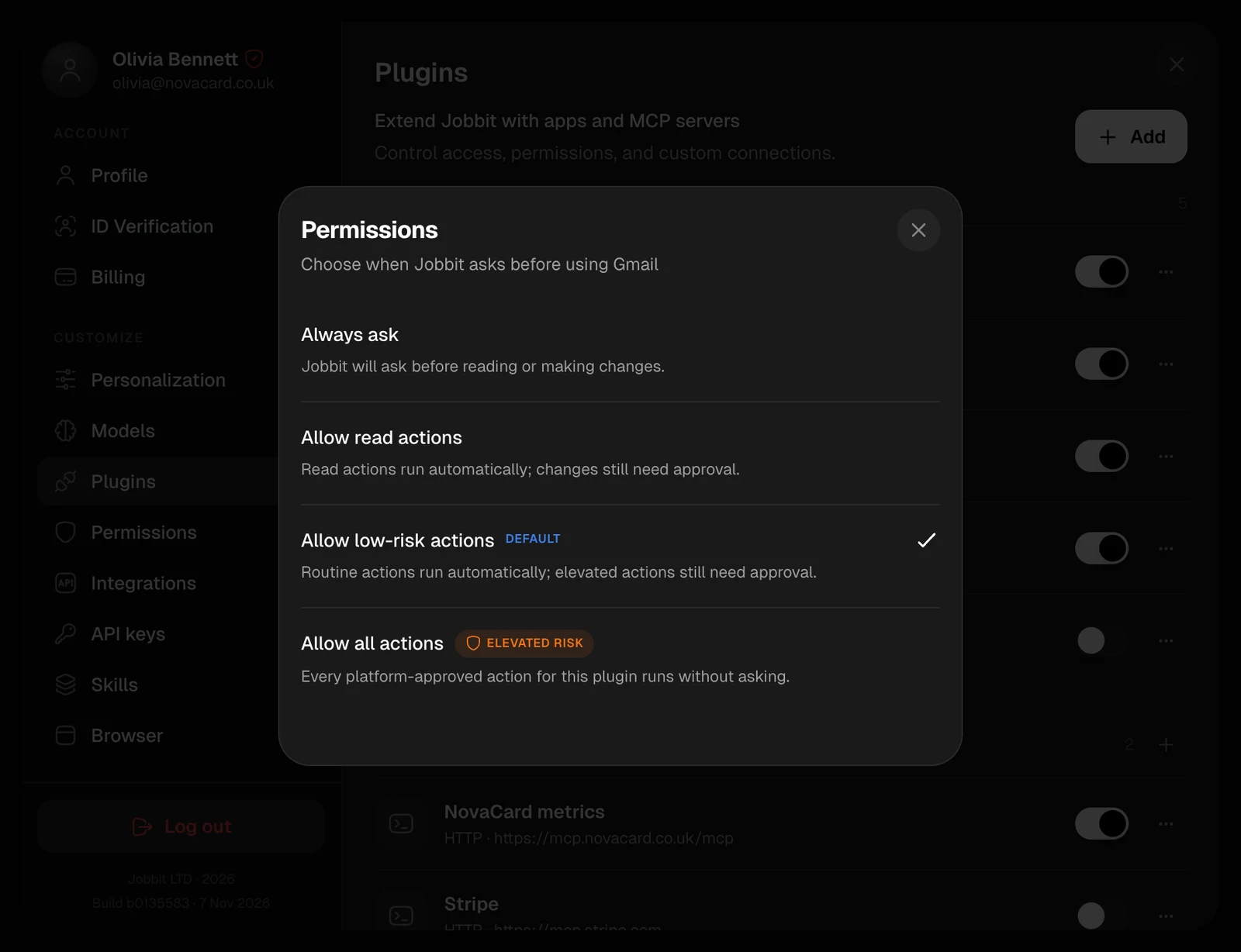
Each plugin has a setting of its own, and the one above does not change it. In Settings › Customize › Plugins, open a plugin’s ⋯ menu and choose Permissions, or choose Manage › Permissions on its page.
| Option | What happens |
|---|
| Always ask | The agent asks before reading or making changes |
| Allow read actions | Reading runs on its own; changes still need your approval |
| Allow low-risk actions | The default. Routine actions run on their own; elevated ones, such as moving email to the bin, still need approval |
| Allow all actions | Every action the plugin offers runs without asking. Elevated risk |