Simple and Advanced
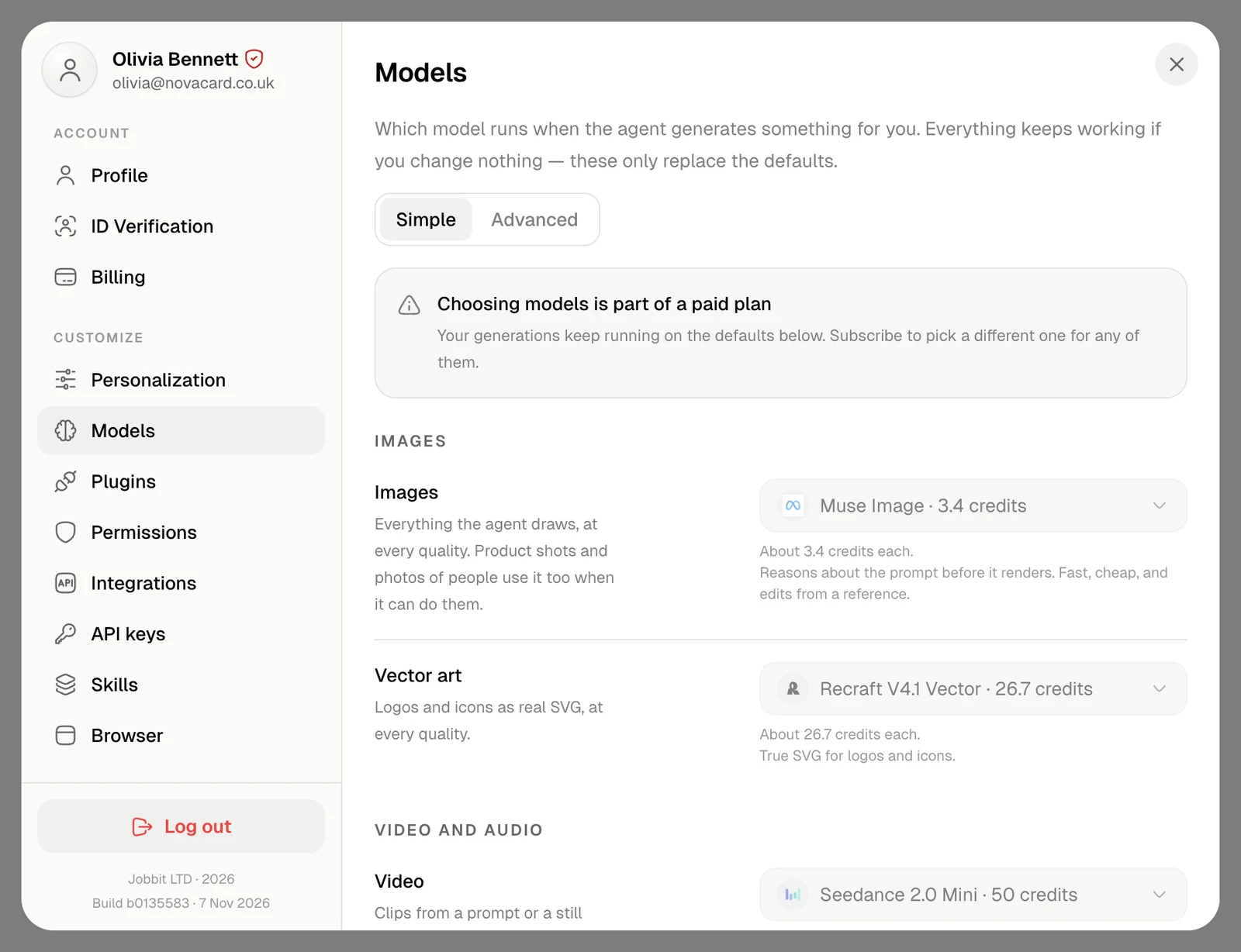
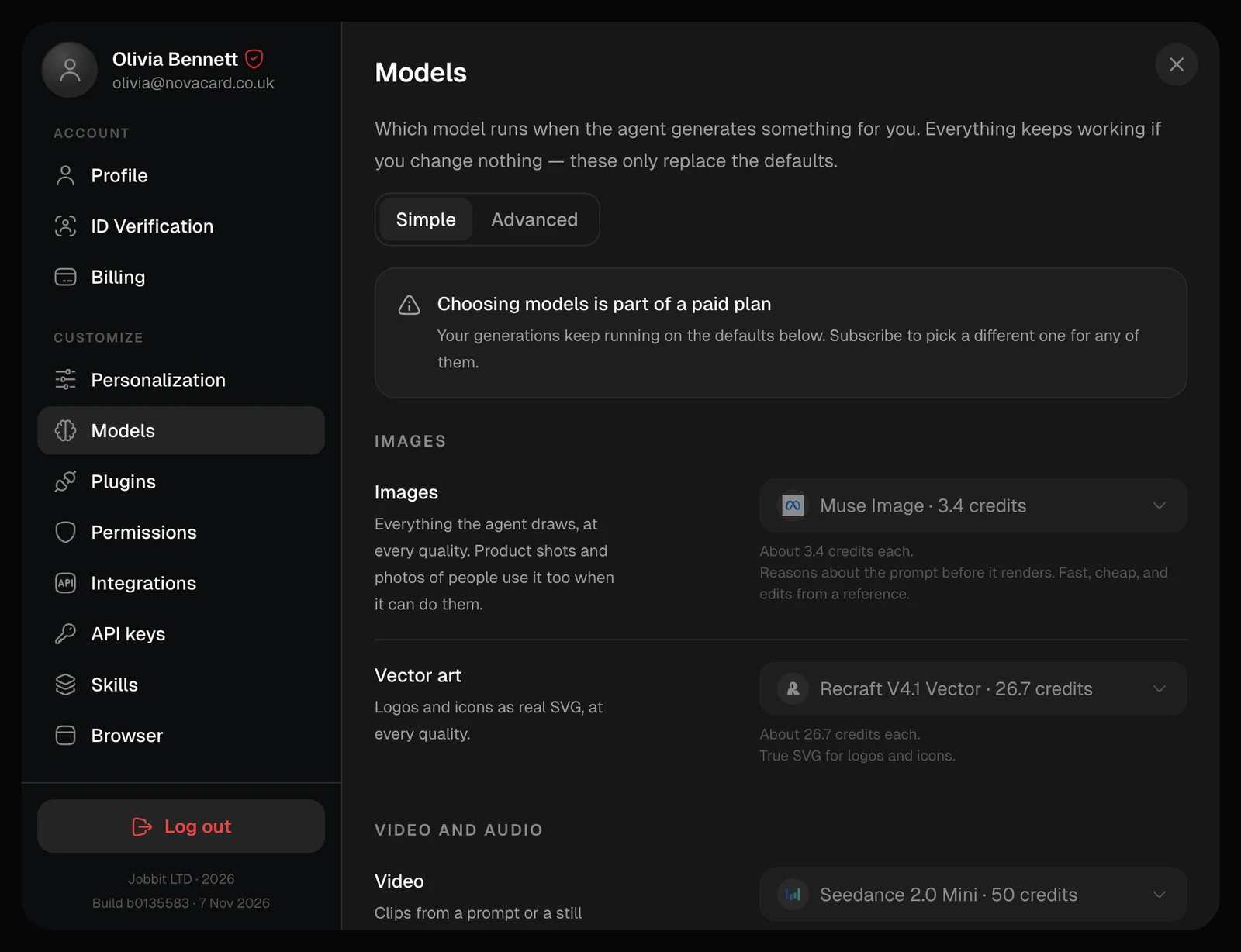
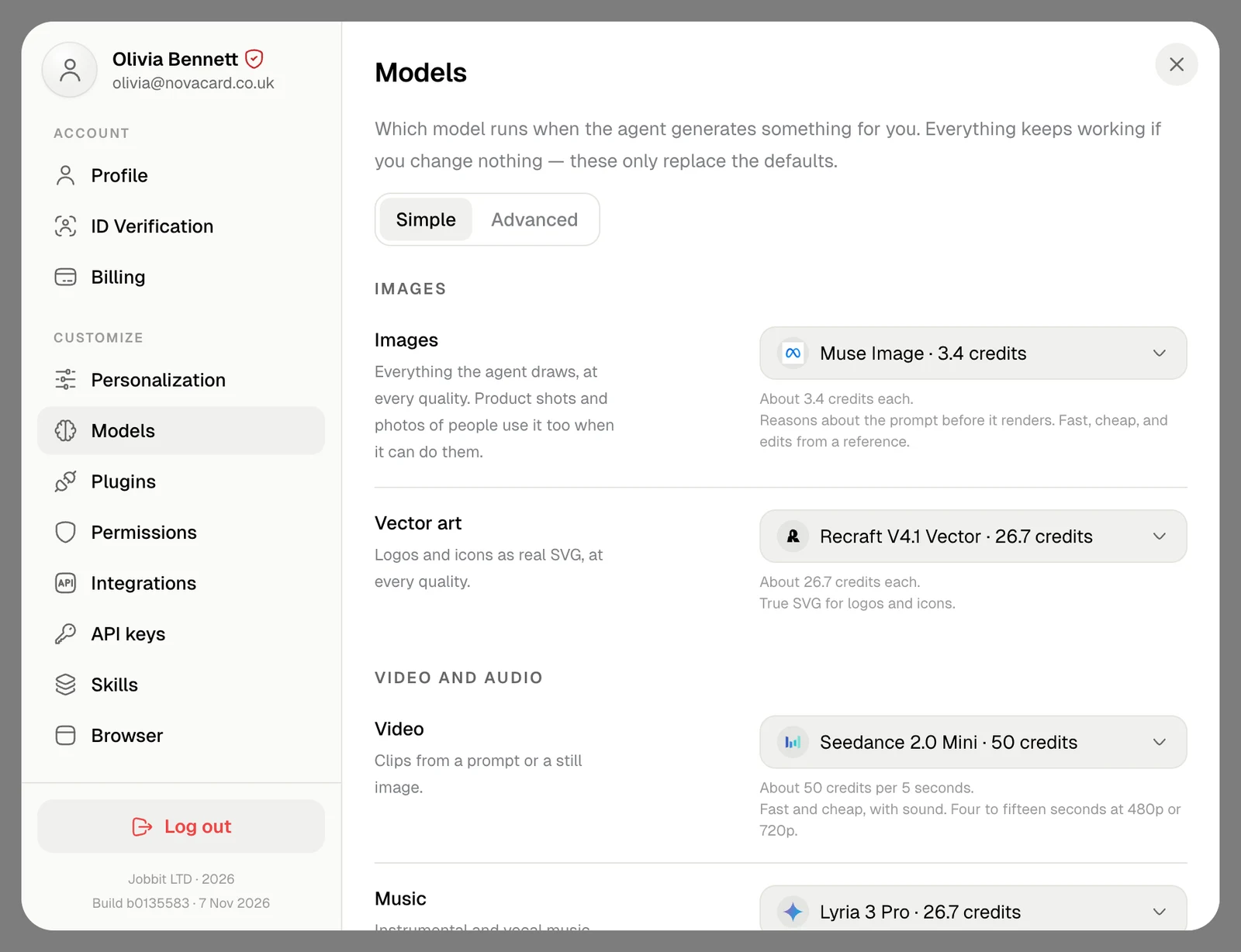
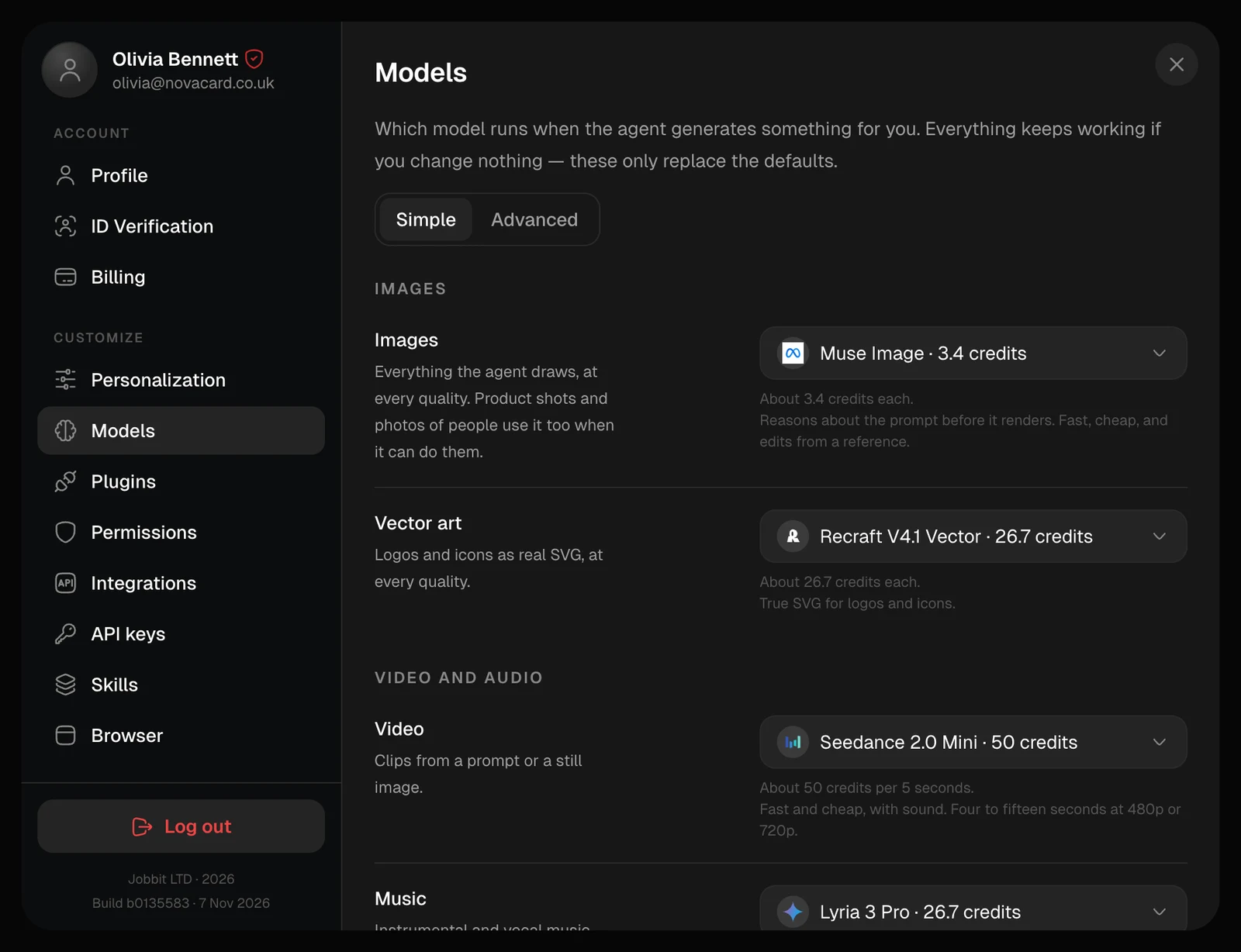
Simple asks once for each kind of output:| Row | What it covers |
|---|---|
| Images | Everything the agent draws, at every quality. Product shots and photos of people use it too when the model can do them |
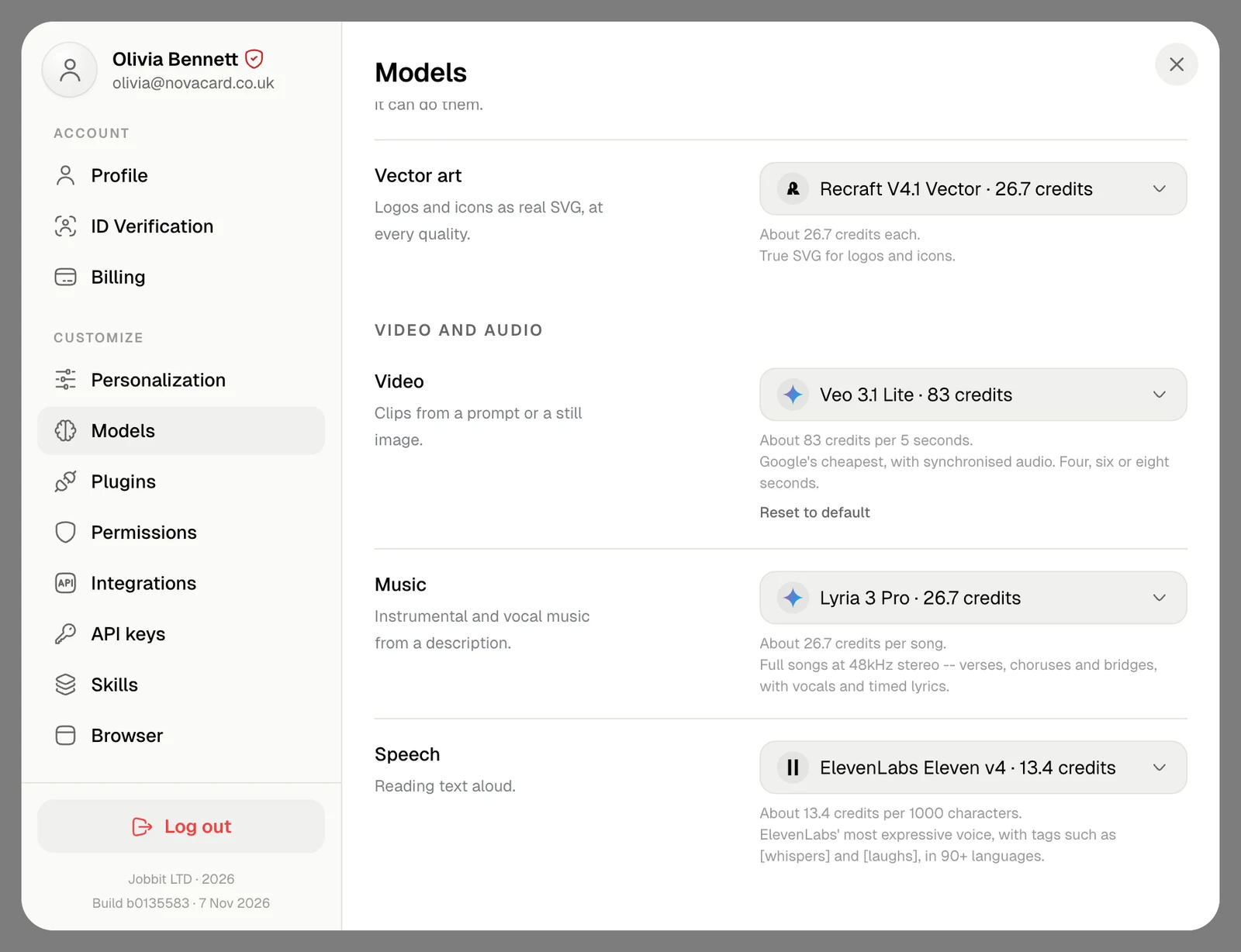
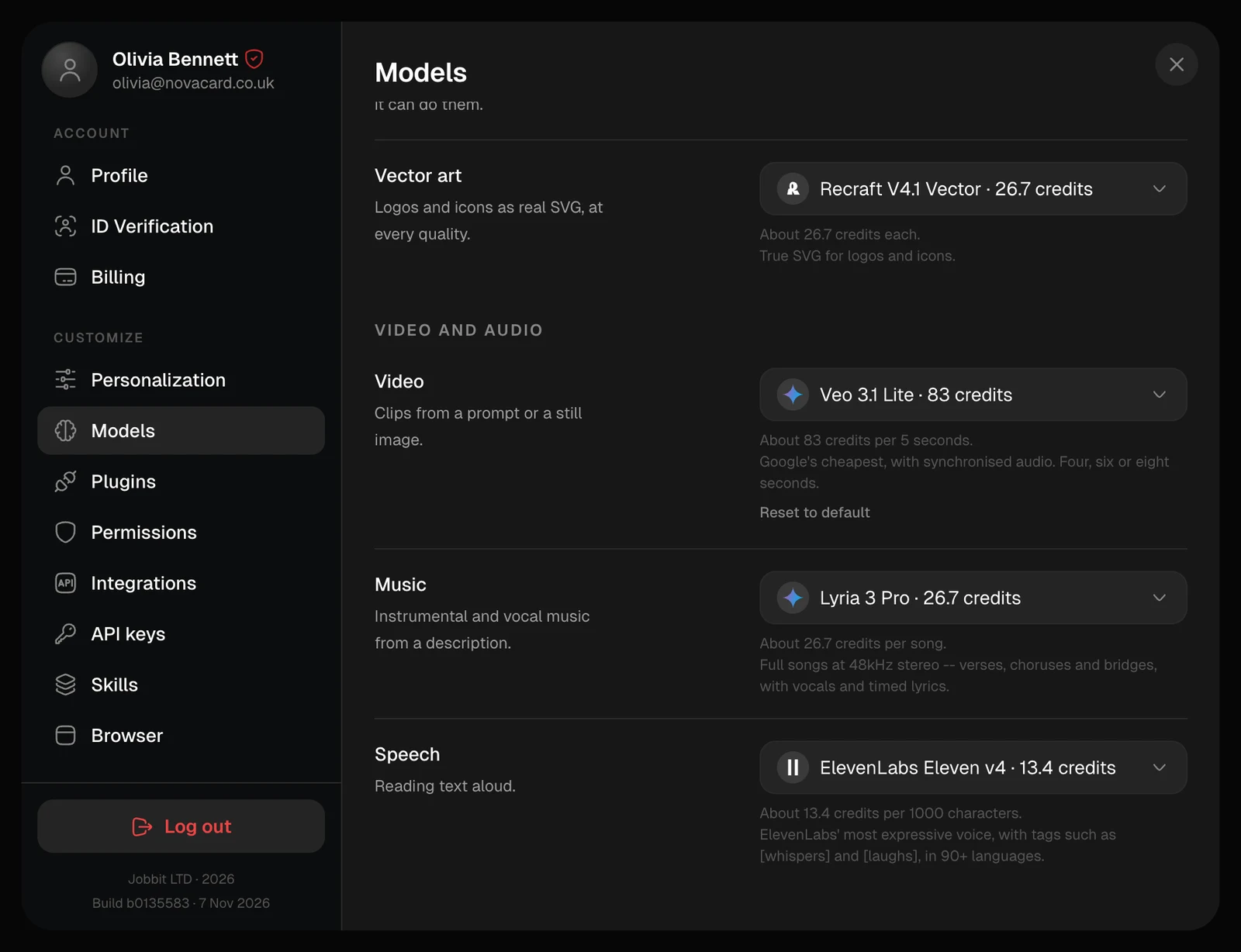
| Vector art | Logos and icons as real SVG, at every quality |
| Video | Clips from a prompt or a still image |
| Music | Instrumental and vocal music from a description |
| Speech | Reading text aloud |
| Job | When it is used |
|---|---|
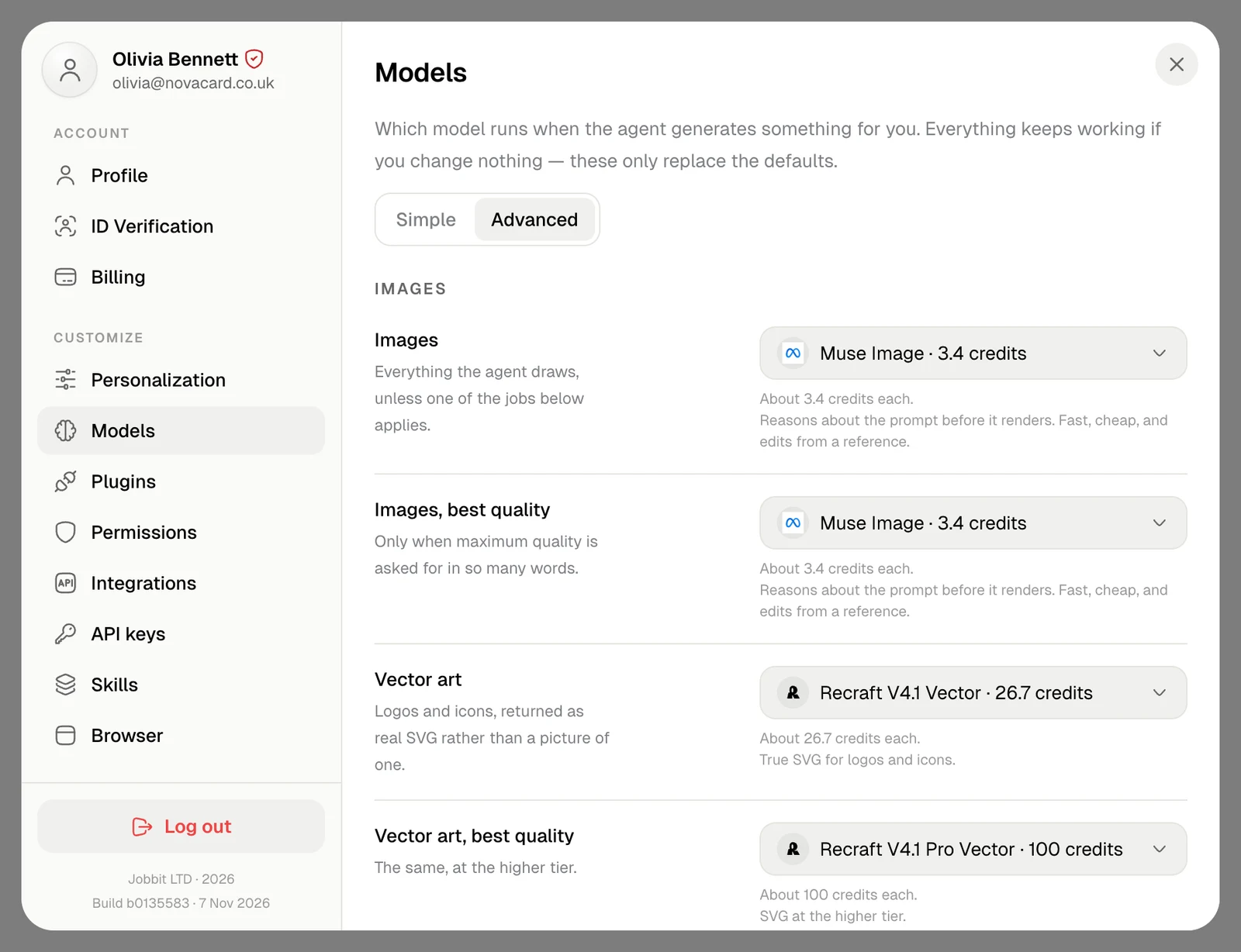
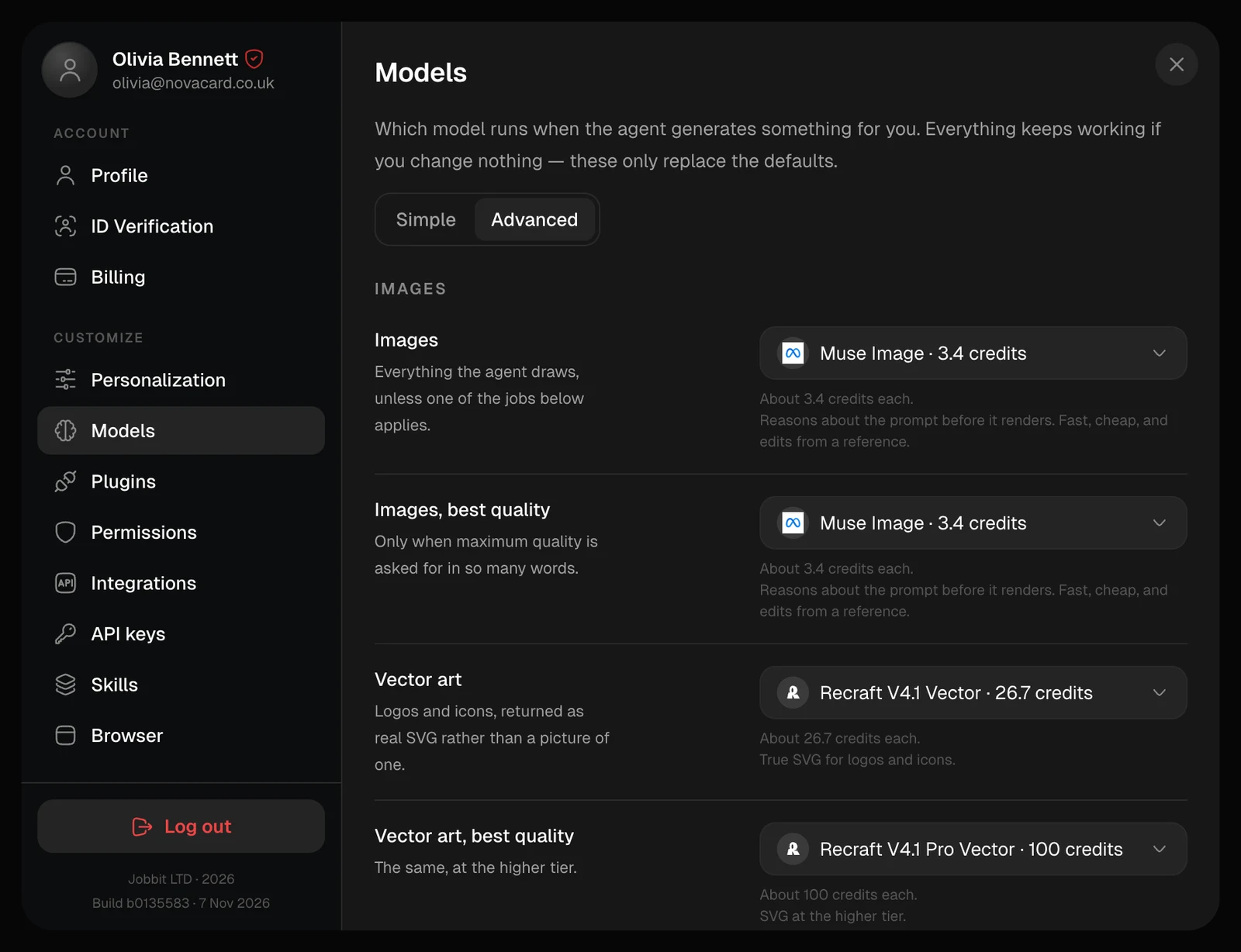
| Images | Everything the agent draws, unless one of the jobs below applies |
| Images, best quality | Only when you ask for maximum quality in so many words |
| Vector art | Logos and icons, as real SVG rather than a picture of one |
| Vector art, best quality | The same, at the higher tier |
| Product and mockups | Flat light and front-on framing: packaging, mockups, catalogue shots |
| Product and mockups, best quality | The same framing at 2K |
| Photos of a person | Photo series, restyling and face swaps, which work from a reference photo |
| Video, Music, Speech | As in Simple |
Pick a model
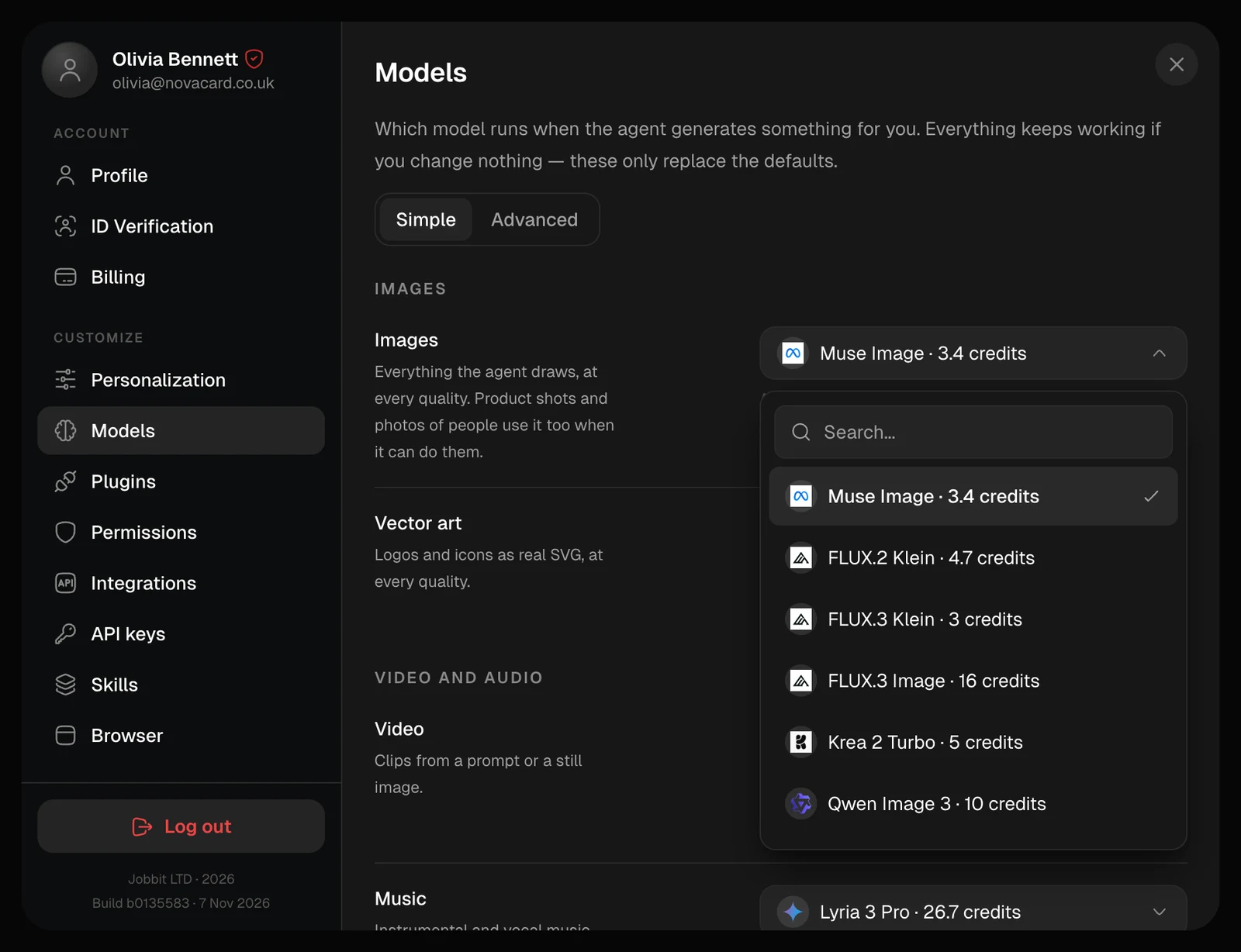
Open the list on a row and choose a model. Each one shows its price in credits. A long list has a search field at the top.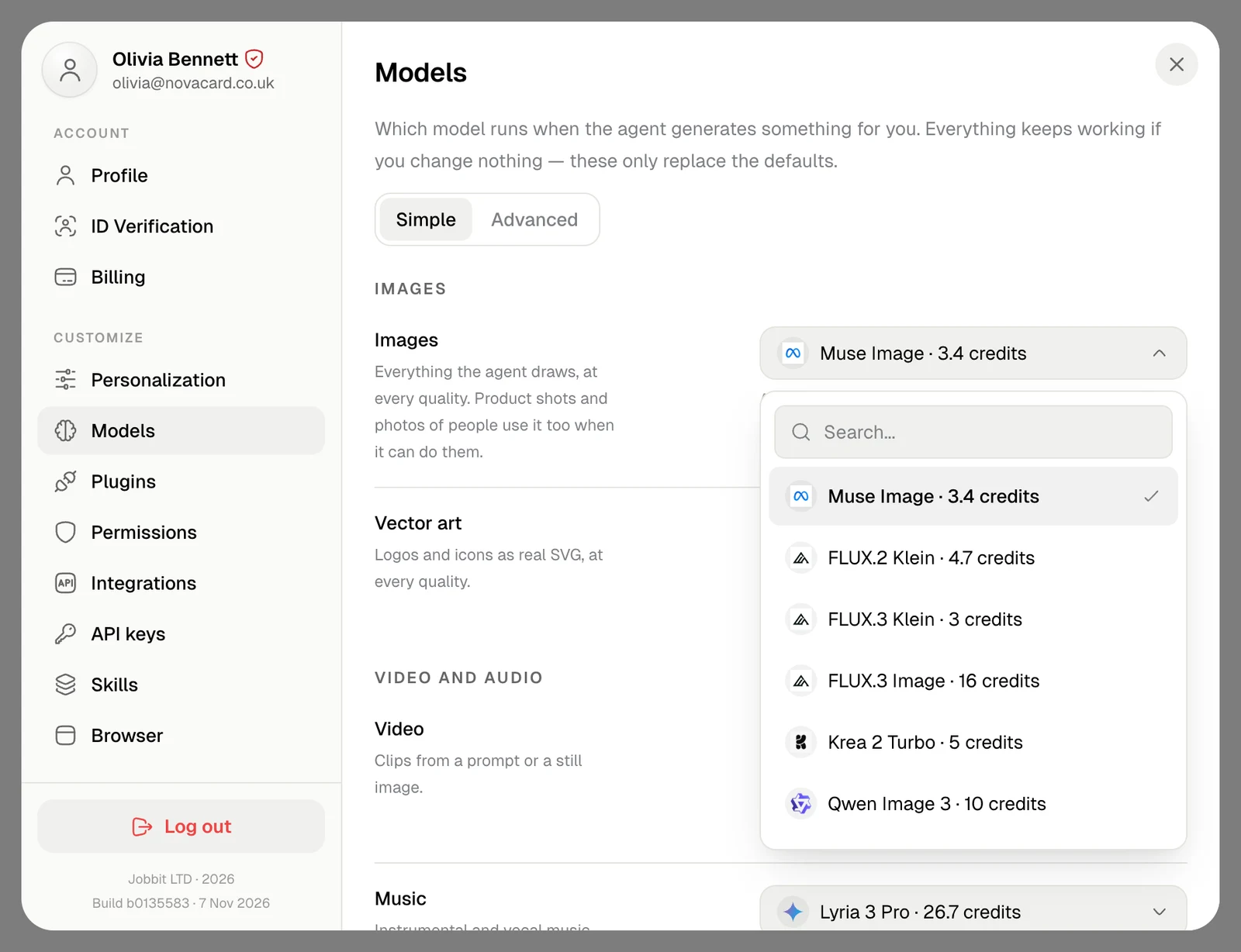
Back to Simple
If you picked models job by job in Advanced and they differ within a group, switching to Simple asks first. Use one model runs the whole group on the model now set for it, wherever that model can do the job. The other jobs go back to their defaults.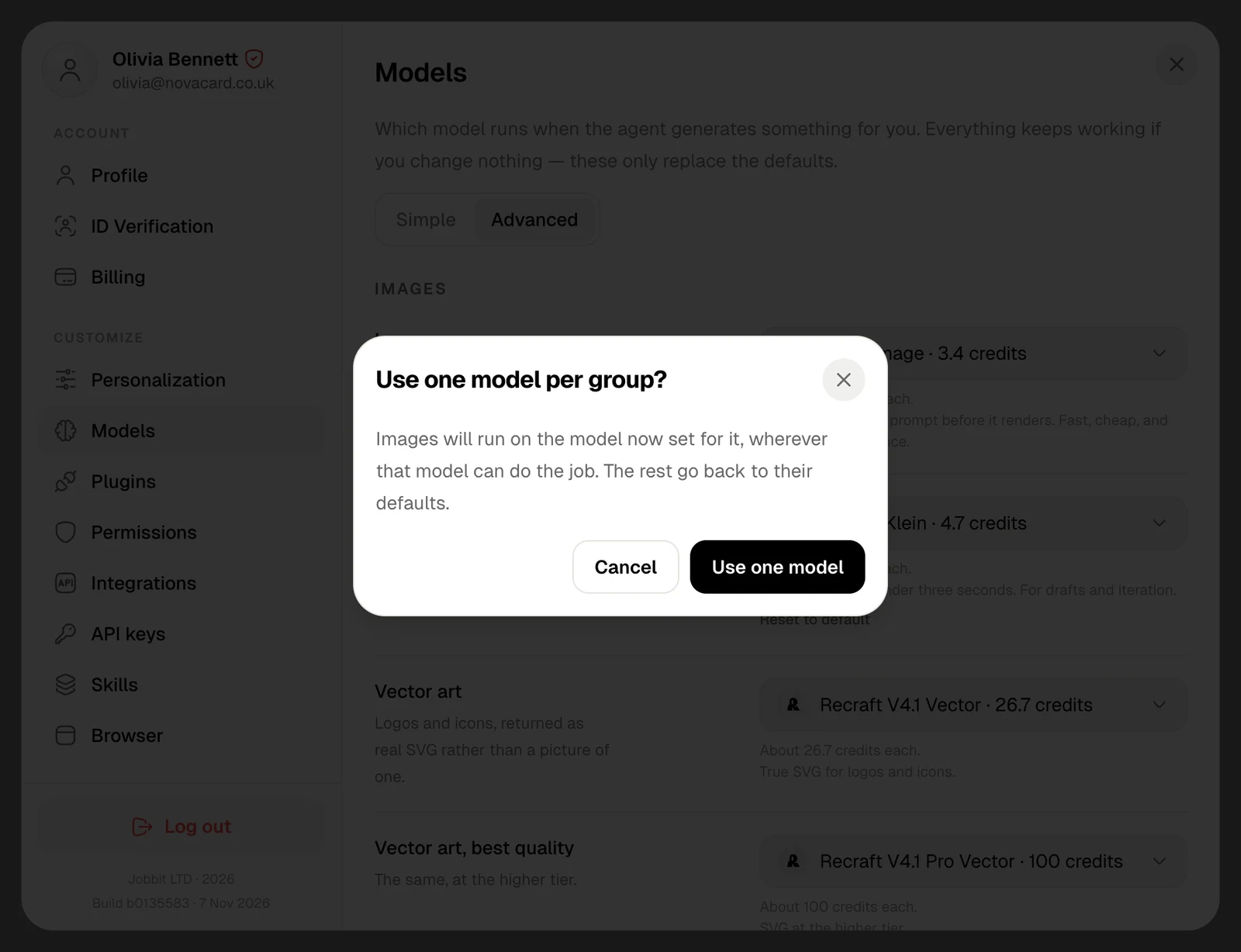
On the free plan
Choosing models is part of a paid plan. On the free plan you can see every model and its price, and your generations run on the defaults.