Most runs go from start to finish on their own. Two kinds of step stop and wait for you:
  • An approval step, which the agent adds before something is sent, paid, published or deleted.
  • An agent step that may ask you a question, when it cannot decide something without you.
While a run waits, the automation shows Waiting for you, appears under Needs you on the Automations page, and its page has a banner at the top. If When it needs you is on in Settings, you also get a notification. You can answer from three places: the button on its row on the Automations page, the banner on its page, or the card in its Activity.

Answer a question

The question says what the agent needs to know and why. Pick one of the options it offers and Confirm. The run goes on with your answer.
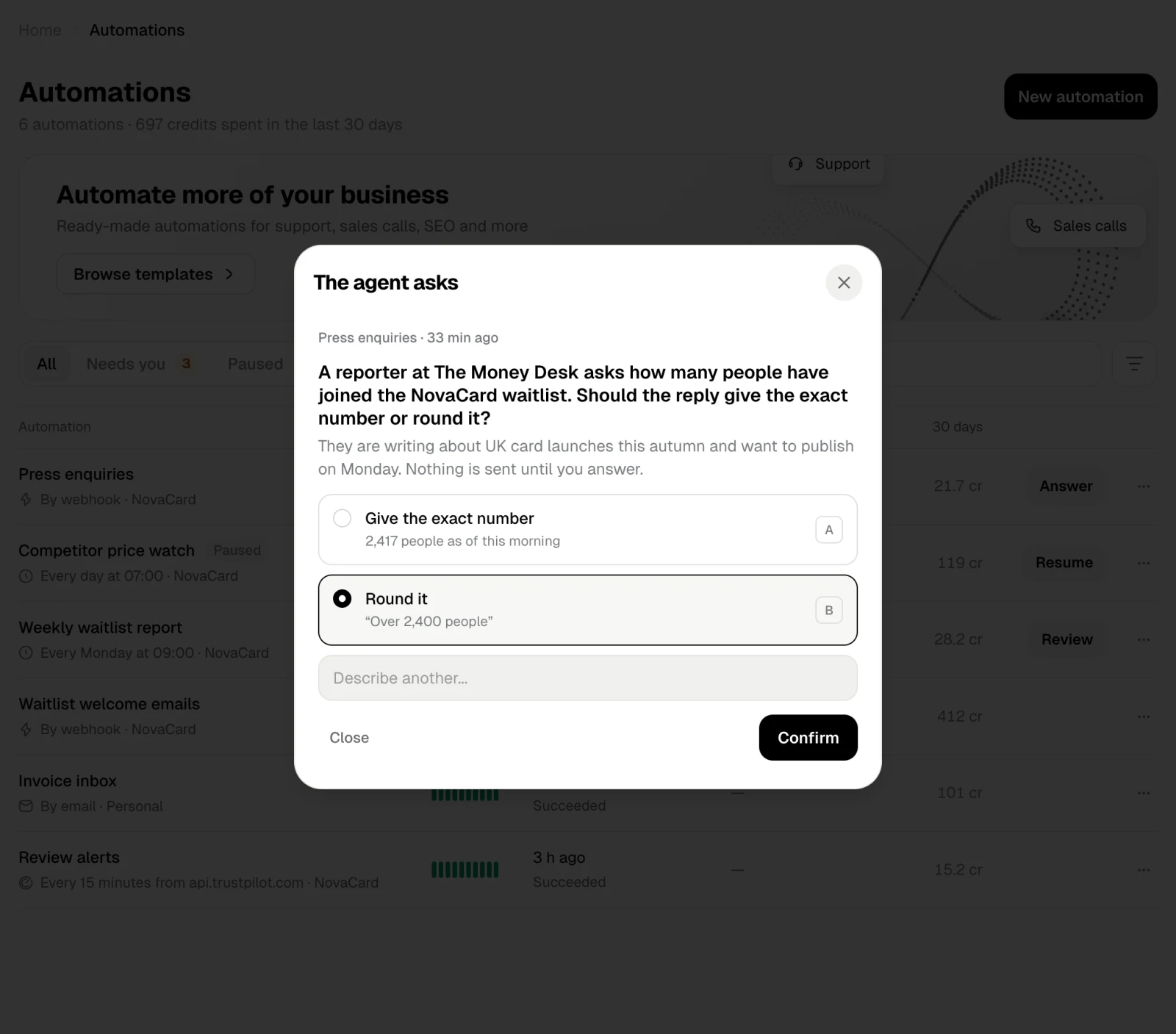
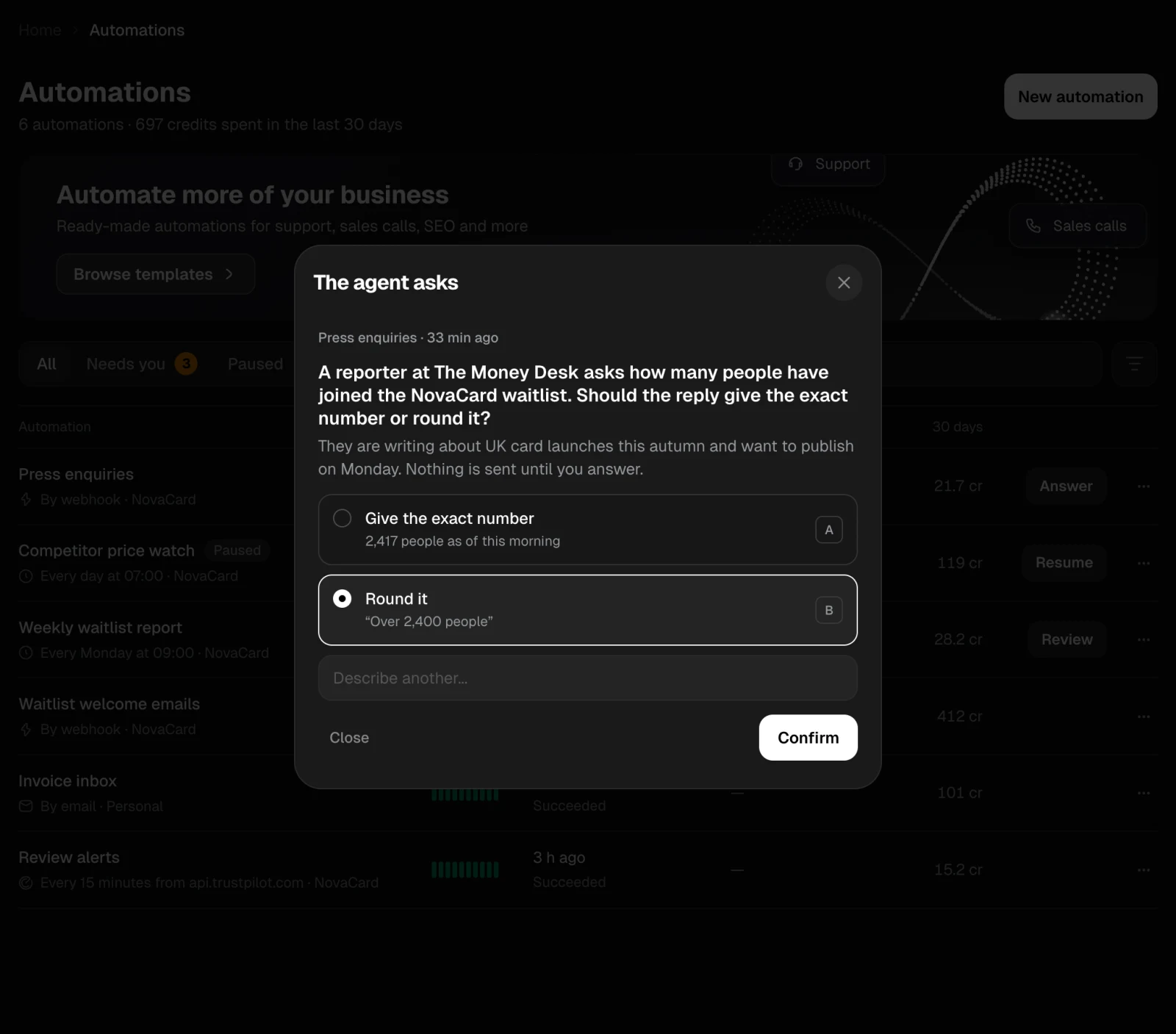
The question dialog of Press enquiries with Round it selected, light themeThe question dialog of Press enquiries with Round it selected, dark theme
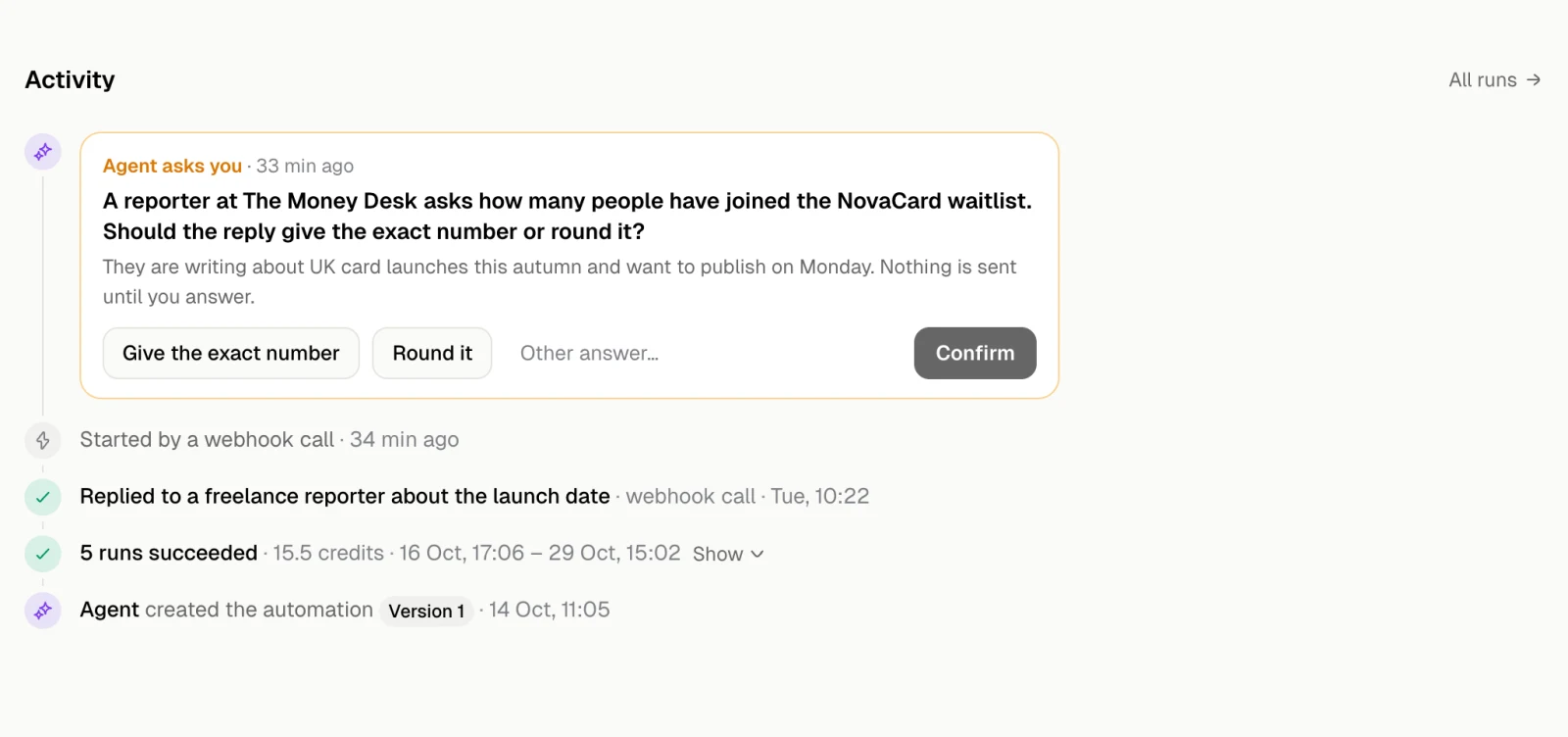
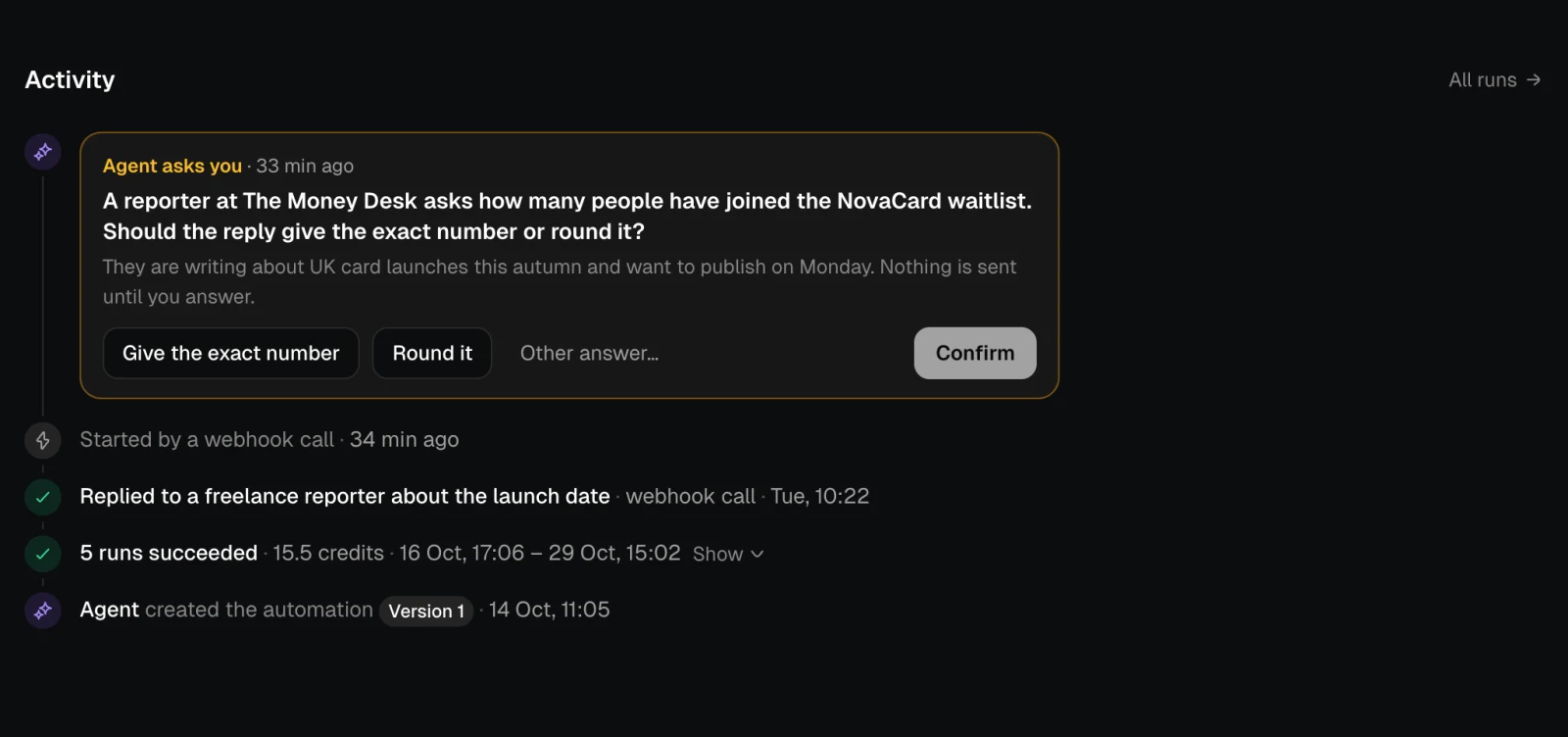
The same question shows in the automation’s Activity. There you can also choose Other answer… and write your own.
The Activity feed with the agent's question and its options, light themeThe Activity feed with the agent's question and its options, dark theme
An agent step waits for an answer only as long as its settings allow. Click the step in the diagram to see how long, for example May ask you and waits up to 72h for an answer.

Approve or reject

Review shows exactly what the run is about to do. For an email that is who it goes to, the subject, the attachments and the text.
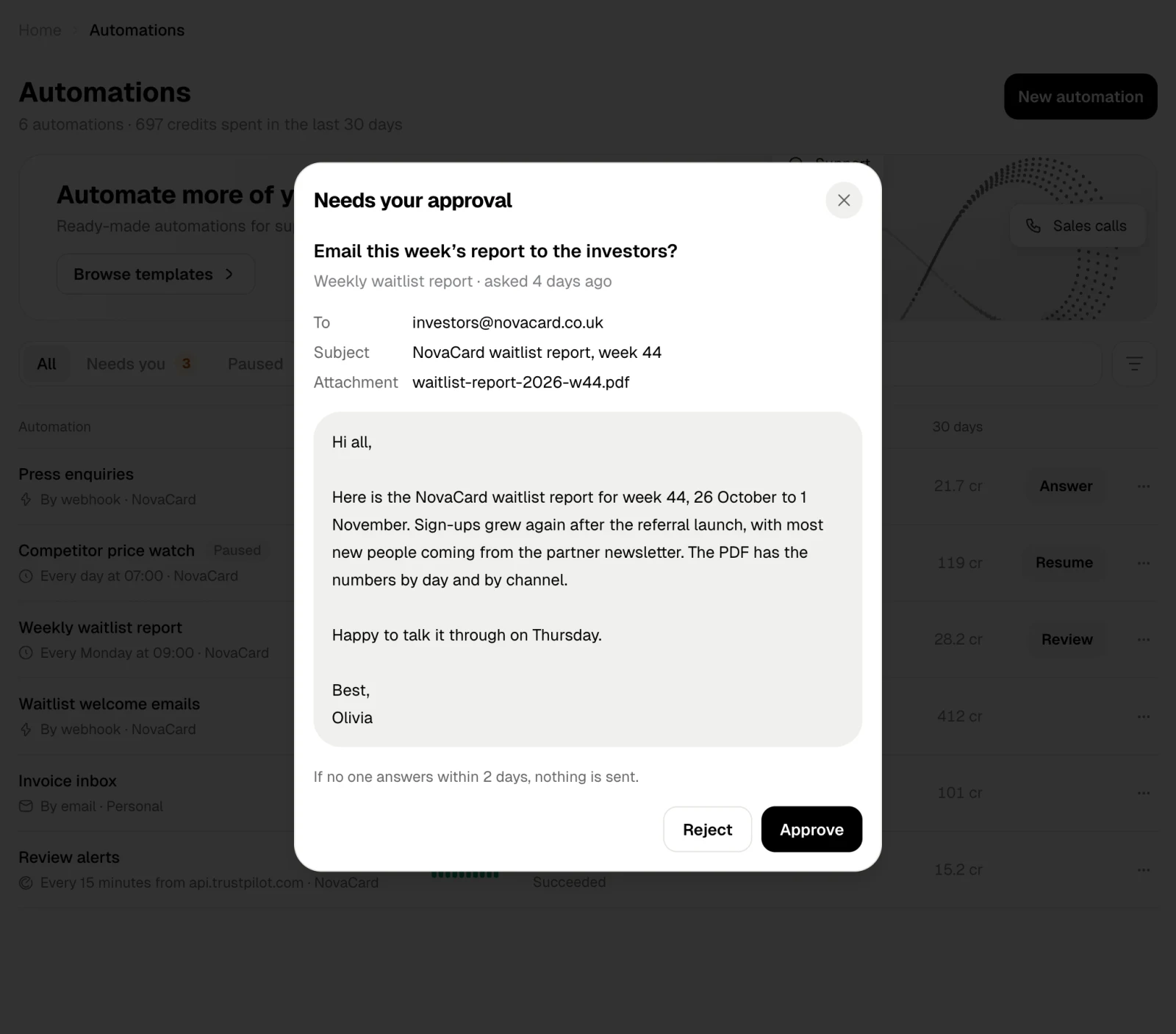
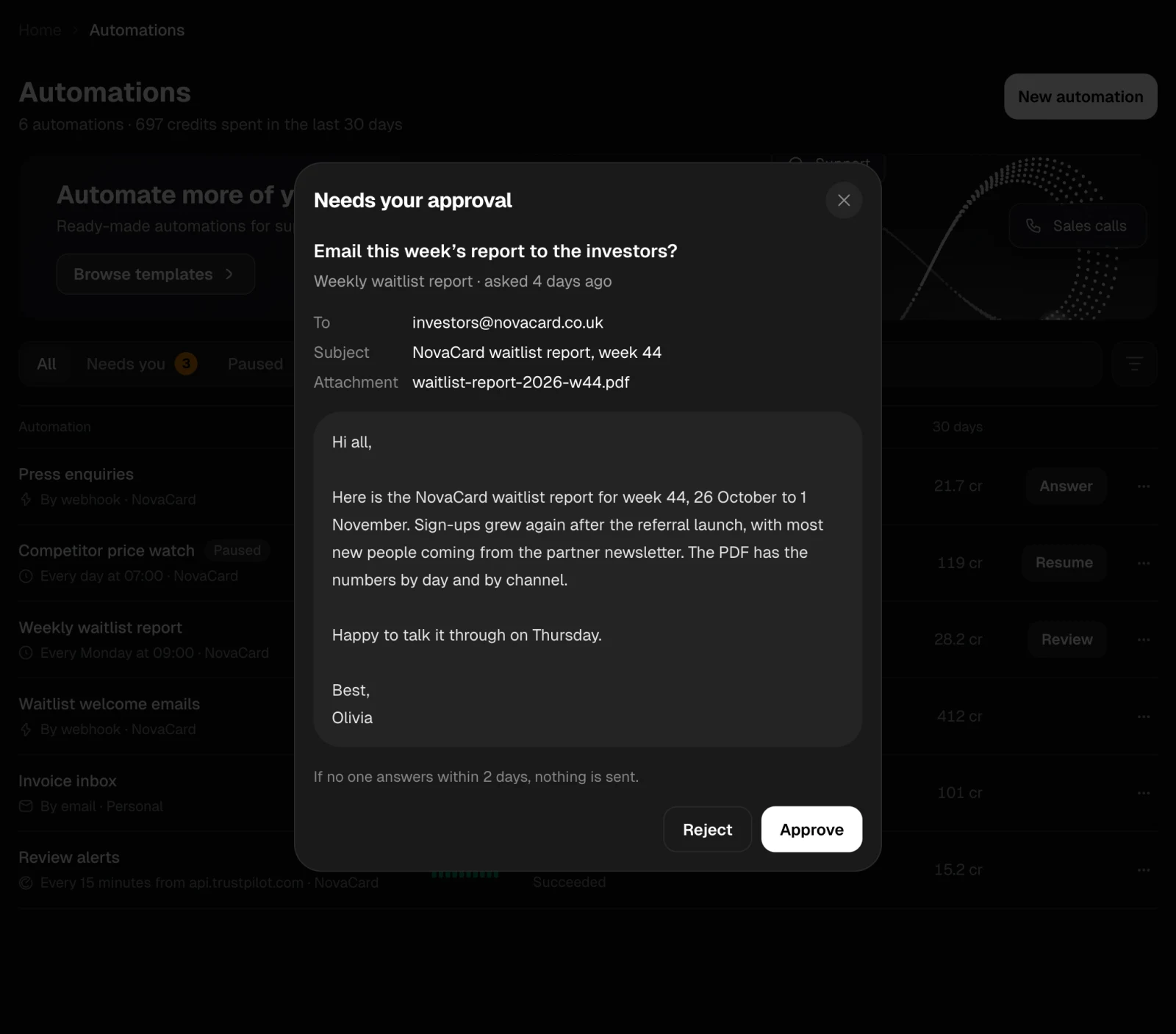
The approval dialog with the email to the investors, light themeThe approval dialog with the email to the investors, dark theme
  • Approve, and the run goes on from this step.
  • Reject, and the action does not happen.
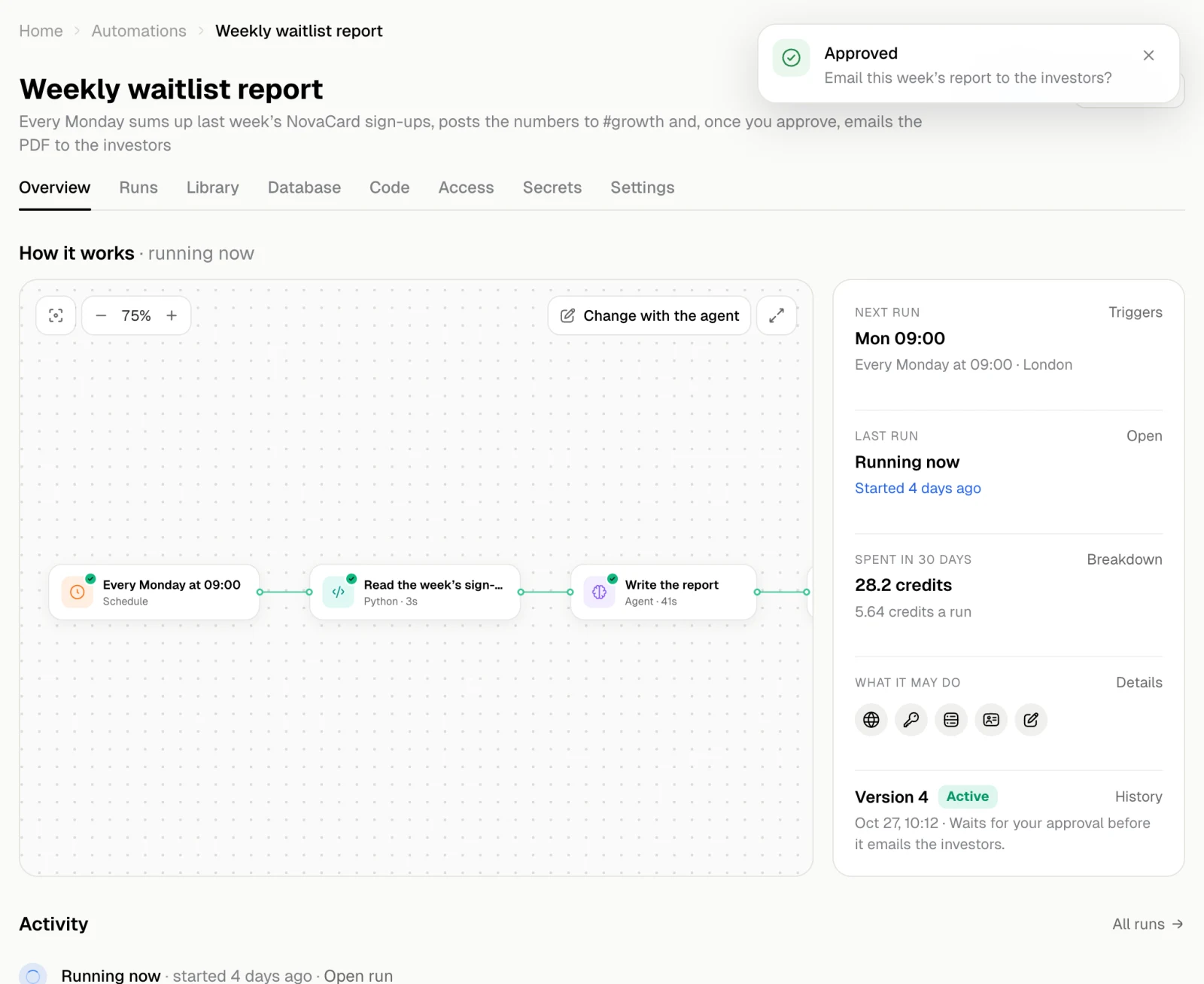
An approval also has a time limit, shown on it, such as If no one answers within 2 days, nothing is sent. When it runs out, nothing is sent and the run stops.
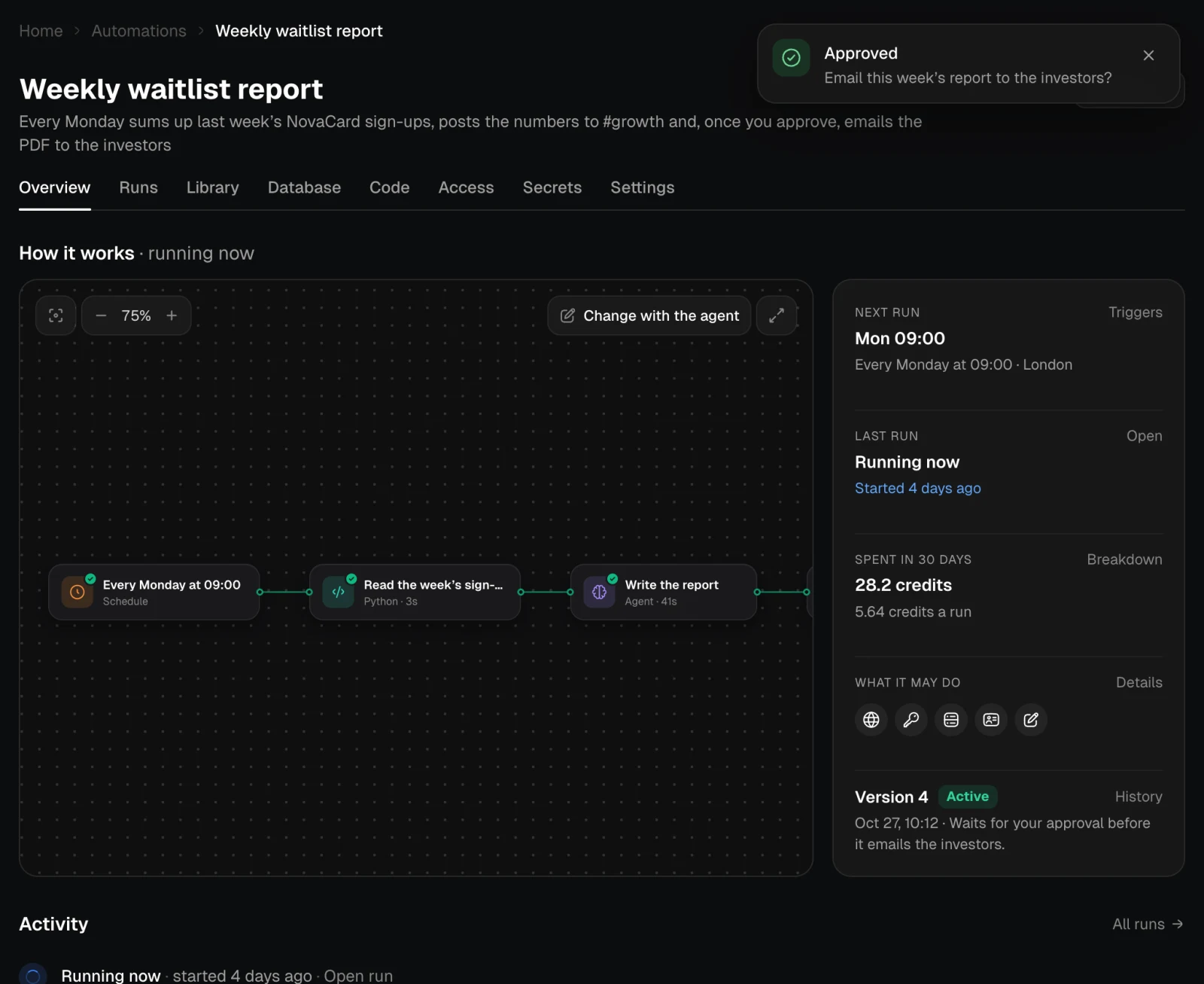
The automation running again after the approval, with an Approved message, light themeThe automation running again after the approval, with an Approved message, dark theme

Runs that never wait

If you trust an automation with everything it does, the owner can turn on Full automation on its Access tab. Approval steps and the questions before deleting anything then go on without asking.