

Before you start
The top of every template’s page says what you are getting.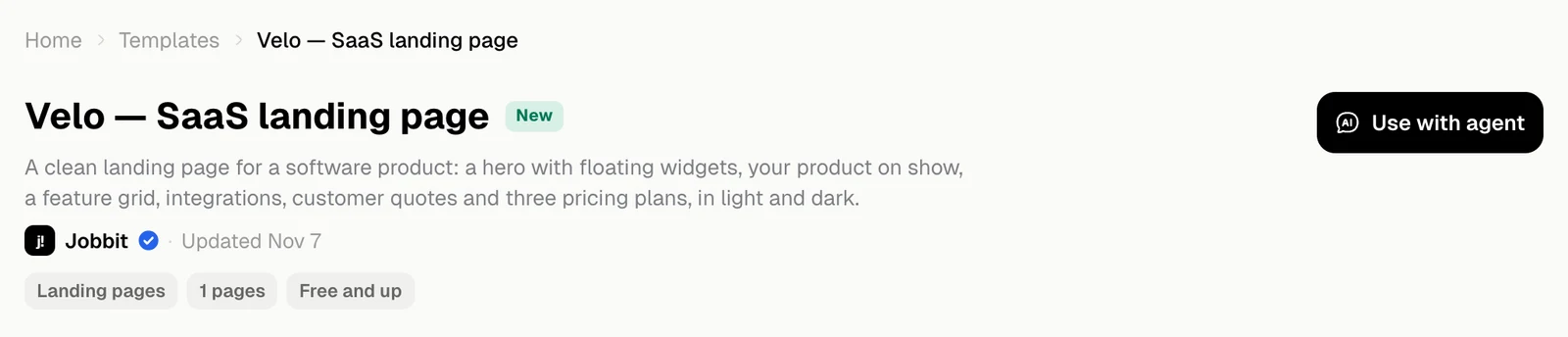
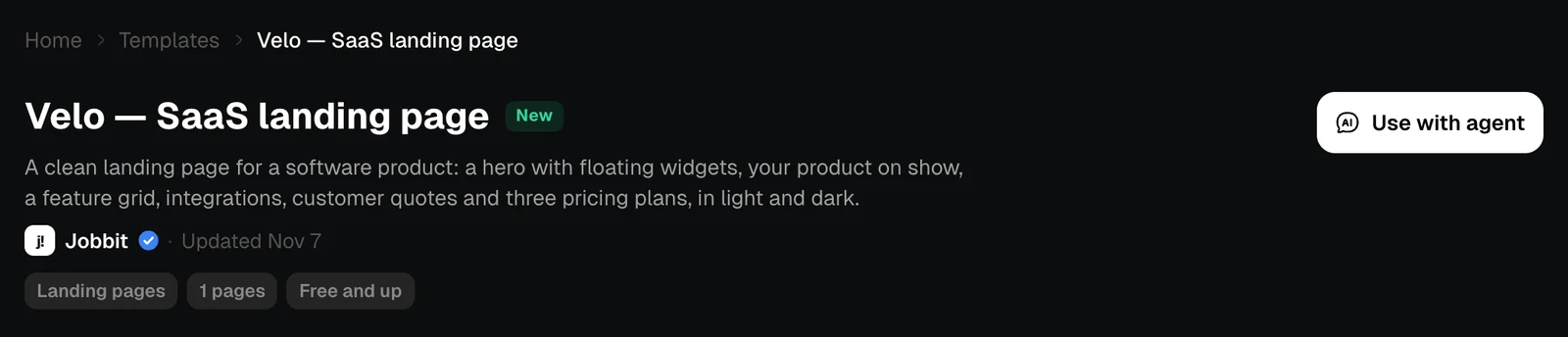
| On the page | What it tells you |
|---|---|
| Jobbit and Updated | Who made it and when it last changed |
| New or a number | A newer template, or how many times it has been used |
| Chips | The category and the main facts, such as the number of slides or the length |
| Cost | An estimate, where the template has one, such as “About 30 credits a report” |
| Plan | The plan it needs, such as Free and up. Hold the pointer over it for the details |
Hand it to the agent
Use with agent opens the home page with the request already in the message box. On an agent template, the button says Start with agent. If you are not signed in, Jobbit asks you to register and brings you back.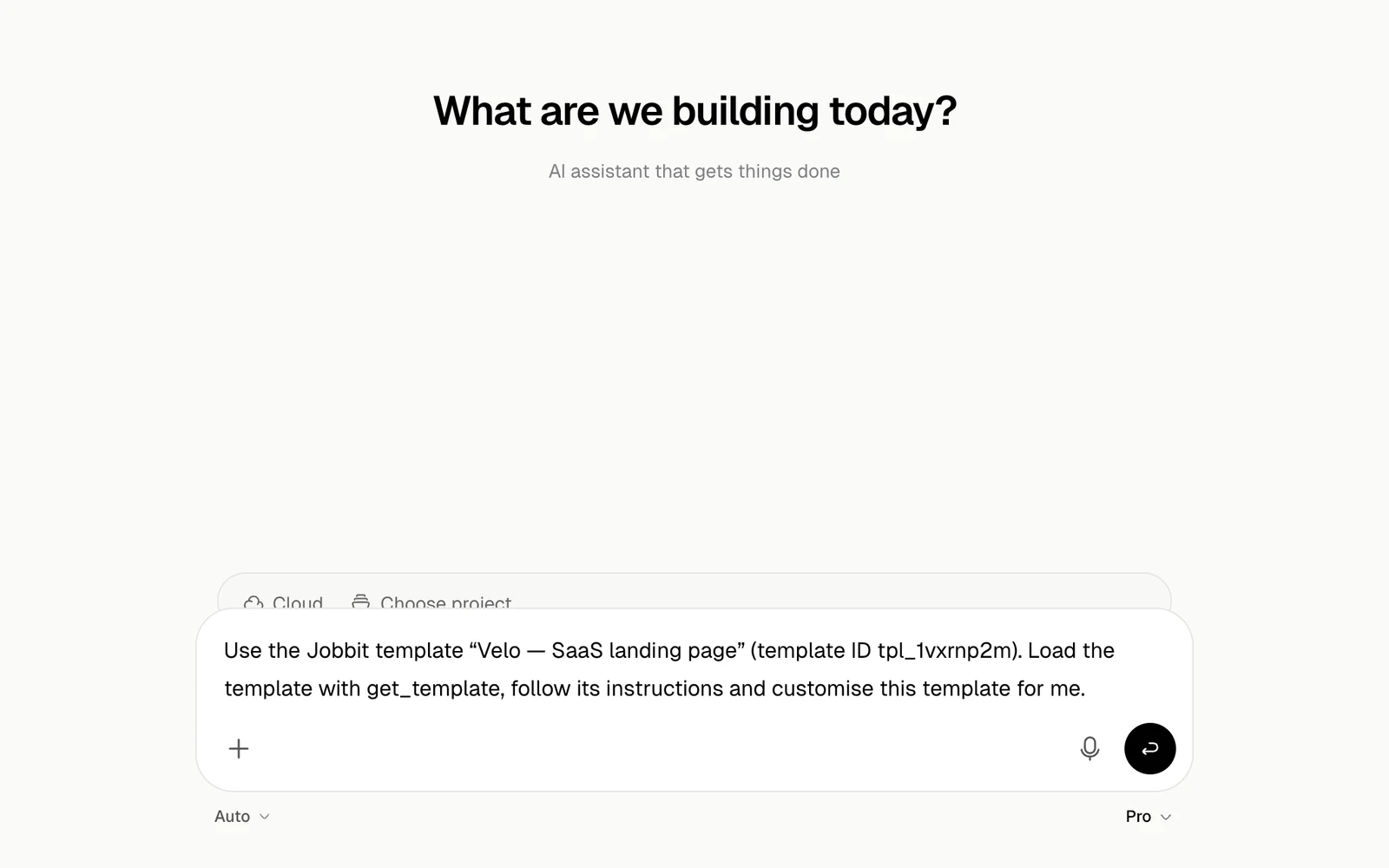
What happens next
The agent loads the template and asks for what it needs. Answer in your own words, and attach files or photos if it asks for them.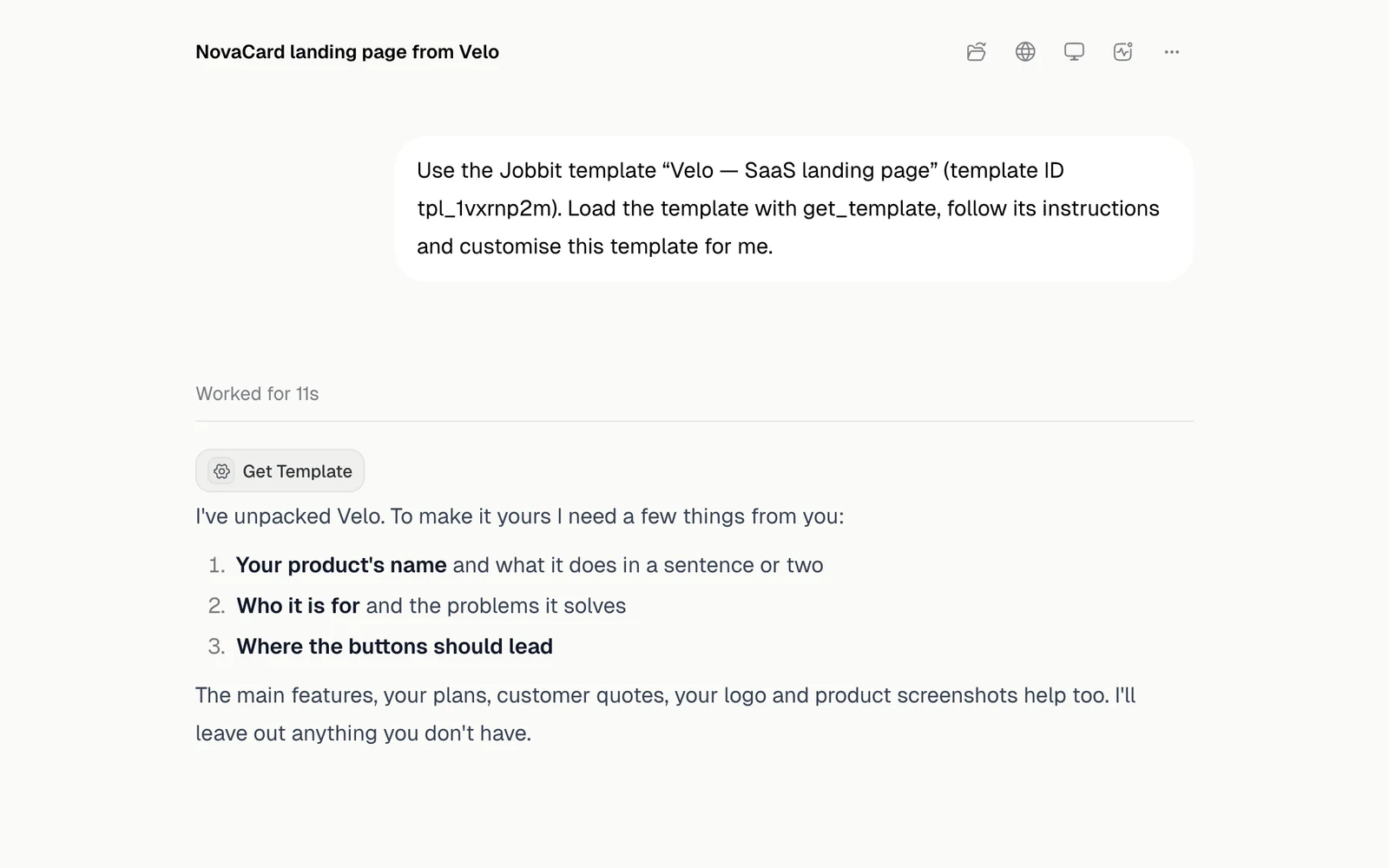
| Template | What the agent does with it |
|---|---|
| Site | Adds your content and checks that it works |
| Automation | Sets up your own copy and shows a test run before switching it on |
| Agent | Does the job, and changes nothing until you agree to each action |
| Design or slides | Makes your own version |
| Video | Makes your own version and renders it |
| Image tool or photo shoot | Works on the photos you send |