

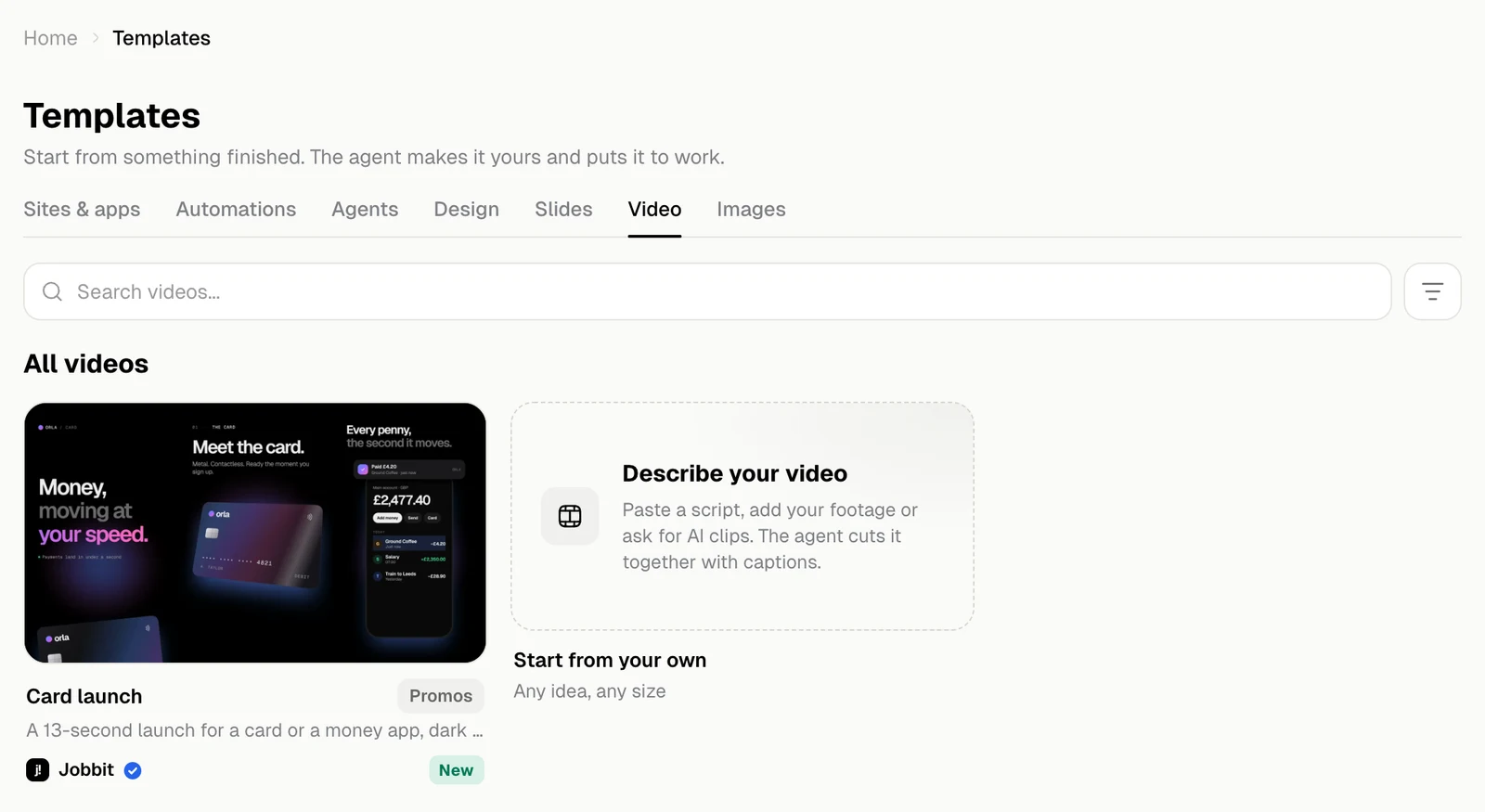
A template’s page
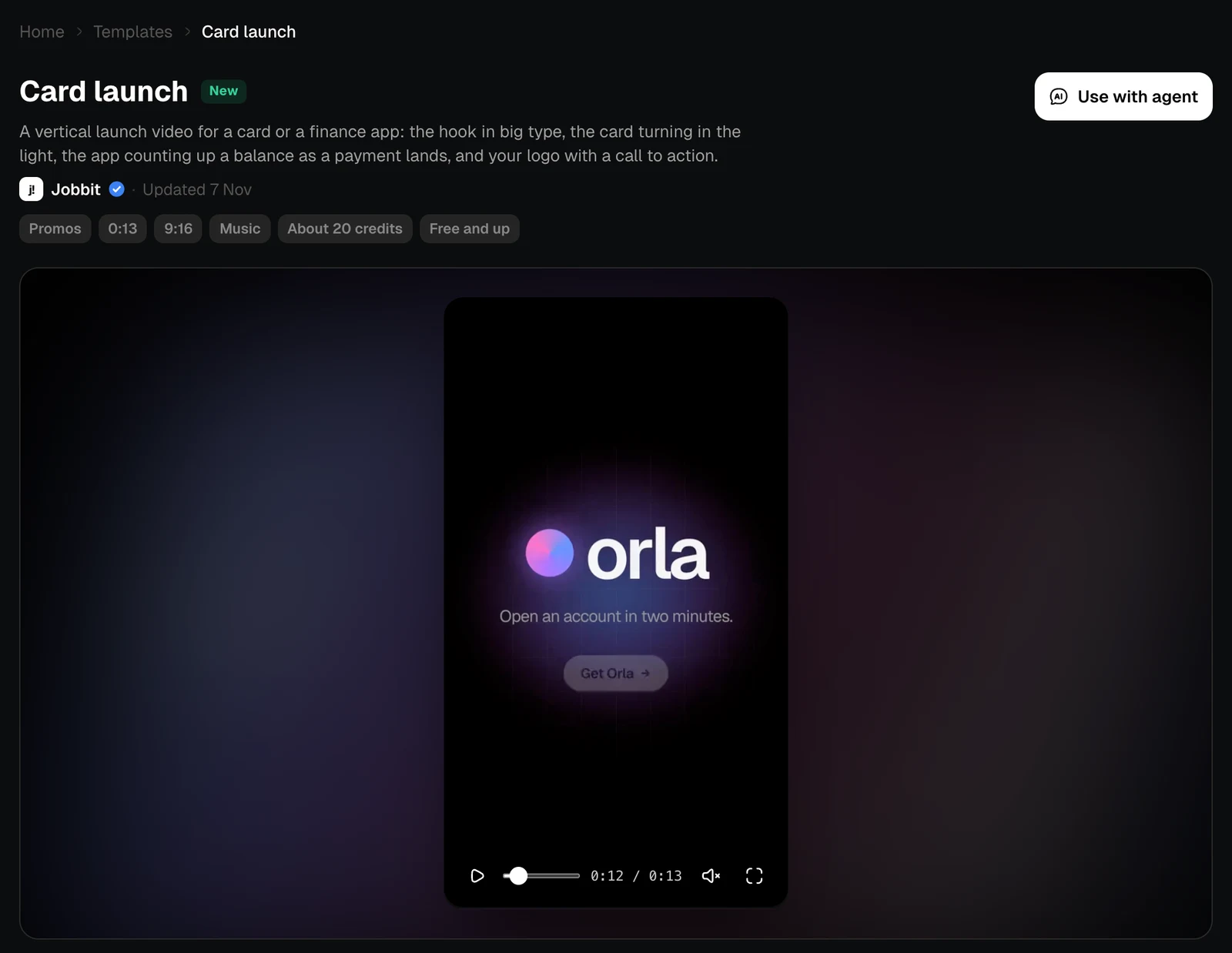
The video plays at the top, with controls for pausing, moving through it, sound and full screen. The chips give the category, the length, the shape and the estimated cost.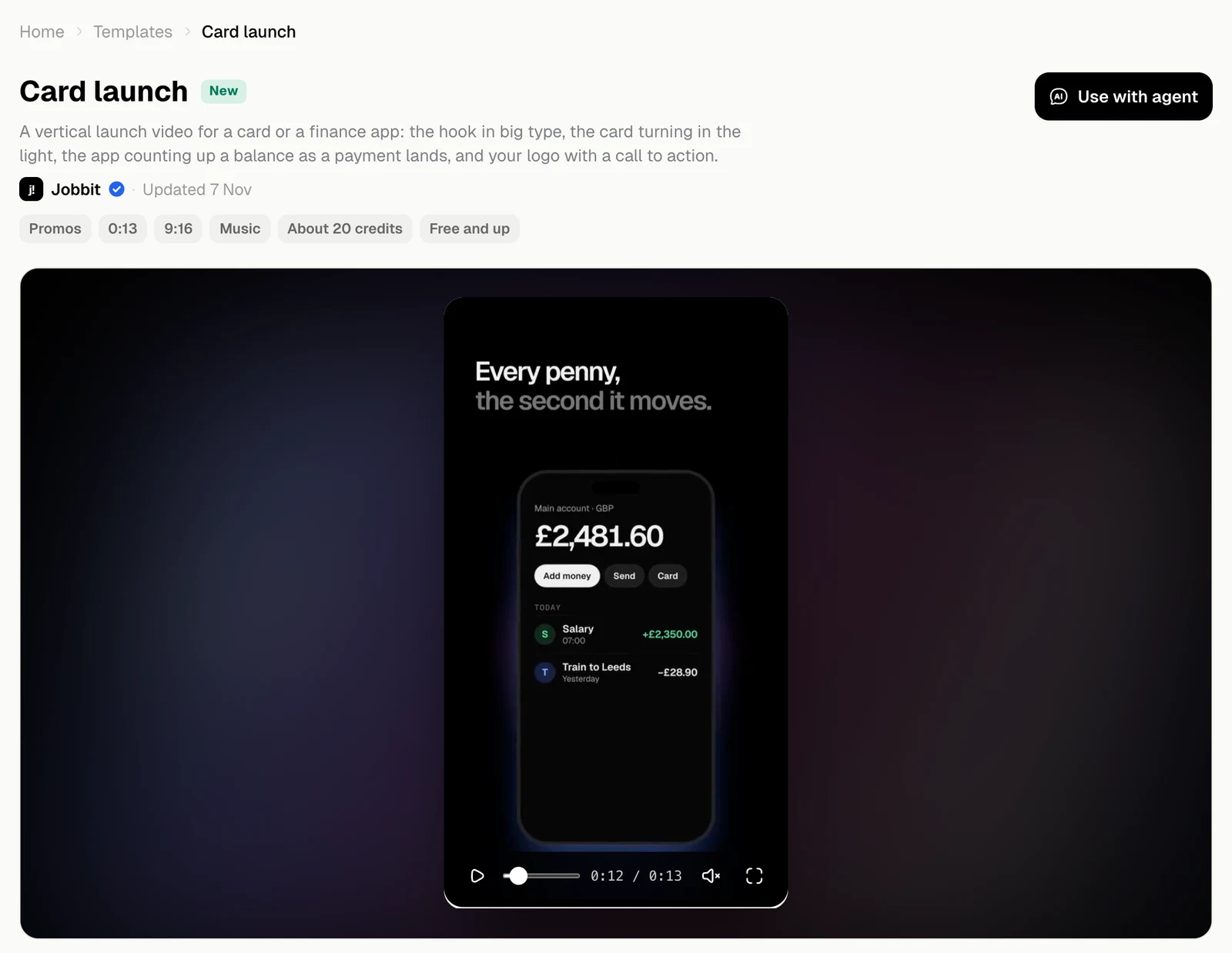
What’s in the video
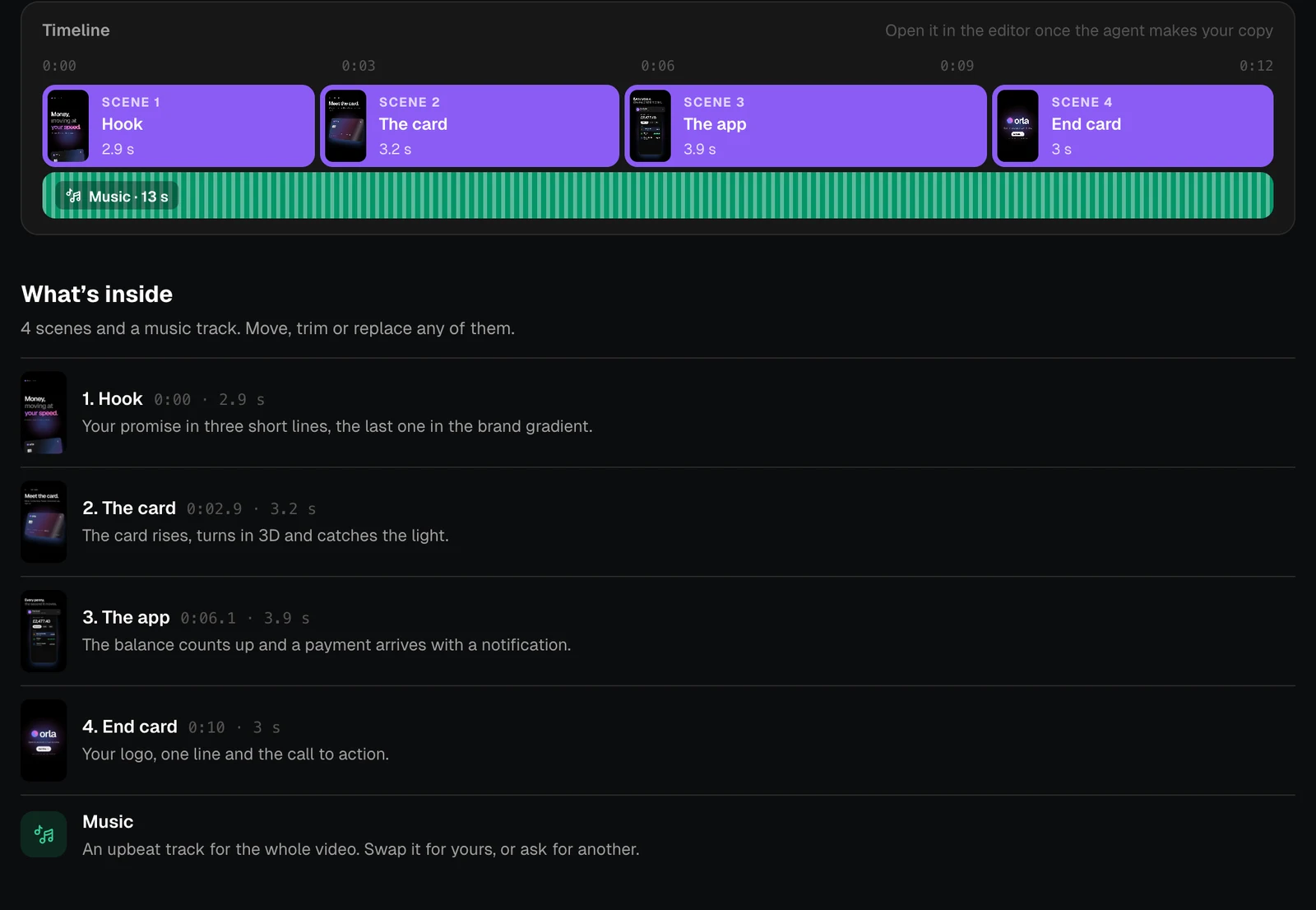
Timeline shows the scenes and the music as they run. You can open it in the editor once the agent makes your copy. What’s inside lists each scene and what it shows.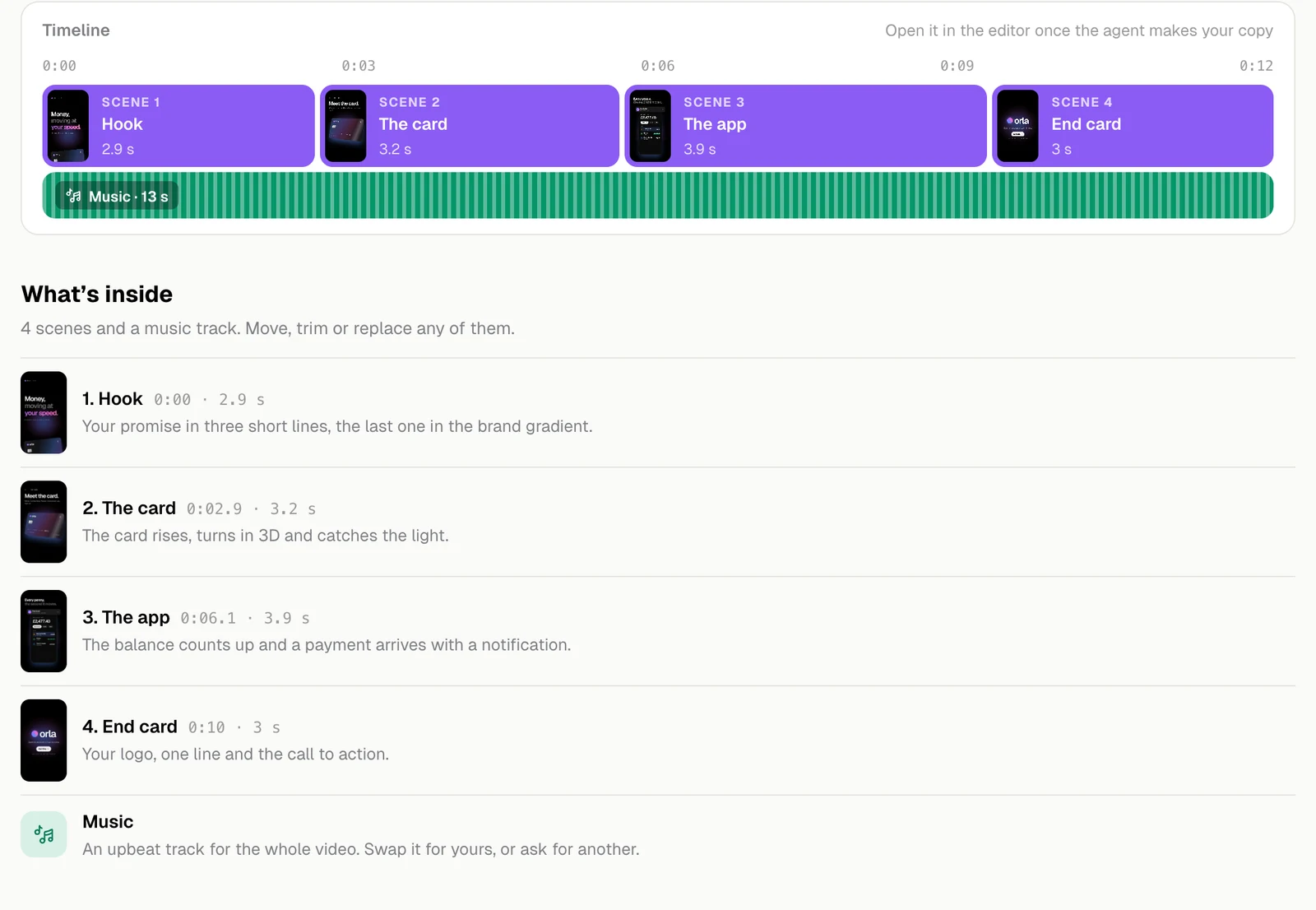
Colours and tools
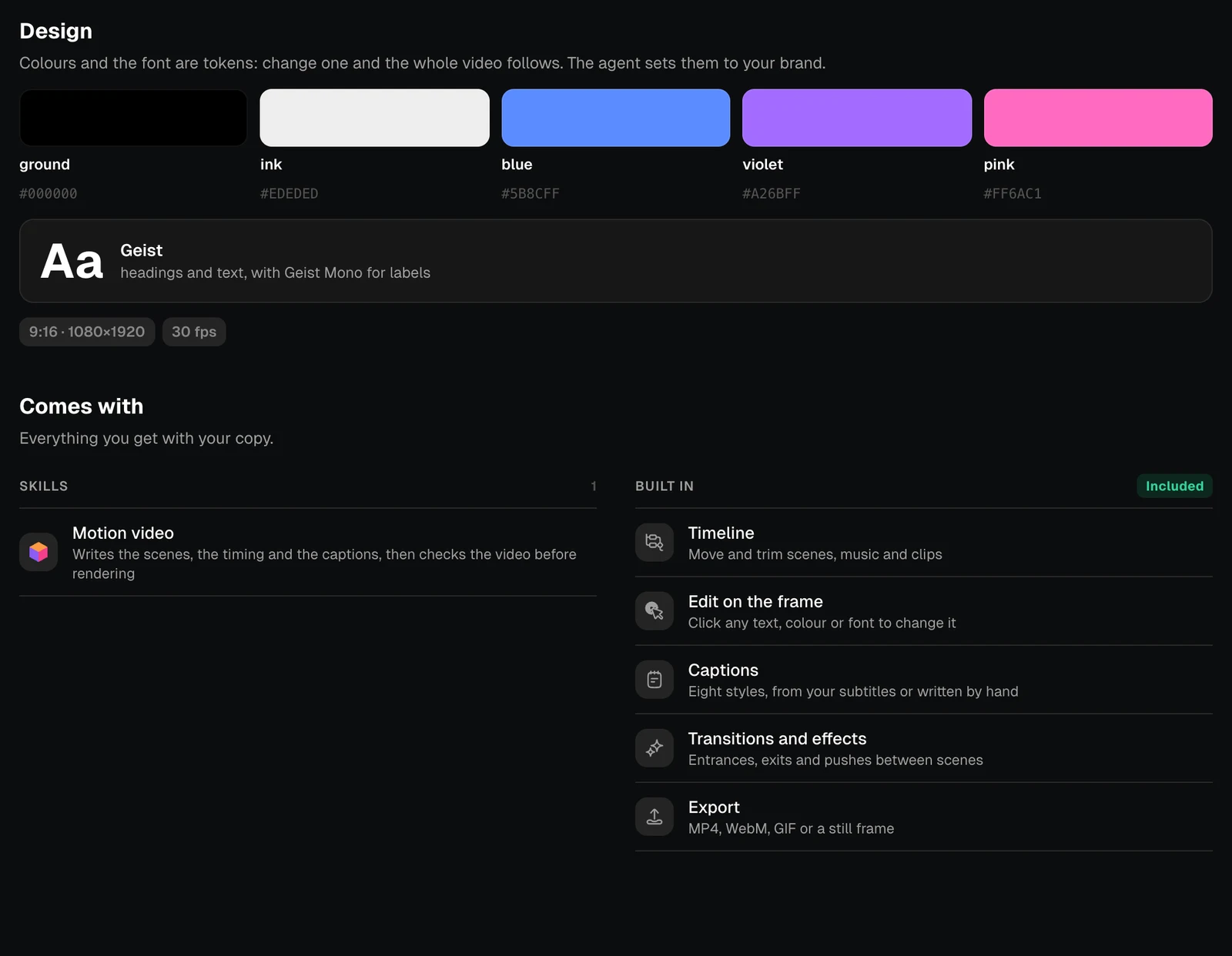
In Design, the colours and the font are tokens: change one and the whole video follows. The agent sets them to your brand. Comes with is what you can do with your copy.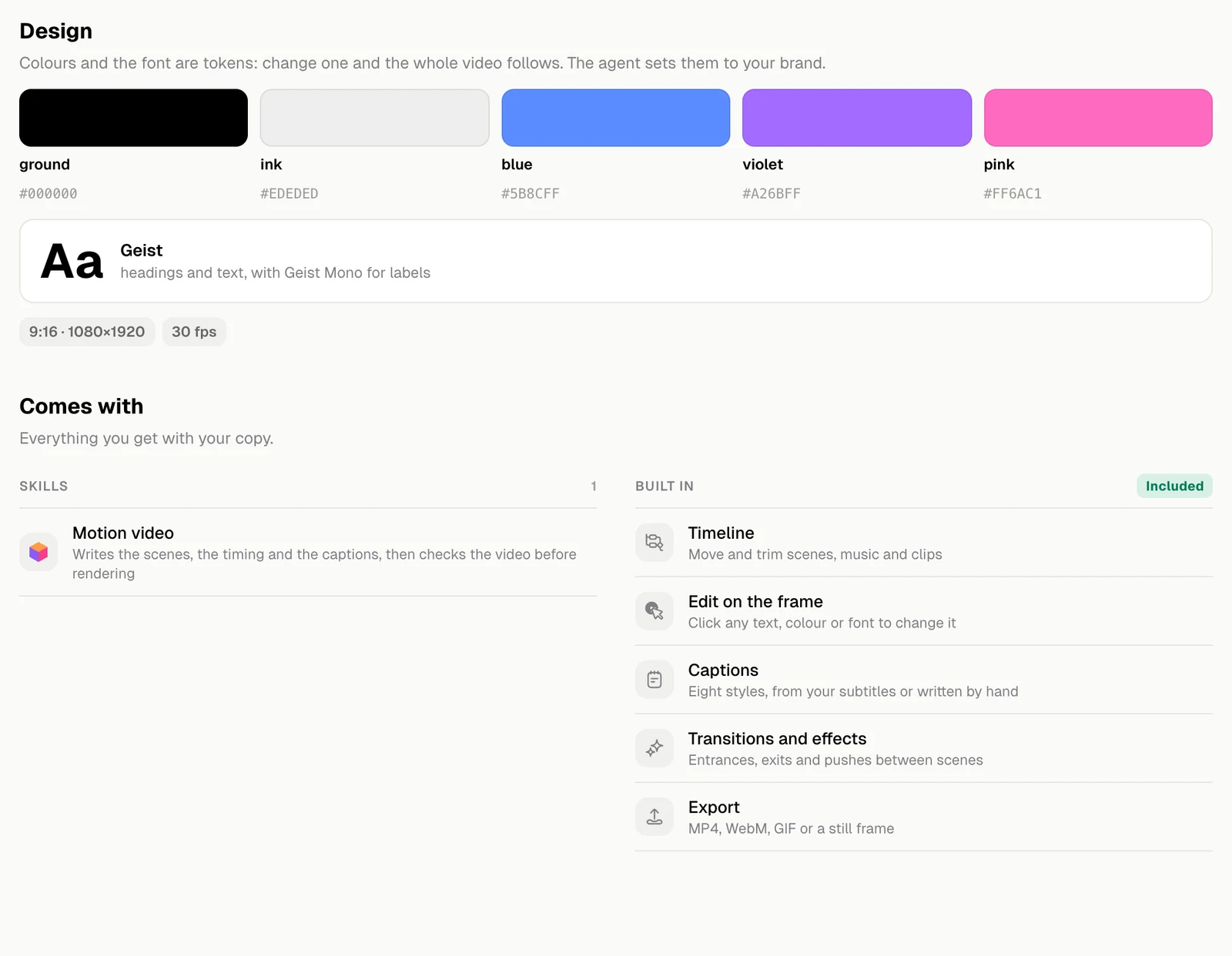
| Comes with | What it means |
|---|---|
| Timeline | Move and trim scenes, music and clips |
| Edit on the frame | Click any text, colour or font to change it |
| Captions | Eight styles, from your subtitles or written by hand |
| Transitions and effects | Entrances, exits and pushes between scenes |
| Export | MP4, WebM, GIF or a still frame |