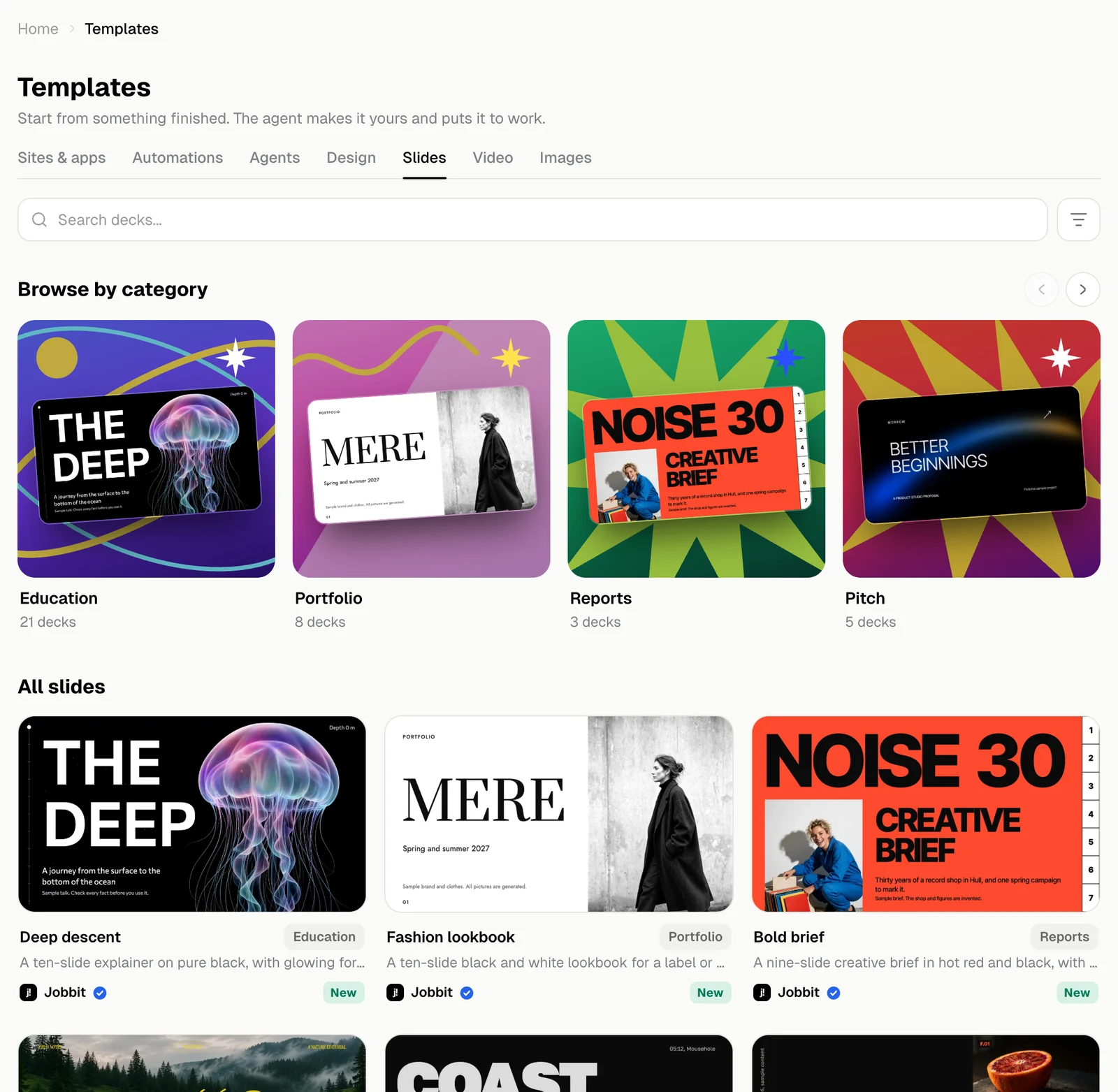
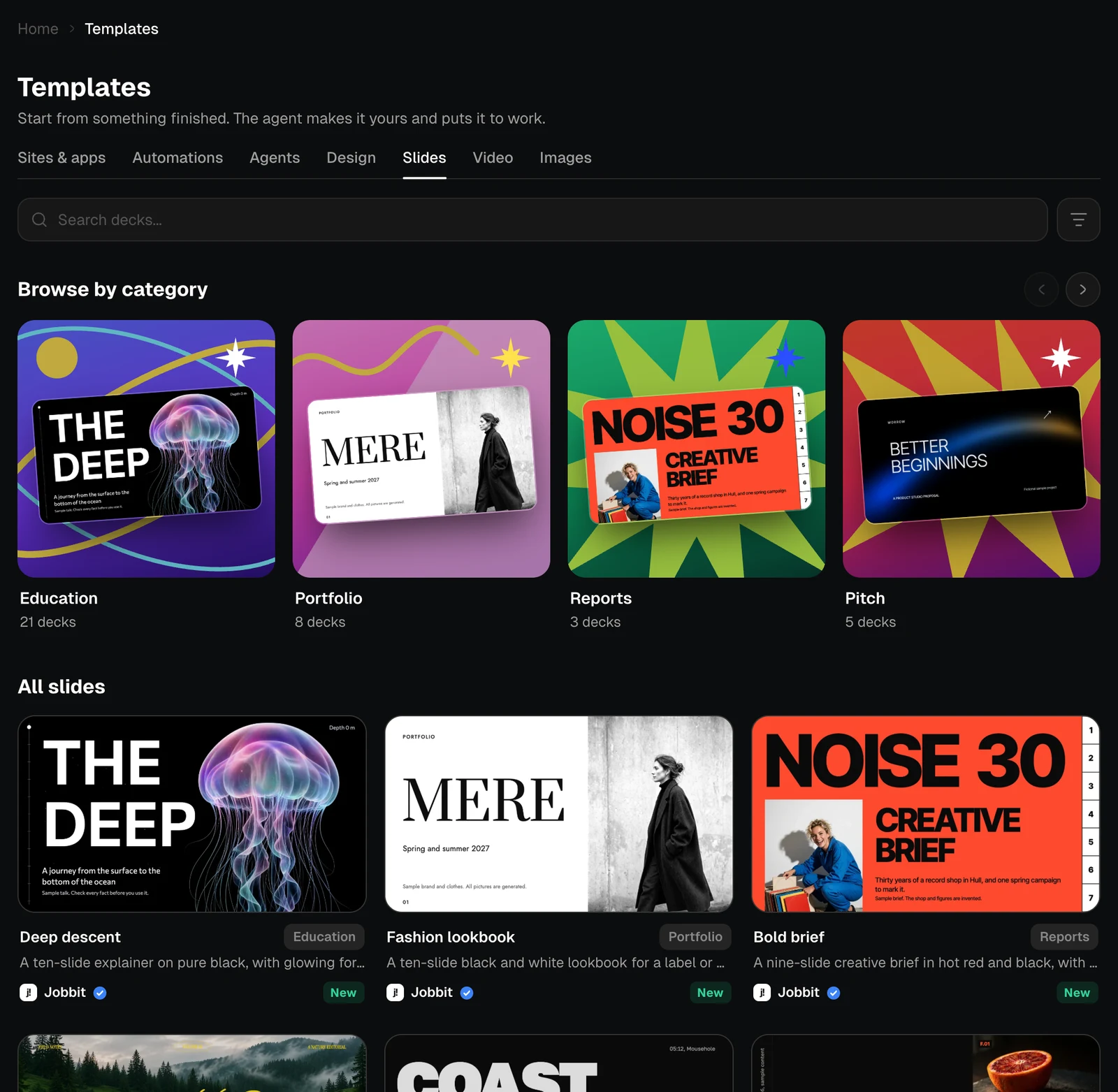
Each slides template is a whole deck with its own look. The number on a card is how many slides it has.
The Slides tab with categories and decks, light themeThe Slides tab with categories and decks, dark theme
Turn your notes into slides at the end of the gallery starts from your own document, PDF or link instead.

A template’s page

The chips give the category, the number of slides, the shape and the plan. The arrows and thumbnails go through every slide.


The page of the Deep descent template with its first slide, light themeThe page of the Deep descent template with its first slide, dark theme
The same template showing its second slide, light themeThe same template showing its second slide, dark theme

What you get

What’s inside describes the deck and what each slide is for.
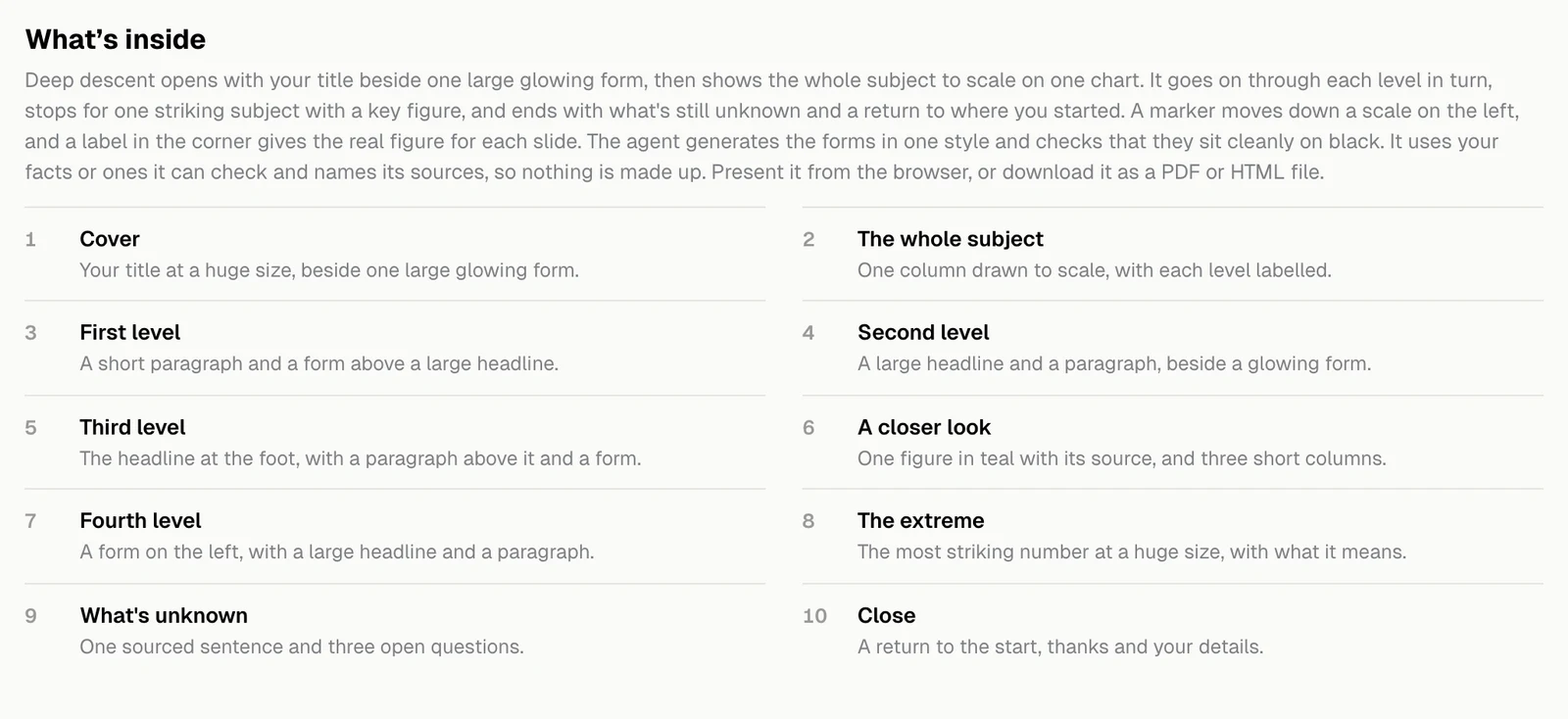
The What's inside section listing each slide, light themeThe What's inside section listing each slide, dark theme
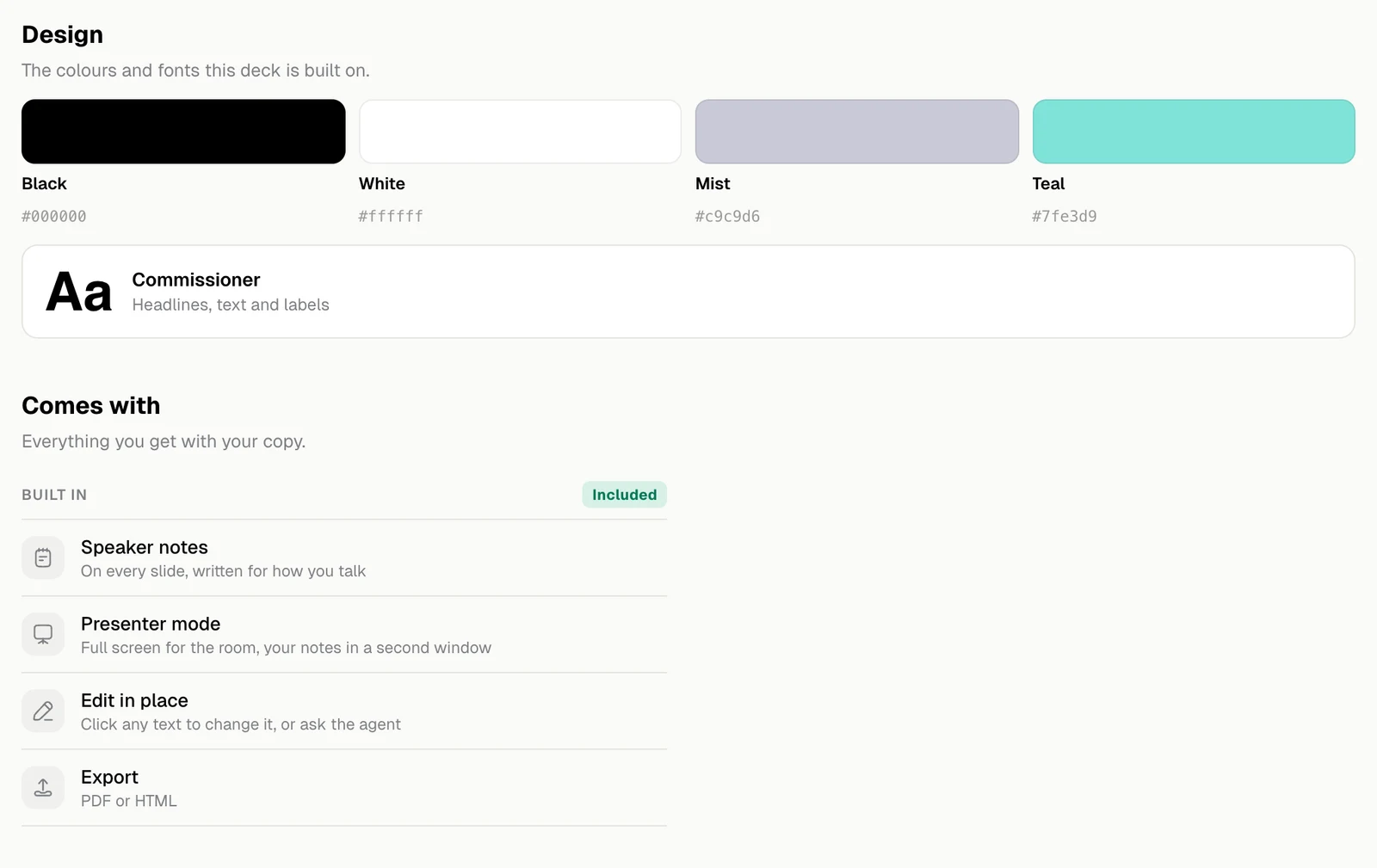
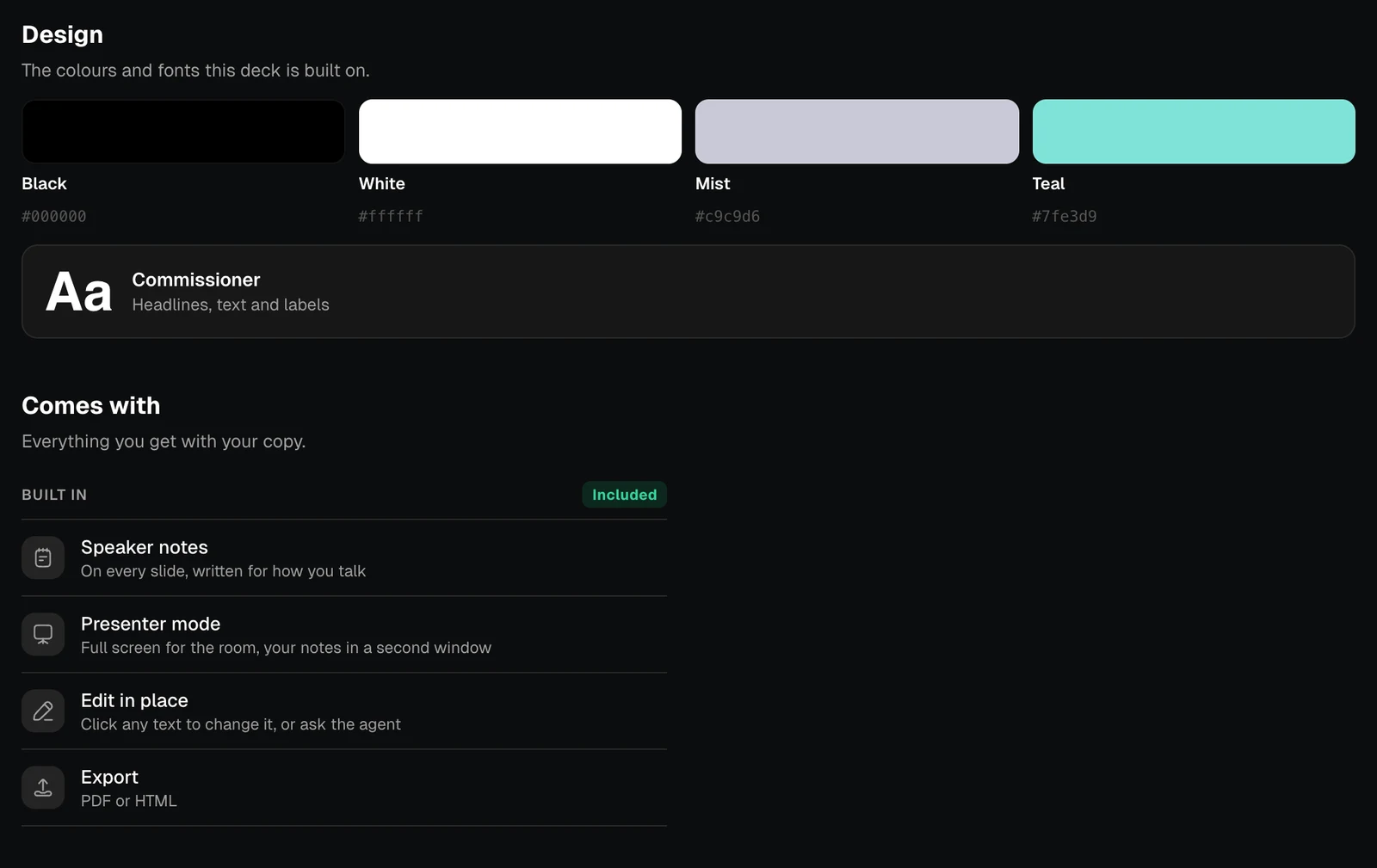
Design shows the colours and fonts the deck is built on. Comes with is what you can do with your copy.
The Design and Comes with sections of a slides template, light themeThe Design and Comes with sections of a slides template, dark theme
Comes withWhat it means
Speaker notesOn every slide, written for how you talk
Presenter modeFull screen for the room, your notes in a second window
Edit in placeClick any text to change it, or ask the agent
ExportPDF or HTML
Your copy opens in the Slides editor.