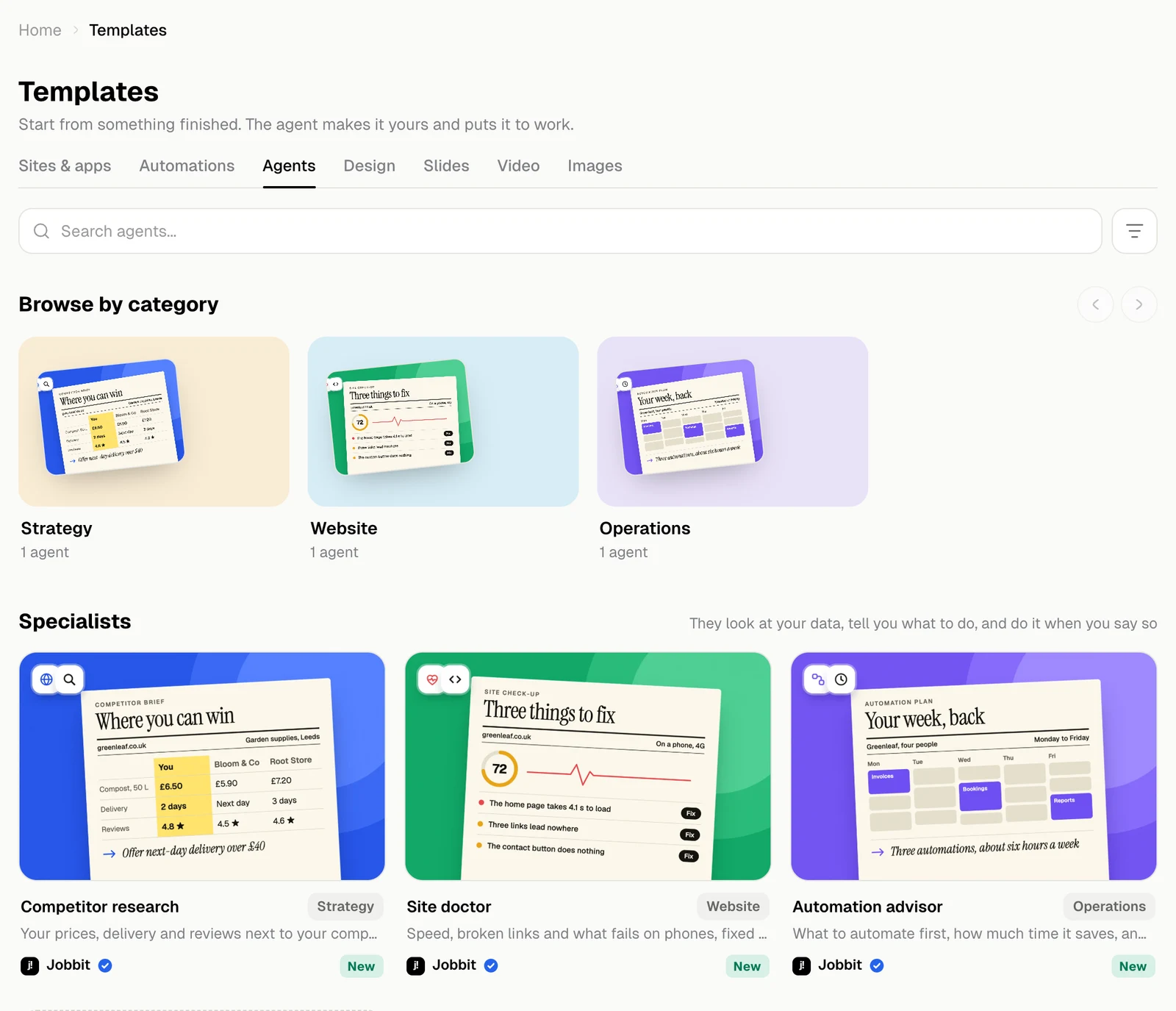
An agent template gives the agent one job to do well. It looks at your data, reports what it found and acts only when you say so.
The Agents tab with Competitor research, Site doctor and Automation advisor, light themeThe Agents tab with Competitor research, Site doctor and Automation advisor, dark theme
Brief your own agent starts one for a job that is not on the list.

A template’s page

The chips say how long the first report takes, how often it can run and about how much it costs.
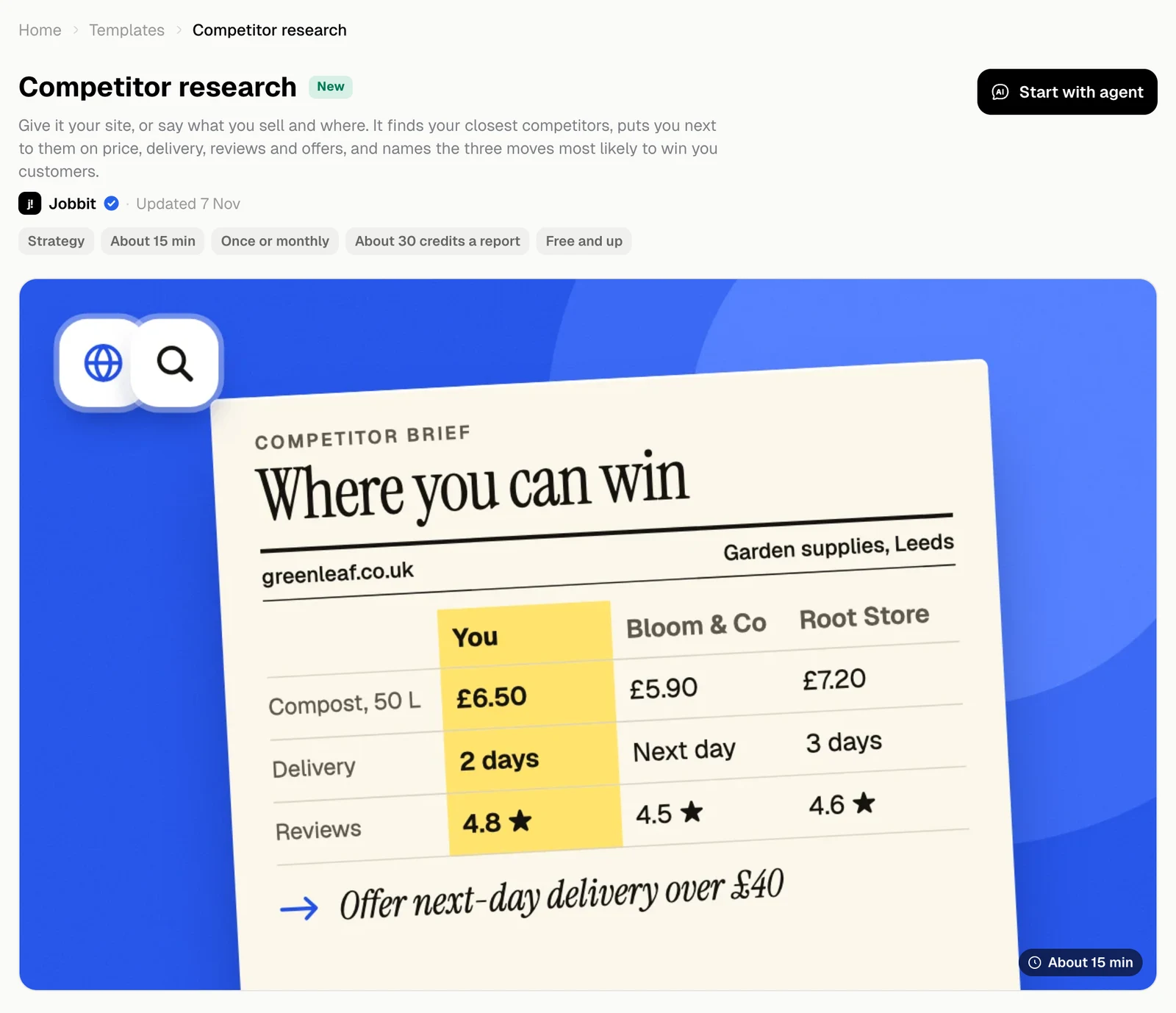
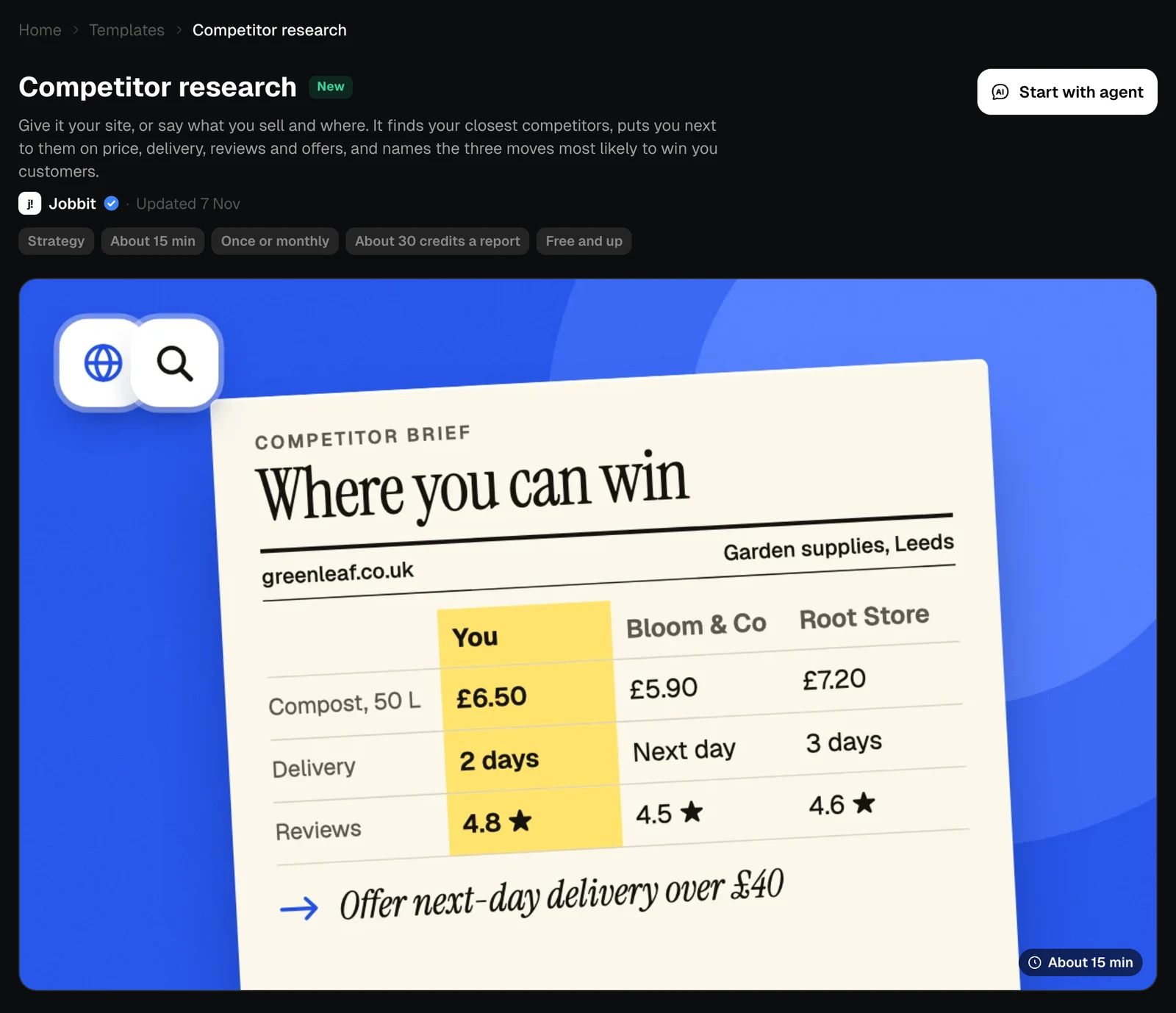
The page of the Competitor research template, light themeThe page of the Competitor research template, dark theme

What it reads, and how often

What it looks at lists everything it reads to do the job, and nothing else. The tag on each row says how it gets there, such as Browser or Search. Once, or keep watching chooses between one report and a repeat. A repeat becomes an automation you can pause at any time. Your choice goes into the request.
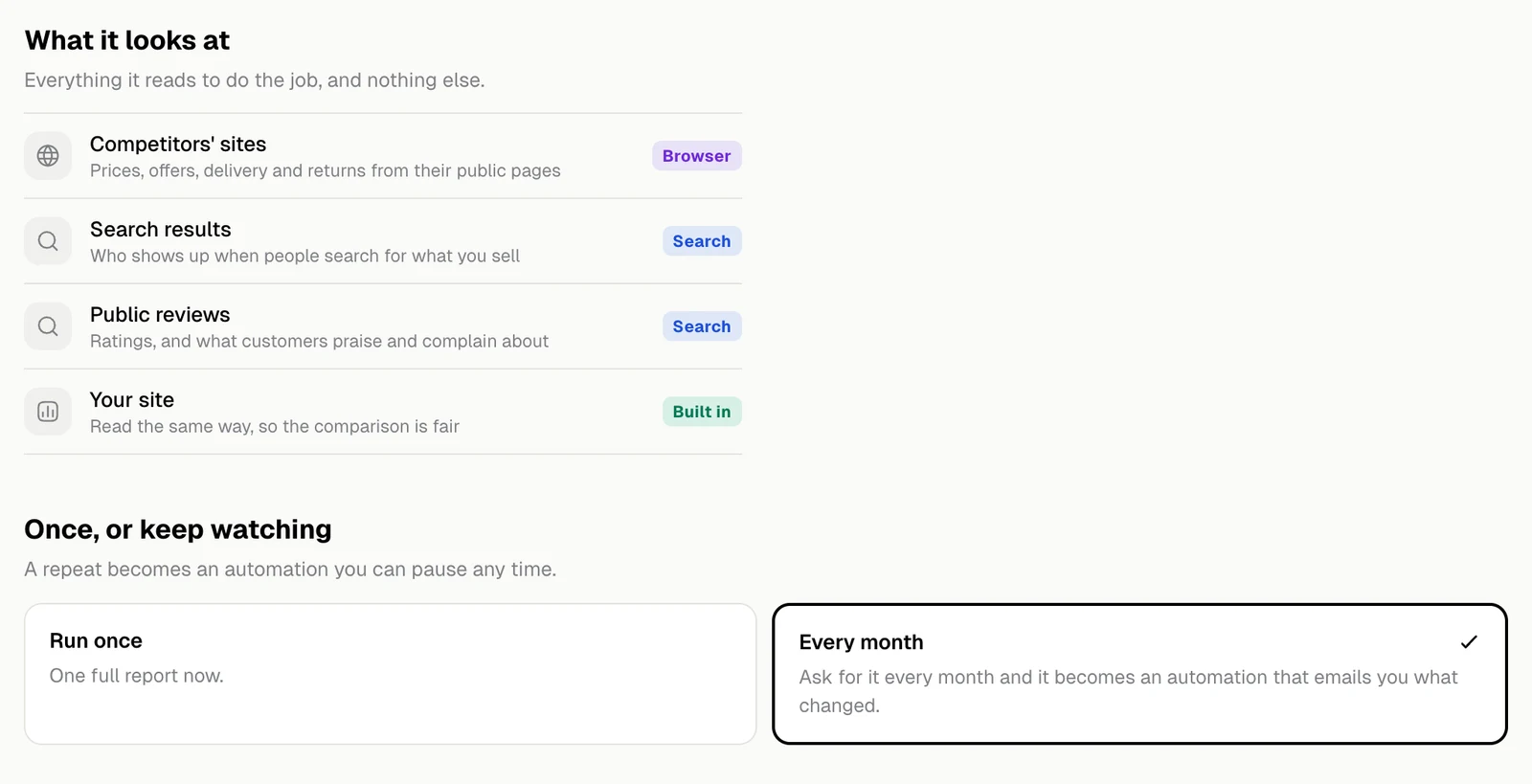
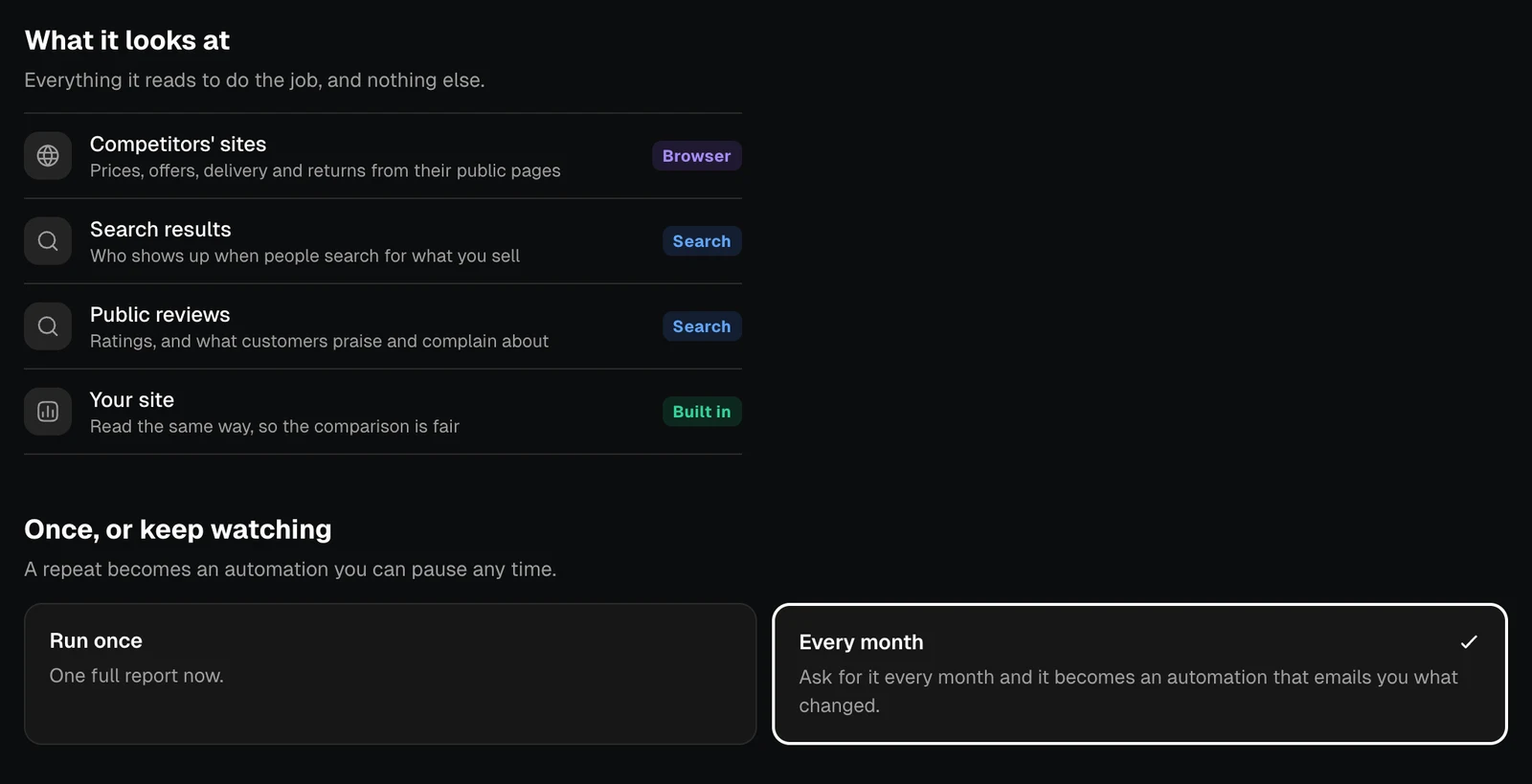
The What it looks at list and the choice between Run once and Every month, light themeThe What it looks at list and the choice between Run once and Every month, dark theme

How it works

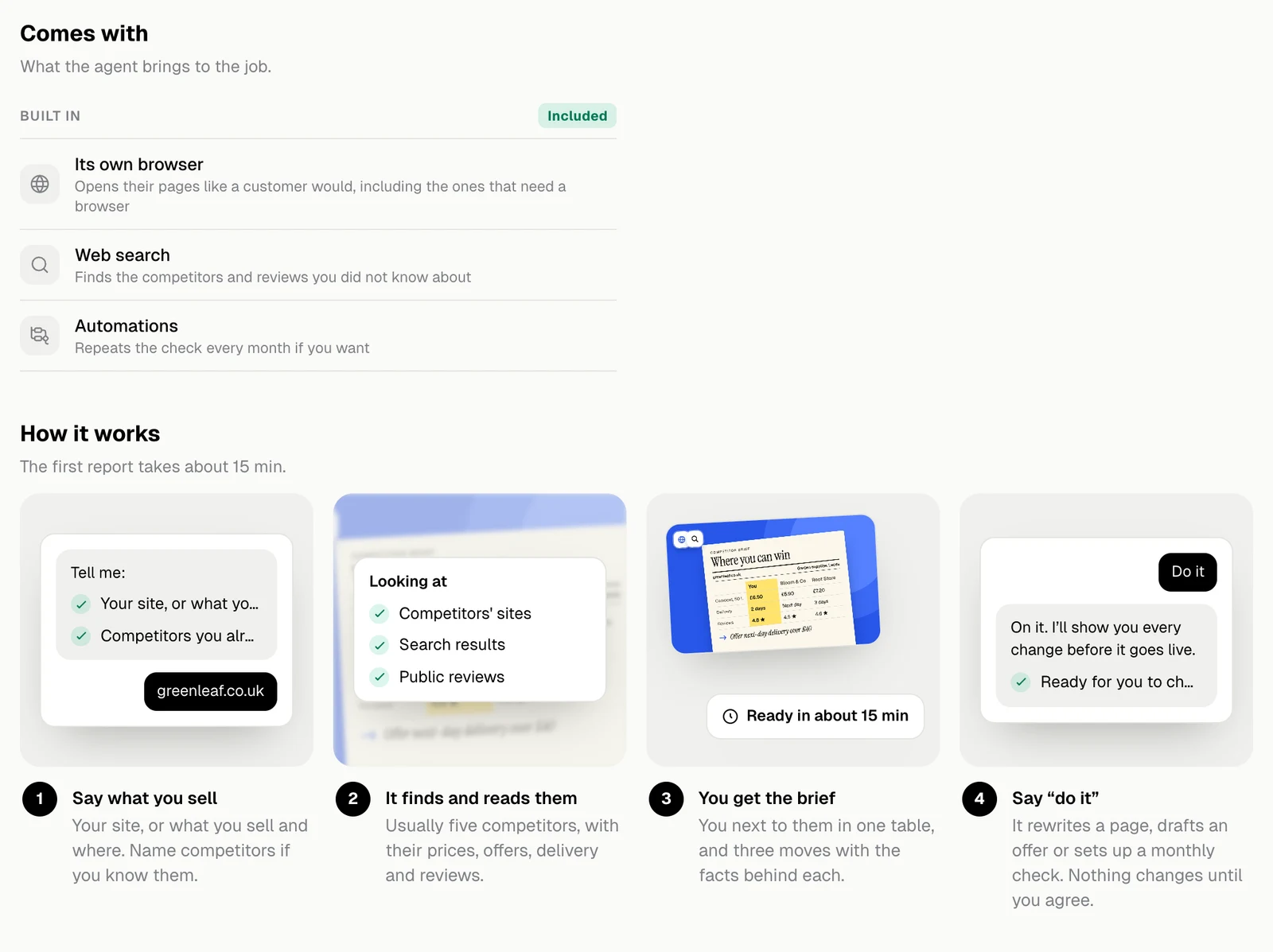
The Comes with list and the four steps of How it works, light themeThe Comes with list and the four steps of How it works, dark theme
  1. Say what you sell. Your site, or what you sell and where. Name competitors if you know them.
  2. It finds and reads them. Usually five competitors, with their prices, offers, delivery and reviews.
  3. You get the brief. You next to them in one table, and three moves with the facts behind each.
  4. Say “do it”. It rewrites a page, drafts an offer or sets up a monthly check. Nothing changes until you agree.
The steps above are for Competitor research. Each agent describes its own.