Cards
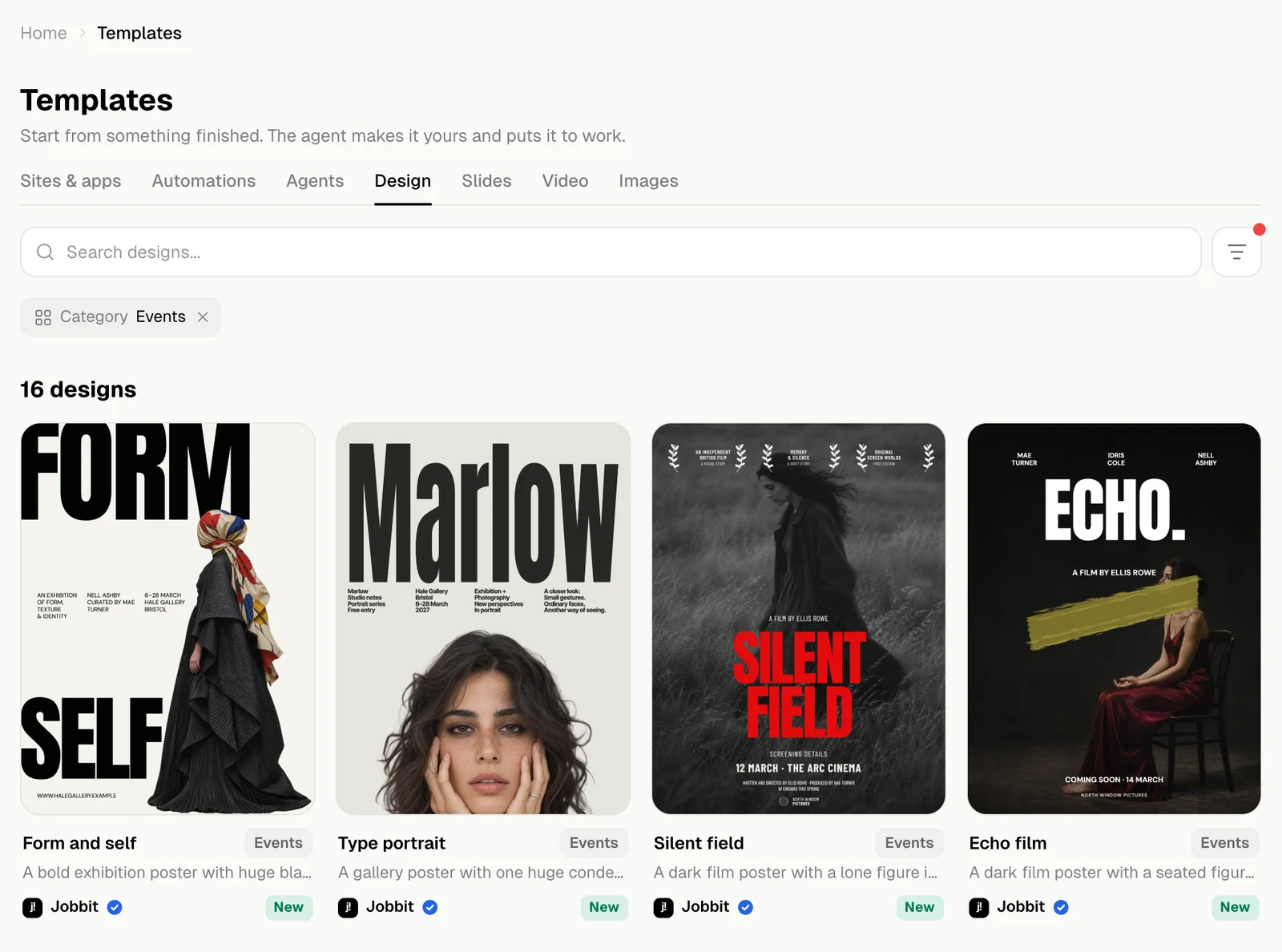
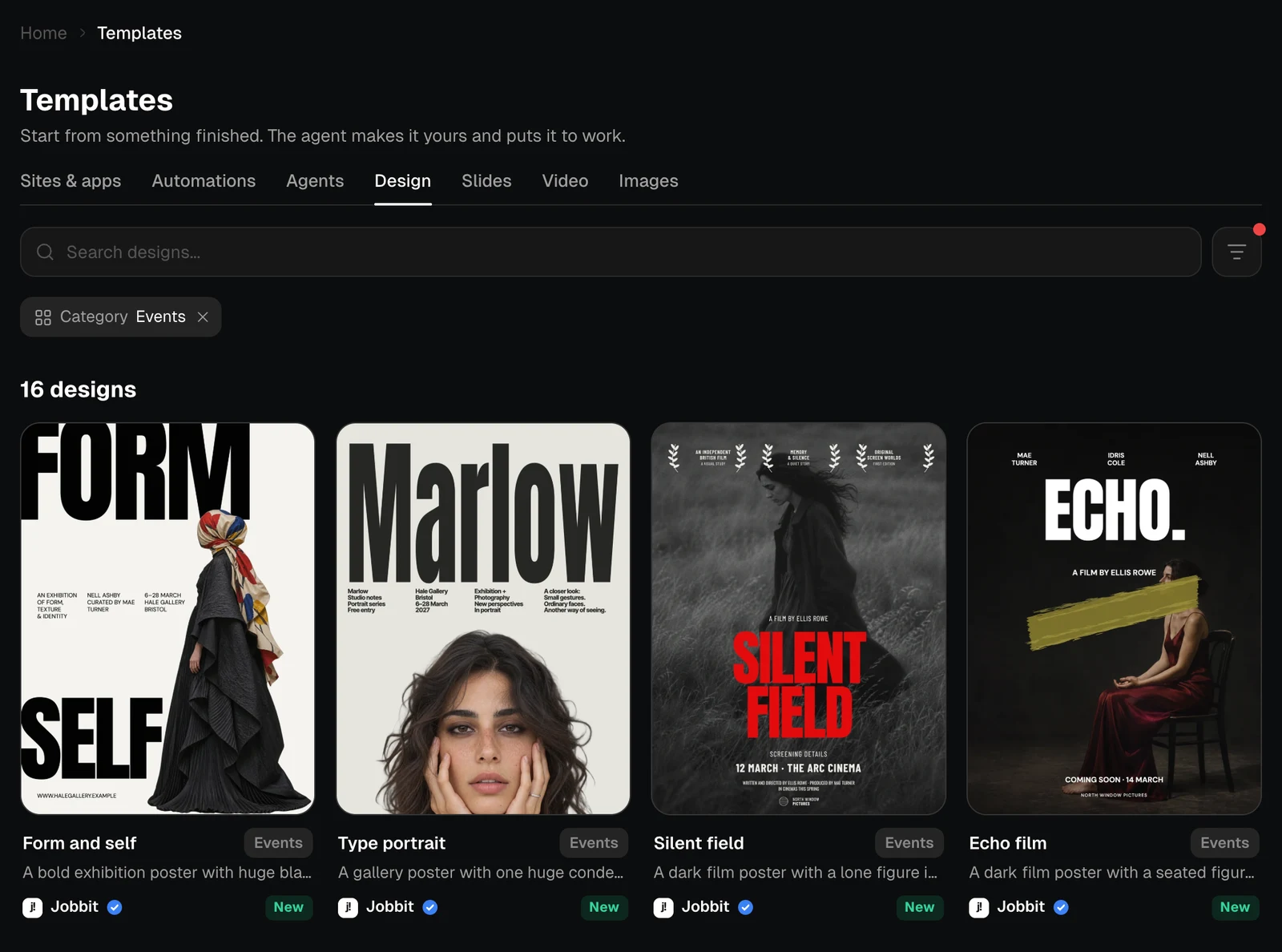
Each card shows a picture of the template, its name and category, and one line on what it does. A template used at least 20 times shows how many times. A newer one is marked New. Click a card to open the template’s page. Most tabs end with a card for starting without a template, such as Describe it to the agent on Automations. It opens the home page with a request ready to fill in.Browse by category
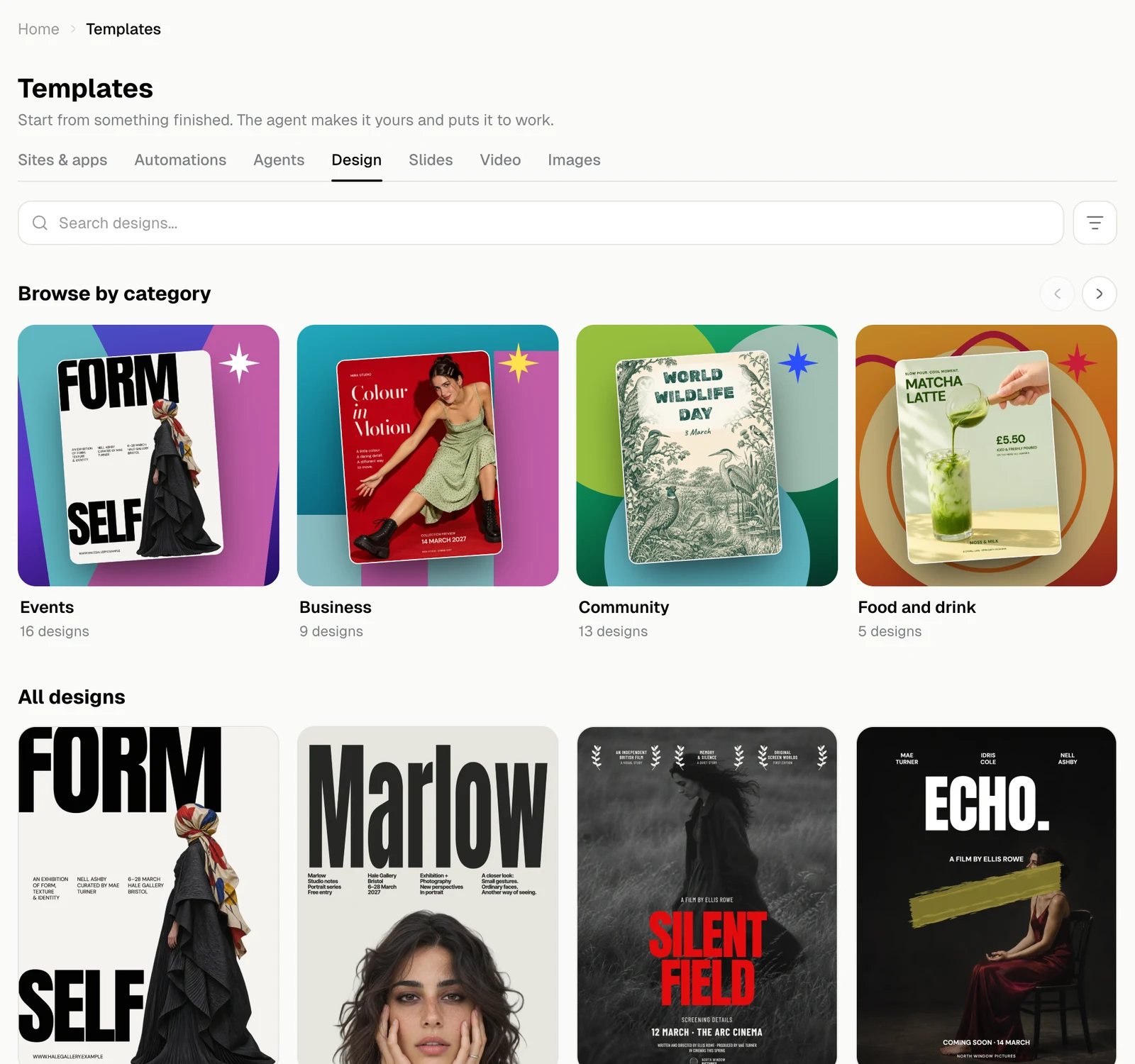
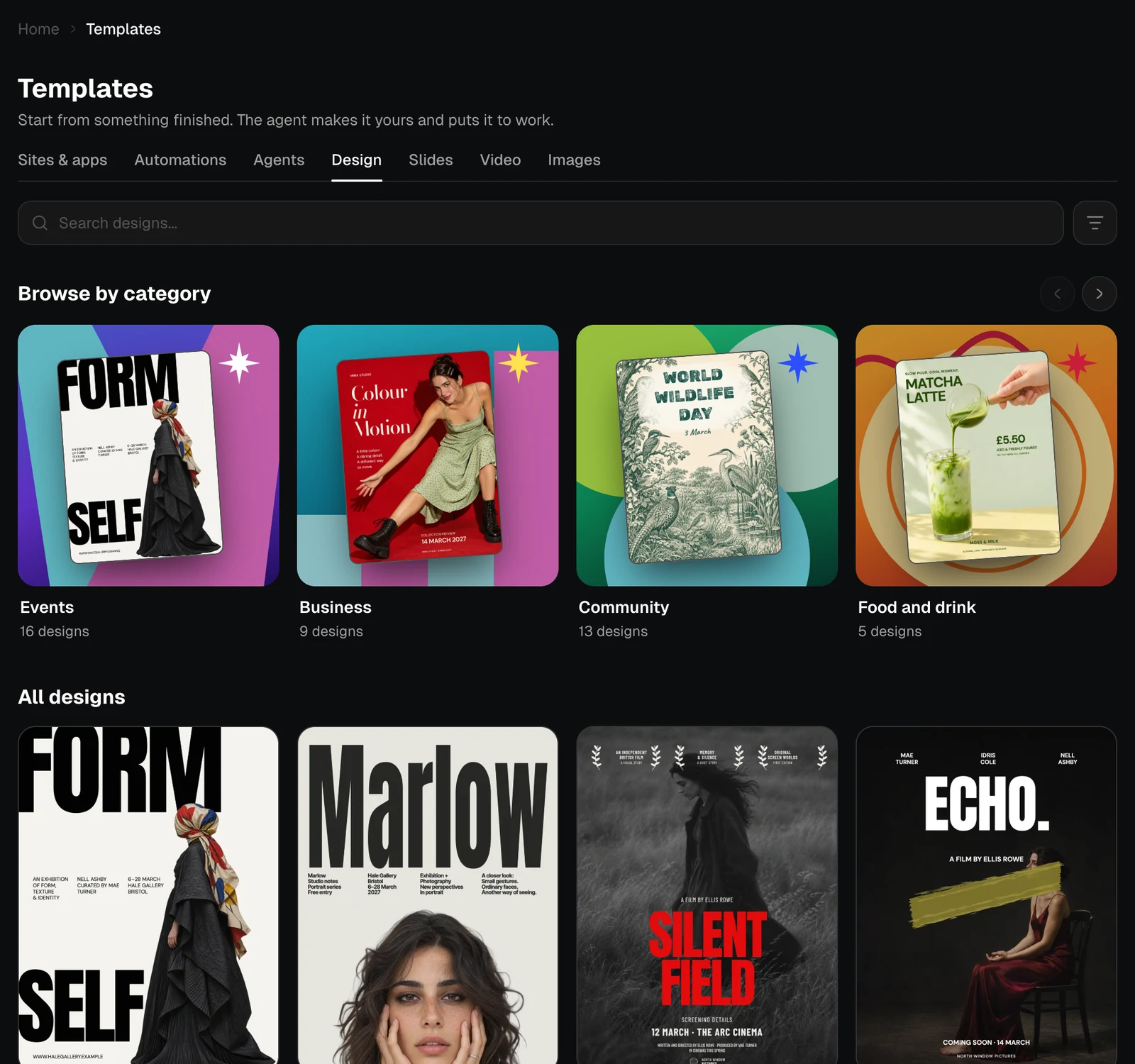
When a tab has more than one category, Browse by category shows them with the number of templates in each. The arrows move along the row. Click a category to see only its templates.Search
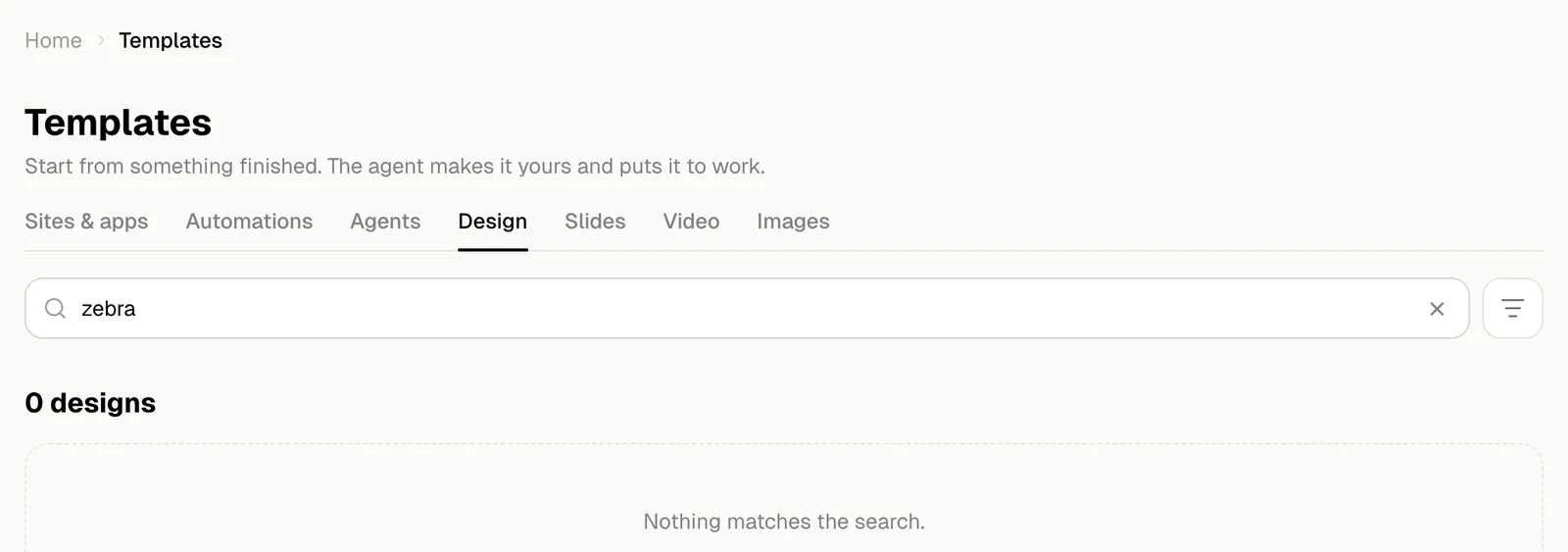
The search field looks through the names, descriptions and categories in the tab you are on.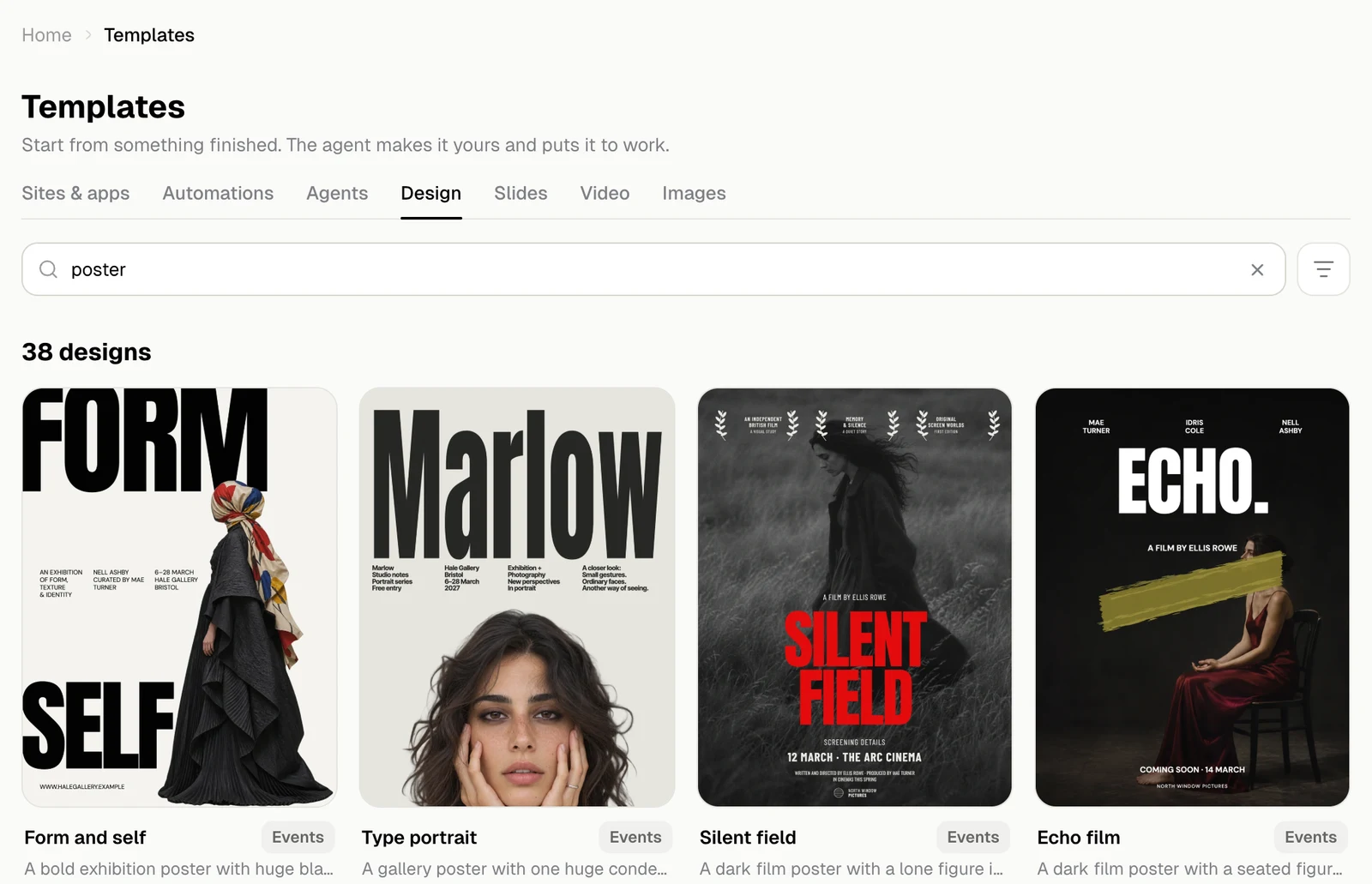
Filter and sort
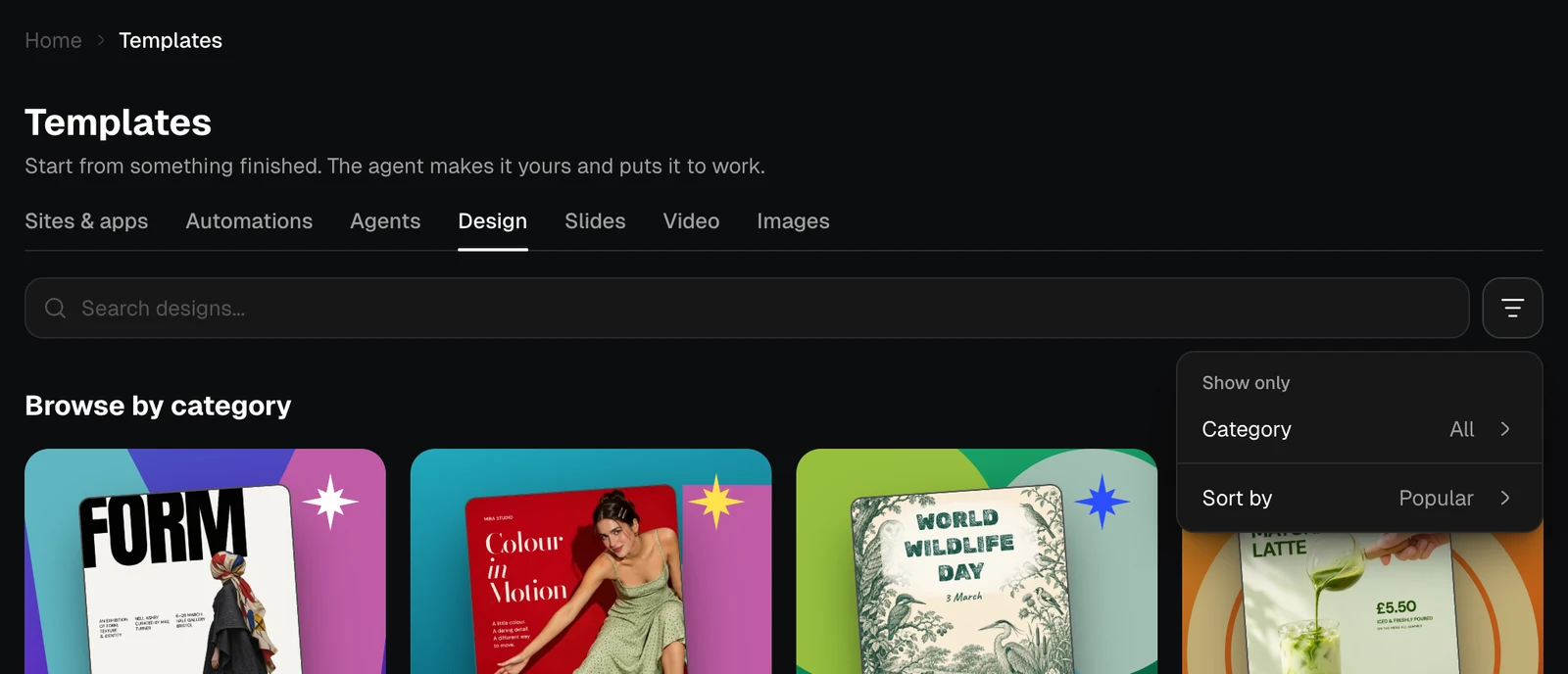
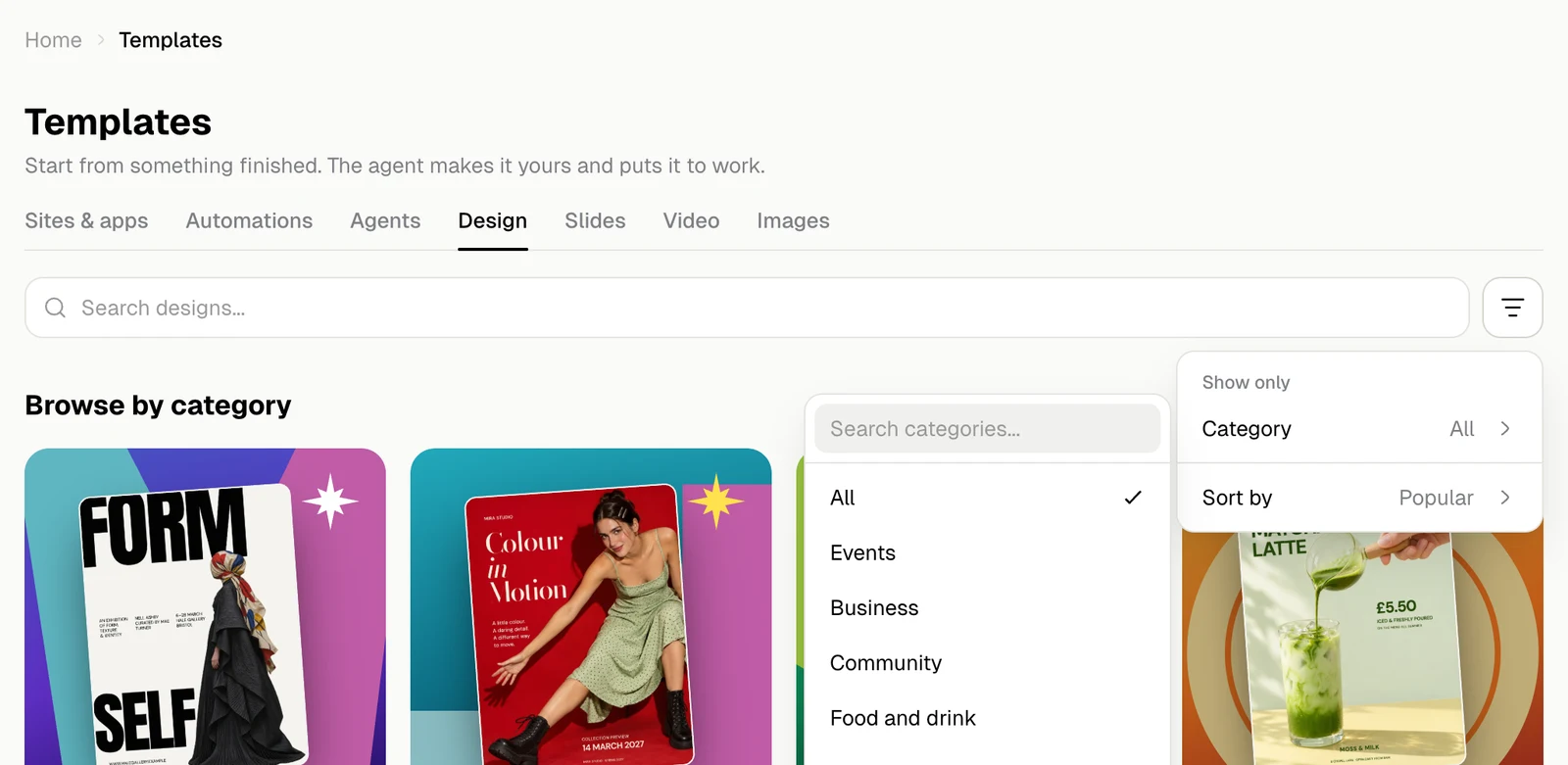
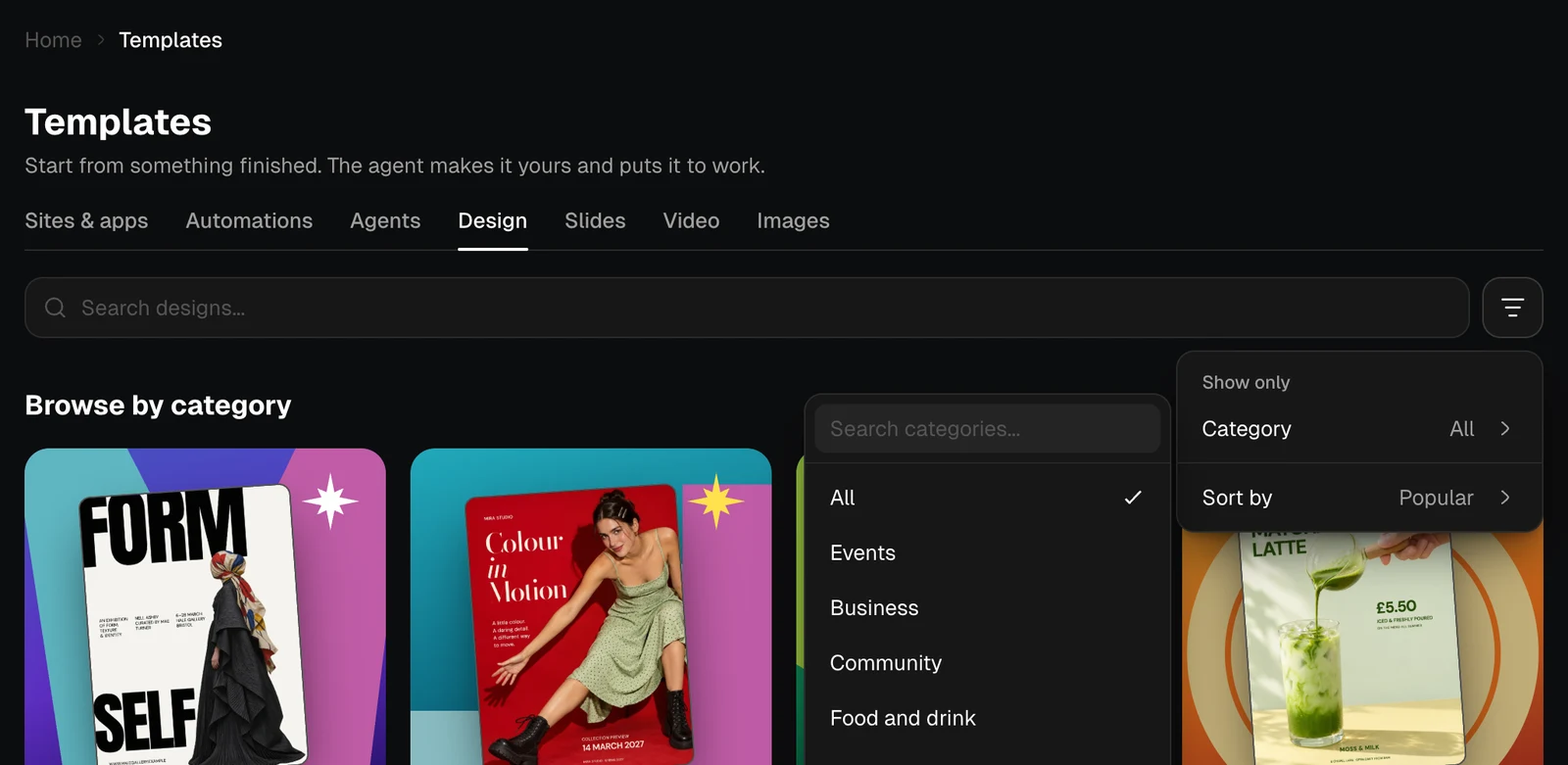
The button next to the search field opens Sort and filter.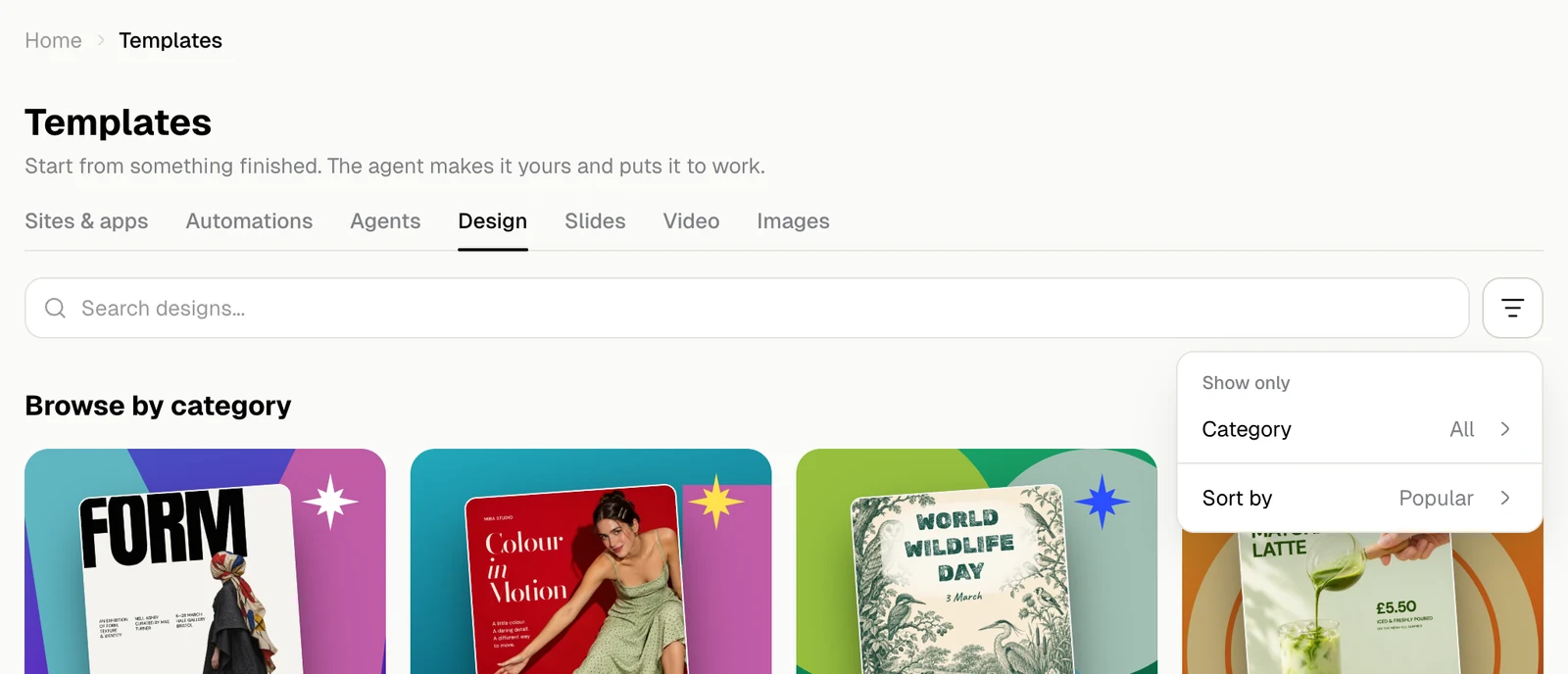
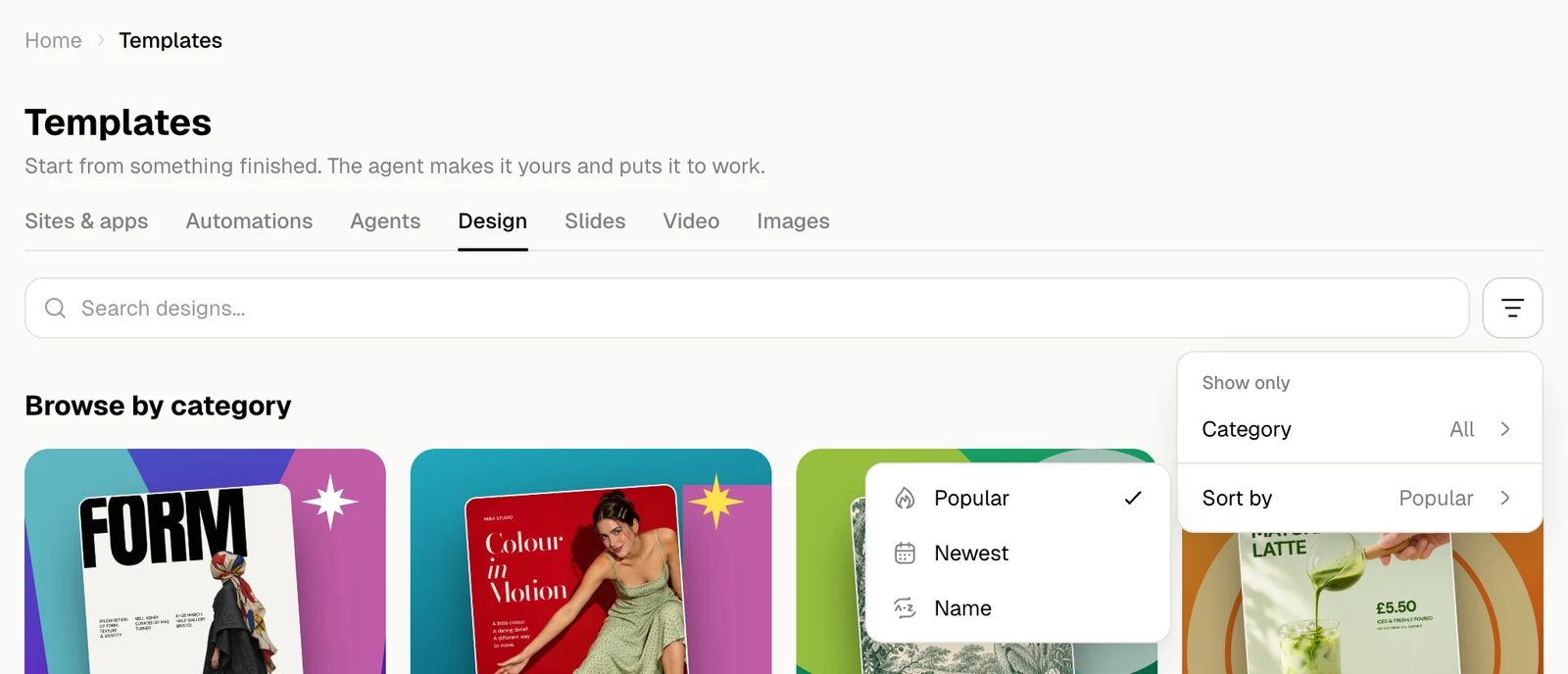
| Order | What comes first |
|---|---|
| Popular | The templates people use most. This is the default |
| Newest | The latest additions |
| Name | A to Z |