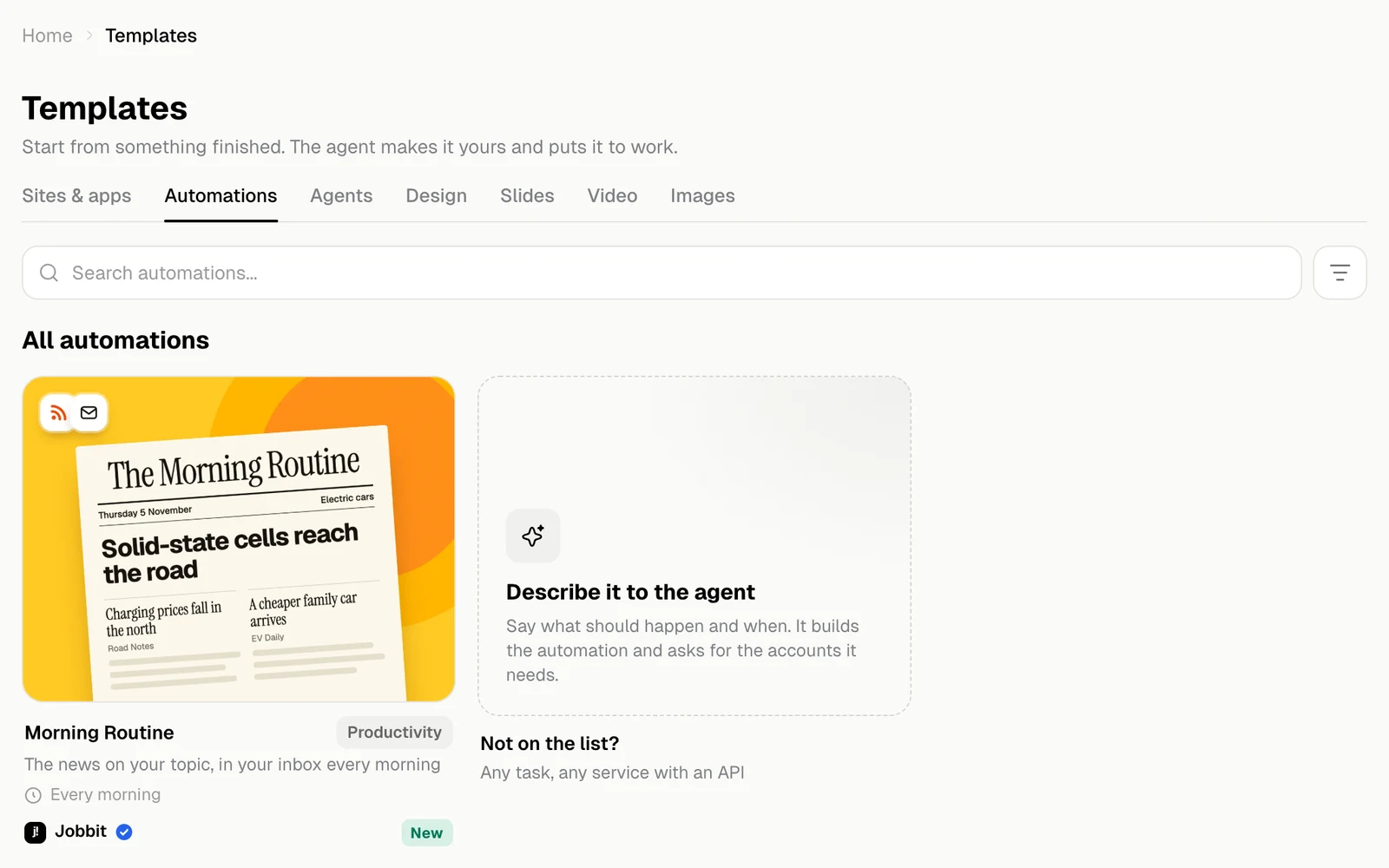
An automation template is a job that keeps running after you set it up. Each card says when it starts, such as Every morning.
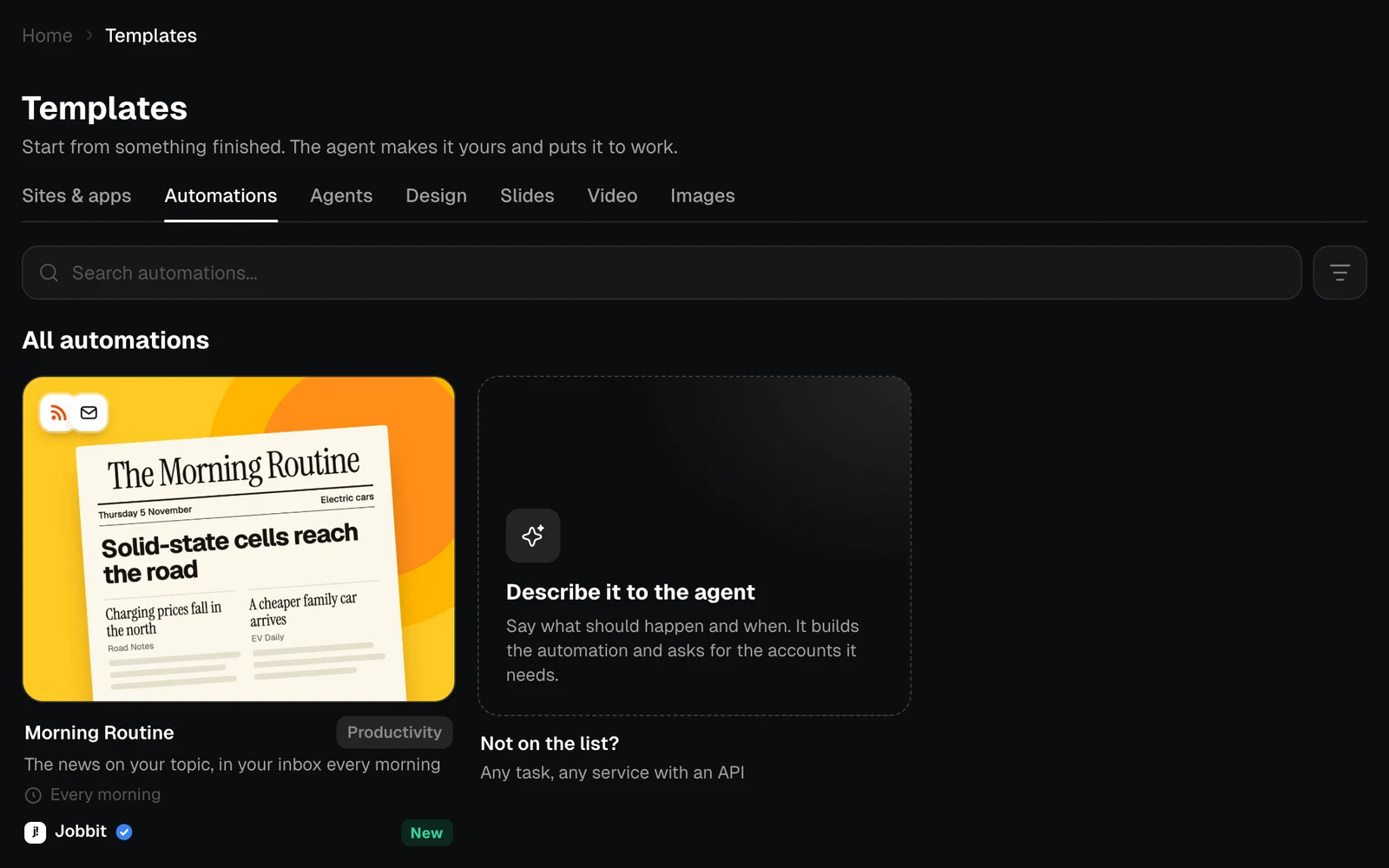
The Automations tab with the Morning Routine card and Describe it to the agent, light themeThe Automations tab with the Morning Routine card and Describe it to the agent, dark theme
Not on the list? Describe it to the agent: say what should happen and when, and the agent builds it.

A template’s page

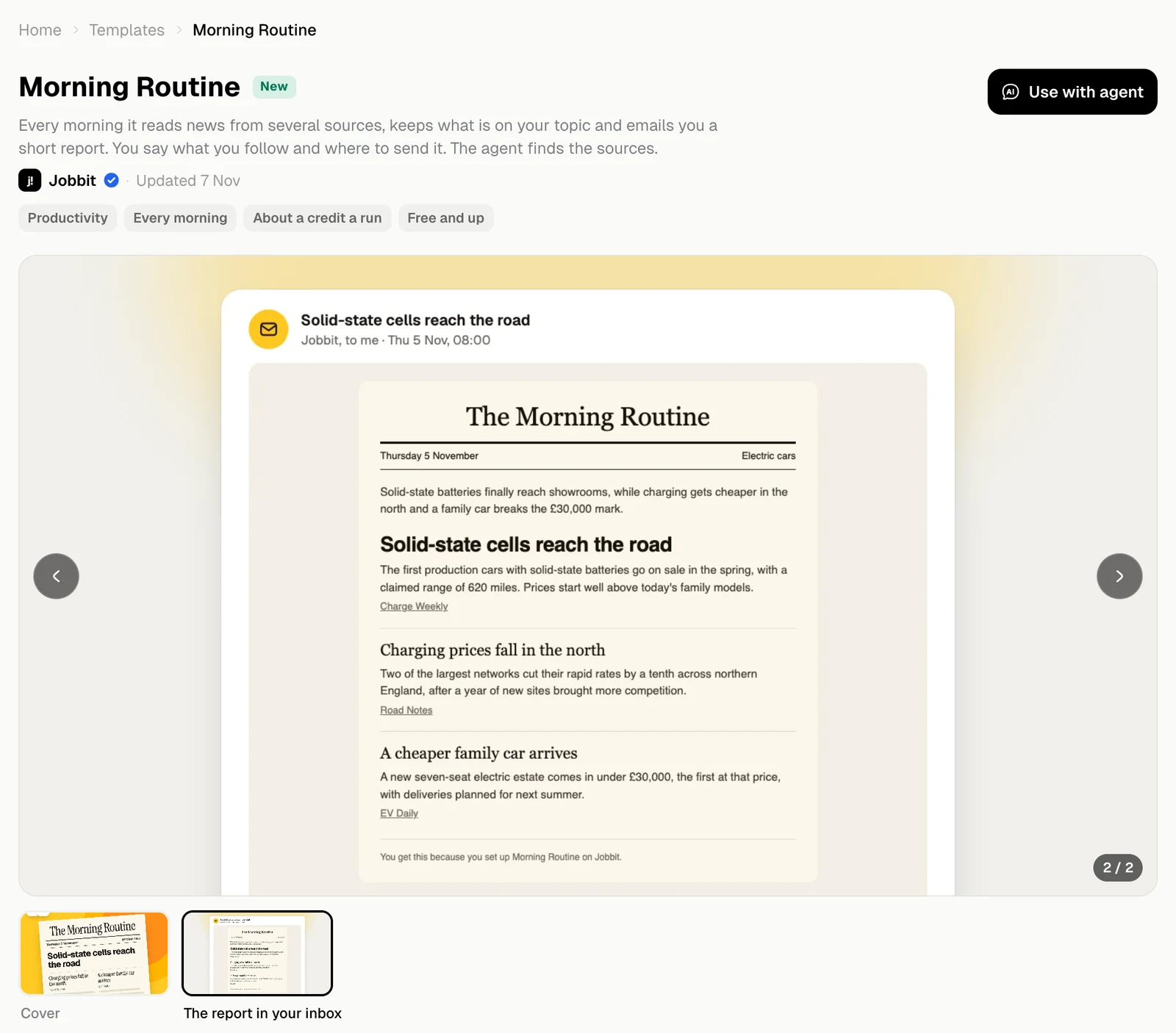
The chips say when it runs, about how much a run costs and which plan it needs. The pictures show the cover and an example of the result.
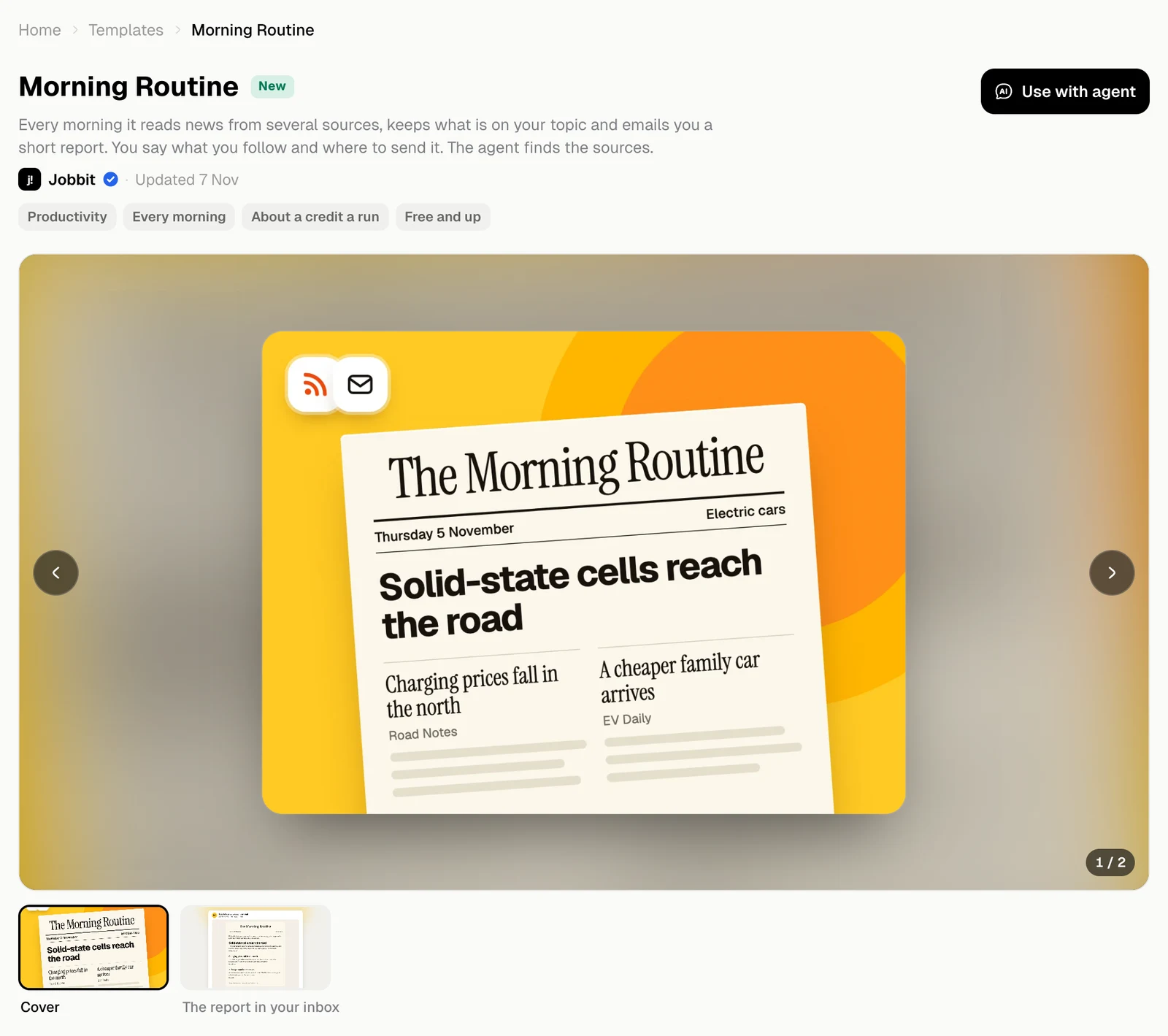
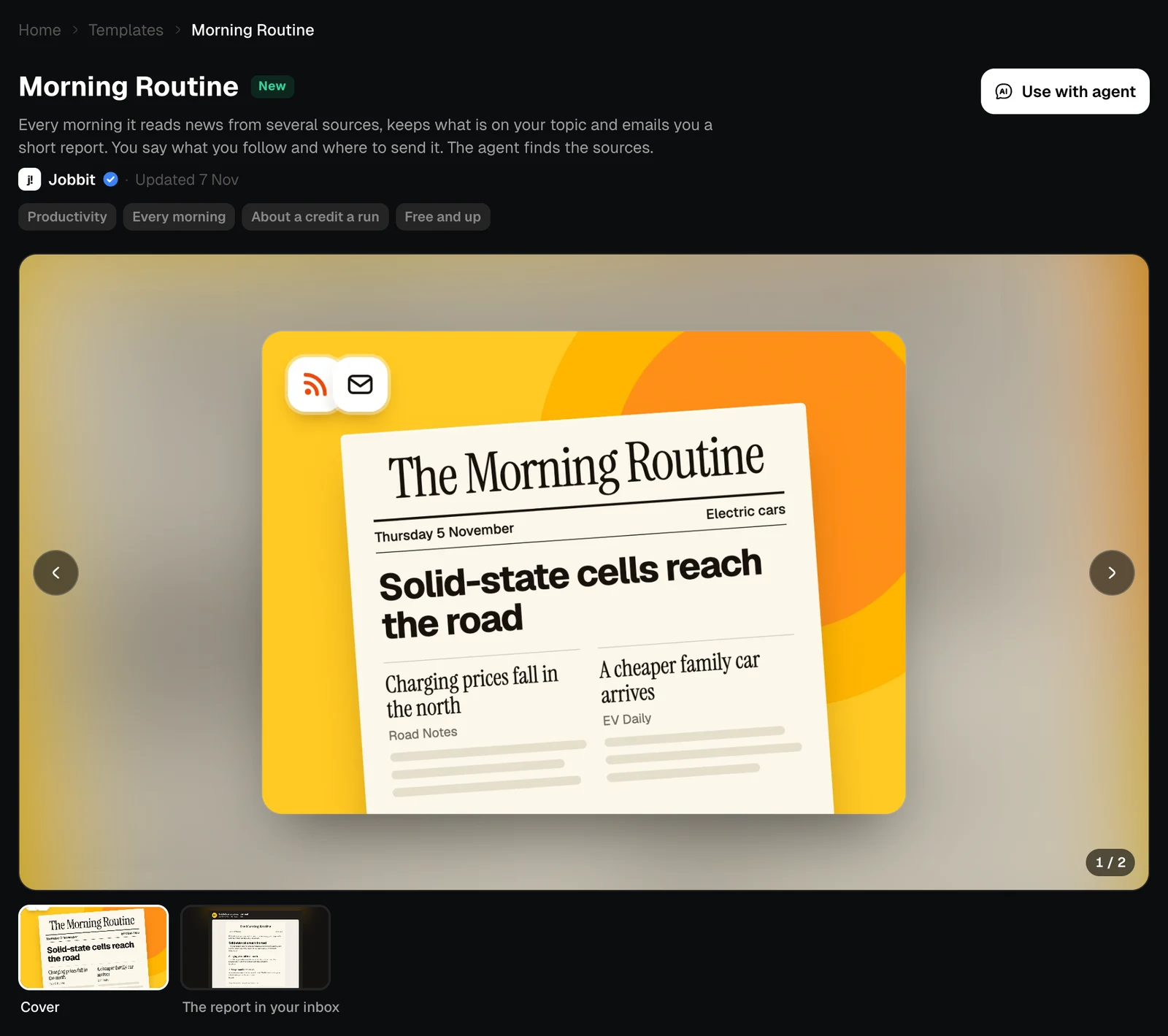
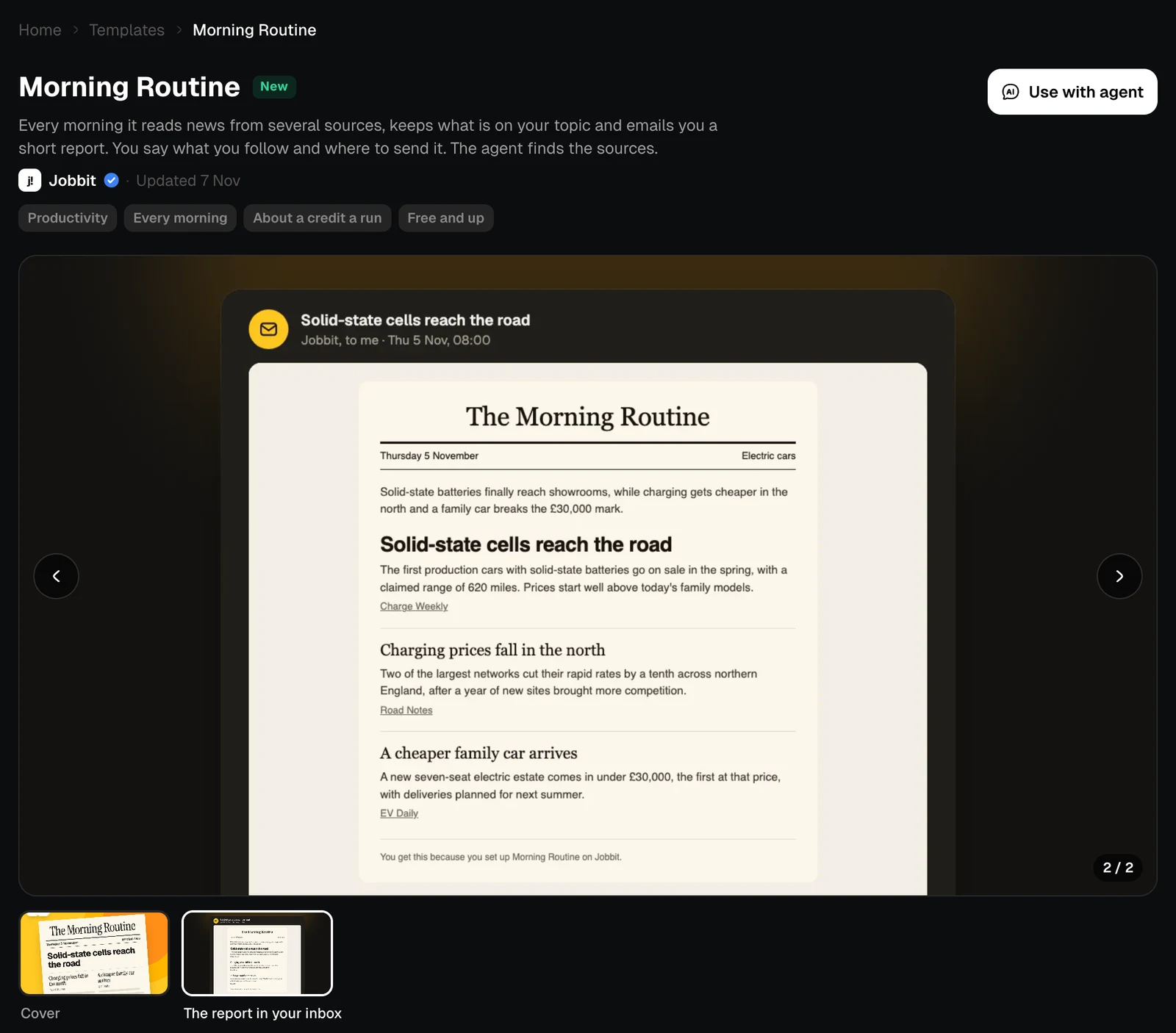
The page of the Morning Routine template, light themeThe page of the Morning Routine template, dark theme
The second picture of the template: the report as an email, light themeThe second picture of the template: the report as an email, dark theme

How it works

The diagram shows every step, in order, and what each one is: a schedule, code or AI. You can zoom it with the buttons in the corner. Comes with lists what is included with your copy.
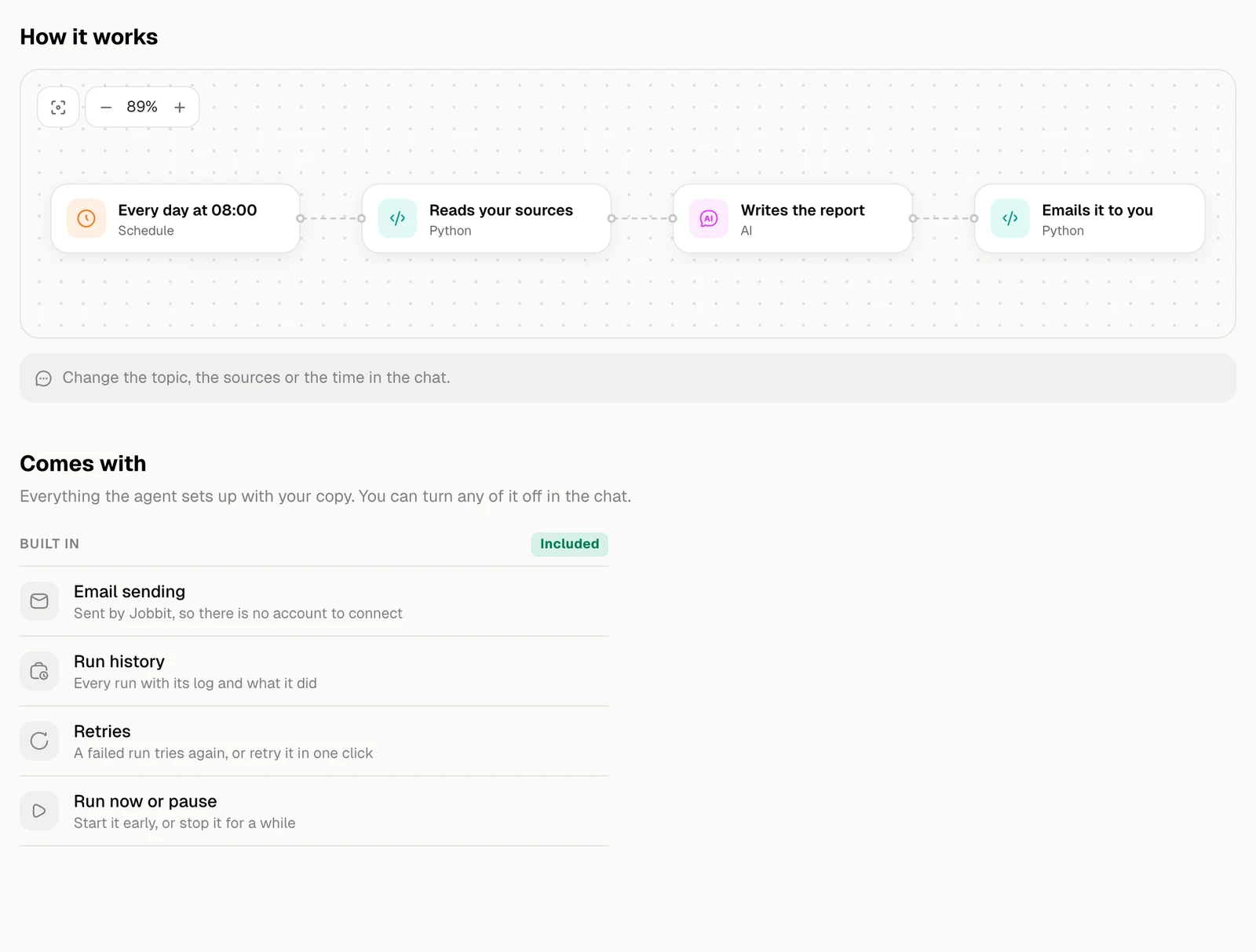
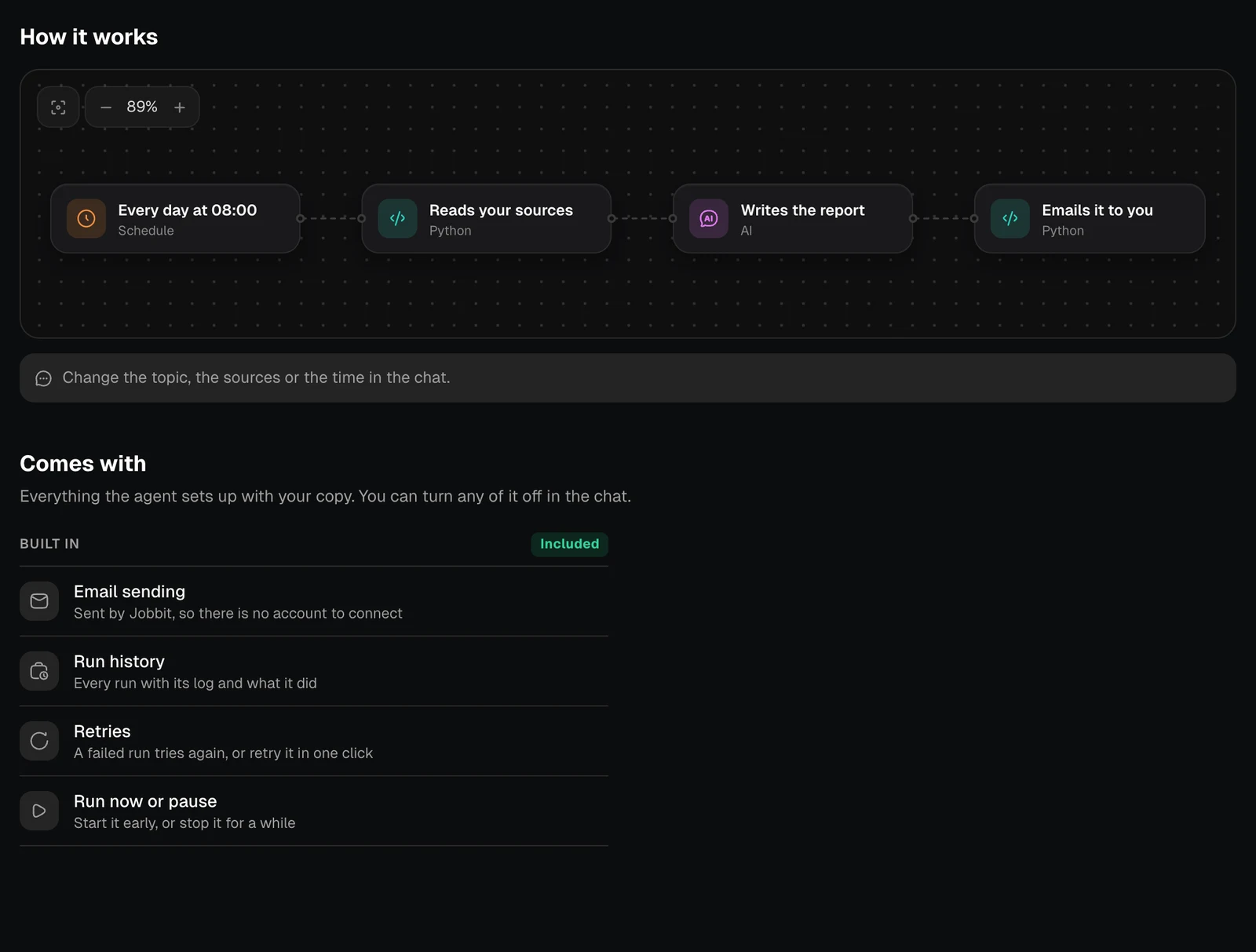
The How it works diagram and the Comes with list, light themeThe How it works diagram and the Comes with list, dark theme
Comes withWhat it means
Email sendingSent by Jobbit, so there is no account to connect
Run historyEvery run with its log and what it did
RetriesA failed run tries again, or retry it in one click
Run now or pauseStart it early, or stop it for a while

Make it yours

Change the topic, the sources or the time in the chat. The agent shows you a test run before switching it on. After that it is an ordinary automation: see Automations.