
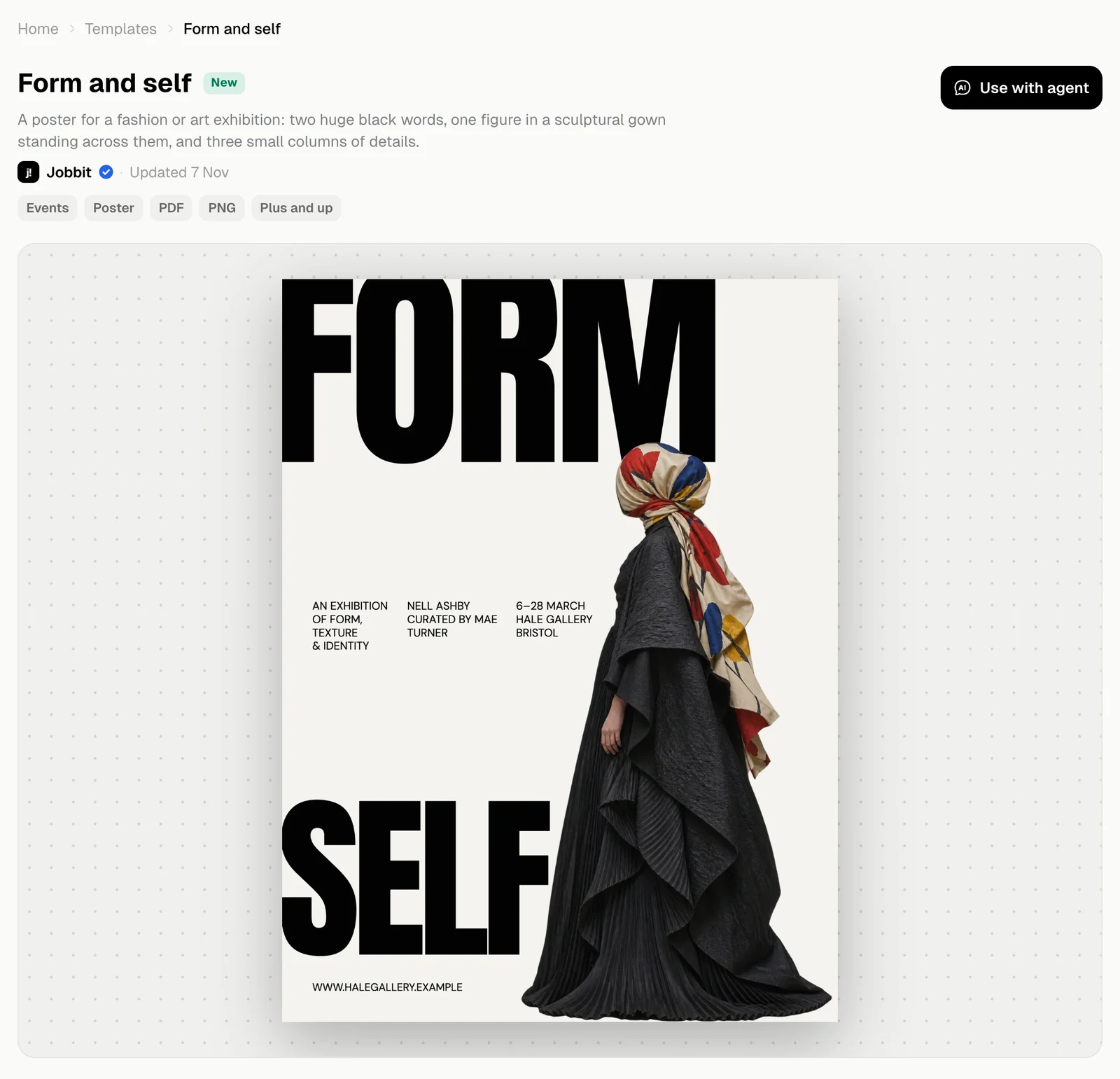
Design templates are finished layouts, such as an exhibition poster or a flyer. The Design tab has them by category: see Find a template.
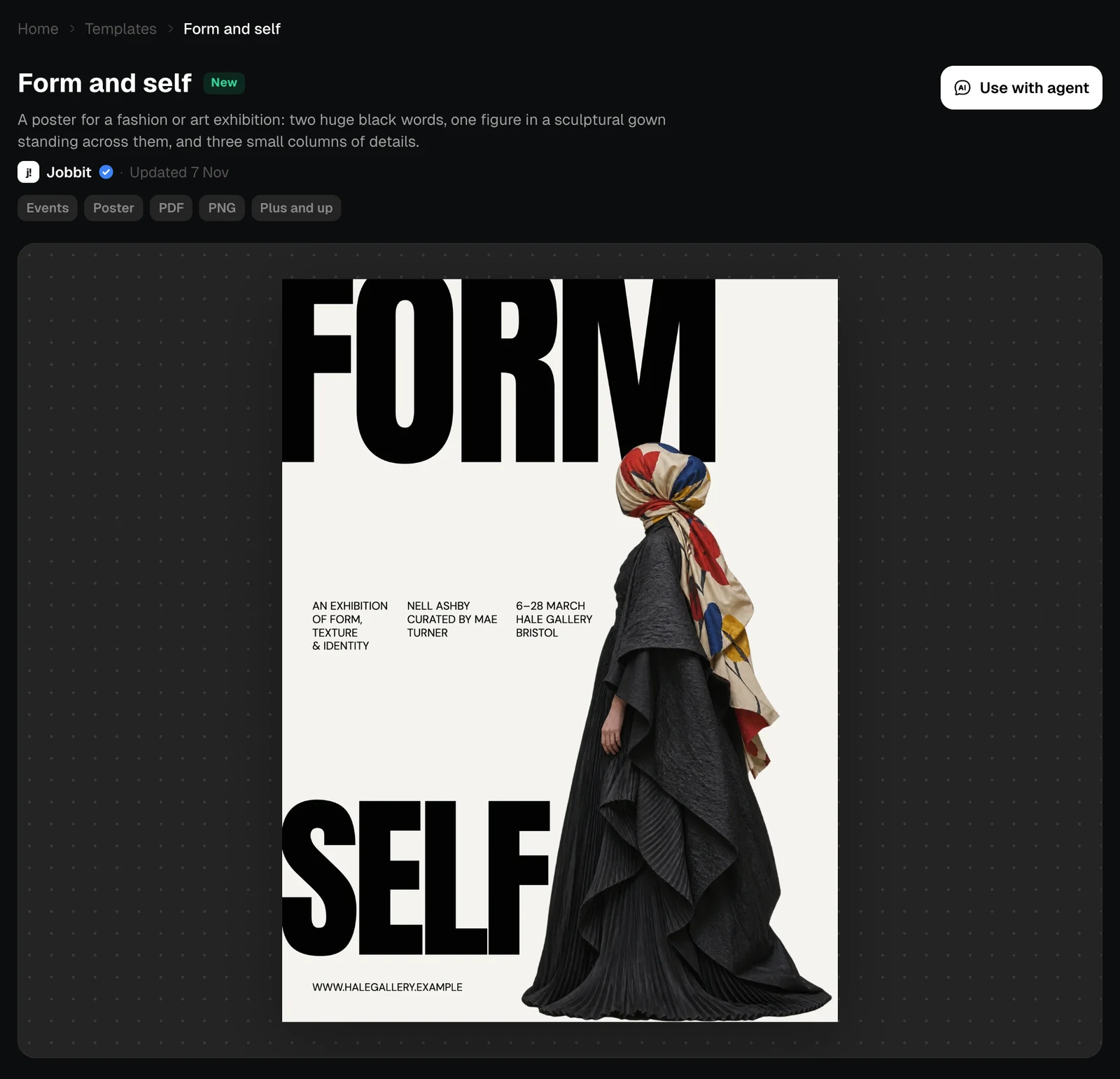
The page of the Form and self poster template, light themeThe page of the Form and self poster template, dark theme
The chips give the category, the export formats and the plan. Form and self, for example, needs Plus and up, because posters are made by the agent and generated pictures use extra credits.

More than one layout

Some templates come in several layouts. The arrows and thumbnails move between them.
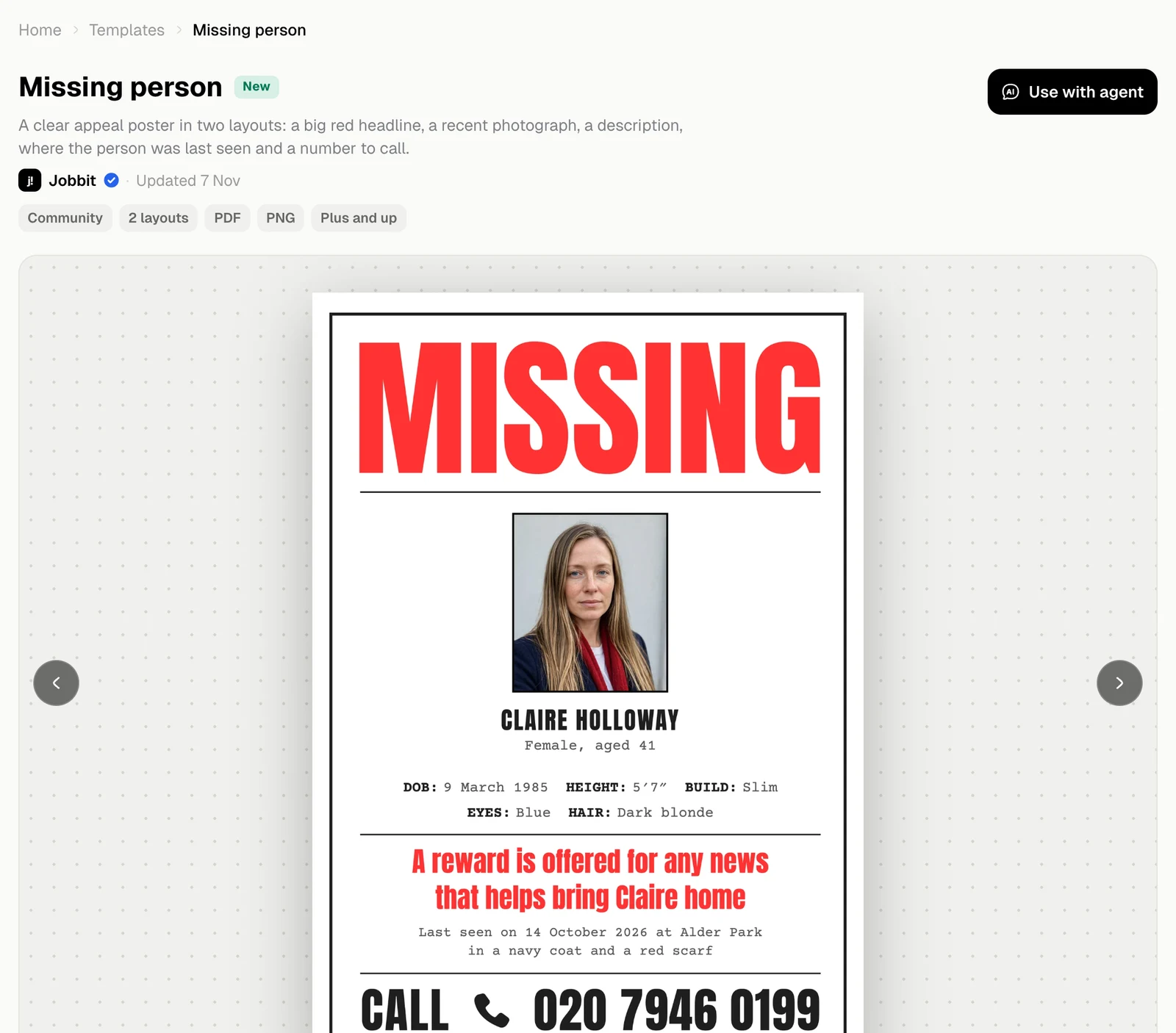
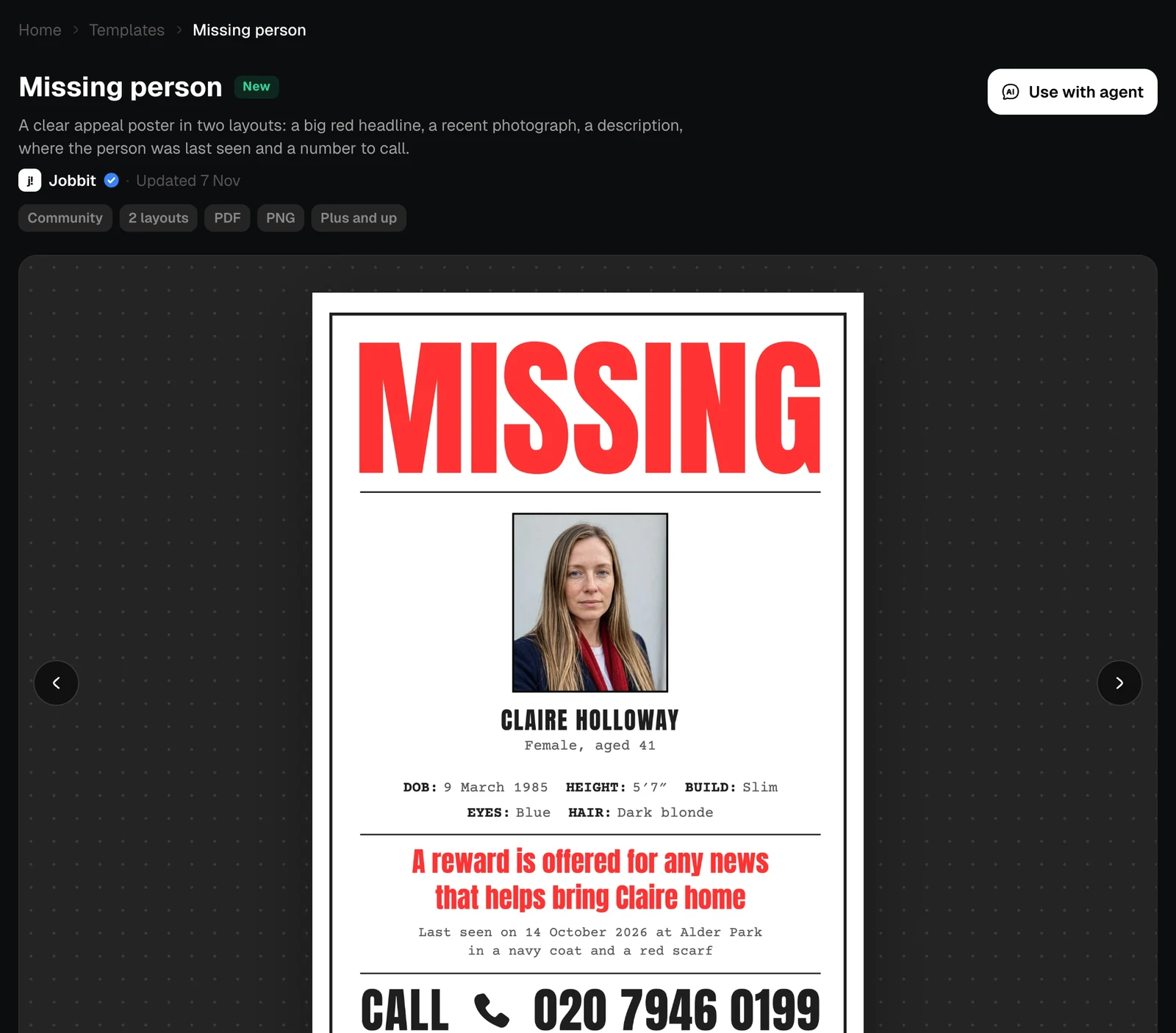
The page of a template with two layouts, showing its poster, light themeThe page of a template with two layouts, showing its poster, dark theme

What you get

What’s inside lists each layout with its size. Comes with is what you can do with your copy.
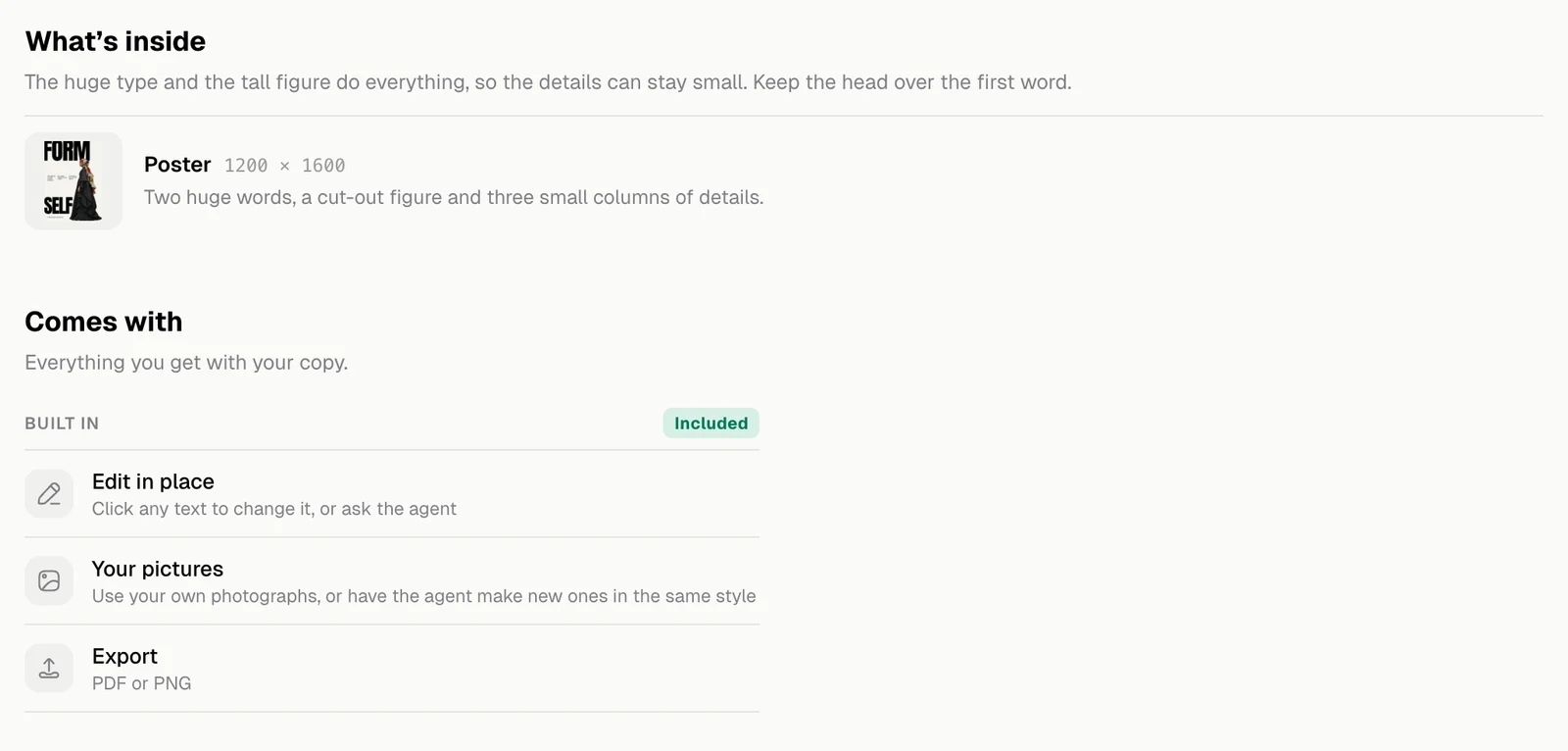
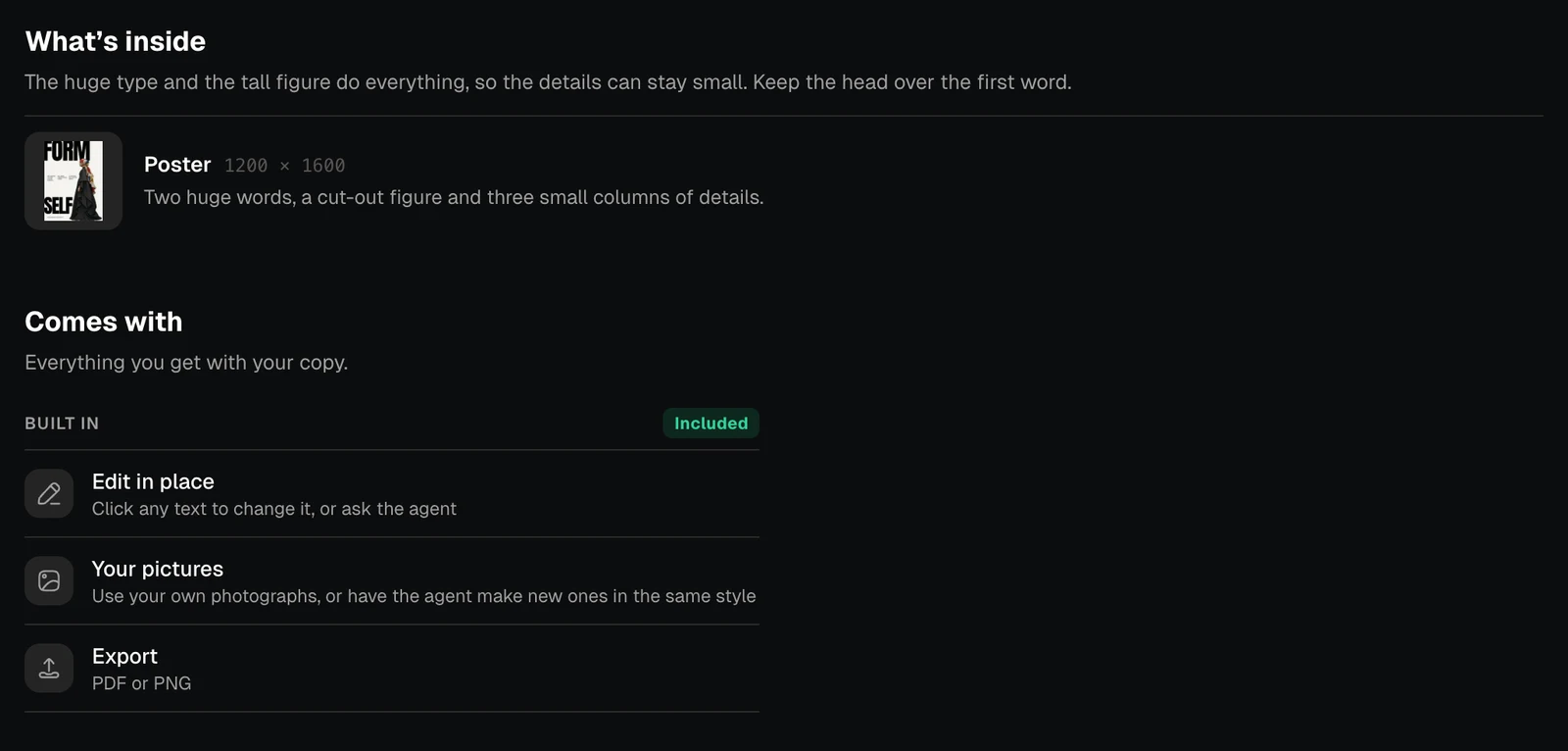
The What's inside and Comes with sections of a design template, light themeThe What's inside and Comes with sections of a design template, dark theme
Comes withWhat it means
Edit in placeClick any text to change it, or ask the agent
Your picturesUse your own photographs, or have the agent make new ones in the same style
ExportPDF or PNG
Your copy opens in the Design editor. Design from your brief in the gallery starts without a template.