

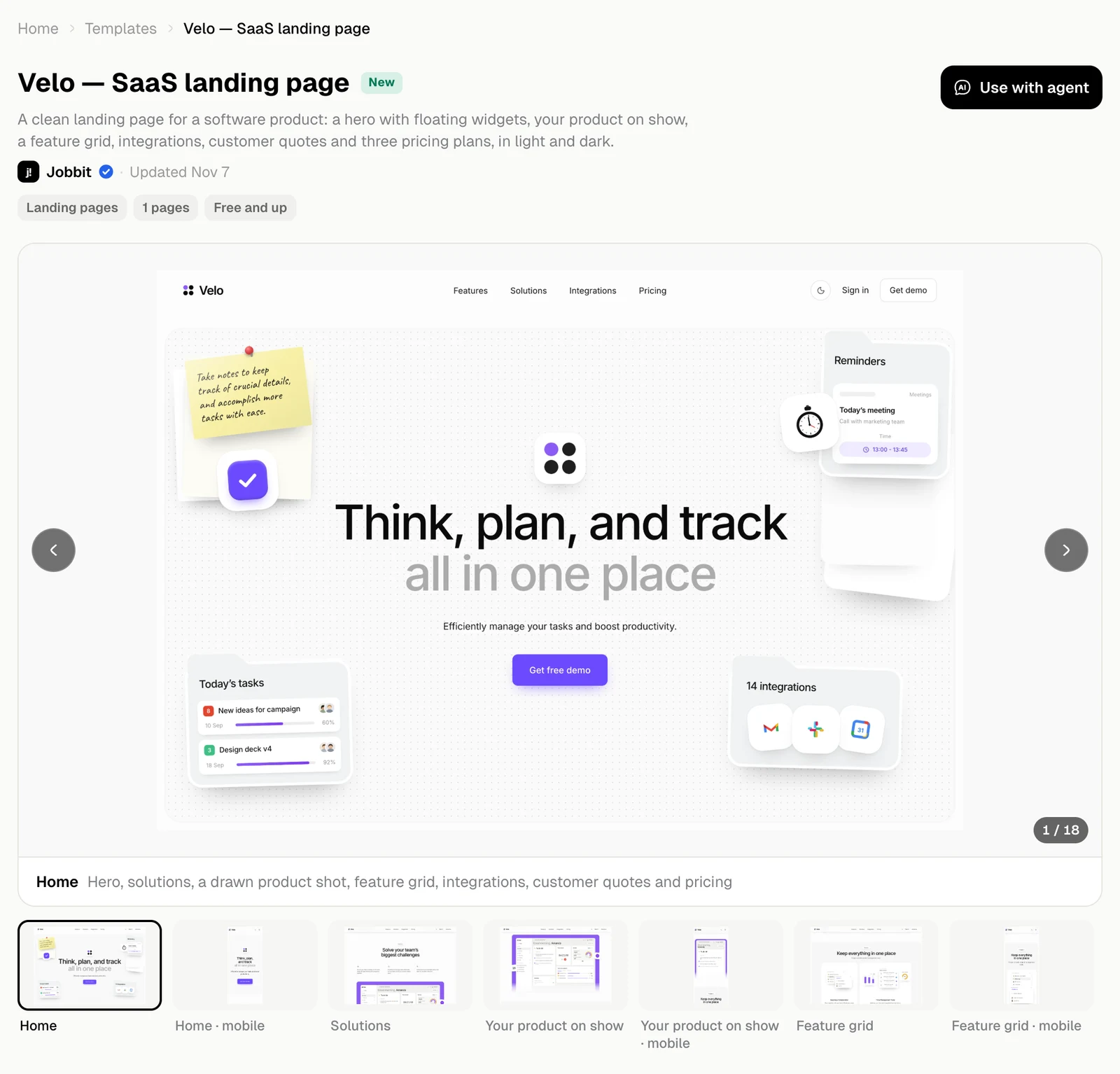
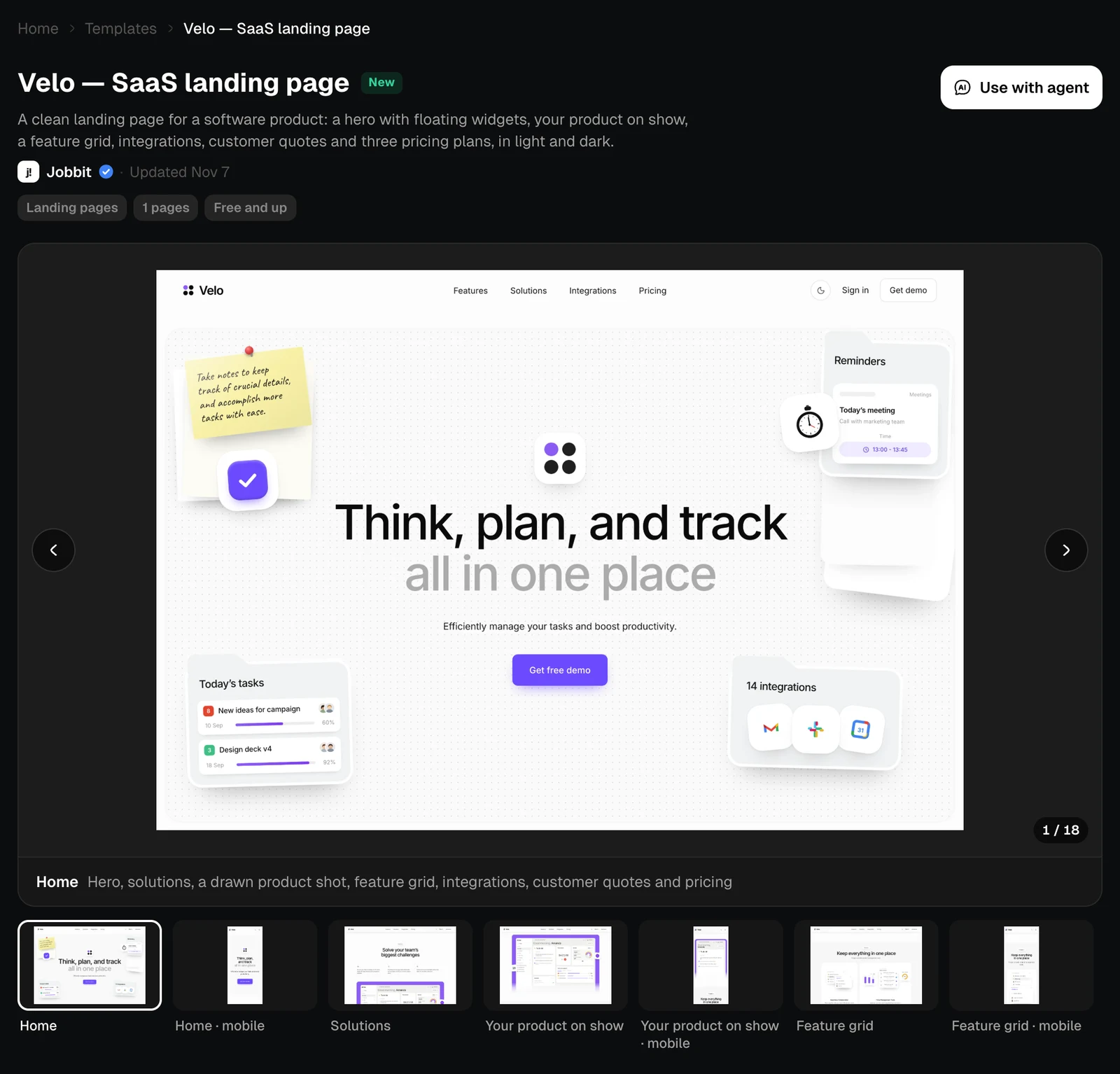
See every screen
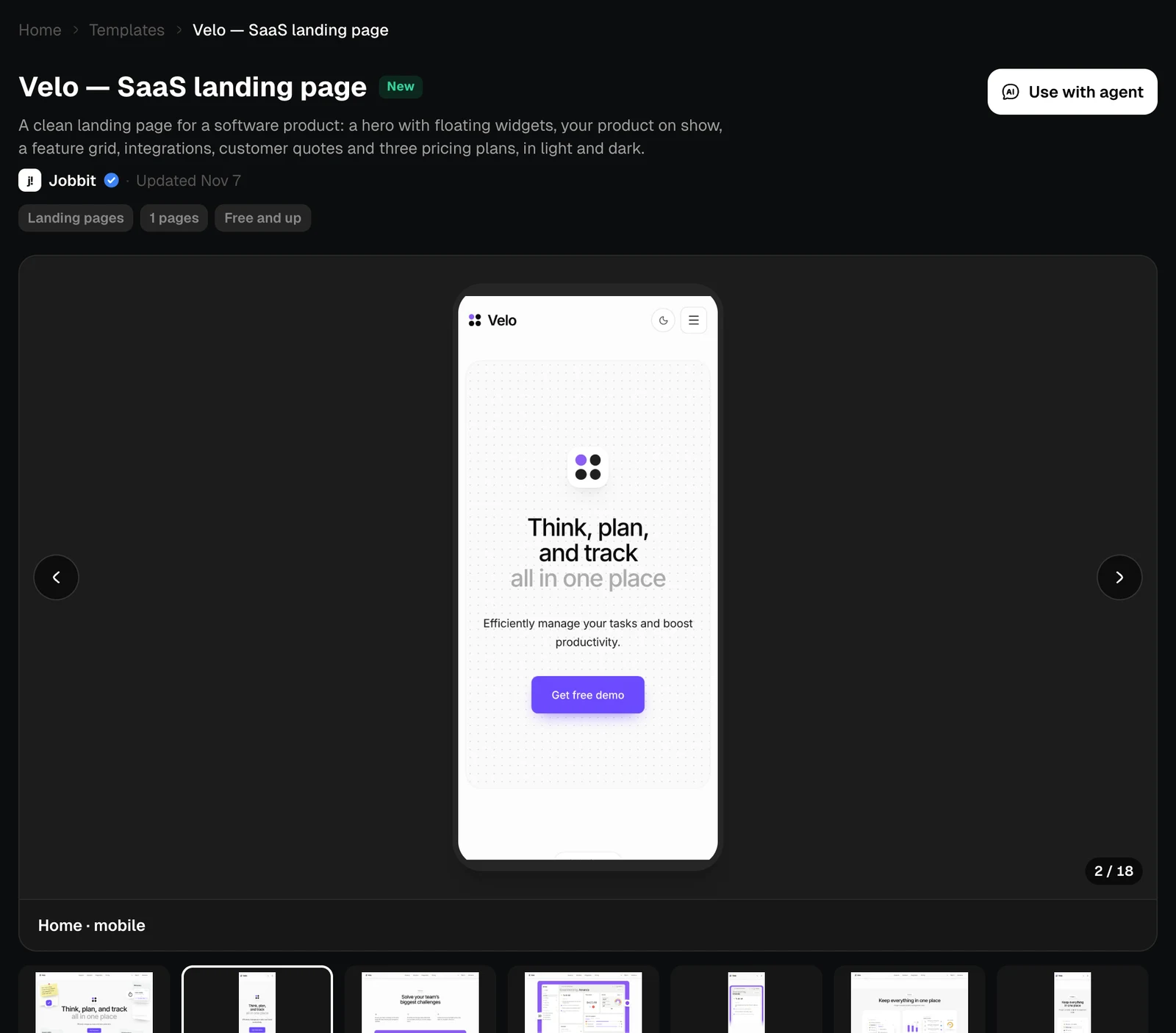
The arrows and the thumbnails move through the template’s screens, including how they look on a phone. The line under the picture says what is on that screen.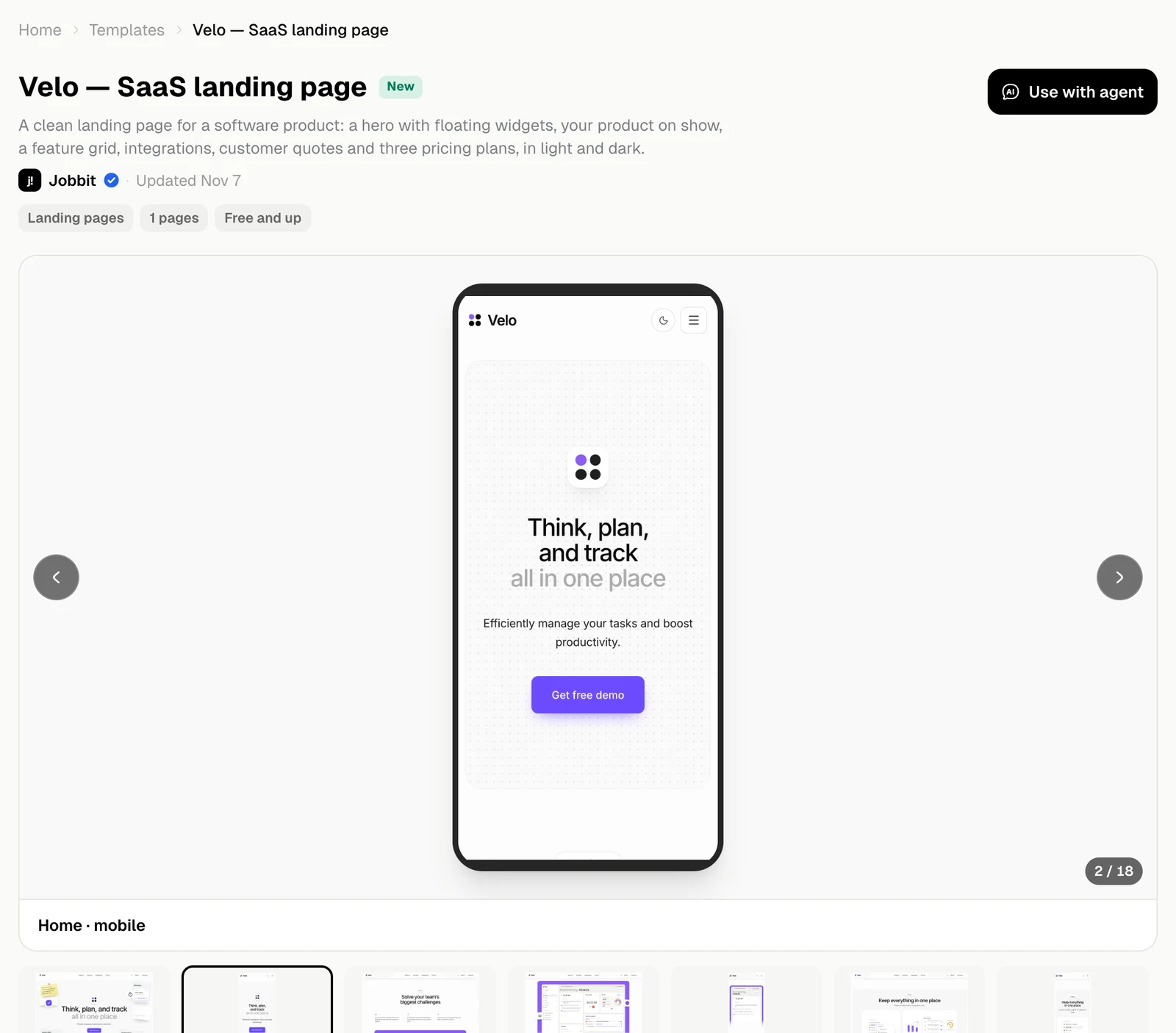
What you get
What’s inside describes the site and lists what it includes. Comes with is what the agent sets up along with your copy, and you can turn any of it off in the chat.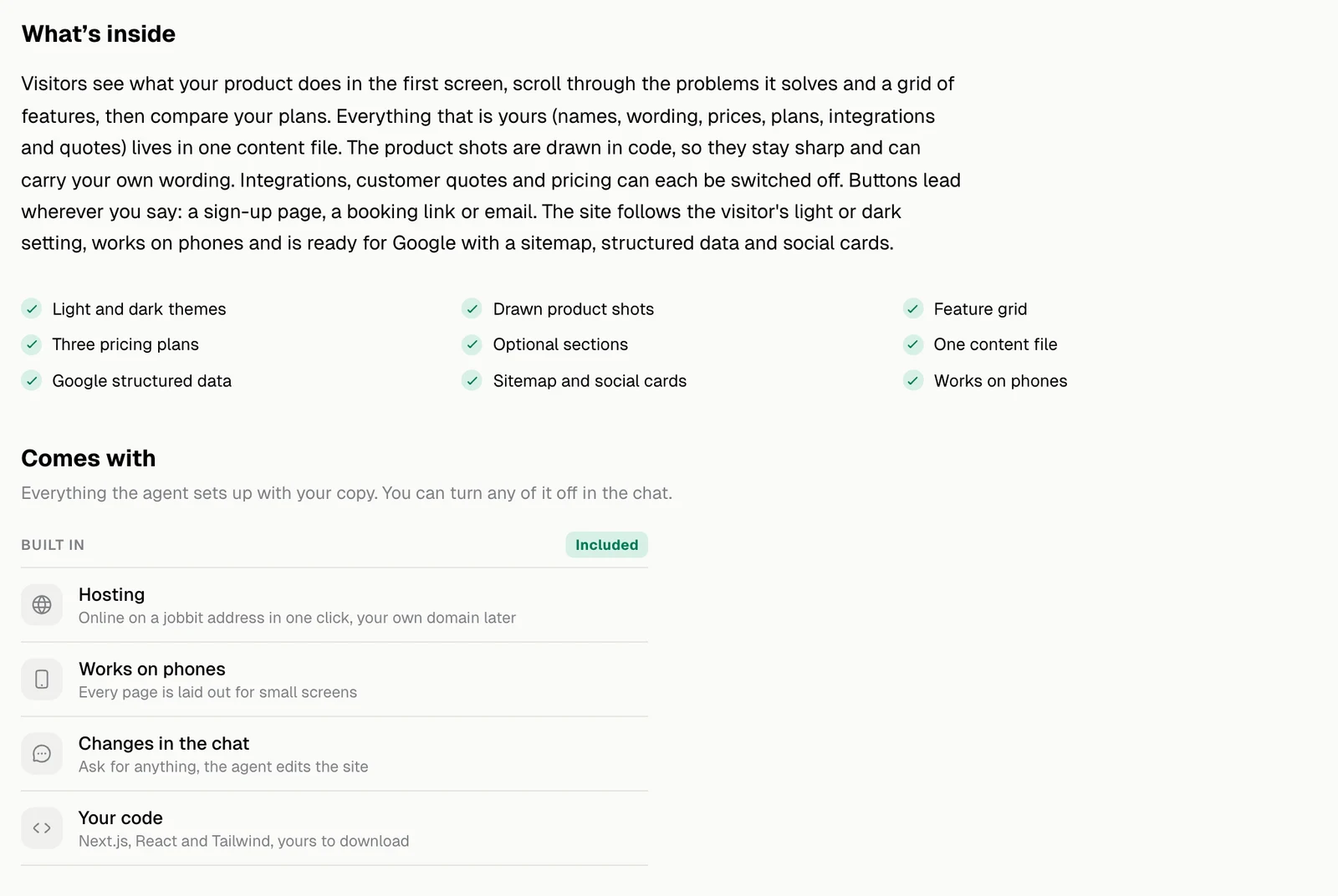
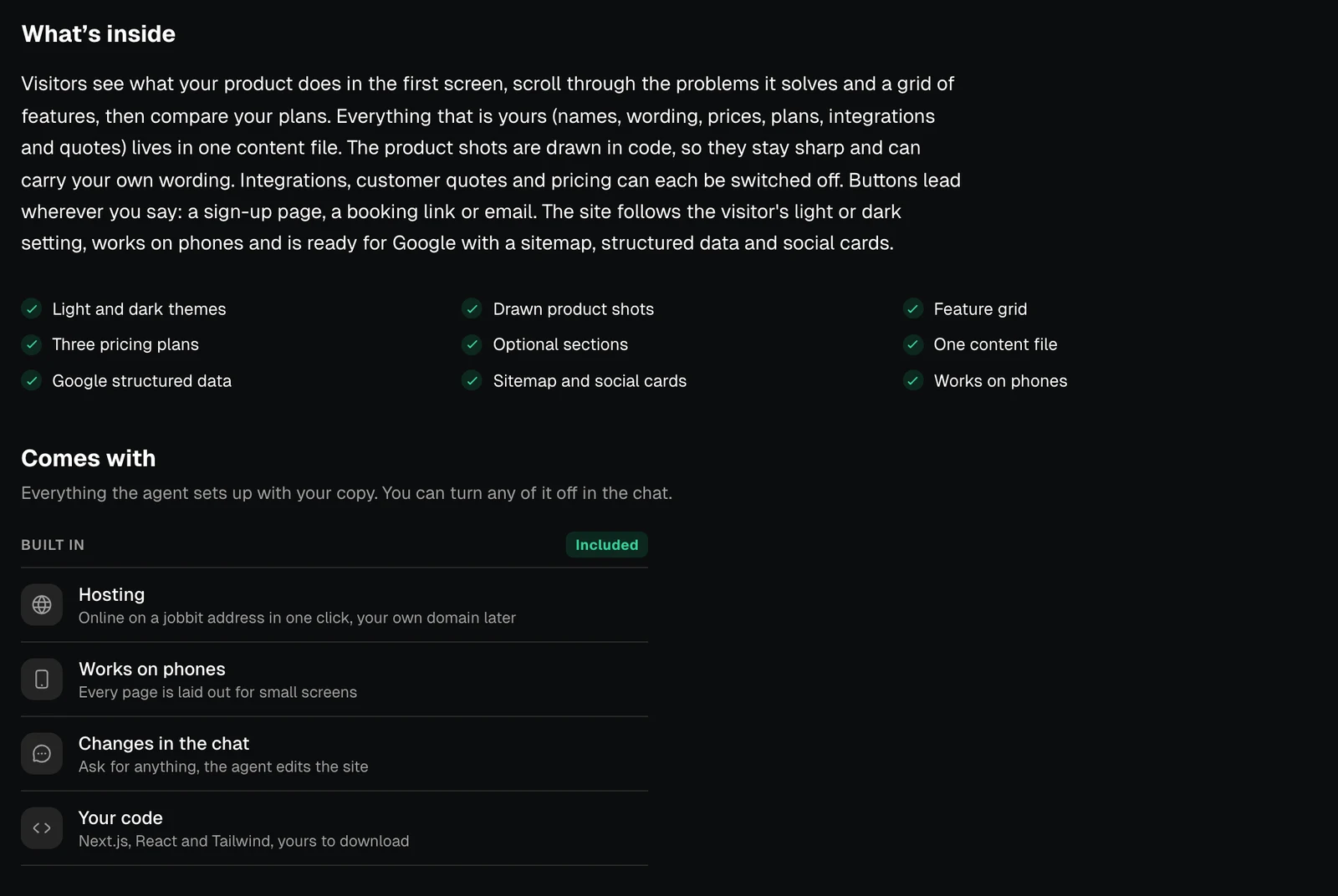
| Comes with | What it means |
|---|---|
| Hosting | Online on a jobbit address in one click, your own domain later |
| Works on phones | Every page is laid out for small screens |
| Changes in the chat | Ask for anything and the agent edits the site |
| Your code | Next.js, React and Tailwind, yours to download |
Three steps
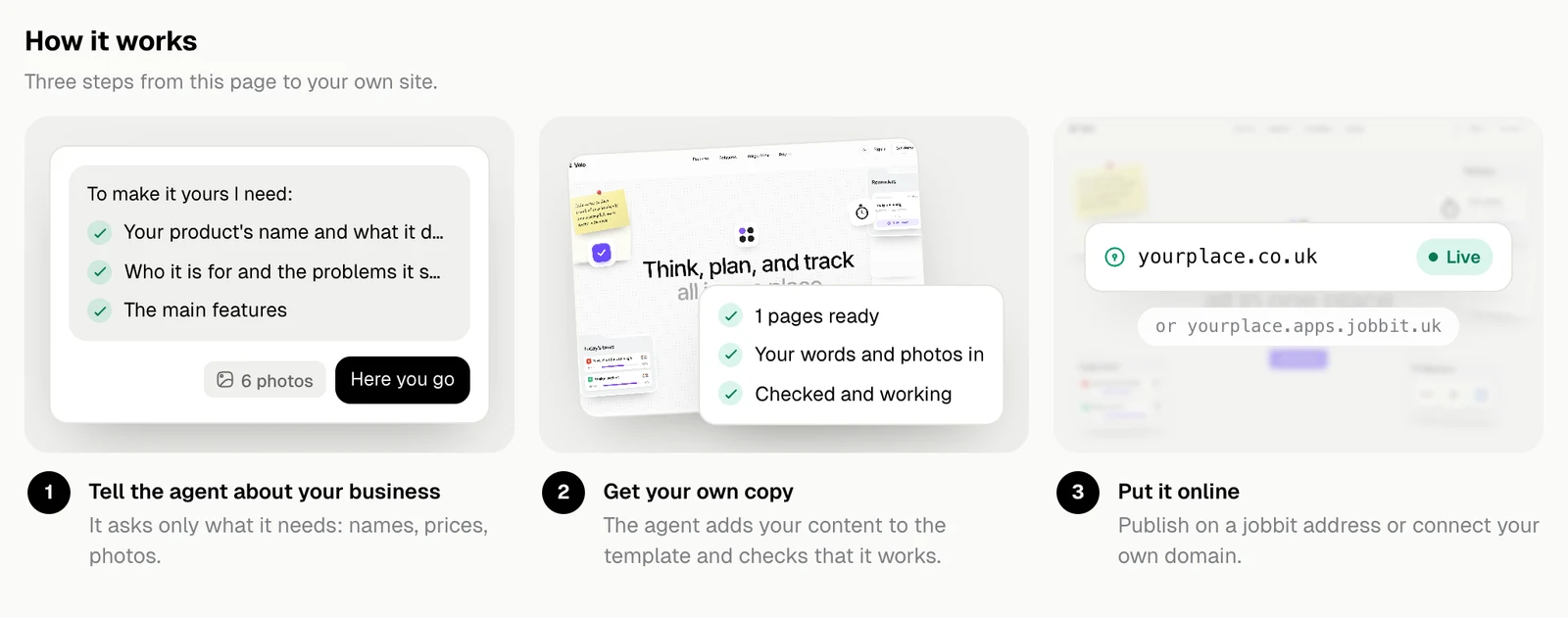
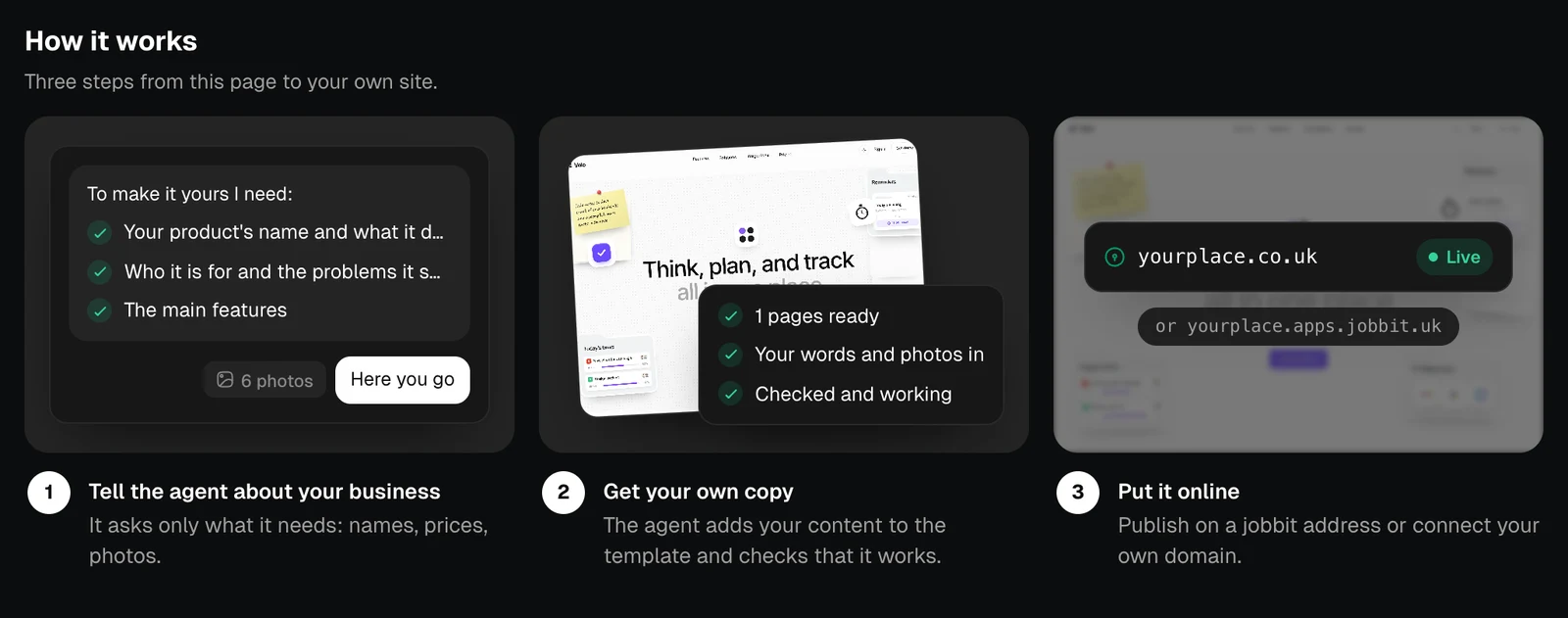
- Tell the agent about your business. It asks only for what it needs: names, prices, photos.
- Get your own copy. The agent adds your content to the template and checks that it works.
- Put it online. Publish on a jobbit address or connect your own domain.