

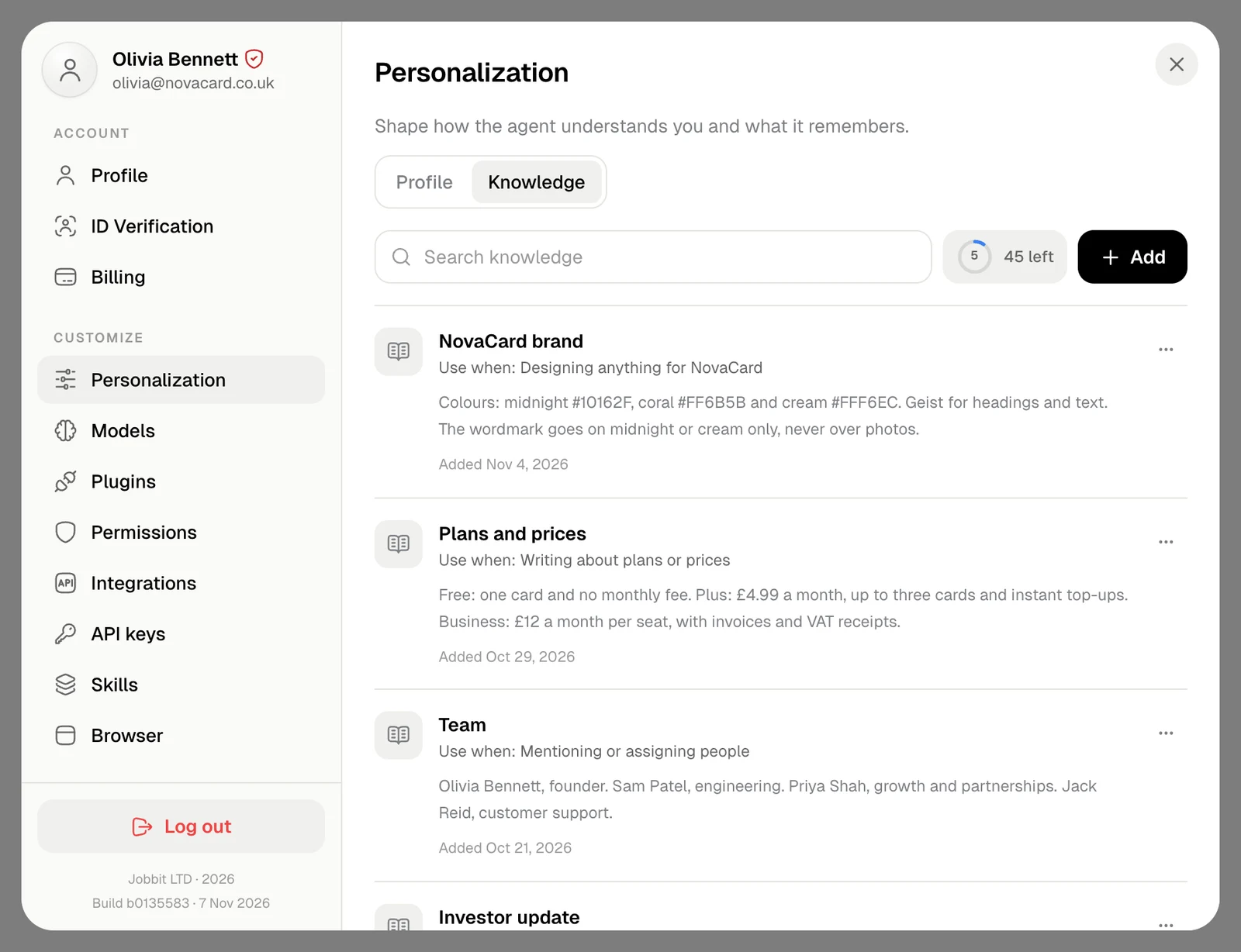
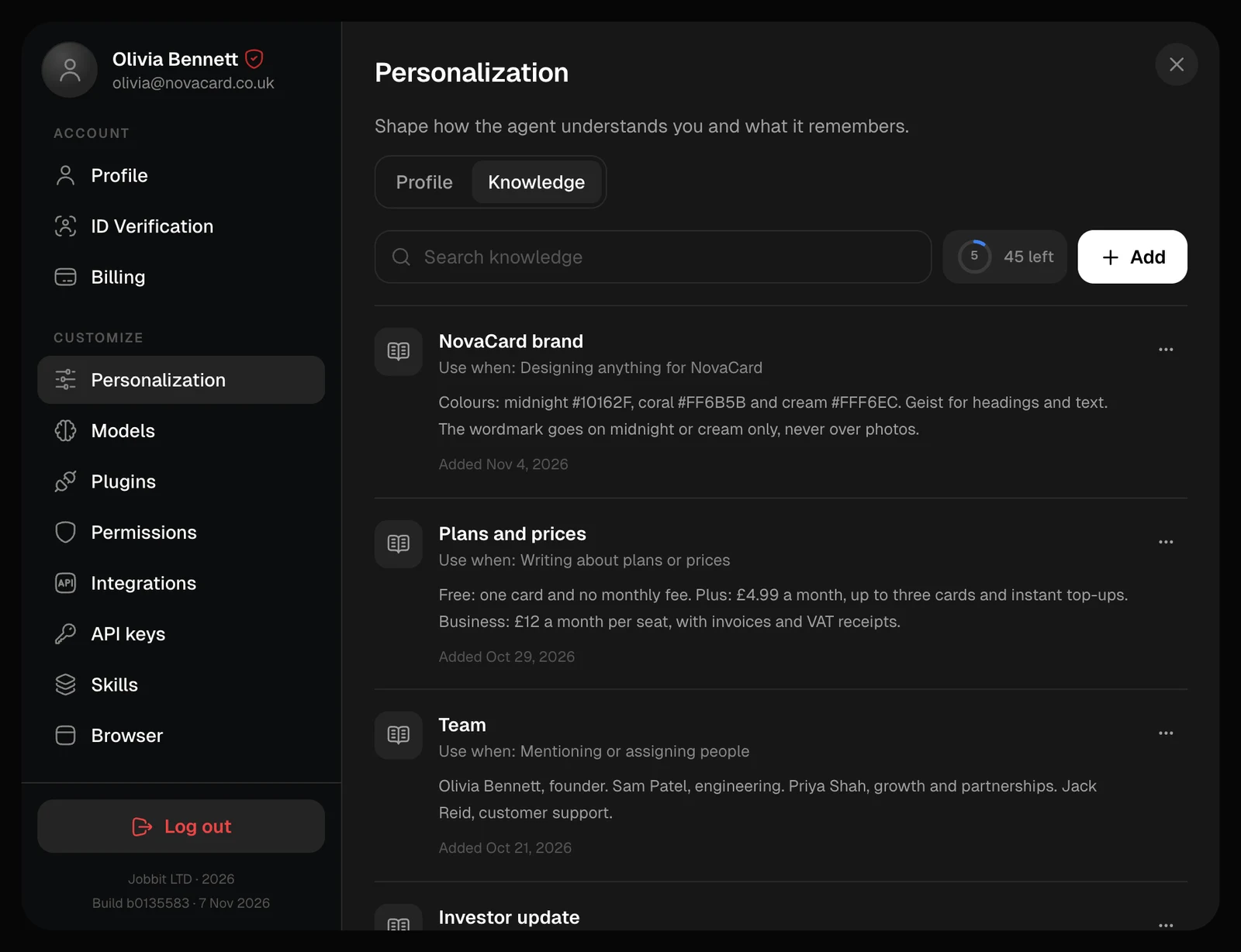
Add an entry
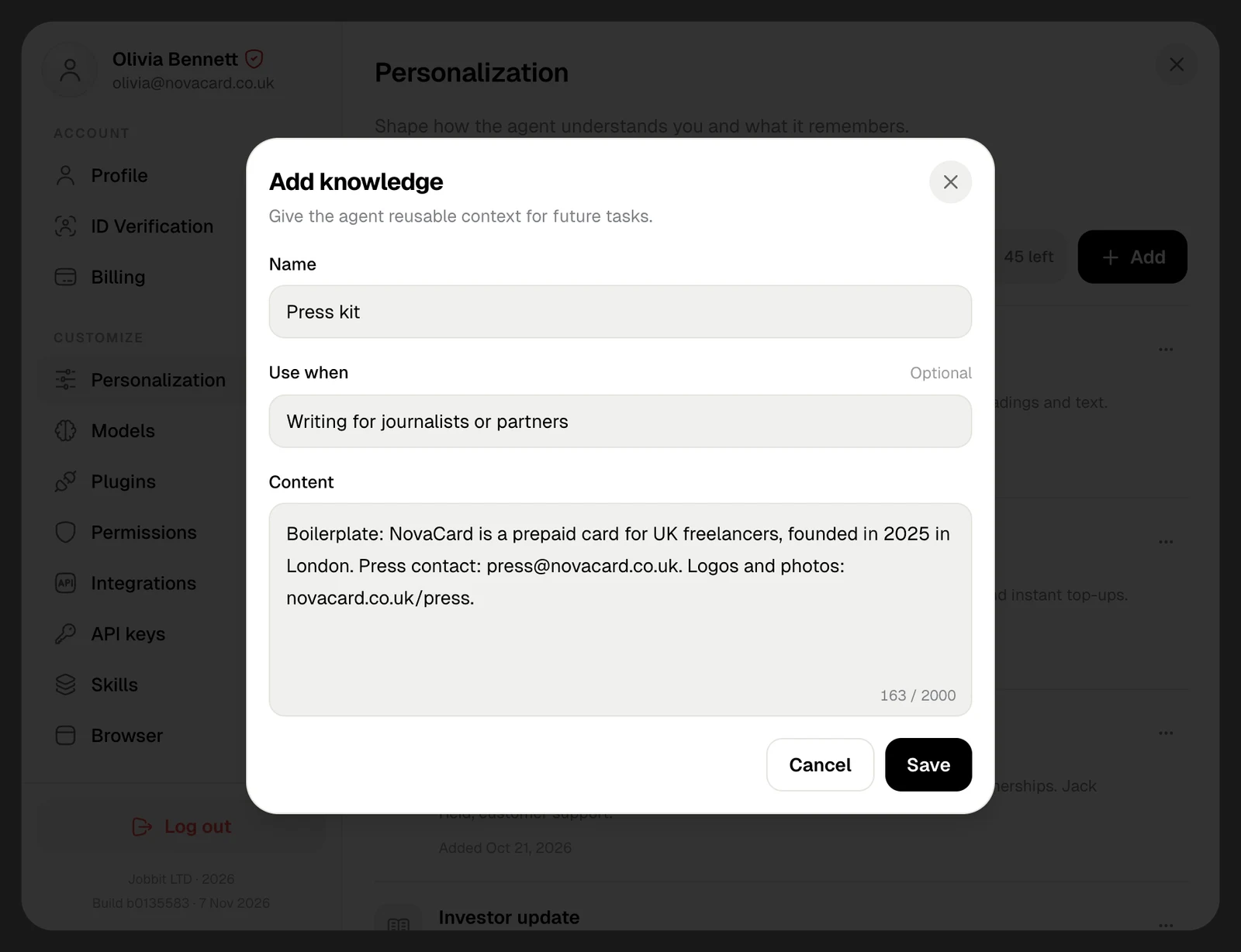
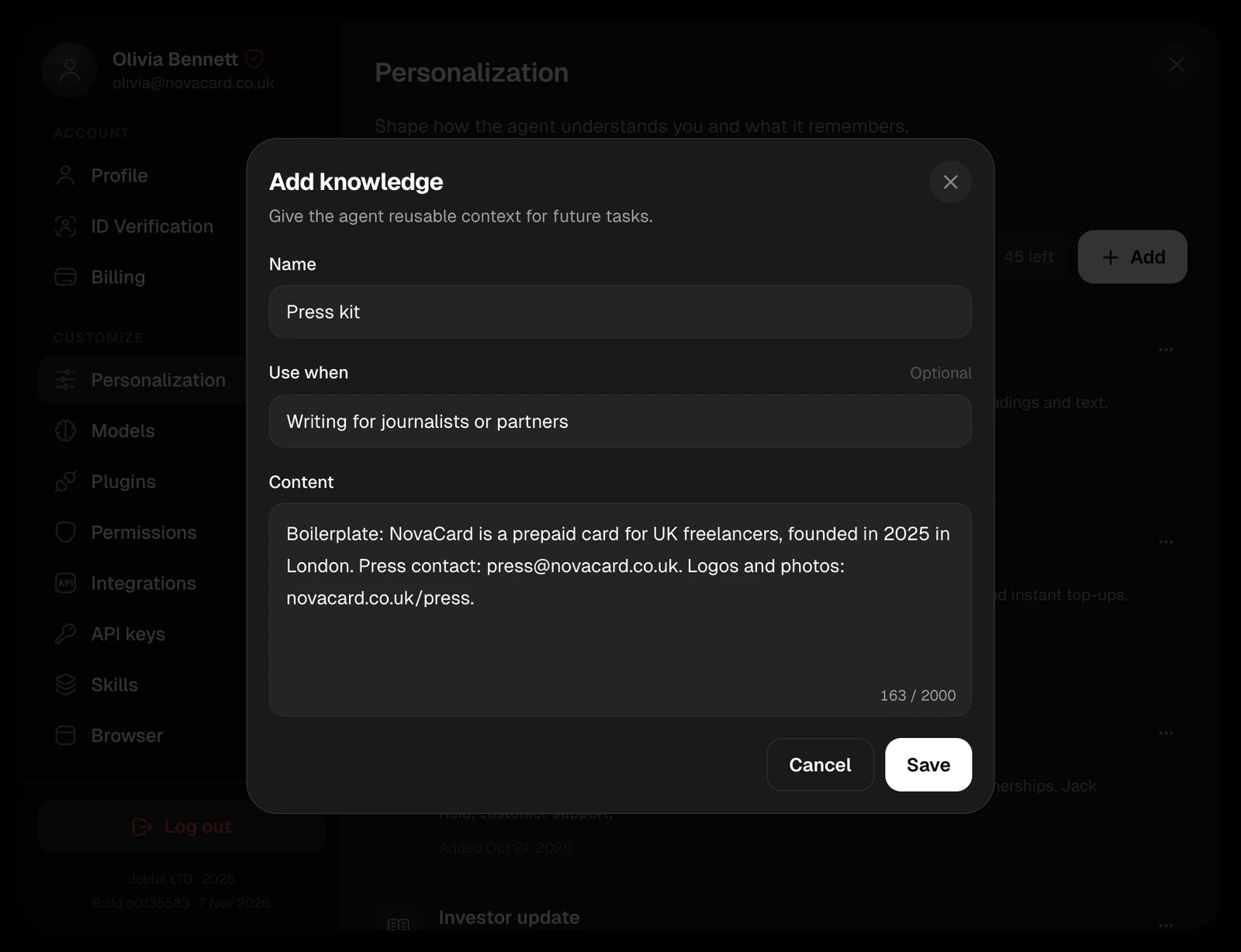
Choose Add and fill in:| Field | What to write | Up to |
|---|---|---|
| Name | A short title, such as “Plans and prices” | 128 characters |
| Use when | Optional: when the agent should recall it, such as “Writing about plans or prices” | 200 characters |
| Content | The facts, decisions or context themselves | 2,000 characters |
How the agent uses it
Every entry reaches the agent at the start of every chat, with its Use when. The agent uses an entry when the task calls for it, so a clear Use when helps it pick the right one.Edit or delete
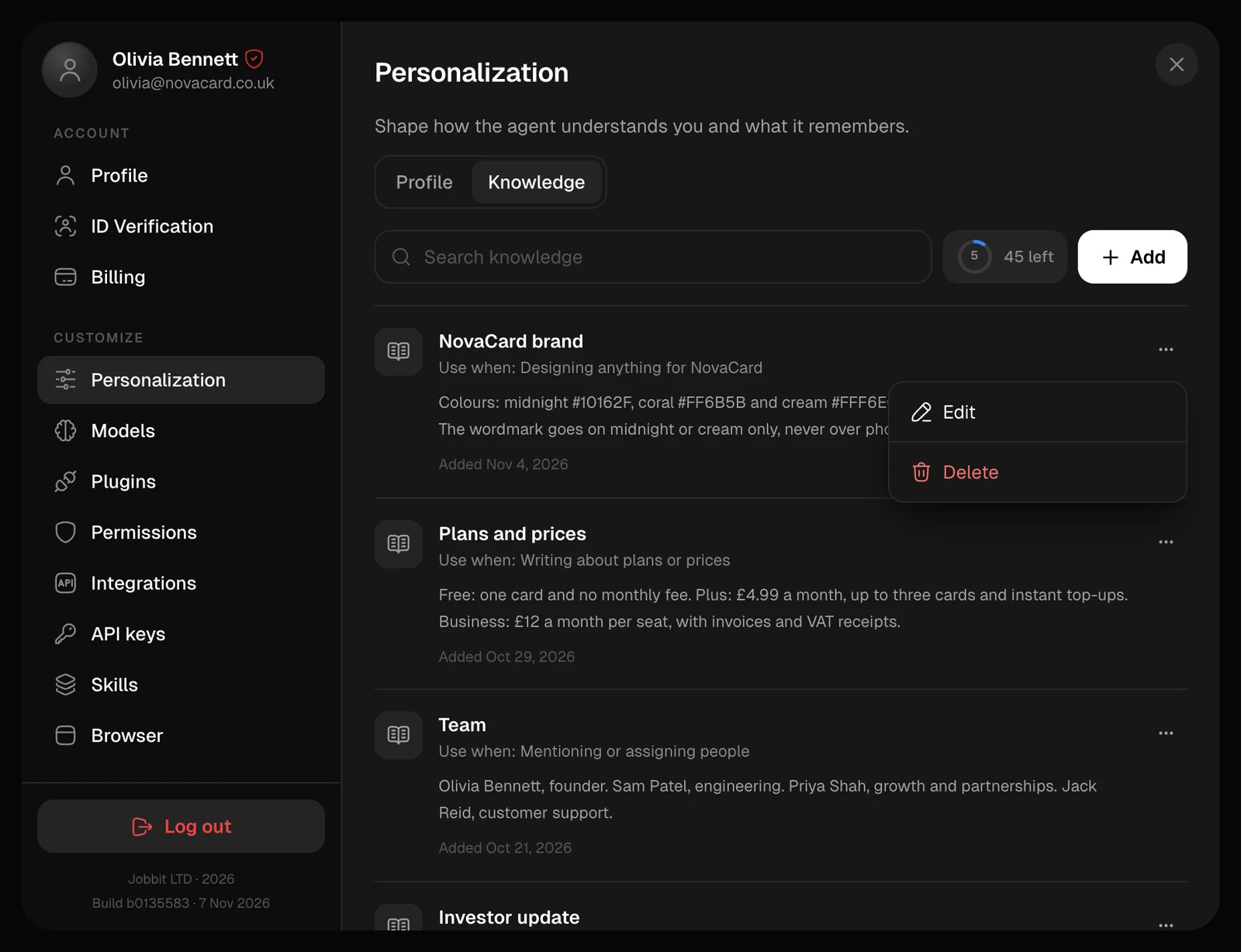
Search knowledge finds an entry by its name, content or Use when. The ⋯ menu on an entry has Edit and Delete. Deleting removes the entry for good.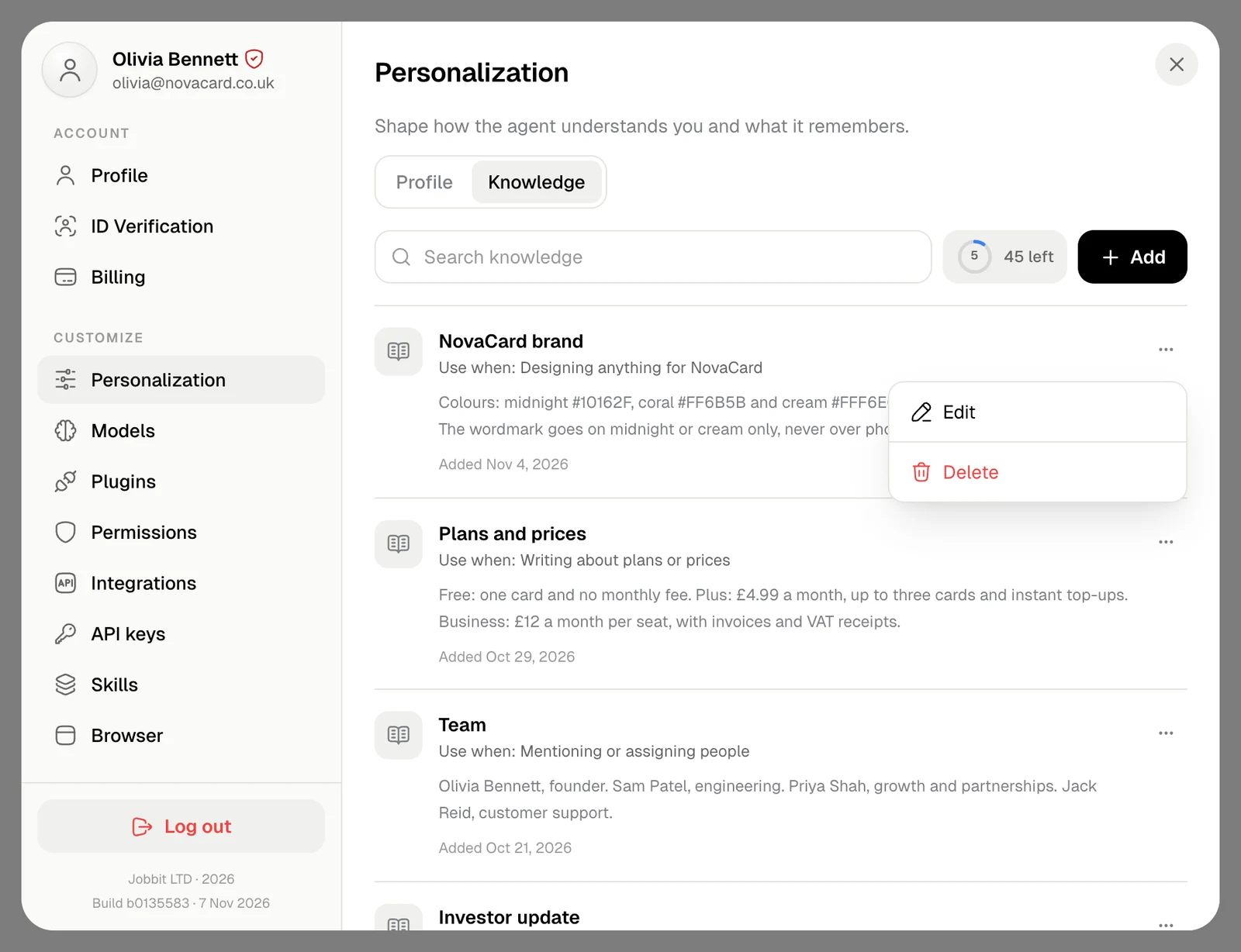
Knowledge here is yours, in every chat. A project keeps its own files and notes for its chats. See Project knowledge.