Add a server
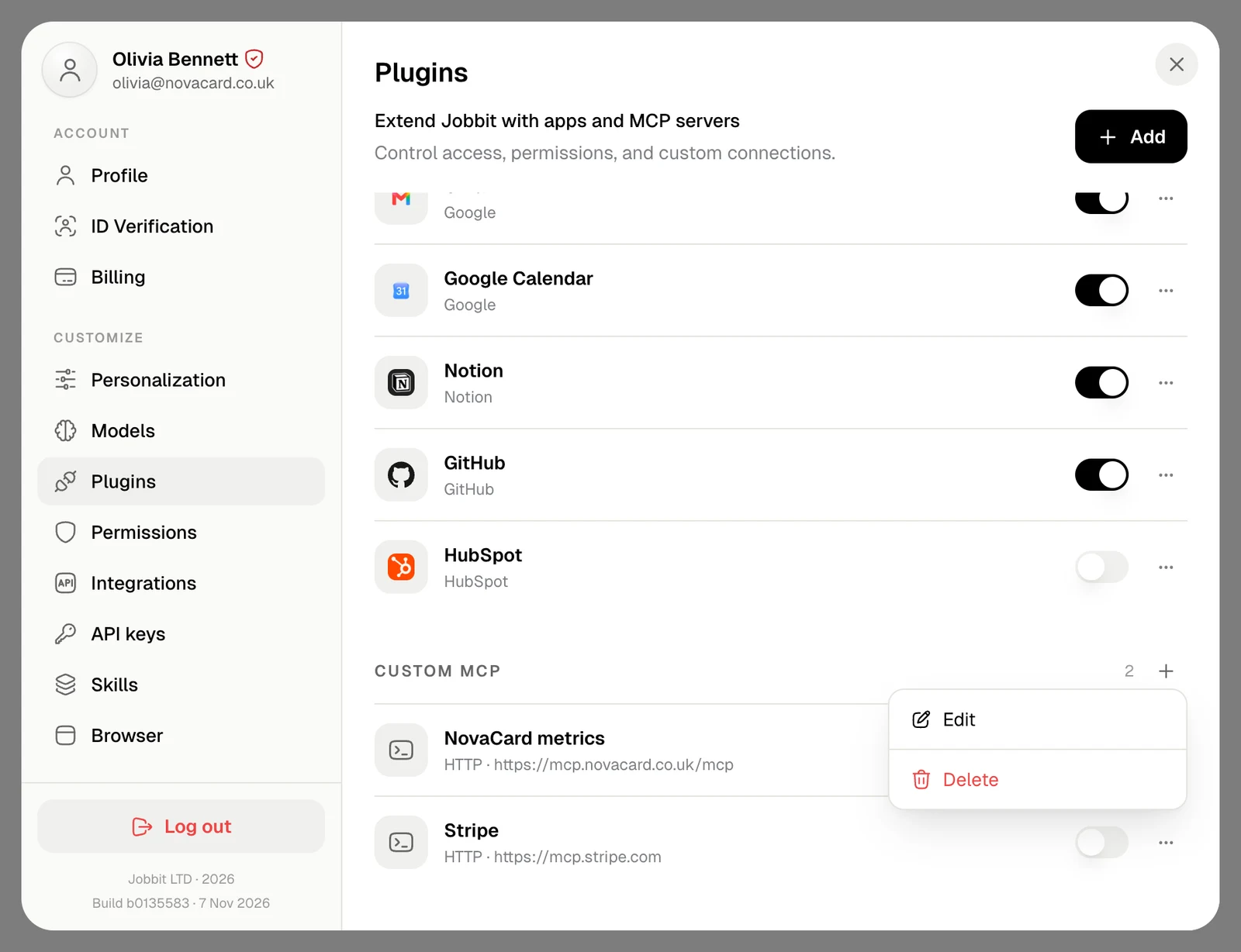
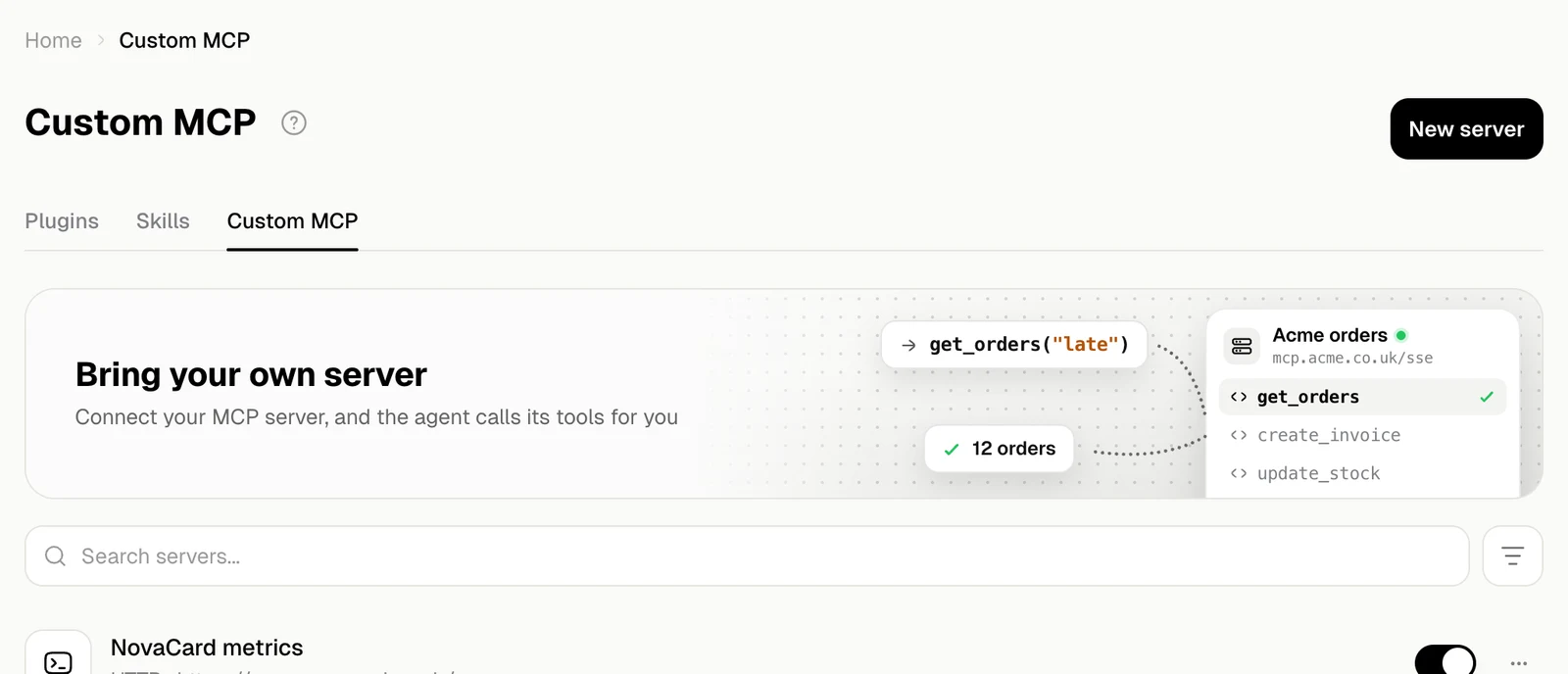
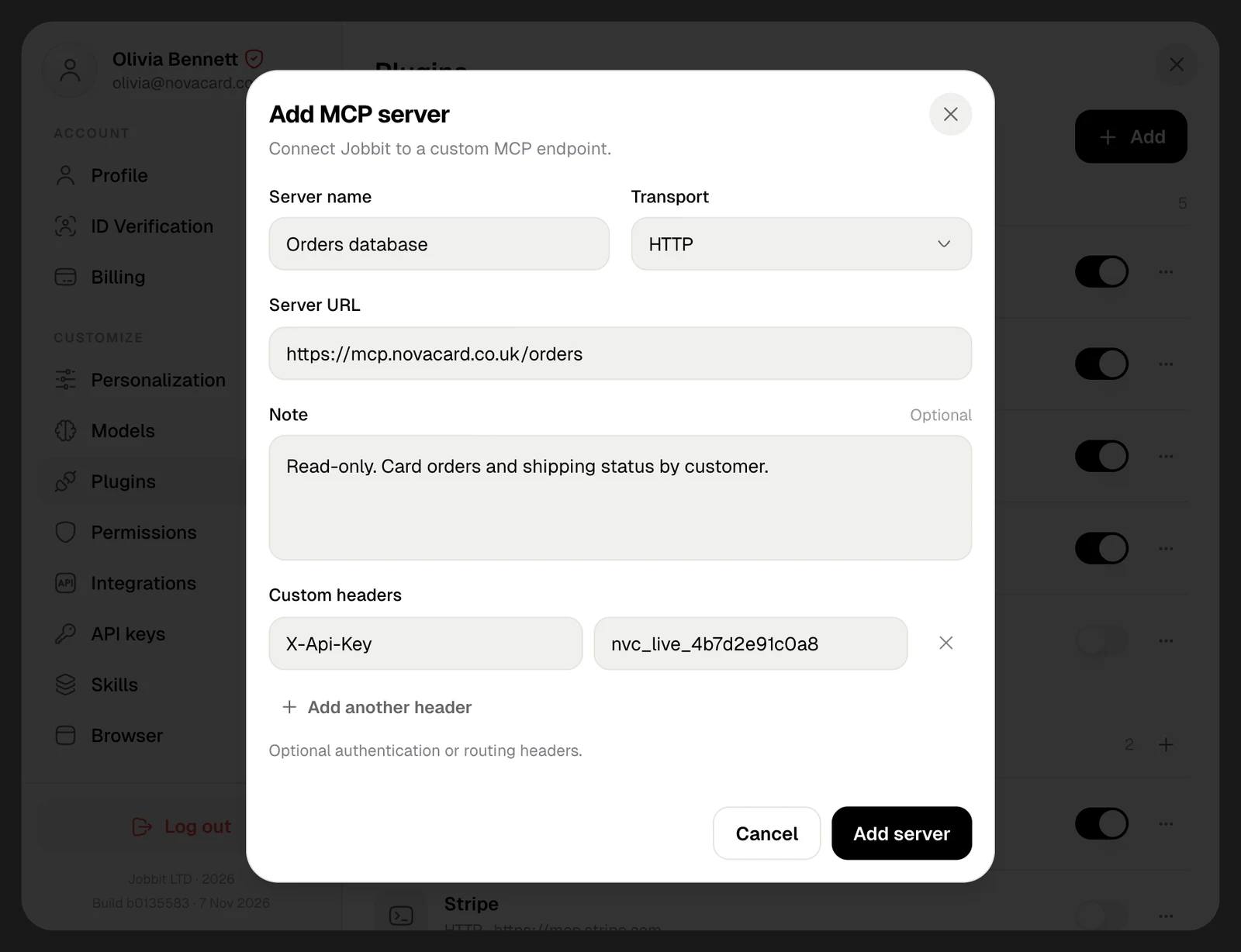
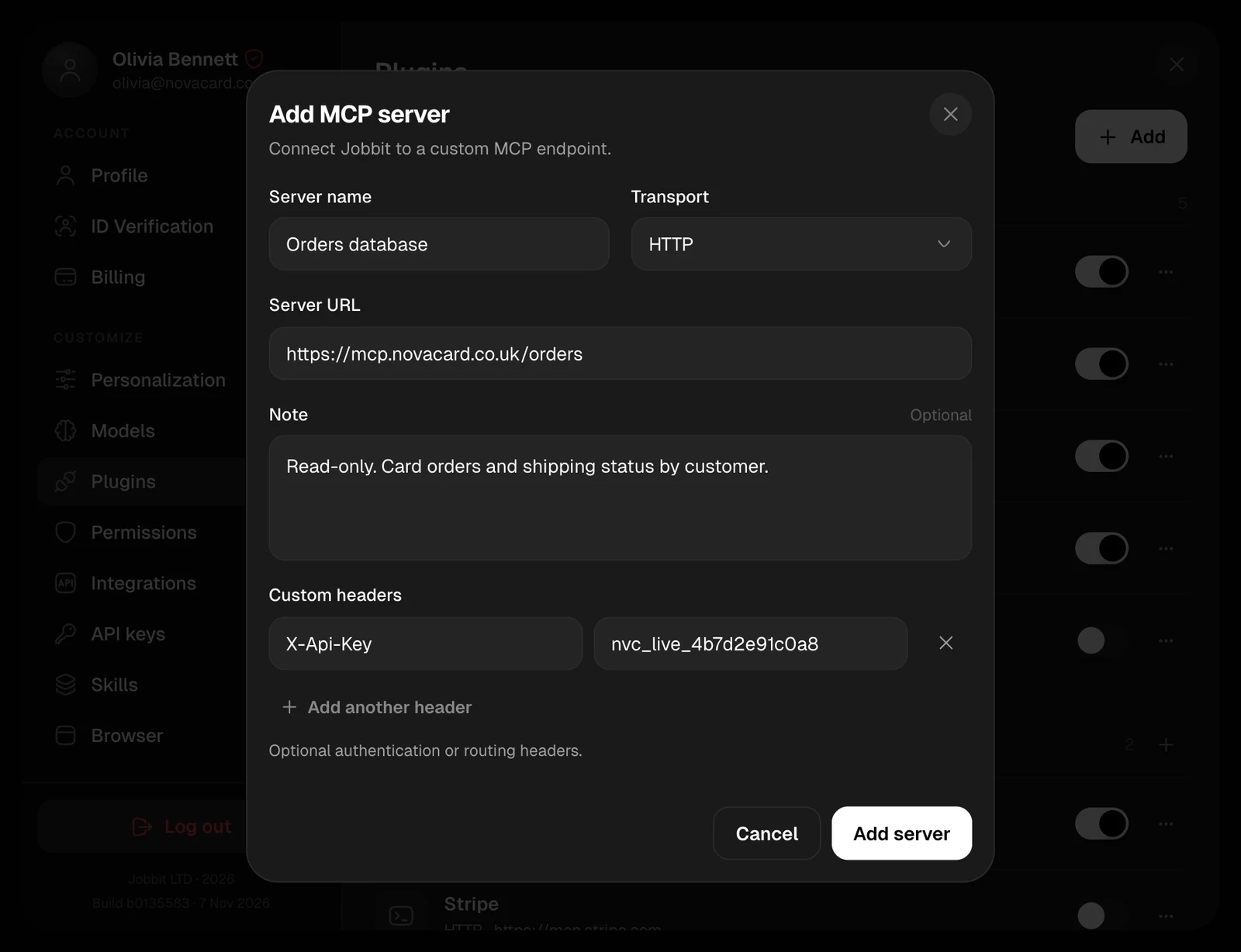
In Settings › Customize › Plugins, choose Add › Add custom MCP server, or + next to Custom MCP. Then fill in:| Field | What to enter |
|---|---|
| Server name | A name you will recognise, such as “Orders database” |
| Transport | HTTP or SSE, whichever the server uses |
| Server URL | The server’s address, starting with https:// or http://. Put keys in a header, not in the URL |
| Note | Optional: docs or instructions the agent should know, such as “Read-only” or what each tool is for |
| Custom headers | Optional: authentication or routing headers, such as an API key. Add another header adds a row |
Some headers are set by Jobbit itself and cannot be added:
Accept, Connection, Content-Length, Content-Type, Host, Mcp-Session-Id, Proxy-Authorization, Transfer-Encoding and Upgrade.Headers stay secret
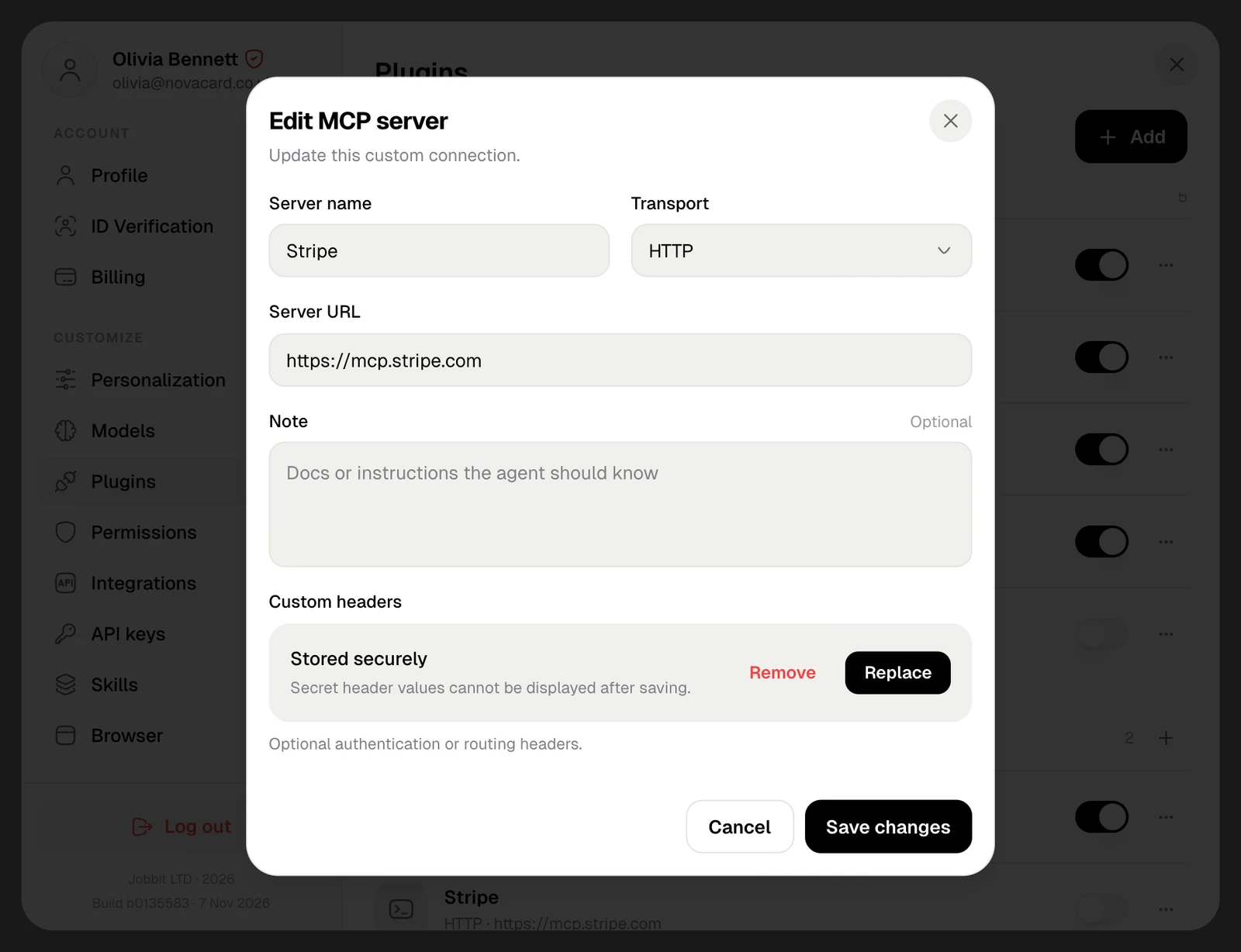
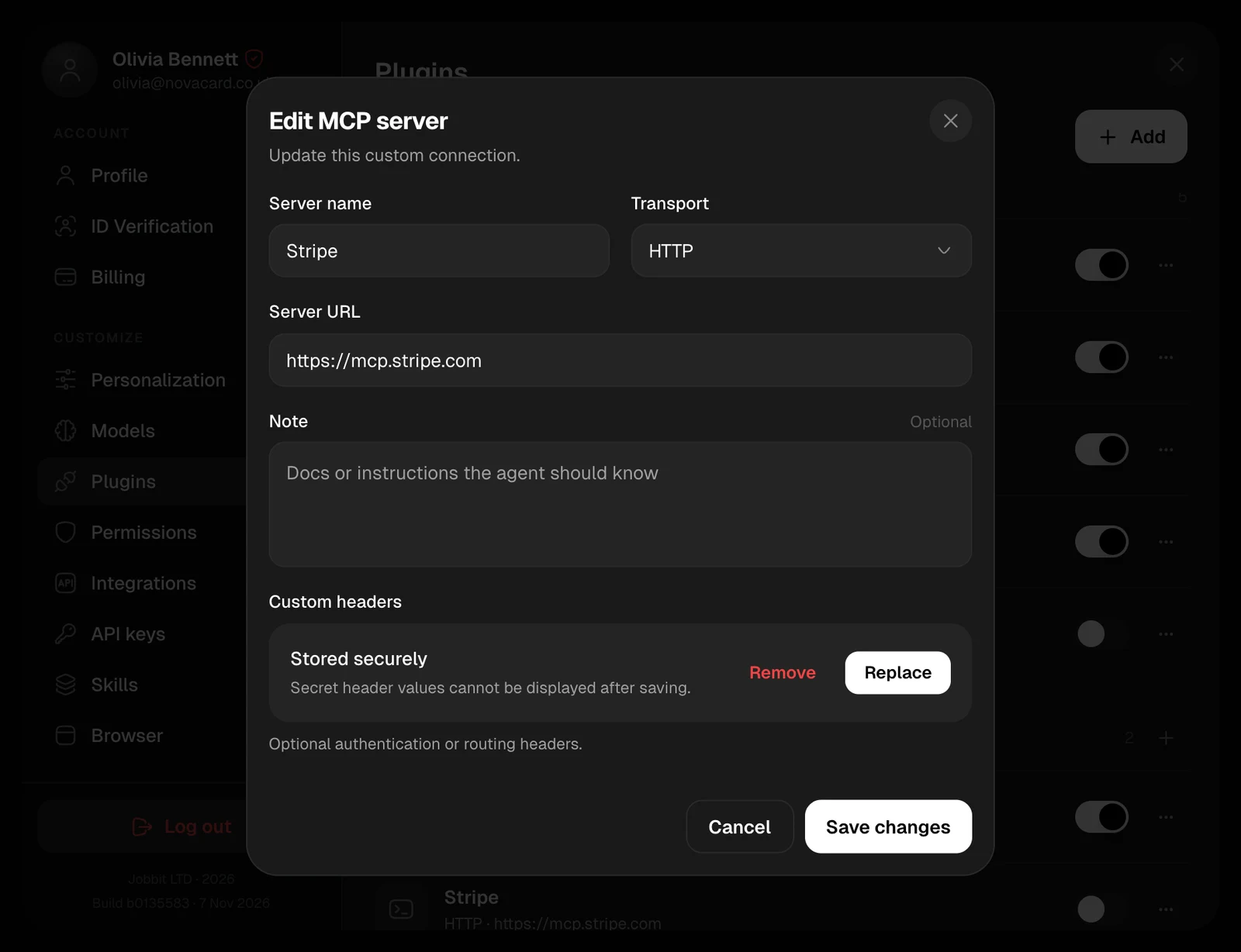
Header values are stored encrypted and are never shown again, not even to you. When you edit a server that has headers, they show as Stored securely:- Replace lets you enter new headers. Saving them replaces all the stored ones.
- Remove deletes the stored headers when you save. Undo keeps them.
Manage your servers
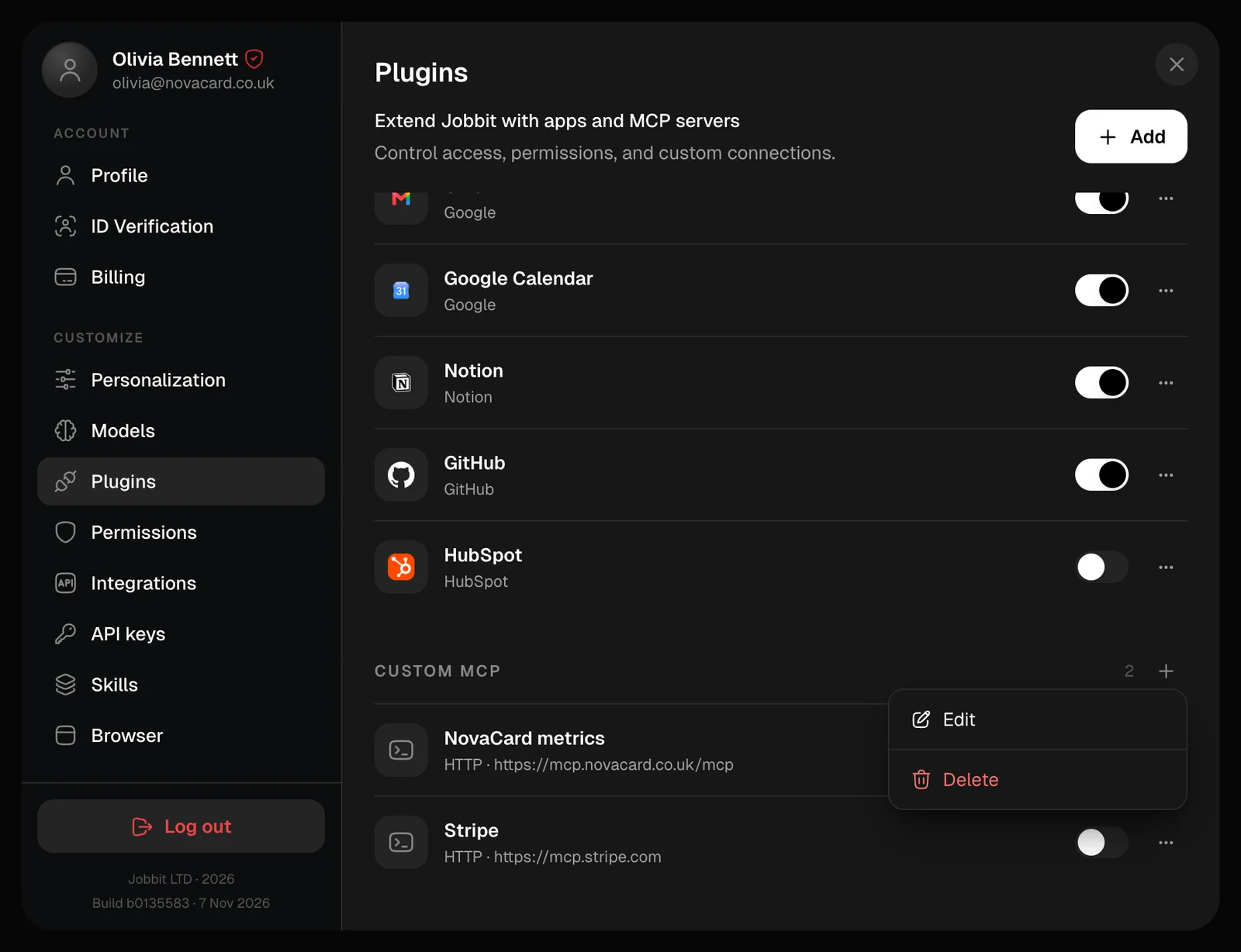
Each server shows its transport and address. The switch turns it off and on. The ⋯ menu has Edit and Delete. Deleting removes the server for good; to use it again, add it anew.