Connect Claude
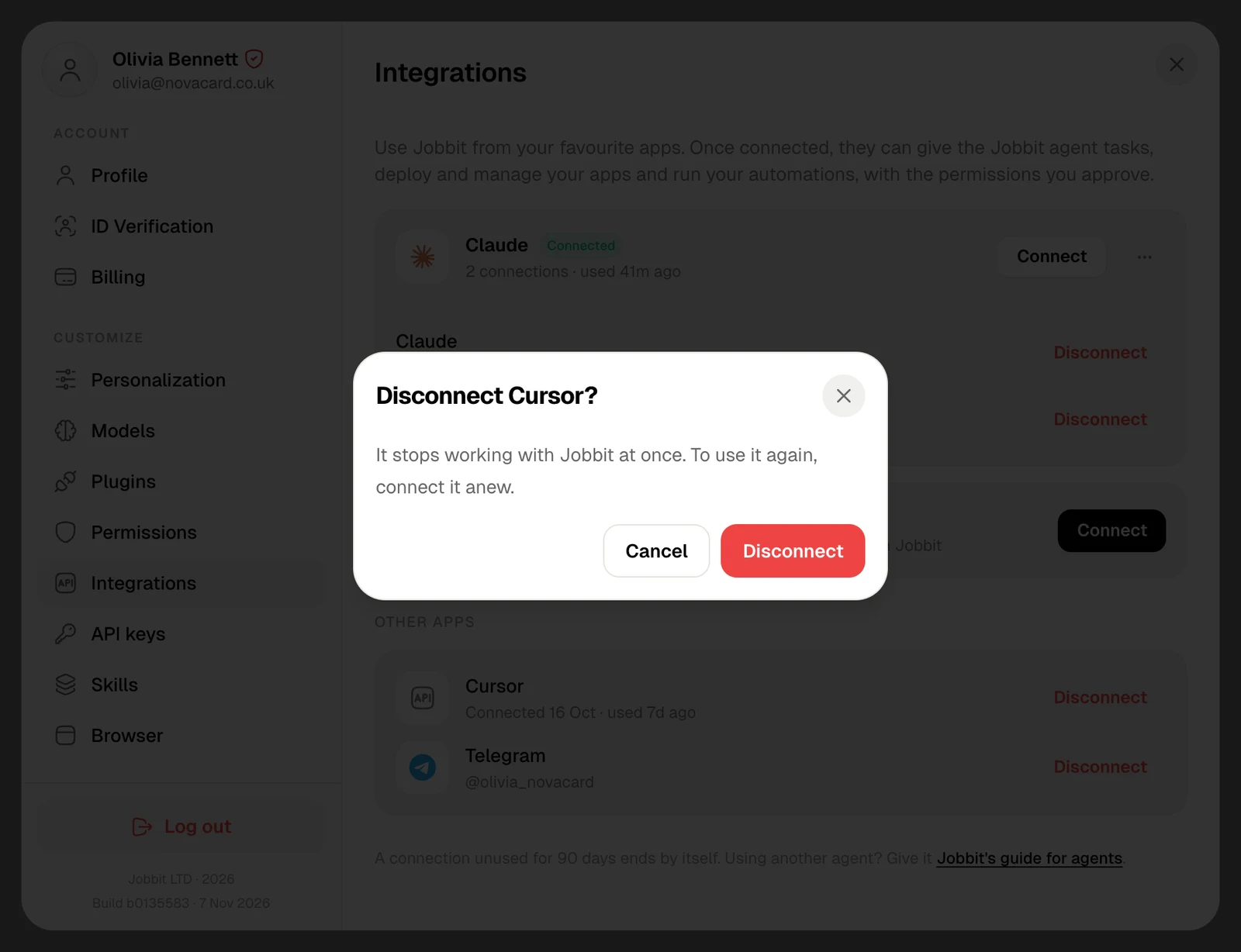
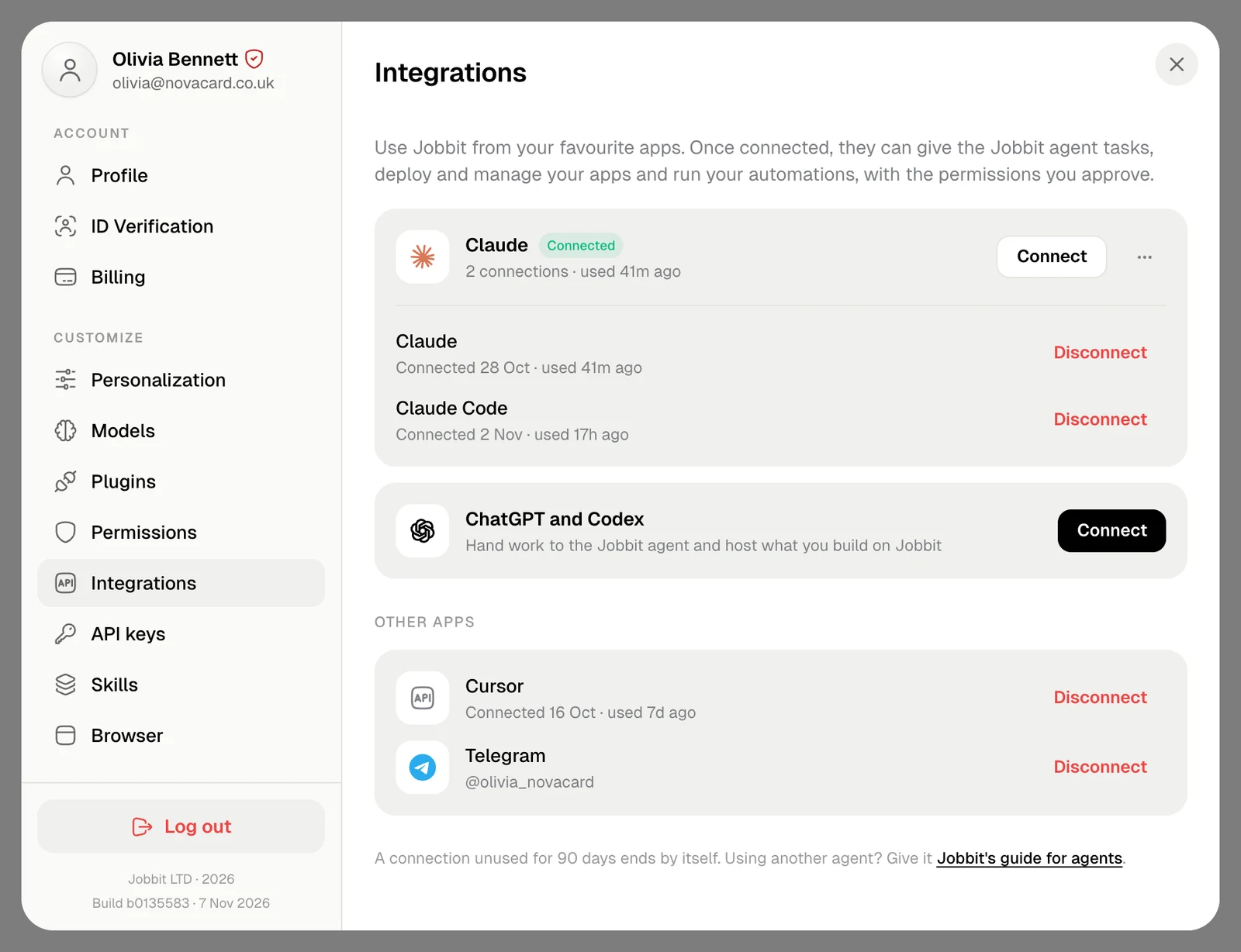
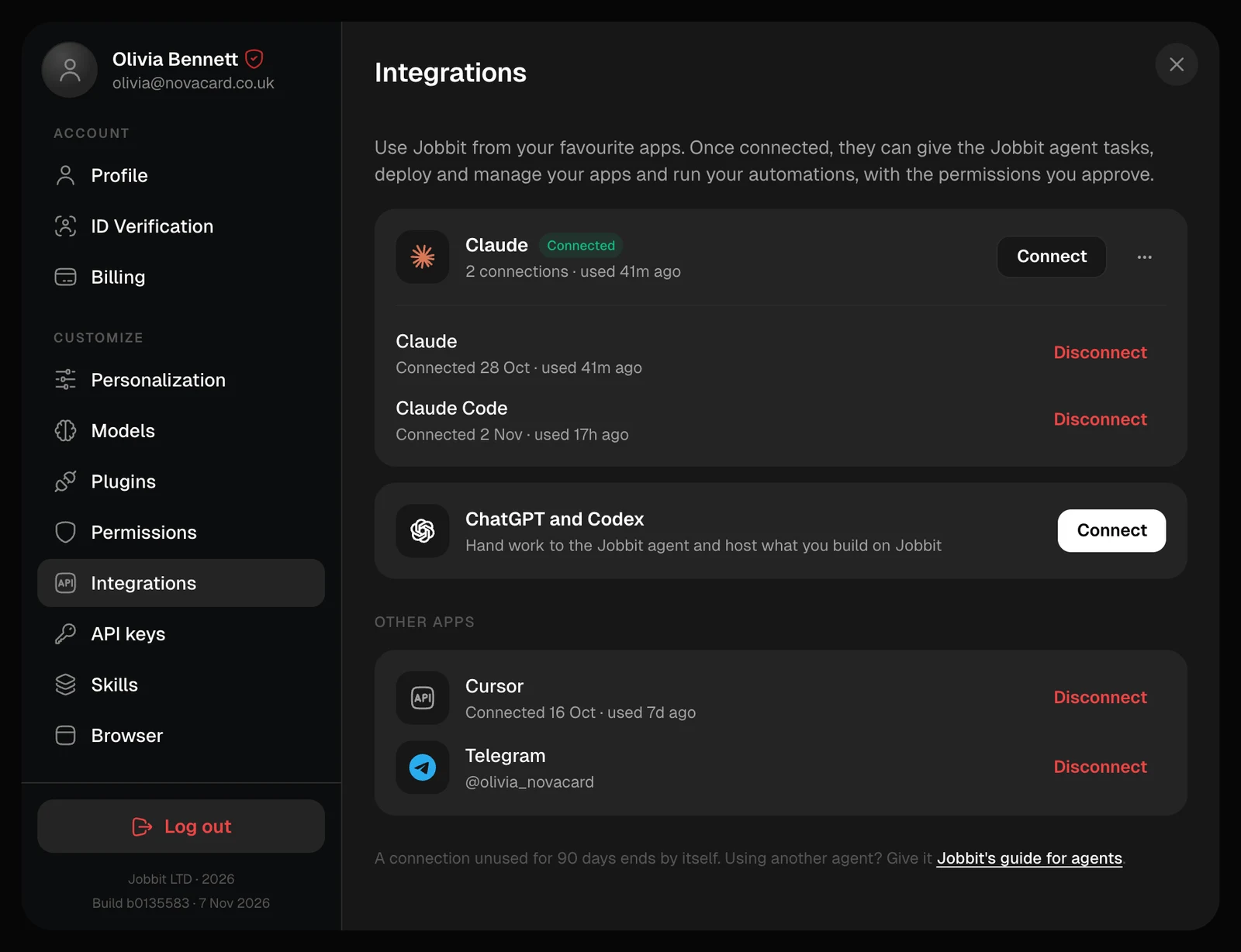
Connect on the Claude card offers two ways.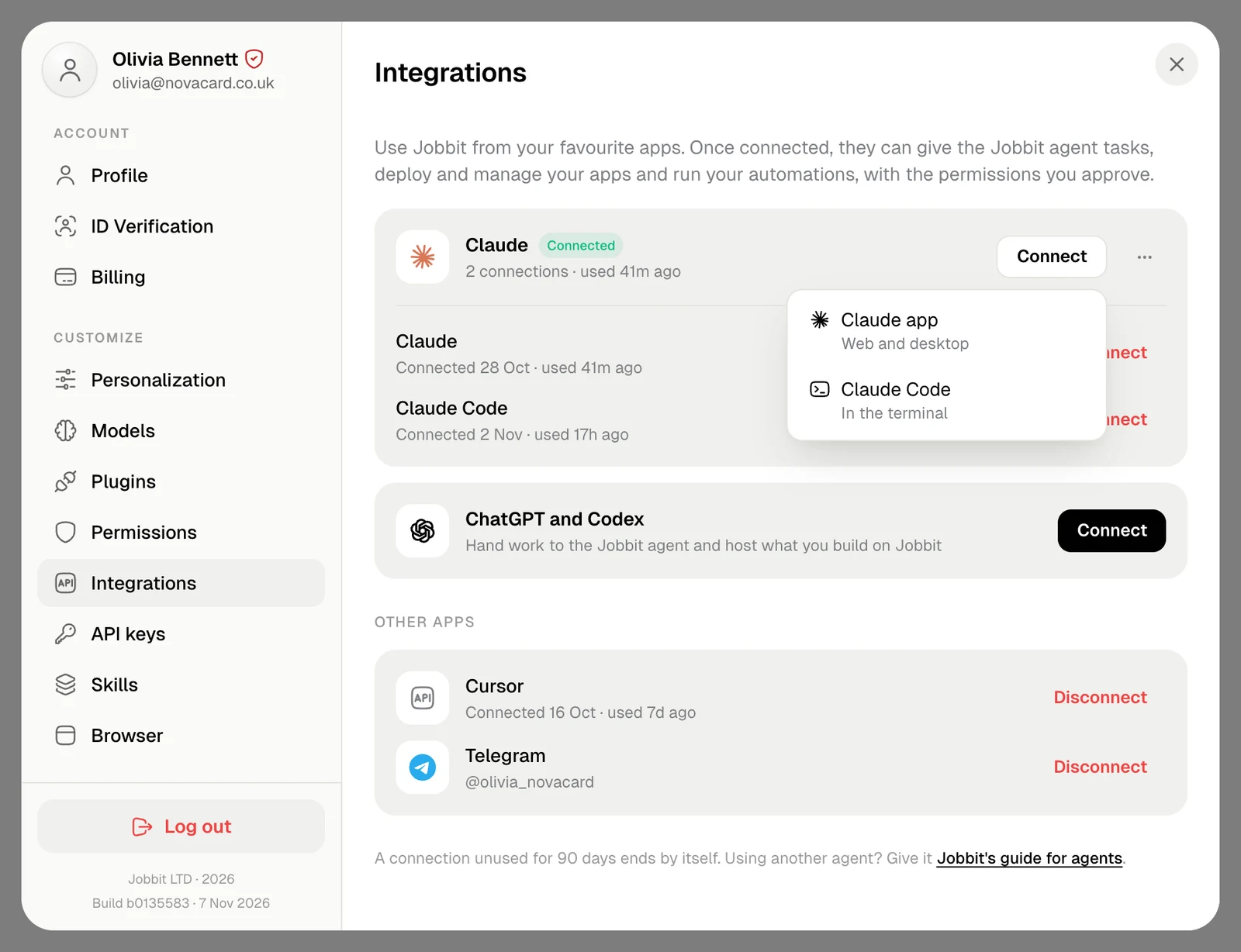
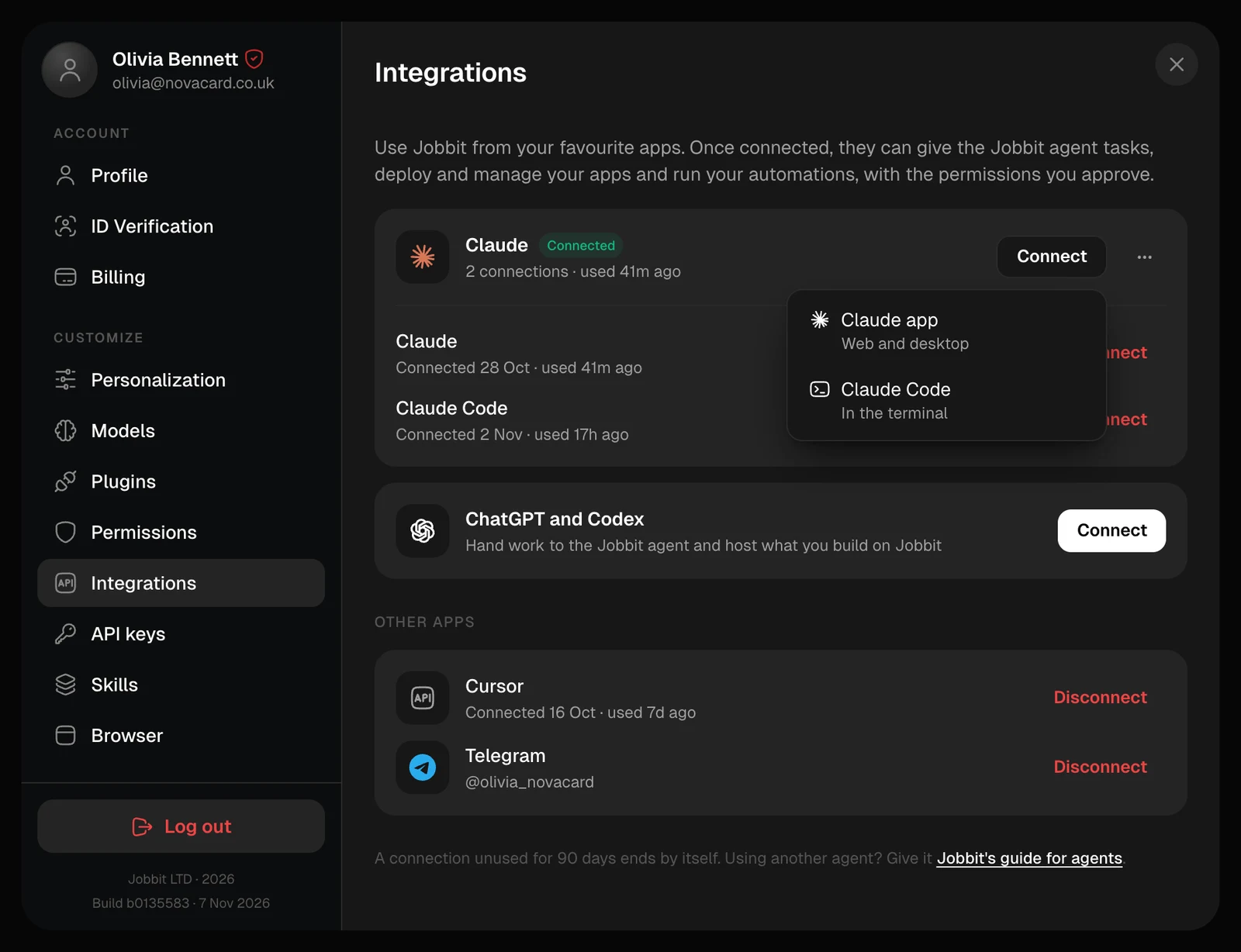
- Claude app
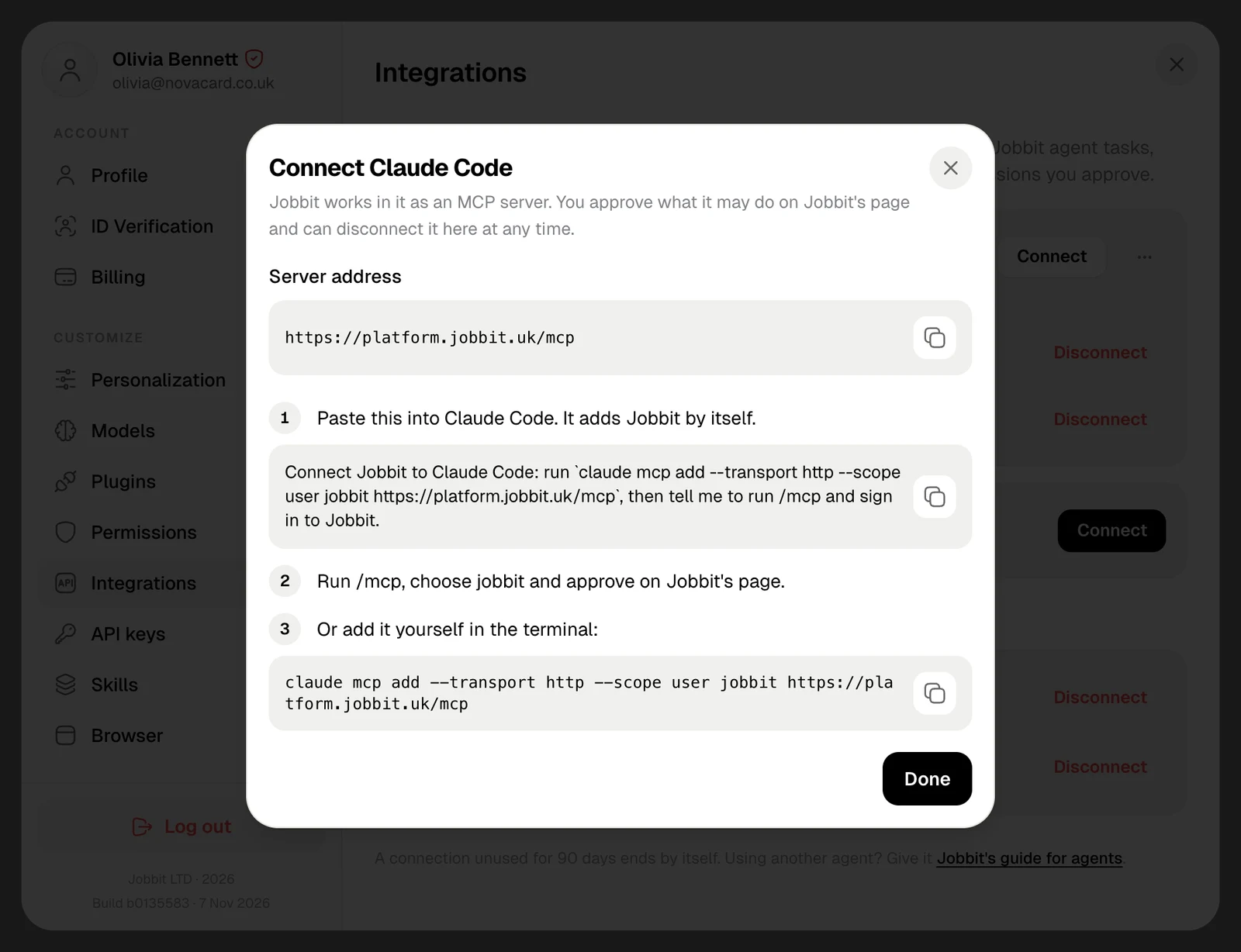
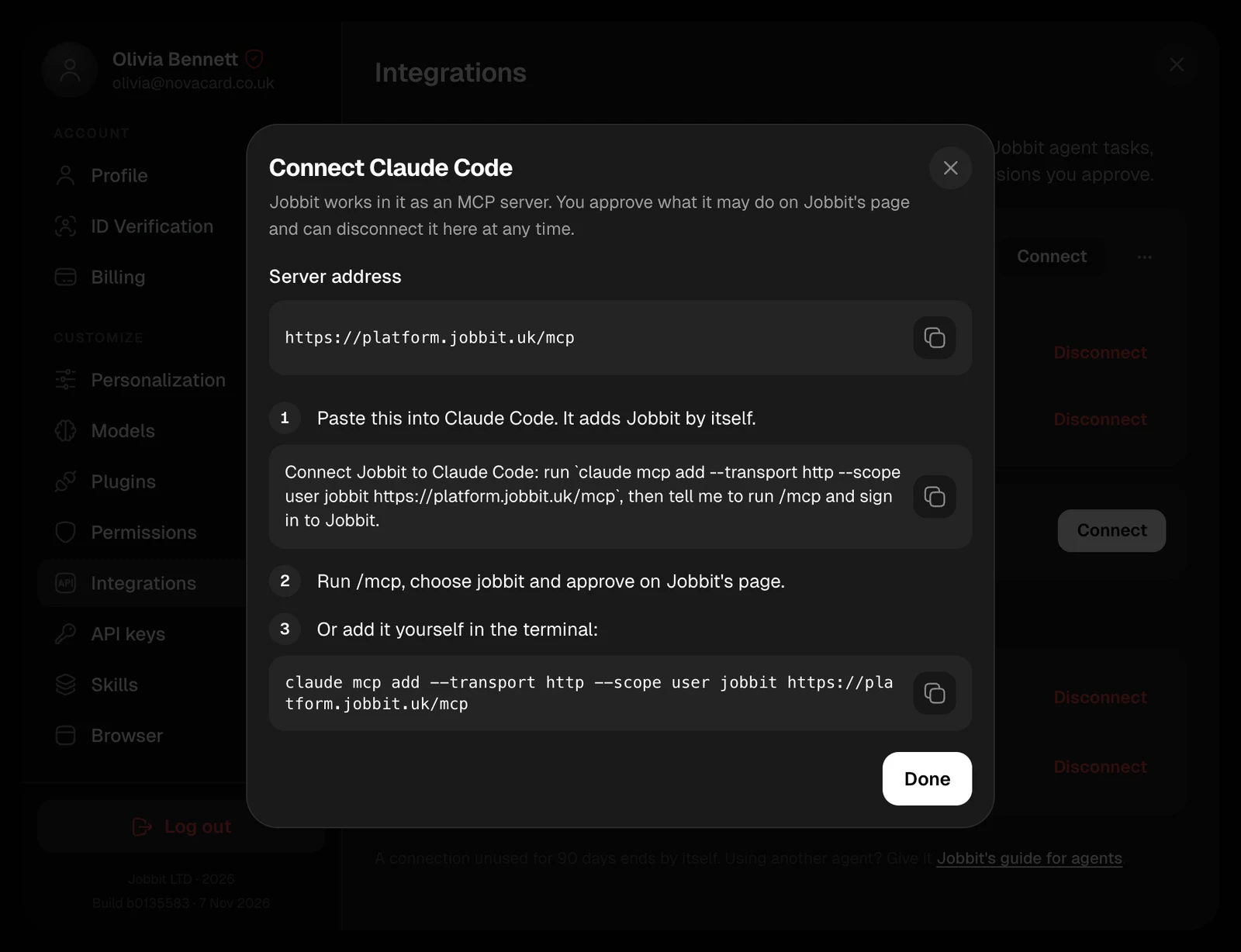
- Claude Code
For Claude on the web and on your computer. Claude app opens Claude’s page for adding a connector, with Jobbit and its address already filled in. Add it, then approve on Jobbit’s page.
Connect ChatGPT or Codex
Connect on the ChatGPT and Codex card offers both.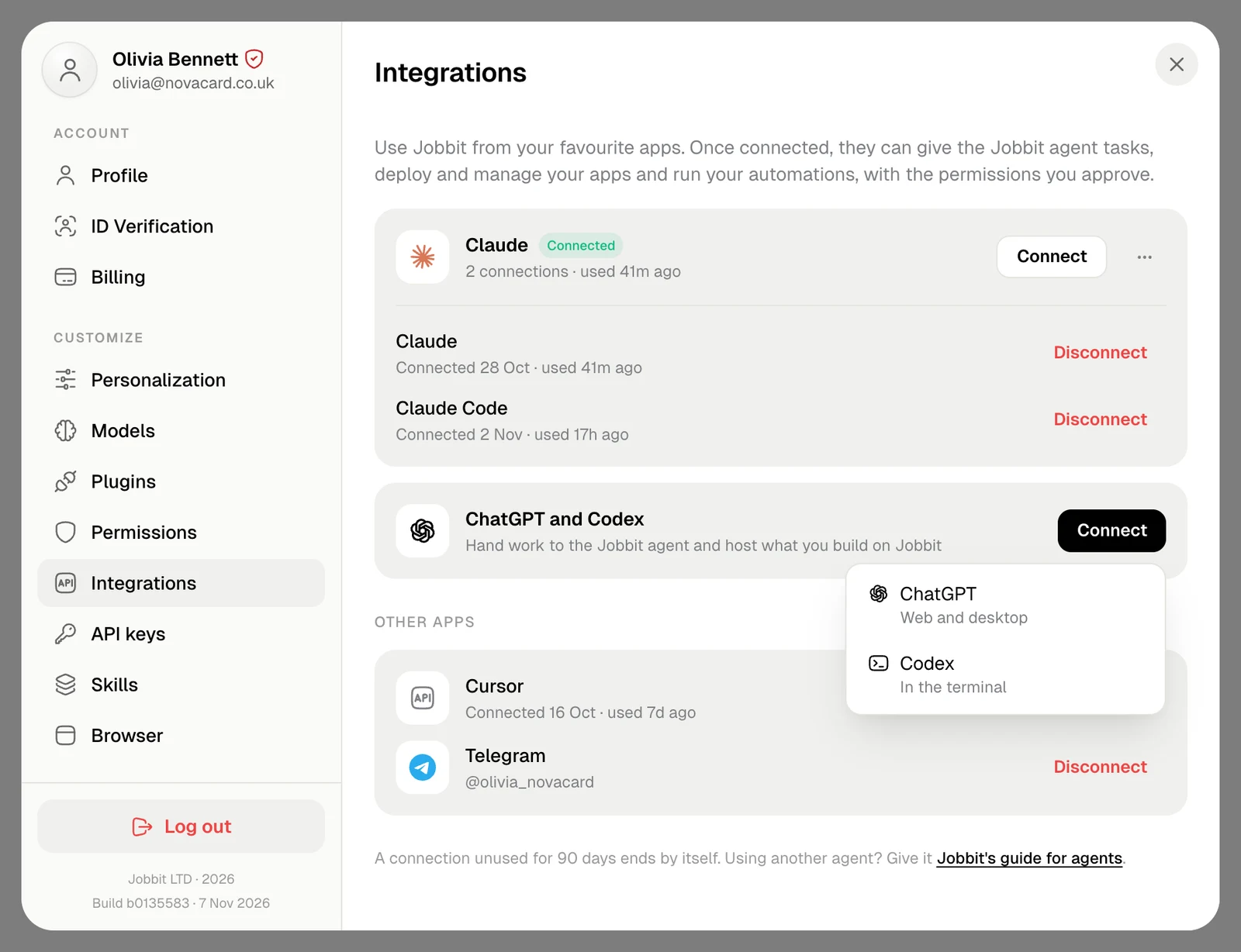
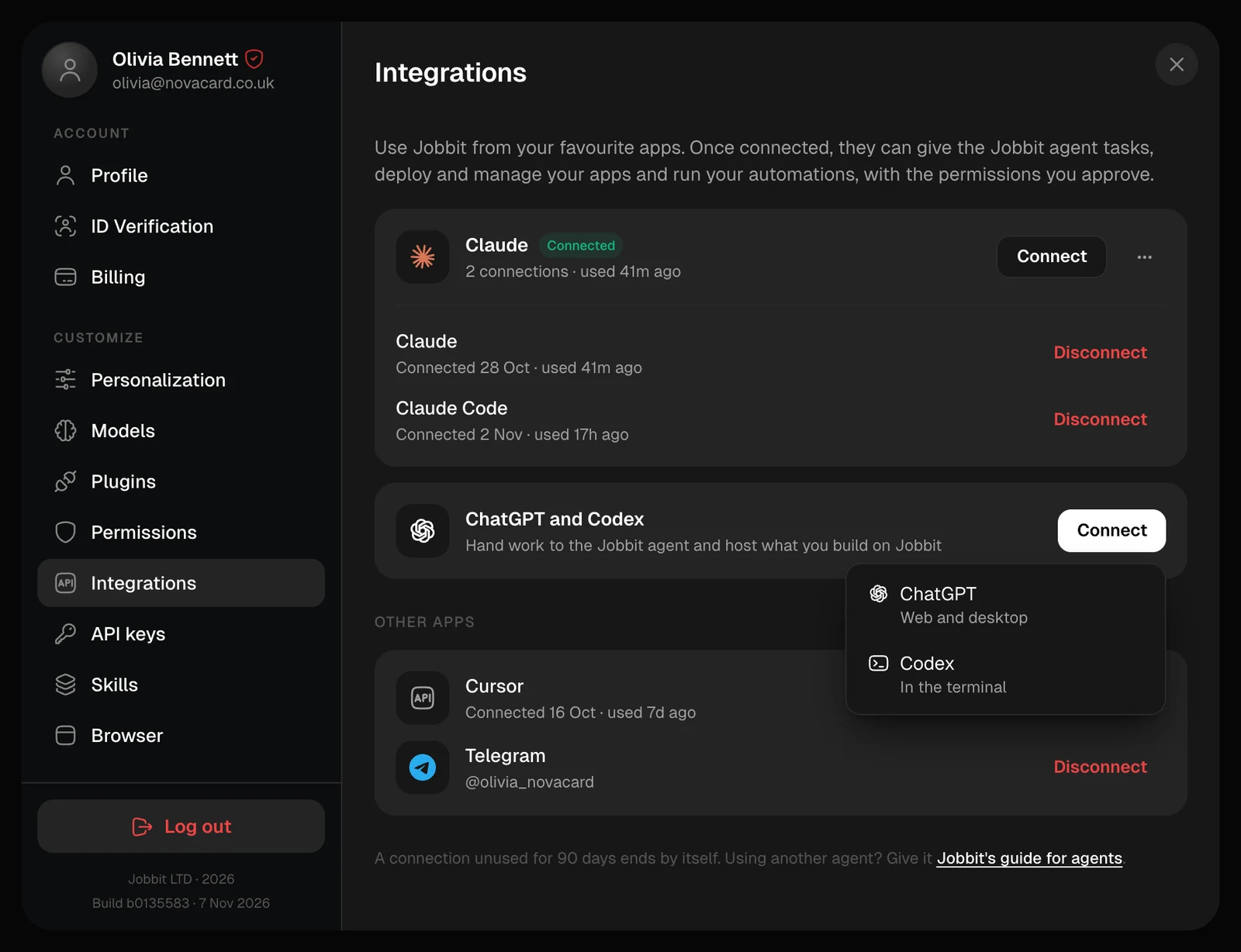
- ChatGPT
- Codex
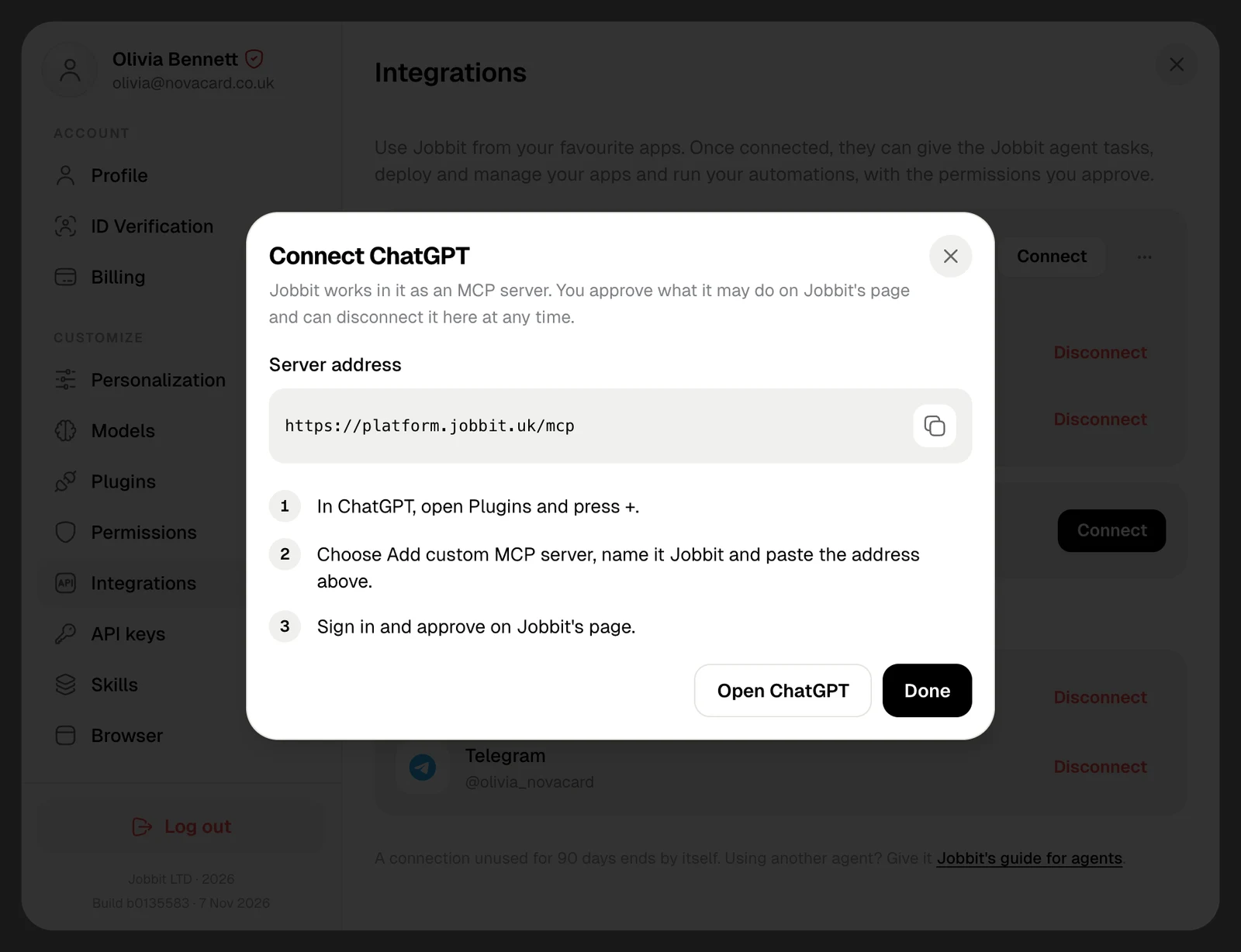
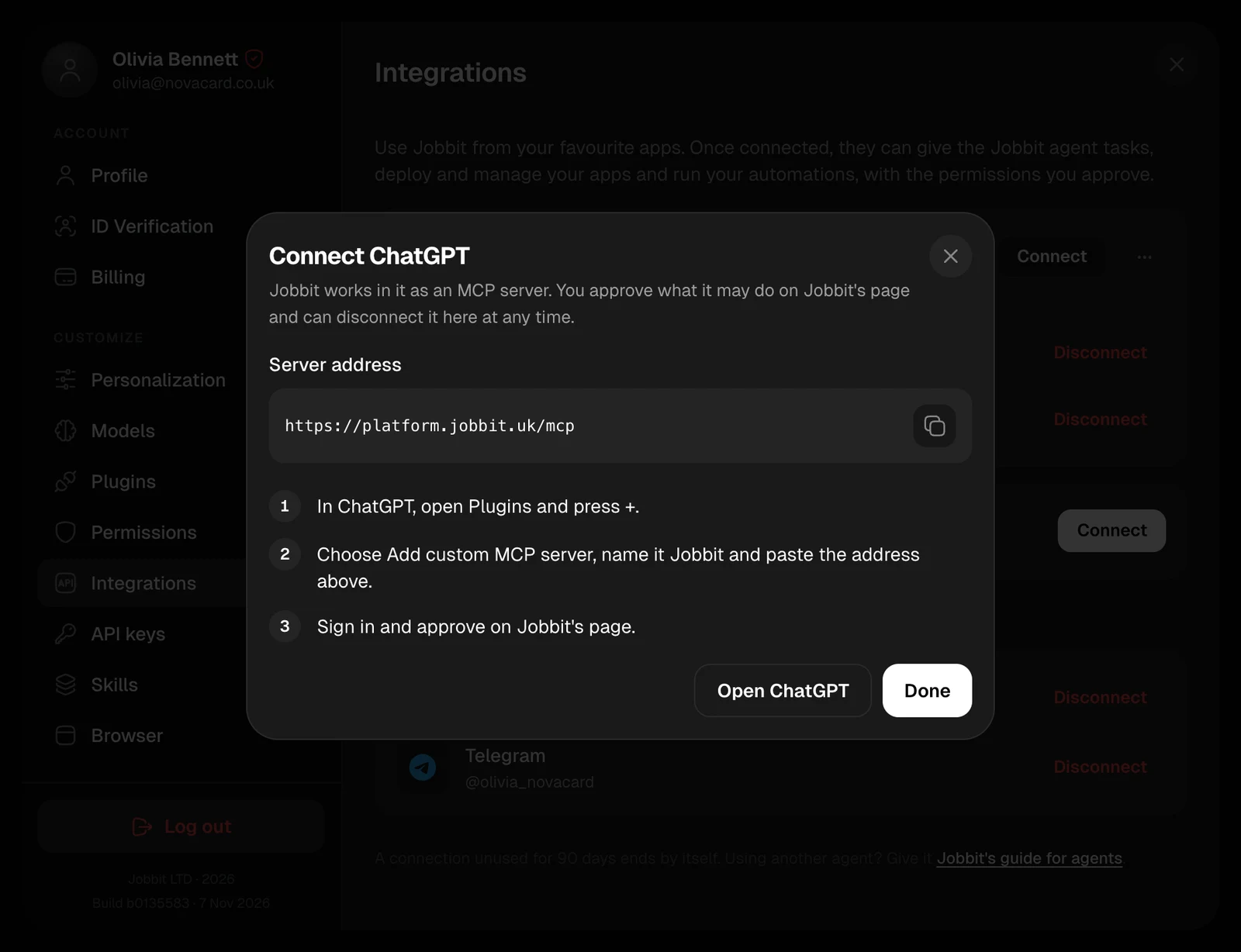
- In ChatGPT, open Plugins and press +.
- Choose Add custom MCP server, name it Jobbit and paste the address above.
- Sign in and approve on Jobbit’s page.
Your connections
A connected app shows Connected, how many connections it has and when one was last used. Each connection is listed under it with the date it was connected. Unverified name means the app named itself, and Jobbit could not confirm it. Other apps lists any other app you connected, such as Cursor, and the Jobbit bot in Telegram if you get notifications there.Disconnect
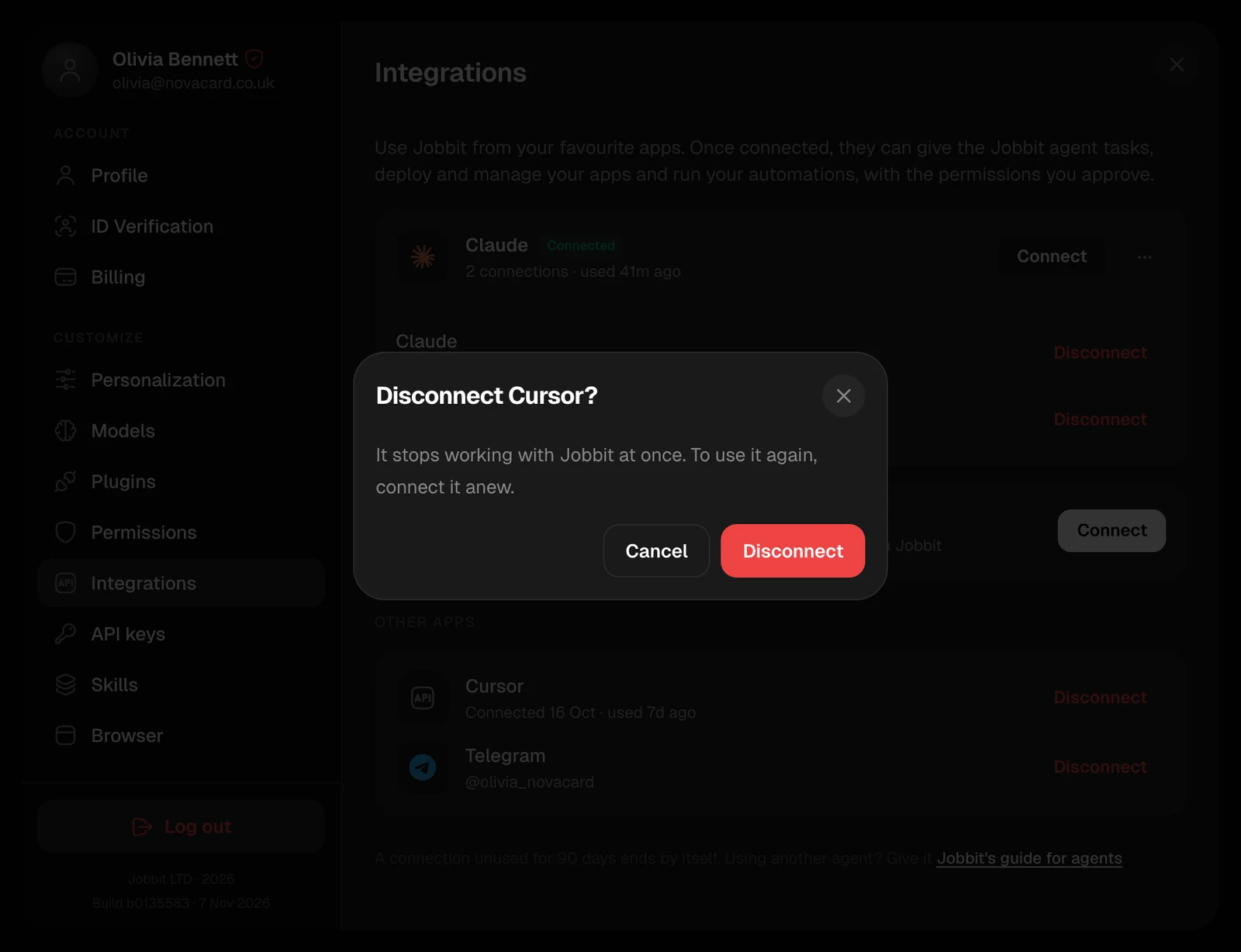
Disconnect on a connection stops it working with Jobbit at once. To use it again, connect it anew. When an app has several connections, its ⋯ menu has Disconnect all.