
Personalization tells the agent who you are. Open it in Settings › Customize › Personalization, on the Profile tab.
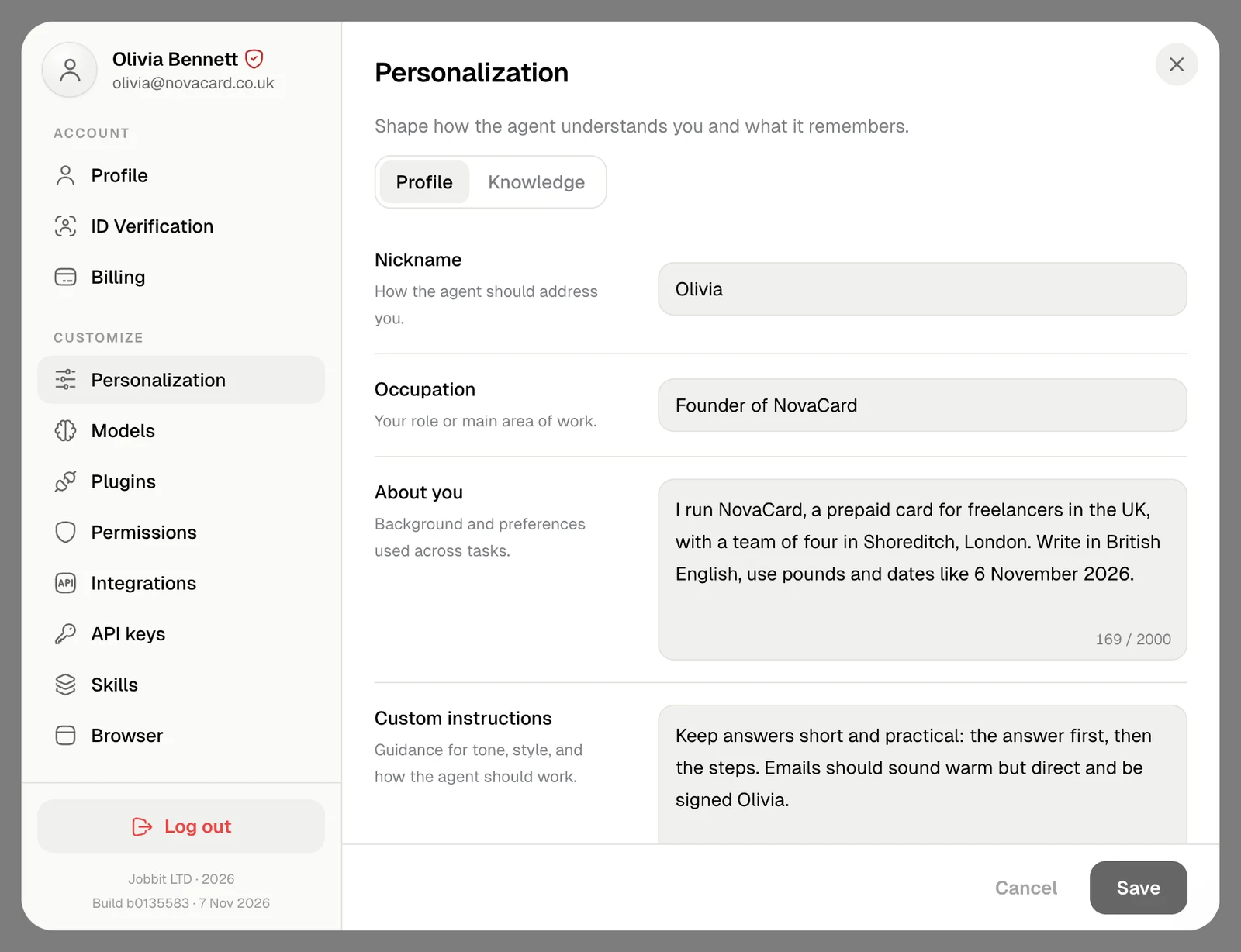
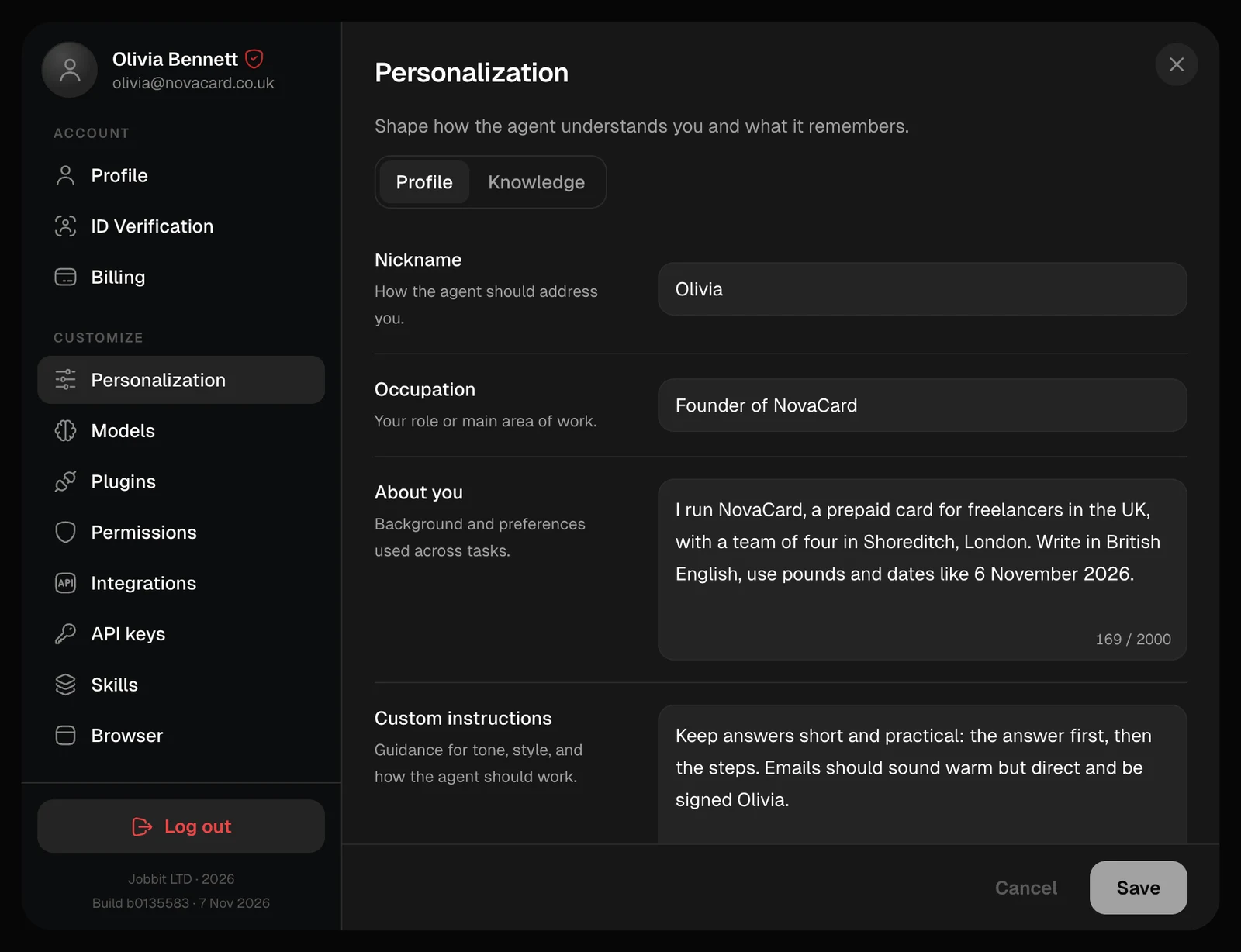
The Profile tab of Personalization with Nickname, Occupation, About you and Custom instructions, light themeThe Profile tab of Personalization with Nickname, Occupation, About you and Custom instructions, dark theme
FieldWhat to writeUp to
NicknameHow the agent should address you128 characters
OccupationYour role or main area of work128 characters
About youYour background, your business, where you are, the language and units you prefer2,000 characters
Custom instructionsHow the agent should work: tone, length, format, what to do first3,000 characters
Every field is optional. Choose Save when you are done, or Cancel to go back to what was saved.

How the agent uses it

The agent reads your profile at the start of every chat, so you do not have to introduce yourself again. It follows your custom instructions in all of its answers, in every chat, until you change them.
Put lasting preferences in custom instructions: “British English, pounds and dates like 6 November 2026”, “Lead with the answer, then the steps”. Facts the agent should recall for some tasks, such as your prices or your brand colours, fit better in Knowledge.