
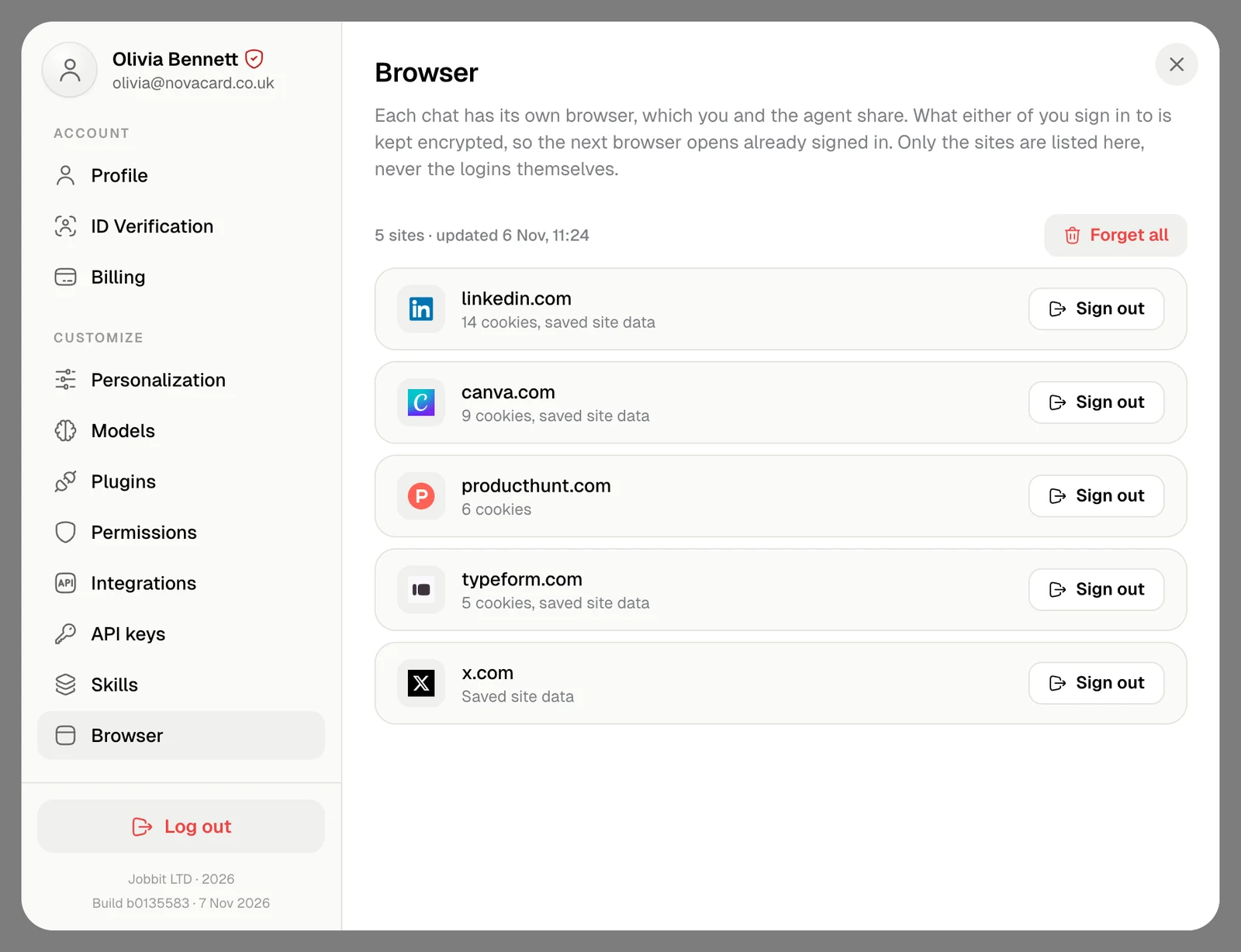
Each chat has its own browser, which you and the agent share. When either of you signs in to a site there, the login is kept encrypted, so the next browser opens already signed in. Browser in Settings › Customize lists those sites.
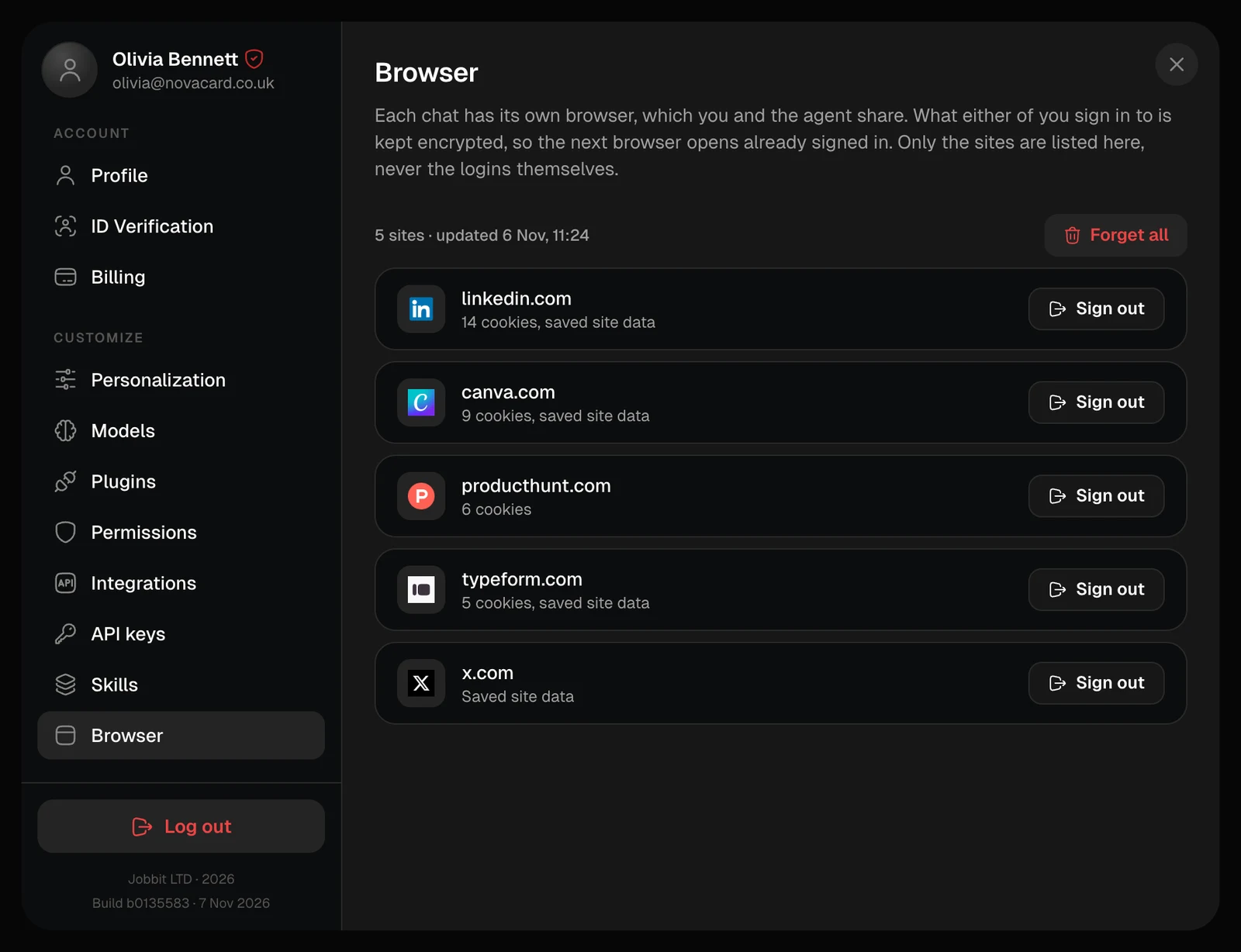
Browser in Settings with five signed-in sites, light themeBrowser in Settings with five signed-in sites, dark theme
Only the sites are listed, with how many cookies each keeps, never the logins themselves. The line above the list says when they were last updated. When the agent reaches a login, it hands you the form in the chat: you sign in yourself, and the site shows up here.

Sign out of a site

Sign out on a site drops its cookies and saved data, in the browsers open right now too. The next time the agent needs the site, it asks you to sign in again.
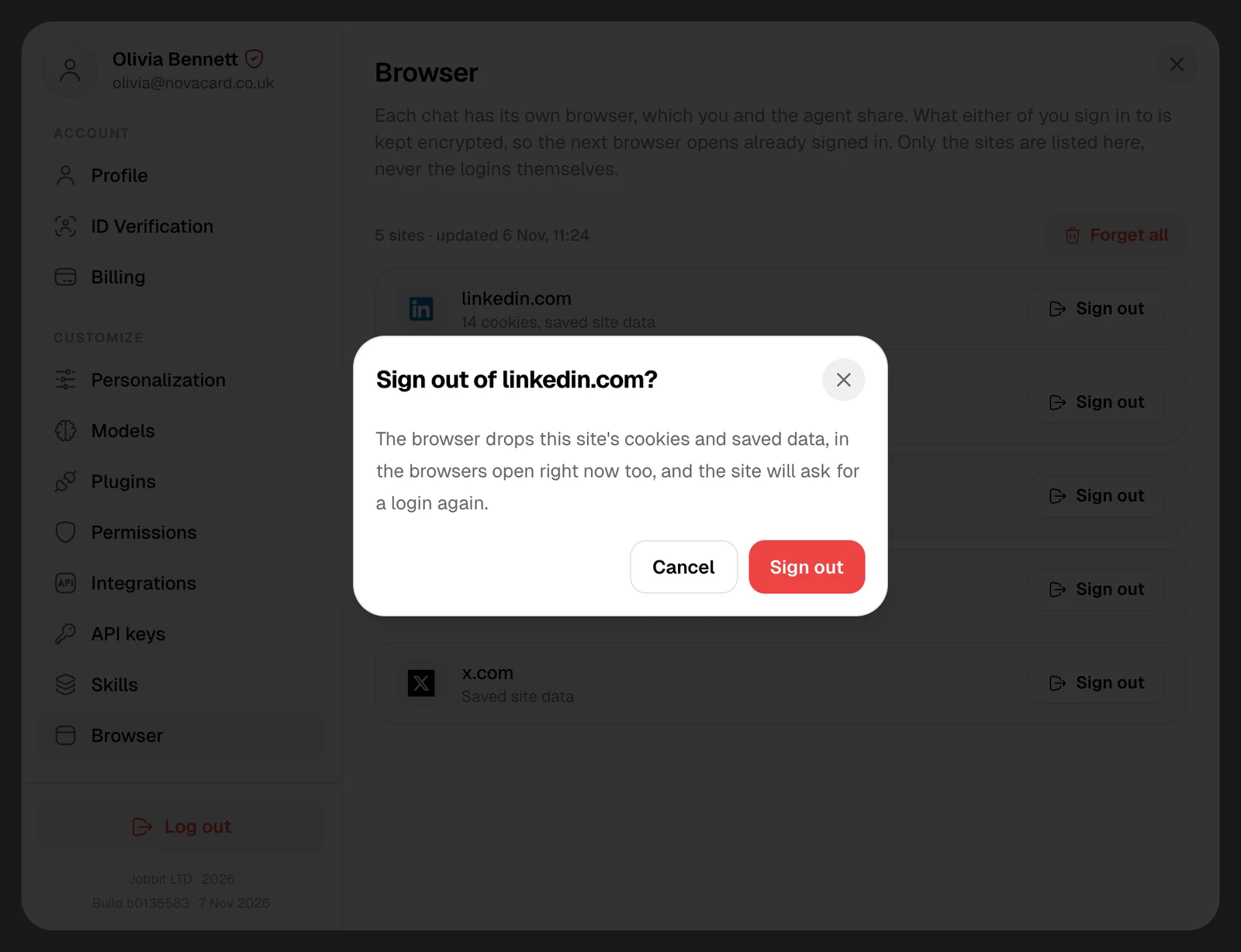
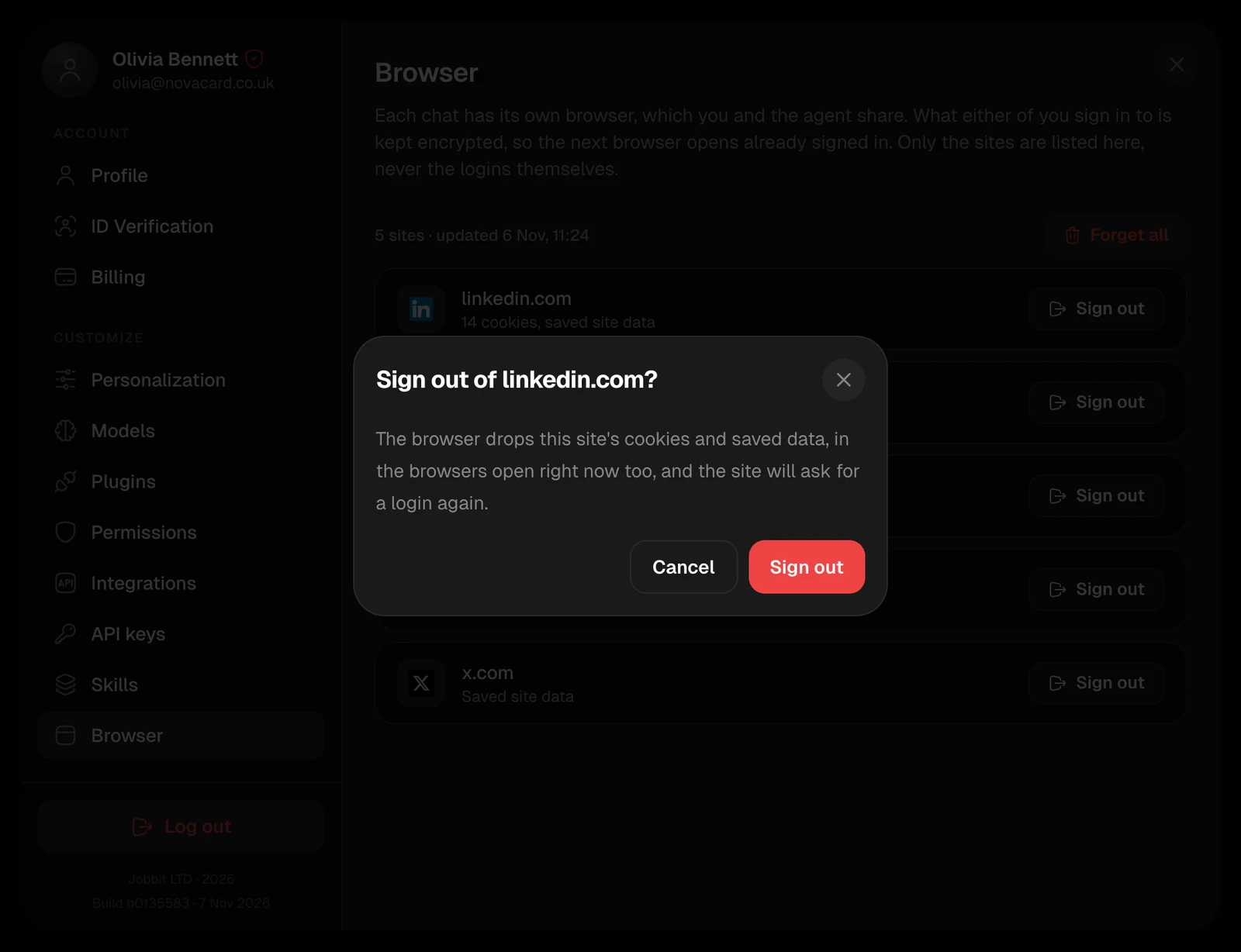
The Sign out of linkedin.com window, light themeThe Sign out of linkedin.com window, dark theme

Forget every login

Forget all closes every open browser and signs out of everything. The browser starts signed out next time, and every site asks for a login again.
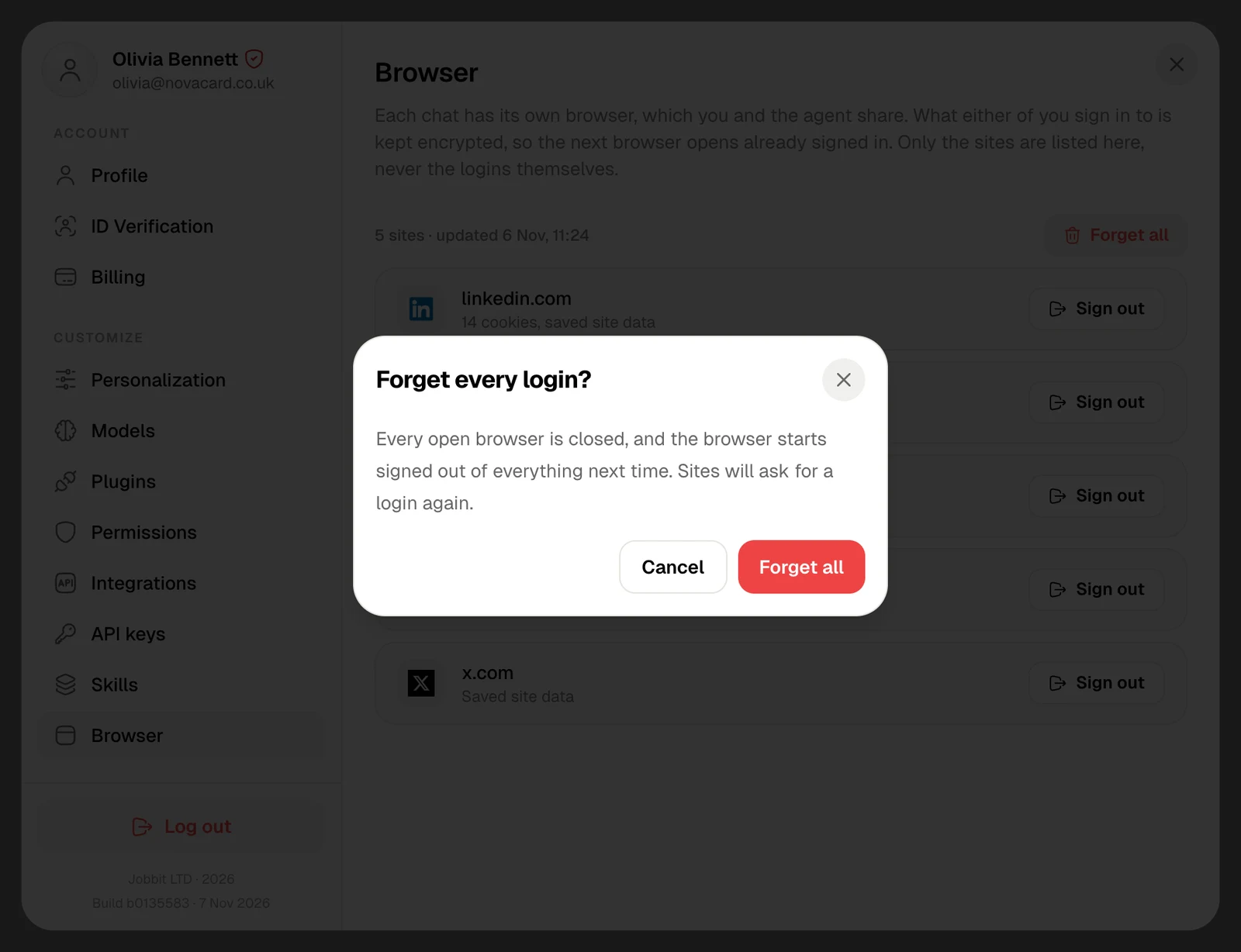
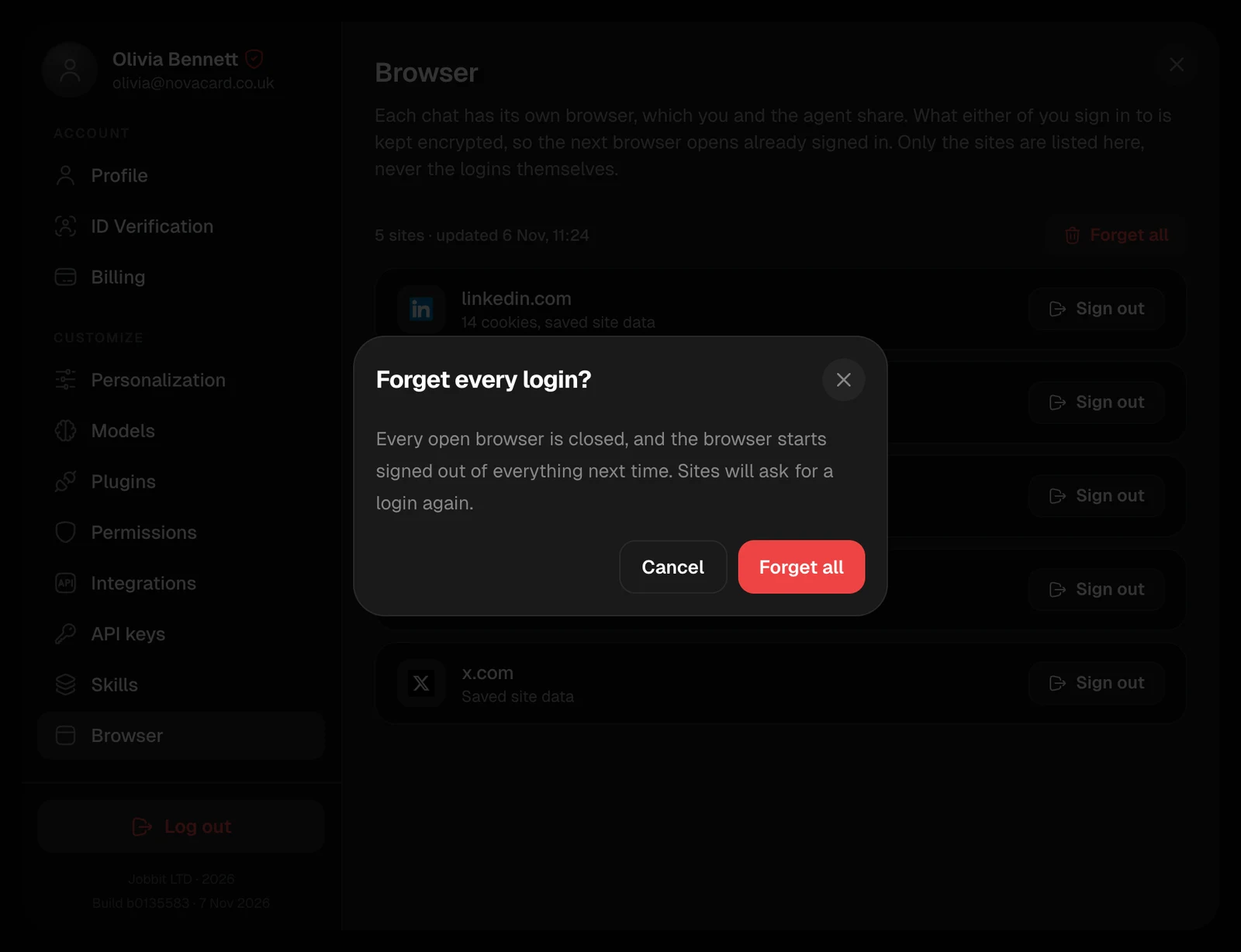
The Forget every login window, light themeThe Forget every login window, dark theme