| Trigger | Starts a run |
|---|---|
| On a schedule | At the times set, in its time zone |
| By webhook | When another service calls its address |
| By email | When an email arrives at its own address |
| By polling | When something new appears in a source Jobbit keeps checking |
| On an event | When another automation of yours announces something, such as a new lead |
| Manually | When you choose Run now |
On a schedule
It runs at the times set, such as every Monday at 09:00, in the time zone it shows, such as London. Next run on the Overview and on the Automations page says when it runs next. If Jobbit was down at that moment, the missed run happens once when it is back.By webhook
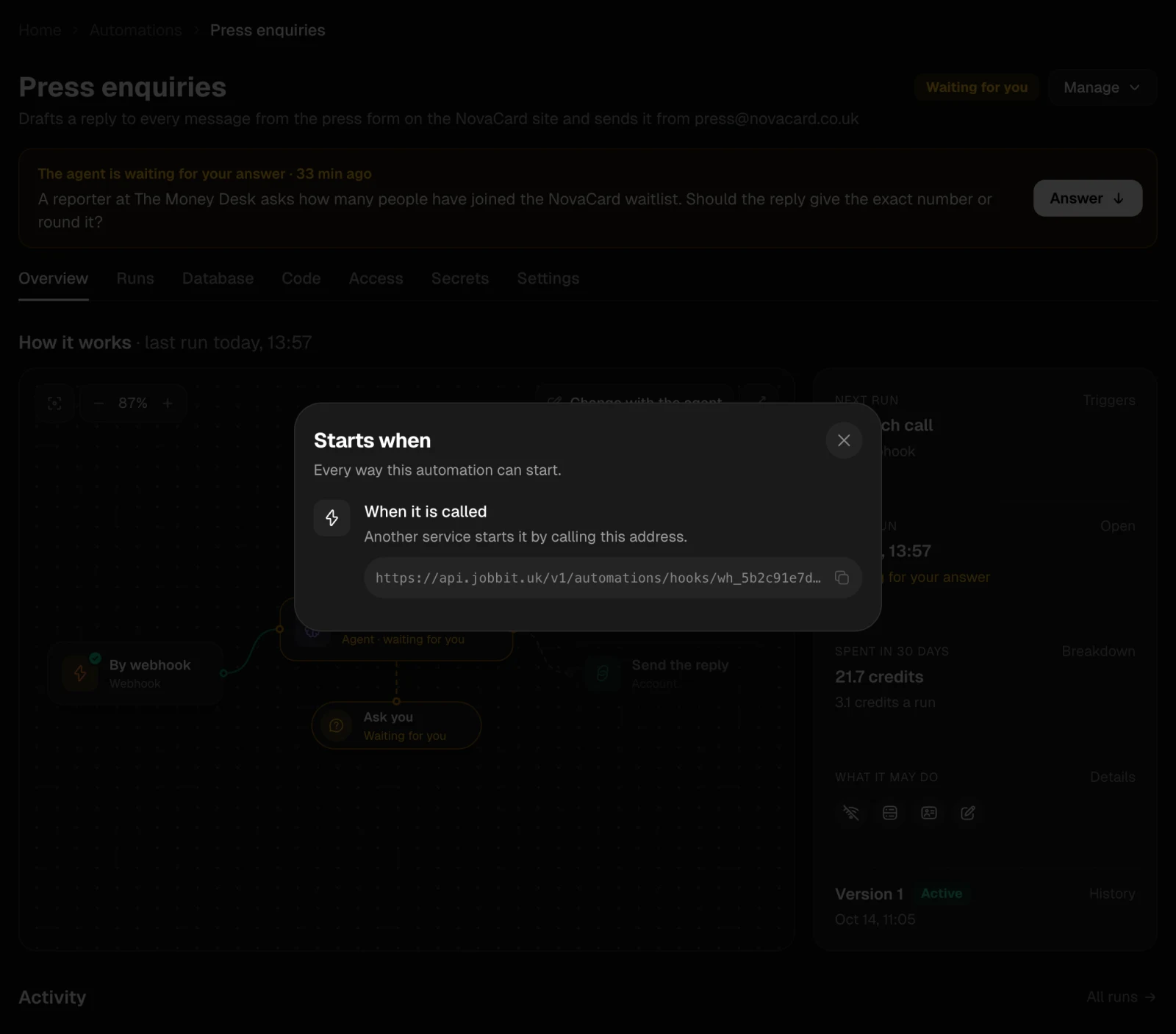
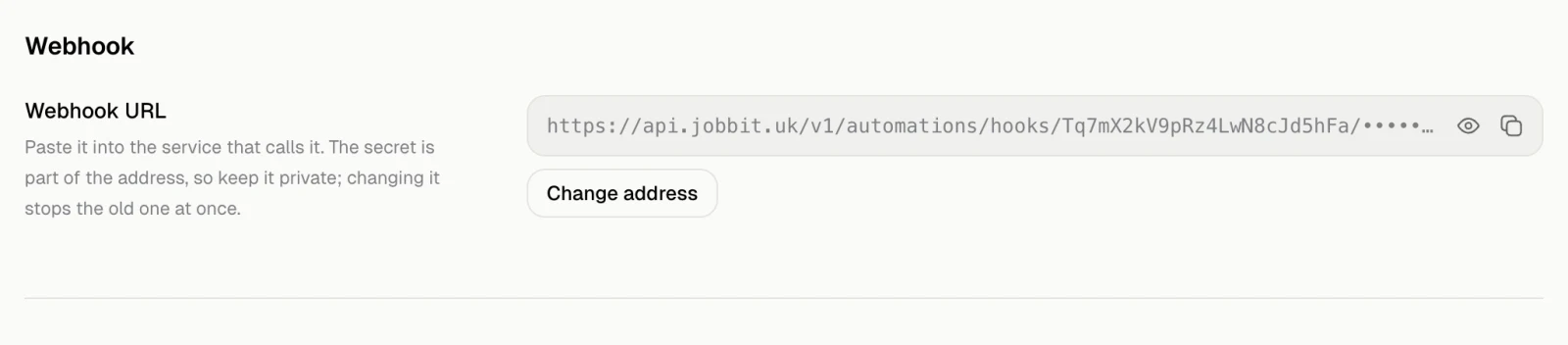
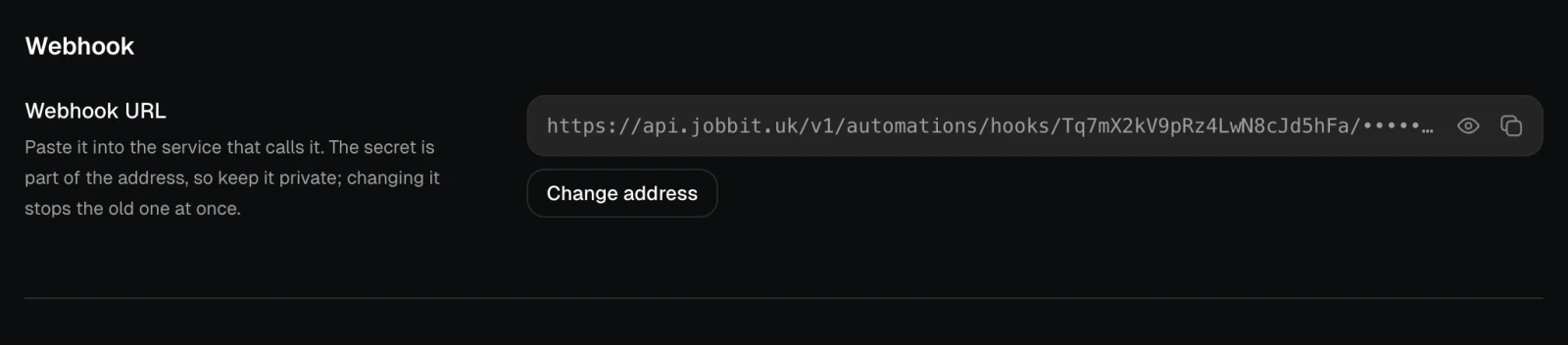
Another service, such as a form on your site, starts a run by calling the automation’s address. What it sends comes into the run, and the run’s Details shows it under What came in. The address is under Triggers on the Overview and in Settings, under Webhook. Only editors see it.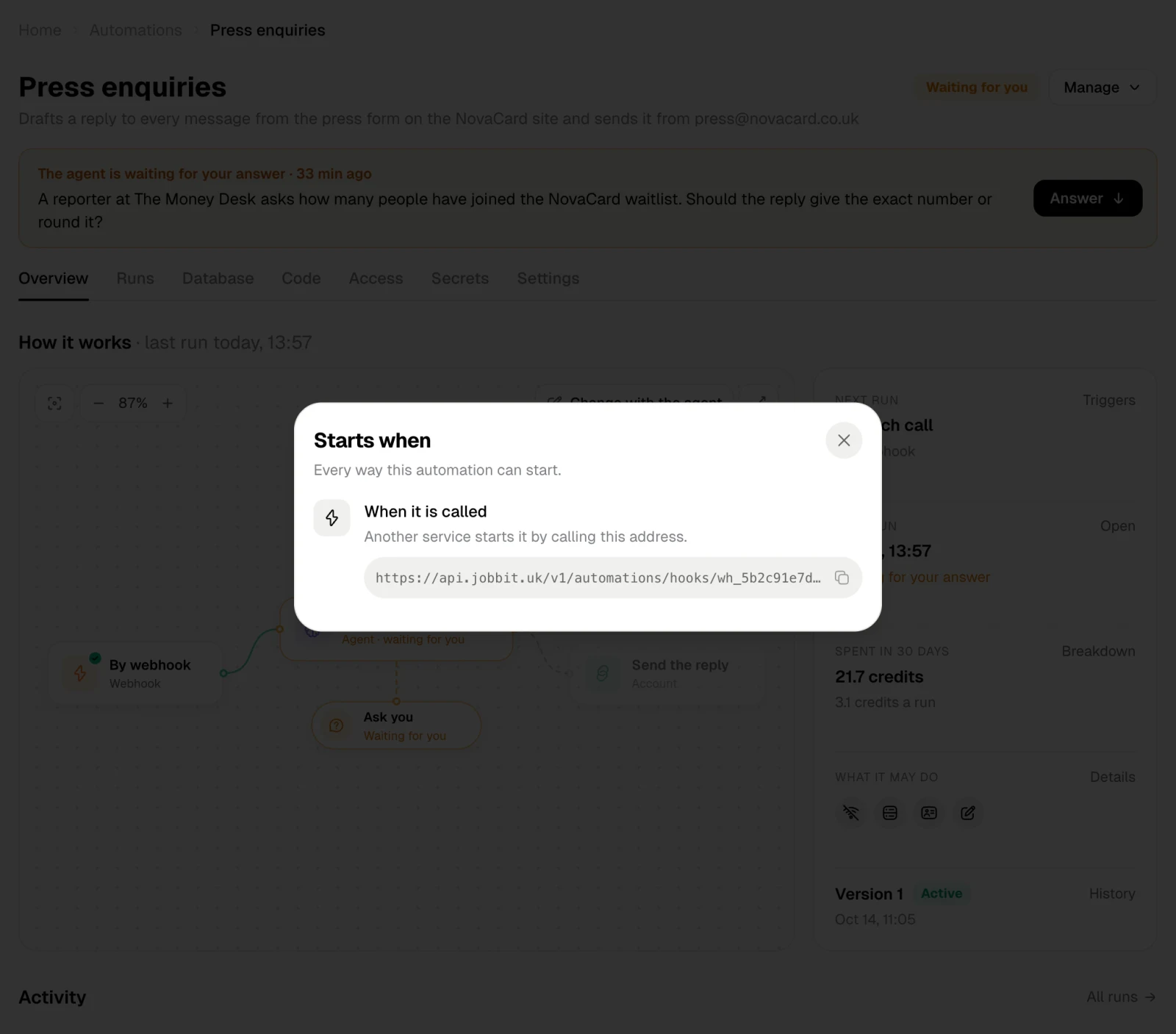
- A service or backend that can sign its calls signs them with the Webhook secret from Settings. Change secret gives a new one and stops the old one at once.
- For a form builder or a service that cannot sign, the agent puts the secret into the address itself. The full address is then the key, so keep it private. Change address gives a new one and stops the old one at once: paste the new one wherever the webhook is called from.
By email
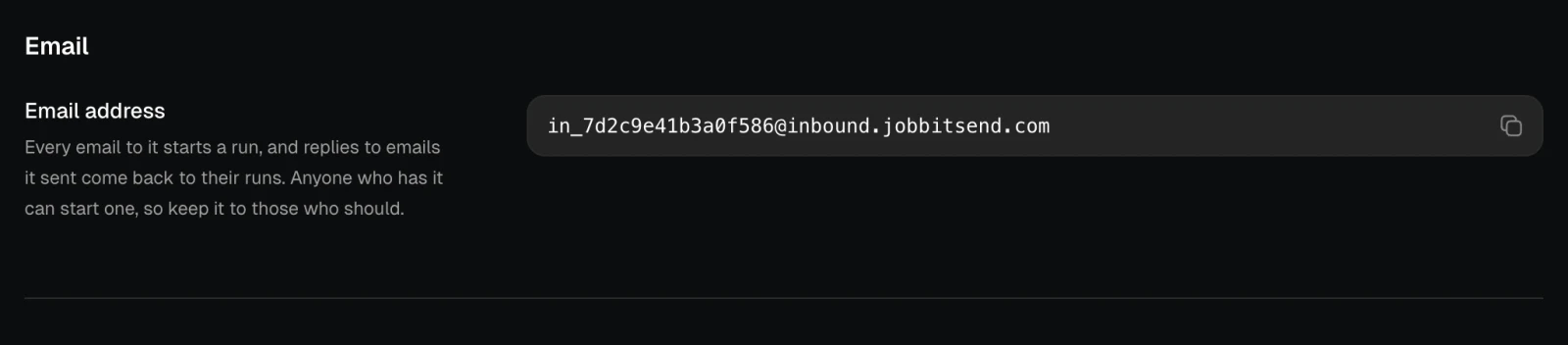
The automation has its own email address, shown in Settings under Email, with a button to copy it. Only editors see it. Every email to it starts a run. Replies to emails the automation sent come back to their runs through the same address. Anyone who has the address can start a run, so give it only to those who should, or ask the agent to check who wrote.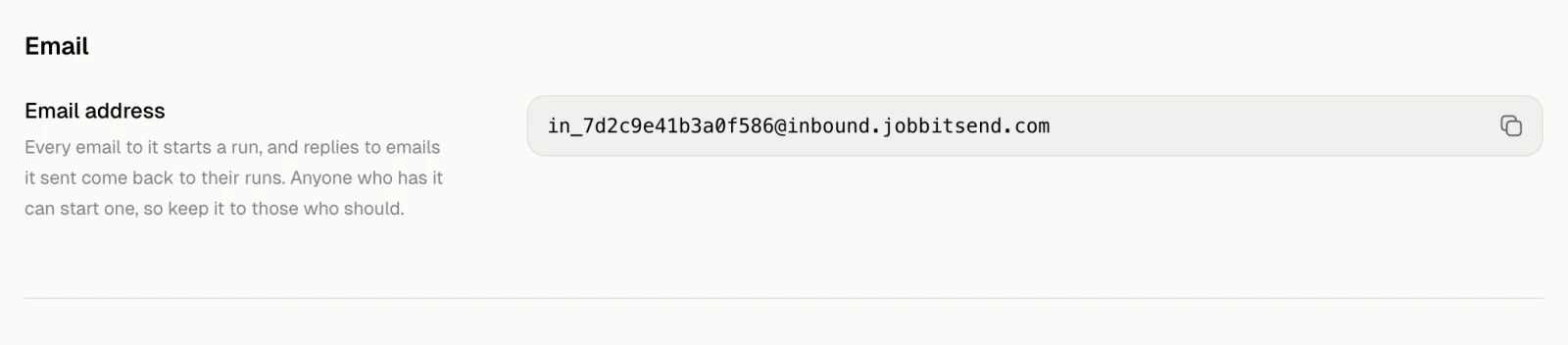
By polling
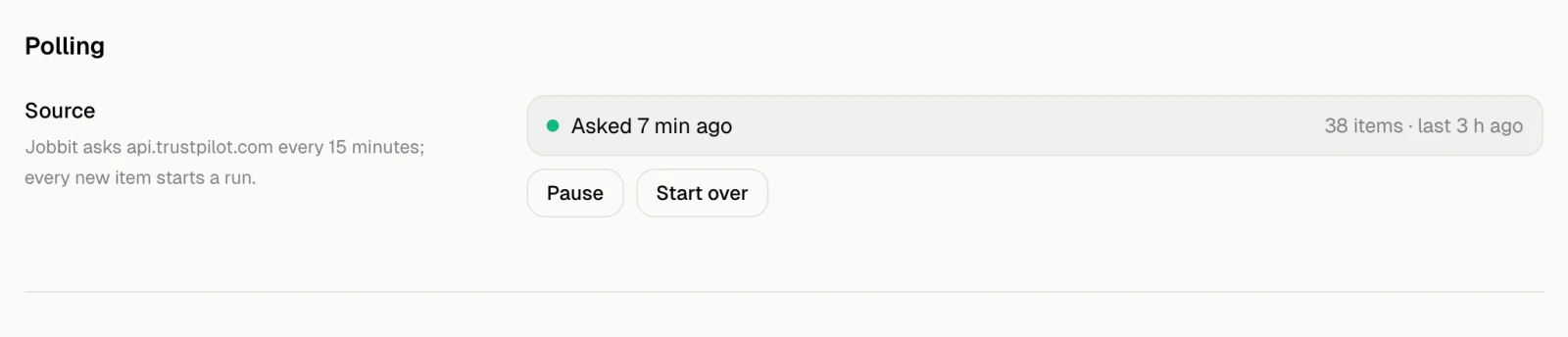
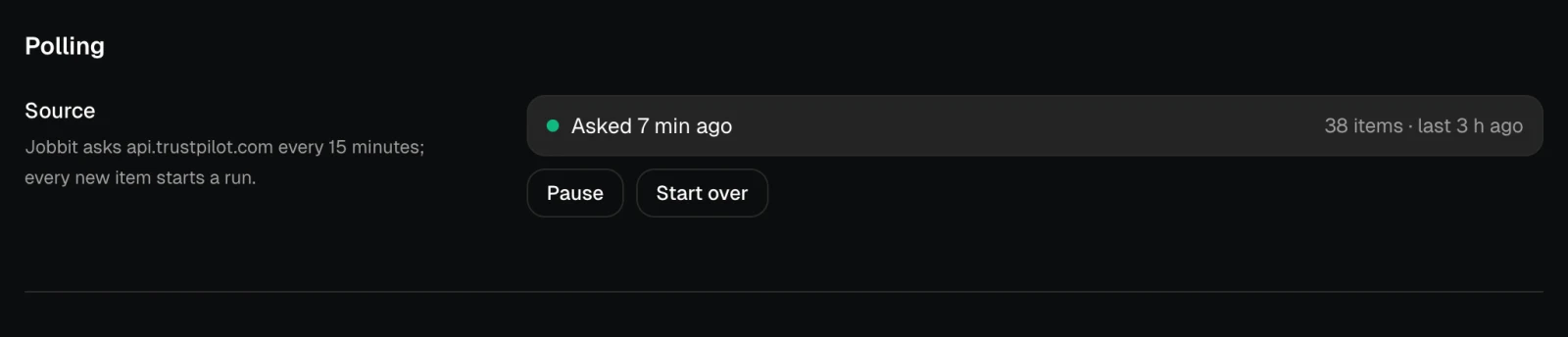
Jobbit keeps asking a source what is new, such as an API, an RSS feed or one of your connected accounts, and every new item starts a run. The first check only remembers what is already there, so old items do not start runs. Settings has a Polling section: where it asks and how often, when it last asked, how many items it found and when, and any error.- Pause stops the checks; Resume starts them again.
- Start over forgets where it got to and asks from the start again. Items it already took do not start runs again.