

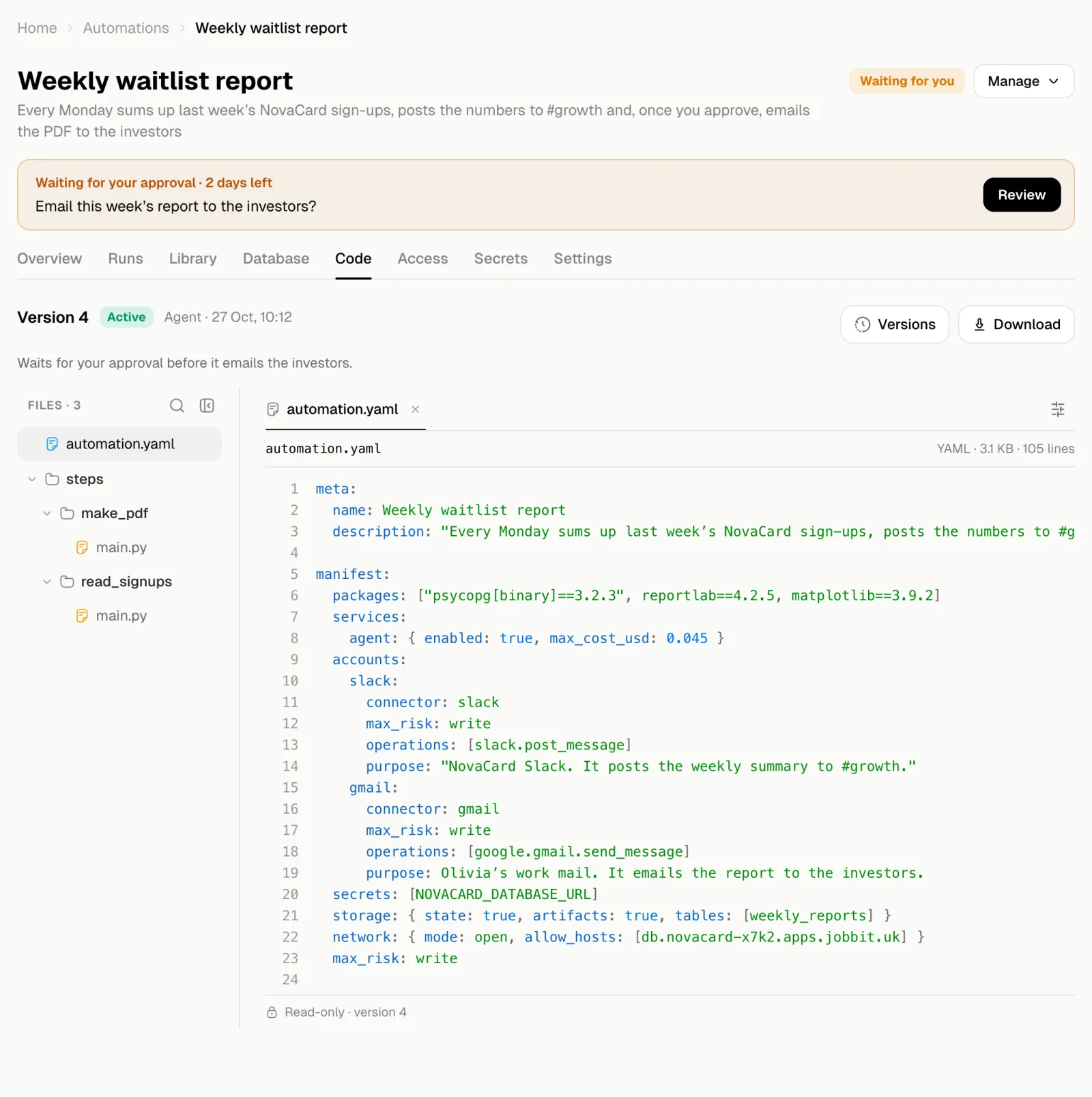
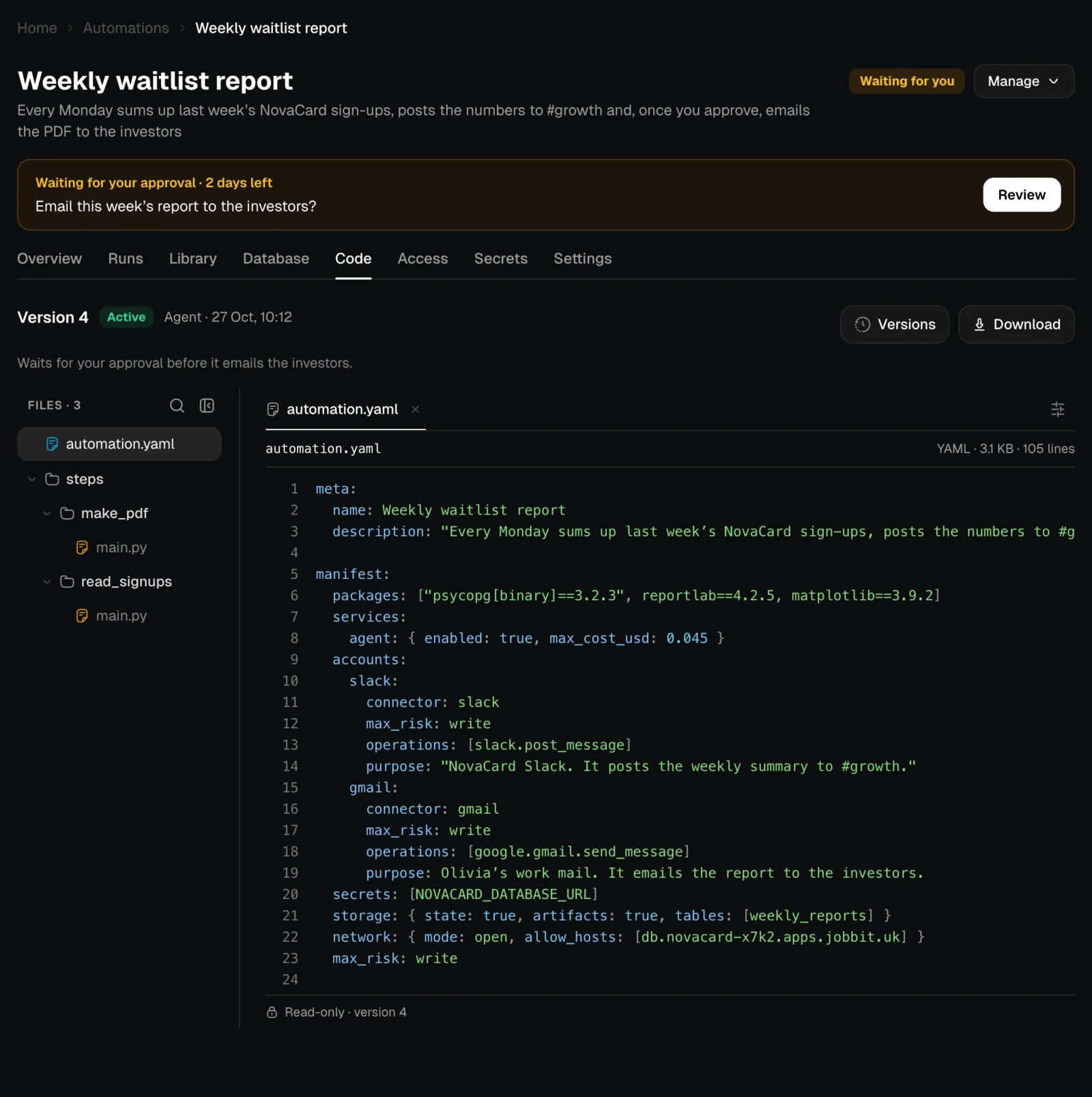
- automation.yaml describes the whole automation: its triggers, its steps in order, the accounts and keys it uses, what it keeps and its limits.
- steps/ holds the code of each code step, one folder per step.
Versions
Every change the agent publishes is a new version with a short note on what changed. New runs use the active version; runs already going finish on theirs. Versions lists them all, newest first. View code opens an older version here, marked Not active, and Show the active version goes back.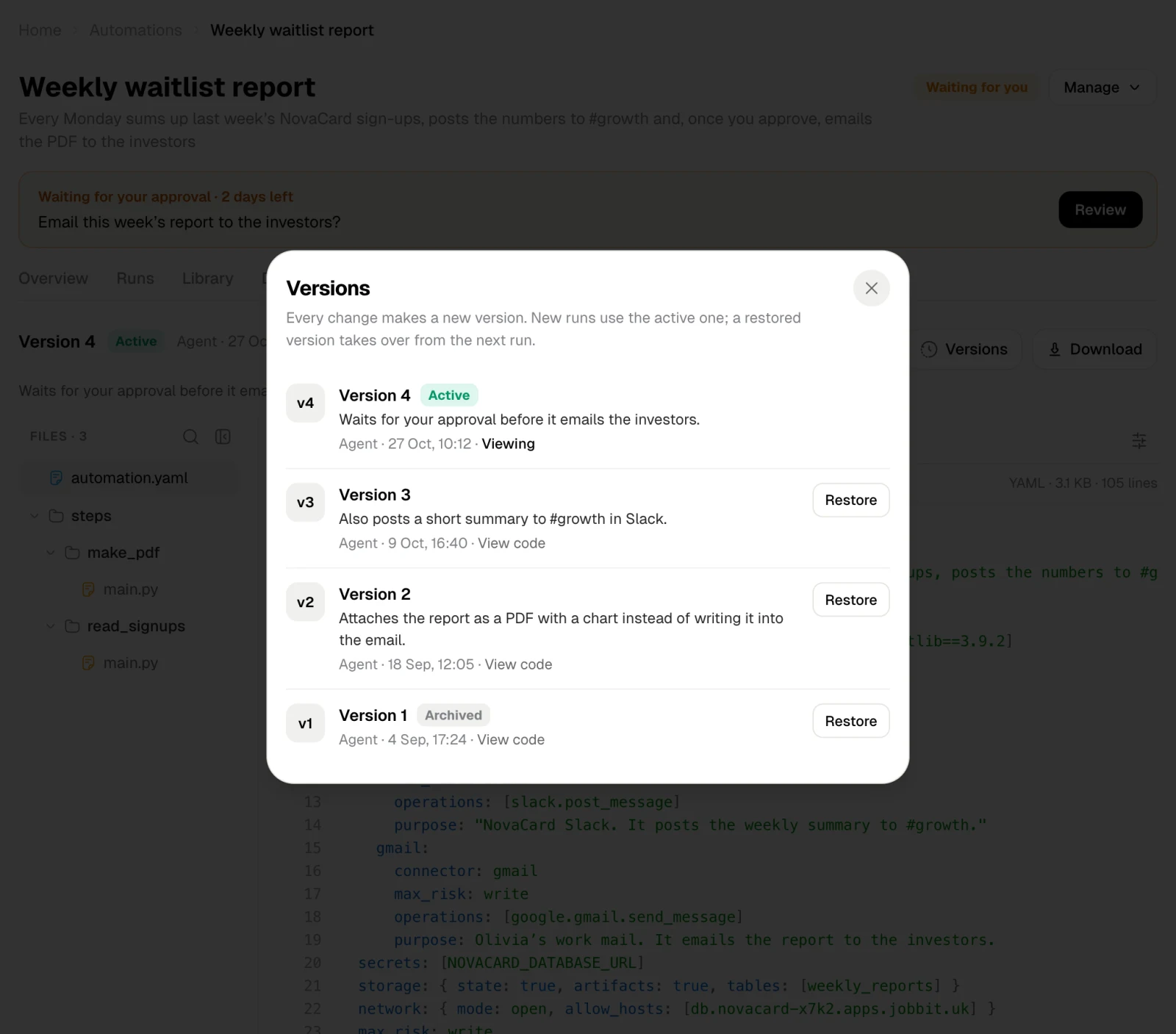
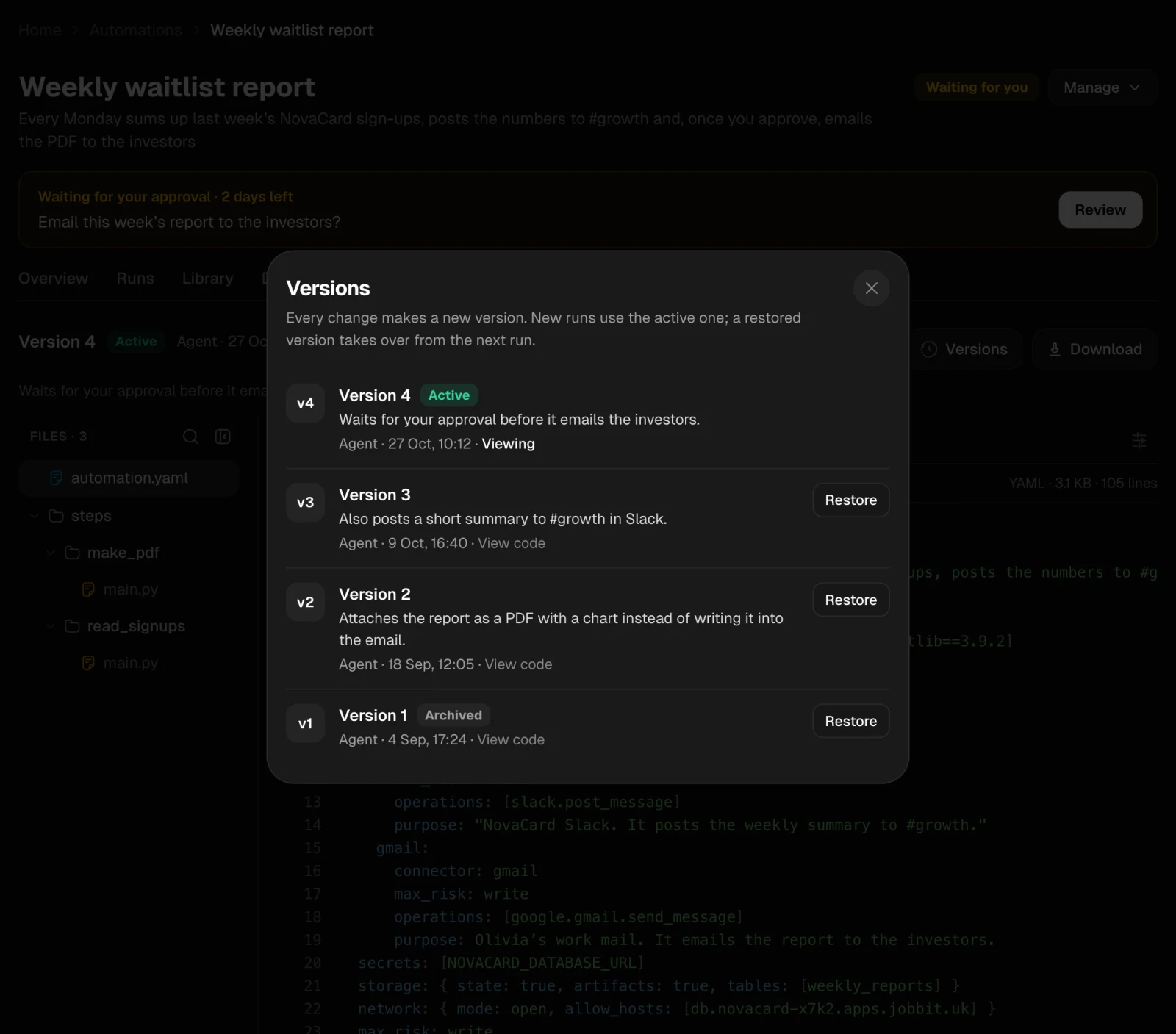
Bring an older version back
Restore makes an older version active again. It takes over from the next run; runs already going finish on their version.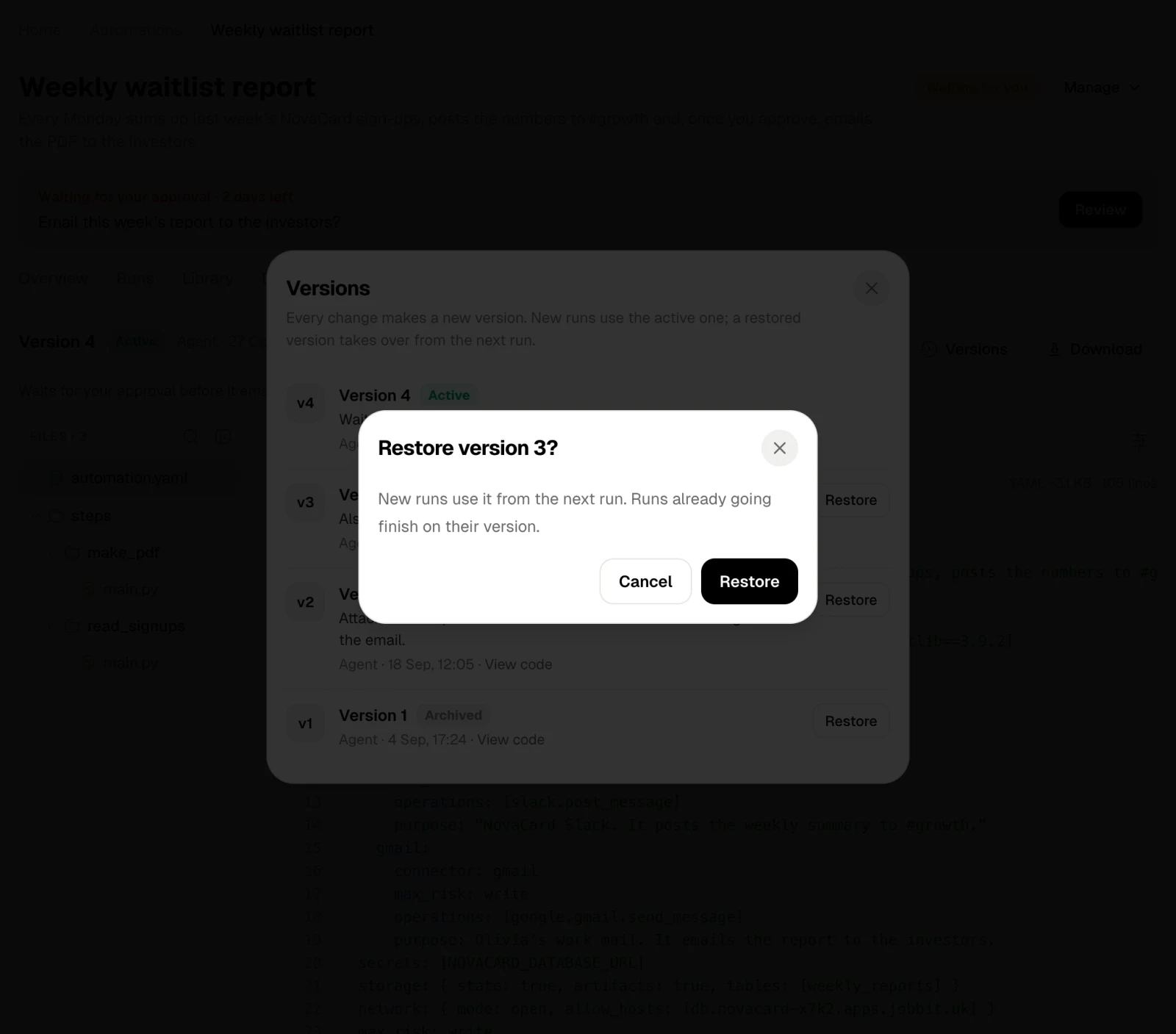
A new version that needs your permission
When a new version needs more access than the one that runs now, such as another account or permission to delete, it waits for you. A banner says Version 5 is waiting for your permission, and Review shows what it may now do that it could not before.- Allow and switch makes it active. It switches as soon as it is built.
- Keep version 4 drops the new version and keeps the one that runs now.