

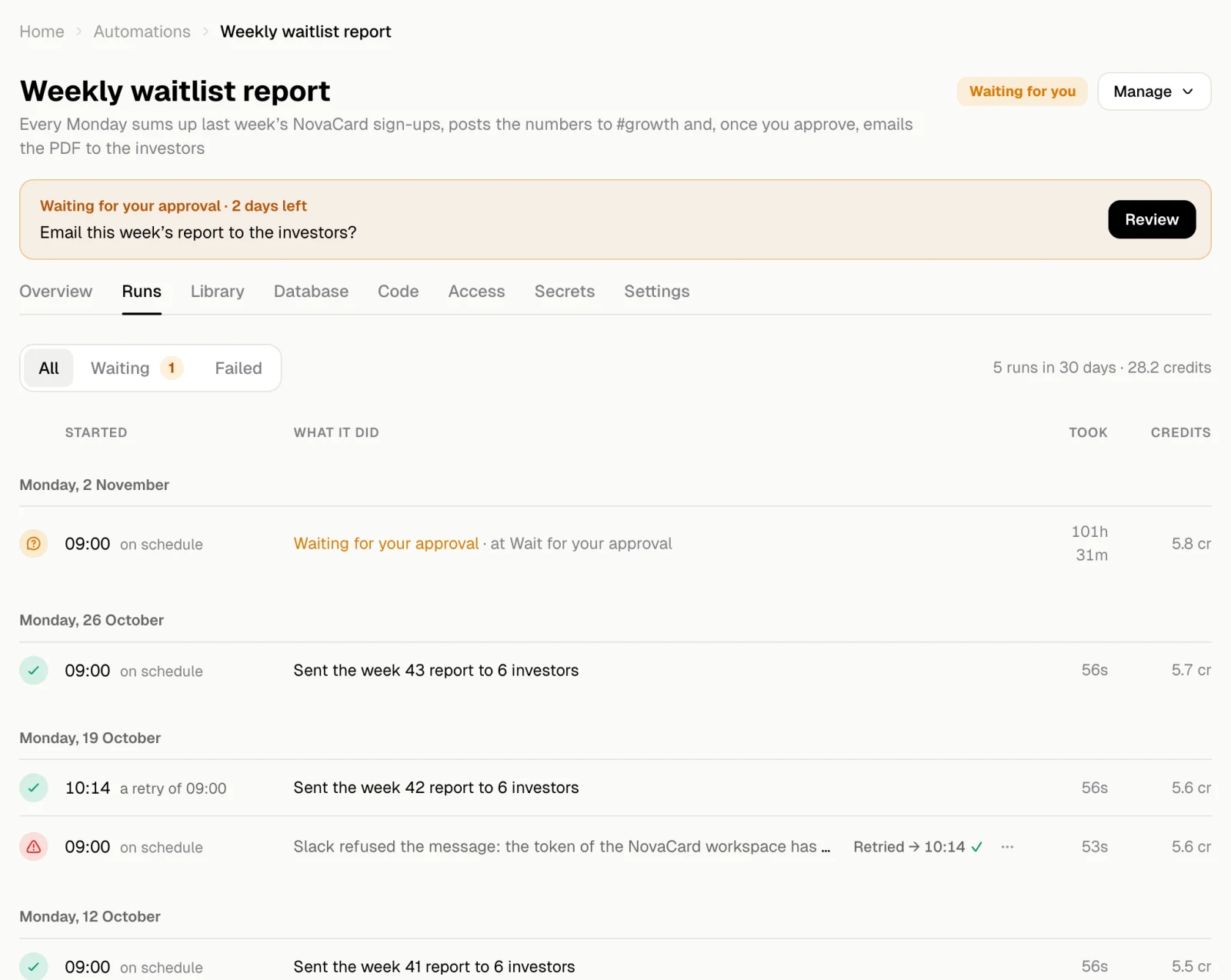
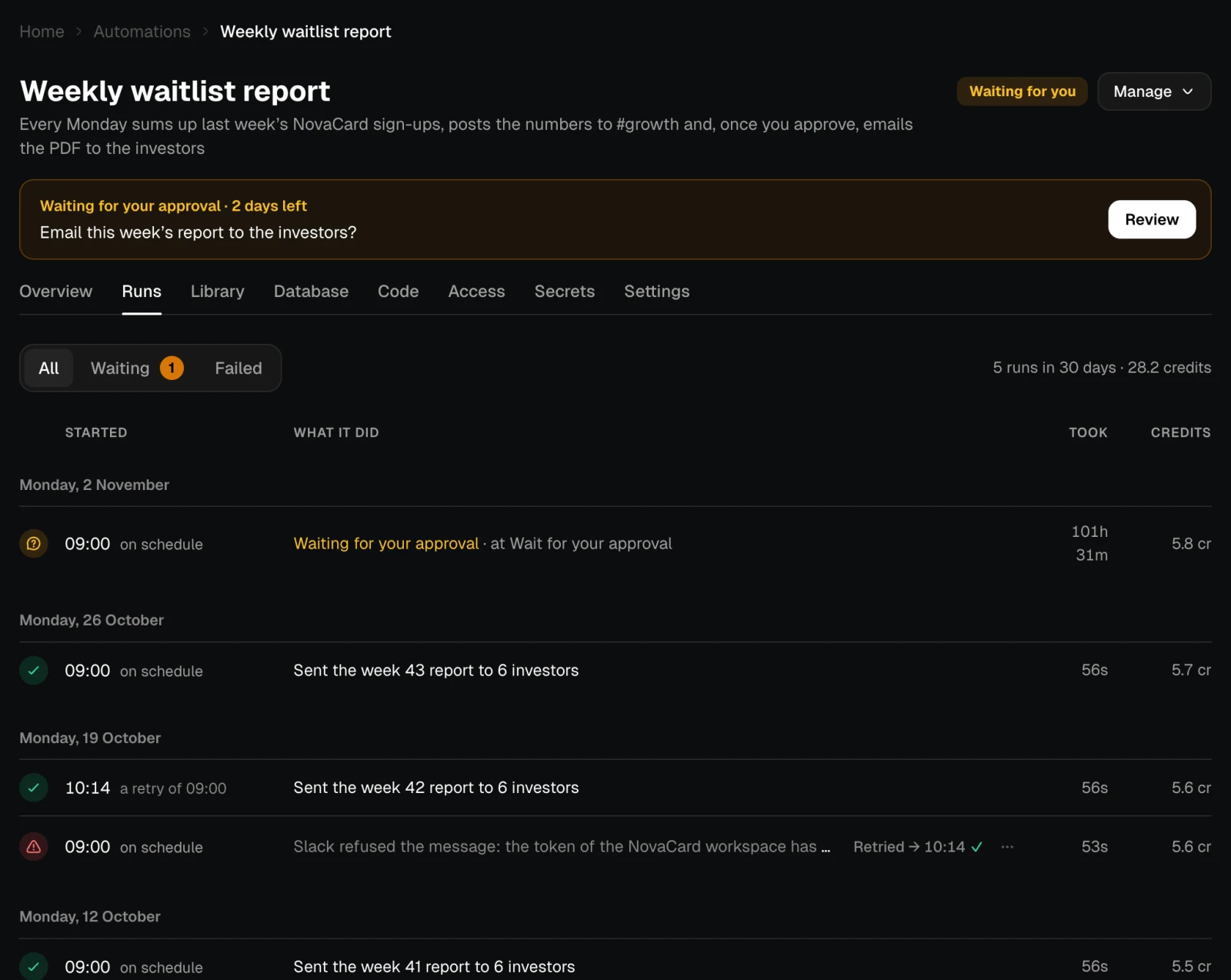
| Column | What it shows |
|---|---|
| Started | The time and how it started: on schedule, by a webhook call, by hand, or as a retry of an earlier run |
| What it did | The run’s one-line result. A failed run shows its error and the step it failed at |
| Took | How long it took. A run that waits for you counts the time it waited |
| Credits | What it cost |
Open a run
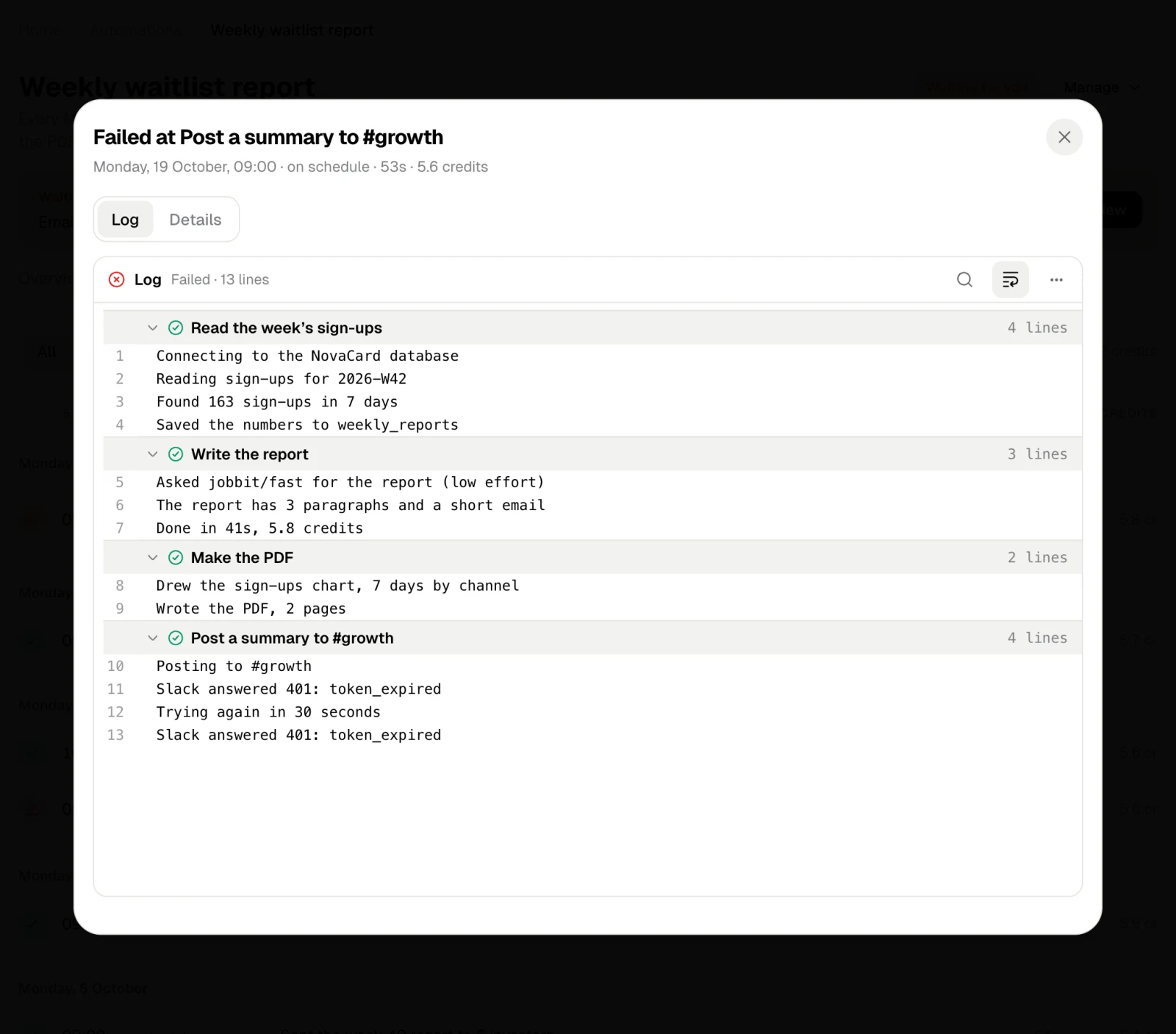
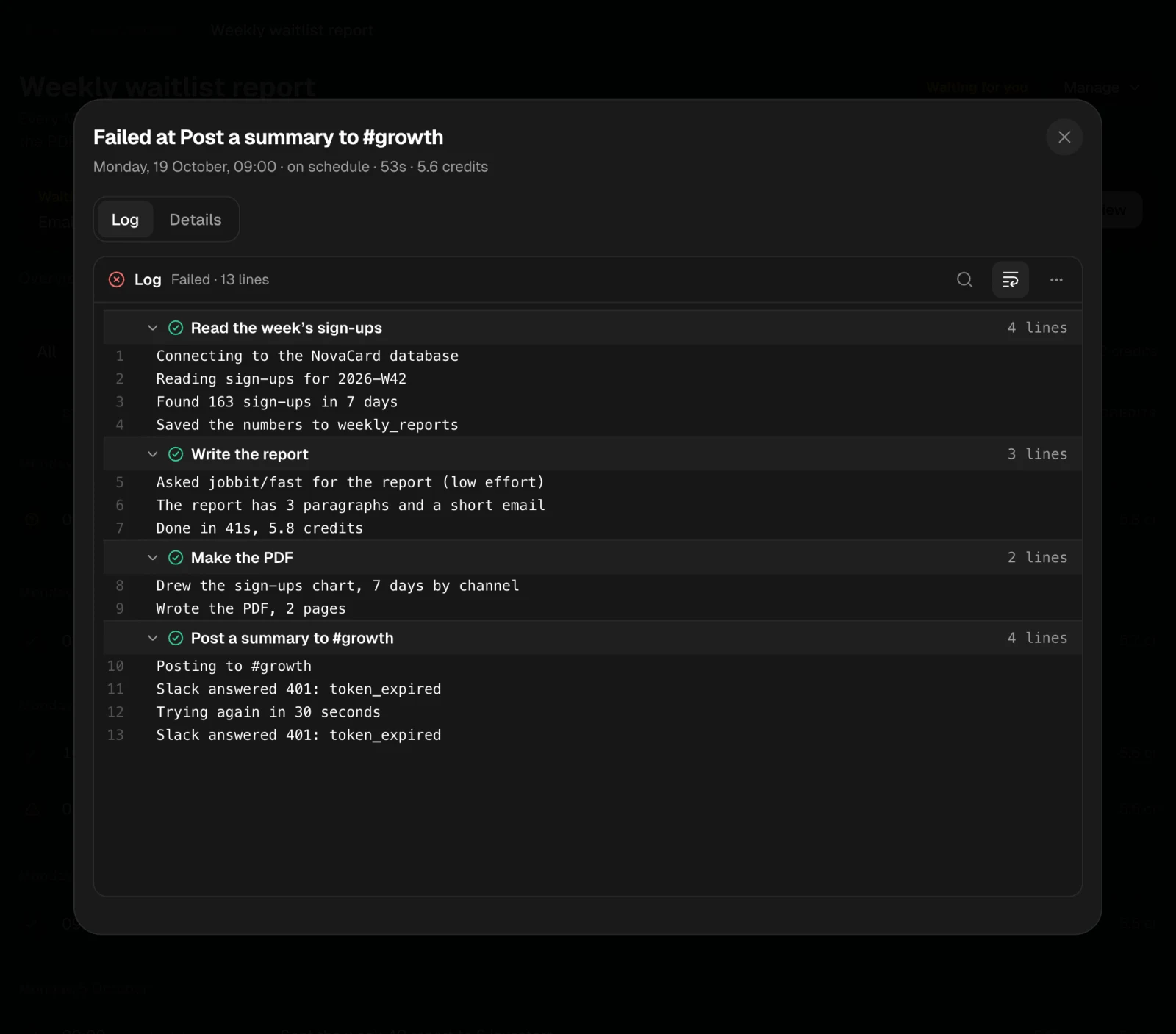
Click a run to open it. The top says how it ended: All 5 steps done, Failed at a step, Waiting at a step, or Running with the step it is on. Under it are when and how it started, how long it took and what it cost, the files it made, and every step with its status and result.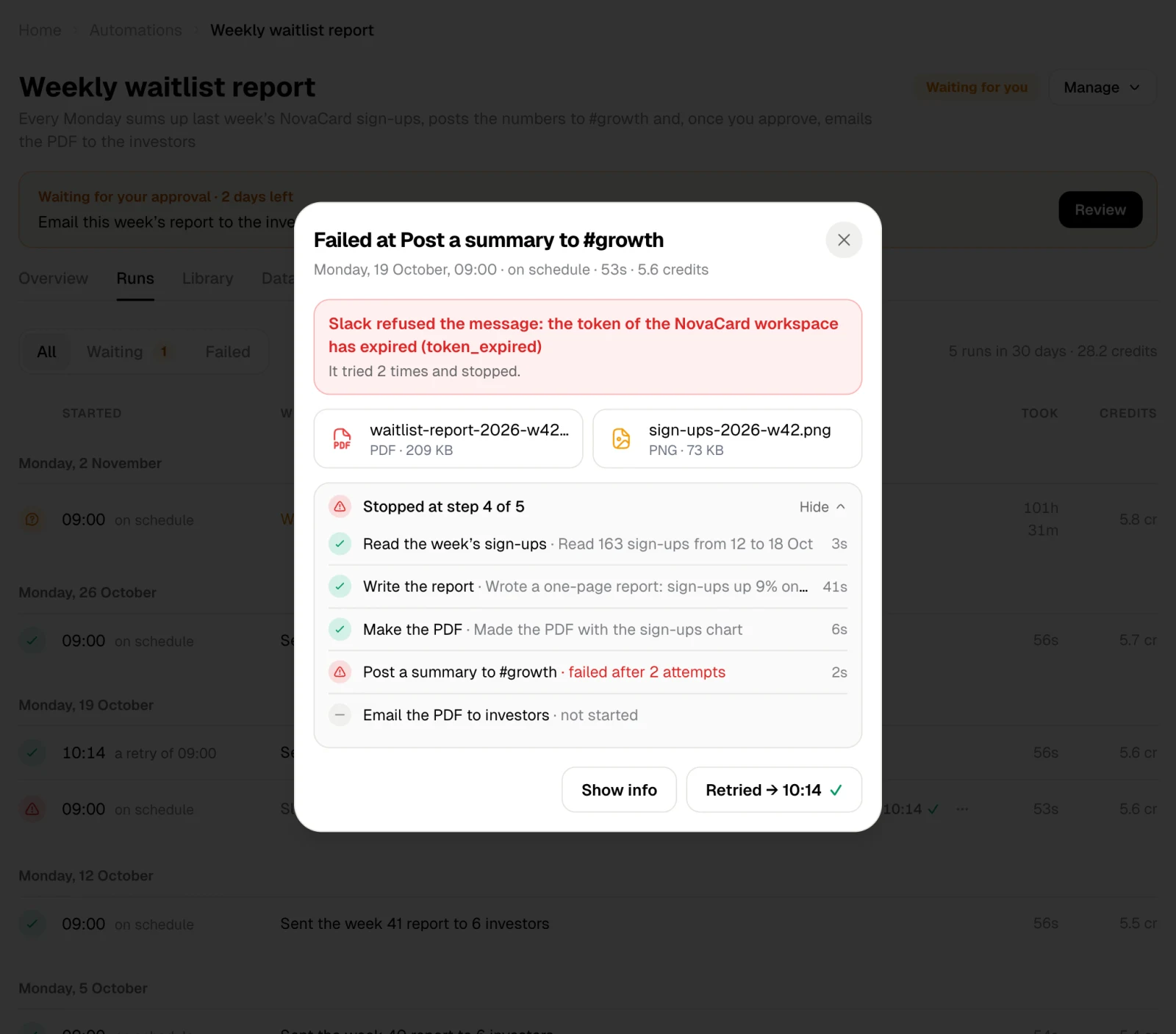
- Log: what each step wrote while it worked, step by step.
- Details: What came in, such as the week to report on or the body of a webhook call, and the full Result.
Stop a run
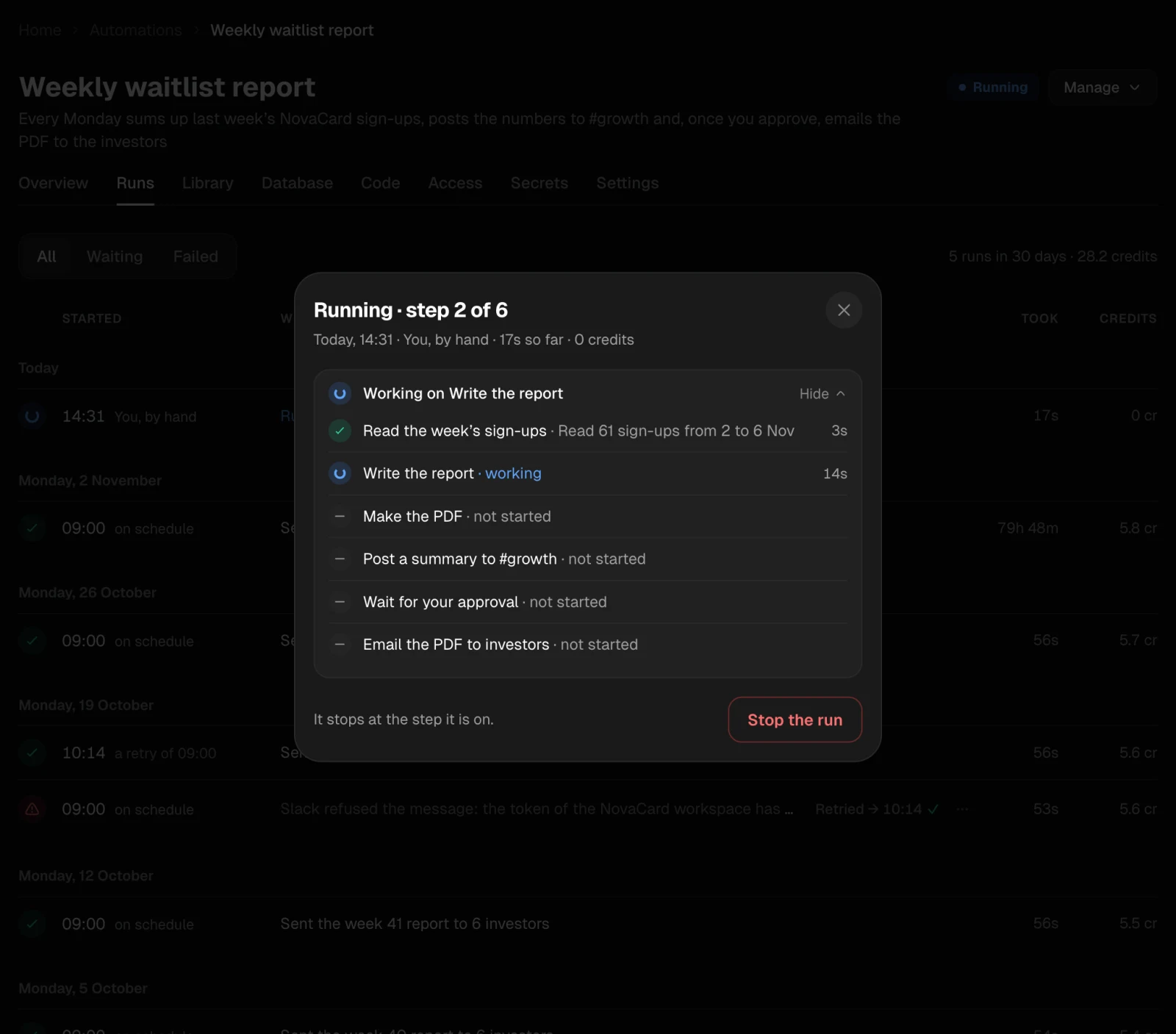
A run that is going or waiting has Stop the run. It stops at the step it is on and ends as stopped. New runs still start; pause the automation to stop those too.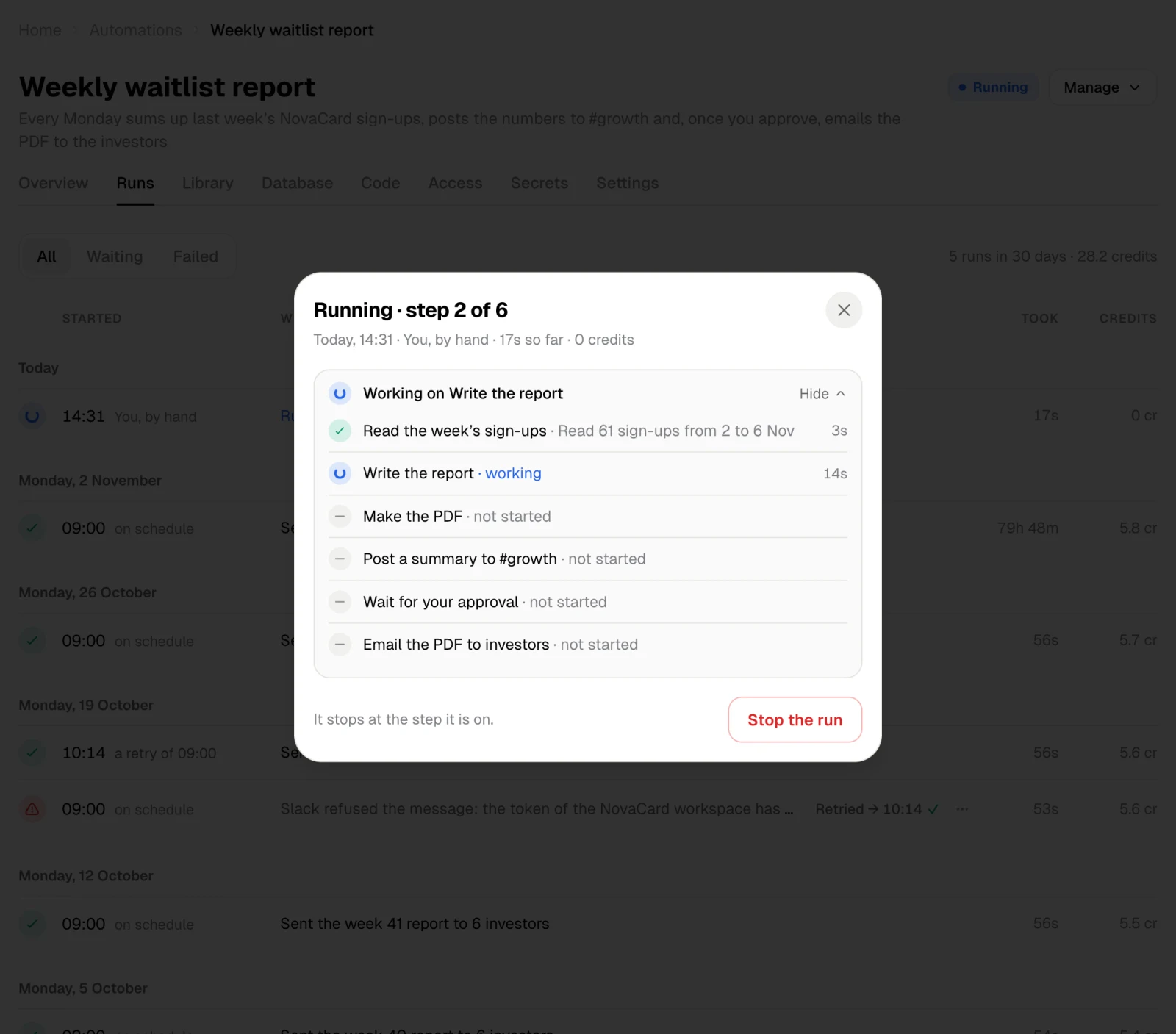
Retry a failed run
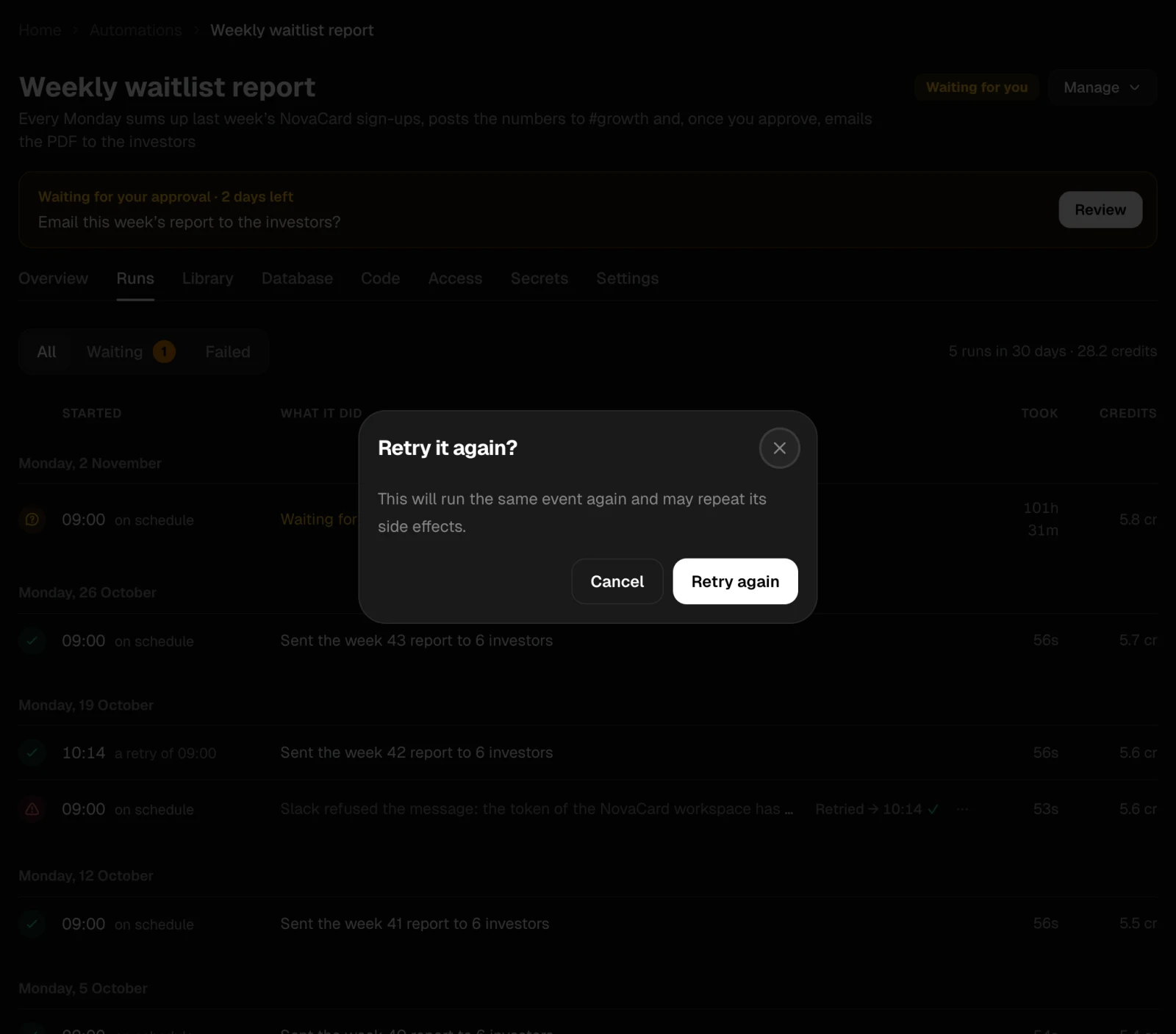
A failed run has Retry. It runs again with the same input on the active version. Once retried, the failed run links to its retry, such as Retried → 10:14 ✓, and the retry says a retry of 09:00. Retrying the same run a second time asks first, because it may repeat what the run already did, such as sending an email twice.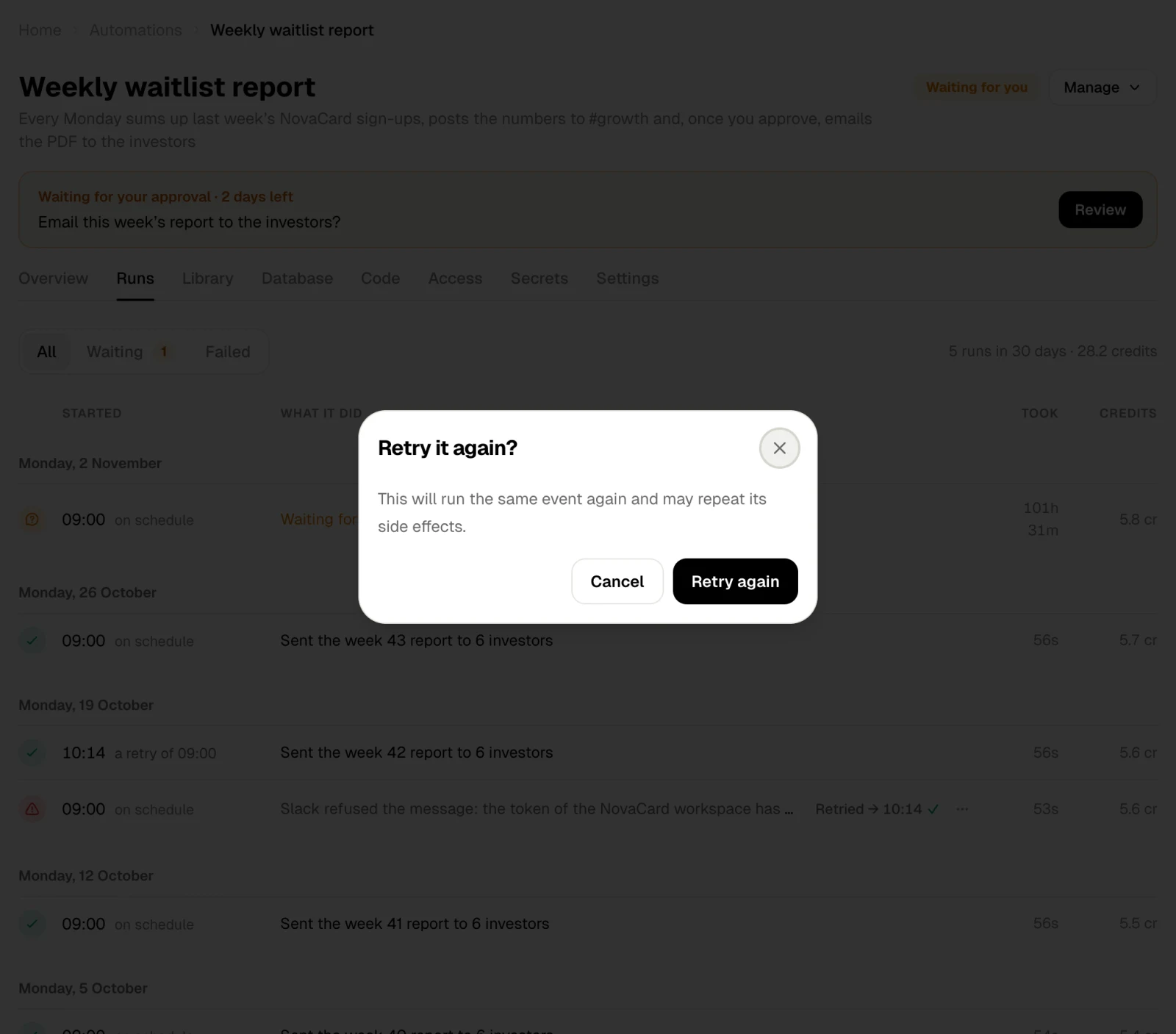
When a run does not start
A trigger fired but no run started? The reason is one of these:| Reason | What to do |
|---|---|
| It is paused | Resume it |
| It has no version yet | Wait for the first version, or ask the agent |
| Your plan’s runs are all busy right now | Wait until another run finishes |
| There are not enough credits | Top up your credits |
| A key it needs is not set | Set it on Secrets |
| An account it needs is not connected | Connect it on Access |