Manage
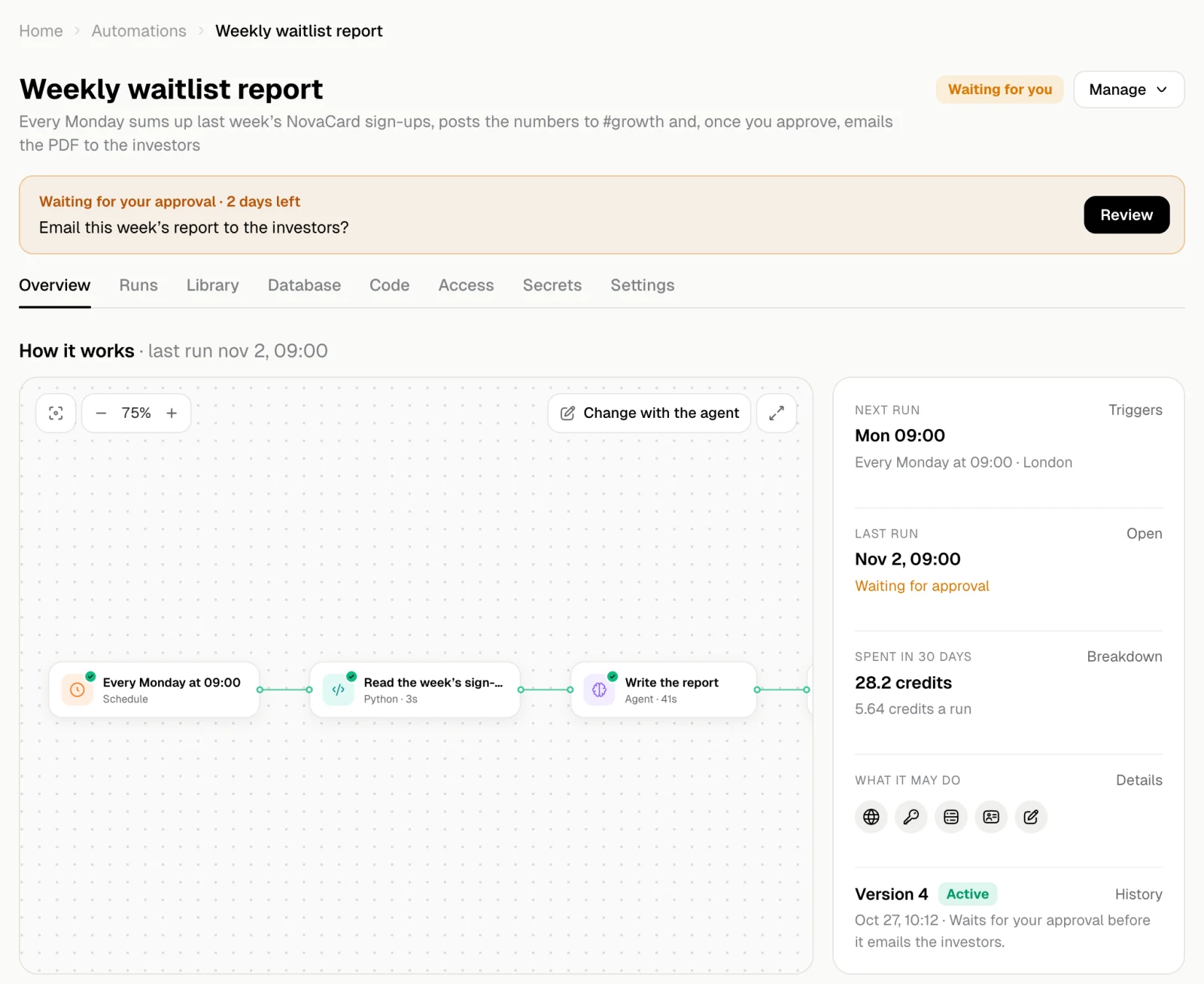
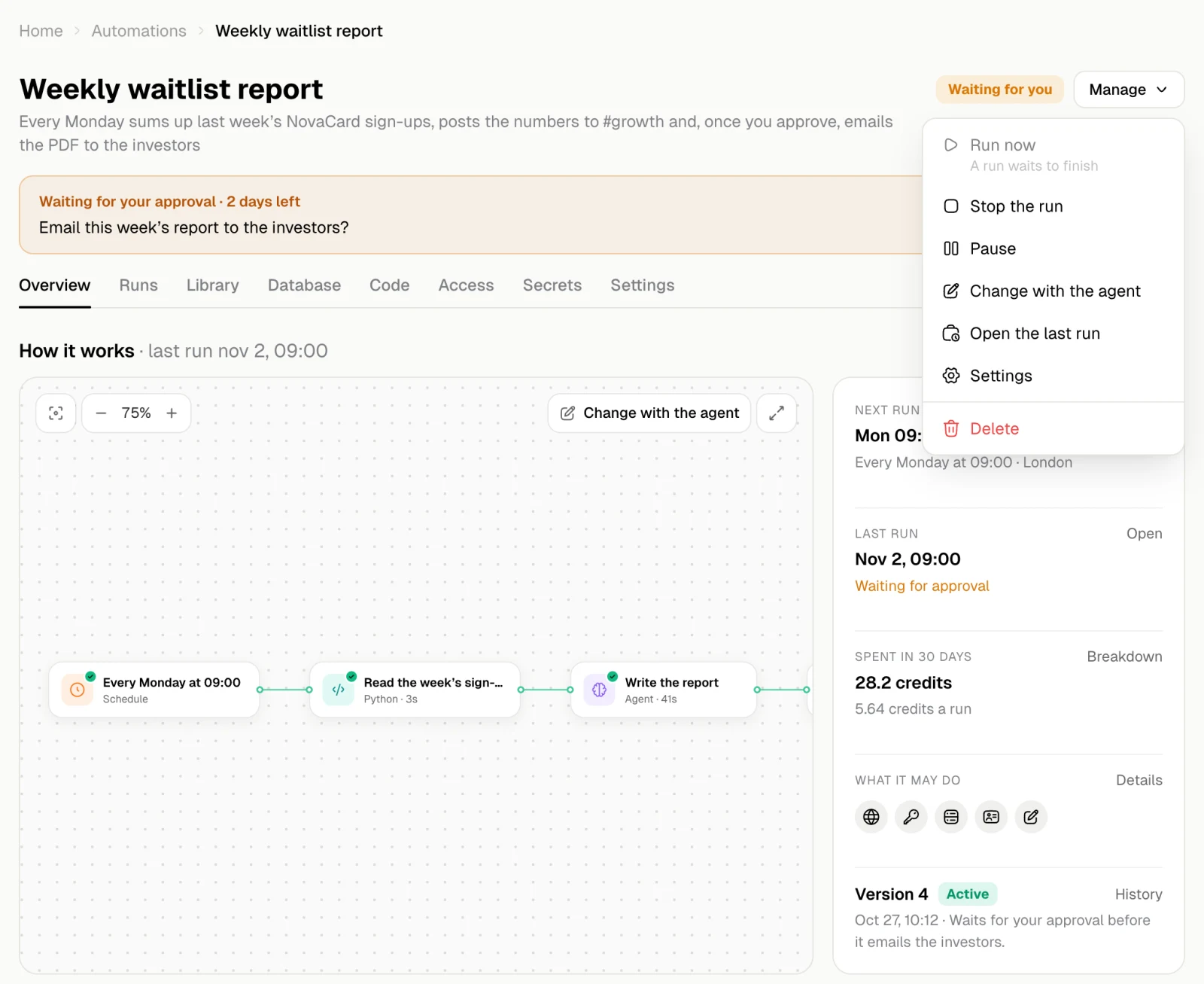
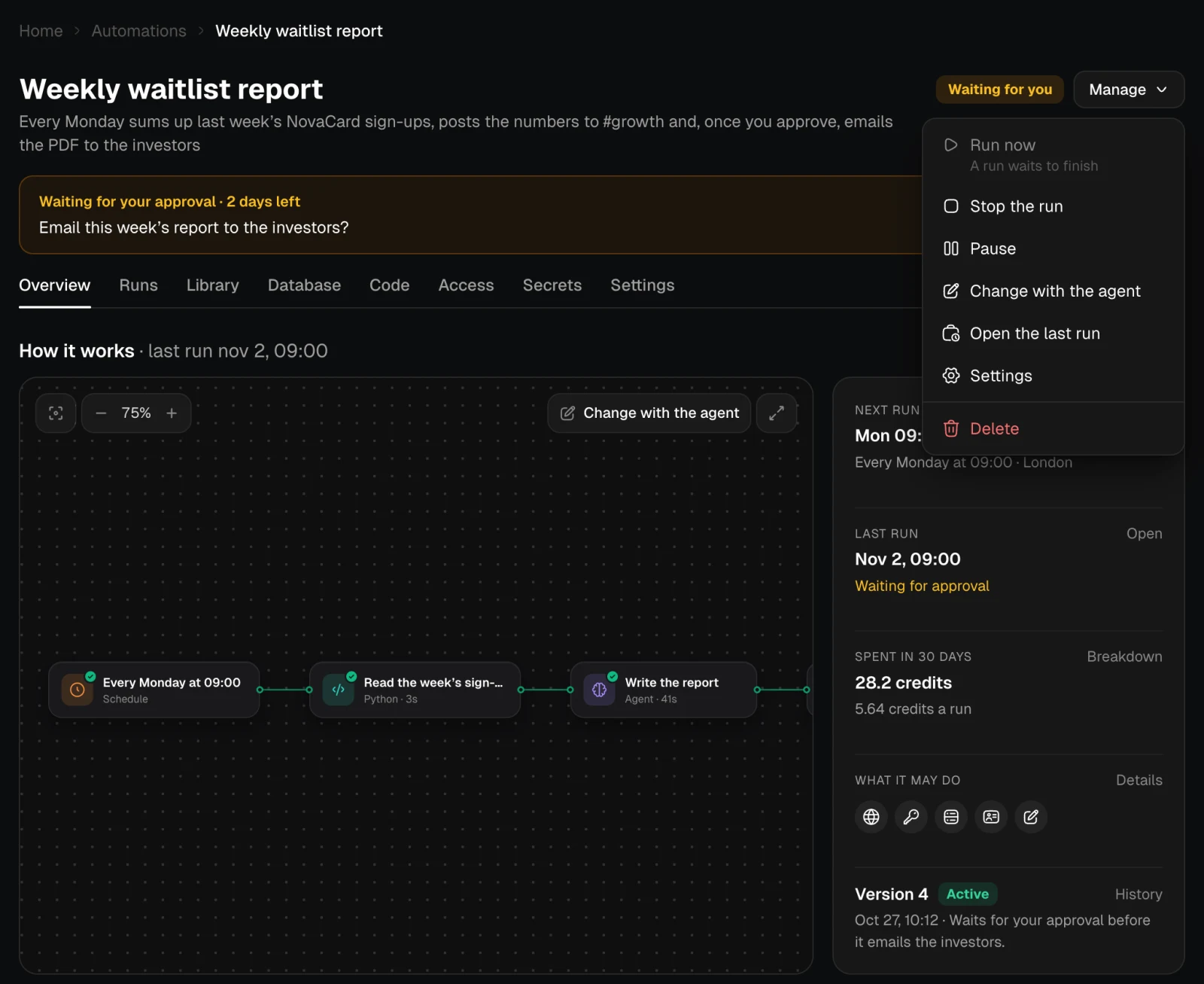
Manage, next to the status, has everything you can do with the automation:| Action | What it does |
|---|---|
| Run now | Starts a run at once. Not available while a run waits to finish |
| Stop the run | Stops the run that is going or waiting. It stops at the step it is on; new runs still start |
| Pause / Resume | Turns it off or on. While it is paused, nothing starts |
| Change with the agent | Opens a chat with the agent to change it. The change becomes a new version |
| Open the last run | Opens the latest run |
| Settings | Opens its settings |
| Delete | Deletes it after you confirm |
Banners
A banner under the title says when something needs you or stops it from running. Most have a button that takes you straight to the fix.| Banner | What to do |
|---|---|
| Waiting for your approval | Review shows what the run is about to do. See Questions and approvals |
| The agent is waiting for your answer | Answer the question |
| Version 5 is waiting for your permission | The new version needs more access. Review it: Allow and switch, or keep the version that runs now. See Versions |
| It needs the key … | Runs do not start until the code has every key it reads. Set the keys on Secrets |
| It needs an account connected | Connect it on Access. New requests wait; runs by hand or on schedule do not start |
| An account it uses needs a new sign-in | Sign in again on Access |
| 2 requests are waiting for an account | They go on by themselves once the account is connected. Requests wait for a week at most |
| Paused: it reached its monthly limit | Raise the limit or turn it back on next month |
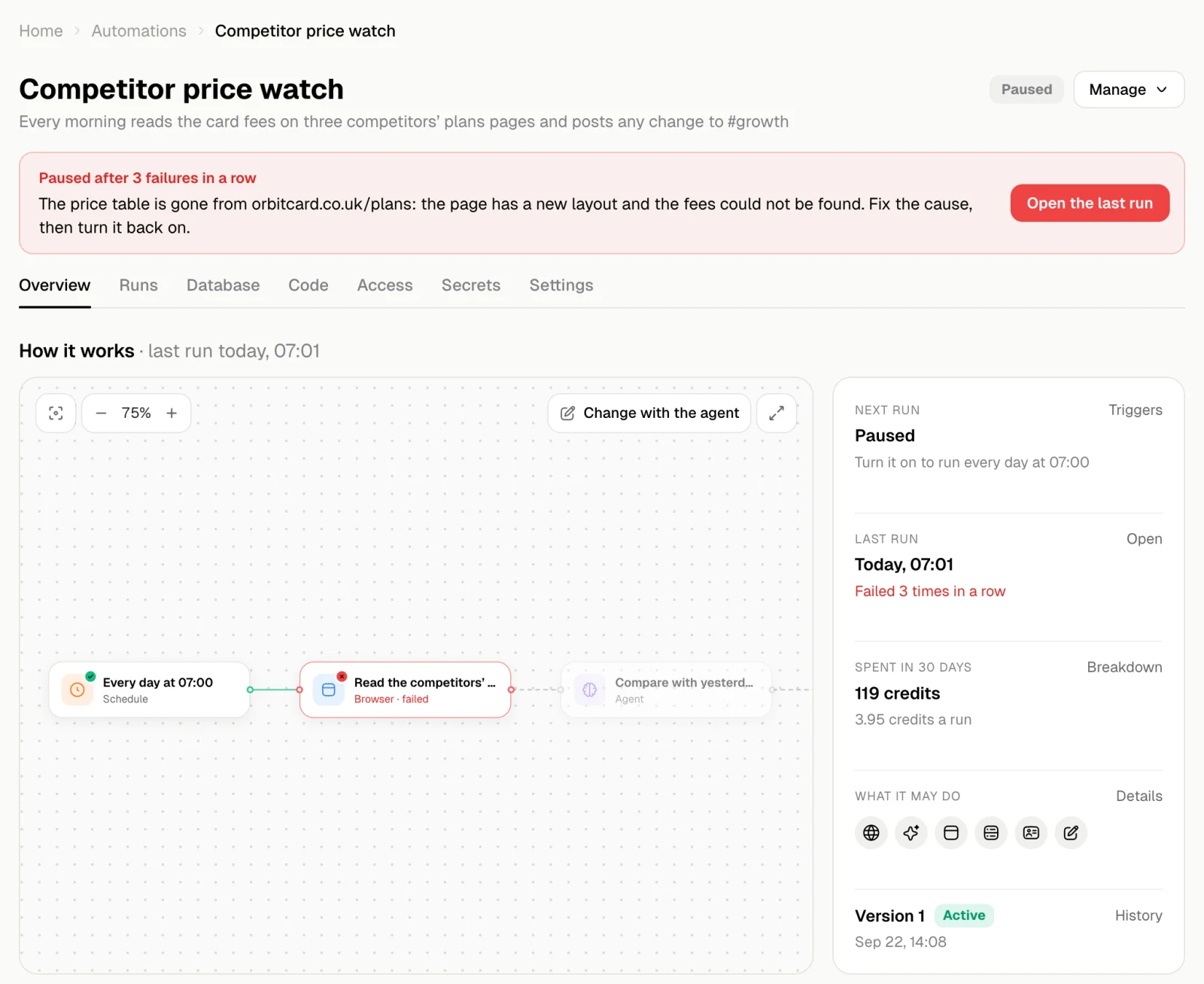
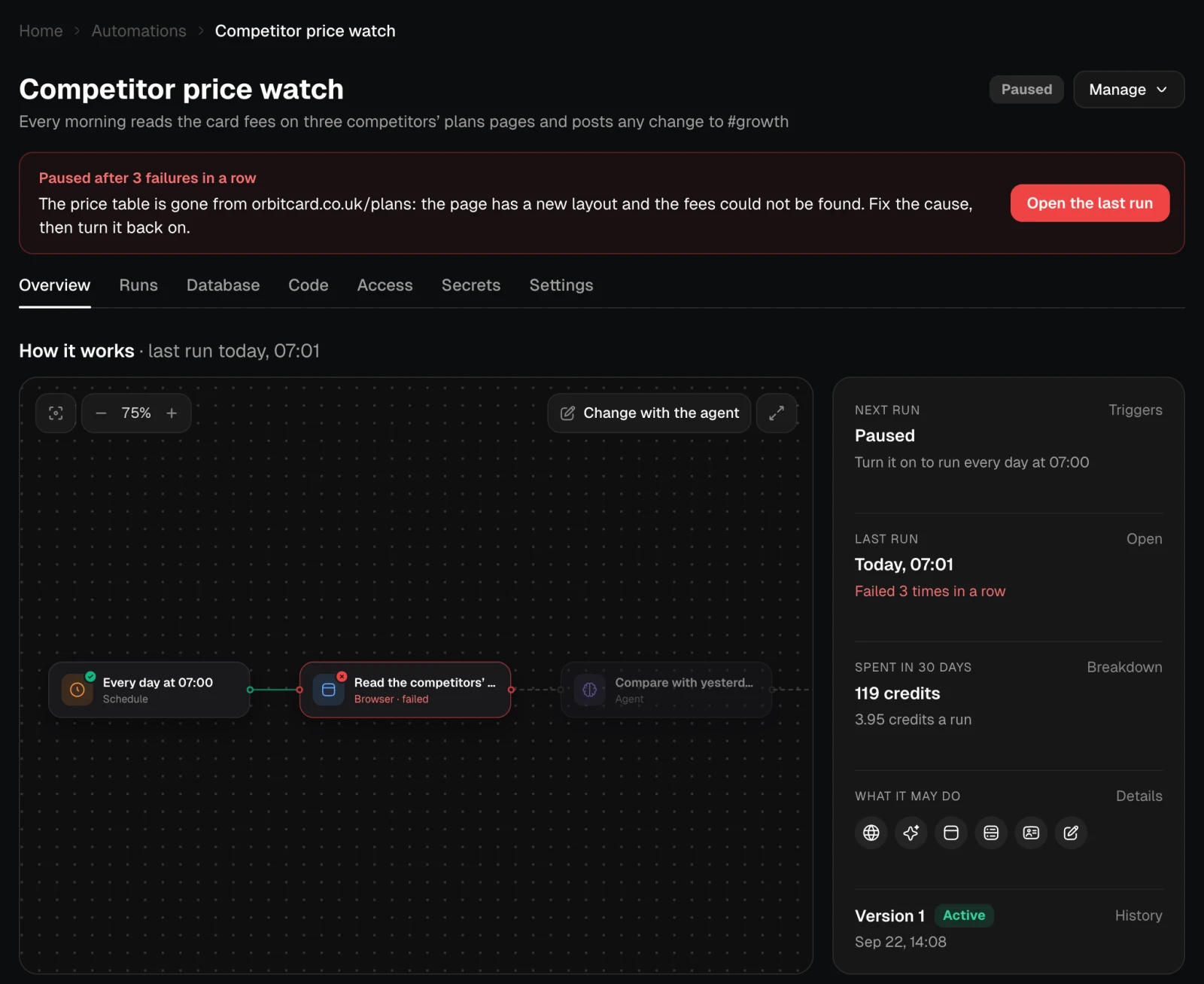
| Paused after 3 failures in a row | Open the last run to see why, fix the cause, then Resume |
| Failed 3 times in a row | It still runs. Open the last run to see why |
| Version 5 did not build | Show the error, or Fix with the agent. The version before keeps running |
| Jobbit is building version 5 | Nothing to do. The version before keeps running until it is ready |
| No version yet | It starts working once Jobbit publishes its first version |
How it works
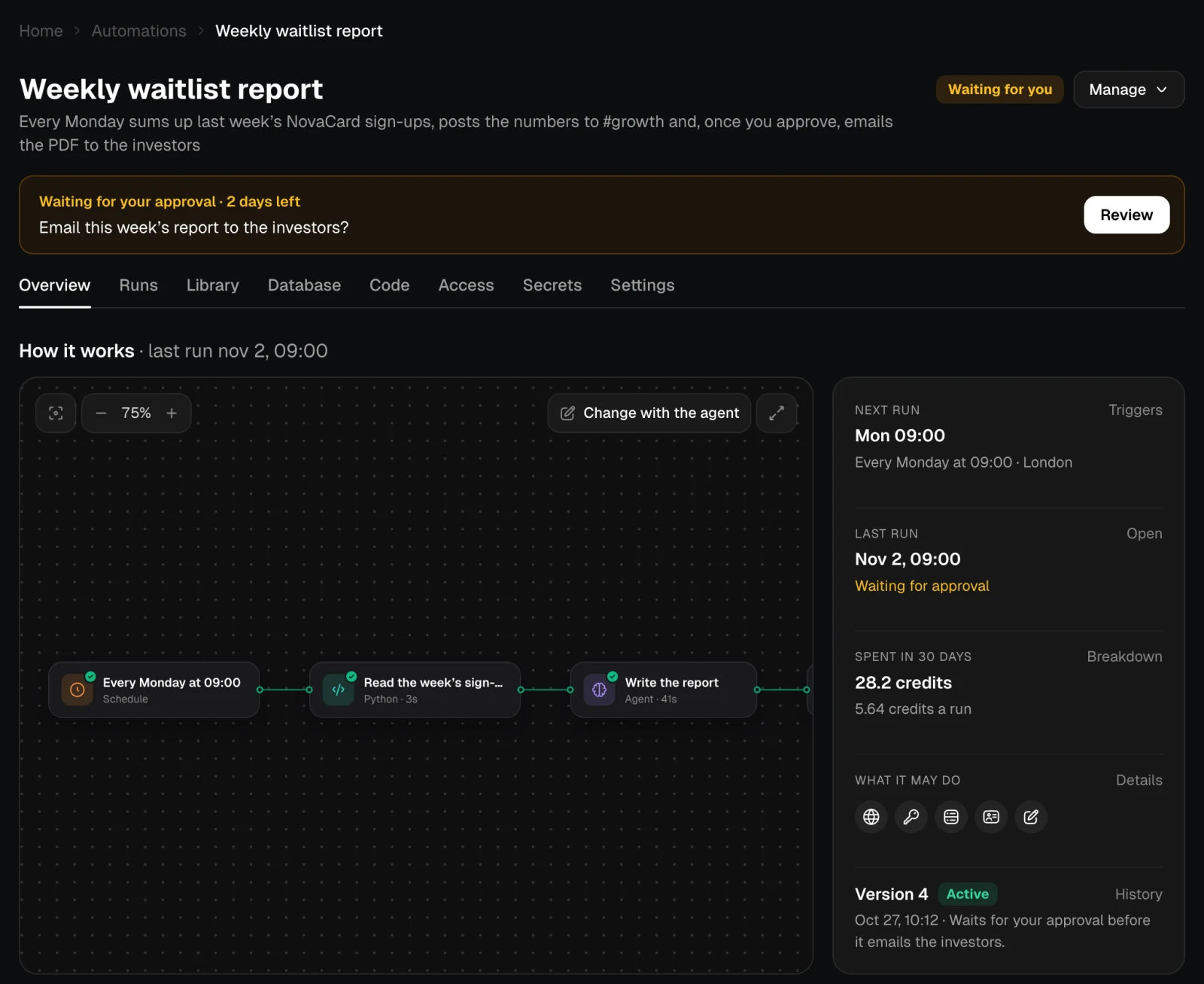
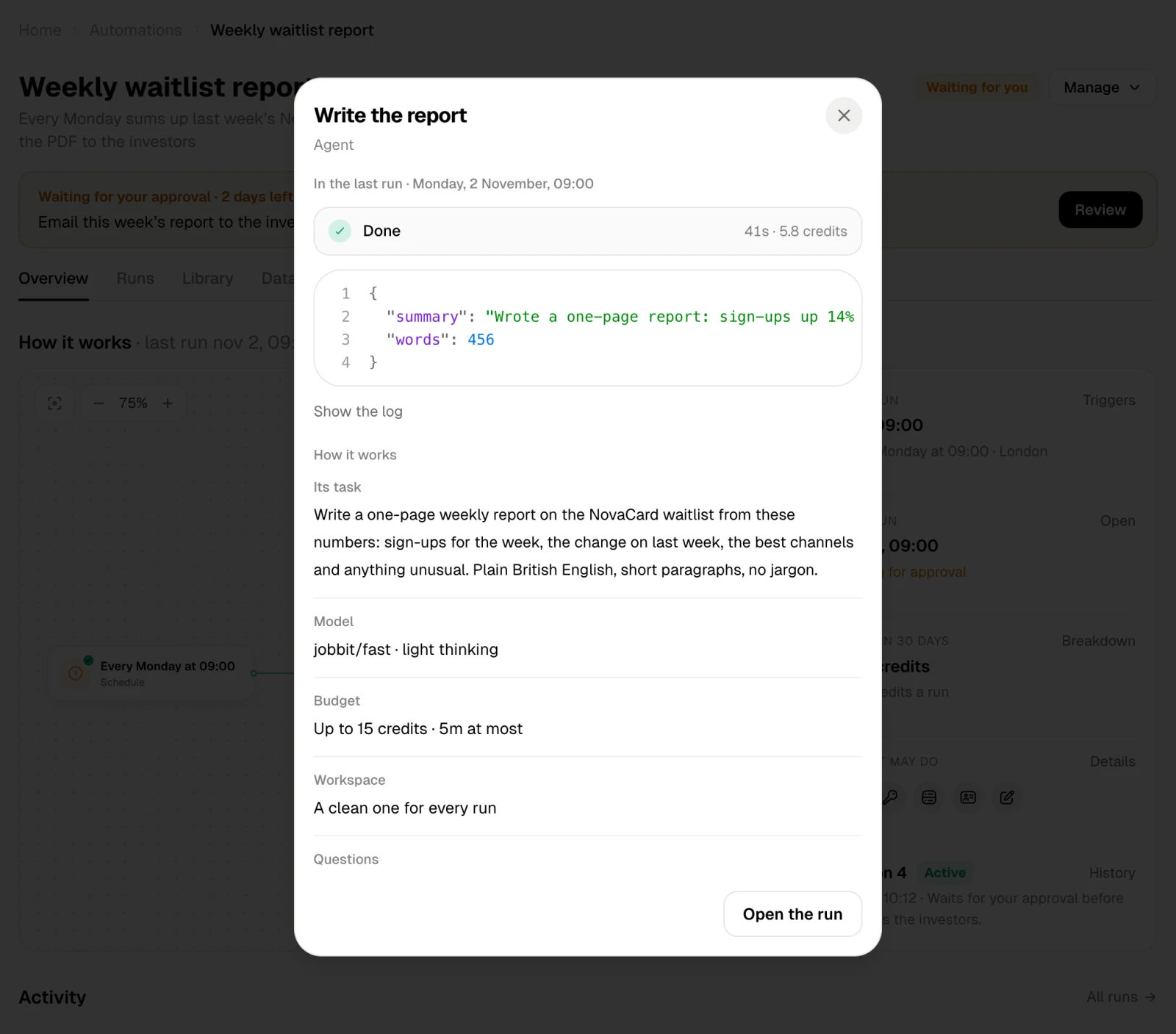
The diagram shows the trigger and every step in order, with how each went in the last run. Drag to move around, use − and + to zoom, and the button on the left to fit it all in. Open in full screen shows it large. Change with the agent opens a chat to change the steps. Click a step to see what it does and how it went last time:- the result of the last run and Show the log;
- for an agent step, its task, the model, its budget and whether it may ask you;
- for a code step, Open the code;
- for an account step, the account and the action;
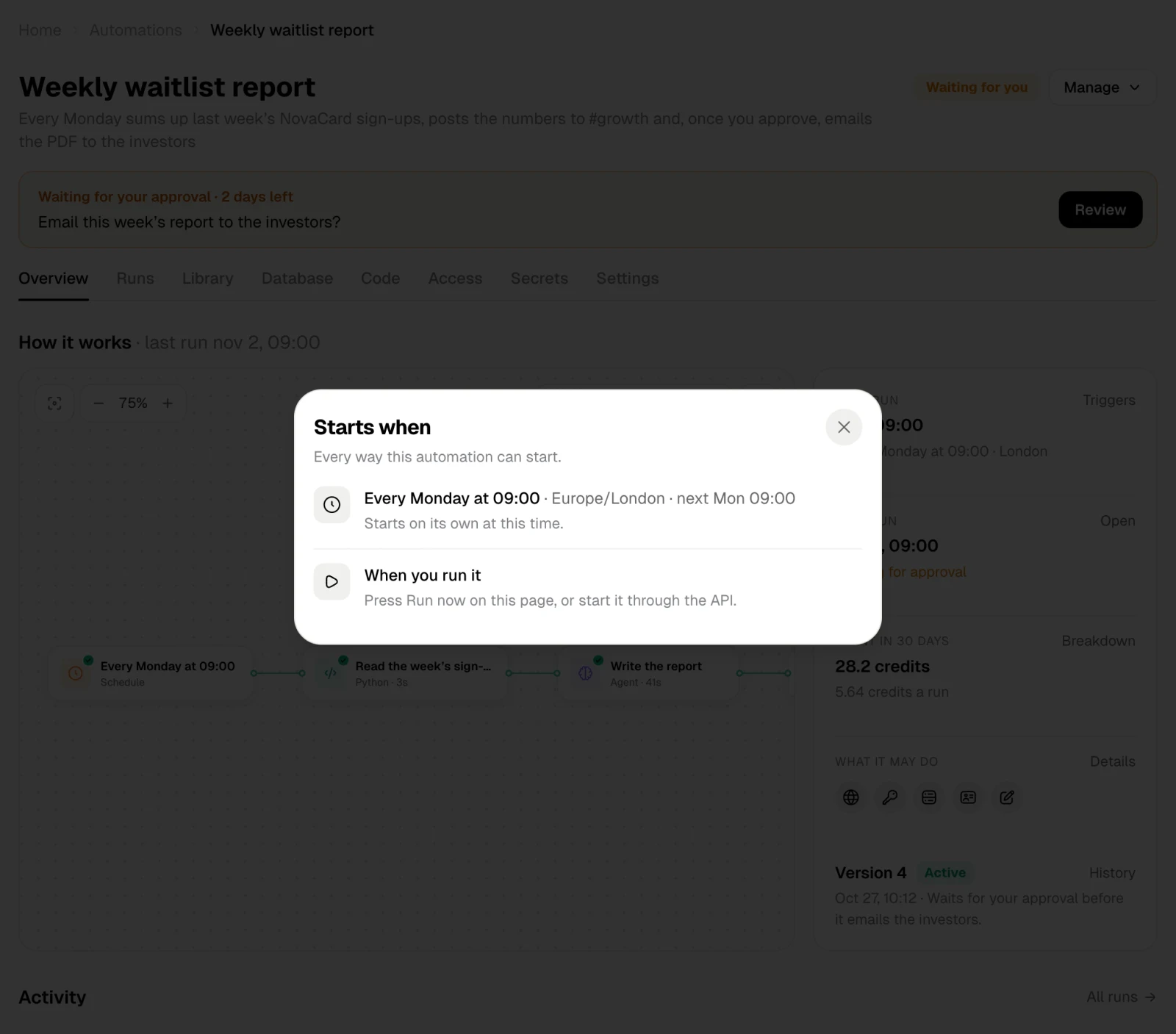
- what it Takes from earlier steps and when it Starts;
- Open the run to see the whole run.
The facts on the right
| Fact | What it shows | Its button |
|---|---|---|
| Next run | When it runs next on its own | Triggers: every way it can start |
| Last run | When it last ran and how that went | Open: the run |
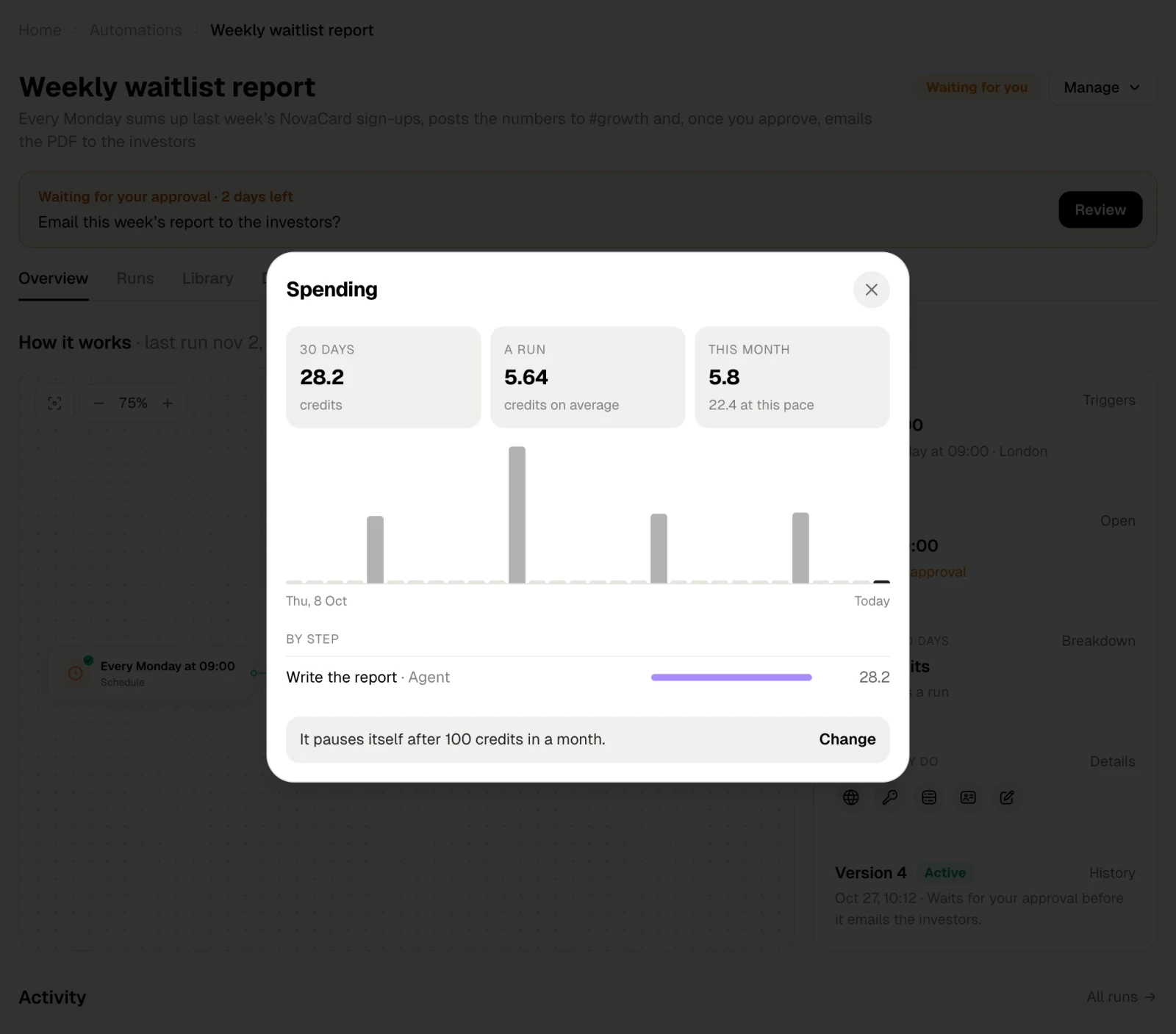
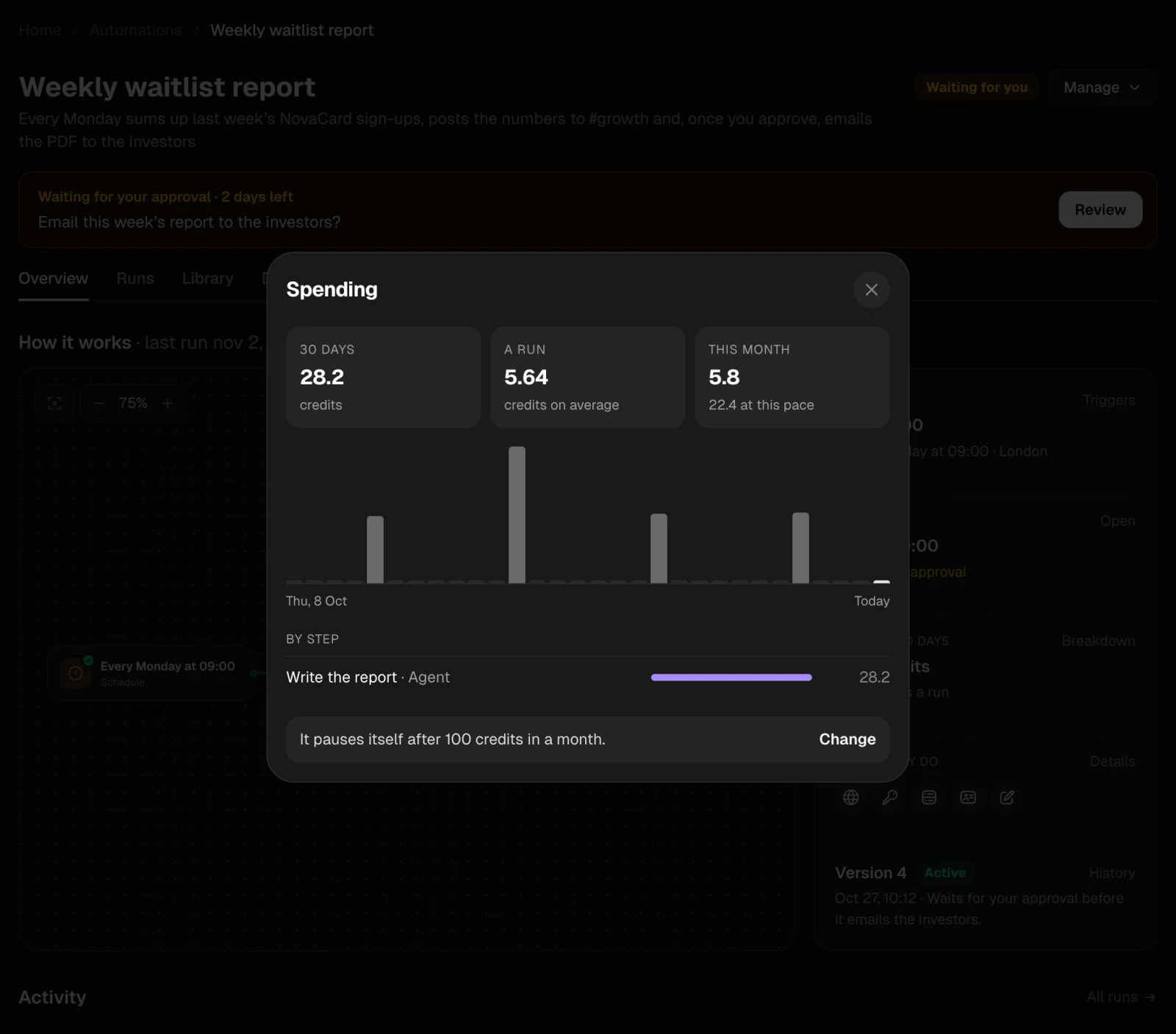
| Spent in 30 days | Credits in the last 30 days and per run | Breakdown: by step and by day, this month and the monthly limit |
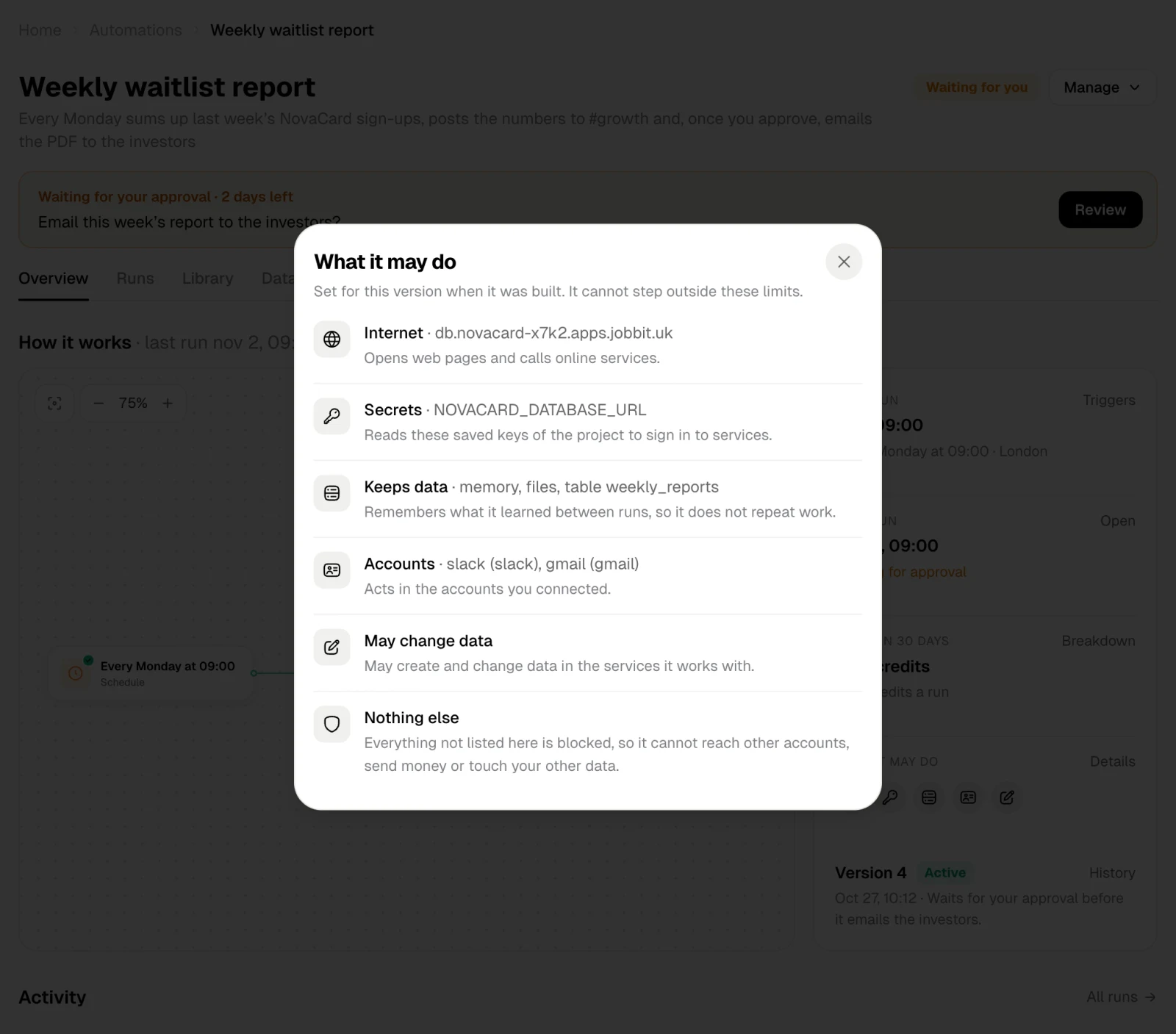
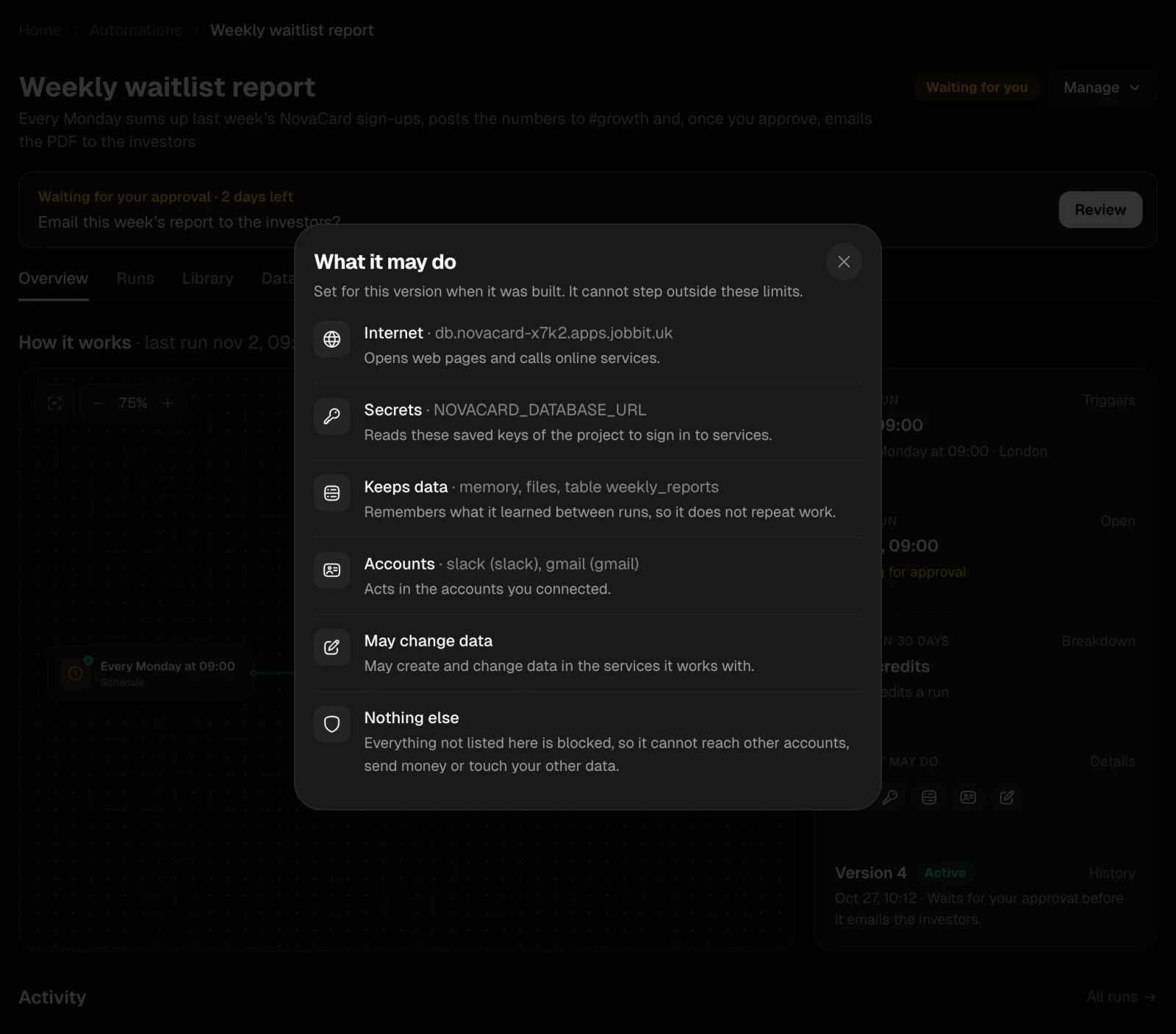
| What it may do | Icons of what this version is allowed | Details: the full list |
| Version | The active version and its note | History: every version |
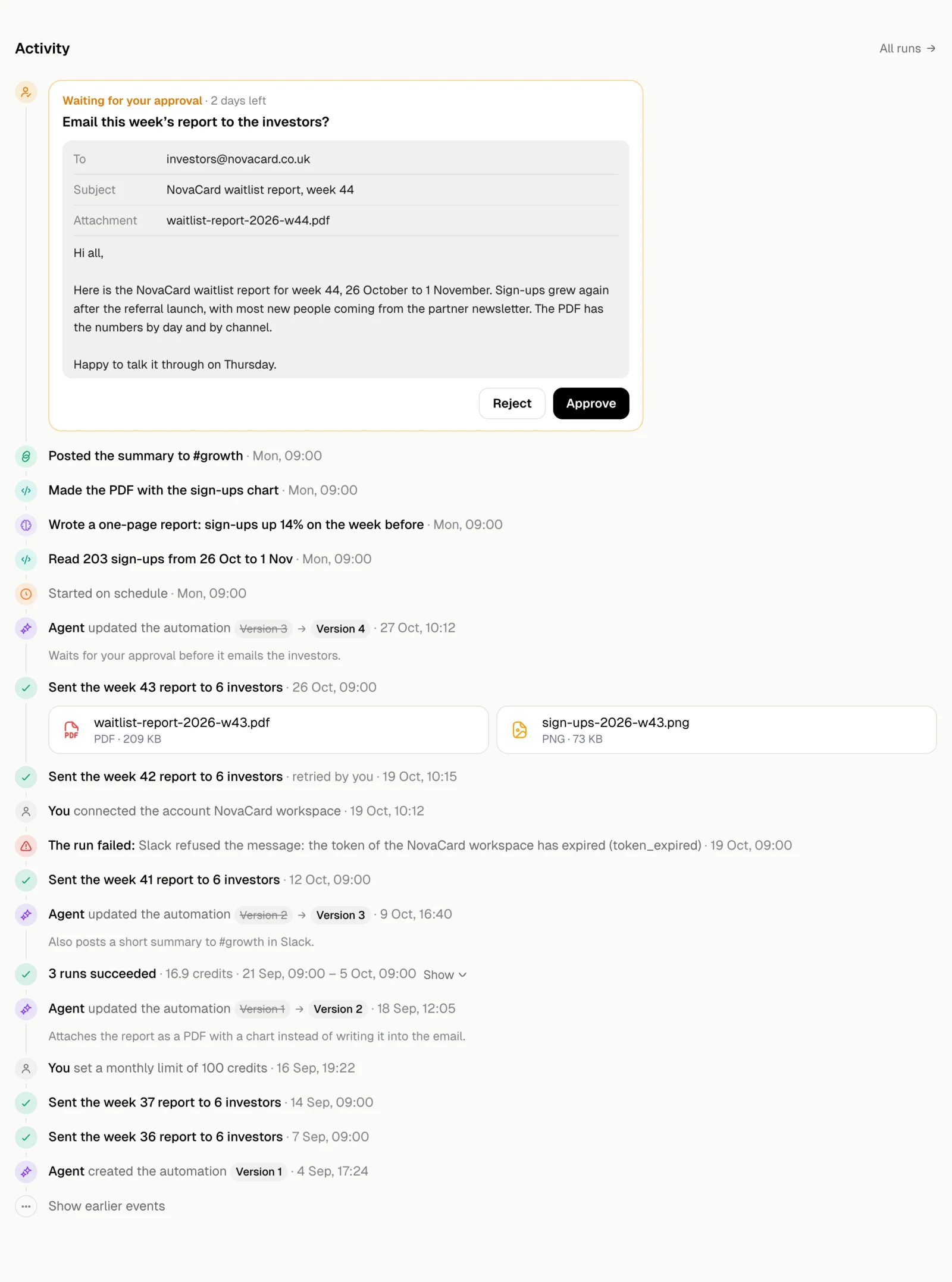
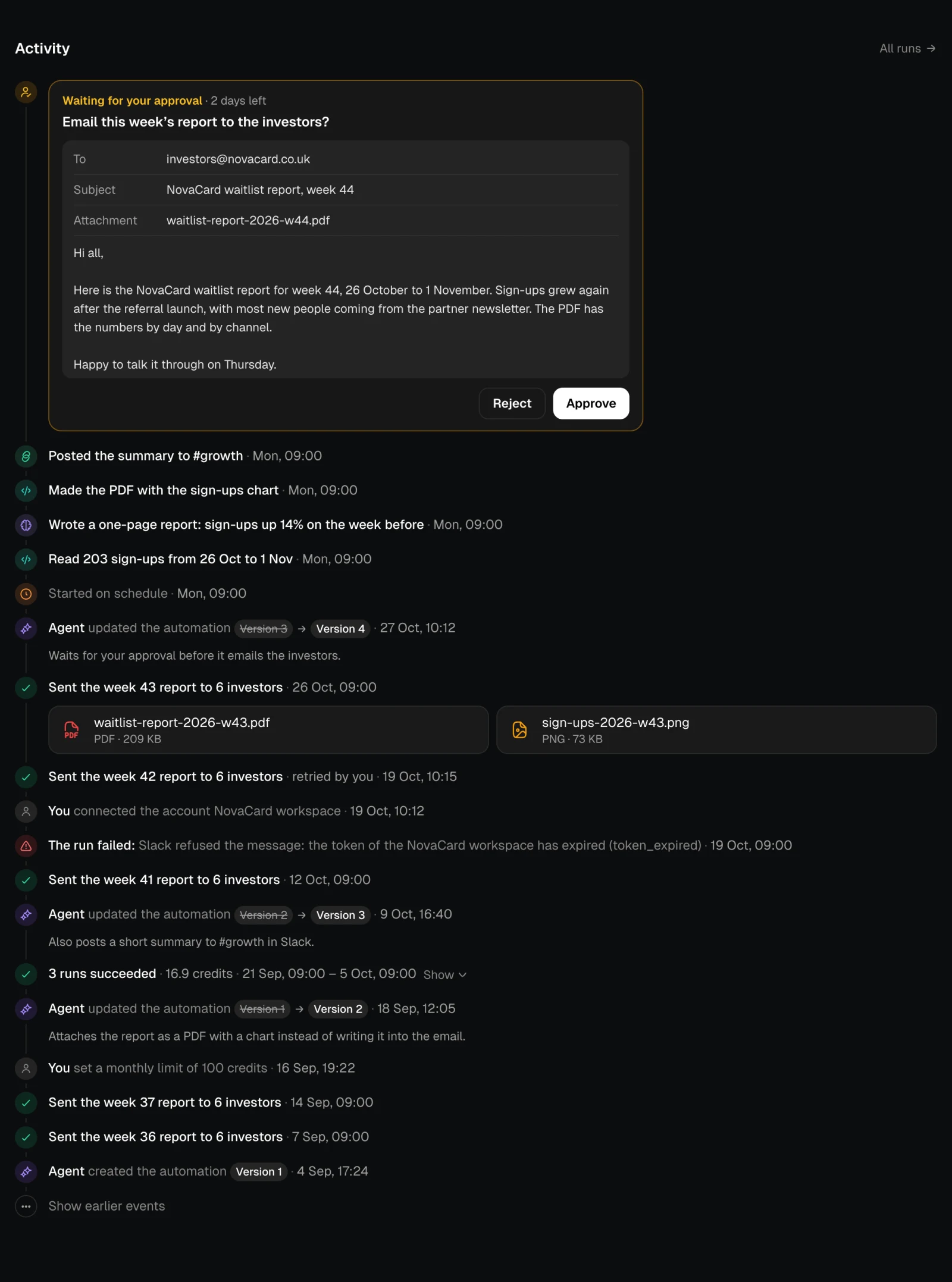
Activity
Everything that happened, newest first:- each run and how it started: on schedule, by a webhook call, by an email, on an event, by hand, or as a retry;
- what each step did and the files it made;
- questions and approvals, which you can answer right here, and how they were answered;
- new versions and what changed, settings people changed, accounts connected.