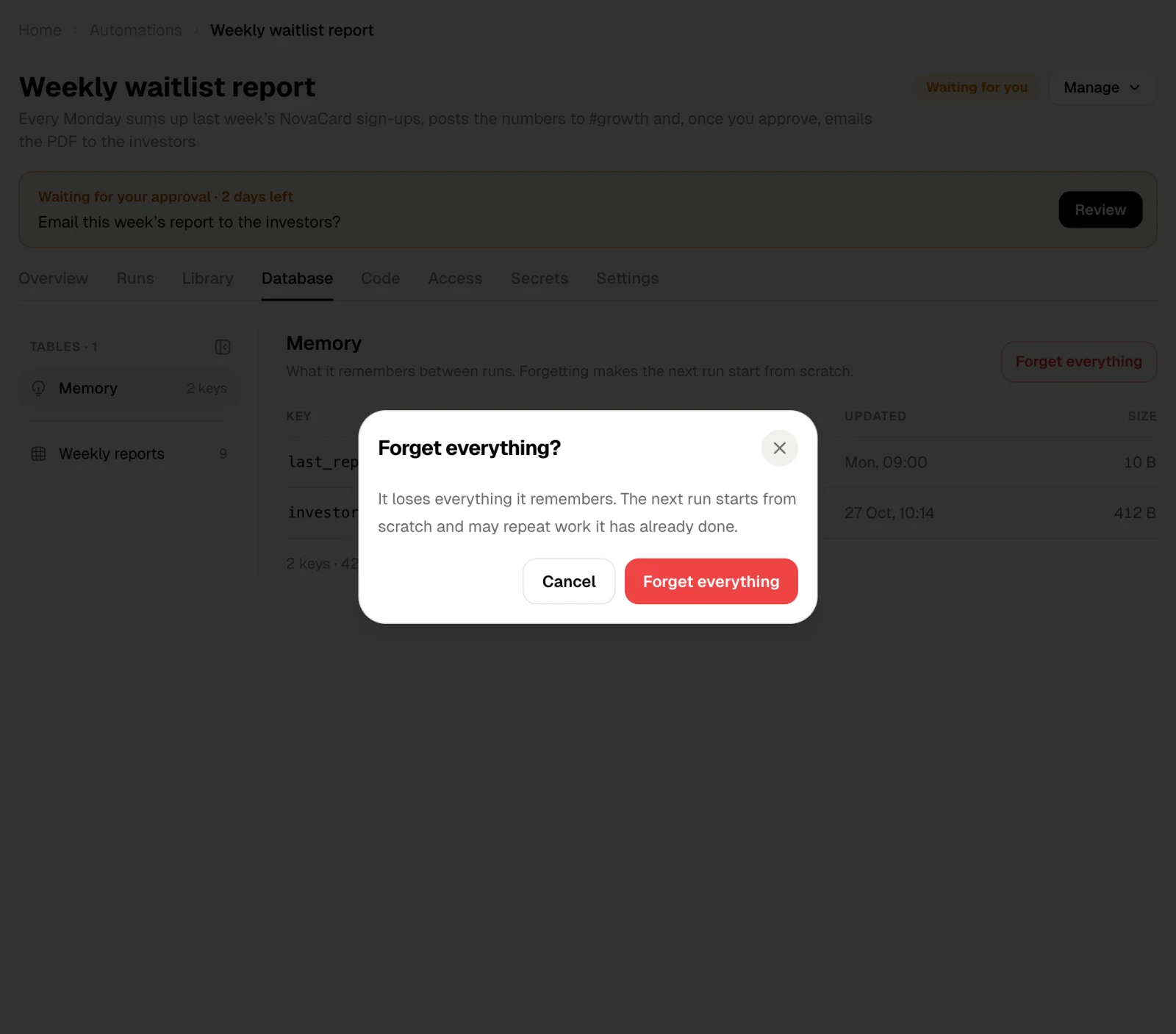
An automation can keep data between runs in two ways, and the Database tab shows both:
  • Tables: rows it adds over time, such as one row per weekly report.
  • Memory: a few named values, such as the last week it reported on, so the next run knows where to start.

Tables

Pick a table on the left. Its rows show newest first, with every column. CSV downloads the whole table. Click a row to see every field with its type.
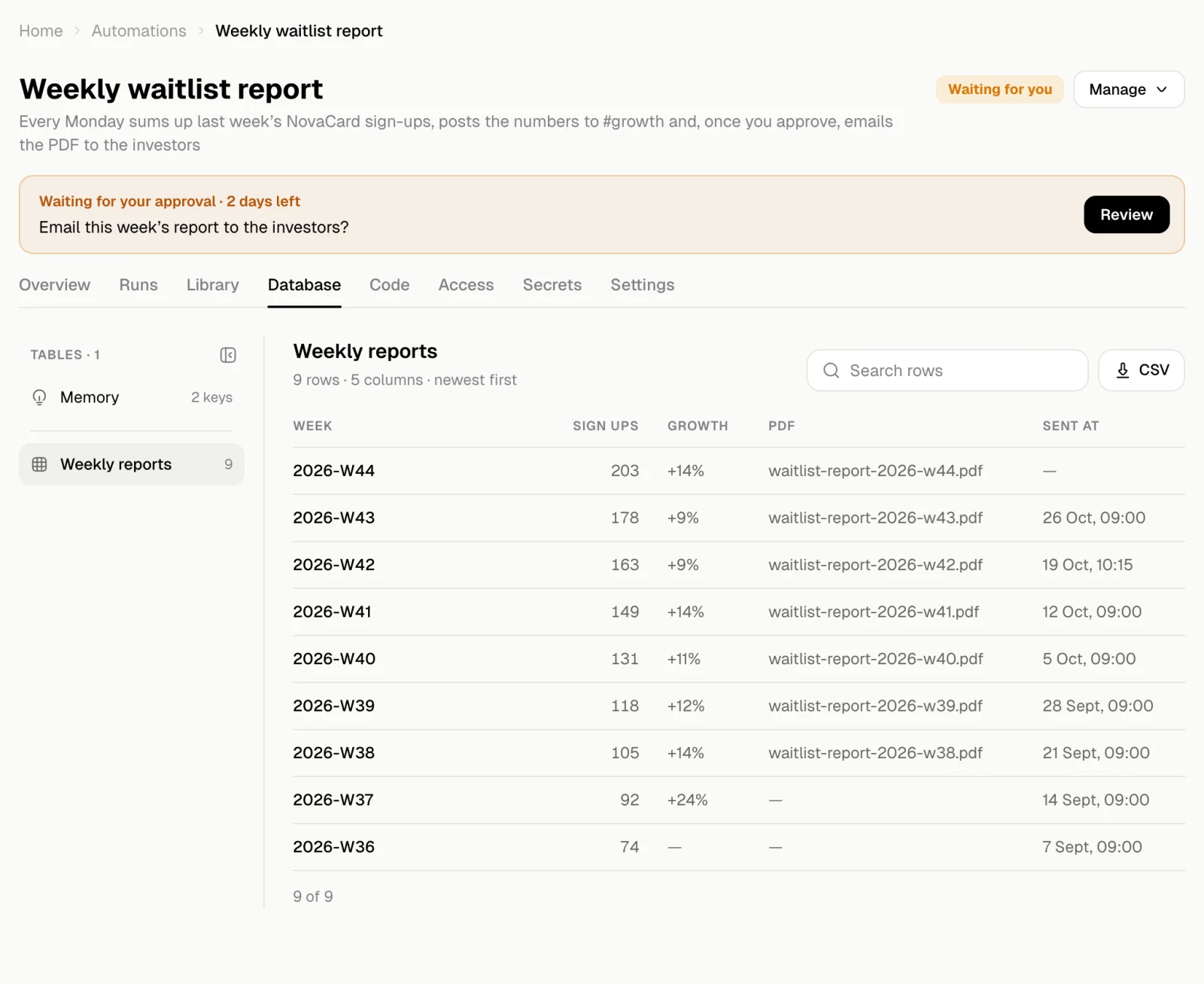
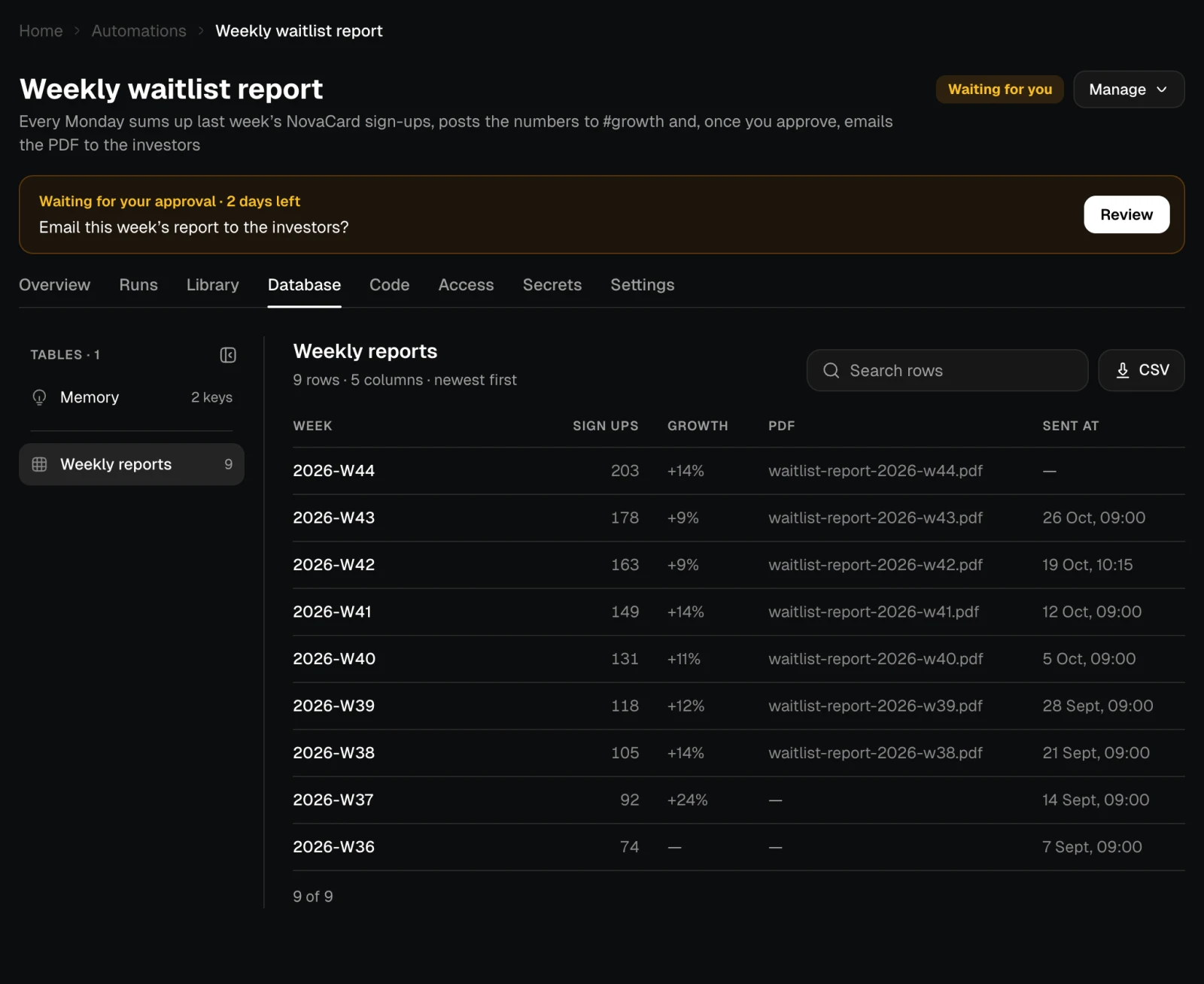
The Database tab with the weekly_reports table, light themeThe Database tab with the weekly_reports table, dark theme
Tables belong to you rather than to one automation. Two of your automations that use a table with the same name share it, and before an automation writes into a table that already exists, the agent asks whether to share it or make a new one.

Memory

Memory lists each key with what it holds, when it was last updated and its size. Click a key to see its full value.
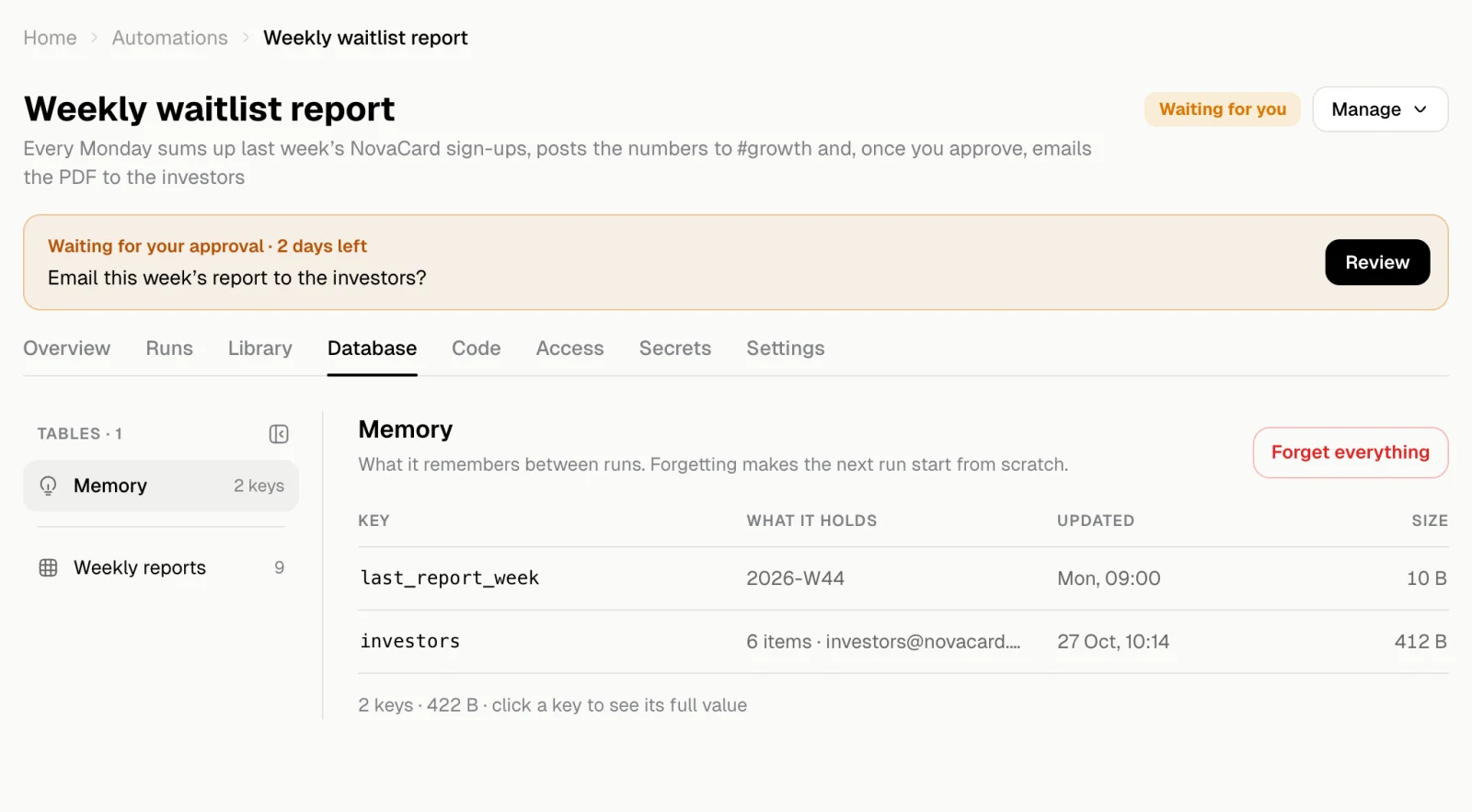
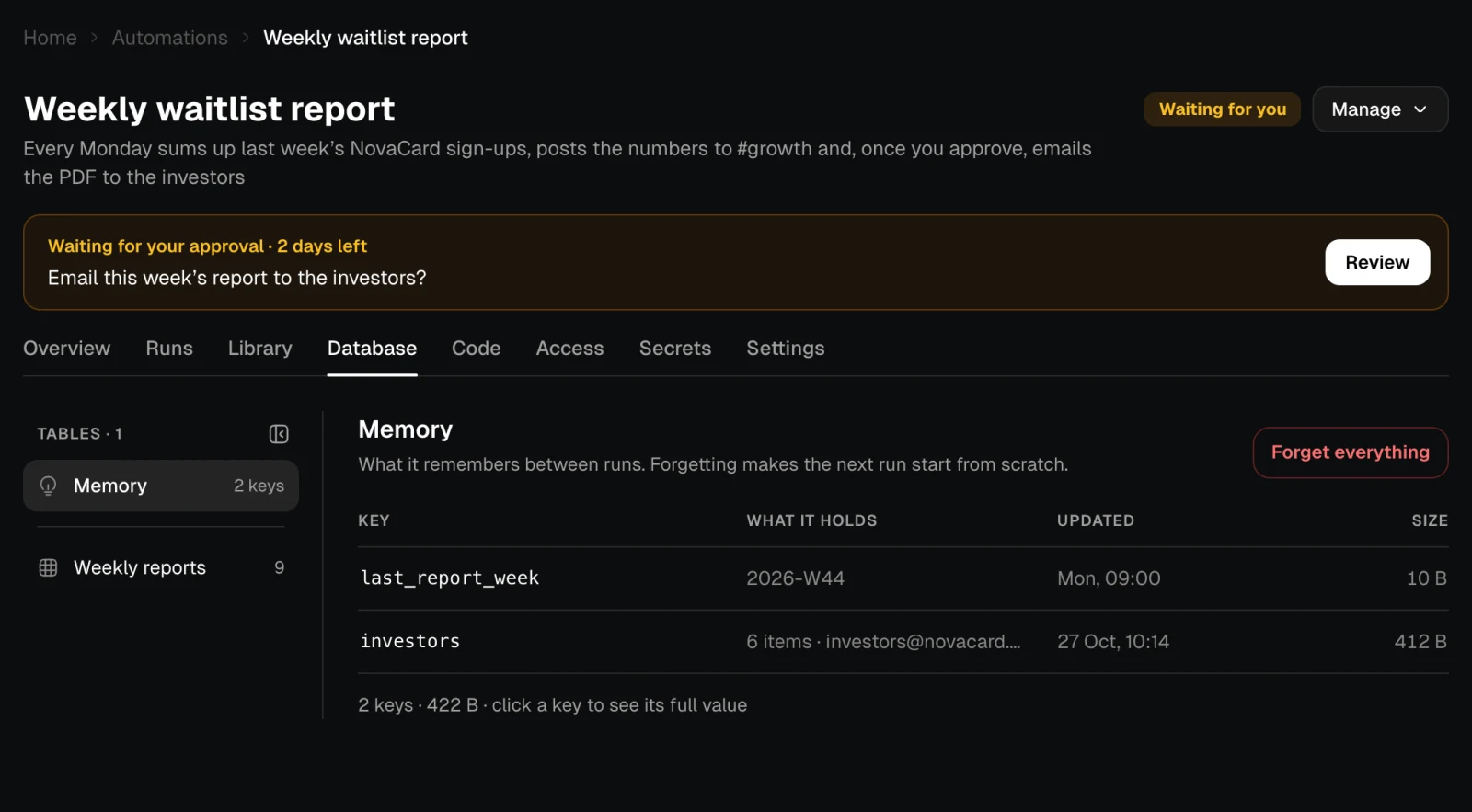
The Memory of Weekly waitlist report with two keys, light themeThe Memory of Weekly waitlist report with two keys, dark theme
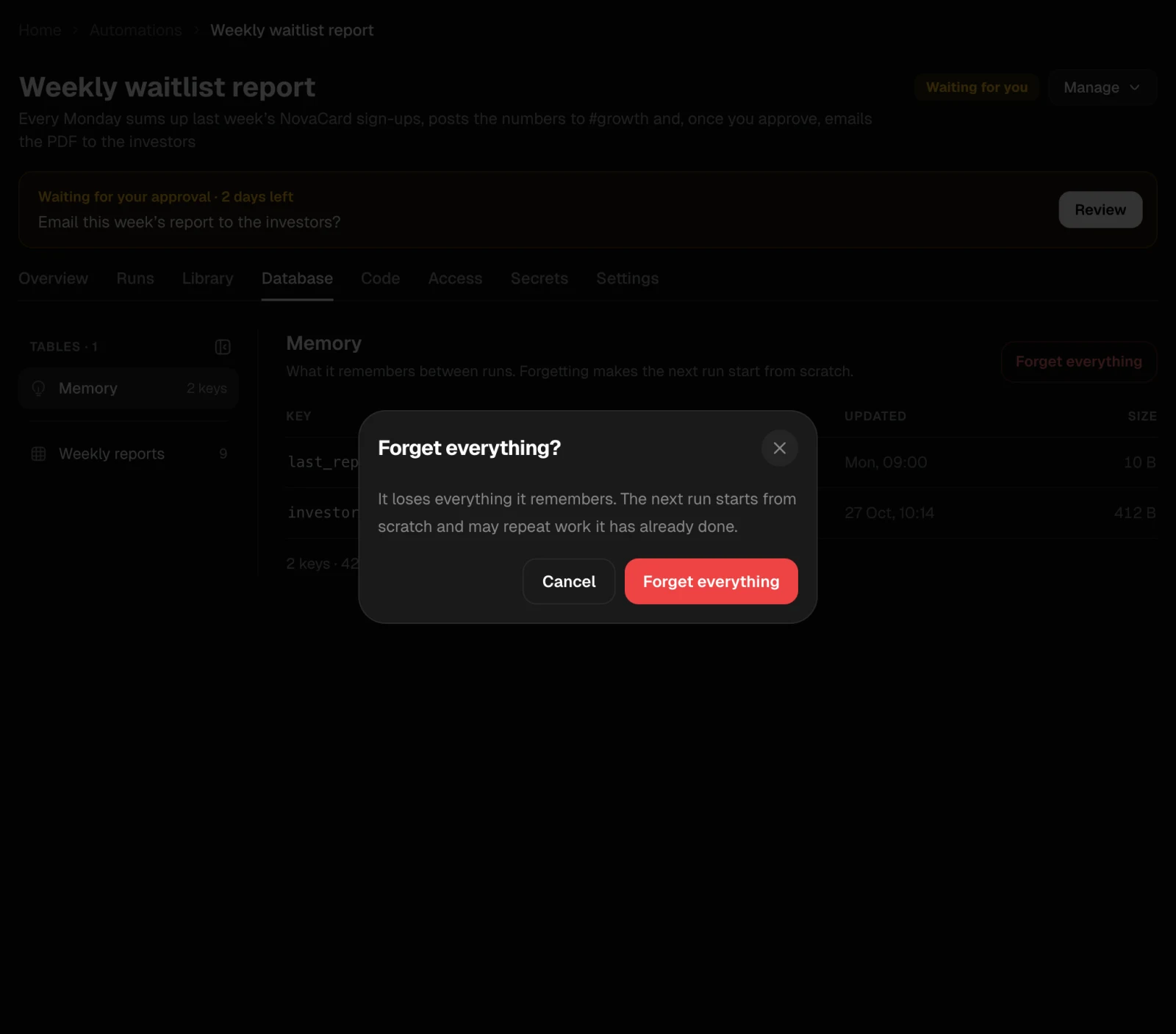
Forget everything clears the memory after you confirm. The next run starts from scratch and may repeat work it has already done, such as sending a report again.
The Forget everything dialog, light themeThe Forget everything dialog, dark theme