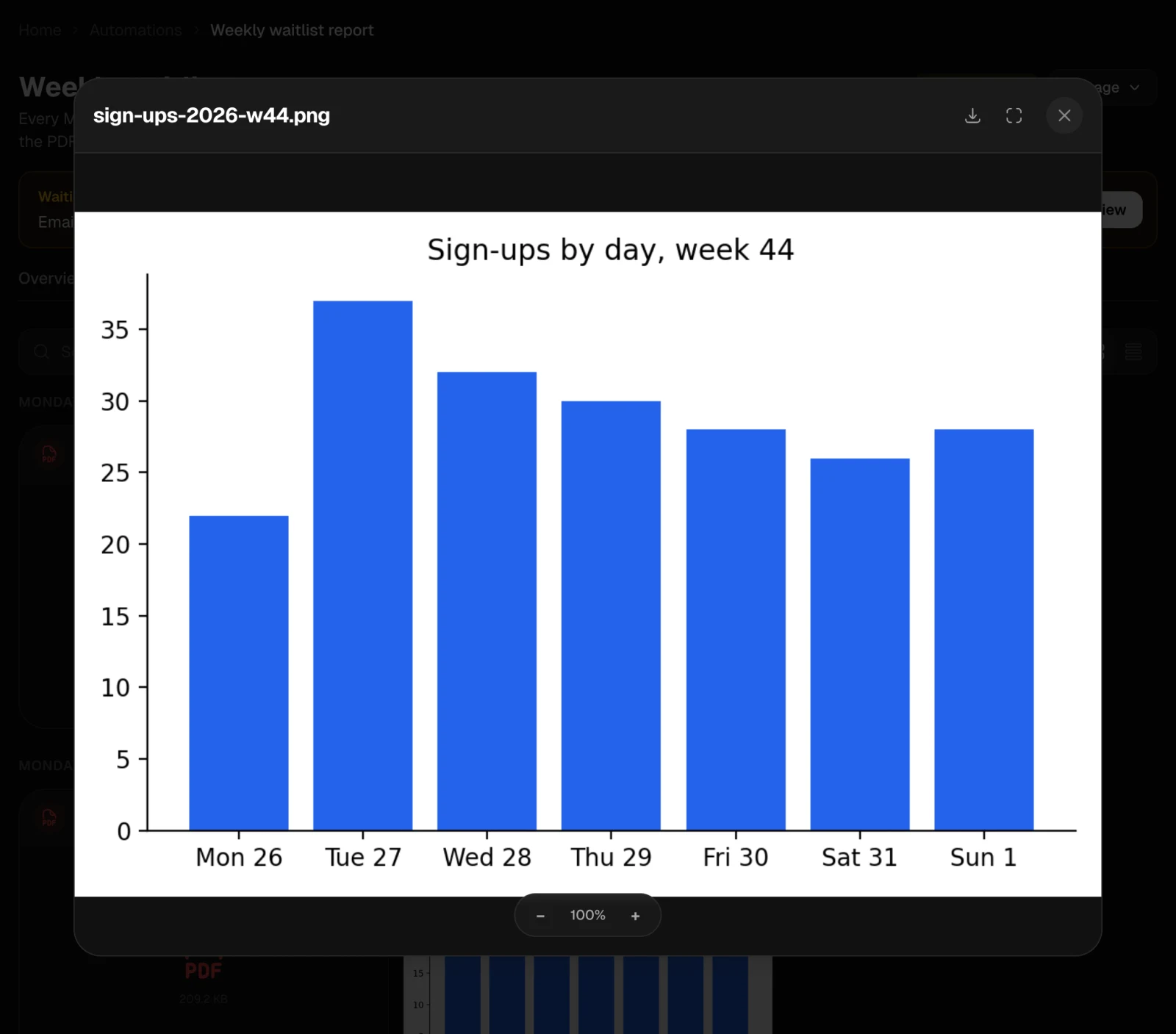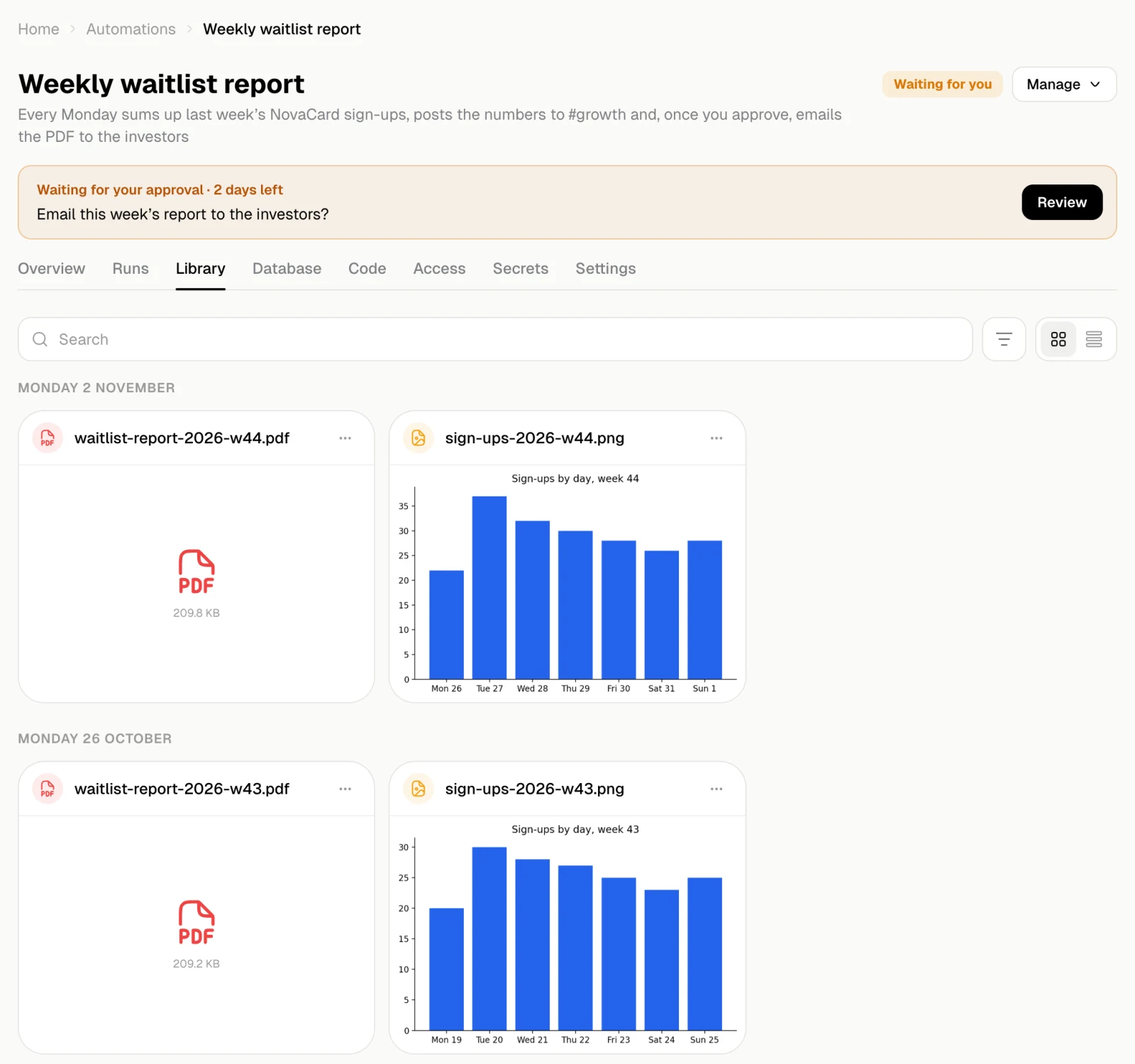
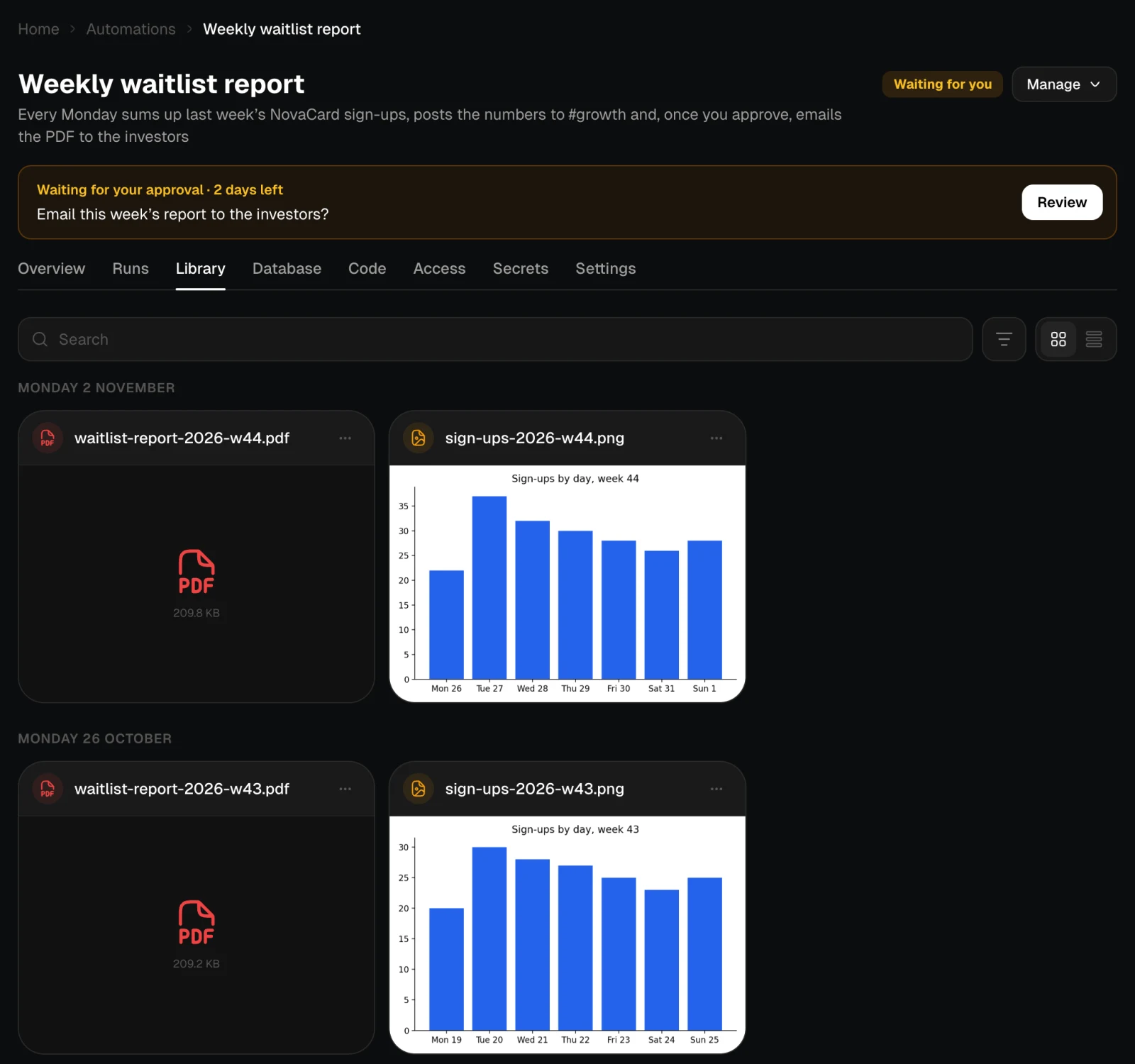
The Library tab keeps every file the automation’s runs made, grouped by the day of the run. They stay here and are not added to your general Library.
The Library tab with PDFs and charts grouped by week, light themeThe Library tab with PDFs and charts grouped by week, dark theme
  • Search files finds a file by name.
  • Type shows only images or only documents.
  • The view switch shows the files as tiles or as a list with the step that made each file, when, and its size.
  • Click an image to preview it, with zoom.
  • A file’s ⋯ menu has Download and Open the run that made it.
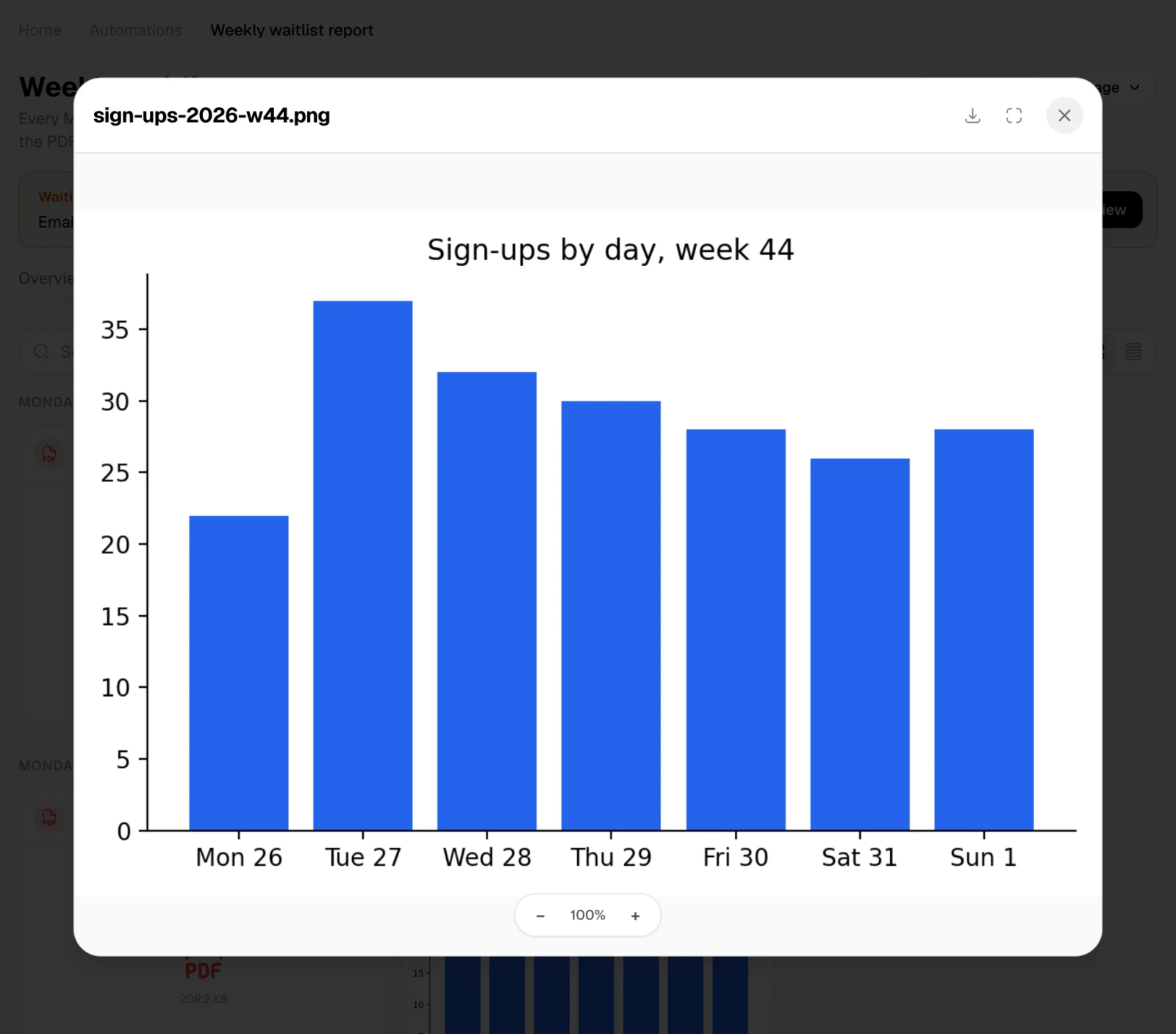
The preview of sign-ups-2026-w44.png, light themeThe preview of sign-ups-2026-w44.png, dark theme
The files stay when you delete the automation.