

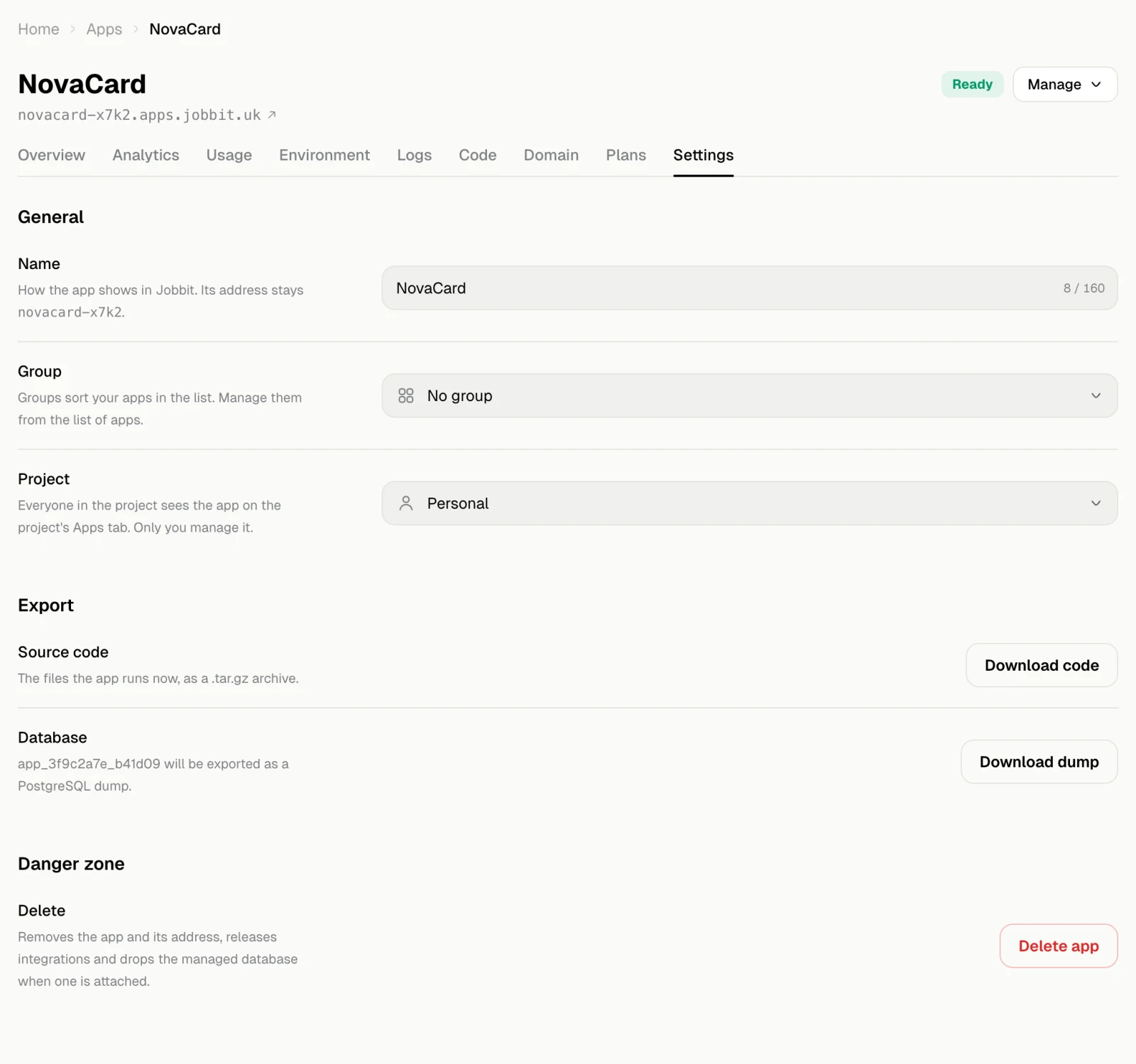
General
| Setting | What it does |
|---|---|
| Name | How the app shows in Jobbit. Its address stays the same |
| Group | Where the app sits on the Apps page. Groups are managed from the Apps page |
| Project | Put the app in one of your projects so everyone in it sees the app on the project’s Apps tab. Only you manage it |
Export
- Source code downloads the files the app runs now as a
.tar.gzarchive. - Database downloads the app’s managed database as a PostgreSQL dump. It shows only when the app has a database. A large database can take a moment; the download starts when the dump is ready.
Delete the app
Delete app removes the app and its address, releases its integrations and drops its managed database if you choose. It cannot be undone.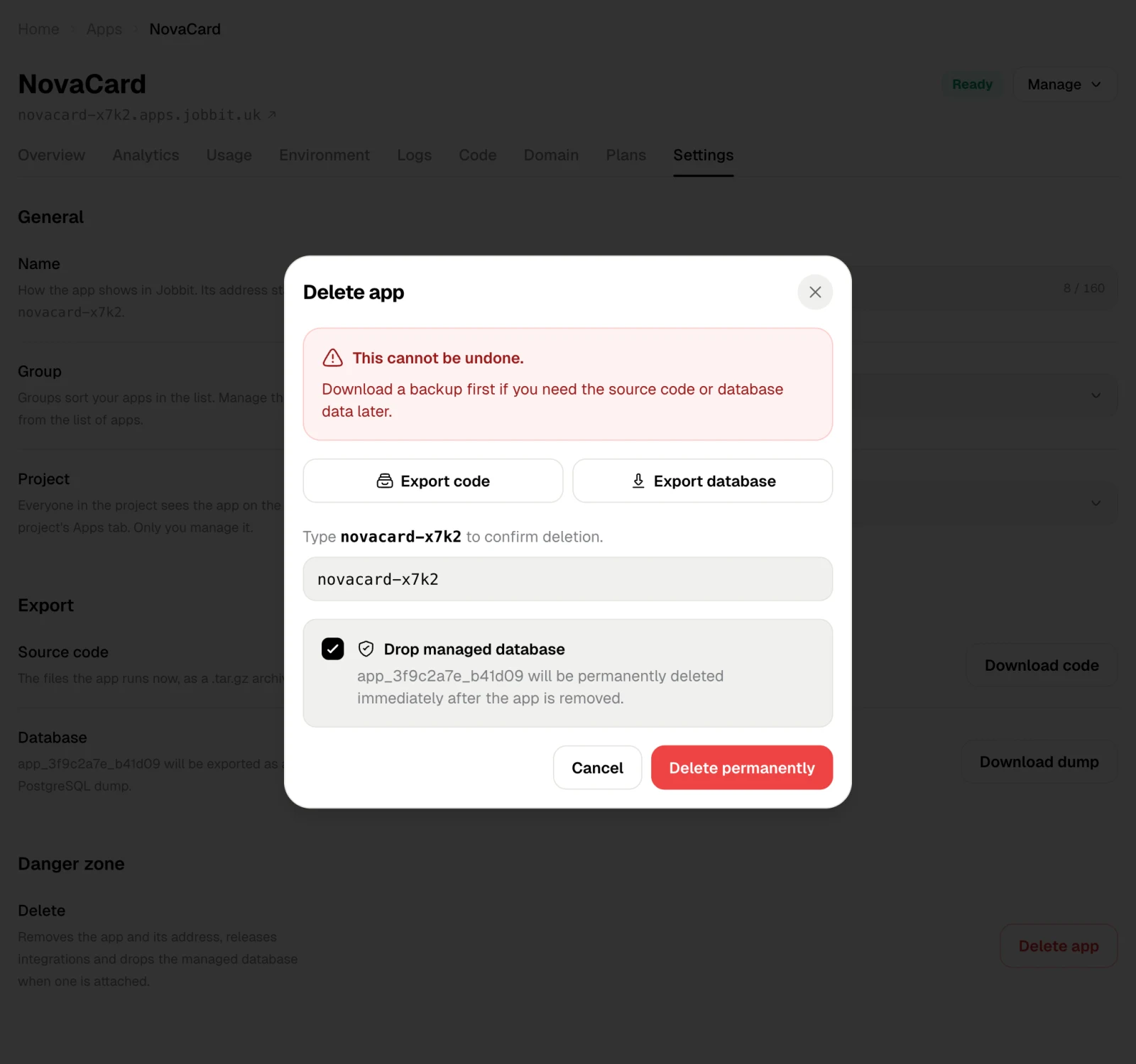
- Use Export code and Export database if you may need them later.
- Type the app’s name to confirm.
- Leave Drop managed database ticked to delete the database with the app, or untick it to keep the database.
- Choose Delete permanently.