Your variables
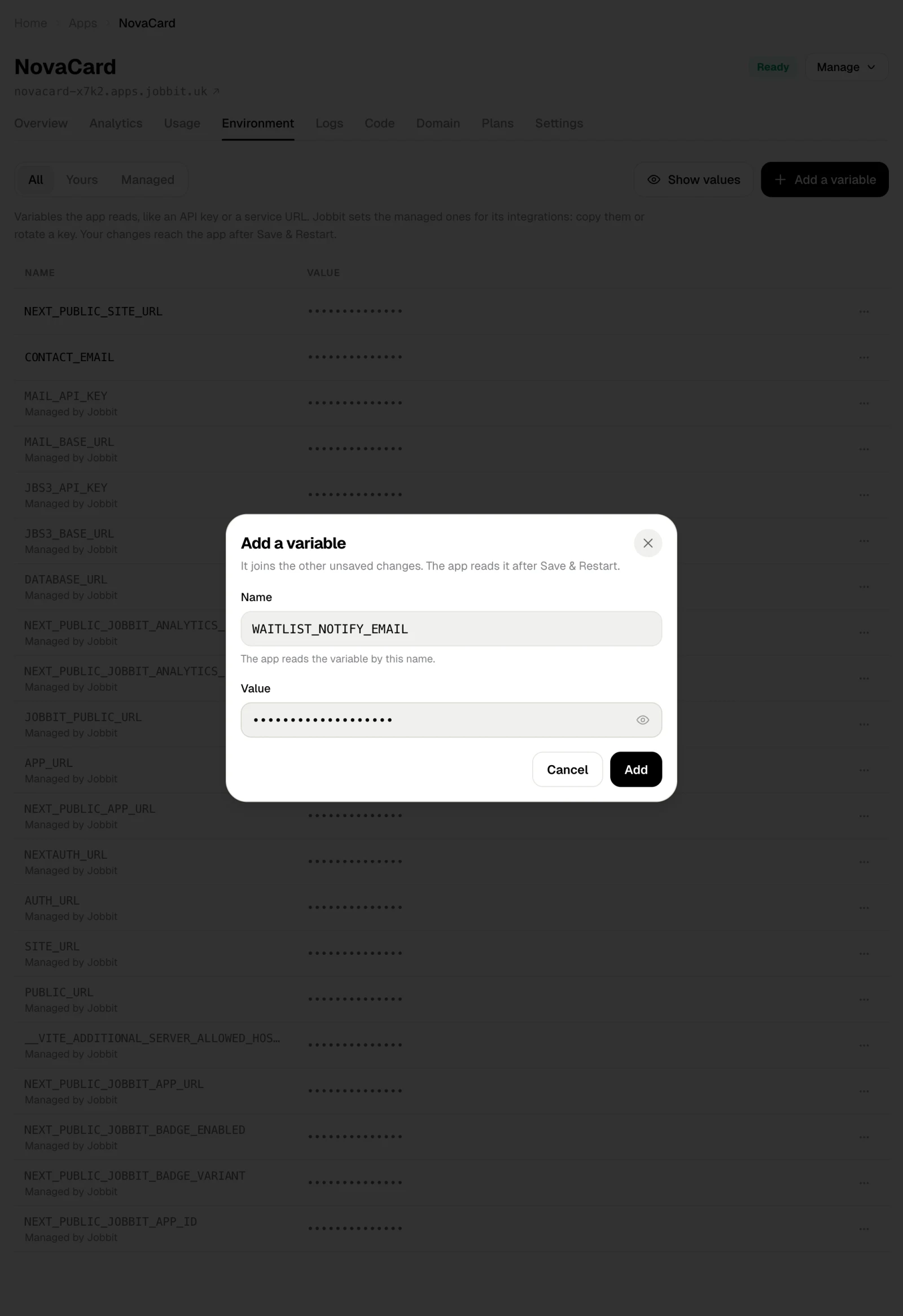
Add a variable
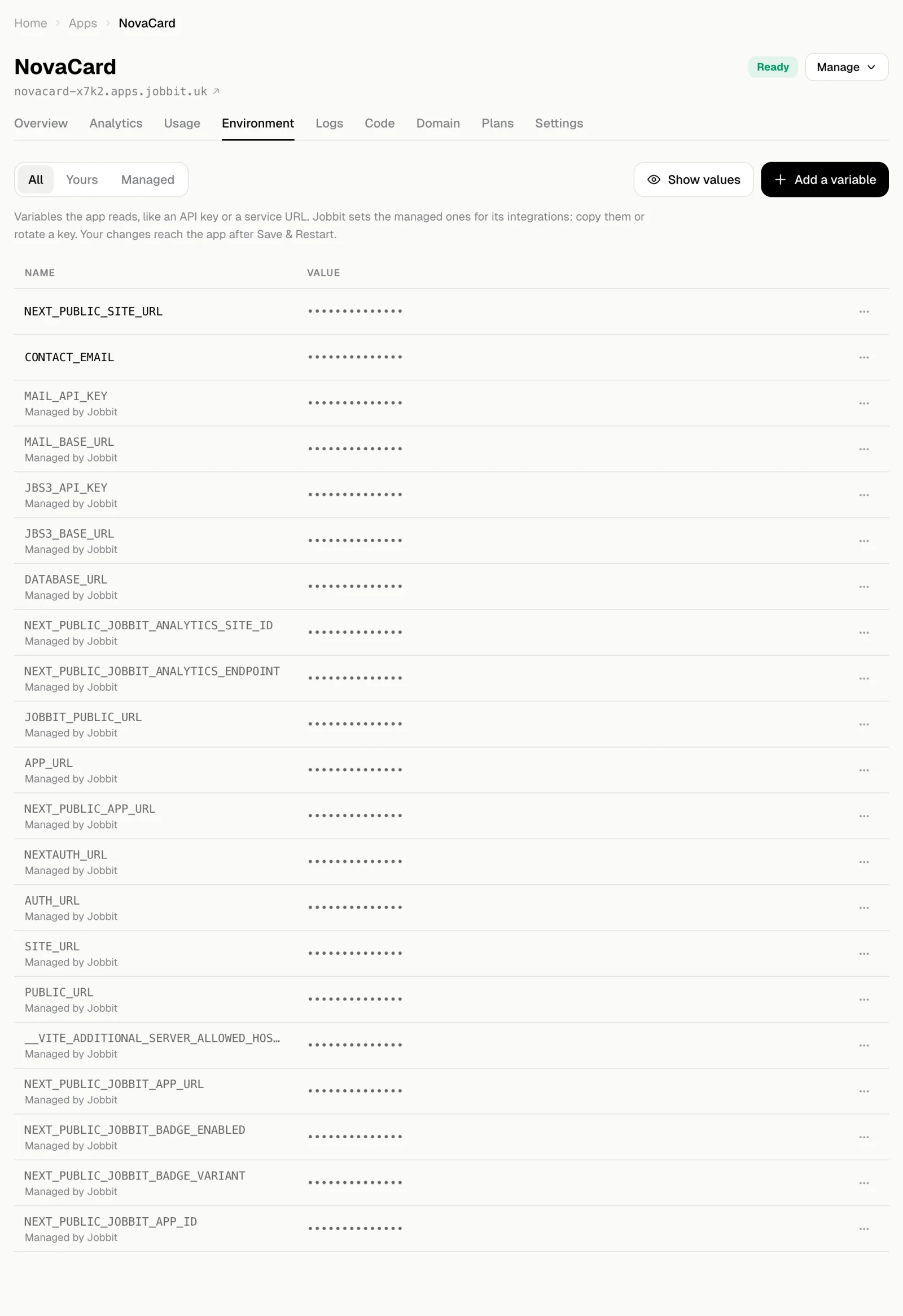
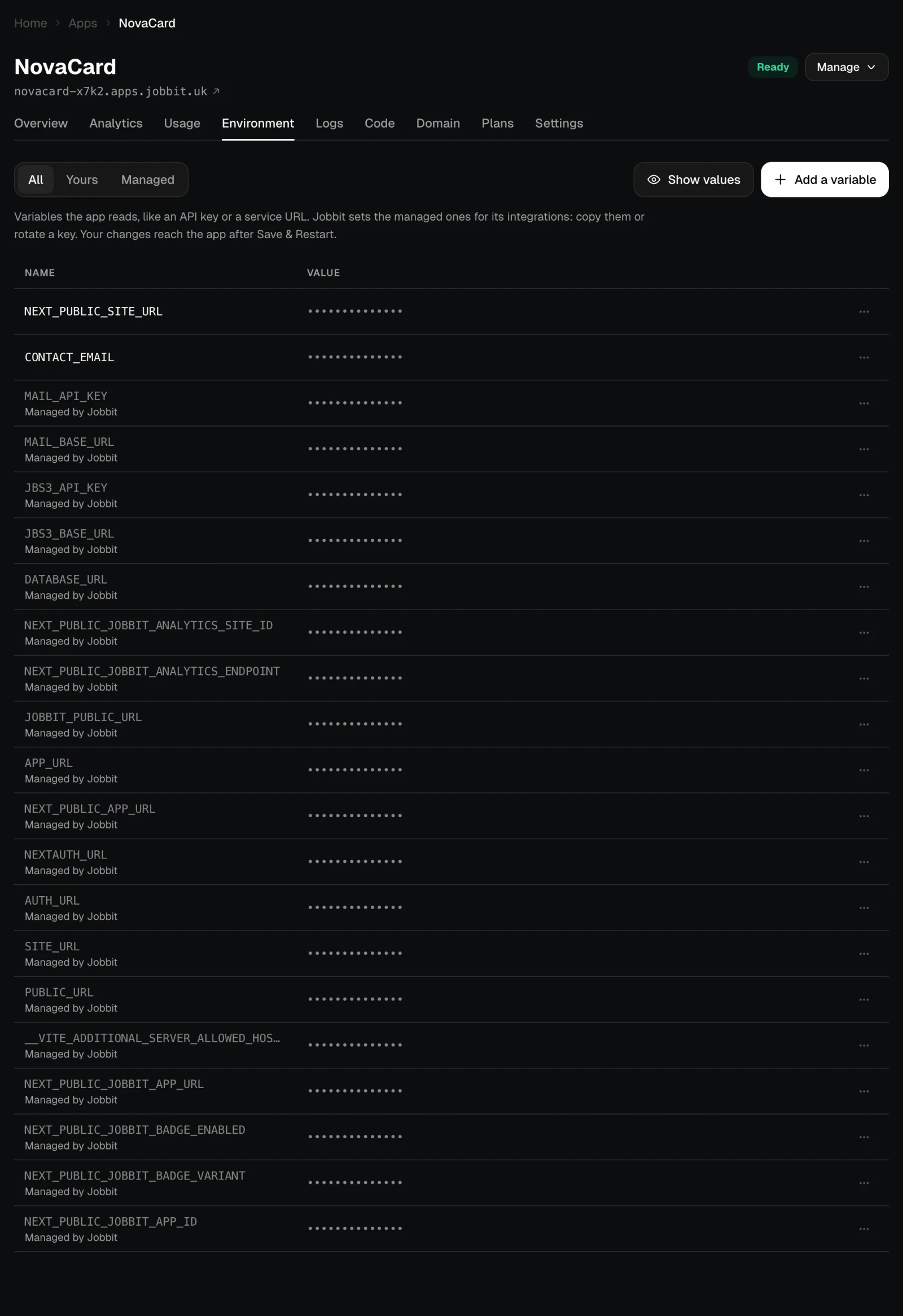
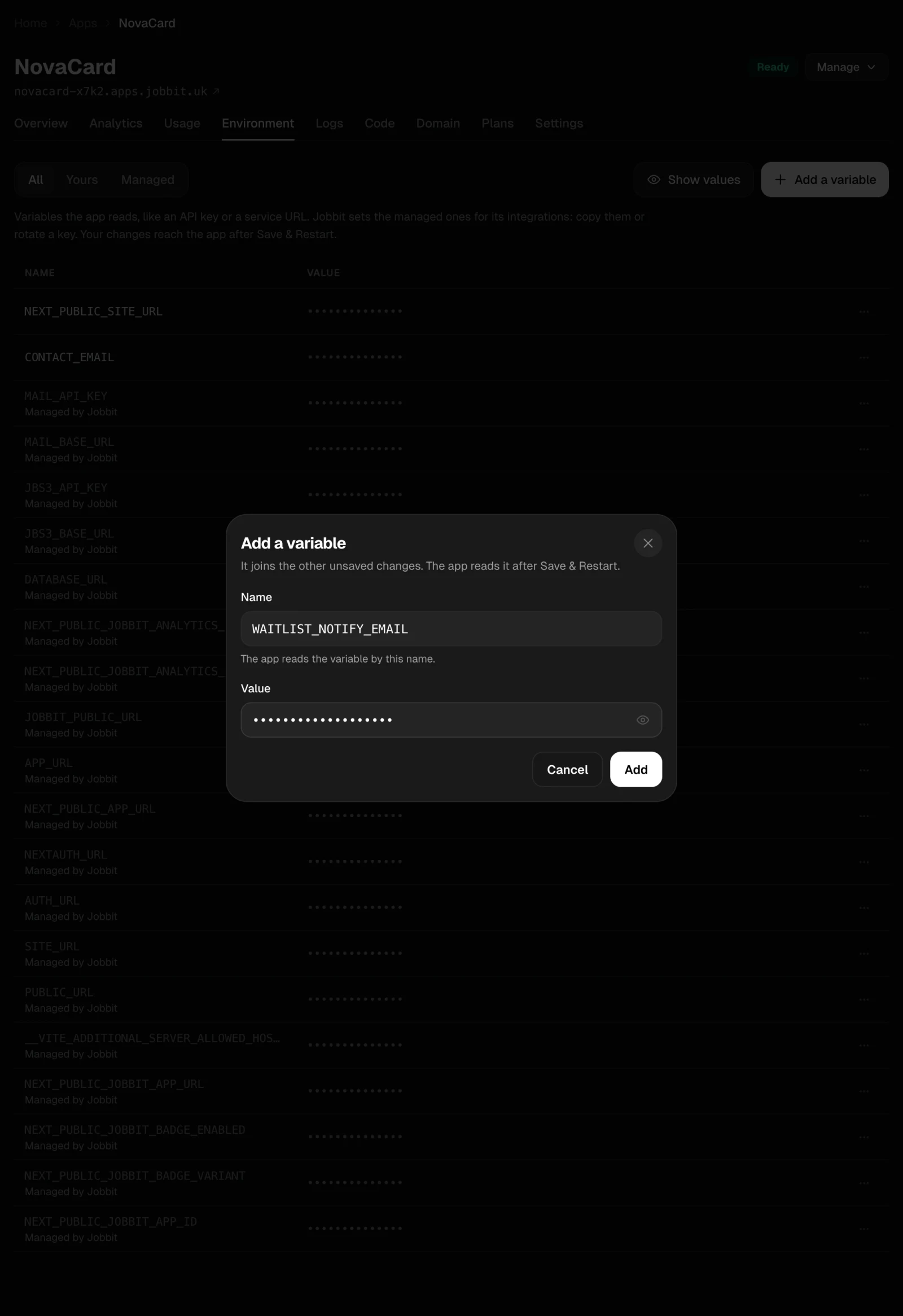
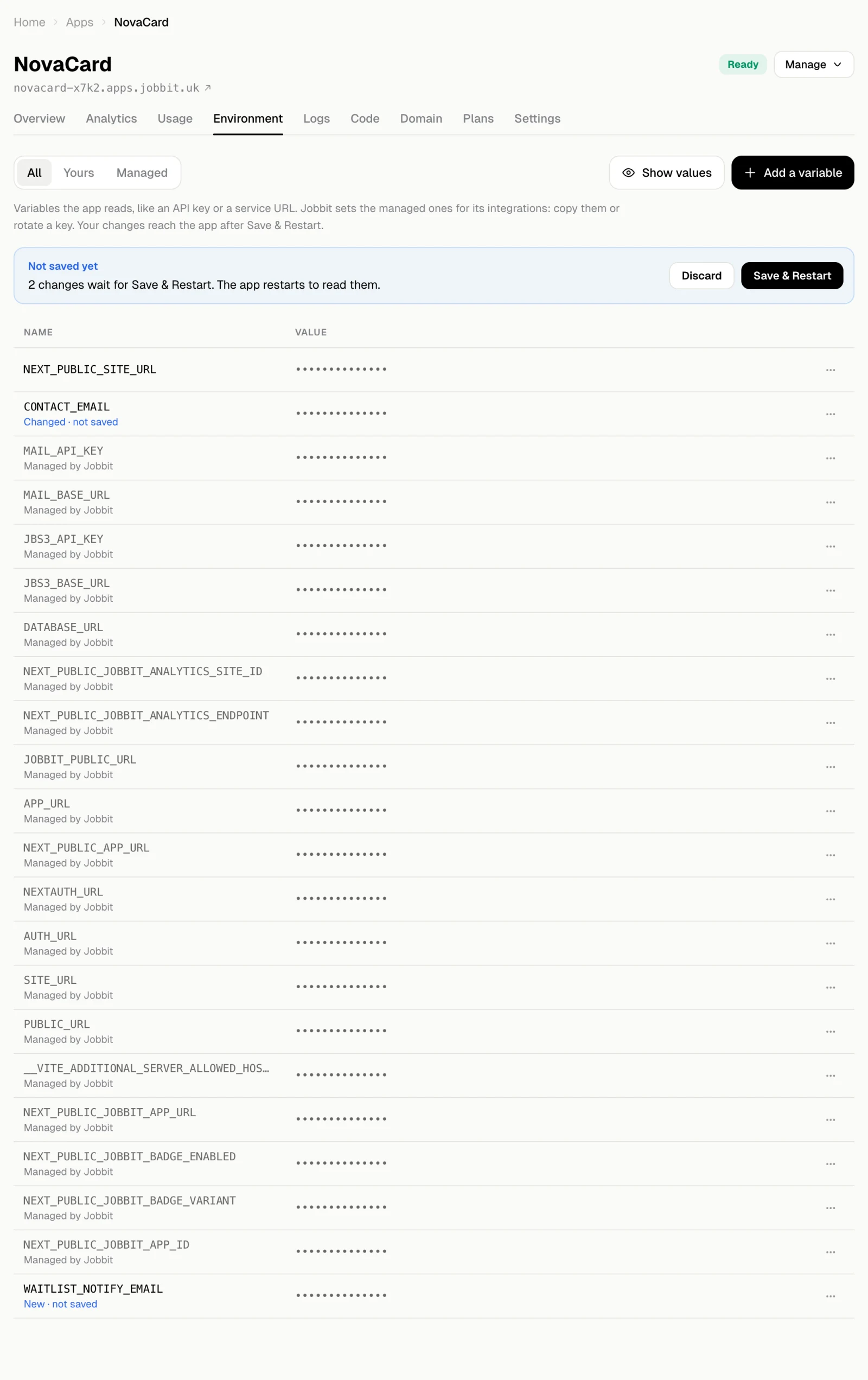
Choose Add a variable, enter its Name (the app reads the variable by this name) and its Value, then Add.
Managed variables
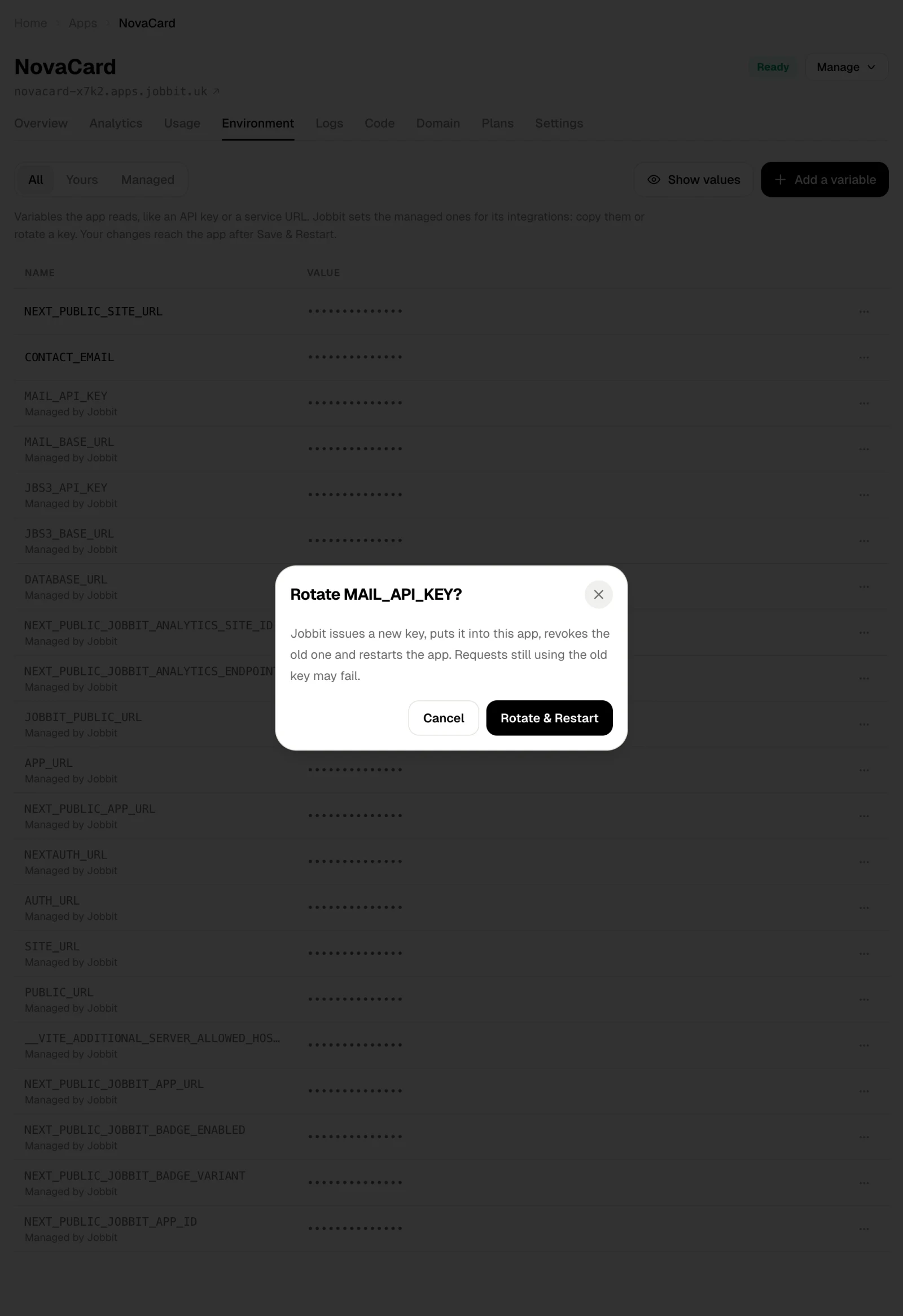
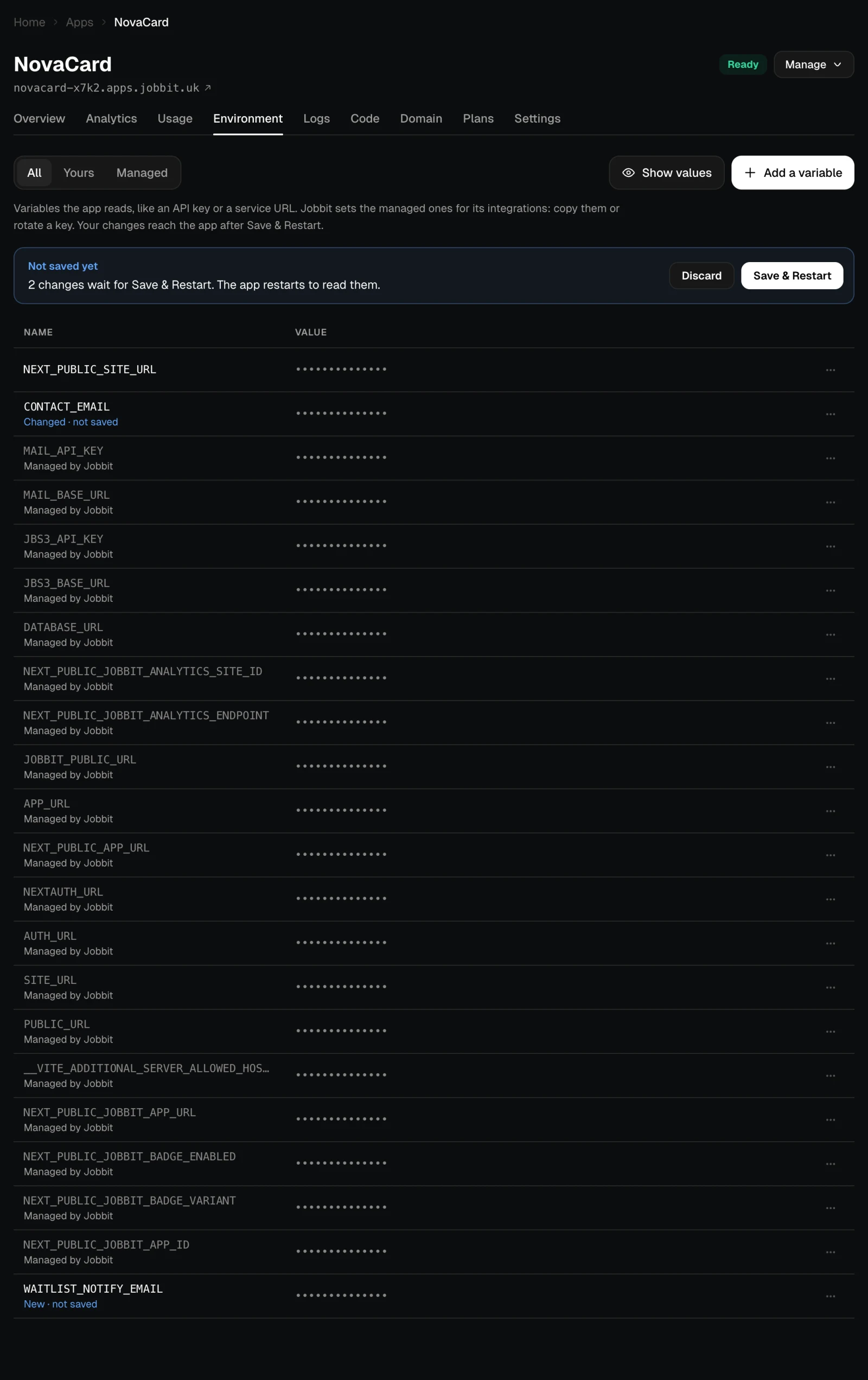
Variables marked Managed by Jobbit connect the app to Jobbit’s services: its database (DATABASE_URL), email (MAIL_API_KEY, MAIL_BASE_URL), file storage (JBS3_API_KEY, JBS3_BASE_URL), analytics, and the app’s own address under the names common frameworks expect (APP_URL, NEXTAUTH_URL, SITE_URL and others). Jobbit sets them when it deploys the app and keeps them up to date, for example when you connect a domain.
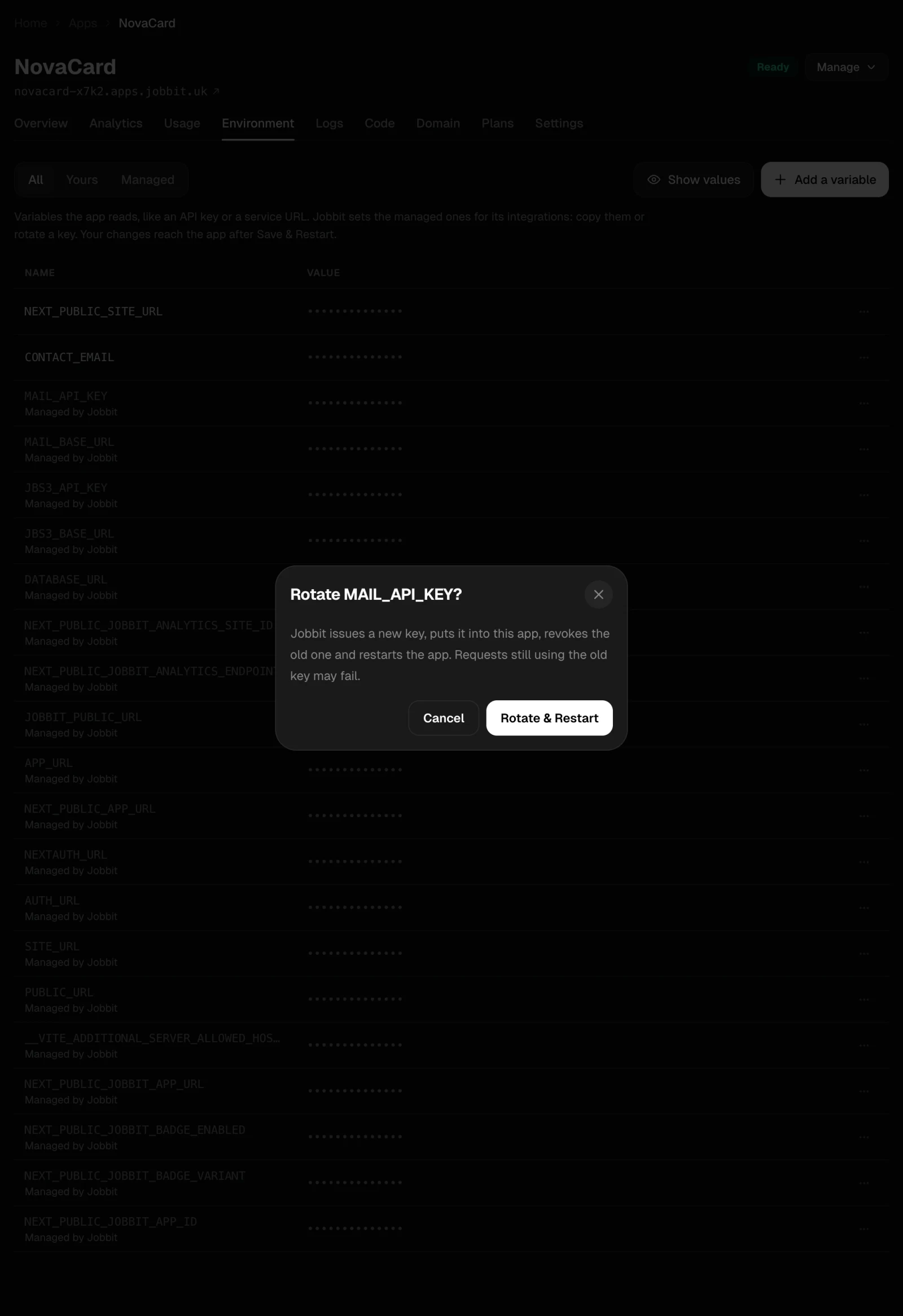
You do not edit them. Their ⋯ menu has Copy value and, for keys, Rotate key: Jobbit issues a new key, puts it into the app, revokes the old one and restarts the app. Requests still using the old key may fail, so rotate when the app is quiet.