
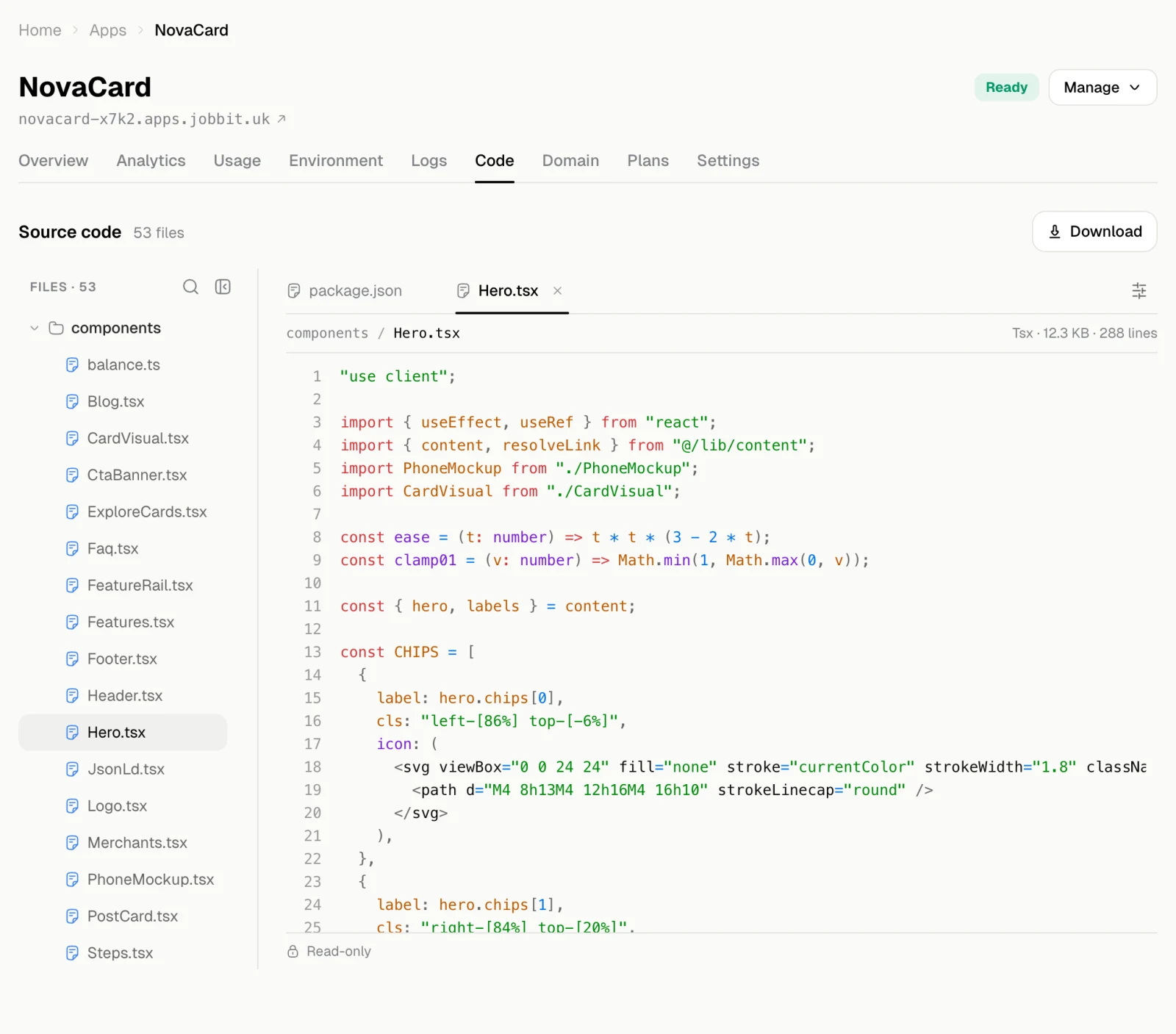
Code shows the files of the version that is live now, read-only. It is the same project the agent writes and Jobbit builds.
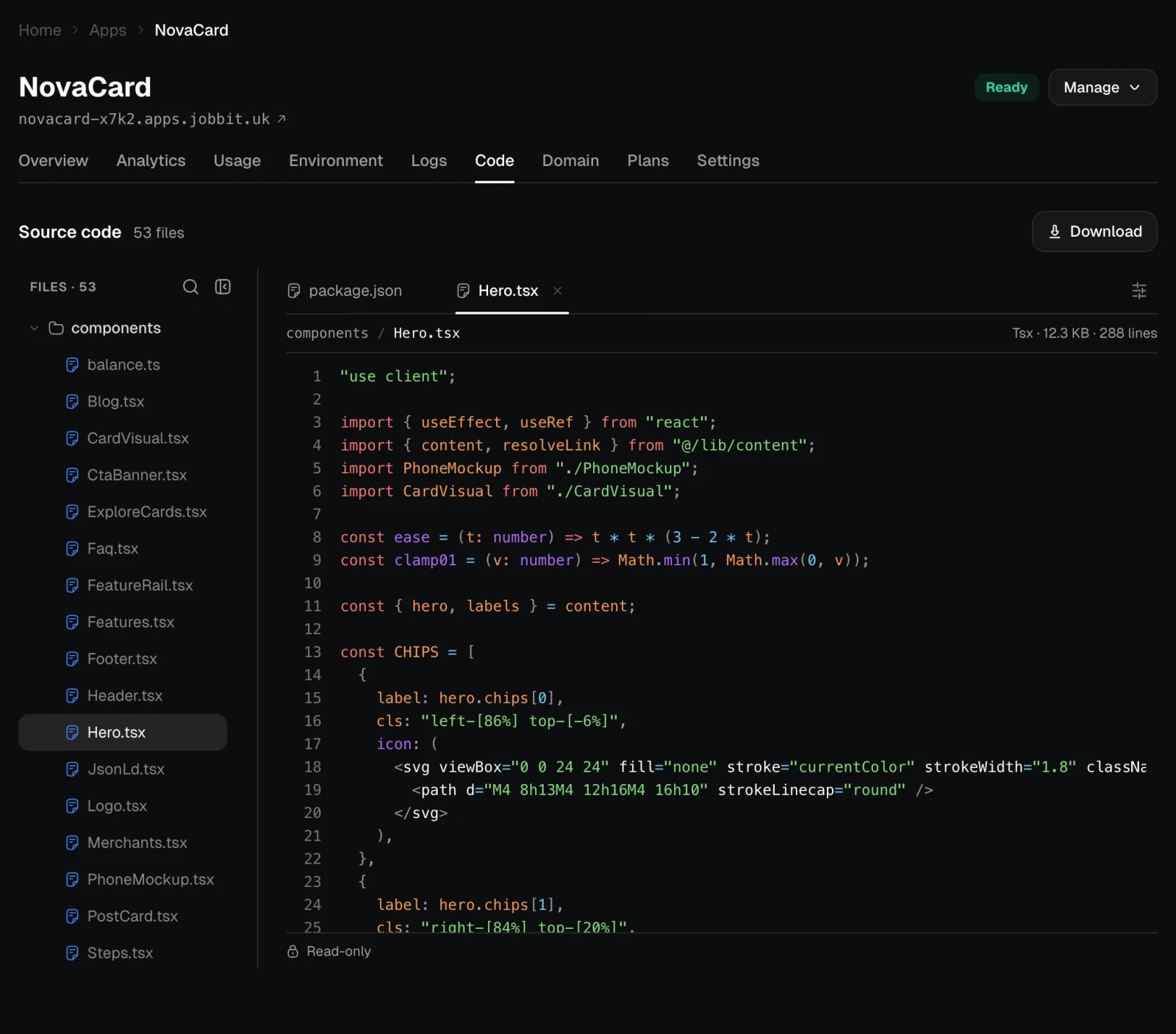
The Code tab with the file tree and a TSX file open, light themeThe Code tab with the file tree and a TSX file open, dark theme
  • The file tree on the left lists every file. Search it by name.
  • Open several files; each gets a tab above the code.
  • Options sets the font size, wrapping of long lines and line numbers, and copies or downloads the open file.
  • Download at the top saves the whole project as a .tar.gz archive.
The code cannot be edited here. To change it, ask the agent in the app’s chat. It edits the files and publishes a new version, which then shows here.
The downloaded project runs anywhere that runs Docker: it has a Dockerfile at its root. To keep a copy of the app’s data as well, export the database from Settings.