A domain bought on Jobbit connects to any of your apps without DNS work. People then open the app at the domain, and the app can send email from it.

Connect

1

Choose Connect to an app

On My domains, choose Connect to an app on the domain’s row, or in its ⋯ menu.
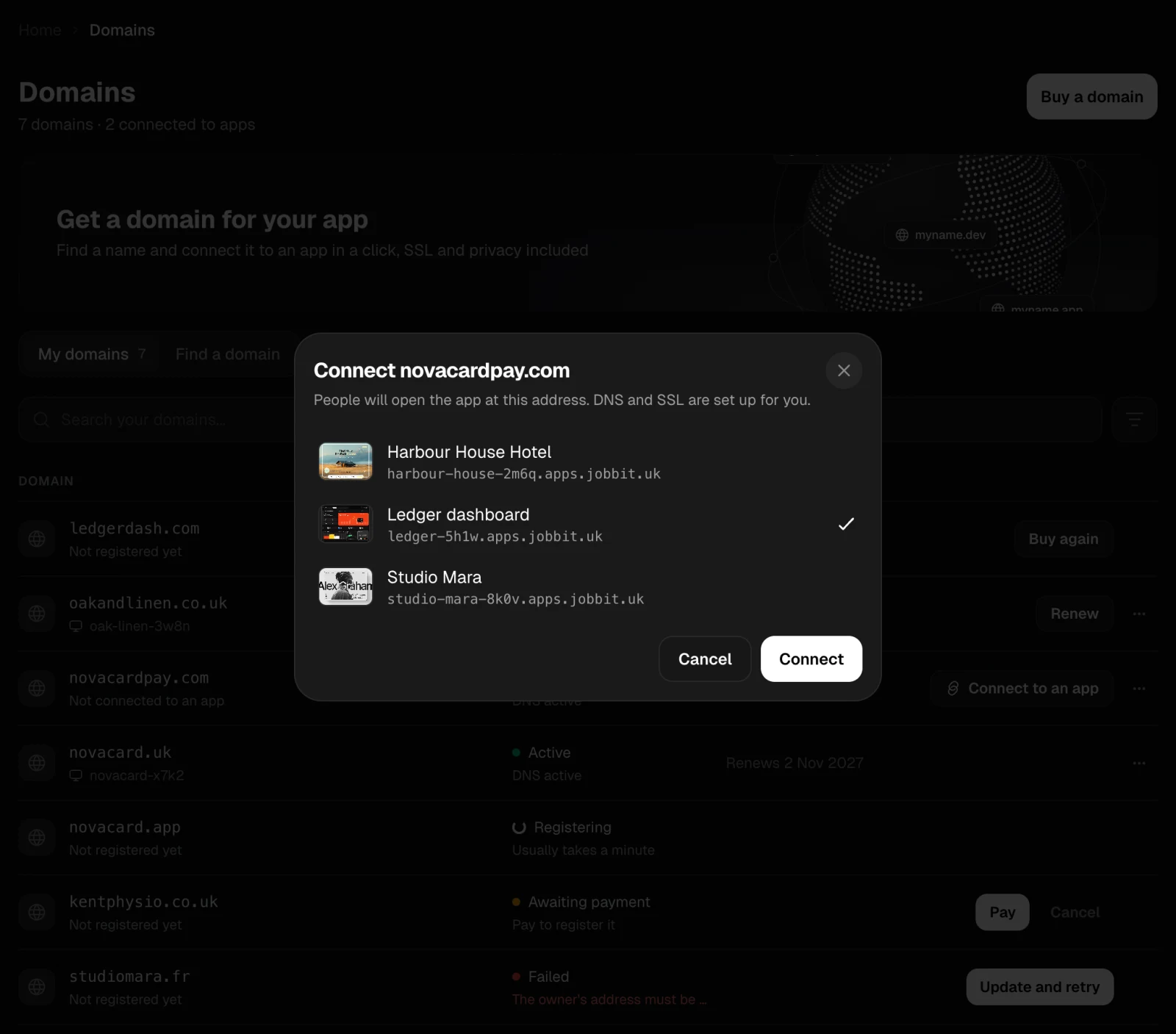
2

Pick the app

The list shows your apps that do not have a domain of their own yet.
3

Connect

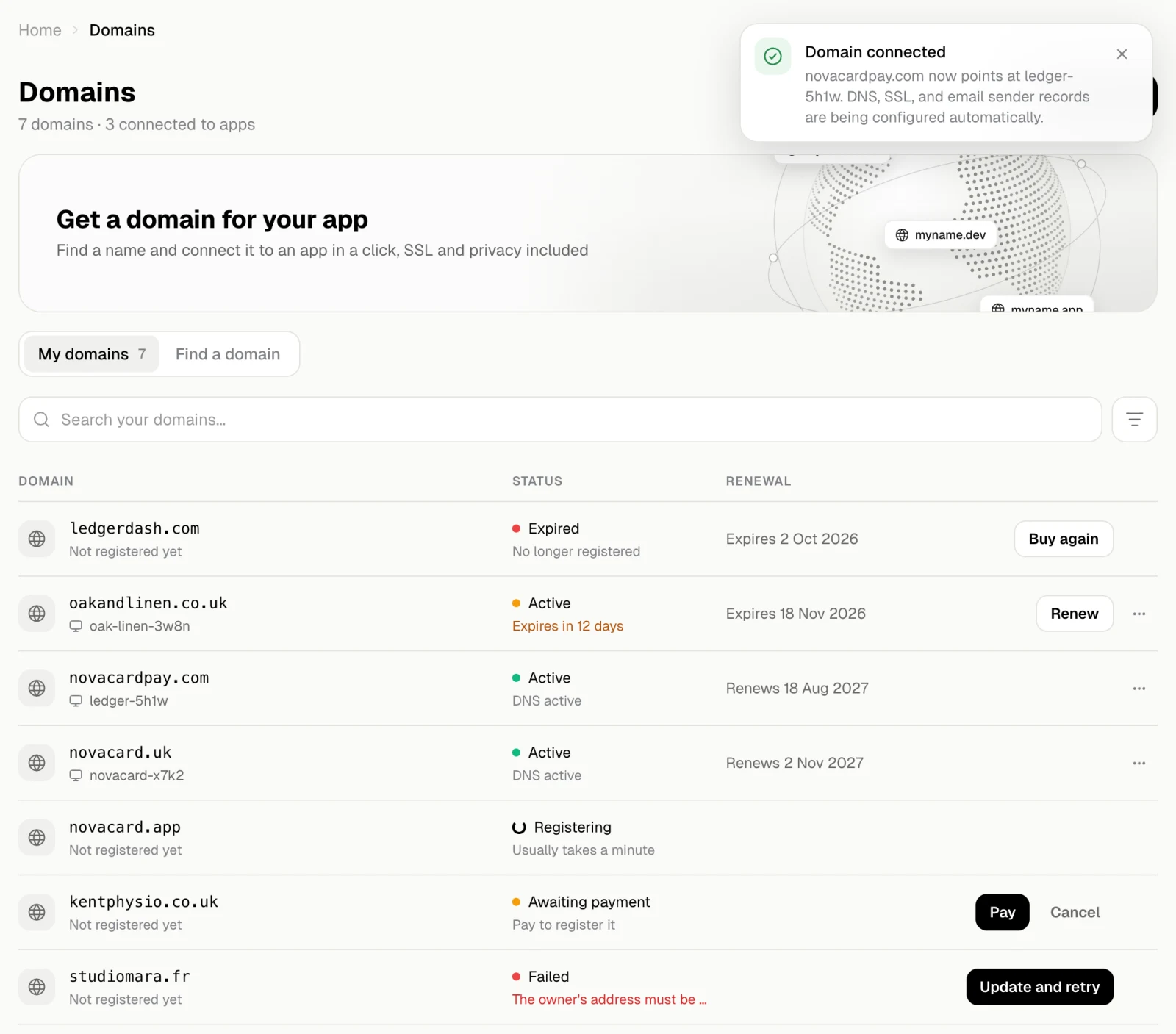
Jobbit points the domain at the app and sets up HTTPS. It also writes the records the app needs to send email from the domain.
The Connect novacardpay.com dialog with Ledger dashboard selected, light themeThe Connect novacardpay.com dialog with Ledger dashboard selected, dark theme
My domains with novacardpay.com connected to ledger-5h1w, light themeMy domains with novacardpay.com connected to ledger-5h1w, dark theme
The domain’s row now shows the app. The app’s own address on apps.jobbit.uk keeps working too. The app’s Domain tab shows the domain and the email sender. See Domains for an app and Email. If the email part could not be set up, the domain still opens the app, and you can finish the email sender from the app.

Move a domain to another app

Connect to another app in the domain’s ⋯ menu moves it to a different app. To take a domain off an app, remove it on the app’s Domain tab.

Nameservers

A domain bought on Jobbit uses Jobbit’s nameservers, so Jobbit can write its records. Change nameservers in the domain’s ⋯ menu moves its DNS to another provider. Enter one nameserver per line, at least two.
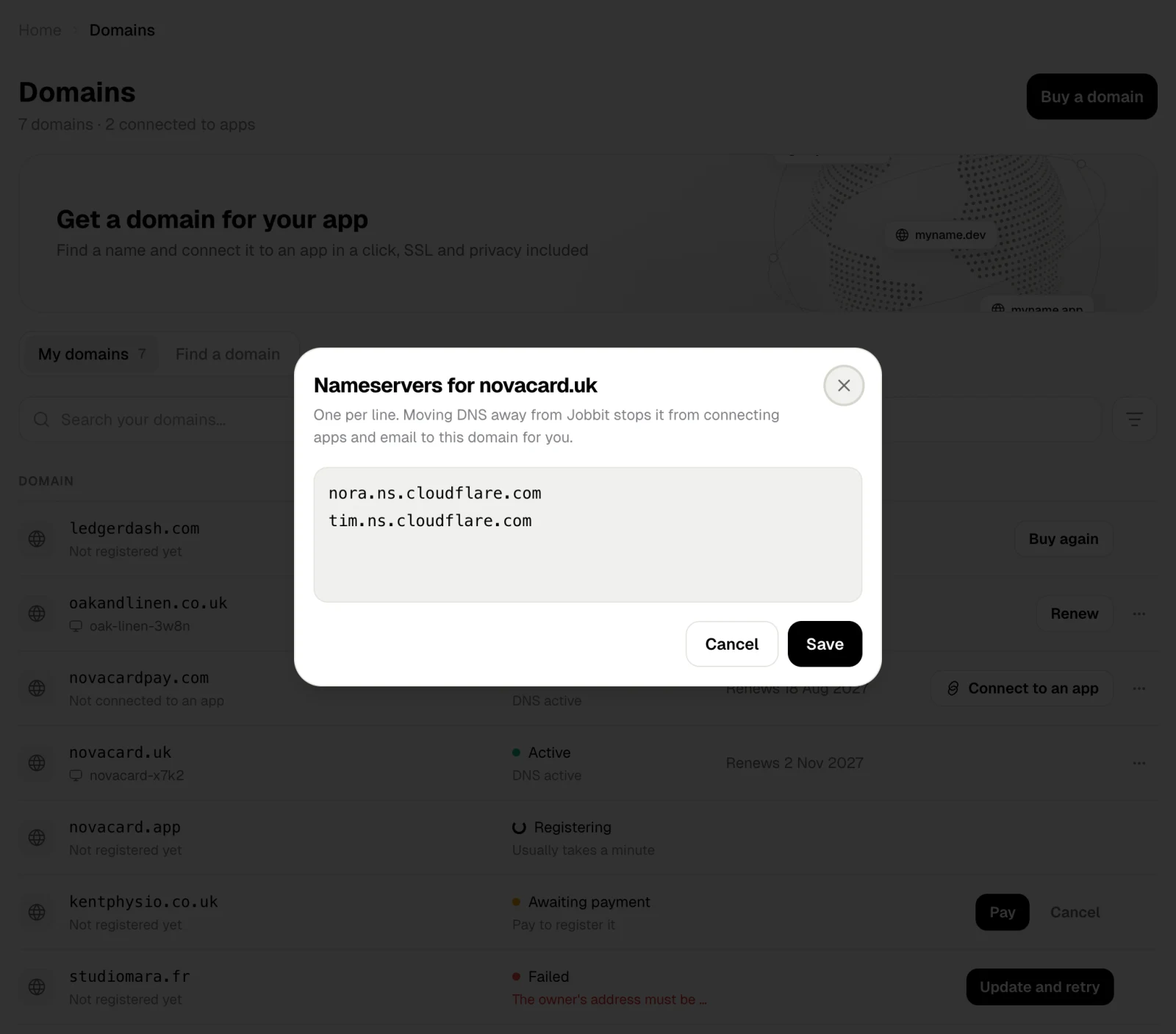
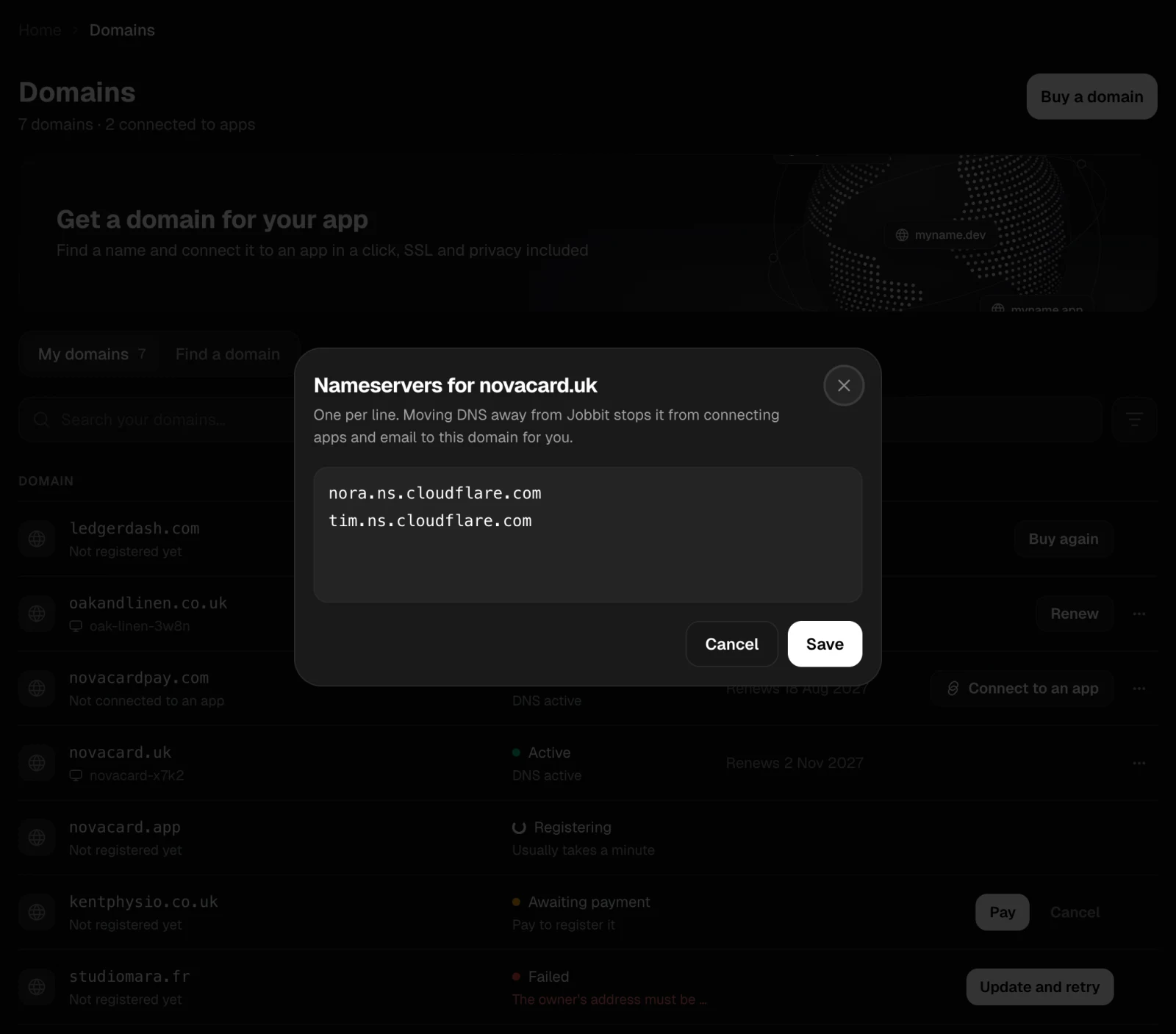
The Nameservers for novacard.uk dialog, light themeThe Nameservers for novacard.uk dialog, dark theme
With nameservers of your own, Jobbit can no longer connect apps and email to the domain for you, and its records can only be changed with the new DNS provider.