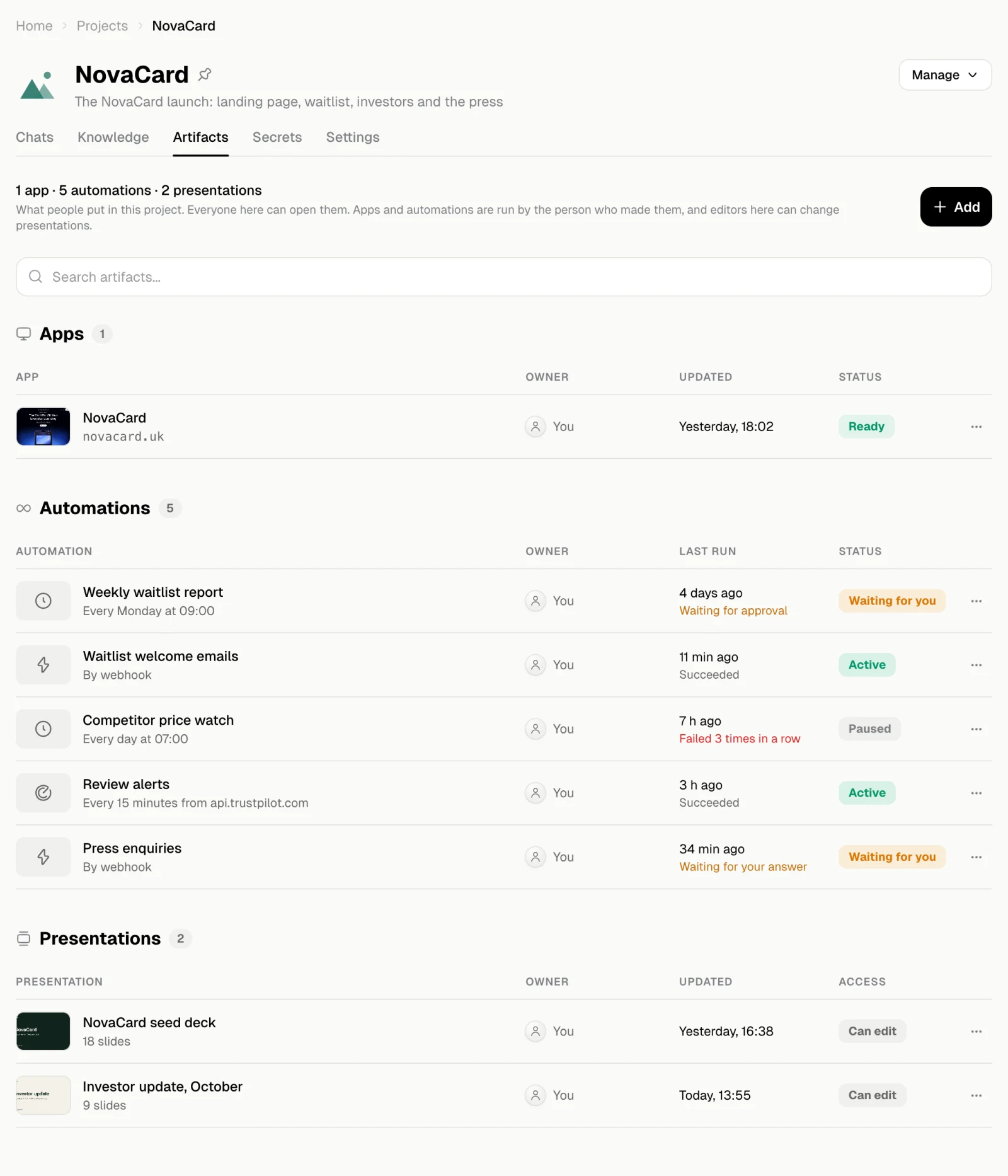
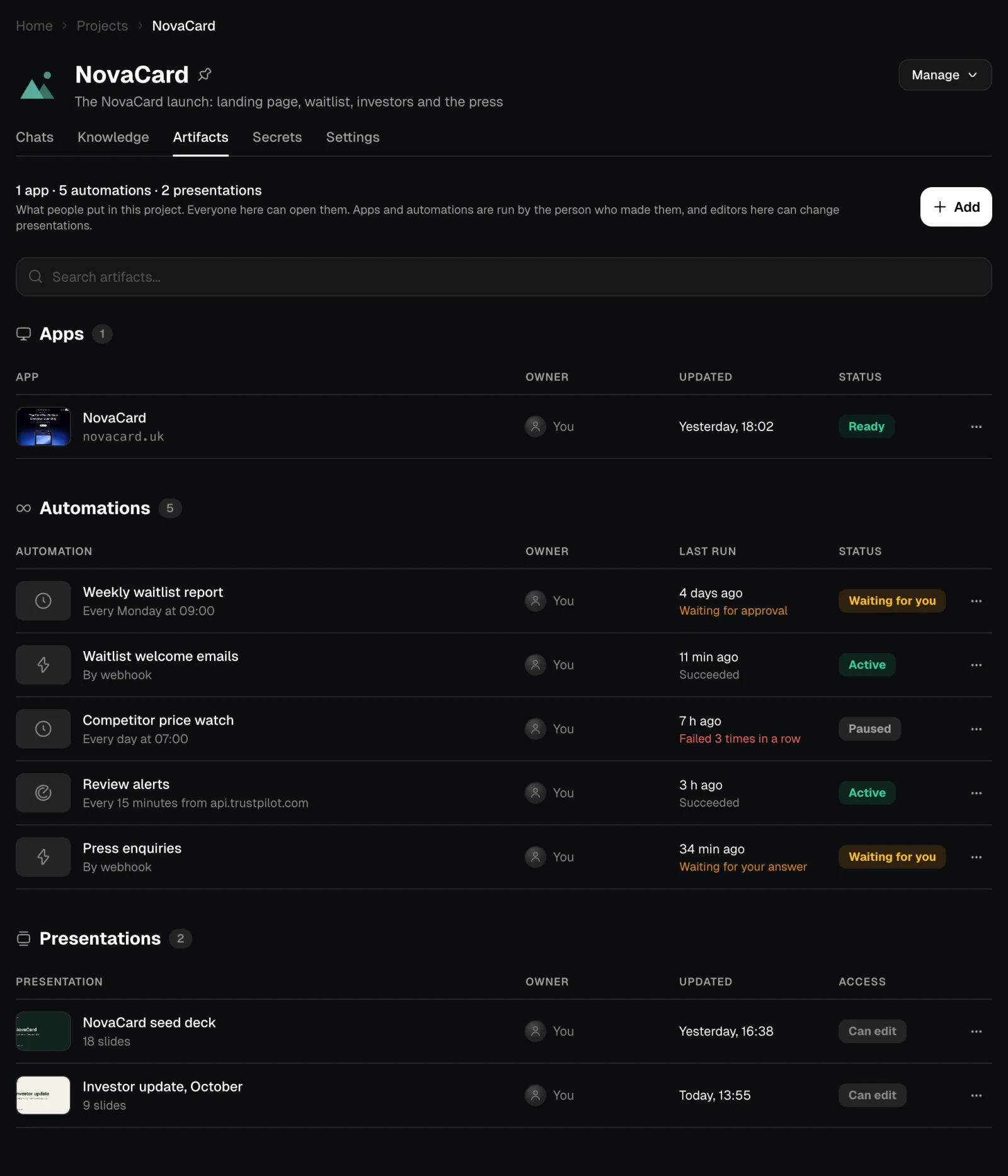
- Apps and automations are still run by the person who made them, and their costs stay with that person.
- Presentations, motion and designs can be changed by everyone in the project who can edit.
- An automation in a project can use the project’s secrets. See Secrets of an automation.
Add to the project
Add lists your apps, automations and presentations that are not in the project yet. Tick what to add and choose Add. Something that is already in another project moves from it, and the line under it says which one.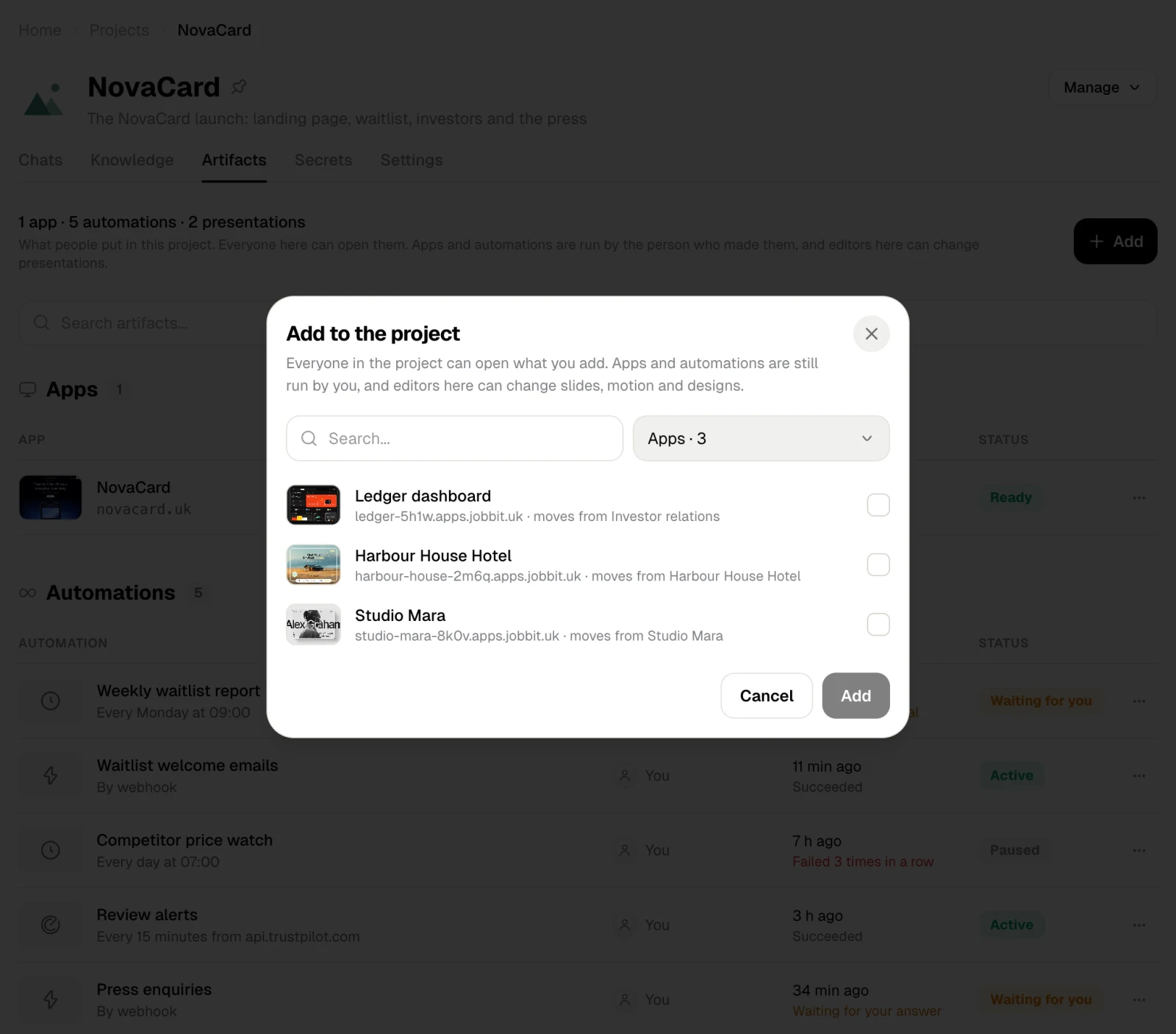
Take something out
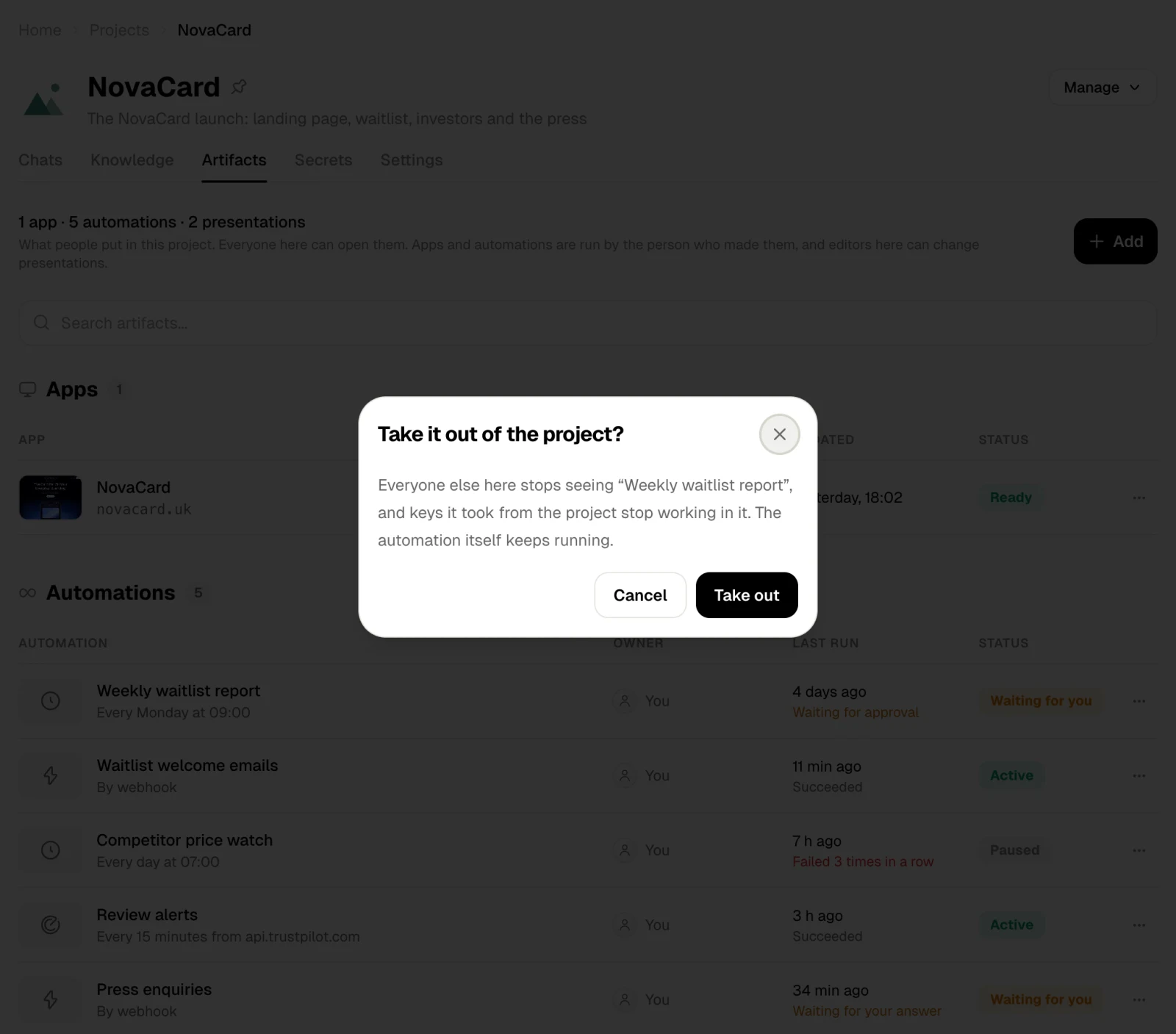
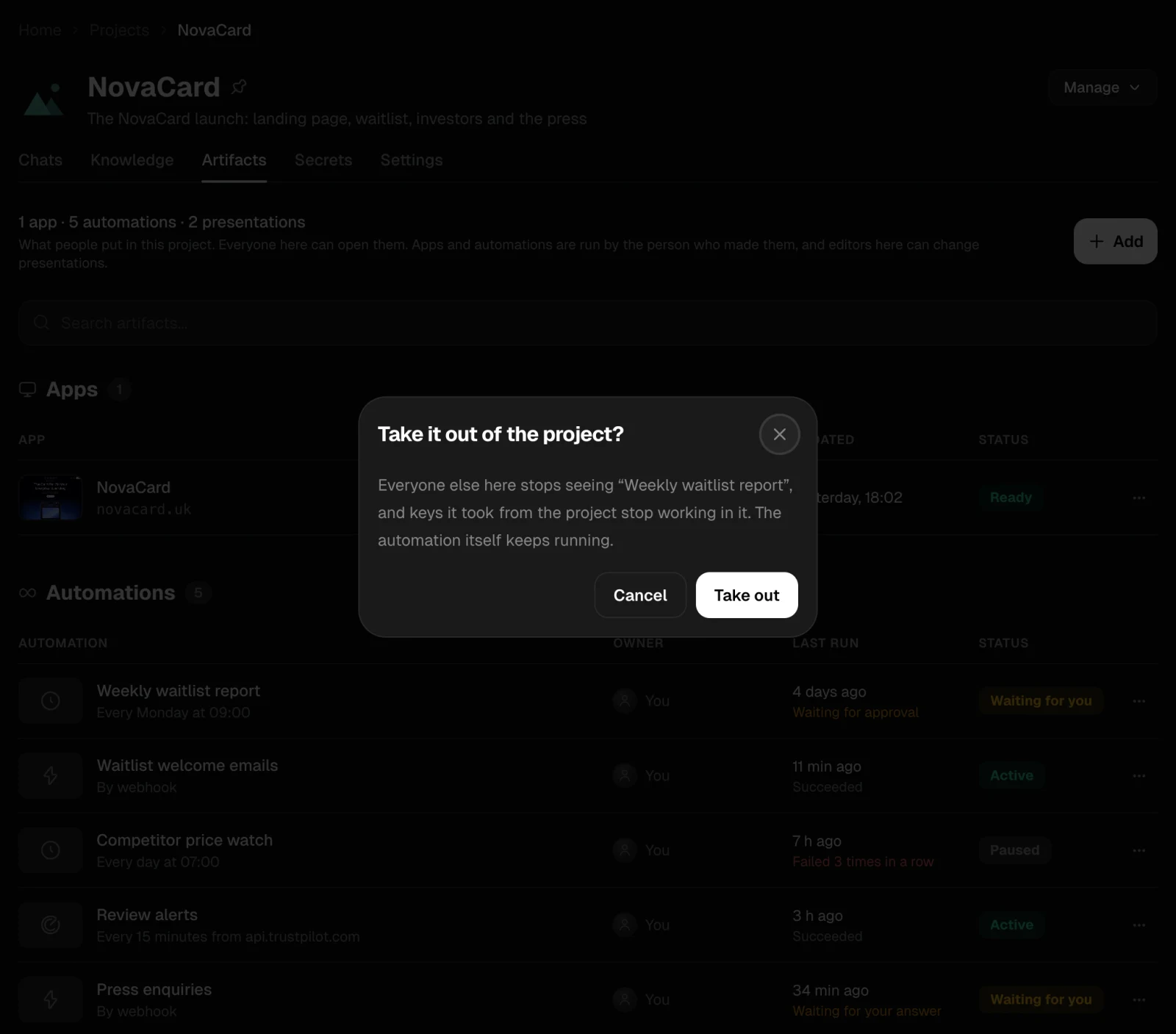
Remove from project in its ⋯ menu takes it out. Everyone else in the project stops seeing it, and keys it took from the project stop working in it. The app or automation itself keeps running, and presentations stay in your Library.