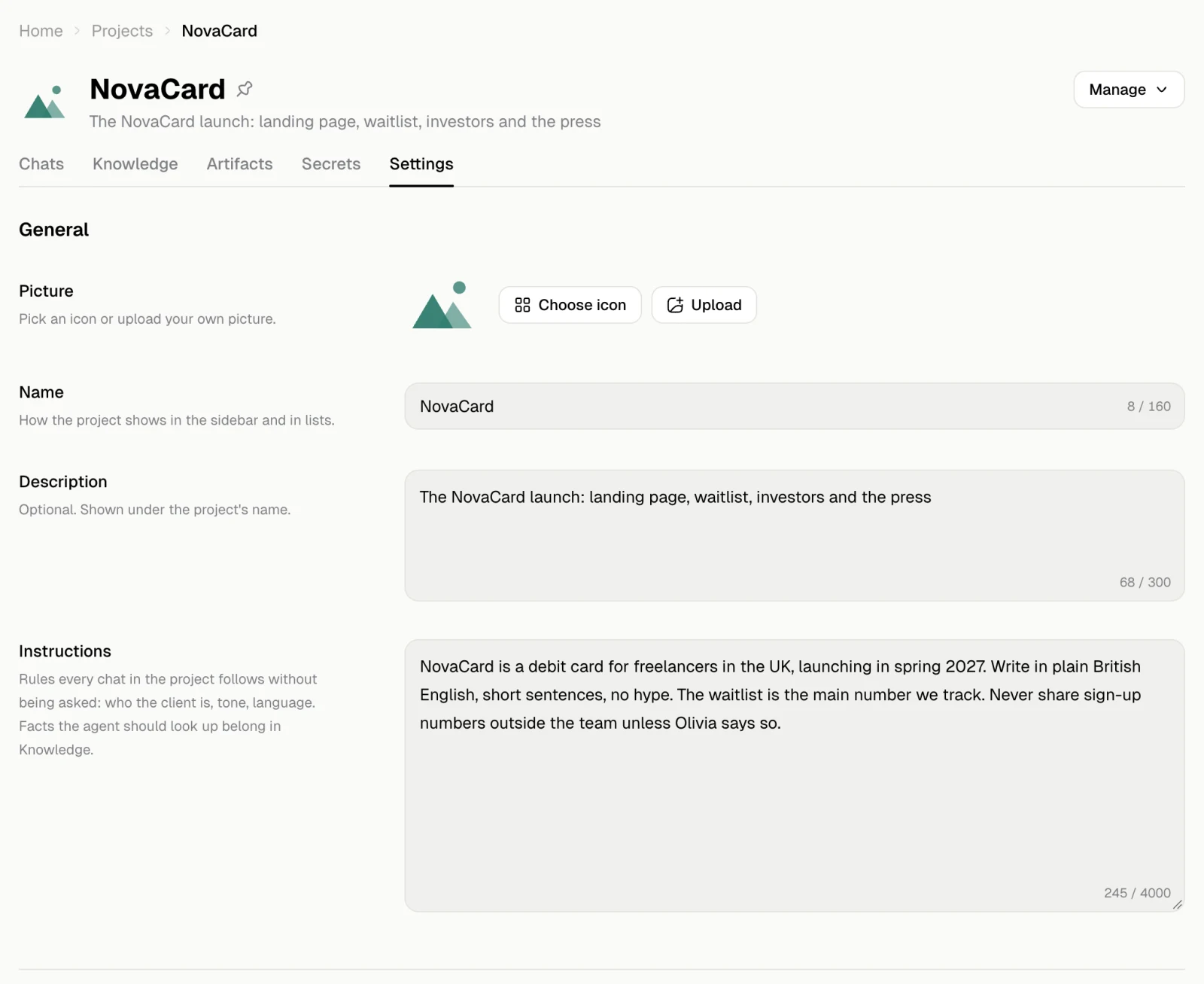
General
| Setting | What it does |
|---|---|
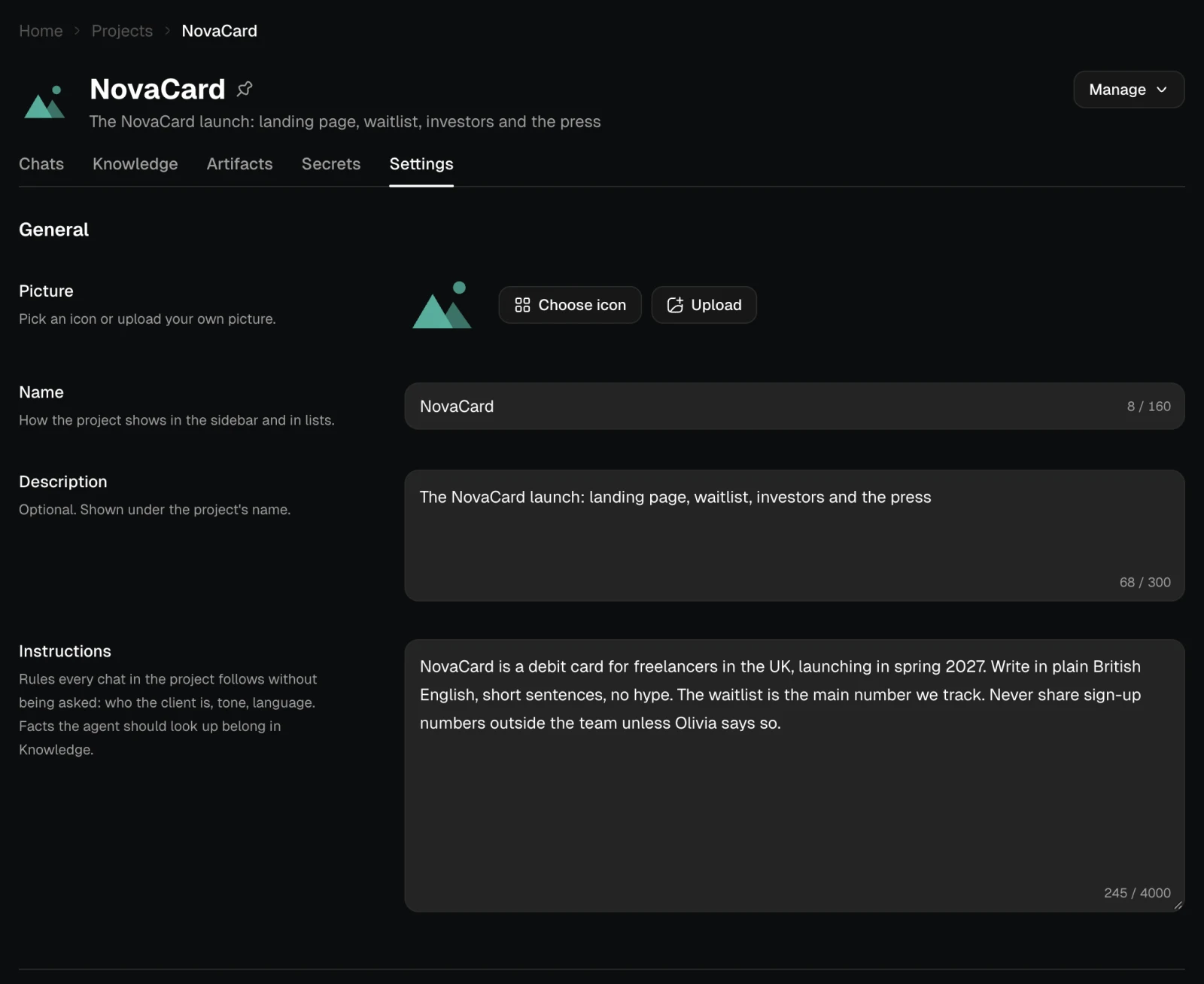
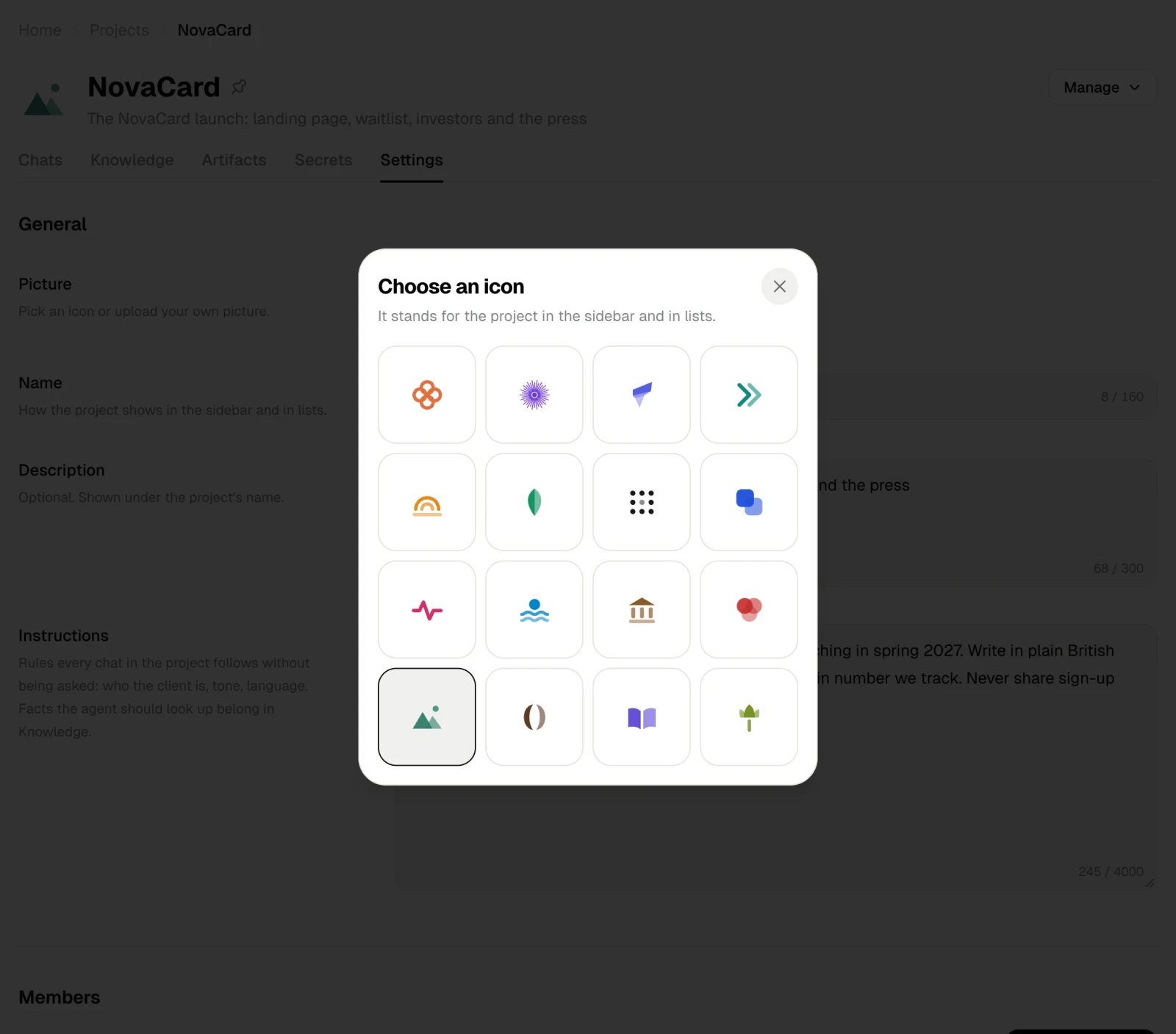
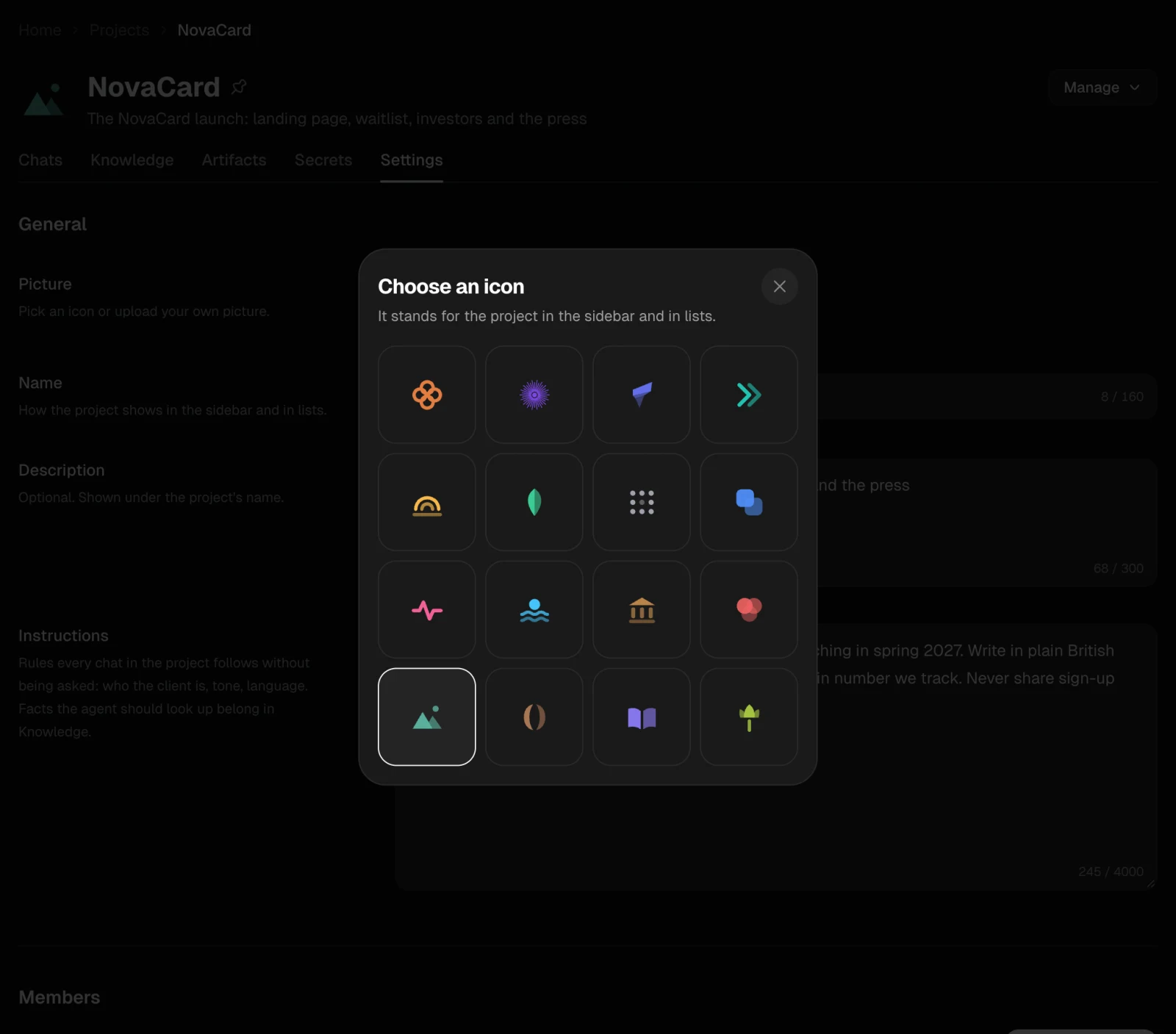
| Picture | Choose icon to pick one, or Upload a picture of your own. It stands for the project in the sidebar and in lists |
| Name | How the project shows in the sidebar and in lists |
| Description | Optional. A line under the project’s name |
Instructions
Rules every chat in the project follows without being asked: who the client is, the tone, the language, what never to share. Facts the agent should look up belong in Knowledge. For example: NovaCard is a debit card for freelancers in the UK, launching in spring 2027. Write in plain British English, short sentences, no hype.Export
Only the owner can export a project. Prepare an export packs its files, notes, chats, instructions and members into one zip file. Secret values are never included. You can leave the page while it is prepared; Jobbit emails you when it is ready. Download then shows its size and what is inside, and stays available for a week. Delete removes the archive sooner.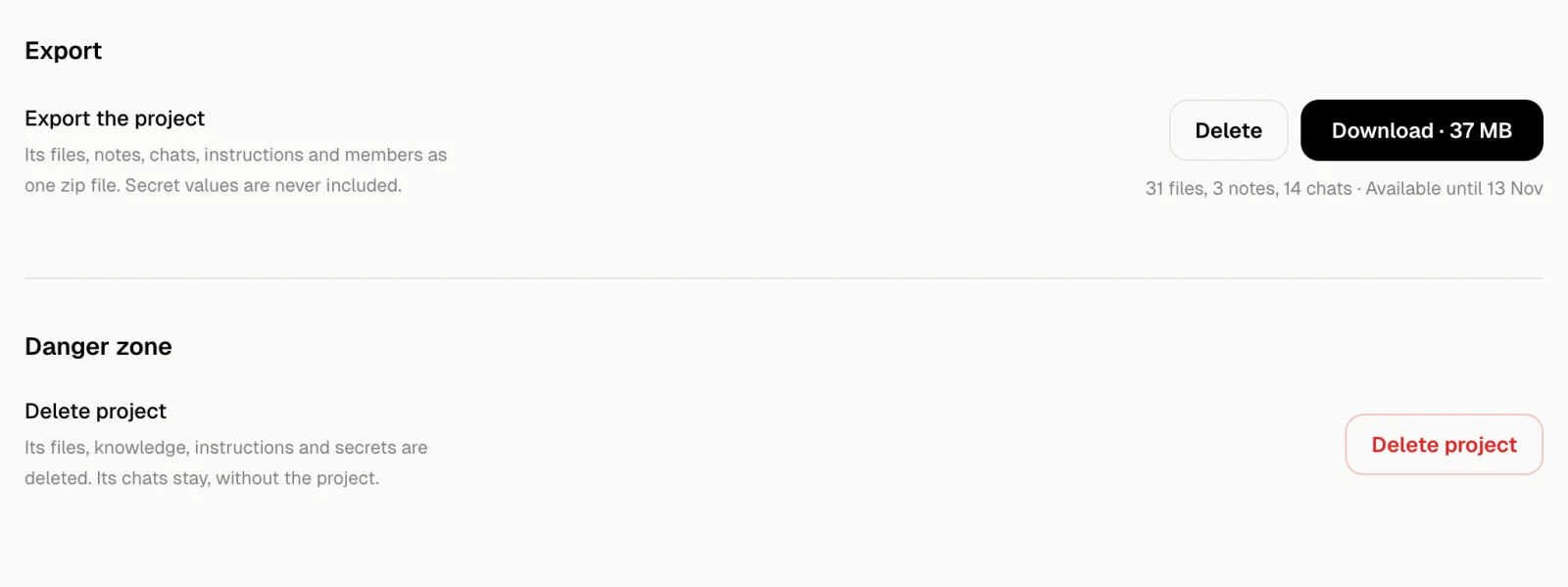
Delete the project
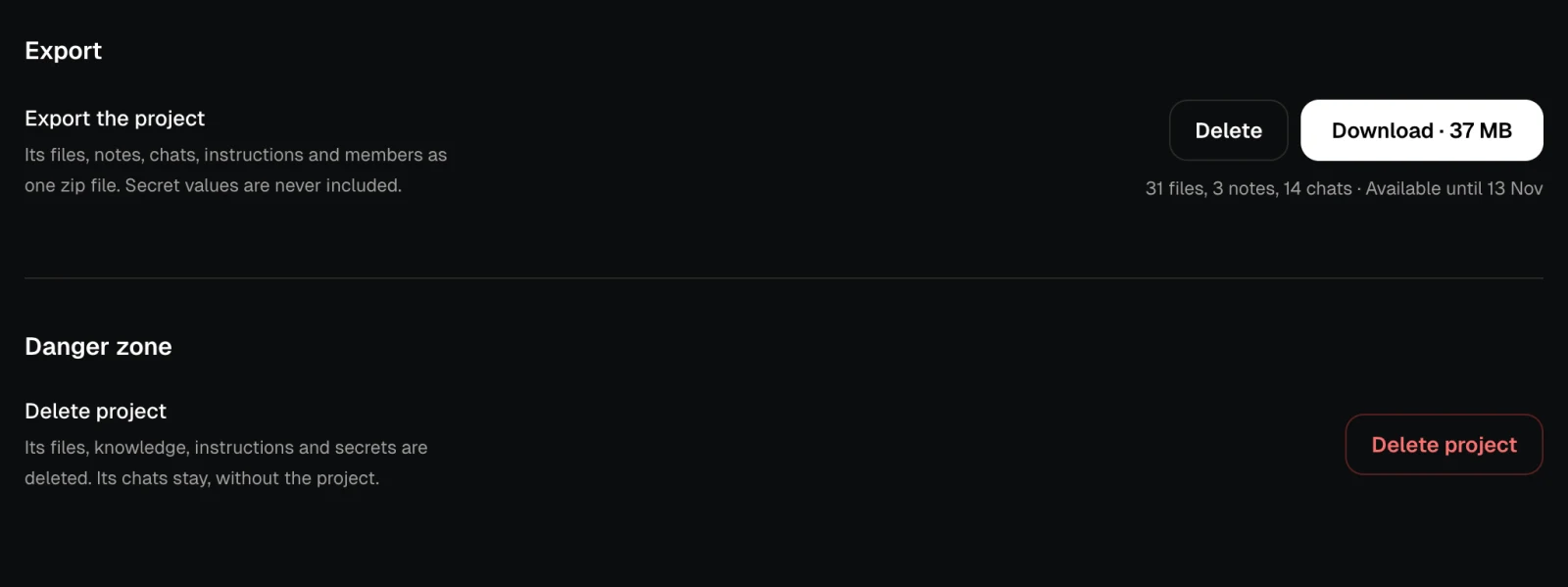
Delete project in the danger zone deletes its files, knowledge, instructions and secrets. Its chats stay, without the project. Only the owner can delete a project, after typing its name. See Delete a project.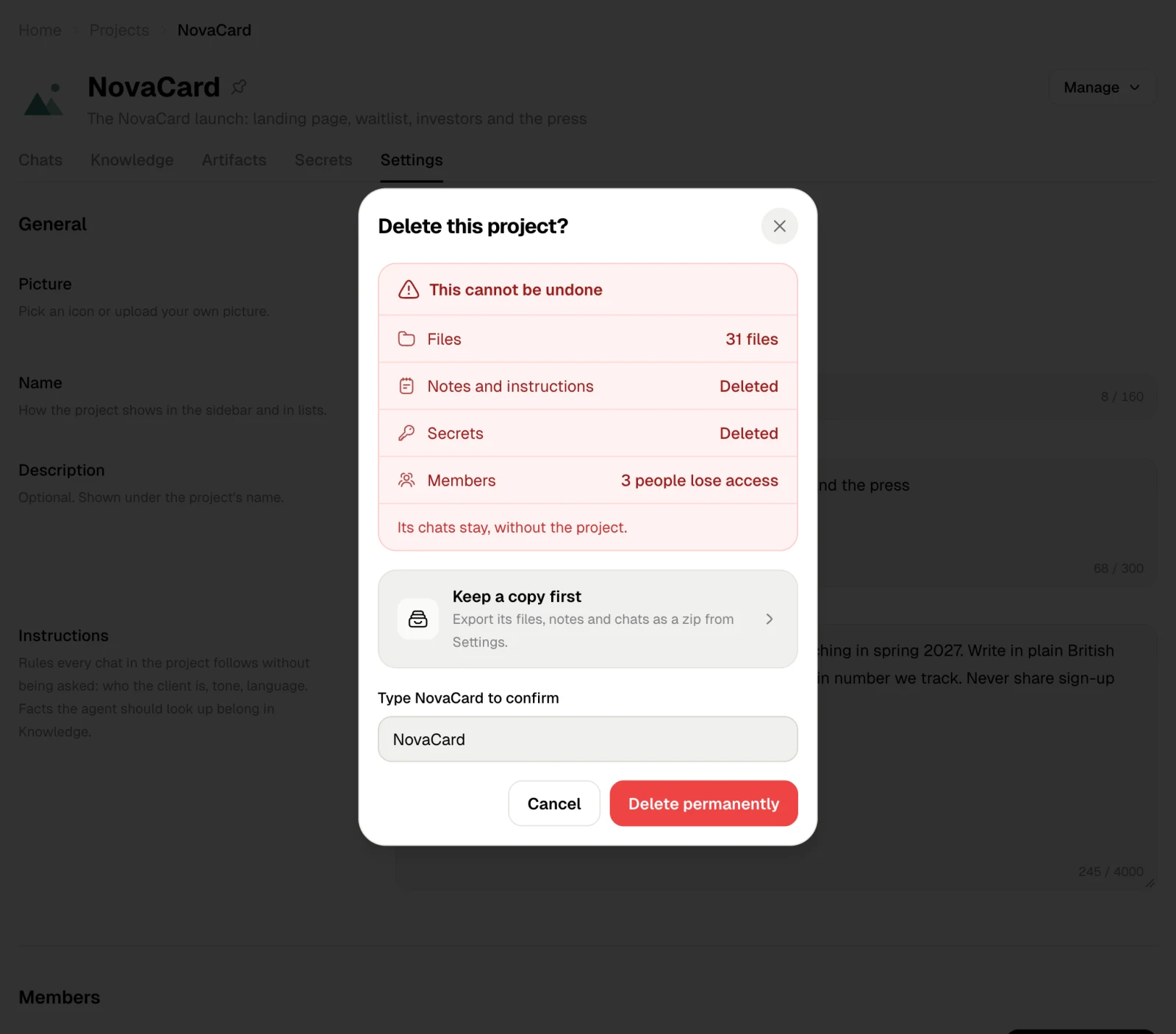
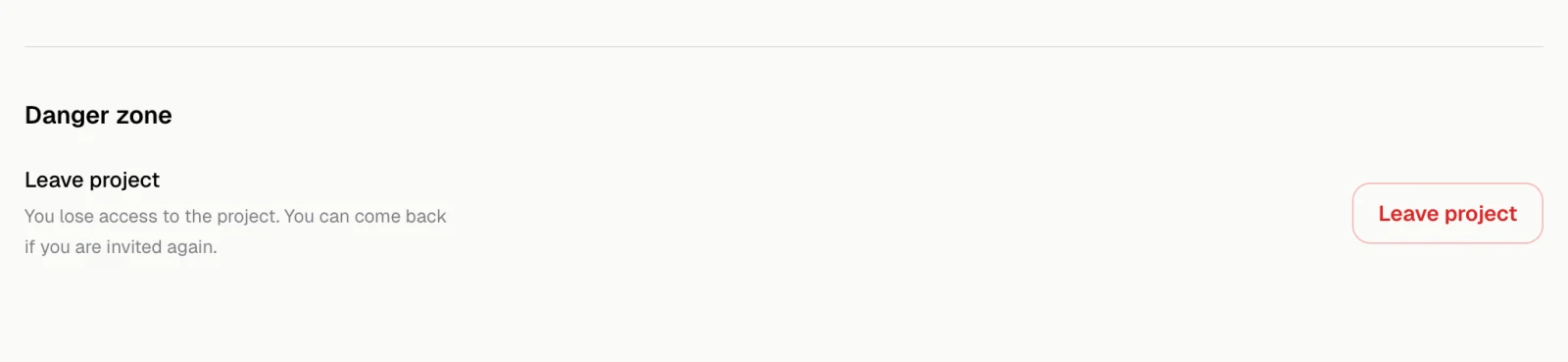
Leave the project
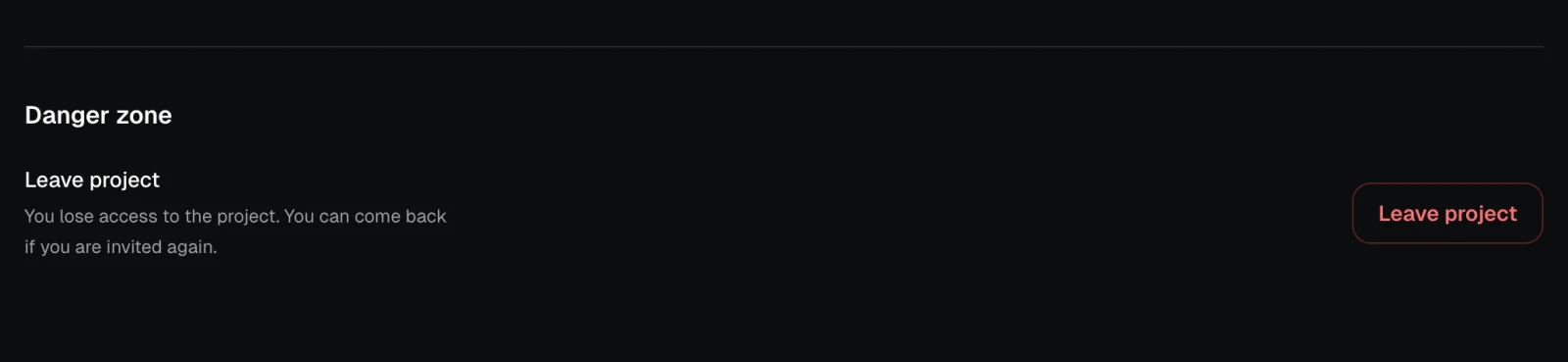
In a project someone else owns, the danger zone has Leave project instead. You lose access, and you can come back if you are invited again.