- Pinned: the projects you pinned, at the top. Pinning is yours alone; it does not change the project for anyone else.
- Shared: projects with more than one person in them. A project someone else owns is marked Shared with you.
- Personal: projects only you are in.
Create a project
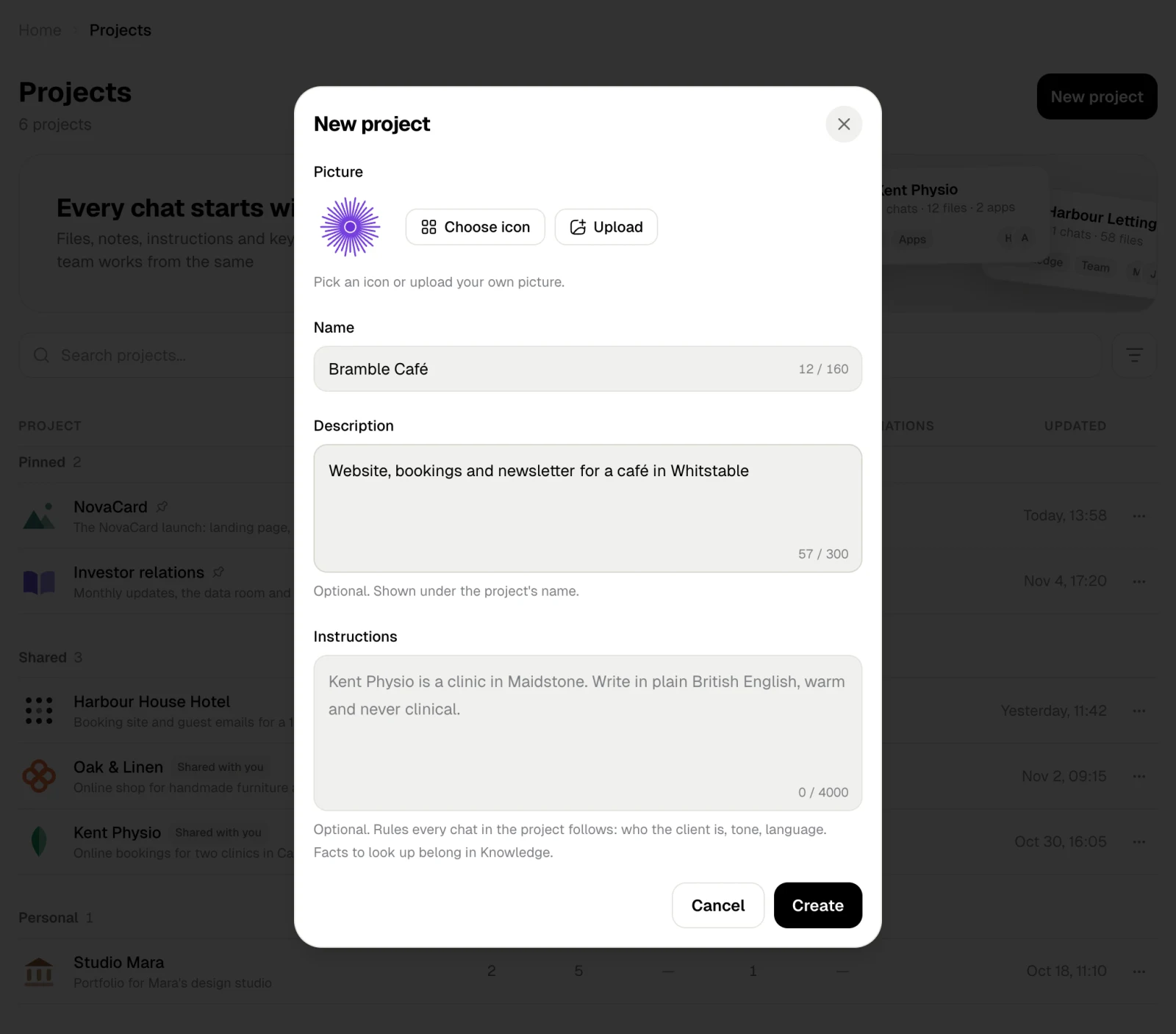
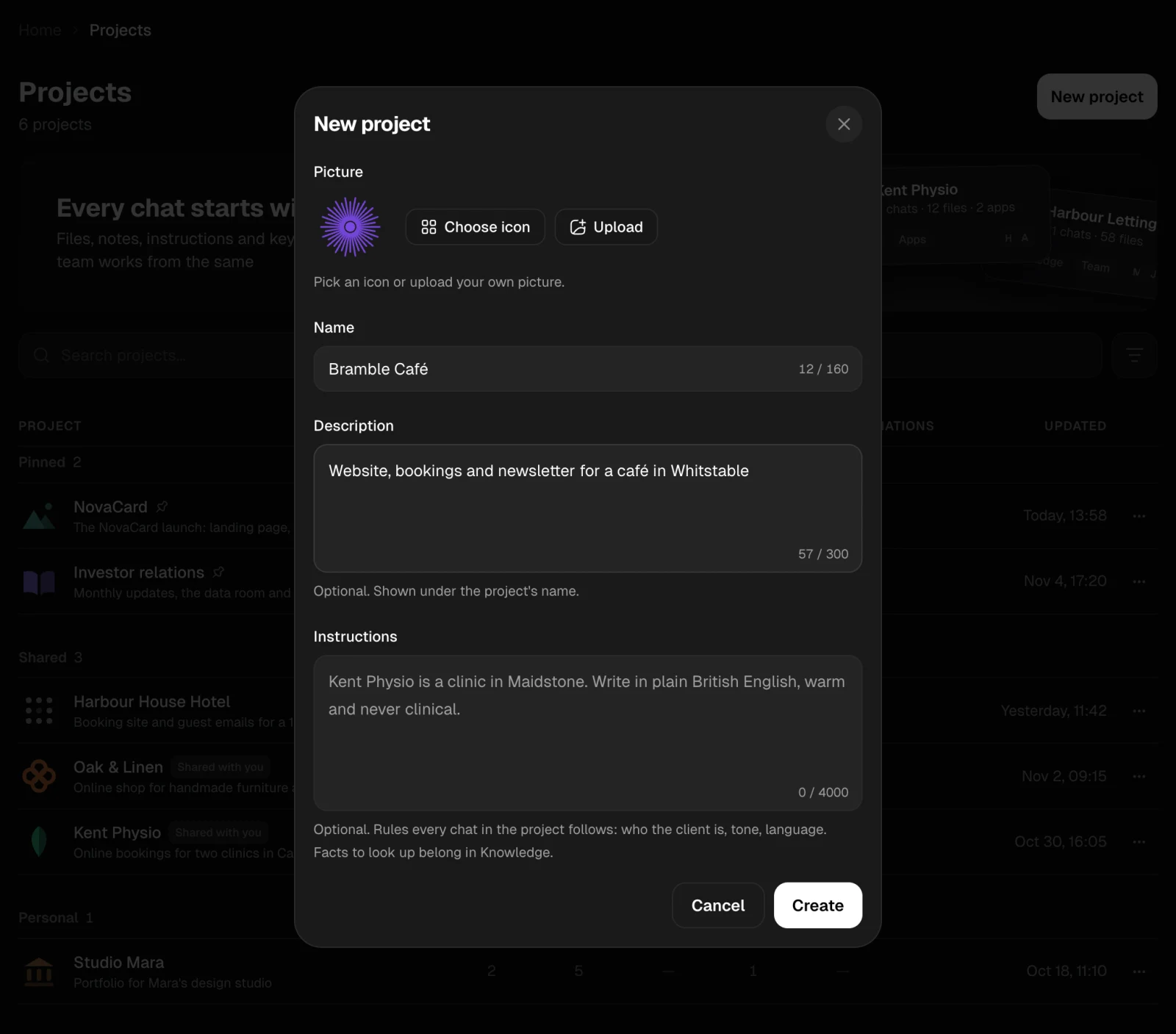
New project opens a short form:| Field | What it is for |
|---|---|
| Picture | Choose icon to pick one, or Upload a picture of your own |
| Name | How the project shows in the sidebar and in lists |
| Description | Optional. A line under the name |
| Instructions | Optional. Rules every chat in the project follows: who the client is, the tone, the language |
Find a project
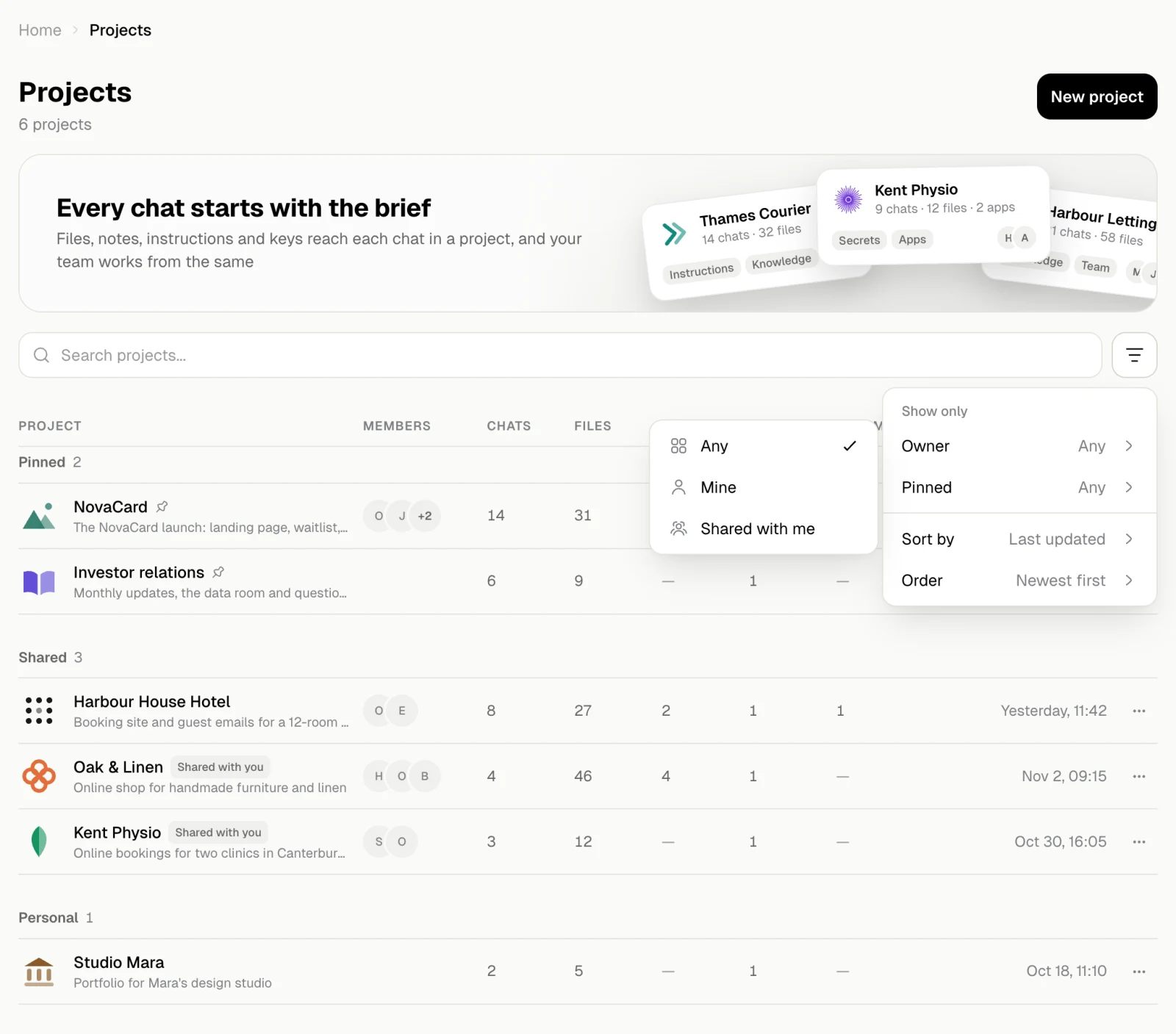
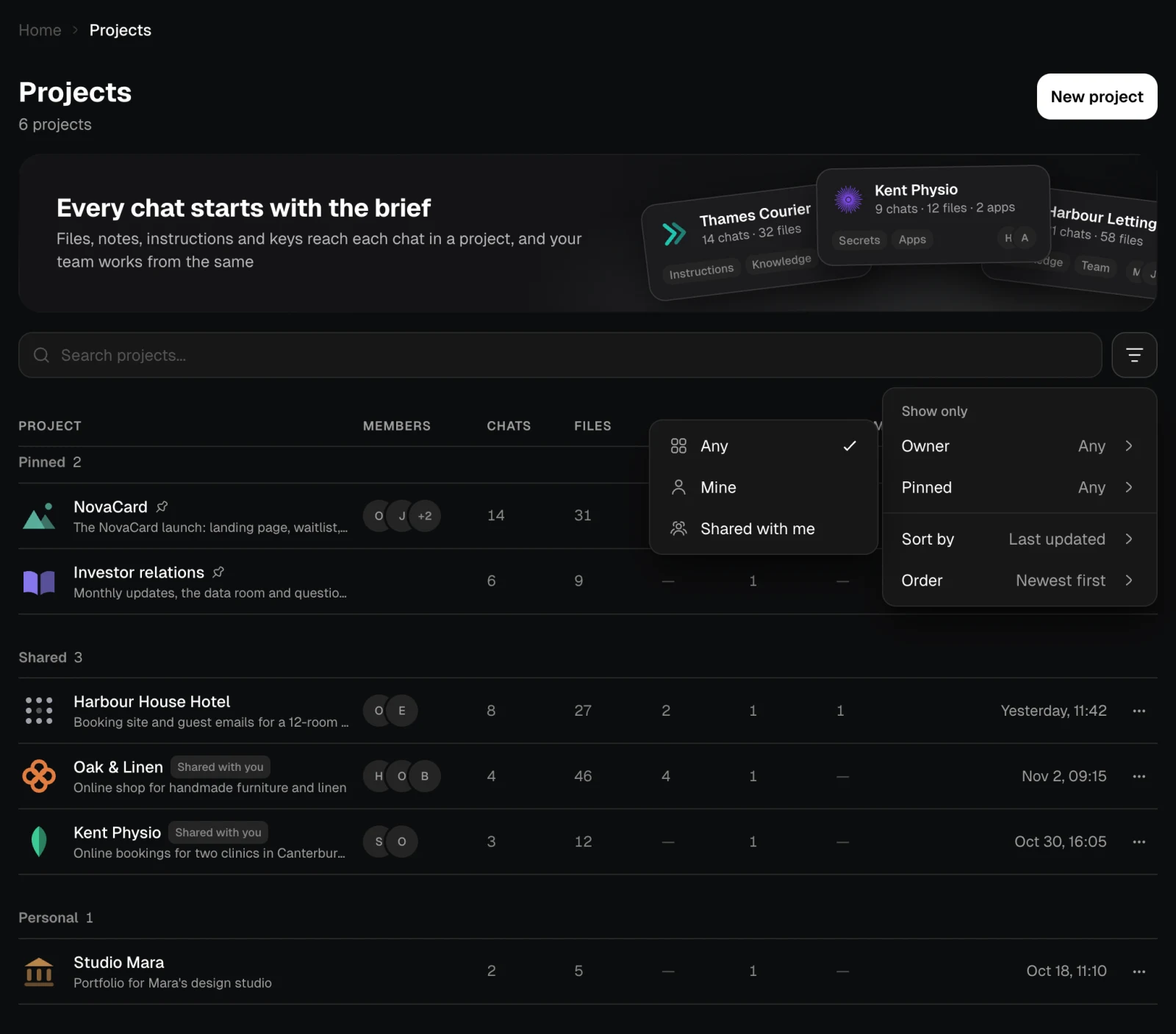
Type in Search projects to find one by name. The filter button next to it has:- Owner: any, mine, or shared with me.
- Pinned: any, or pinned only.
- Sort by: last updated, date created or name, in the order you choose.
Actions on a project
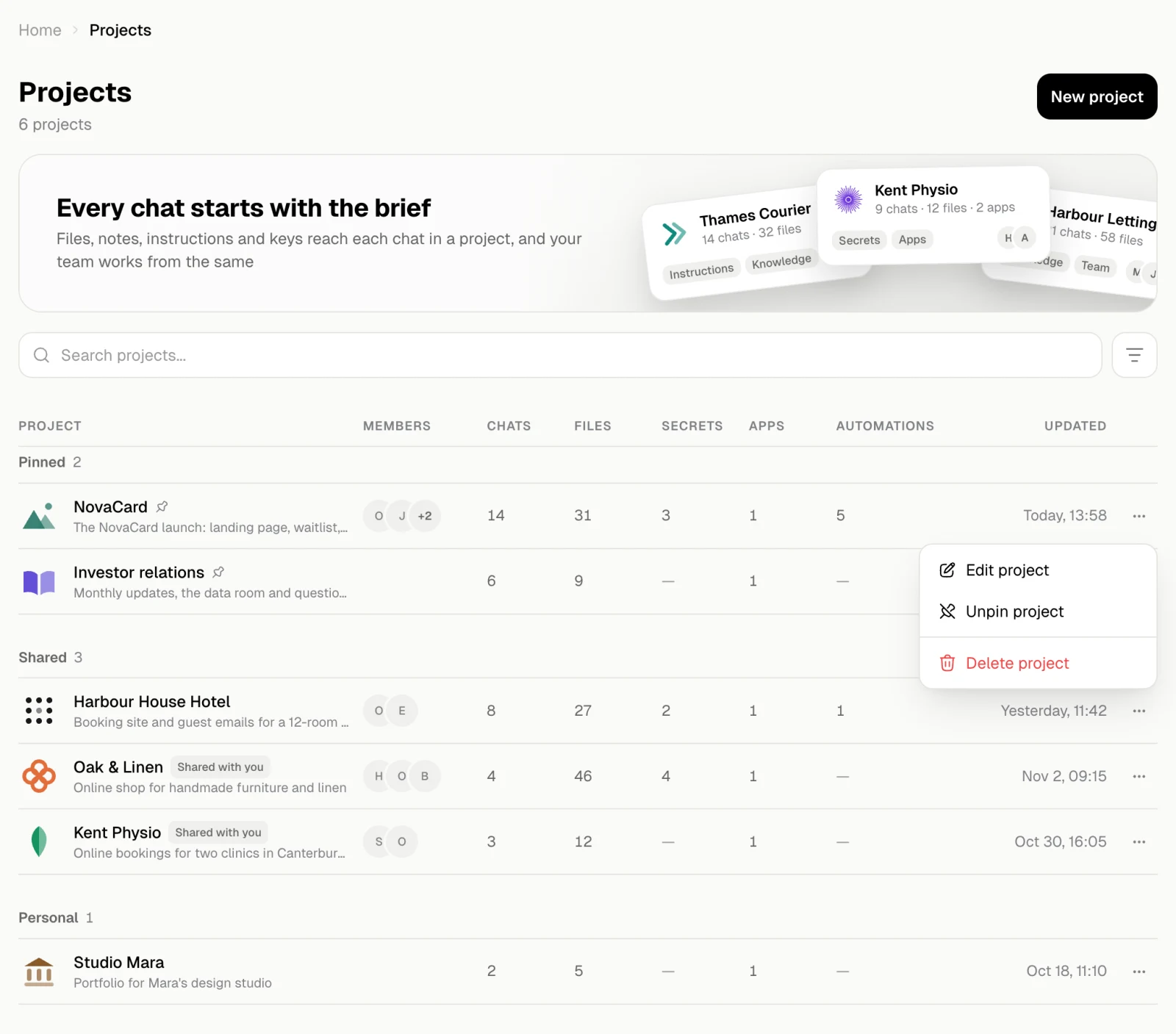
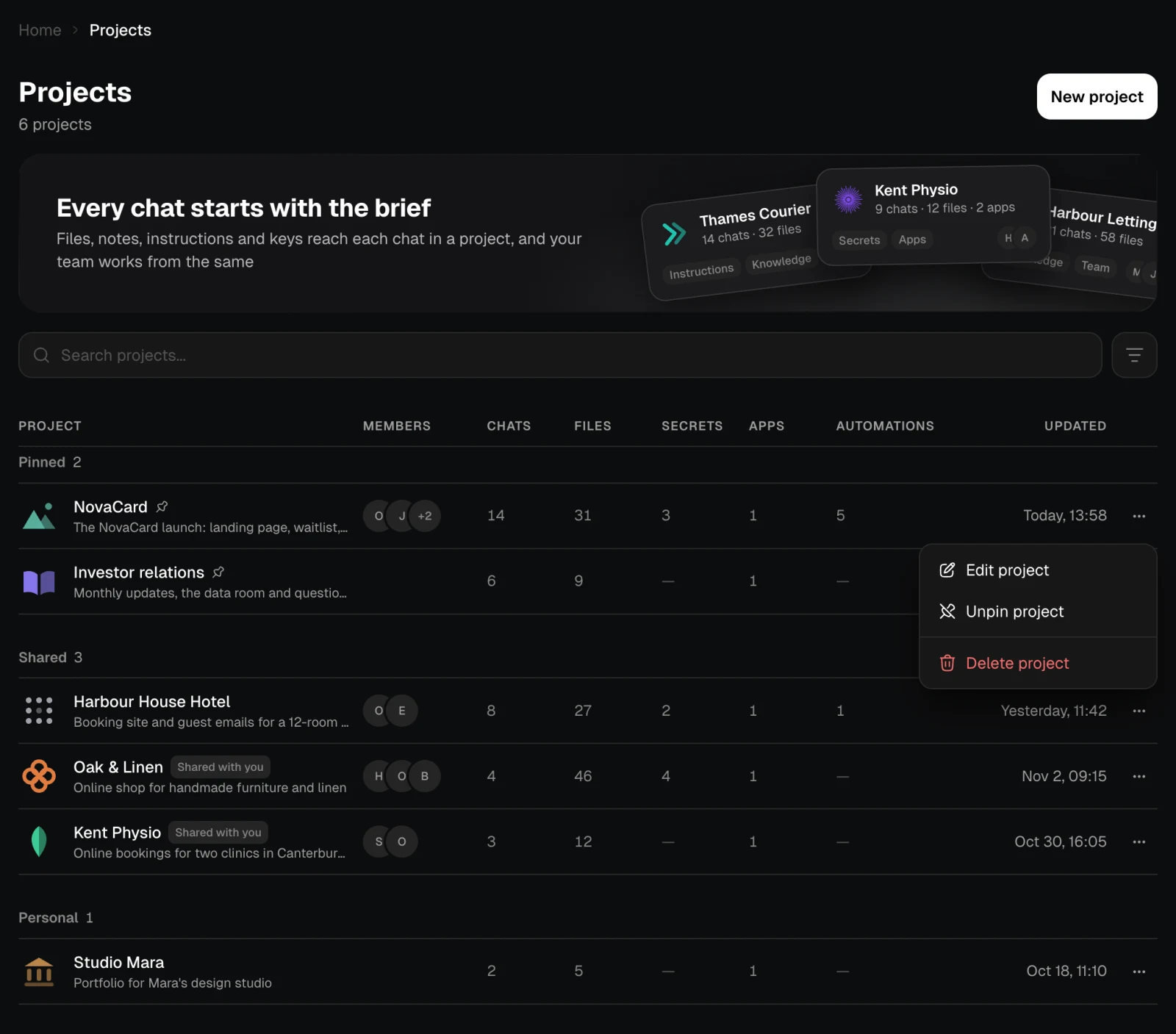
The ⋯ menu of a row depends on whether the project is yours:| Your project | A project shared with you |
|---|---|
| Edit project opens its settings | Pin project / Unpin project |
| Pin project / Unpin project | Leave project |
| Delete project |
Leave a project
Leave project takes you out of a project someone else owns. Anything you added stays with the project, and you can come back if you are invited again.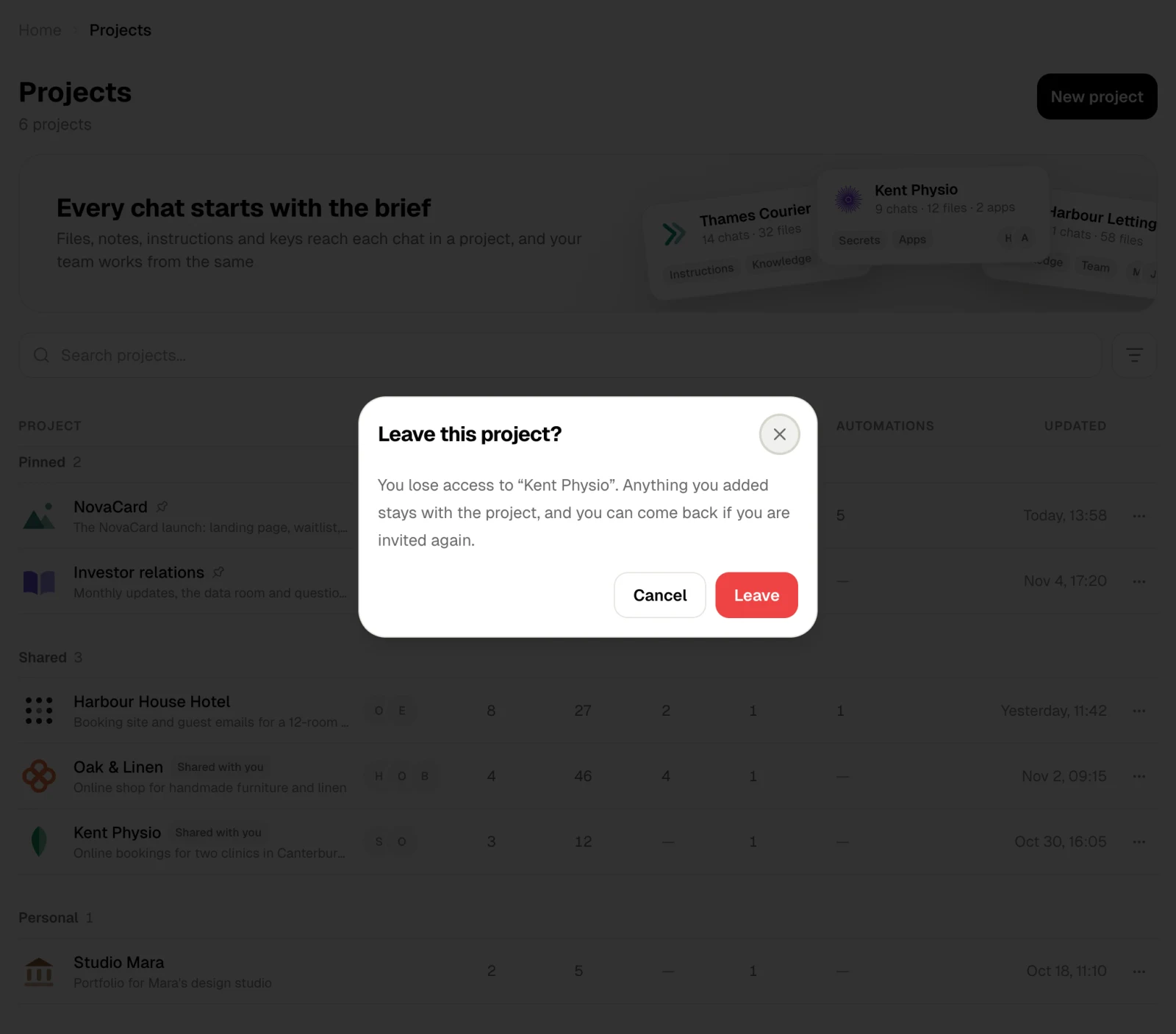
Delete a project
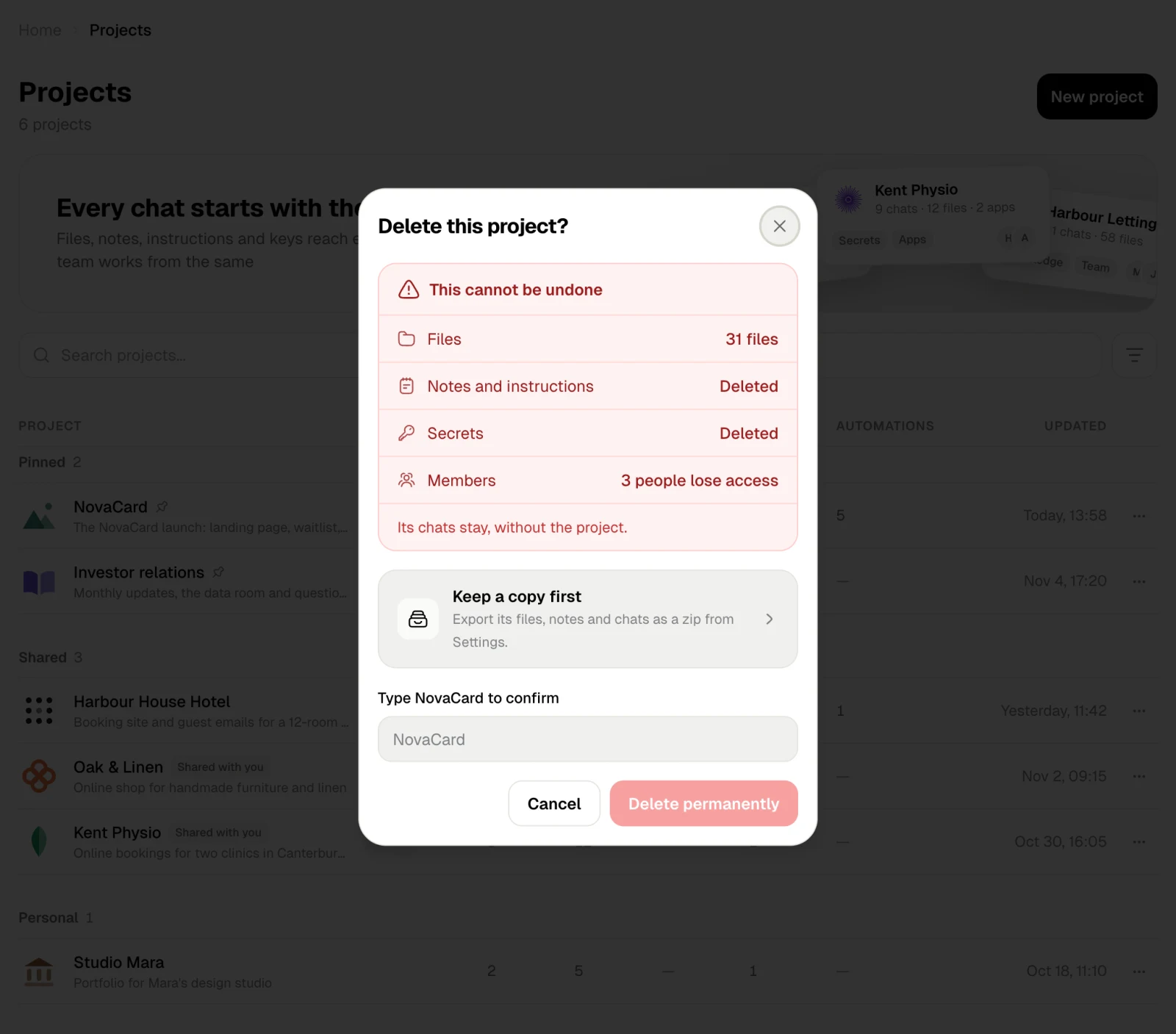
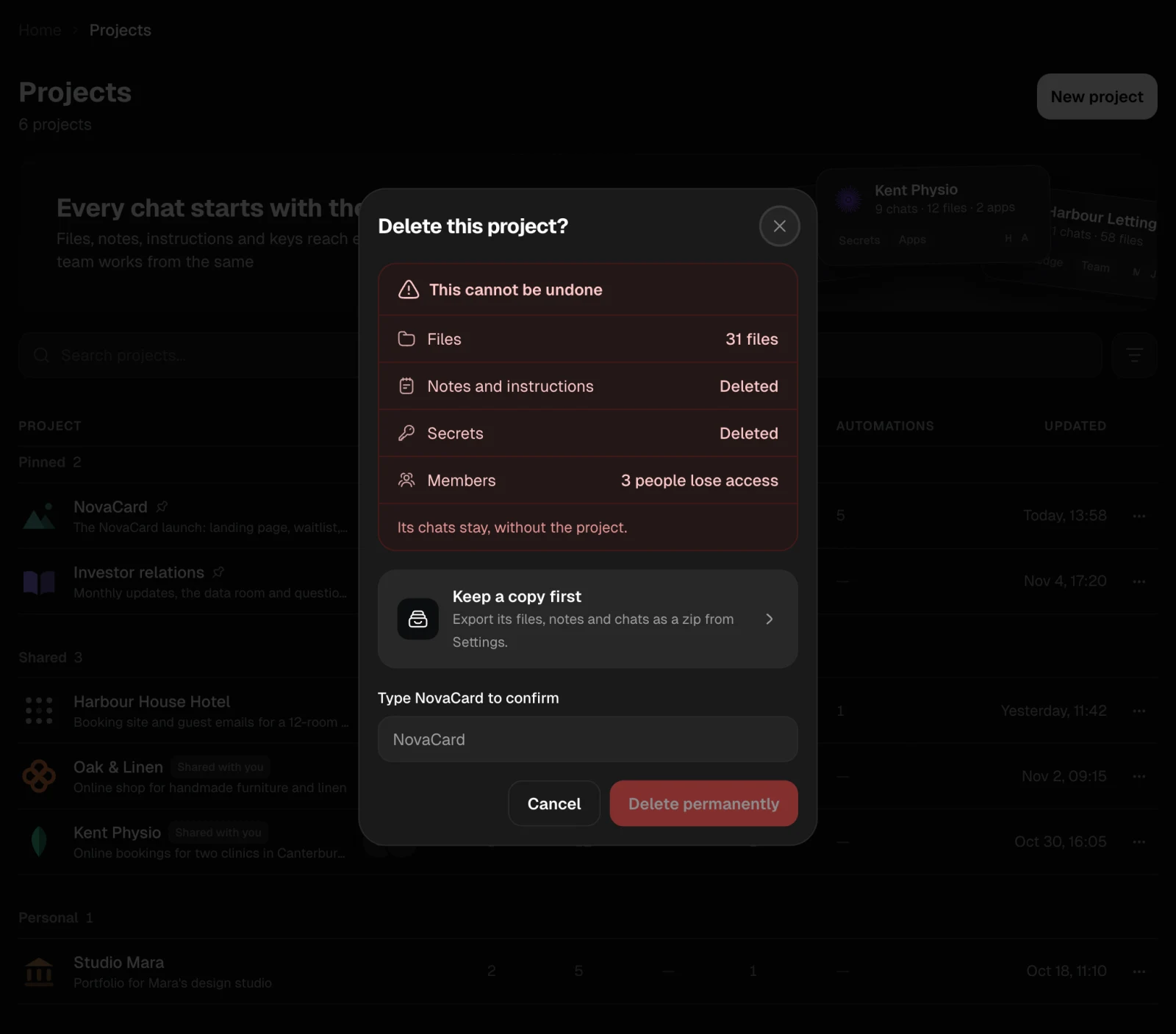
Only the owner can delete a project, and it cannot be undone. The dialog says what goes:- its files, its notes and instructions, and its secrets are deleted;
- the people in it lose access;
- its chats stay, without the project.