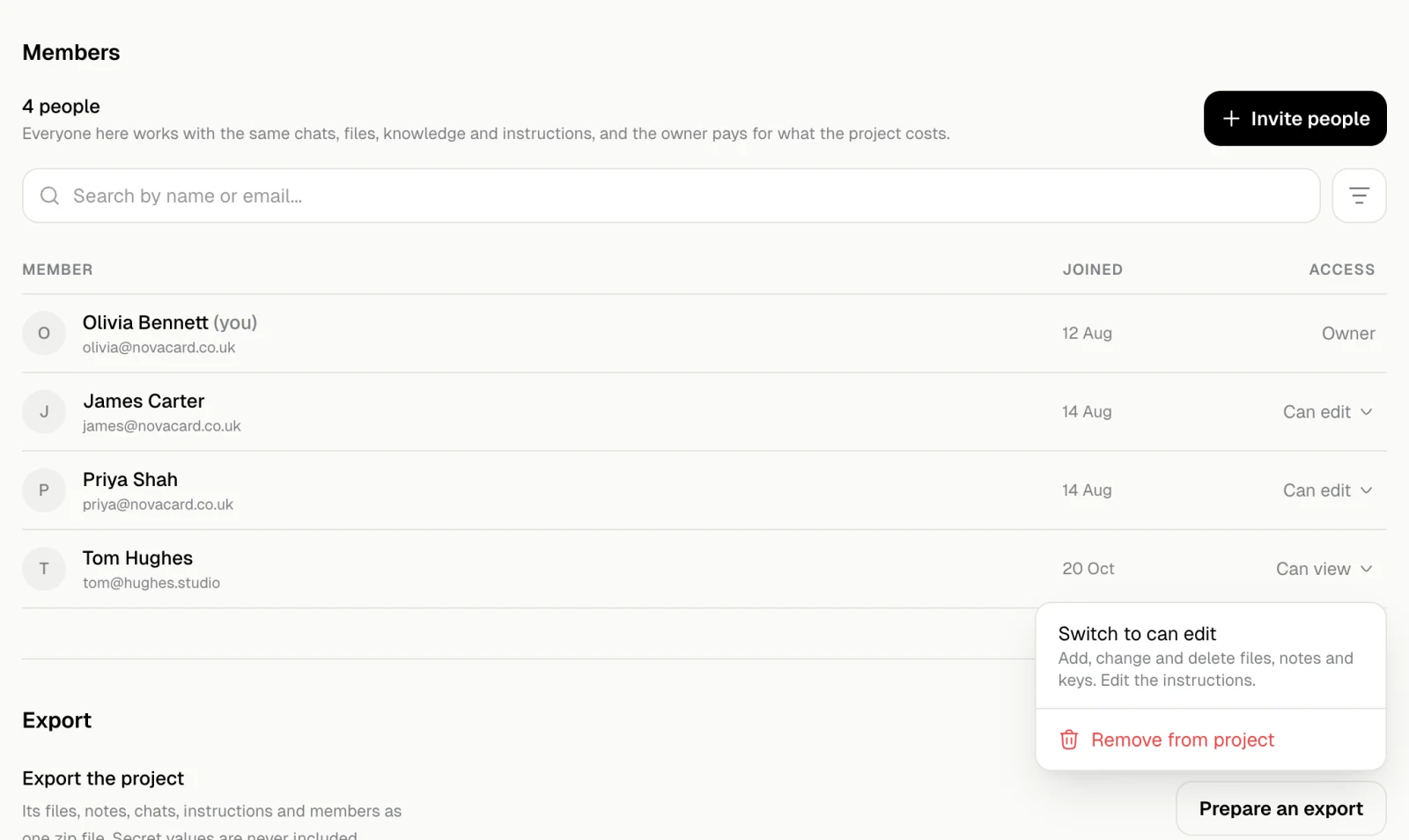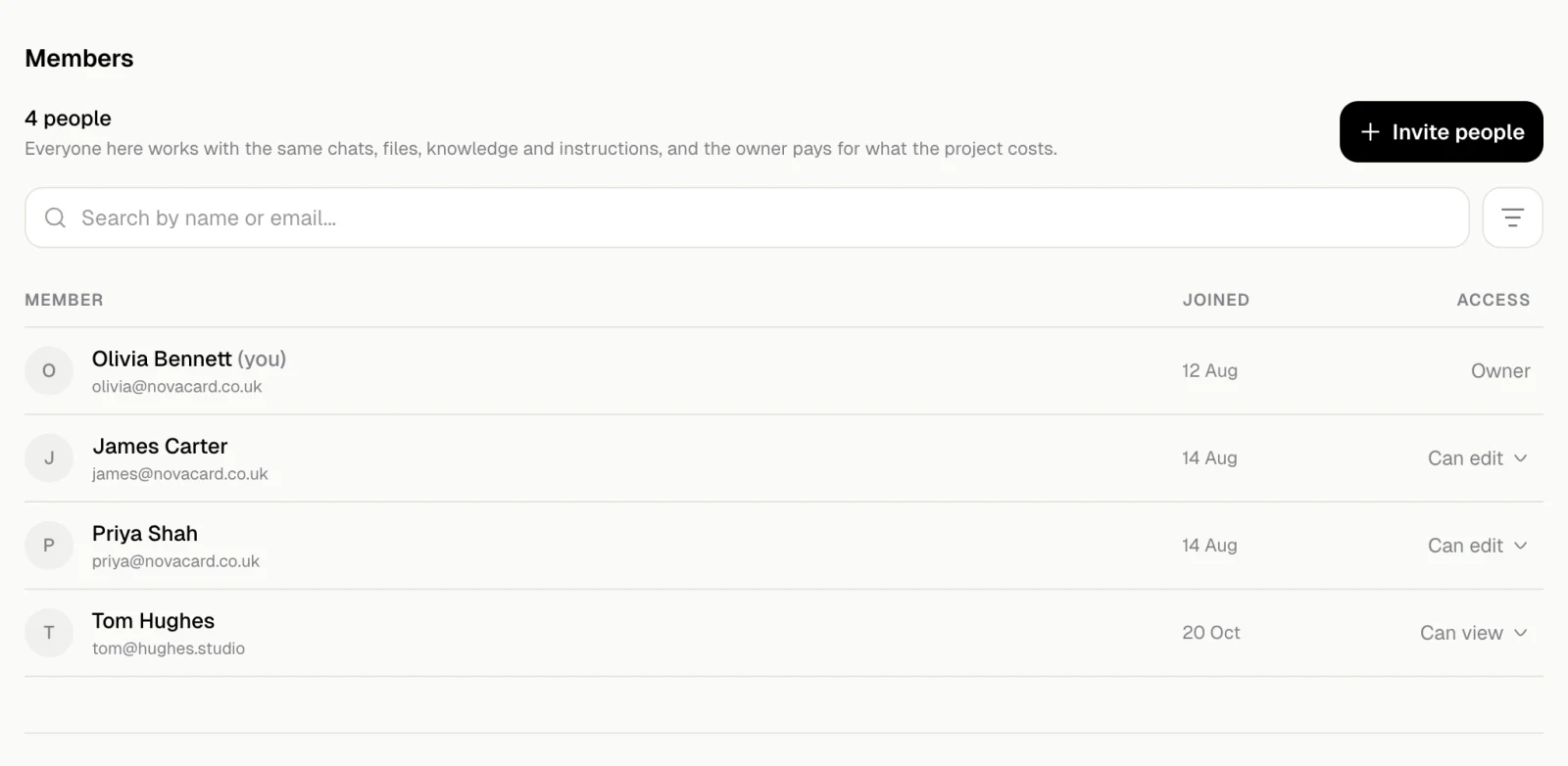
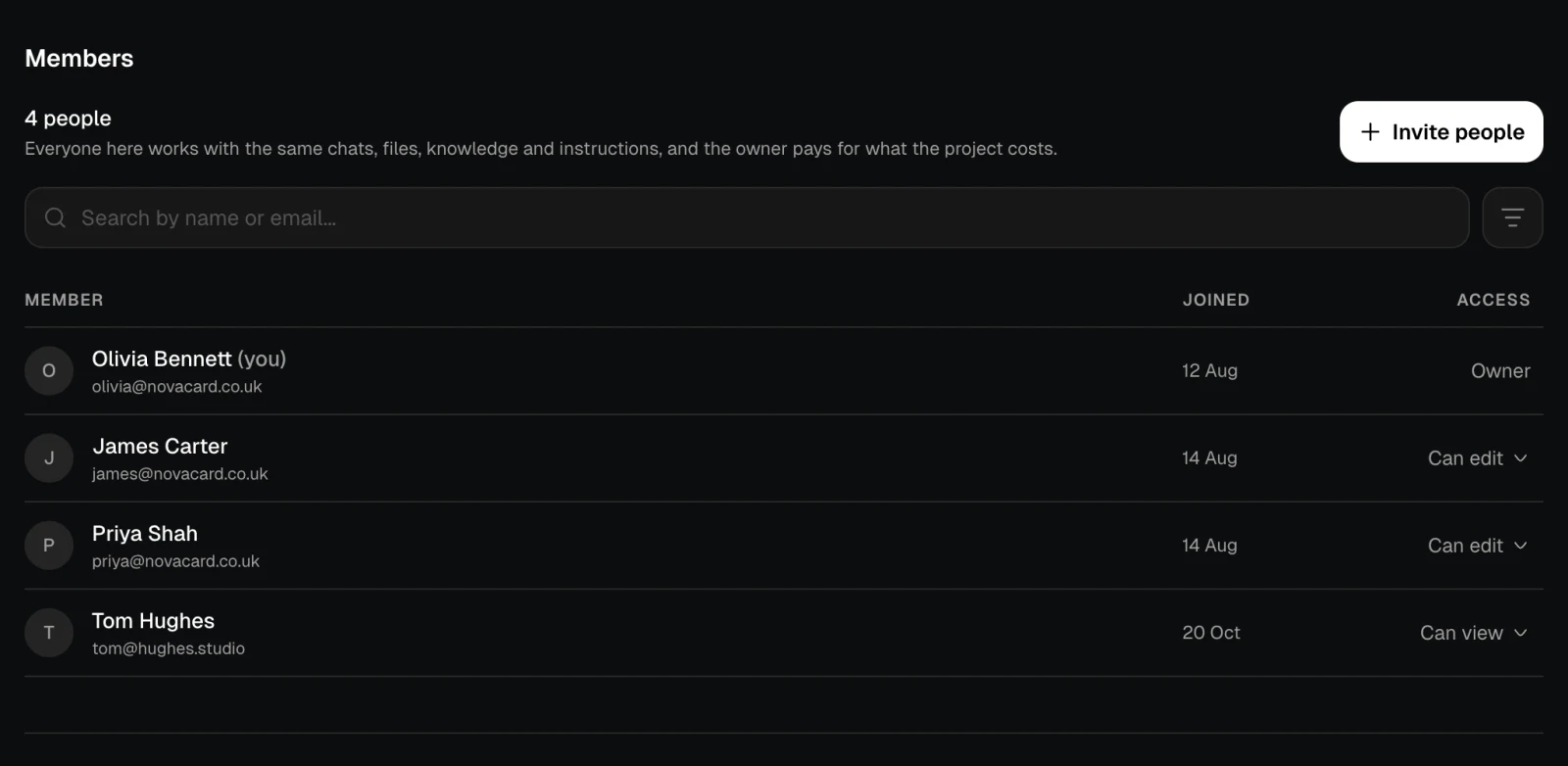
Members is in the project’s Settings. Everyone there works with the same chats, files, knowledge and instructions, and the owner pays for what the project costs.
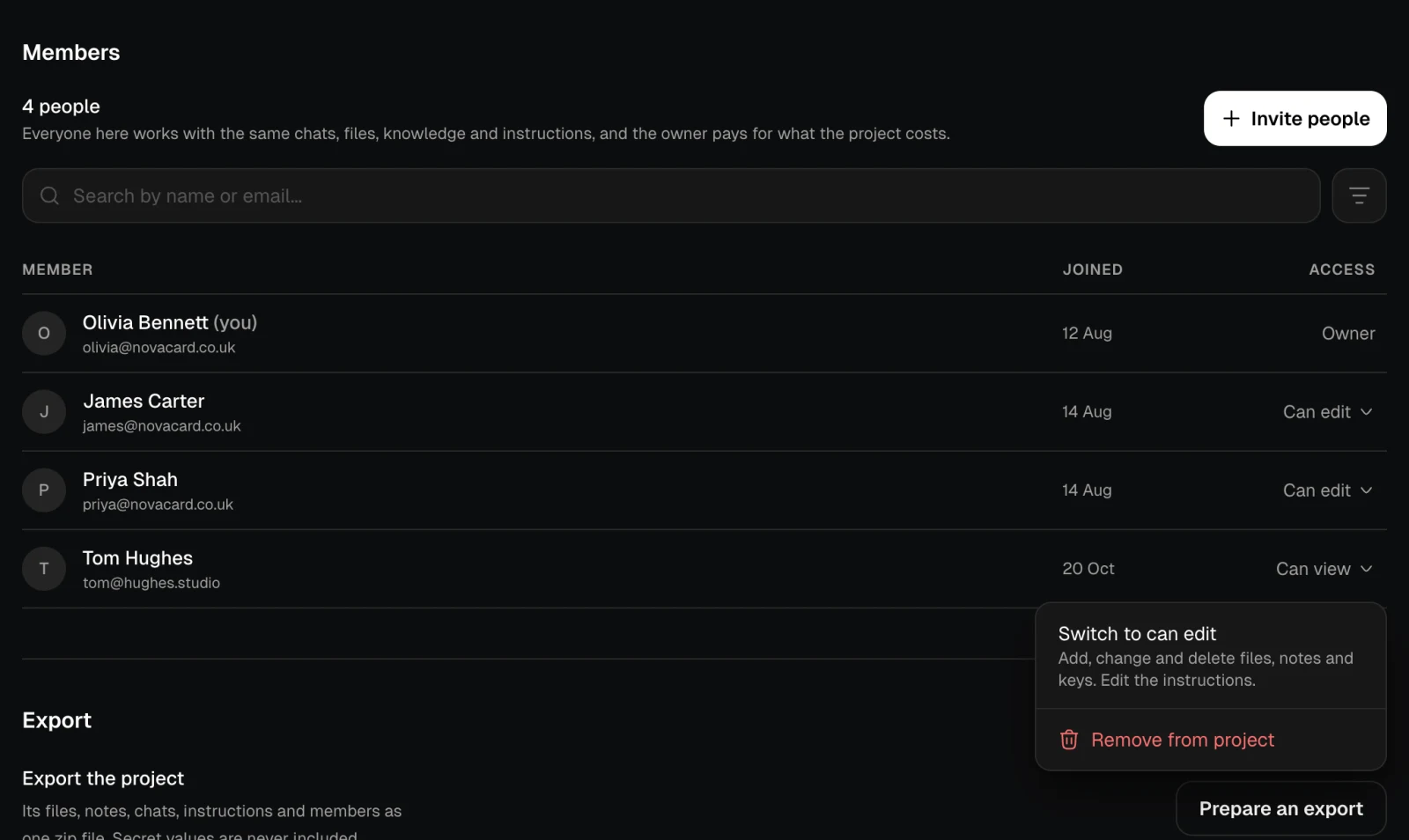
The Members section of NovaCard's settings, light themeThe Members section of NovaCard's settings, dark theme

Access

AccessWhat the person may do
OwnerEverything. Only the owner invites people, changes their access, removes them, exports the project and deletes it
Can editAdd, change and delete files, notes and keys. Edit the instructions, the name, the description and the picture
Can viewRead everything in the project, change nothing
To change someone’s access, open the menu in the Access column: Switch to can edit or Switch to can view. Remove from project takes them out.
The access menu of a member with Switch to can edit and Remove from project, light themeThe access menu of a member with Switch to can edit and Remove from project, dark theme
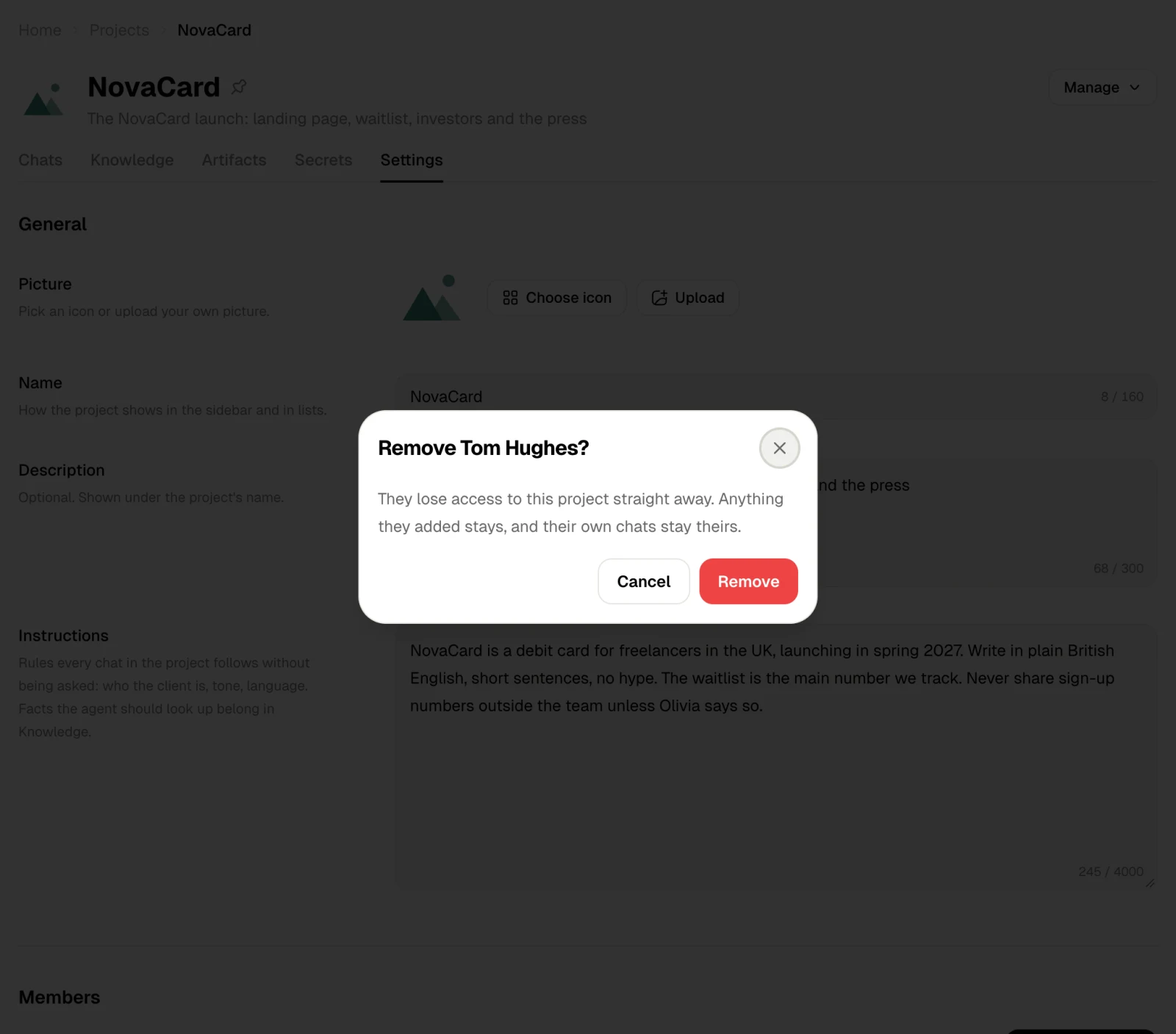
A person you remove loses access straight away. Anything they added stays, and their own chats stay theirs.
The Remove Tom Hughes dialog, light themeThe Remove Tom Hughes dialog, dark theme
Search and the filter button above the list find a member by name or email, or by access.

Invite people

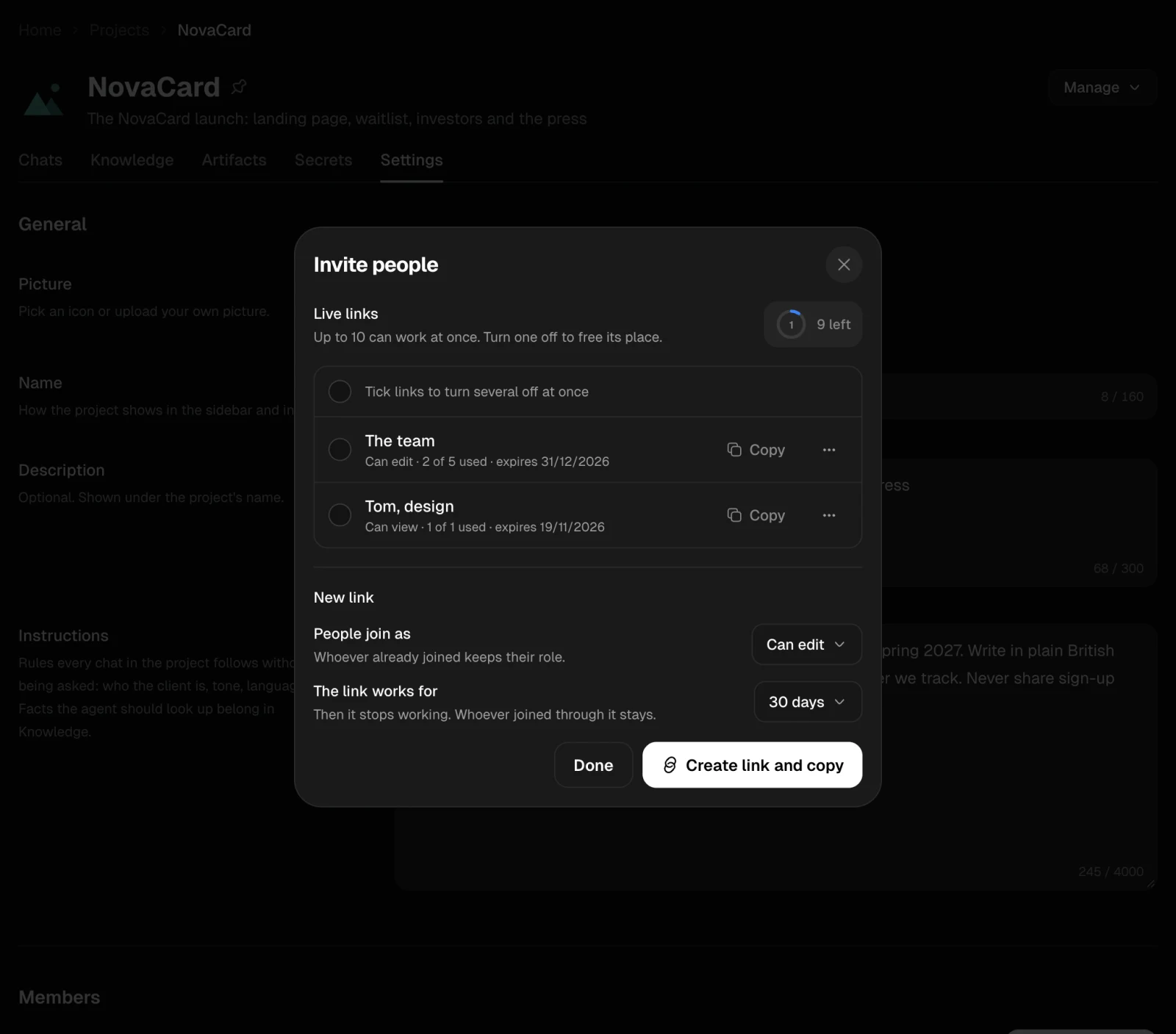
People join a project through a link. Invite people, in Members or in Manage, opens the links of the project.
1

Choose the access

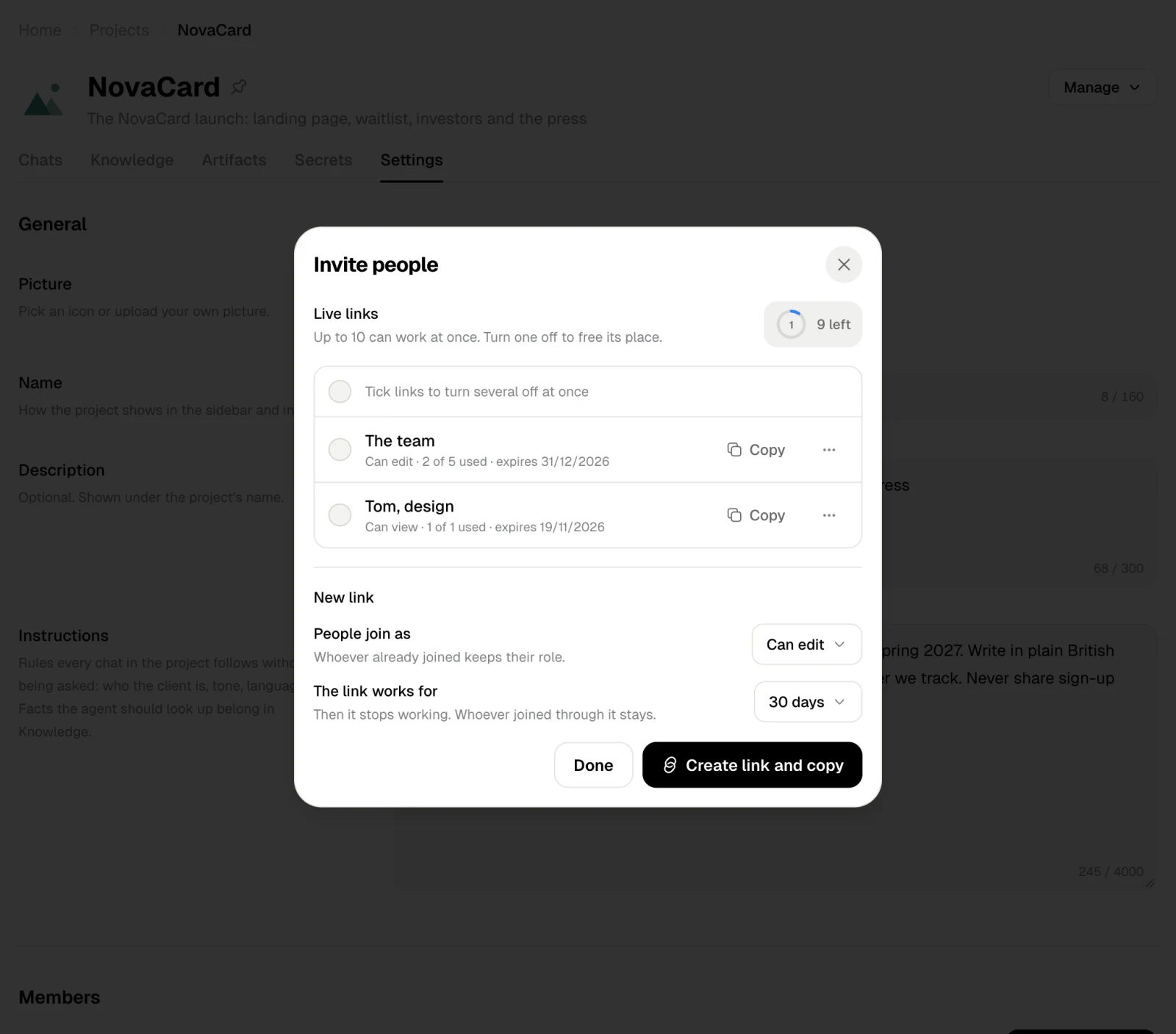
People join as: Can edit or Can view. Changing it later does not change the access of people who already joined.
2

Choose how long the link works

The link works for a set time, 30 days unless you change it. Then it stops working; whoever joined through it stays.
3

Create and send it

Create link and copy makes the link and copies it. Send it to the people you want in the project.
The Invite people dialog with two links and the new link form, light themeThe Invite people dialog with two links and the new link form, dark theme
Live links lists the links that still work, with their access, how many people used them and when they expire, and Copy for each. A project can have up to 10 live links at once. Turn a link off to free its place; tick several links to turn them off together.

Joining

Whoever opens the link sees the project, who invited them, how many people are in it and what they will be able to do there. Join project adds them. They need a Jobbit account; the project owner pays for what the project costs.
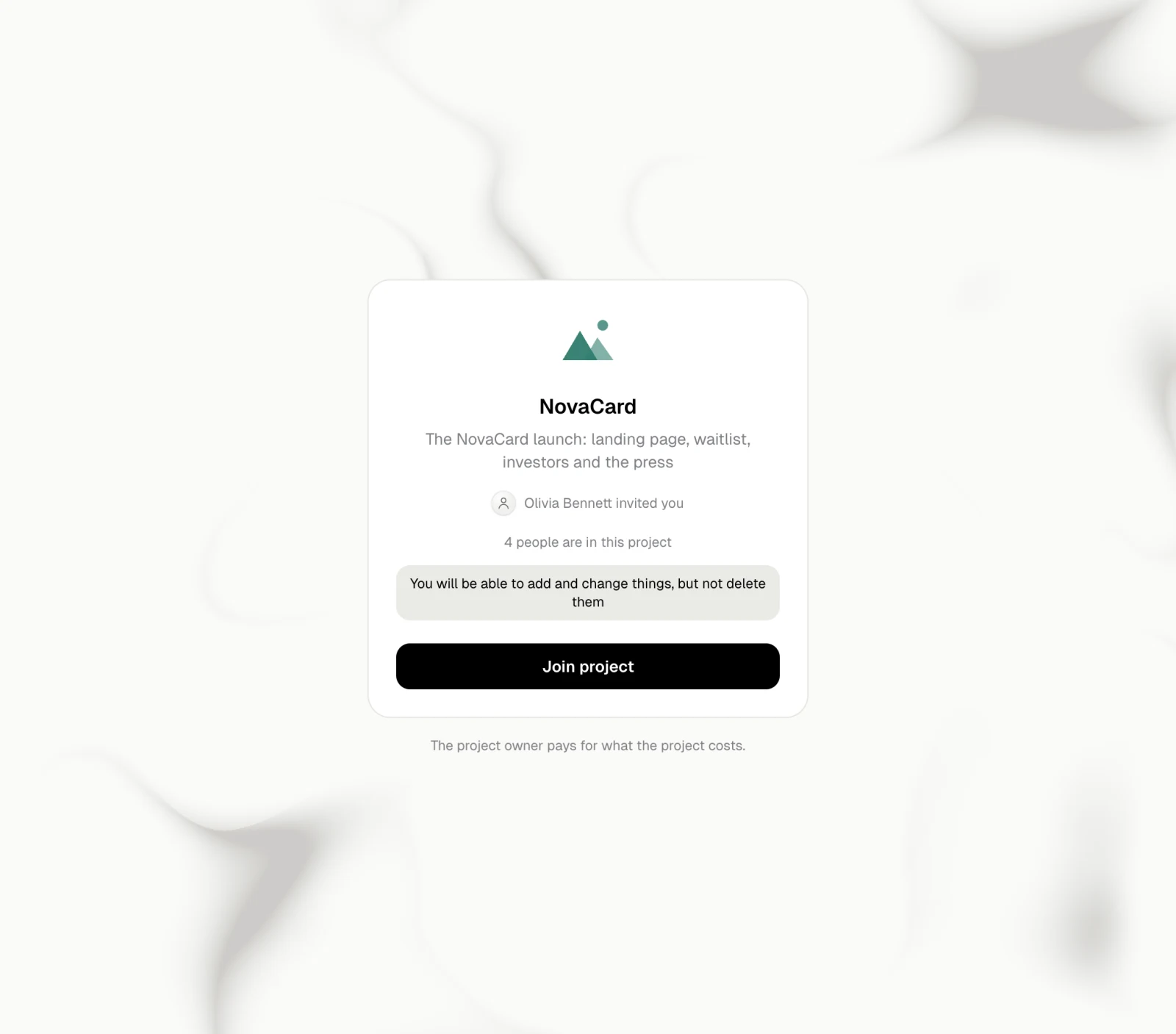
The Join project page, light themeThe Join project page, dark theme
A link that expired, was turned off or was used up says so, and the person can ask for a fresh one.
The This link has expired page, light themeThe This link has expired page, dark theme